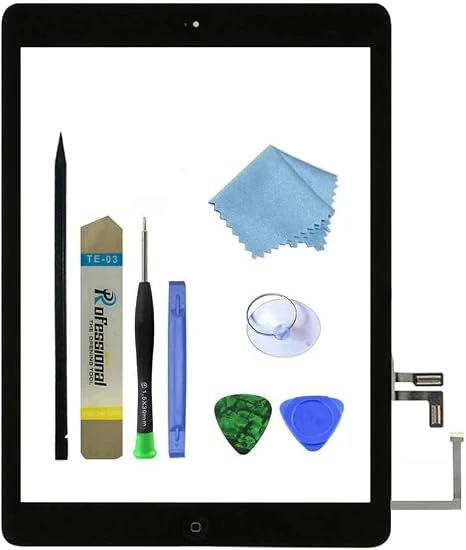
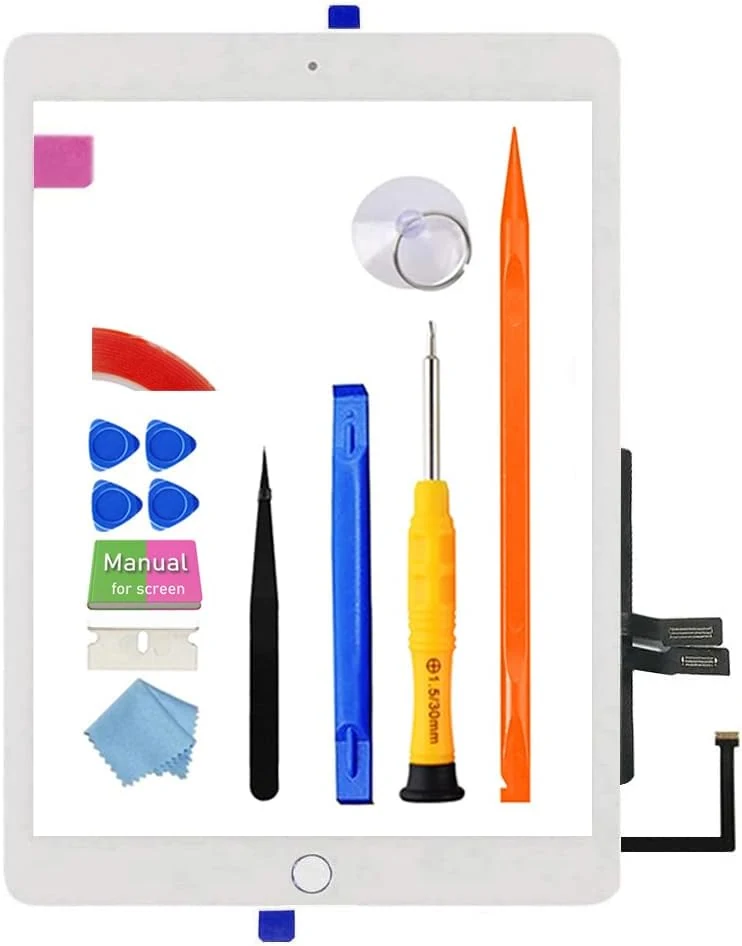
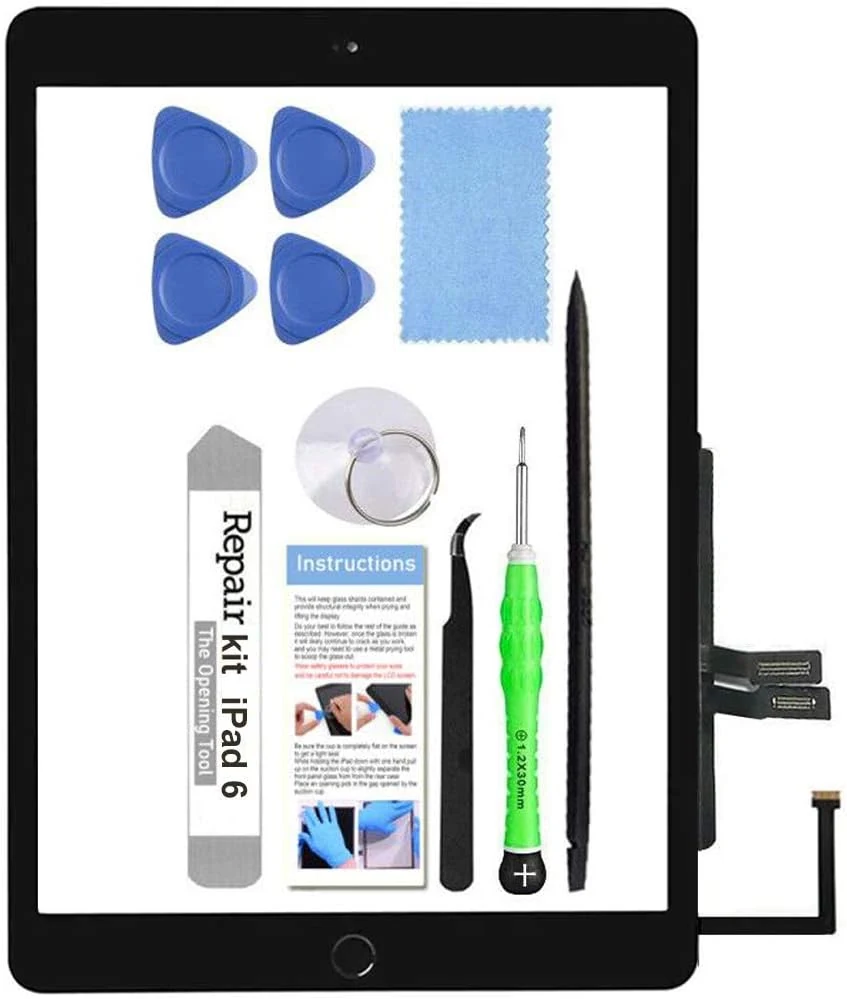
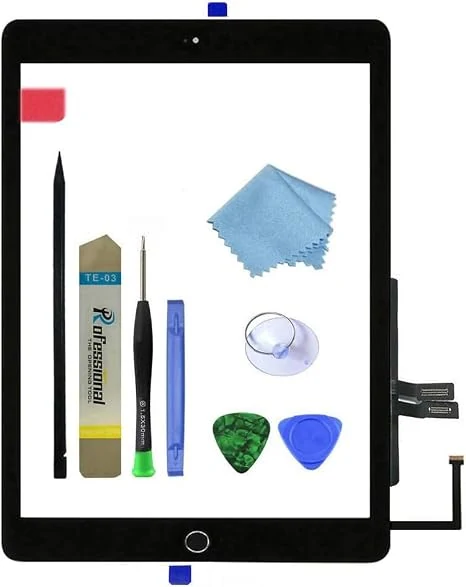
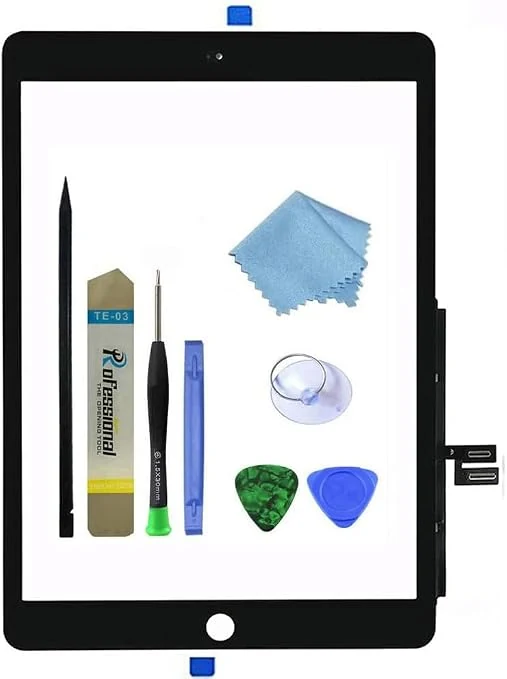
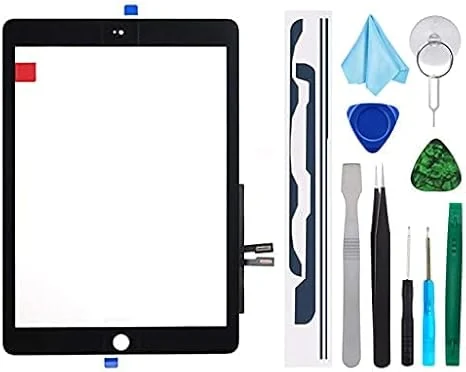
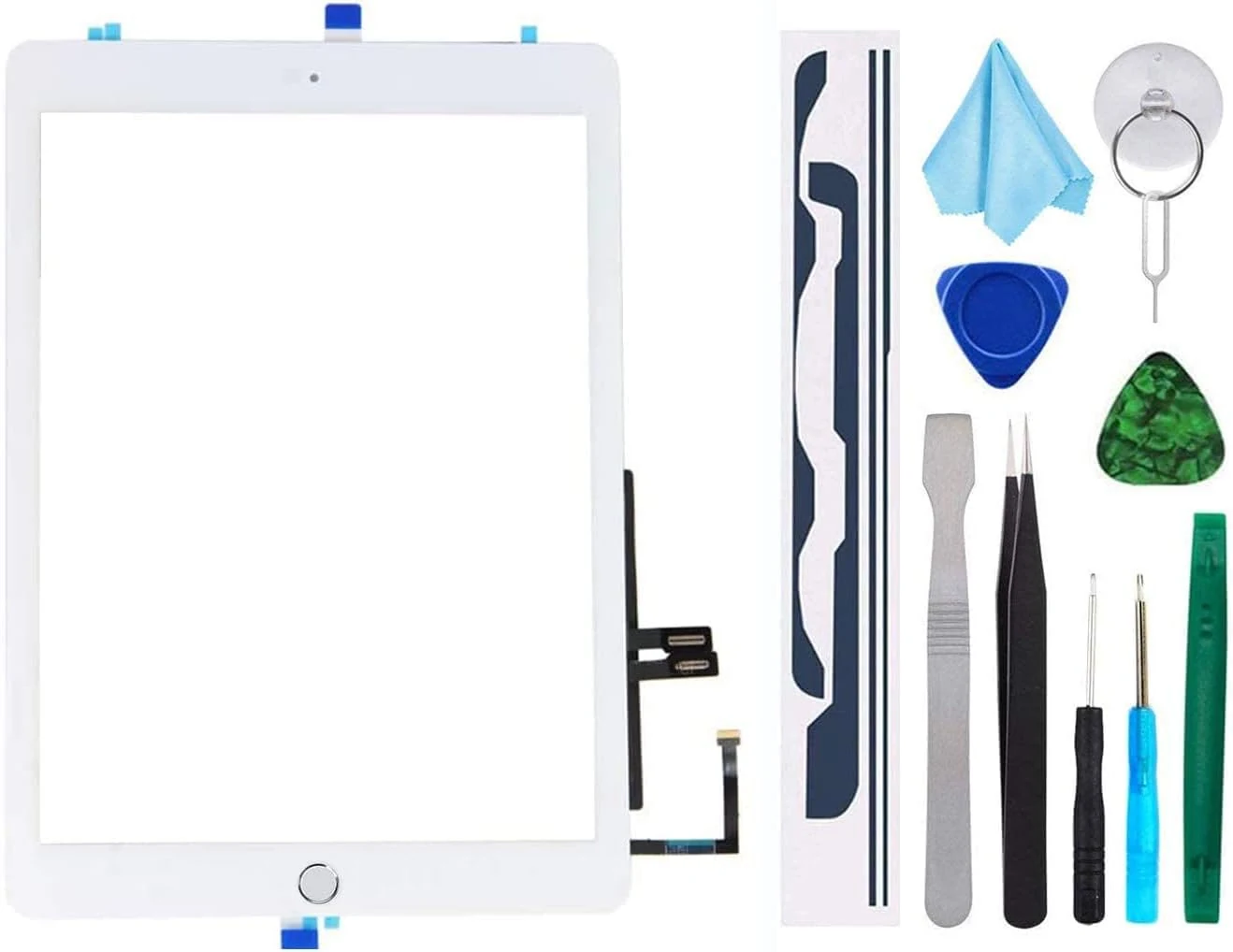
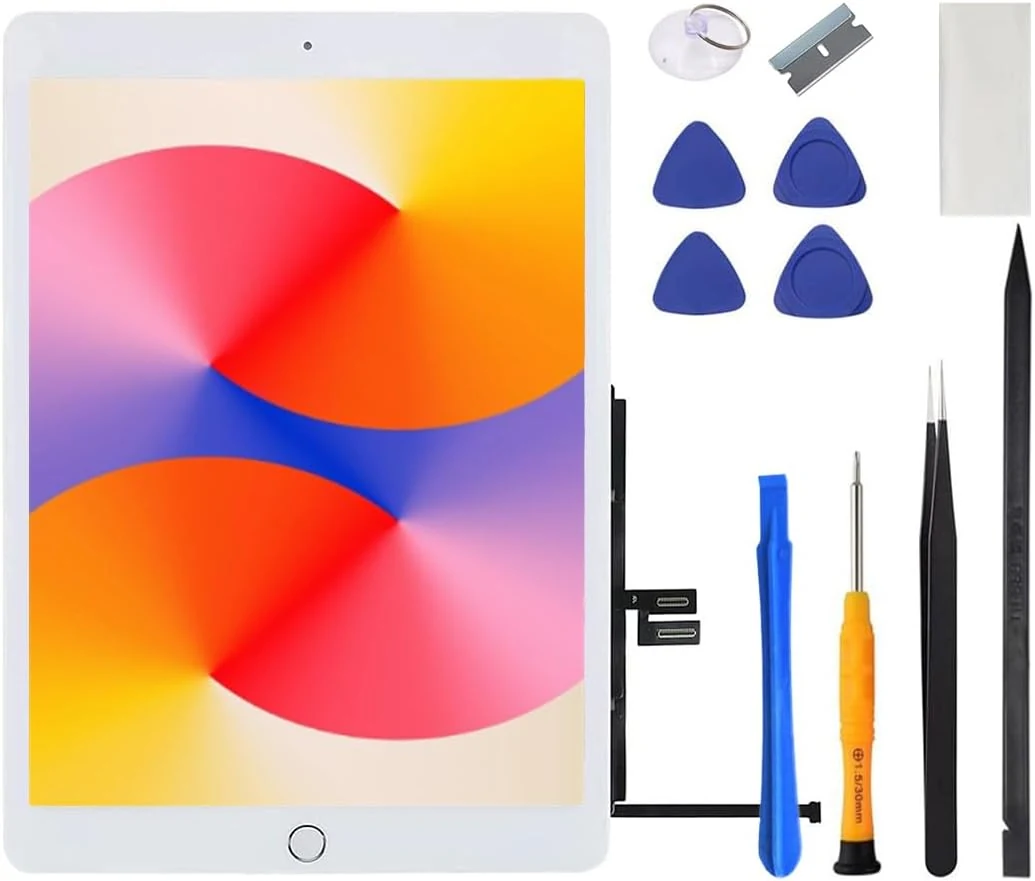
This all-in-one digitizer replacement kit restores touch functionality and the screen glass for select iPad Air 1st Generation models (A1474/A1475/A1476). It includes a complete digitizer assembly with preinstalled adhesive and a basic repair toolkit, but the LCD is not included and installation guidance is limited to online videos.
A bundled glass touch screen digitizer replacement for the 2018 iPad 6 (A1893/A1954), designed for DIY repairs. It includes the home button flex and a full tool kit, but buyers should plan for careful disassembly, proper connector handling, and stronger-than-expected adhesion prep to avoid edge lifting or touch dead zones.
This TSIOFO iPad 6 (2018) screen replacement kit is designed for DIY repairs, with the glass touch digitizer, adhesive, camera bracket, and a pre-installed home button included. It can work well for restoring display and touch, but installation is often tedious and the pre-installed home button does not support Touch ID, so fingerprint users may need to transfer the original button.
This iPad 6 (2018) digitizer assembly replacement is designed for A1893 and A1954 models and includes a pre-installed adhesive layer, a home button, and a basic repair tool kit. The biggest caveat is that the LCD is not included, and buyer reviews suggest performance and alignment can vary, so you should plan to test before fully gluing down.
A DIY front-glass digitizer replacement kit made for specific iPad 7th and 8th generation (10.2-inch) models without a home button. It includes the digitizer assembly plus a basic toolkit, but it does not include the LCD screen, and buyer outcomes vary, with reports ranging from successful restores to functional issues like dead zones or touch problems.
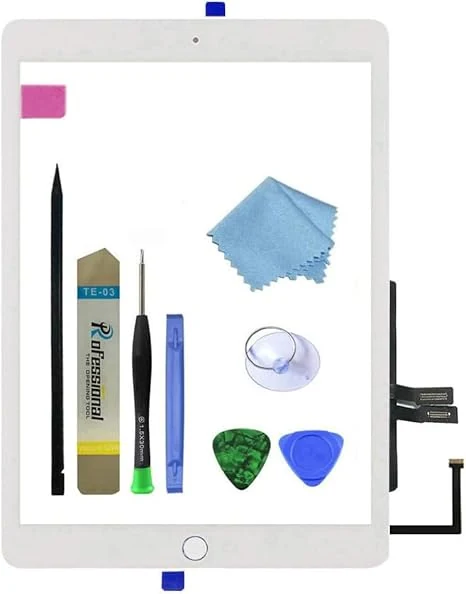
A front-glass touch digitizer replacement kit for iPad 9.7-inch (2018), designed to fix cracked or unresponsive touch without replacing the LCD. It’s budget-friendly, but installation is DIY, instructions are not included, and the kit does not include the home button.
This iPad 9.7-inch (2018) digitizer repair kit replaces the touch screen (digitizer) and includes a home button plus tools, but it does not include the LCD. It’s a budget-friendly option for compatible iPad 6 models (A1893/A1954) if you can handle a careful, cable-level installation. The main caveats are that installation is not plug-and-play (no instructions included) and Touch ID depends on whether you reuse your original home button.
This iPad 7th/8th gen front digitizer replacement is designed for repairs when the touch glass is shattered. It’s made for specific model numbers (A2197/A2198/A2200 and A2270/A2428/A2429/A2430), includes a DIY tool kit, and comes with an important limitation: the included home button does not support Touch ID, so saving your original home button may be the safer route. A good budget option for confident DIYers, not an ideal pick for first-time repairs who want guaranteed button functionality.
A digitizer glass replacement kit for the iPad 6th Gen (2018) 9.7-inch models A1893/A1954, with pre-installed adhesive, a spare home button (ordinary button functions only), and a repair tool kit. Buyers report the screen can be installed using online video guidance, but success depends heavily on following the adhesive layout and careful handling.
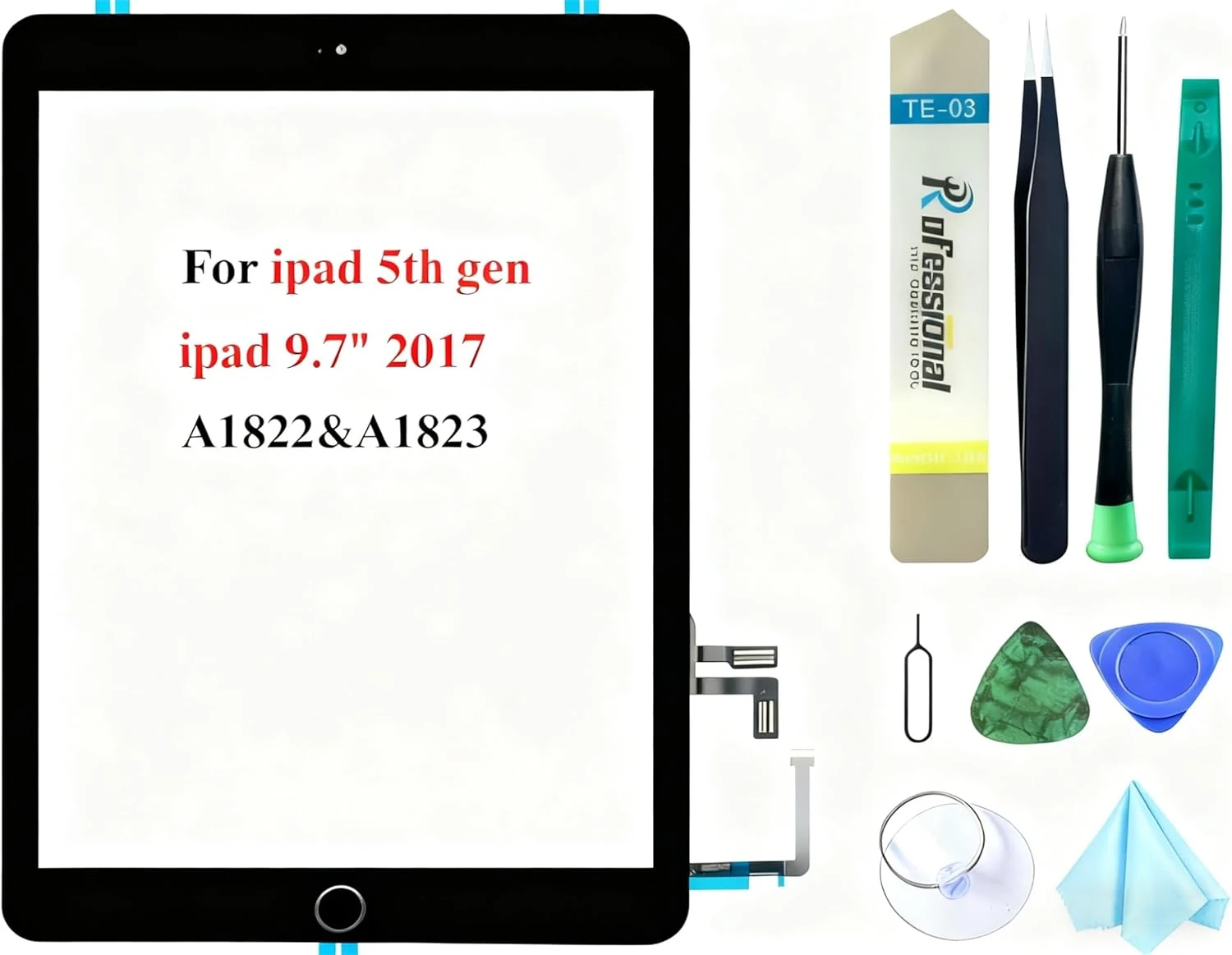
The Dedyel Black Touch Screen Replacement kit is made for iPad 5 (2017) 9.7-inch models A1822 and A1823. It’s an all-in-one digitizer glass replacement with a clickable home button (not Touch ID) and includes a tool kit for DIY repairs, but installation is complex and there’s no instruction manual in the box.
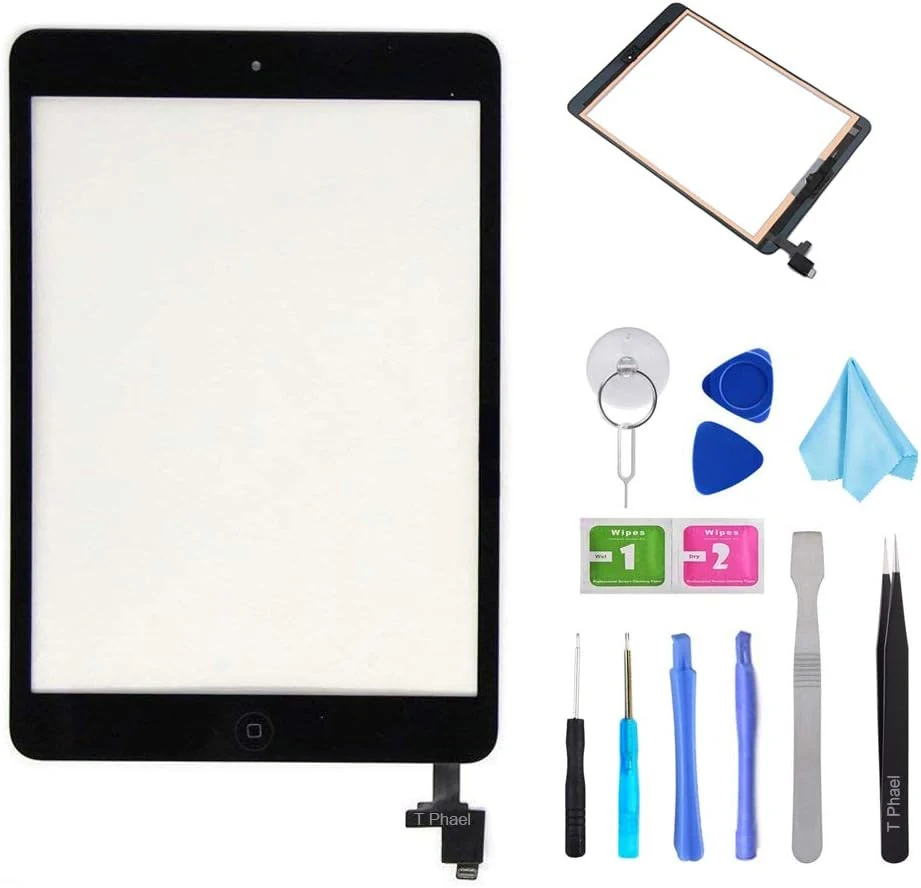
This iPad mini 1 and 2 touch screen digitizer replacement kit is designed for DIY screen repairs when the glass is cracked or touch is unresponsive. It includes the digitizer assembly plus tools, but proper fit depends on using the right iPad model number (A1432 or A1489) and doing careful adhesive re-sealing.