Digitizers
Electronics / Computers & Accessories / Tablet Replacement Parts / Digitizers
33 review articles in this category branch, ordered by product demand and buyer signal strength.
Electronics / Computers & Accessories / Tablet Replacement Parts / Digitizers
Electronics / Computers & Accessories / Tablet Replacement Parts / Screens
Electronics / Computers & Accessories / Tablet Replacement Parts / Batteries
Electronics / Computers & Accessories / Tablet Replacement Parts / LCD Displays
Electronics / Computers & Accessories / Tablet Replacement Parts / Flex Cables

If you cracked or damaged your iPad Pro 11 (1st or 2nd gen), this Lenwell mail-in service replaces the OEM screen assembly and returns your device with tracking. Expect a short turnaround after they receive your iPad, strong communication, and emphasis on keeping your data intact (no factory reset), with a key tradeoff: you cannot DIY this, you must ship your device.
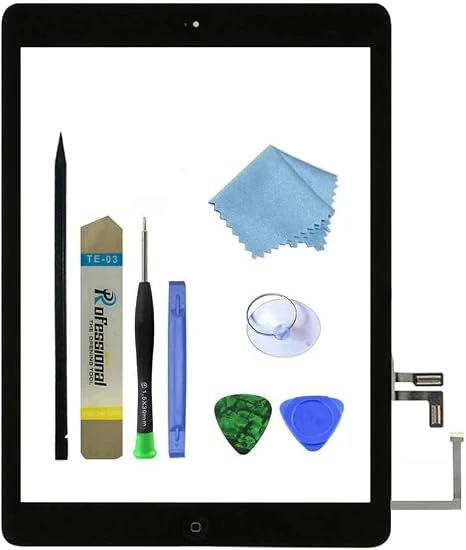
This all-in-one digitizer replacement kit restores touch functionality and the screen glass for select iPad Air 1st Generation models (A1474/A1475/A1476). It includes a complete digitizer assembly with preinstalled adhesive and a basic repair toolkit, but the LCD is not included and installation guidance is limited to online videos.
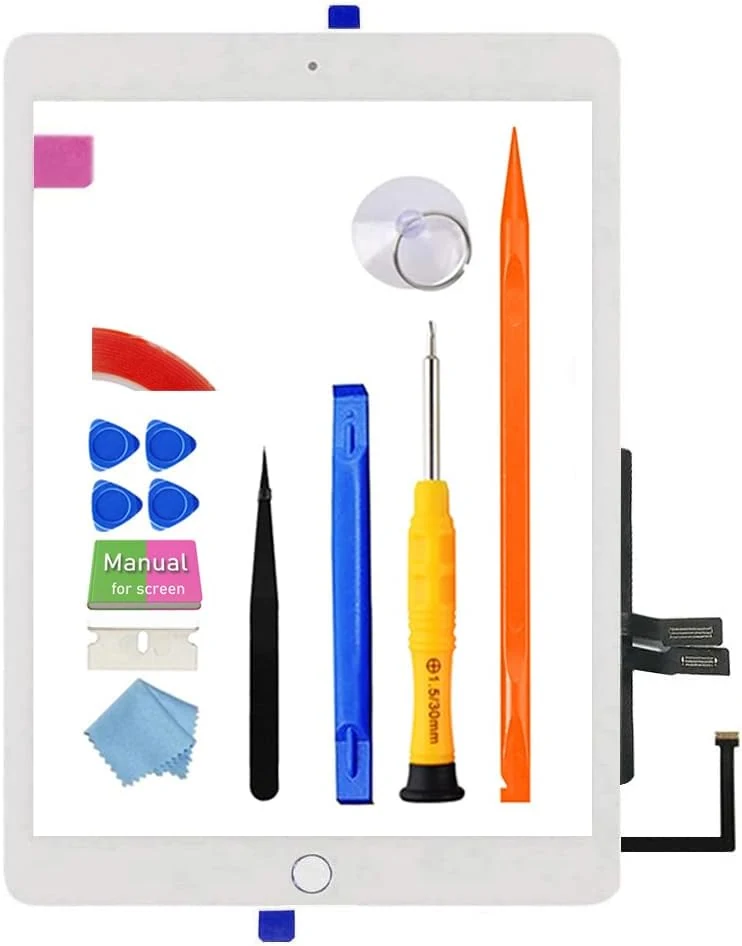
A bundled glass touch screen digitizer replacement for the 2018 iPad 6 (A1893/A1954), designed for DIY repairs. It includes the home button flex and a full tool kit, but buyers should plan for careful disassembly, proper connector handling, and stronger-than-expected adhesion prep to avoid edge lifting or touch dead zones.
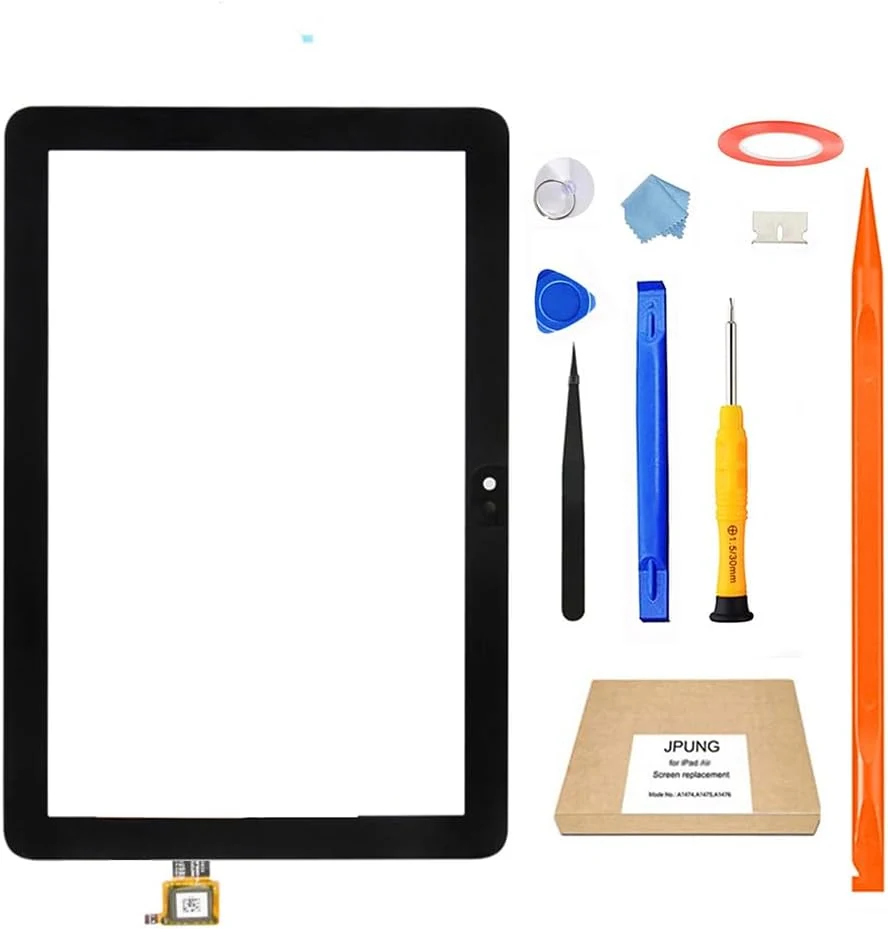
This JPUNG replacement kit is designed to restore touch functionality on 8-inch Fire HD 8 and Fire HD 8 Plus tablets from the 12th generation window (2022/2024), including Fire HD 8 Kids models. It includes a touch front-glass digitizer panel and common tools, but the kit is not an LCD replacement, and installation takes careful ribbon-cable handling.
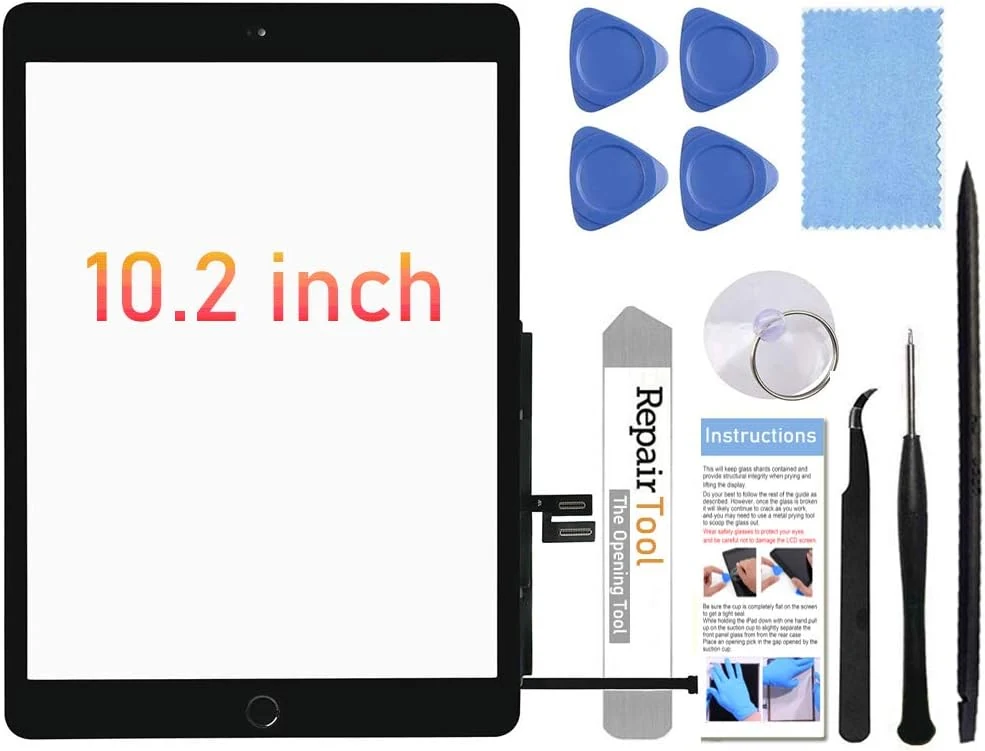
This Fixerman 10.2-inch iPad 7th/8th screen replacement digitizer kit is designed for specific 7th-gen and 8th-gen models, and it includes a pre-installed home button plus tools to help you complete the repair. It can be a solid DIY option if you’re comfortable with careful flex-cable work, but it is not a Touch ID home button replacement unless you transfer your original button.
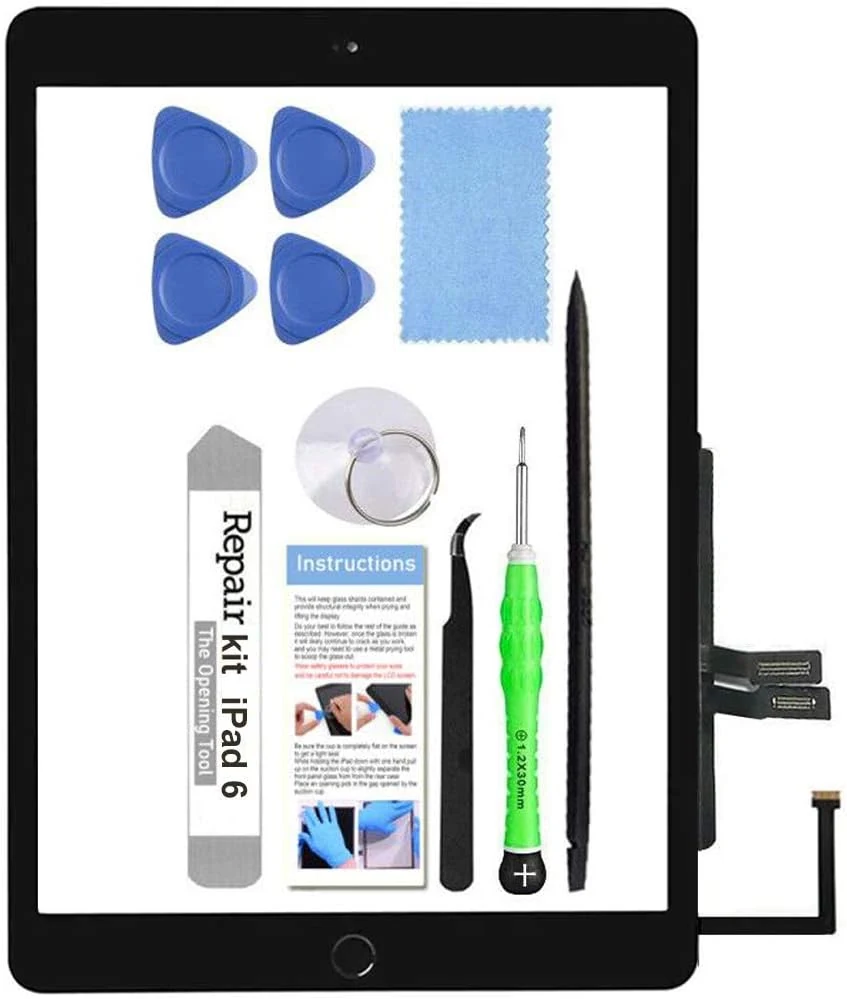
This TSIOFO iPad 6 (2018) screen replacement kit is designed for DIY repairs, with the glass touch digitizer, adhesive, camera bracket, and a pre-installed home button included. It can work well for restoring display and touch, but installation is often tedious and the pre-installed home button does not support Touch ID, so fingerprint users may need to transfer the original button.
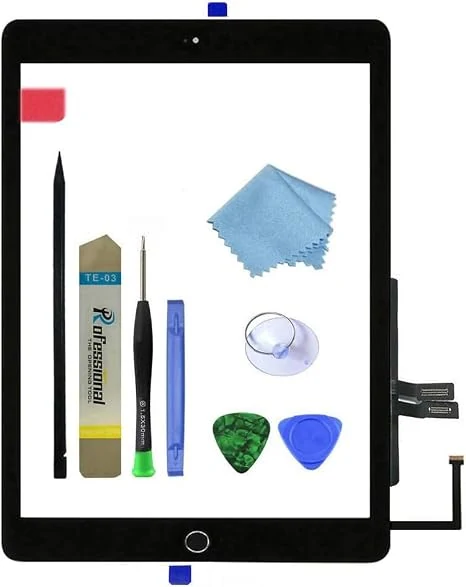
This iPad 6 (2018) digitizer assembly replacement is designed for A1893 and A1954 models and includes a pre-installed adhesive layer, a home button, and a basic repair tool kit. The biggest caveat is that the LCD is not included, and buyer reviews suggest performance and alignment can vary, so you should plan to test before fully gluing down.
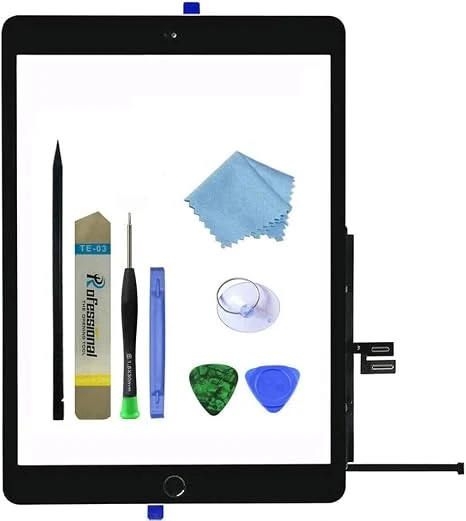
This iPad 7th/8th generation digitizer glass replacement kit is designed for DIY screen repairs, with tools and a spare home button included. Biggest tradeoff: the kit does not include the LCD, and the included replacement button does not support Touch ID.
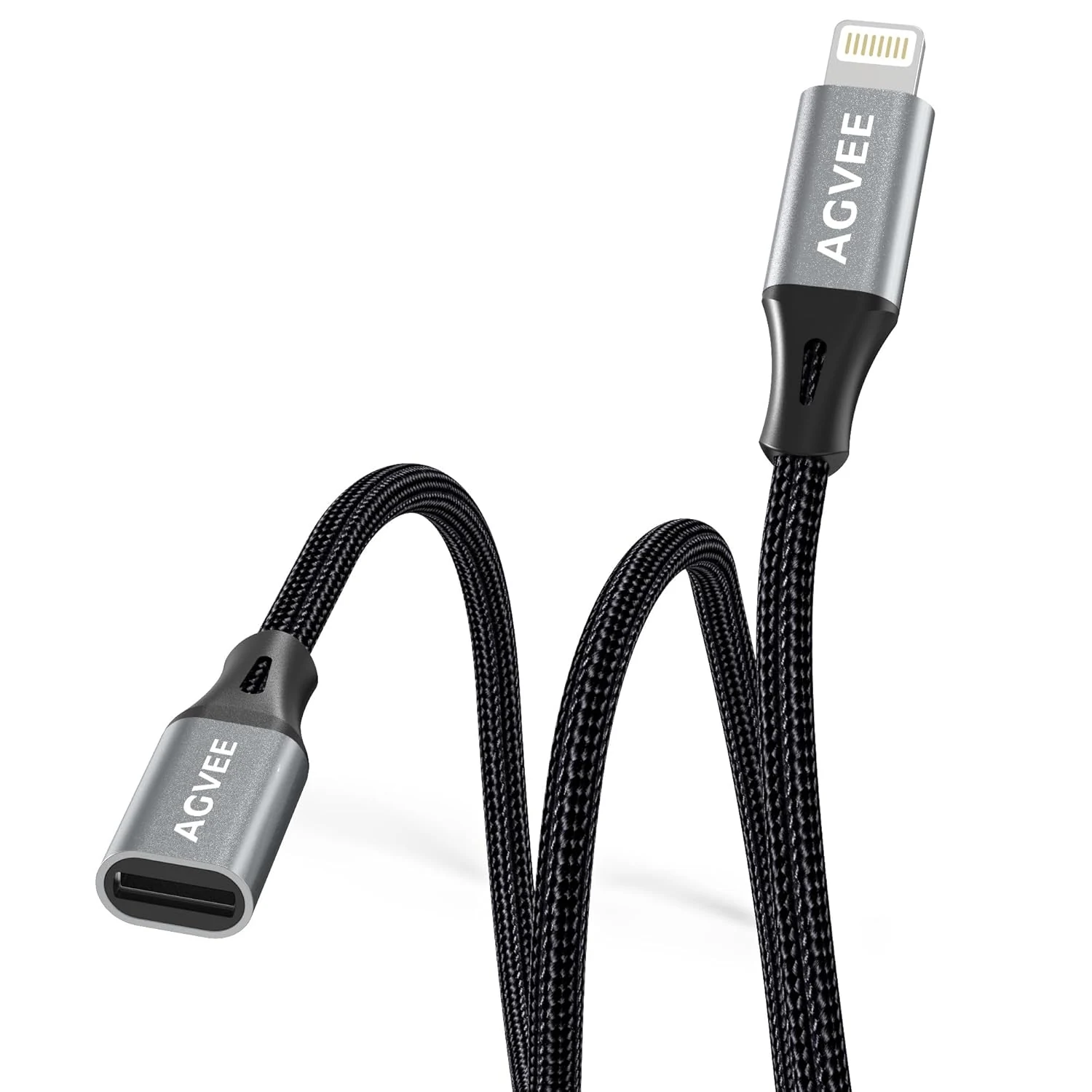
A compact 1-foot Lightning extender designed to add a little reach for iPhone and iPad setups, including charging and data use. Buyers like it for easier positioning without removing phone cases, but it requires a specific connection order on iOS devices and charging speed may be slightly reduced.
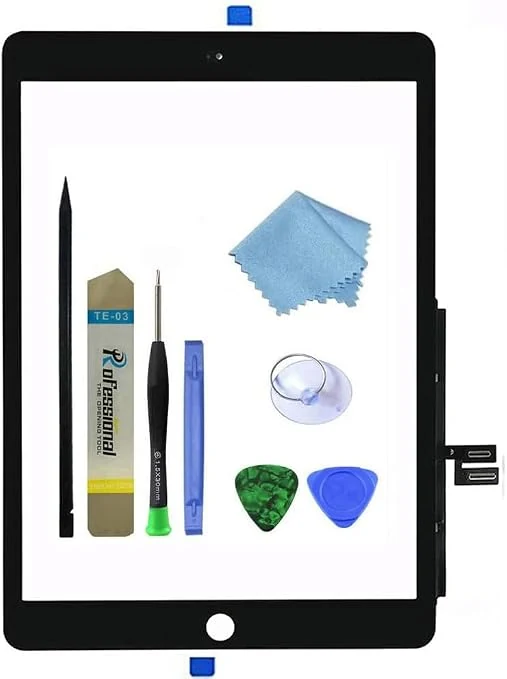
A DIY front-glass digitizer replacement kit made for specific iPad 7th and 8th generation (10.2-inch) models without a home button. It includes the digitizer assembly plus a basic toolkit, but it does not include the LCD screen, and buyer outcomes vary, with reports ranging from successful restores to functional issues like dead zones or touch problems.
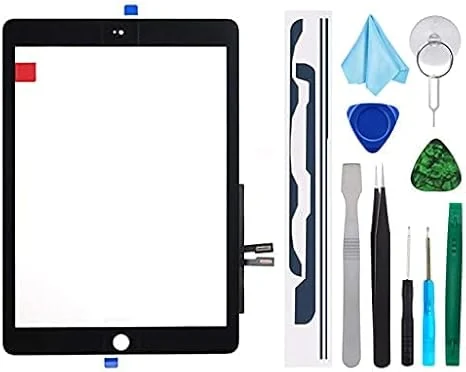
A front-glass touch digitizer replacement kit for iPad 9.7-inch (2018), designed to fix cracked or unresponsive touch without replacing the LCD. It’s budget-friendly, but installation is DIY, instructions are not included, and the kit does not include the home button.
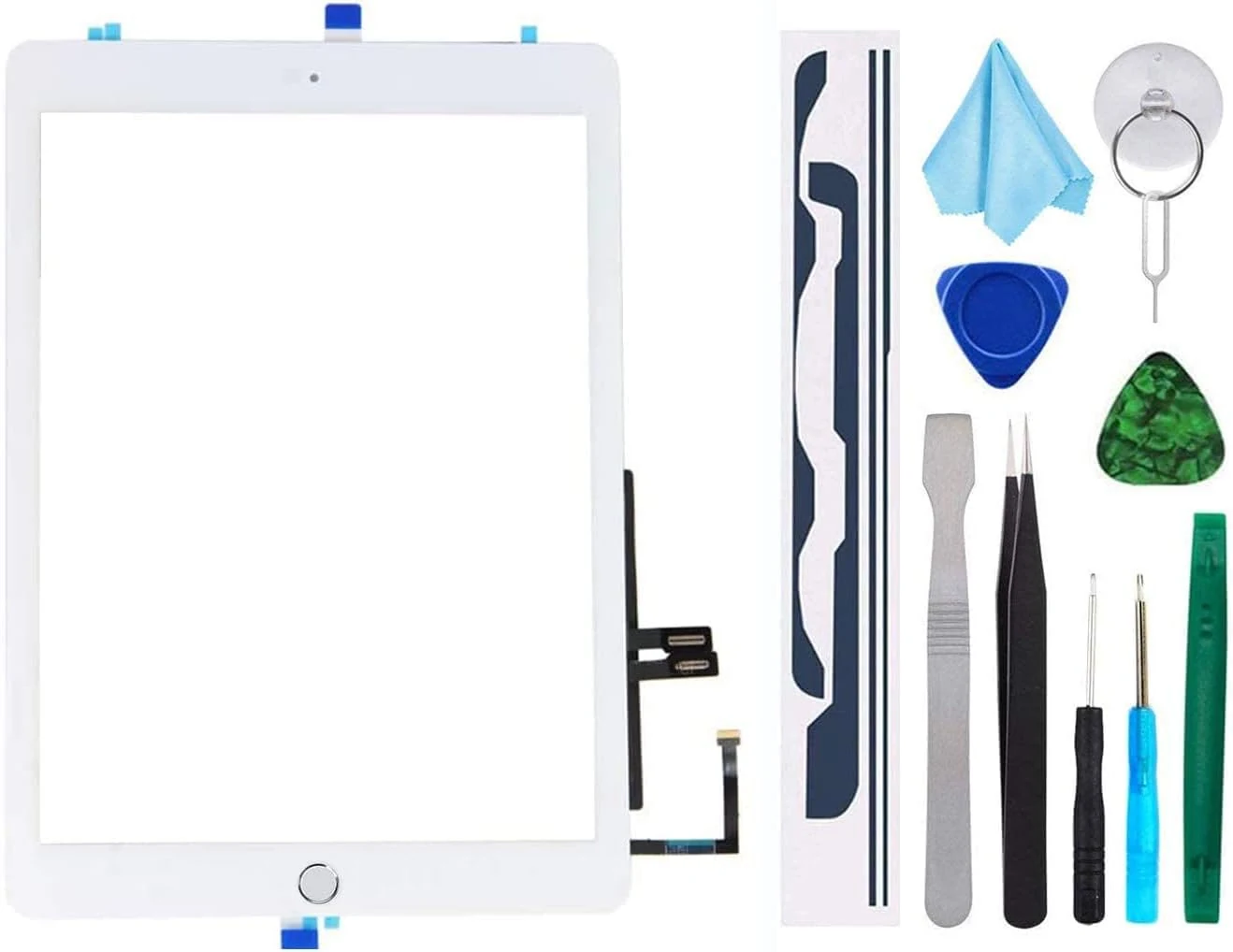
This iPad 9.7-inch (2018) digitizer repair kit replaces the touch screen (digitizer) and includes a home button plus tools, but it does not include the LCD. It’s a budget-friendly option for compatible iPad 6 models (A1893/A1954) if you can handle a careful, cable-level installation. The main caveats are that installation is not plug-and-play (no instructions included) and Touch ID depends on whether you reuse your original home button.
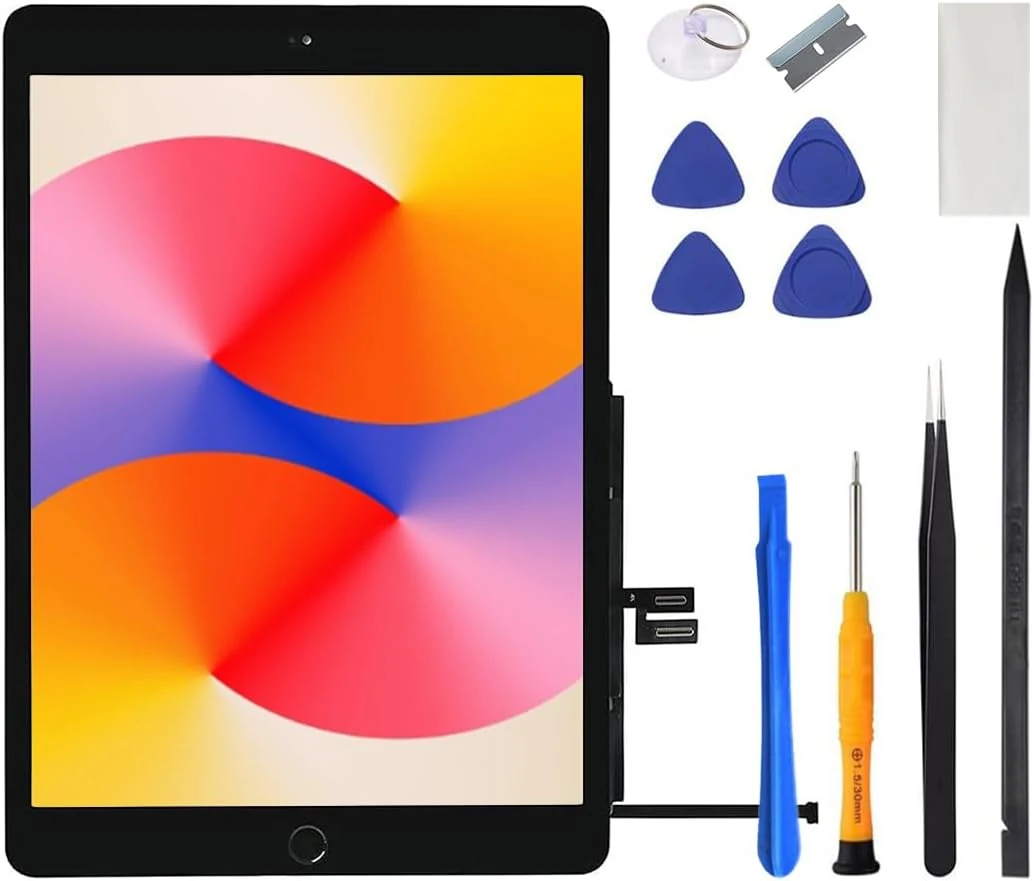
This iPad 7th/8th gen front glass digitizer replacement is designed to restore touch input for 10.2-inch models (A2197/A2198/A2200 and A2270/A2428/A2429/A2430). It comes as a DIY kit (touch glass, no LCD), so your success depends on careful installation. Main caveat: the included home button does not support Touch ID, so you may need to reuse your original button to keep Touch ID working.
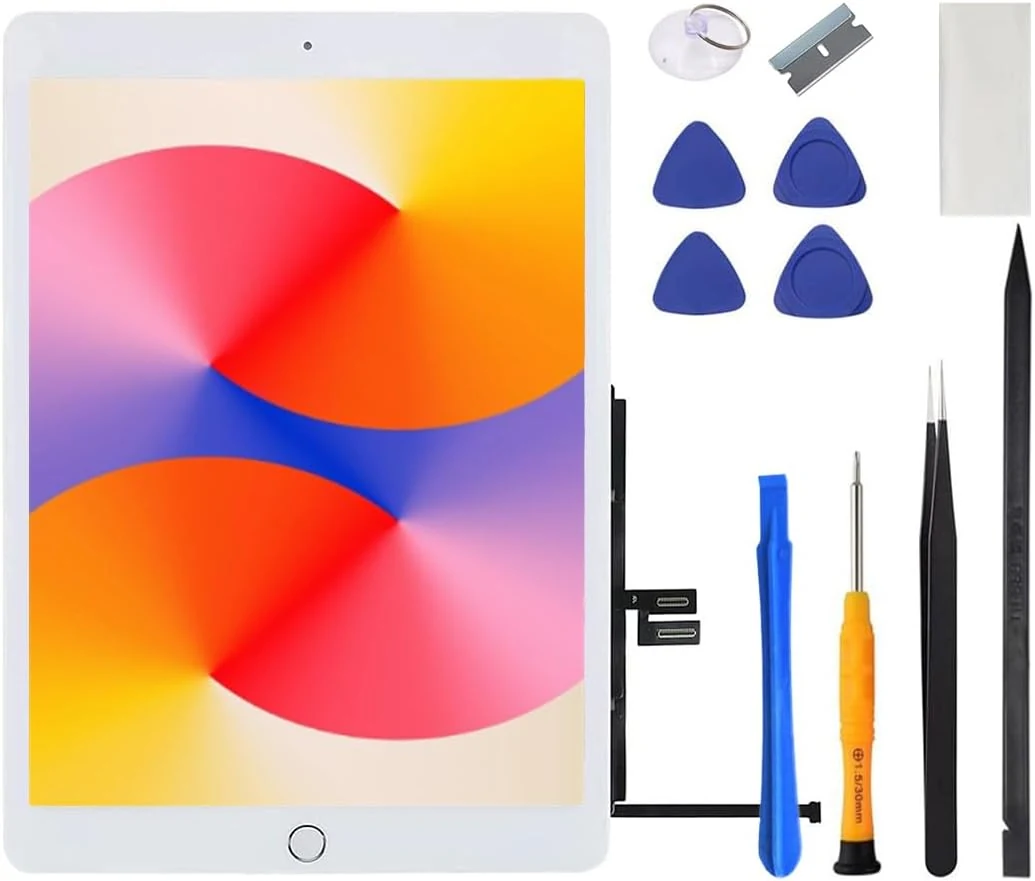
This iPad 7th/8th gen front digitizer replacement is designed for repairs when the touch glass is shattered. It’s made for specific model numbers (A2197/A2198/A2200 and A2270/A2428/A2429/A2430), includes a DIY tool kit, and comes with an important limitation: the included home button does not support Touch ID, so saving your original home button may be the safer route. A good budget option for confident DIYers, not an ideal pick for first-time repairs who want guaranteed button functionality.
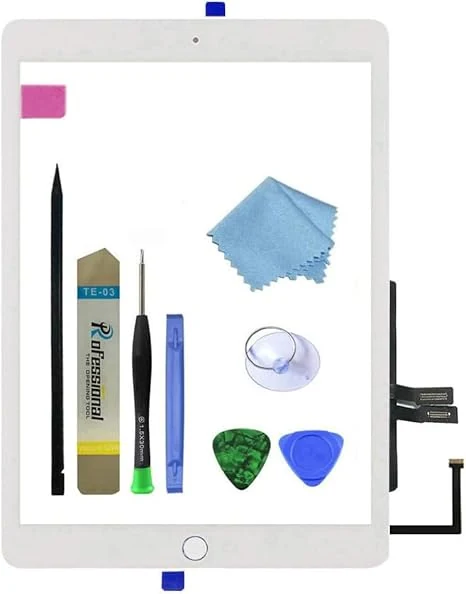
A digitizer glass replacement kit for the iPad 6th Gen (2018) 9.7-inch models A1893/A1954, with pre-installed adhesive, a spare home button (ordinary button functions only), and a repair tool kit. Buyers report the screen can be installed using online video guidance, but success depends heavily on following the adhesive layout and careful handling.
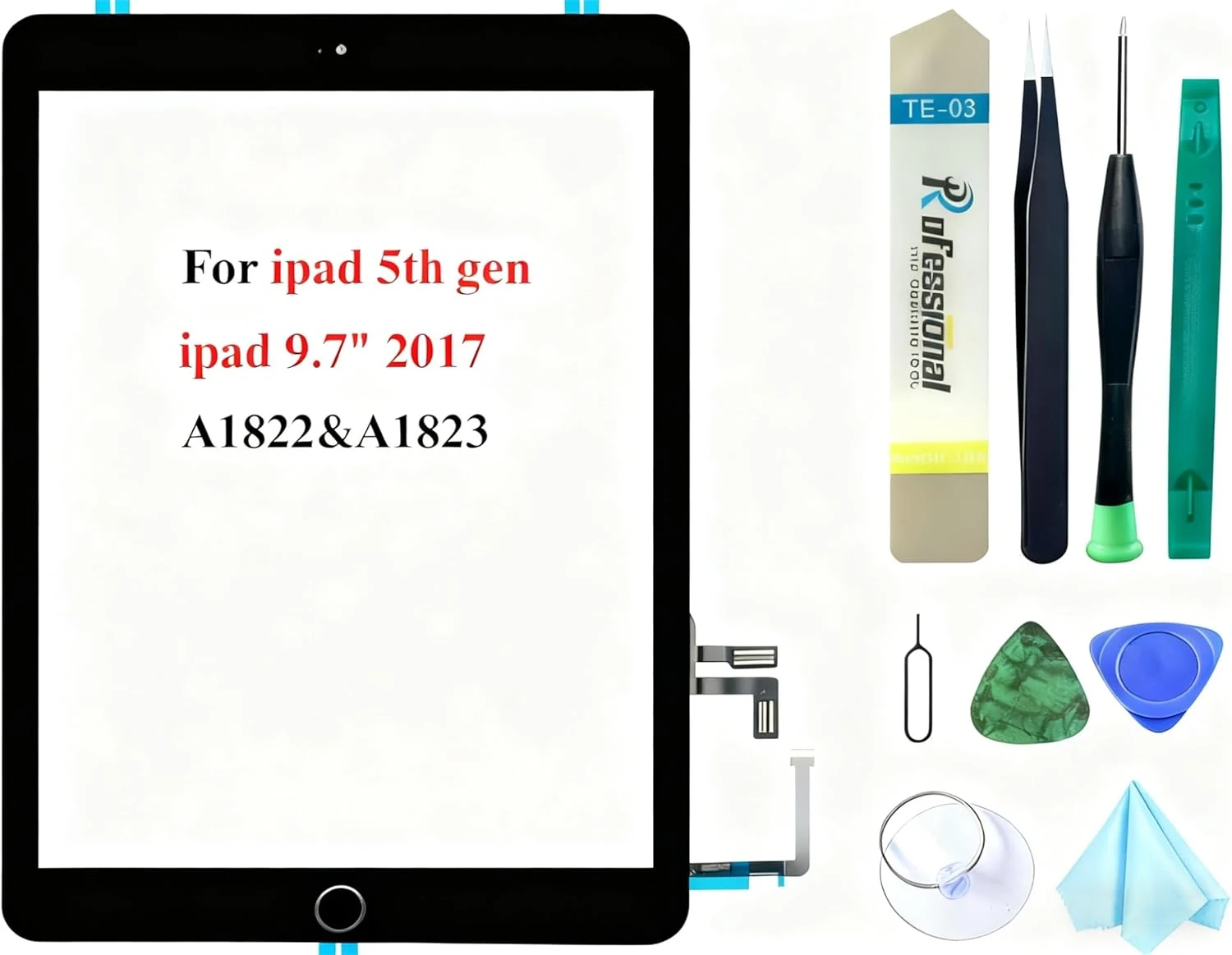
The Dedyel Black Touch Screen Replacement kit is made for iPad 5 (2017) 9.7-inch models A1822 and A1823. It’s an all-in-one digitizer glass replacement with a clickable home button (not Touch ID) and includes a tool kit for DIY repairs, but installation is complex and there’s no instruction manual in the box.
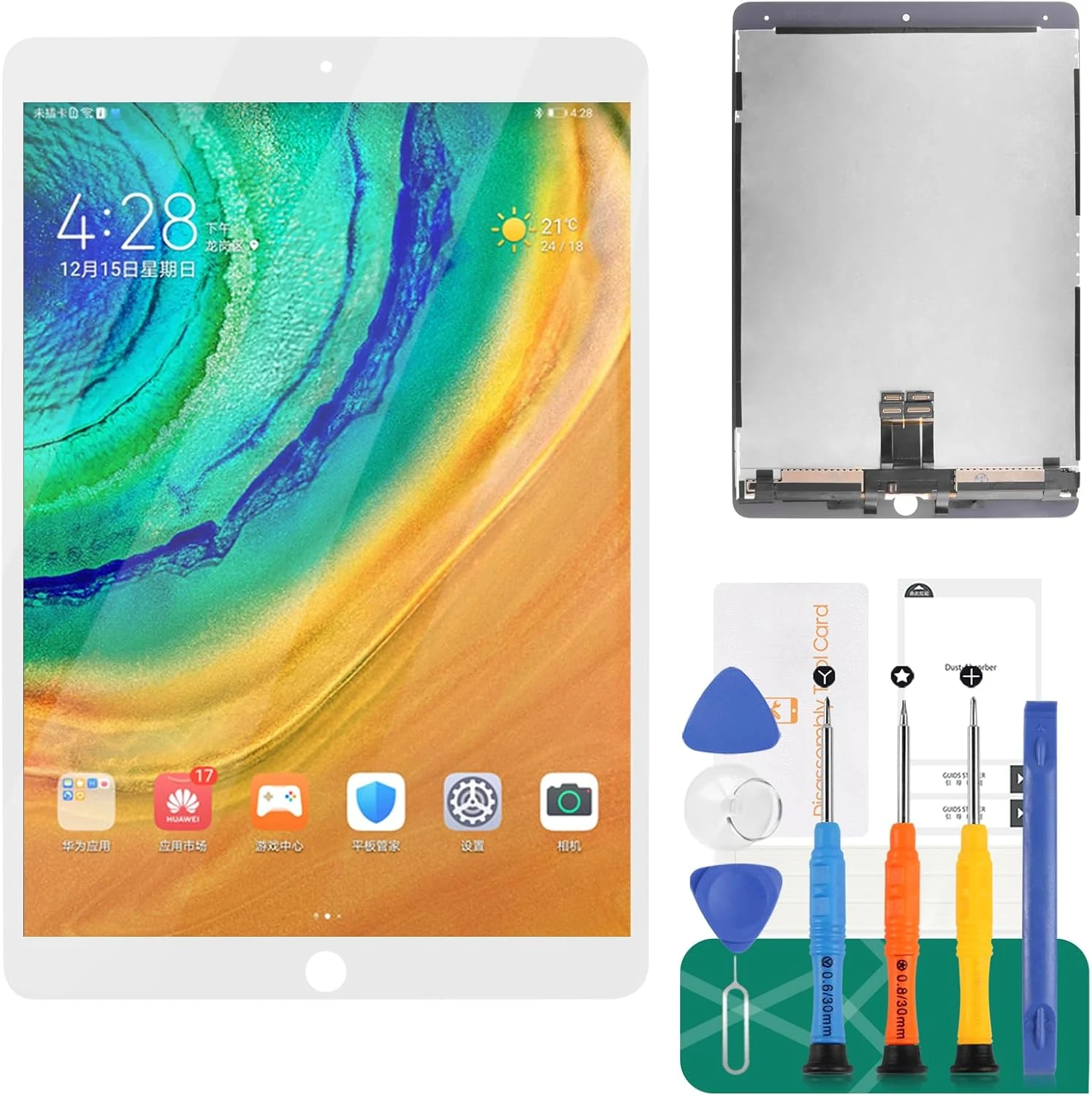
A replacement LCD + touch digitizer assembly for iPad Pro 10.5 (A1701, A1709). It’s designed for a close fit and includes tools and adhesive, but installation is delicate and results can vary based on careful ribbon-cable handling and glue/seating.
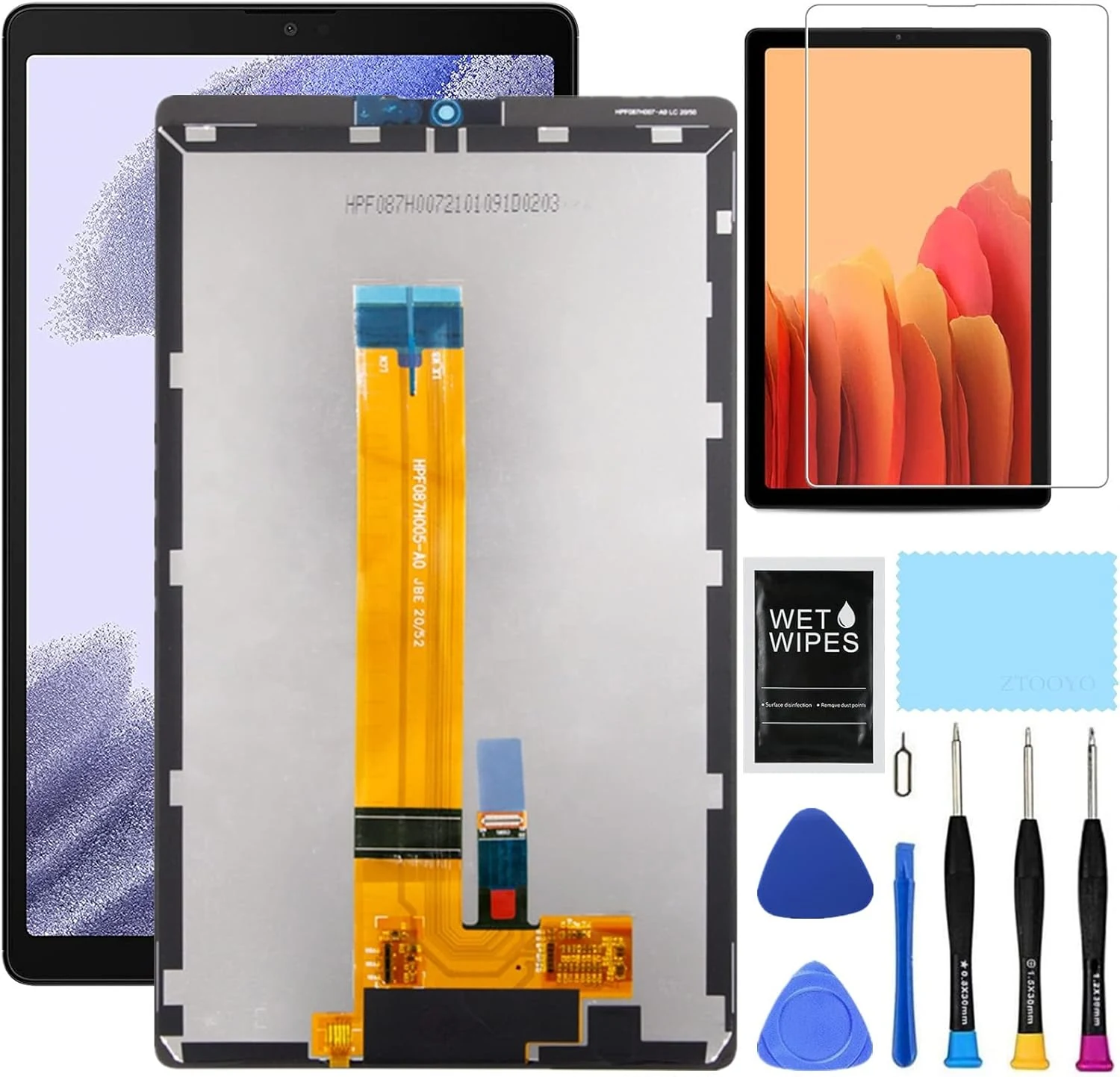
This 8.7-inch replacement LCD and digitizer kit is made for specific Samsung Tab A7 Lite models (T220/T227 variants) and is designed for DIY screen swaps. Buyers report a solid fit and working touch after installation, but the screen is fragile and the included repair tools and adhesives may not match every setup, so careful model matching and pre-install testing matter.
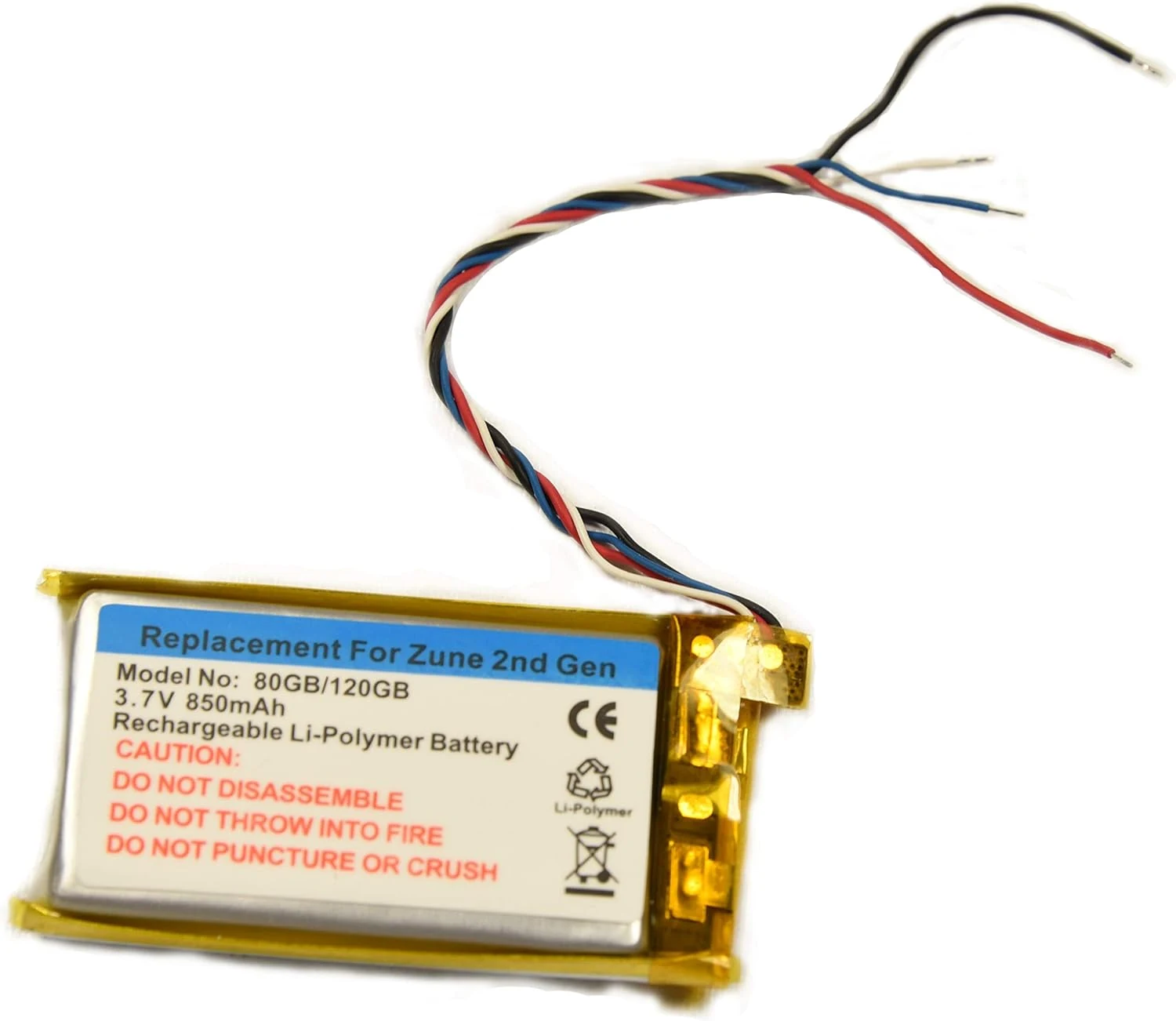
A battery-only replacement for Microsoft Zune 80GB and 120GB (2nd Gen) that targets dead or failing units. It uses an 850mAh Li-ion cell (3.7V), and while the install can be fiddly because the battery is soldered, buyers report it can bring a non-working Zune back to life.
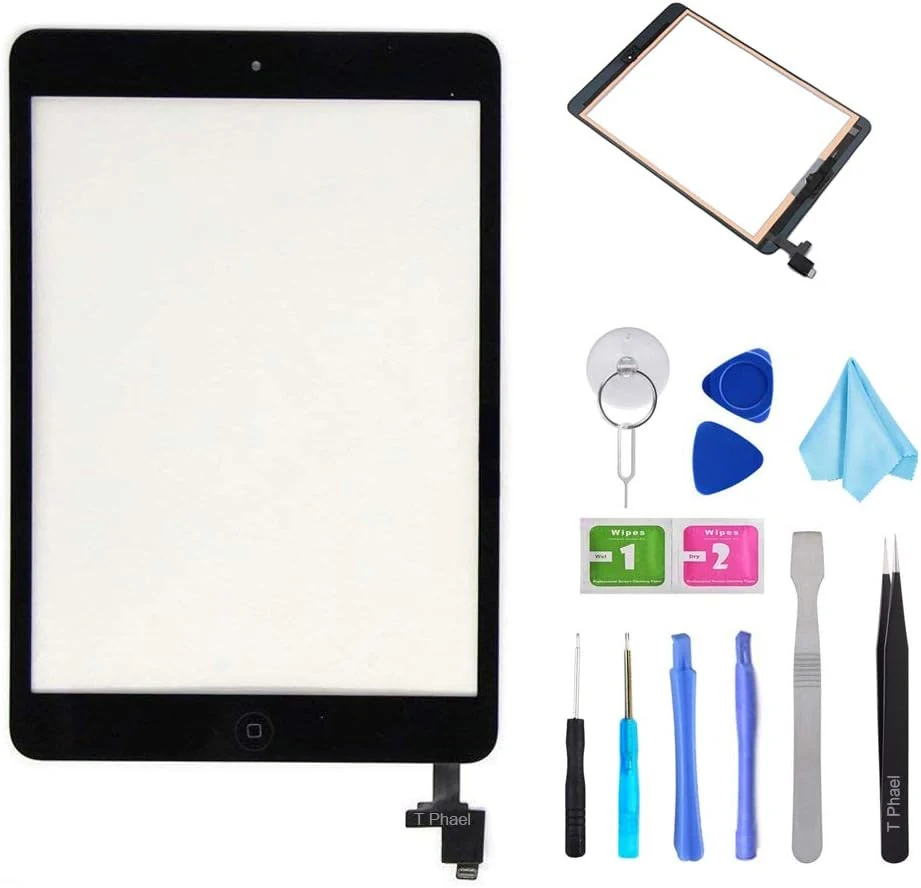
This iPad mini 1 and 2 touch screen digitizer replacement kit is designed for DIY screen repairs when the glass is cracked or touch is unresponsive. It includes the digitizer assembly plus tools, but proper fit depends on using the right iPad model number (A1432 or A1489) and doing careful adhesive re-sealing.
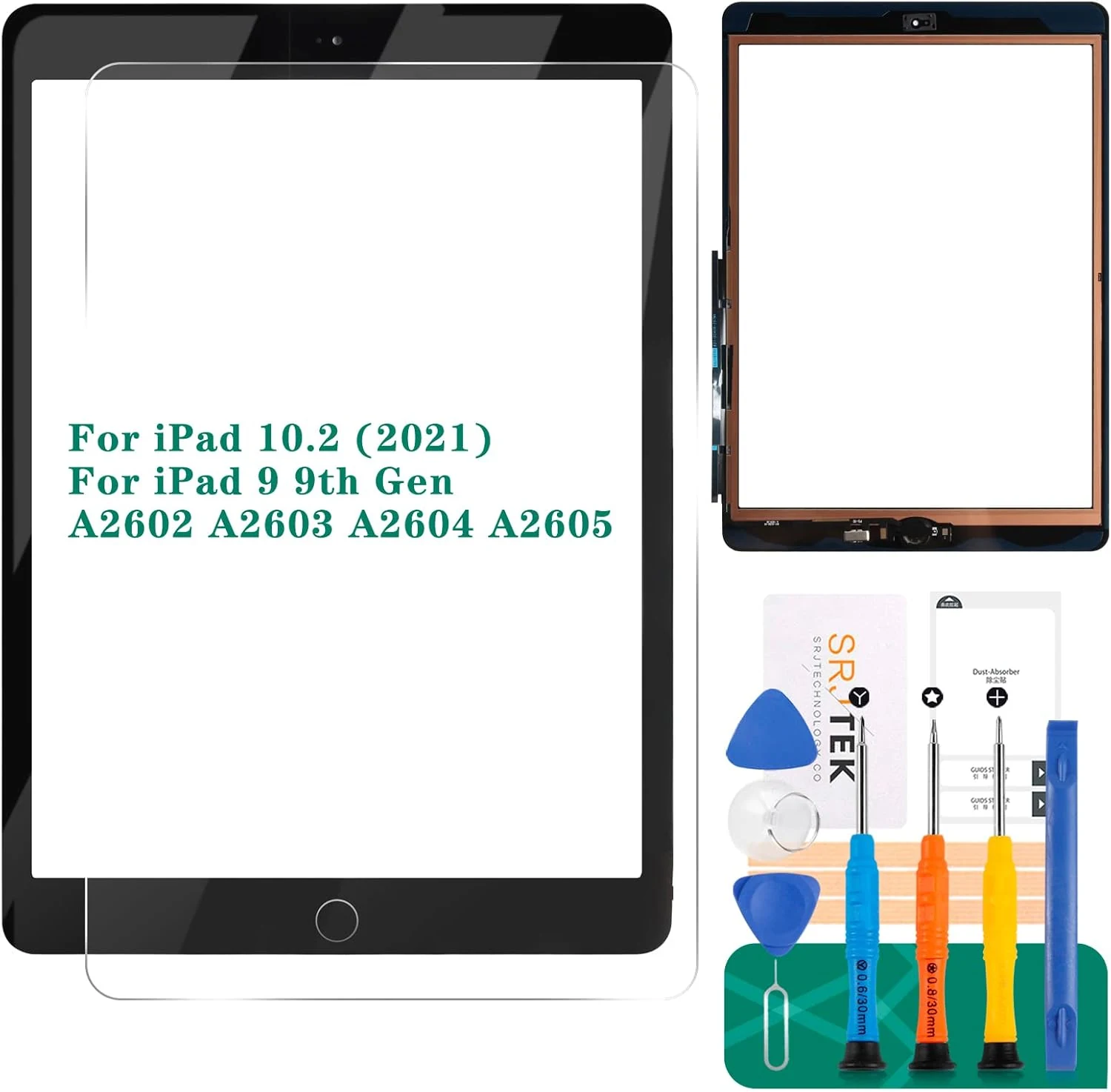
A budget touch digitizer replacement meant for iPad 9th gen and the 10.2-inch 2021 iPad models (A2603/A2604/A2605), including the home button. It can restore touch responsiveness, but it does not include a Touch ID fingerprint function on the home button, and it’s only the touch layer (not an LCD repair).
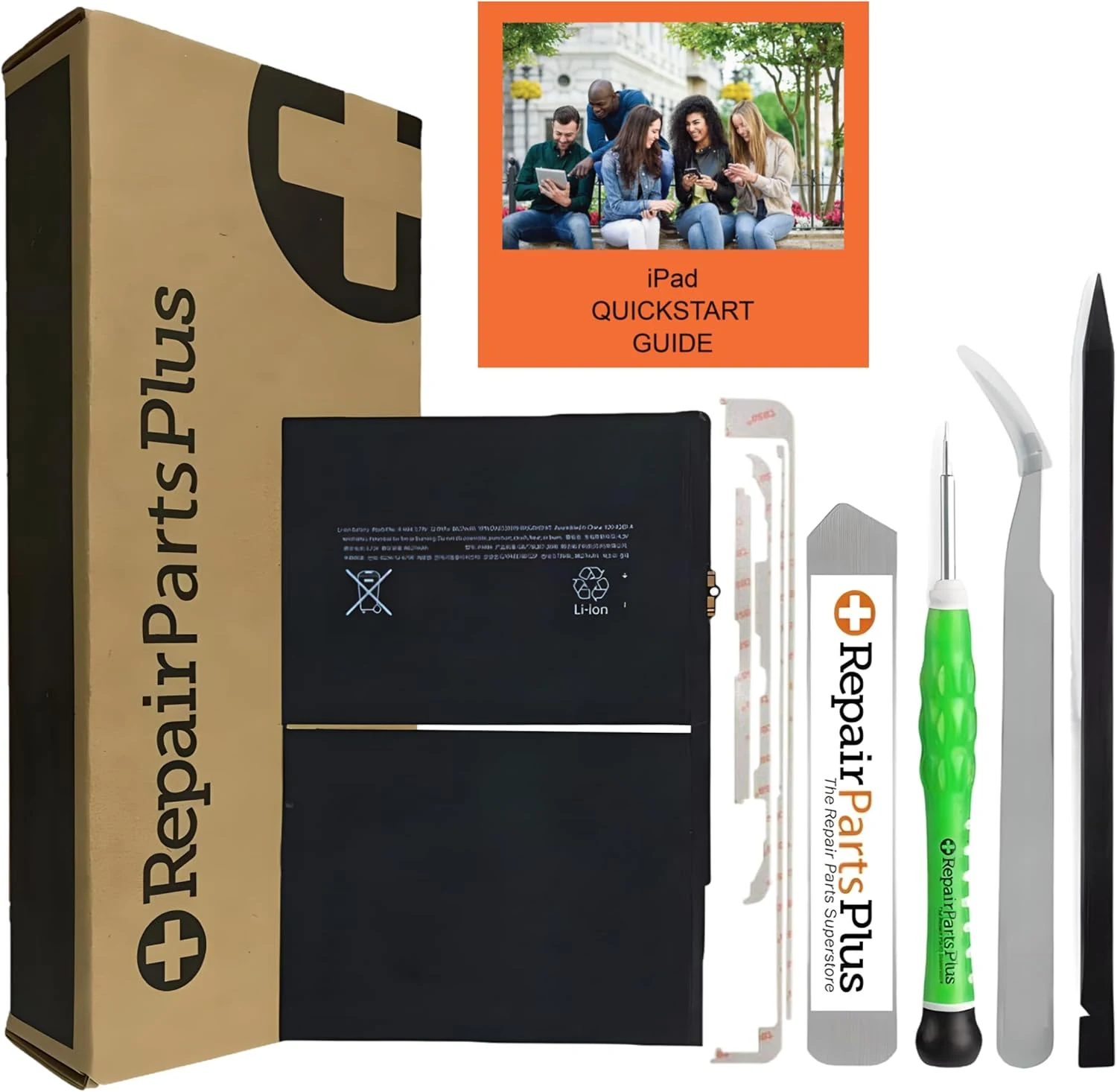
This iPad battery replacement kit is designed for 10.2-inch iPad 7th, 8th, and 9th gen models and includes a pre-installed battery adhesive plus a tool bundle to help with an at-home repair. The main tradeoff is that battery replacements are detail-sensitive, and some buyers report issues if the battery is defective or if the install does not go smoothly.
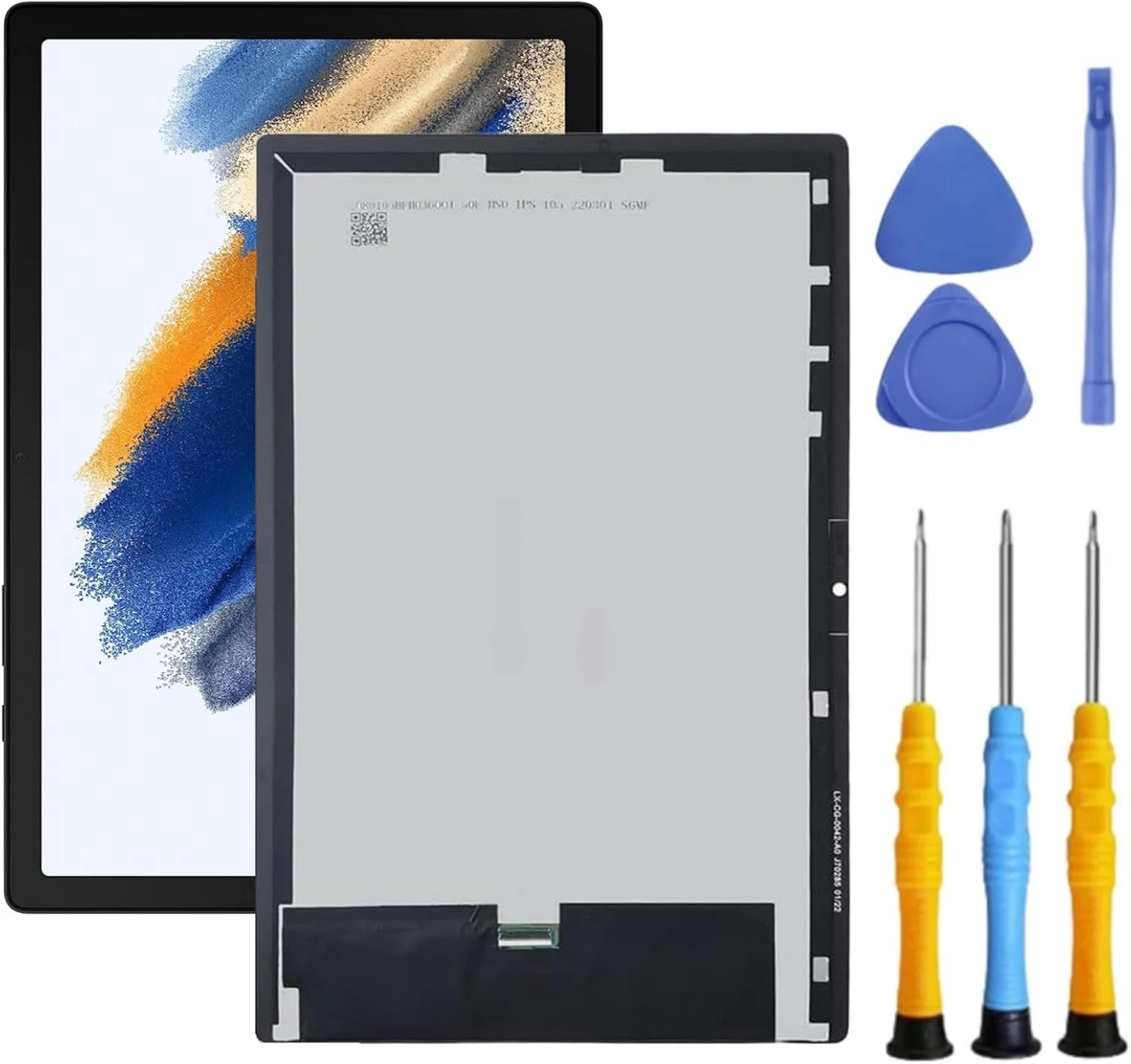
A DIY-friendly replacement LCD/digitizer screen kit for the Samsung Galaxy Tab A8 (10.5-inch, models SM-X200/SM-X205/X207). Buyers report a good fit and responsive touch after installation, but you should expect to supply extra repair tools (like heat and adhesive) and to do a careful test before fully installing.
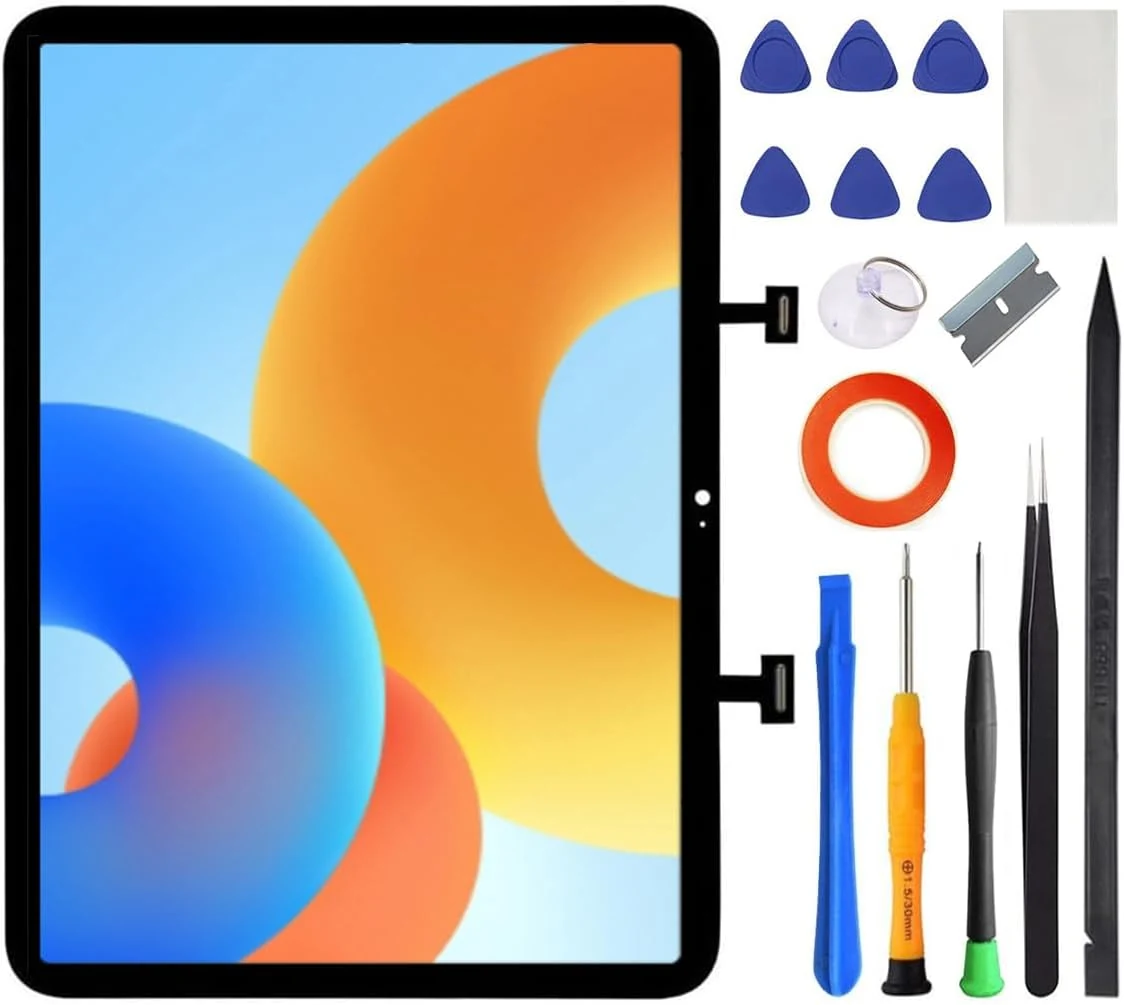
This front screen replacement digitizer kit is designed for specific iPad 10th (2022) and iPad (A16) 2025 11-inch models with matching back-model numbers. It’s a DIY-friendly option for repairing a shattered front glass, but it does not include the LCD and you’ll need to move key parts (like the microphone components) from your old screen. Buyer-review evidence suggests installation is straightforward for many people, while a minority report missing or non-working microphone/tool fit issues.
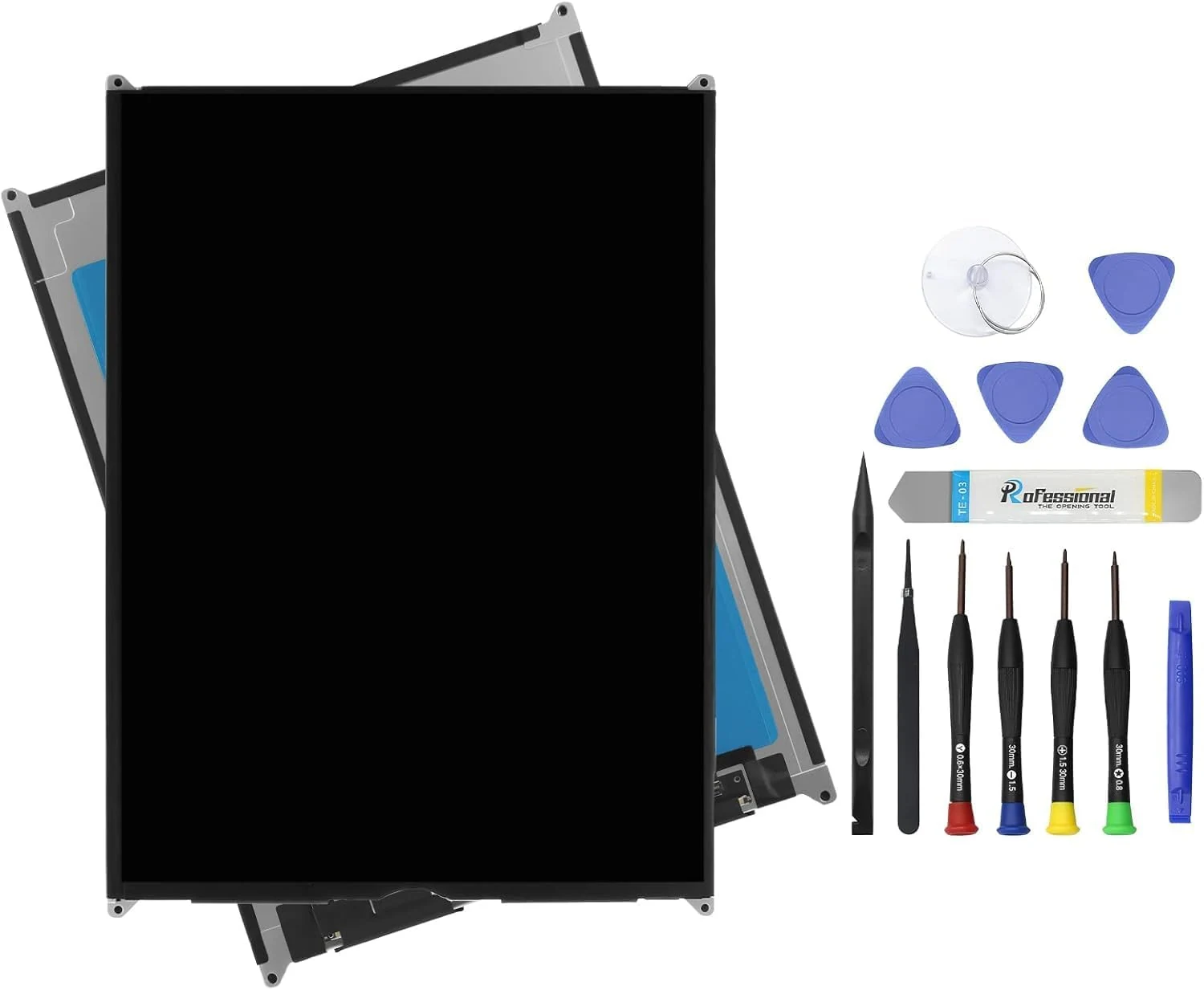
This iPad 9 (9th Gen) 10.2-inch LCD replacement kit is designed for A2602/A2603/A2604/A2605 models and comes with a tool set to help with a DIY swap. The biggest buying caveat is that it includes the LCD assembly only, not the glass touch digitizer, so display-touch performance depends on having the correct digitizer handling for your repair.

The ZTR iPad Air 4 screen replacement is a full LCD and touch digitizer assembly built for 10.9-inch iPad Air 4 (2020) models A2072, A2316, A2324, and A2325. It comes as a repair kit with tools, and buyers highlight straightforward fit and value, with the main caveat being that installation is easy to mess up if you are not prepared for careful glass handling.
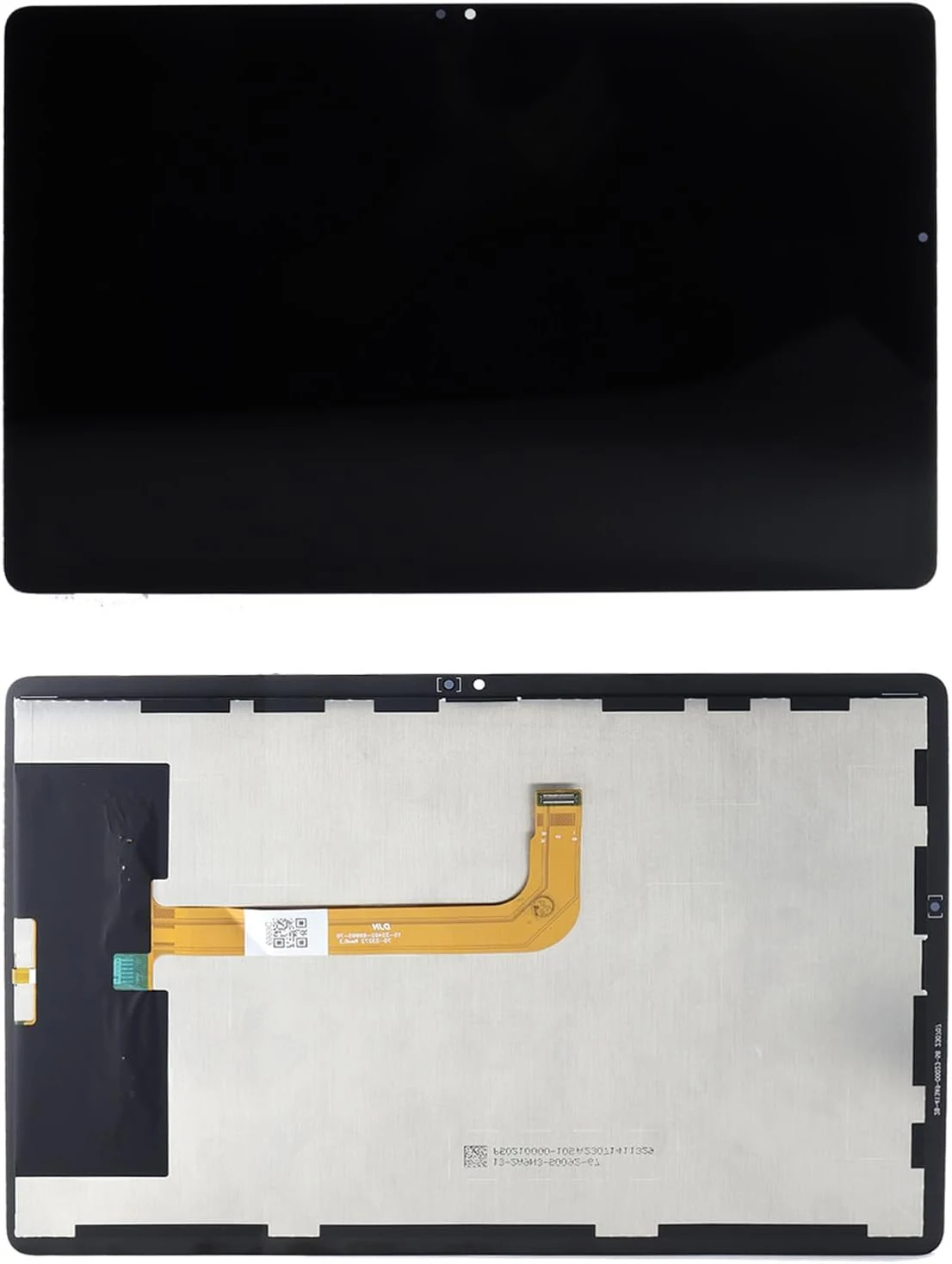
This LCD screen and touch digitizer assembly replacement is designed for specific Samsung Galaxy Tab A9+ models (SM-X210, SM-X215, SM-X216B, SM-X218U). It targets common repair needs like dead touch, slow touch response, abnormal display, and broken glass, with the main caveat that some buyers report power-on with a black screen and that you may need additional adhesive and confirm tool/glue inclusions before installing.
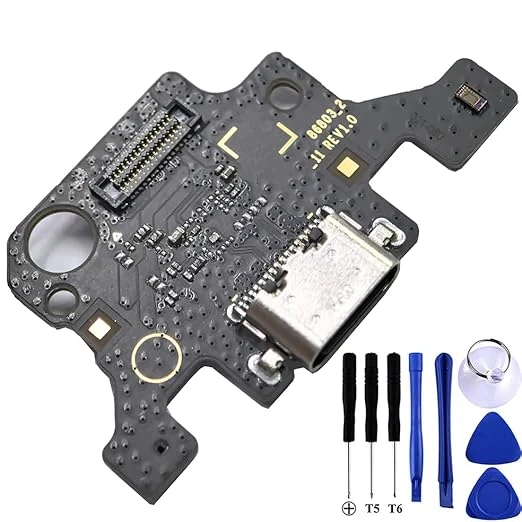
The Tab A9+ 11.0 X210 USB Charging Port Flex Cable Replacement is a niche repair part made for Samsung Galaxy Tab A9+ 11.0 (SM-X210, Wi‑Fi). It’s designed to restore a loose, damaged, or non-working USB Type-C charging port, and buyers report a good fit and straightforward charging-port fixes, with one common caveat: screen access and adhesive removal can be the hardest part.
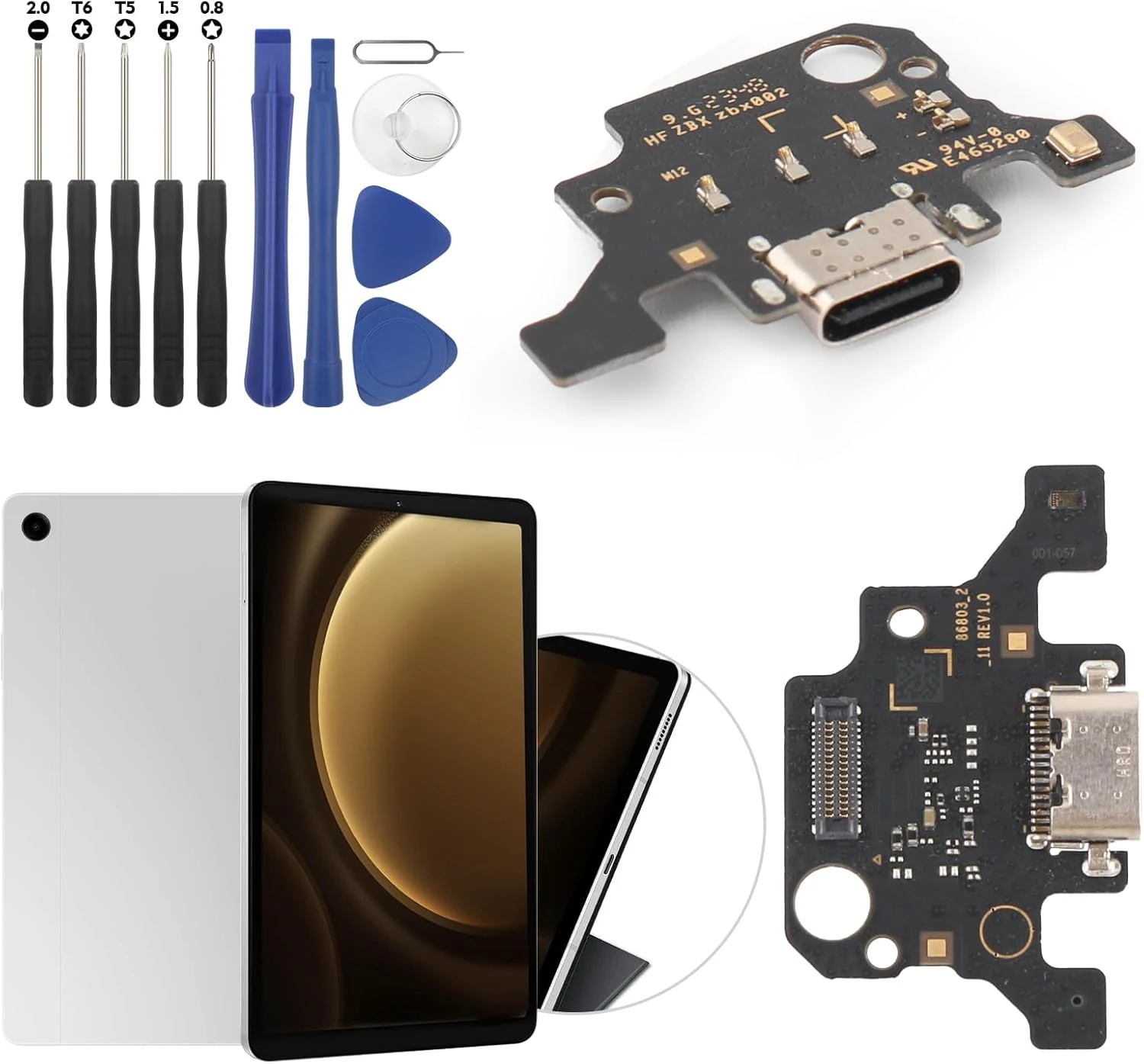
A replacement USB charging port flex cable for the Samsung Galaxy Tab A9 Plus (11-inch, X210). It’s designed for DIY repairs when the dock connector, charging, or USB data connection becomes unreliable, but expect a careful screen removal and verify tool fit before starting.
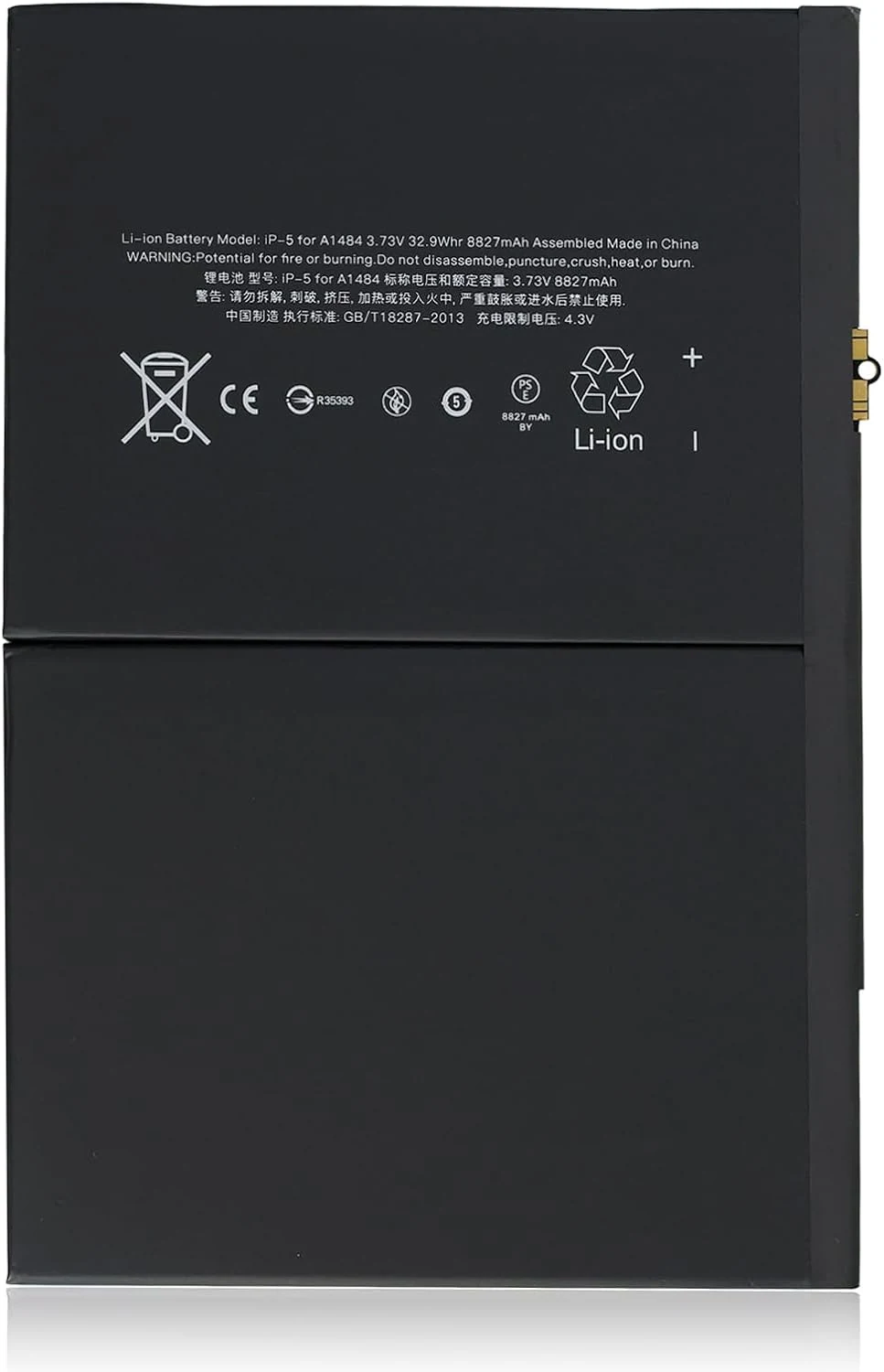
The Dinow A1484 battery replacement kit is a one-battery Li-ion polymer pack intended for iPad Air 1 and specific iPad 5th through 9th generation models. Reviewers report it can restore basic day-to-day runtime after a failing or swollen battery, but DIY success depends heavily on careful disassembly since tools are not included.
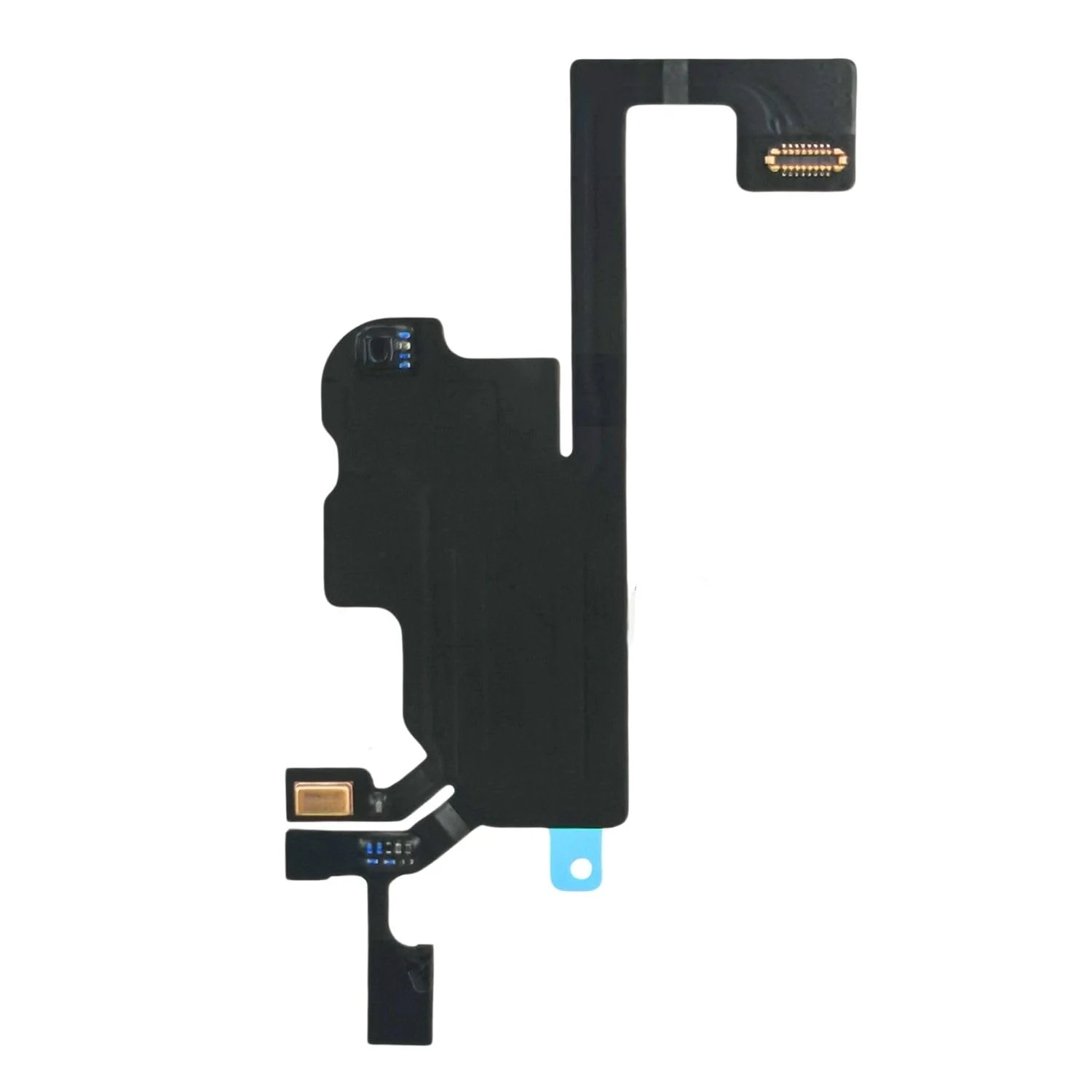
A purpose-built flex cable replacement designed to restore proximity sensor related behavior on the iPhone 13 (6.1-inch). It installs without soldering, but flex parts can be delicate, and review evidence is mixed, so fit and careful installation matter.
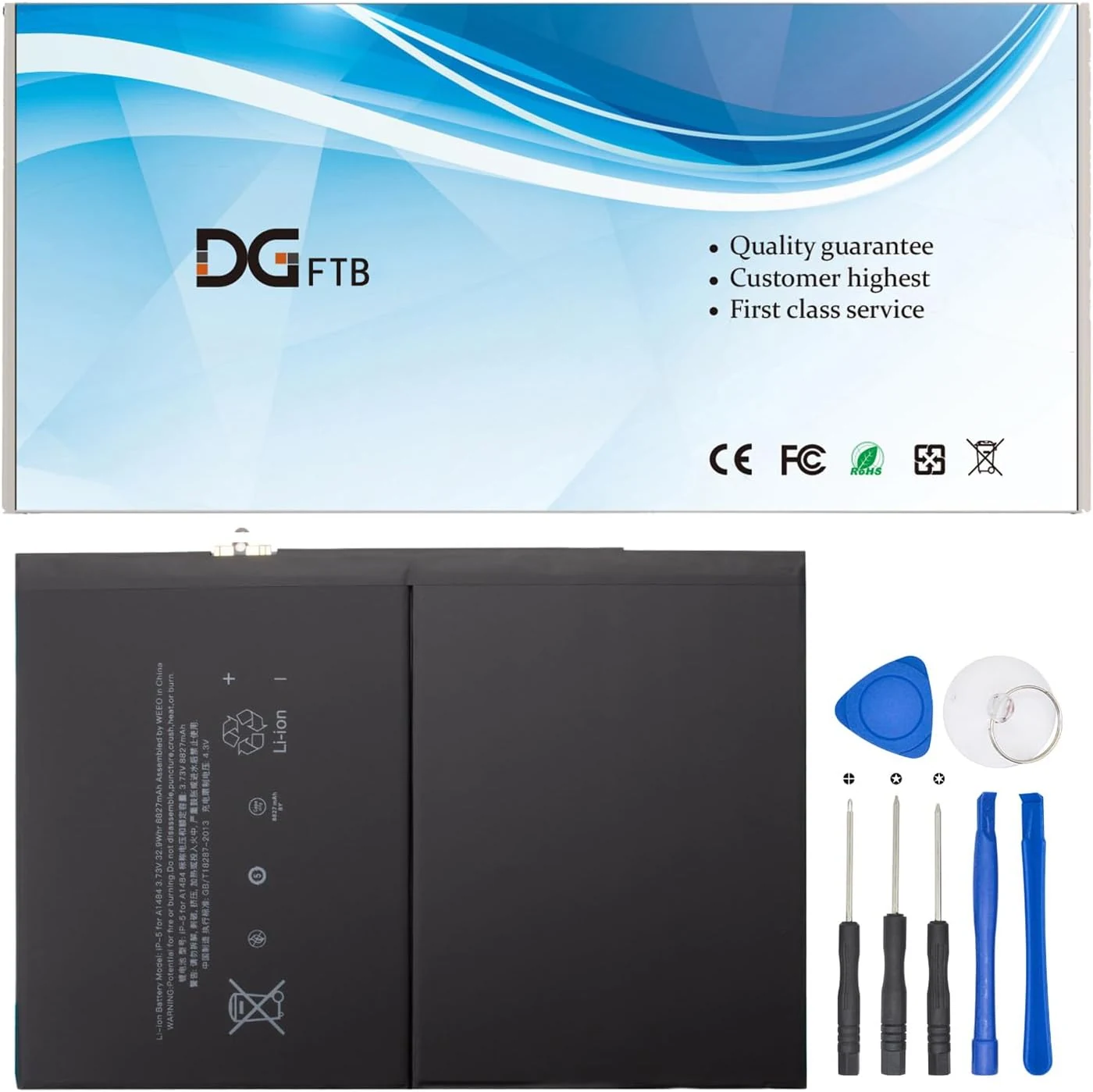
DGFTB’s A1484 replacement battery is designed for specific iPad Air and iPad (5th to 8th gen) models, offering a 3.73V, 32.9Wh/8827mAh capacity pack with built-in protection. It’s a budget-friendly option for buyers comfortable installing a replacement battery, but fitment must be verified carefully because some A-models are excluded by design.
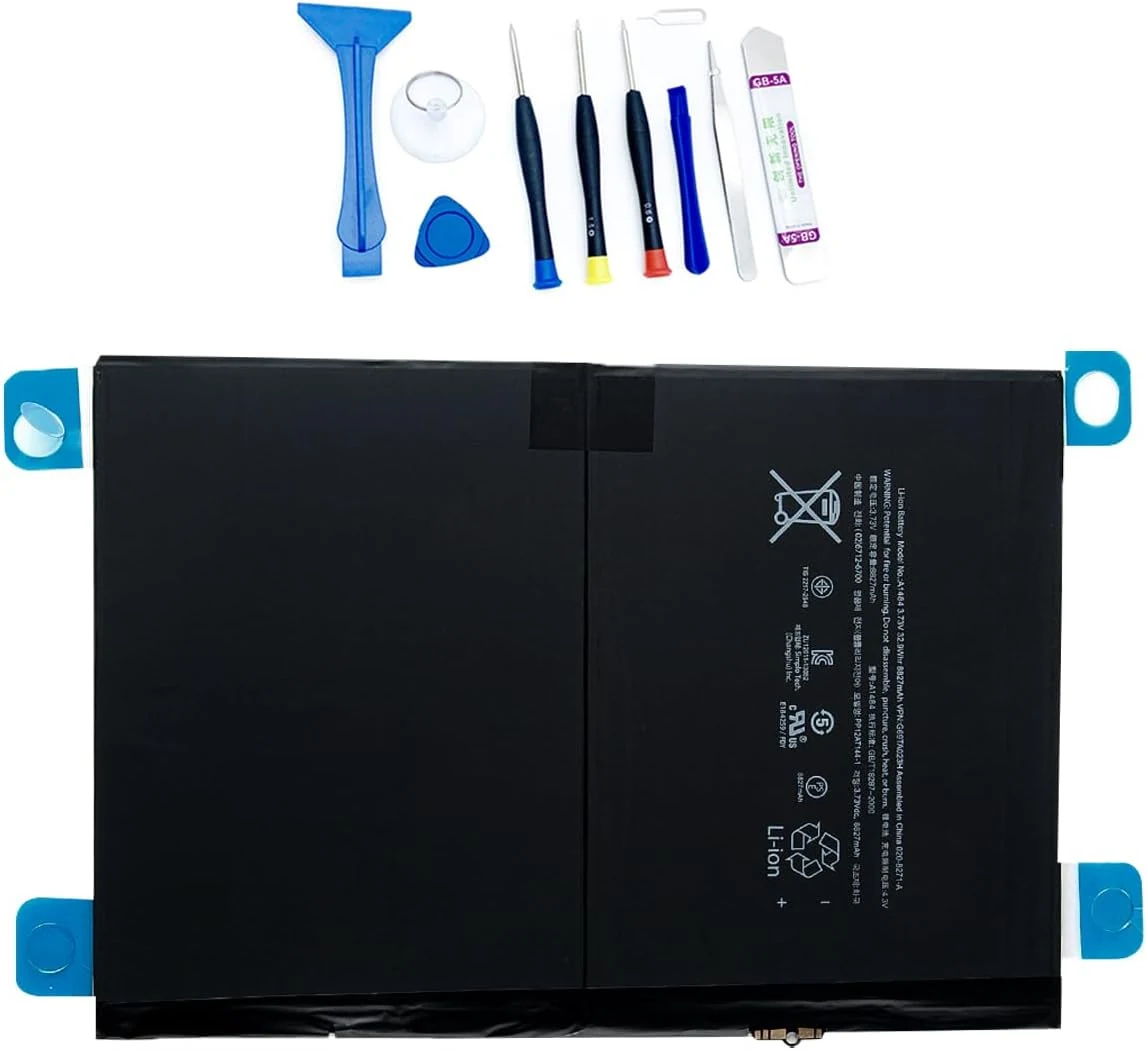
A replacement lithium-polymer battery for compatible iPad Air 1 and iPad 5th through 9th generations. It’s designed to match specific part numbers (A1474, A1475, A1476, and related models) and includes installation tools, but buyer-fit depends on avoiding the listed incompatible models (Air 2 and iPad 6th).