Dedyel Black Touch Screen Replacement for iPad 5 2017 9.7 inch (A1822, A1823)
Quick take
This replacement digitizer glass is built for iPad 5th generation 9.7-inch models A1822 and A1823. It includes the touch screen assembly plus a clickable home button, but it does not include an LCD panel and the home button is not designed to support Touch ID. If you are comfortable doing a delicate DIY repair, the included tool kit can help you move faster than sourcing separate parts, but installation is still the make-or-break factor.
Pros and cons
Pros
- Designed specifically for iPad 5 (2017) 9.7-inch (A1822, A1823)
- Digitizer glass includes a clickable home button (use the original button if you want Touch ID features to remain available)
- Includes a repair tool kit and pre-installed adhesive tape, which simplifies the DIY workflow
- Multiple buyer reports describe smooth operation and responsive touch after installation
Cons
- Does not include an LCD panel, so it’s not the right choice for display issues that aren’t caused by a damaged digitizer
- No instruction manual is included, so you’ll likely rely on online guides
- DIY success depends on careful adhesive handling and connector transfer, and some buyers reported issues like scuff marks or adhesive quality concerns
What buyers think
Buyer feedback for this Dedyel digitizer replacement is broadly centered on installation practicality and everyday performance. Several owners report that the kit is workable for a DIY screen swap and that the home button functions properly after the repair. Others emphasize the usefulness of having the assembly set up for transfer work (including the home button and camera bracket) and mention that following the correct model/video guidance helps avoid mistakes. There is also some limited but relevant feedback around cosmetic issues (for example, visible scuffs) and that adhesive quality may not feel ideal, which suggests taking extra care with tape placement and final mounting.
Overall, buyer-review evidence is limited in depth for specific technical performance metrics beyond touch responsiveness and button function, so it’s best to evaluate it primarily as a compatibility-first digitizer replacement kit for the iPad 5 (2017) form factor.
What’s included, and what this replacement actually replaces
This kit is a touch screen digitizer glass replacement for iPad 5 (2017) 9.7-inch tablets. It is meant to fix problems like a cracked, scratched, or non-responsive touch glass.
- Touch screen glass panel (digitizer): Includes the clickable home button, pre-installed adhesive tape, and a camera bracket (the kit does not include an LCD panel).
- Tool kit: Included, with no instruction manual.
- Touch ID note: The home button included in the kit does not support Touch ID. If you want Touch ID features to remain available, use the original home button if it is in good condition.
Compatibility: check the model number before you buy
To avoid wasting time (or risking a bad fit), confirm your iPad model number is A1822 or A1823. The model number is typically listed on the back of the device. This replacement is targeted to the iPad 5th generation 9.7-inch (2017) size, so it should not be treated as a universal 9.7-inch digitizer replacement across other iPad generations.
Pros and cons in real buying terms
Who this is best for
- You have an iPad 5 (2017) 9.7-inch with a cracked or unresponsive touch digitizer and want to attempt a DIY repair.
- You want a single assembly kit rather than transferring components from multiple sources.
- You are comfortable using online video guides since no printed instructions are included.
Who should avoid it
- Your problem is likely not digitizer-related (for example, a display/LCD failure), since this kit specifically does not include an LCD.
- You need Touch ID to work right away and cannot reuse your original home button.
- You want a simple swap with minimal risk and prefer a shop installation for delicate repairs.
Installation considerations (and the biggest reasons buyers get stuck)
The main “make or break” factor is not whether the part fits physically, it’s the care required during disassembly, connector handling, and adhesive/mounting. A few buyer comments highlight that having the right guidance matters, and that adhesive handling can affect final results. A practical approach is to:
- Match your model (A1822 vs A1823) before you start.
- Dry test the assembly before fully committing to adhesive placement.
- Take your time with adhesive removal and alignment to reduce cosmetic issues.
- Plan for heat-based adhesive loosening (many DIYers use a hair dryer or similar tool, depending on their preferred method and safety practices).
Is the Dedyel Black Touch Screen Replacement for iPad 5 2017 worth it?
If you’re working with an iPad 5 (2017) 9.7-inch A1822/A1823 and your touchscreen is cracked or unresponsive, this kit can be a cost-conscious way to restore touch functionality. The included tool kit and the fact that the assembly comes with key parts pre-set for transfer work (including the clickable home button assembly and camera bracket) can make the DIY process more straightforward than sourcing separate components. The biggest limitations are the lack of an LCD panel in the box and the fact that Touch ID depends on reusing your original home button. For buyers who want a quick, risk-free repair, a professional installation may still be the better route.
How it compares to other digitizer replacement options (what to look for)
If you’re comparing digitizer replacements for iPad 5 (2017), prioritize these decision points:
- Exact model compatibility: A1822 and A1823 only.
- What the kit includes: Make sure it’s a digitizer/touch glass replacement, not an LCD kit.
- Home button behavior: Some kits include a clickable home button but not Touch ID, so plan for transferring or reusing the original button if Touch ID matters to you.
- Adhesive and mounting: Pre-installed adhesive can help, but adhesive quality and placement still matter, based on buyer experiences.
- Instructions: If you prefer guided installs, look for sellers or listings that provide manuals, even if this kit does not.
Price and availability
Prices can change, so check the current listing for the most up-to-date cost and stock status. Buy on Amazon.
FAQs
Does this replacement include an LCD panel?
No. This is a touch screen digitizer glass replacement and does not include an LCD.
Will Touch ID work after installing it?
The included home button does not support Touch ID. If you want Touch ID features to remain available, use your original home button if it is in good condition.
Which iPad models is this compatible with?
It’s intended for iPad 5 (2017) 9.7-inch models A1822 and A1823.
Is an instruction manual included?
No instruction manual is included, so you may need to follow an online video guide for your exact model.
Does the kit include adhesive?
It includes pre-installed adhesive tape on the digitizer assembly, which helps with mounting during the install process.
Specifications
| Product Title | Dedyel Black Touch Screen Replacement for iPad 5 2017 9.7 inch, A1822 A1823 Digitizer Replacement with Home Button + Tool kits |
|---|---|
| Category | Electronics > Computers & Accessories > Tablet Replacement Parts > Digitizers |
| Brand | Dedyel |
| Manufacturer | Dedia |
| Model Name | iPad 5 2017 9.7 inch Touch Screen Replacement |
| Model Number | A1822, A1823 |
| Product Dimensions | 10.6"L x 9.7"W |
| Color | Black |
| Material | Glass |
| Compatible Devices | Tablet |
| Item Hardness | 5H |
| Compatible Phone Models | iPad 5th Generation A1822, iPad 5th Generation A1823 |
| Screen Size | 9.7 Inches |
| Screen Surface Description | Glossy |
| Clarity | 9 |
| Item Dimensions L x W | 10.6"L x 9.7"W |
| Unit Count | 1 Count |
| Number of Items | 1 |
| Brand Name | Dedyel |
| Customer Package Type | Standard Packaging |
| UPC | 783907208433 |
Available variants
Color
- Black
- White
Recommended next
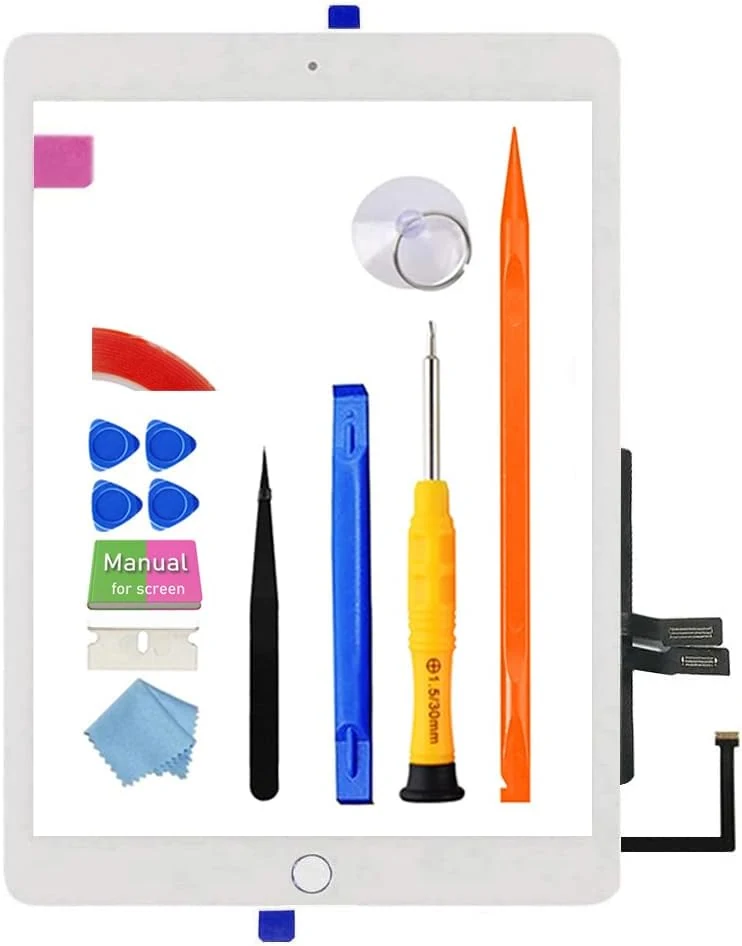
JPUNG Screen Replacement for iPad 6 (6th Gen 2018 Released) Digitizer 9.7" (A1893/A1954) with Home Button + Repair Kit
A bundled glass touch screen digitizer replacement for the 2018 iPad 6 (A1893/A1954), designed for DIY repairs. It includes the home button flex and a full tool kit, but buyers should plan for careful disassembly, proper connector handling, and stronger-than-expected adhesion prep to avoid edge lifting or touch dead zones.
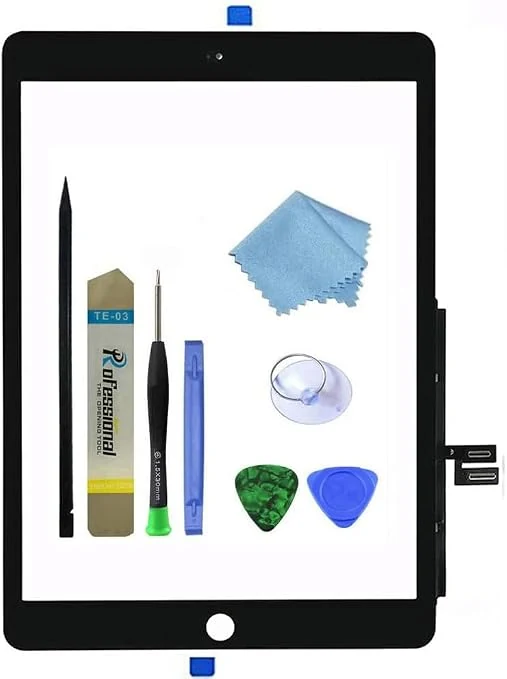
Touch Screen Digitizer for Black iPad 7/8 2019 2020 10.2-inch (A2197 A2198 A2200 A2428 A2429 A2430) Front Glass Assembly Replacement with Toolkit (Without Home Button)
A DIY front-glass digitizer replacement kit made for specific iPad 7th and 8th generation (10.2-inch) models without a home button. It includes the digitizer assembly plus a basic toolkit, but it does not include the LCD screen, and buyer outcomes vary, with reports ranging from successful restores to functional issues like dead zones or touch problems.
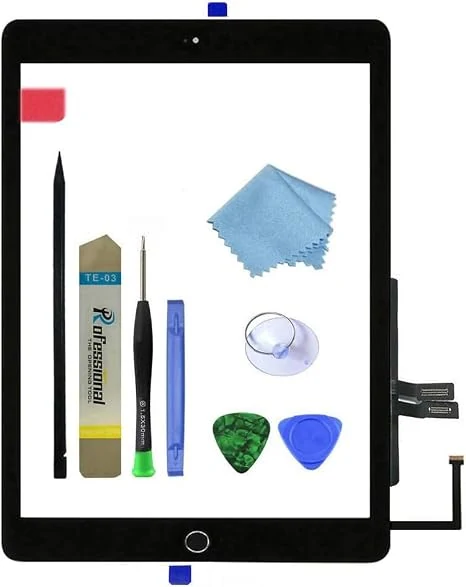
for Black iPad 6 2018 6th Generation A1893 A1954 Touch Screen Digitizer Assembly Replacement with Home Button,Camera Bracket,Pre-Installed Adhesive,Tool Repair Kit
This iPad 6 (2018) digitizer assembly replacement is designed for A1893 and A1954 models and includes a pre-installed adhesive layer, a home button, and a basic repair tool kit. The biggest caveat is that the LCD is not included, and buyer reviews suggest performance and alignment can vary, so you should plan to test before fully gluing down.
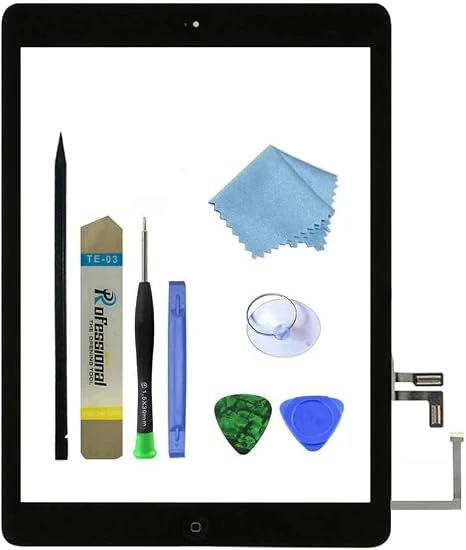
Zentop for Black iPad Air 1st Generation Touch Screen Digitizer Glass Replacement (A1474/A1475/A1476)
This all-in-one digitizer replacement kit restores touch functionality and the screen glass for select iPad Air 1st Generation models (A1474/A1475/A1476). It includes a complete digitizer assembly with preinstalled adhesive and a basic repair toolkit, but the LCD is not included and installation guidance is limited to online videos.