Western Digital WD Blue SA510 1TB SATA SSD
The Western Digital WD Blue SA510 1TB is a 2.5-inch SATA internal SSD for buyers upgrading older laptops or desktops with SATA bays. It is a mainstream replacement drive with a SATA III 6 Gb/s interface and up to 560 MB/s read speed. That makes it a practical choice for compatibility-first upgrades, not the best pick for systems that support M.2 NVMe and want the faster interface.
Pros
- Fits standard 2.5-inch SATA systems, so it suits many older PCs and laptops.
- 1TB gives room for Windows, everyday apps, and a normal file library.
- Included Acronis software may help with cloning, if your setup goes smoothly.
Cons
- SATA is much slower than NVMe, so it is not the best option for M.2 systems.
- Cloning and utility setup may take extra effort, depending on the PC.
What this drive is
This is the Western Digital WD Blue SA510, model WDS100T3B0A, in a 1TB 2.5-inch form factor.
That combination points to a straightforward internal SSD for systems that already use 2.5-inch SATA storage. It is best judged by fit and upgrade path rather than by chasing the fastest possible storage standard.
Who it makes sense for
This drive is most useful in older desktops and laptops that still rely on SATA storage. For those machines, moving from a hard drive or an older SSD to a 1TB SATA SSD can make day-to-day use feel more responsive.
It also suits buyers who want a simple drop-in upgrade. The 2.5-inch size and SATA connection are widely supported, which matters more here than headline speed.
Where the limits are
The main limitation is the interface. SATA SSDs are still far behind NVMe drives in throughput, so this is not the best choice for newer systems that already have an M.2 slot and can use a PCIe drive.
The specifications mentions Acronis True Image for Western Digital, but owner comments show mixed experiences with cloning and setup. That suggests the software may be helpful for some users, but not completely hassle-free for everyone.
How to think about the 1TB capacity
1TB is a practical middle ground for a boot drive. It is large enough for the operating system, common apps, and a decent amount of documents, photos, or project files without feeling overly restrictive.
If you keep large game libraries, video projects, or backups on the same drive, you may want to check whether a larger SSD or a second drive would suit your storage needs better.
Alternative choices that matter
The alternatives show the main decision point: SATA versus NVMe. Crucial’s P310 1TB is an M.2 PCIe Gen4 SSD with much higher advertised speeds, so it is the better match for systems that support NVMe and need more headroom.
Crucial’s BX500 1TB is the closer comparison because it is also a 2.5-inch SATA SSD. For a SATA-only system, the better choice between these drives is likely to come down to fit, price, and whether the included software bundle matters to you.
Practical considerations
The review excerpts are useful for context, yet they are still individual experiences and include some mixed setup results.
The buying decision
Choose the WD Blue SA510 1TB if you need a standard 2.5-inch SATA SSD for an older laptop or desktop and want an easy, familiar upgrade path. Skip it if your system supports NVMe and you want the faster option.
Product details and Amazon customer ratings as of .
Available variants
Capacity
- 250GB
- 4TB
- 1TB
- 2TB
- 500GB
Recommended next
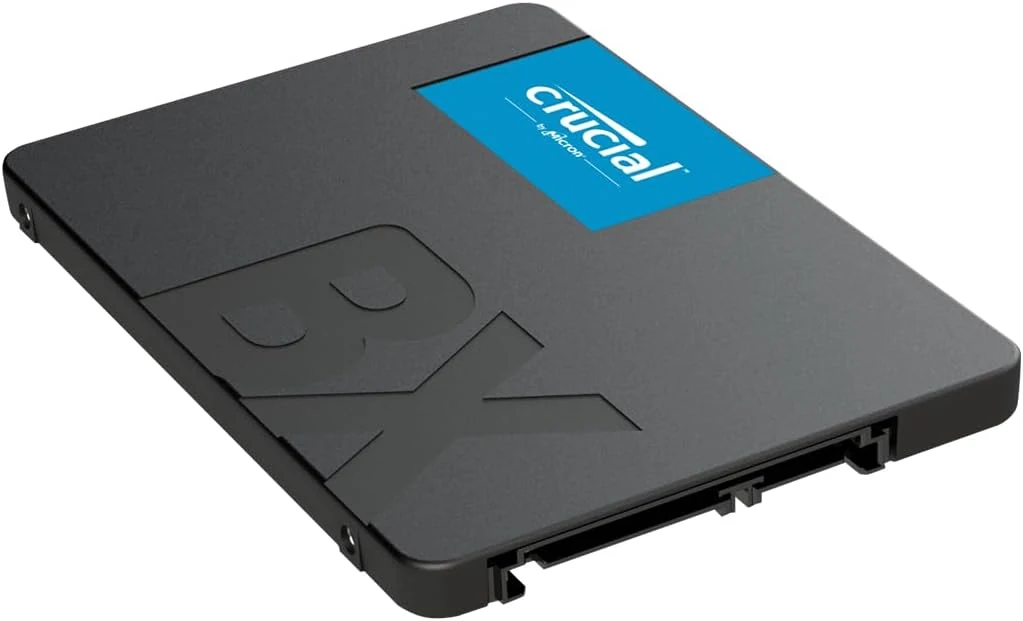
Crucial BX500 1TB SATA SSD
A 2.5-inch SATA upgrade for a computer that still uses a hard drive. Compatibility and migration matter more here than headline NVMe comparisons.
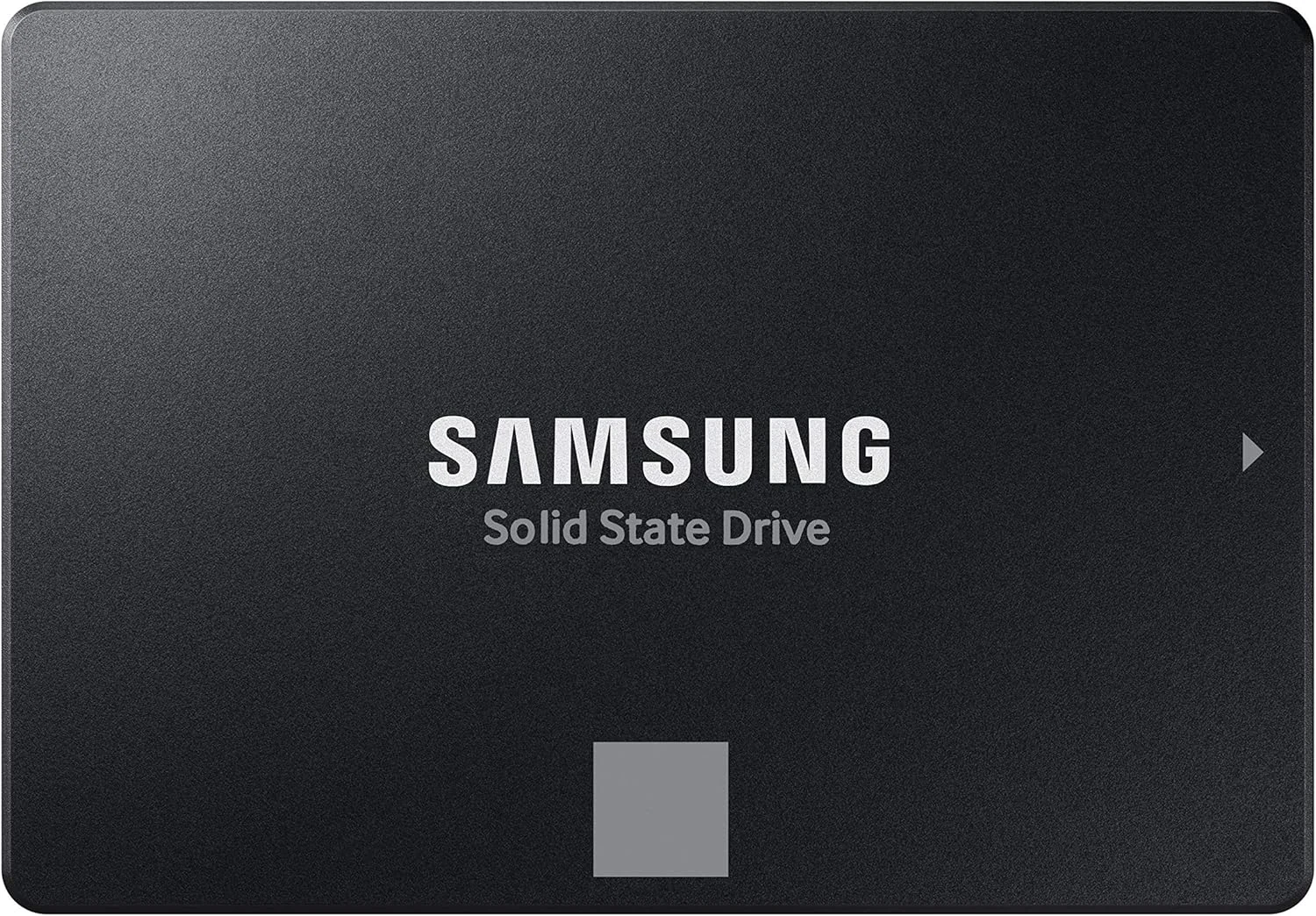
Samsung 870 EVO 1TB
The 870 EVO 1TB pairs familiar 2.5-inch SATA installation with management software and a stated endurance limit. It is an upgrade for the right computer, not every computer.
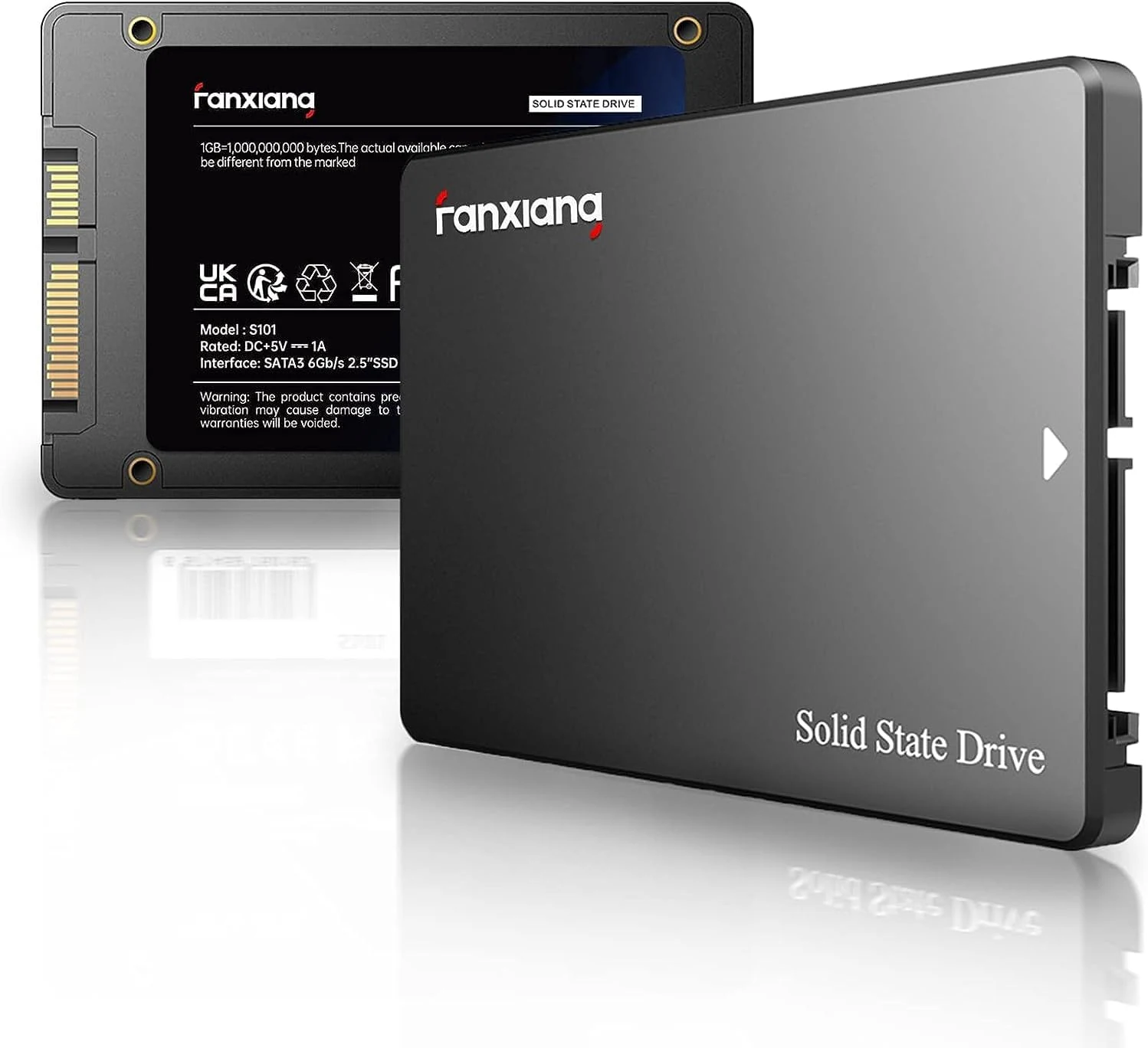
fanxiang S101 1TB SATA 2.5-inch SSD
A SATA 2.5-inch SSD for older systems or HDD replacements.
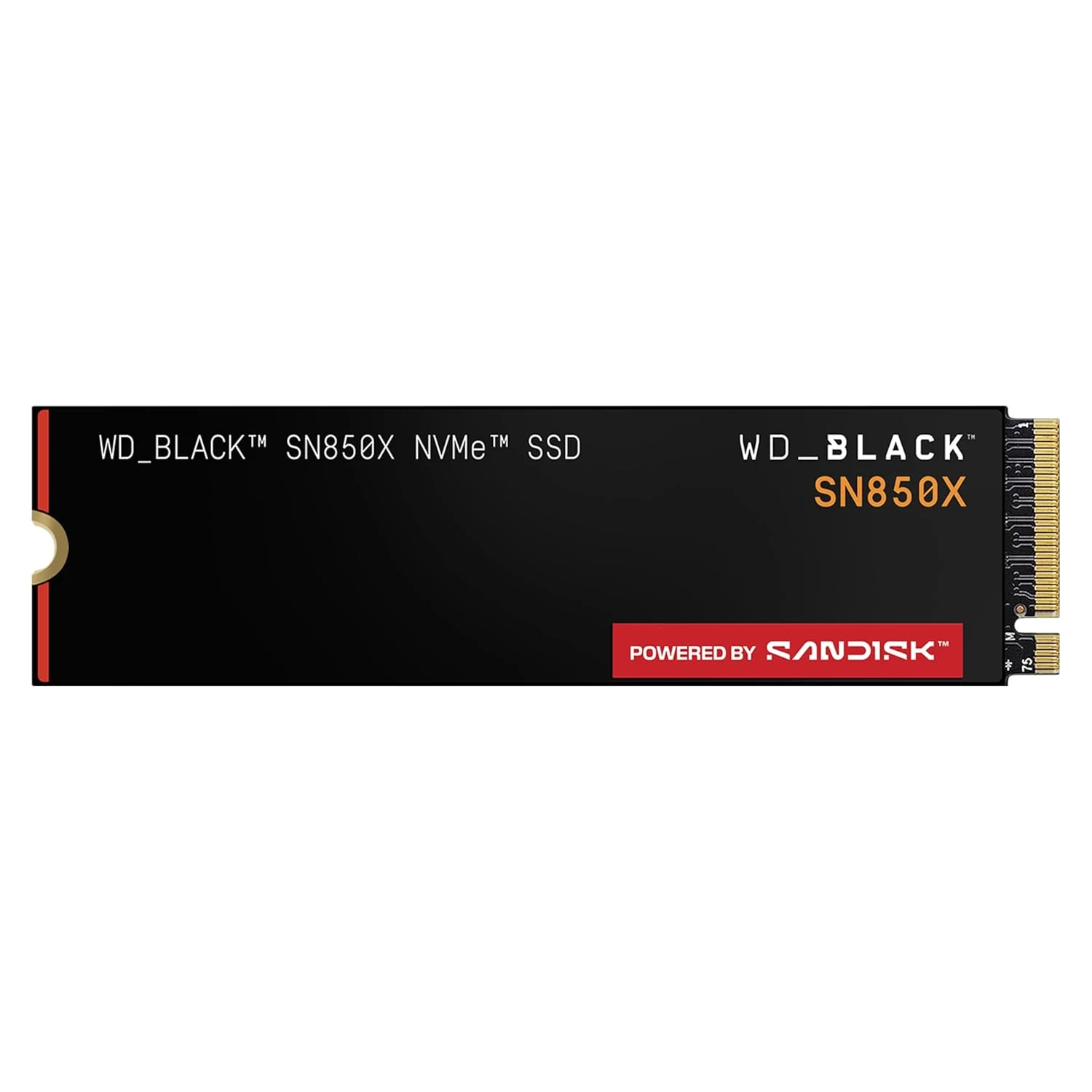
WD_BLACK SN850X 4TB NVMe SSD
A large M.2 drive for a compatible PC with an expanding game or project library. Check the exact heatsink arrangement before buying the 4TB version.