Crucial BX500 1TB SATA SSD
The Crucial BX500 1TB has a clear job: replacing a hard drive in a computer with a compatible 2.5-inch SATA bay. It is less compelling as an upgrade from another satisfactory SATA SSD. The worthwhile improvement is changing the type of storage in an older system, not chasing small differences between SATA speed ratings.
Pros
- Fits compatible 2.5-inch, 7mm SATA drive bays
- 1TB capacity for an operating system, applications and files
- Three-year limited warranty
Cons
- Not compatible with an M.2-only storage slot
- Installation and data migration require planning
- SATA limits its appeal for a new NVMe-capable build
Start with the bay, not the brand
The BX500 uses a 2.5-inch, 7mm enclosure and SATA connection. A computer needs both physical room and the correct connection for it. An M.2 slot is a different form factor; the words 'internal SSD' do not make the drives interchangeable.
Check the computer's service documentation before ordering. In a desktop, also establish whether the existing mounting arrangement and cables can be reused. In a laptop, access can be the harder part of the upgrade. Saving a little on the drive is not useful if installing it requires hardware or service you have not allowed for.
Where the 540MB/s rating helps
Crucial rates this model for reads up to 540MB/s. That places it in the SATA class, not alongside the much higher sequential figures associated with PCIe NVMe drives. It is the wrong upgrade if the objective is to exploit a modern high-speed M.2 slot.
For a system still running its operating system from a mechanical drive, however, the relevant change is moving to solid-state storage. Starting applications and accessing many small files are more meaningful everyday considerations than a single sequential-transfer number. Do not translate the advertised maximum into a promised boot time or assume every task becomes proportionally faster.
Make the migration part of the purchase
Decide whether you will copy the existing system or reinstall it. A copy requires a way to connect the old and new drives during migration, while a fresh installation requires access to installers, accounts and a separate copy of your documents. Neither task is solved just by choosing 1TB capacity.
Check the amount of used space on the old drive rather than only its labeled capacity. Keep an independent backup, and confirm the new installation boots and contains the files you expect before repurposing the original drive. This is especially important when replacing the computer's only internal storage device.
The alternative depends on the computer
WD's 1TB Blue SA510 is a direct form-factor comparison: another 2.5-inch SATA SSD, rated up to 560MB/s. That small difference in maximum read speed alone is not a strong reason to favor one for an everyday upgrade. Compare the current package, support and total installed cost instead.
The Crucial P310 and Silicon Power P34A60 alternatives use M.2 PCIe connections. They belong in the decision only if the computer supports them. The BX500 is most persuasive when SATA is the available upgrade route; it is not a reason to ignore a suitable NVMe option in a new build.
The buying decision
Choose the BX500 1TB to give a compatible SATA-based computer a practical storage refresh. First confirm the bay, then plan the transfer of your existing system. If the computer already has a good SATA SSD, or accepts the NVMe drive you actually need, this is a less useful place to spend.
Product details and Amazon customer ratings as of .
Available variants
Memory Storage Capacity
- 4 TB
- 1 TB
- 480 GB
- 240 GB
- 2 TB
Recommended next
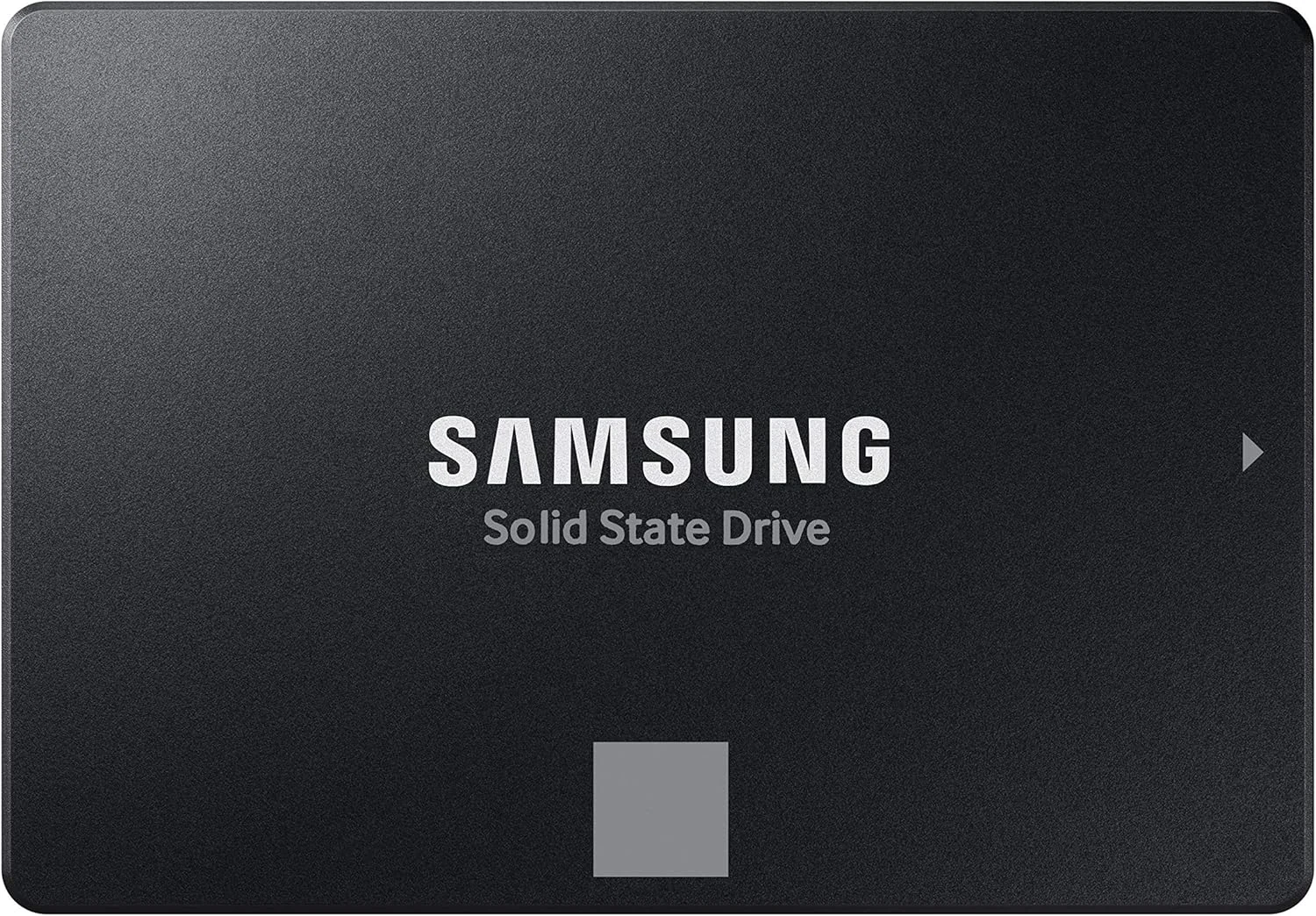
Samsung 870 EVO 1TB
The 870 EVO 1TB pairs familiar 2.5-inch SATA installation with management software and a stated endurance limit. It is an upgrade for the right computer, not every computer.
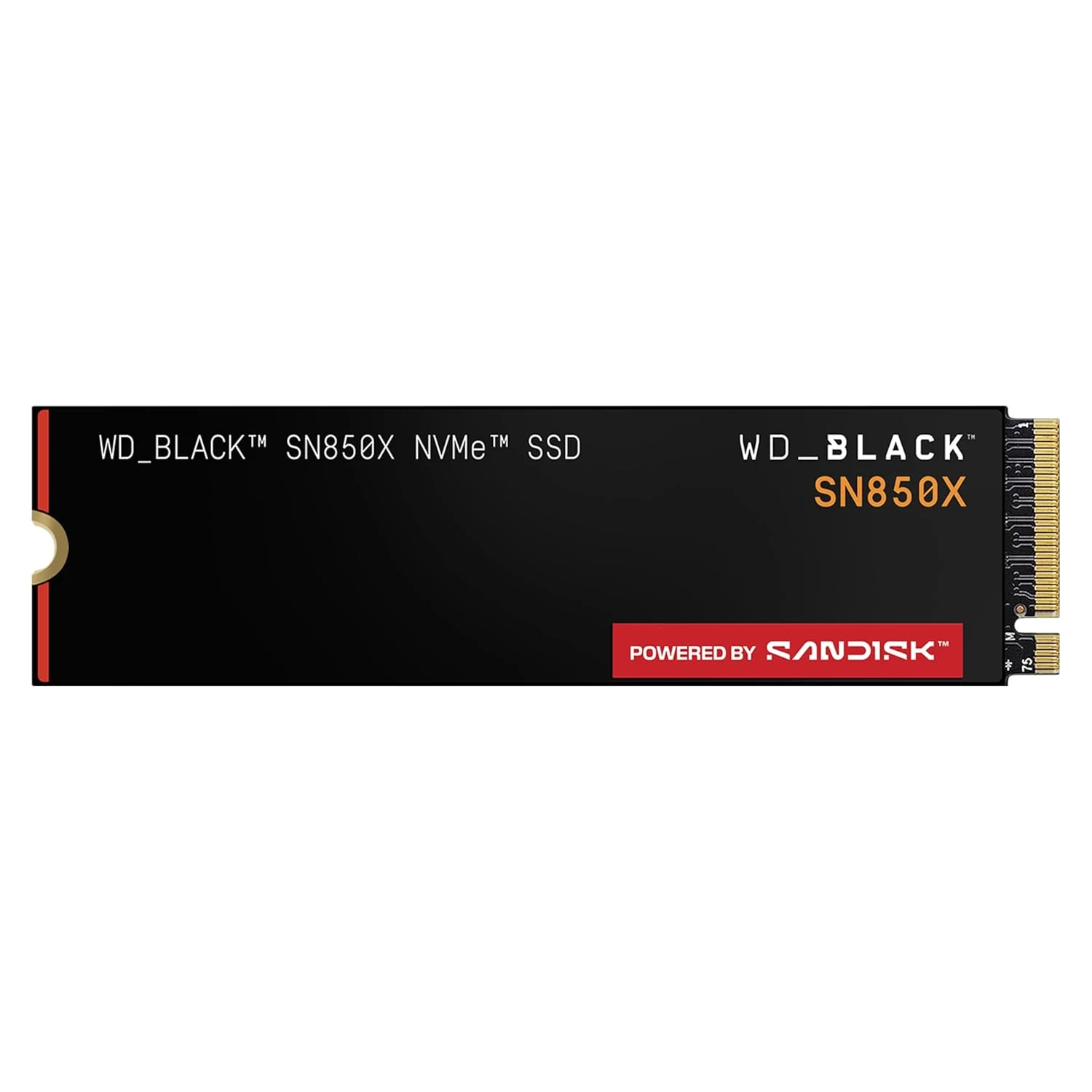
WD_BLACK SN850X 4TB NVMe SSD
A large M.2 drive for a compatible PC with an expanding game or project library. Check the exact heatsink arrangement before buying the 4TB version.
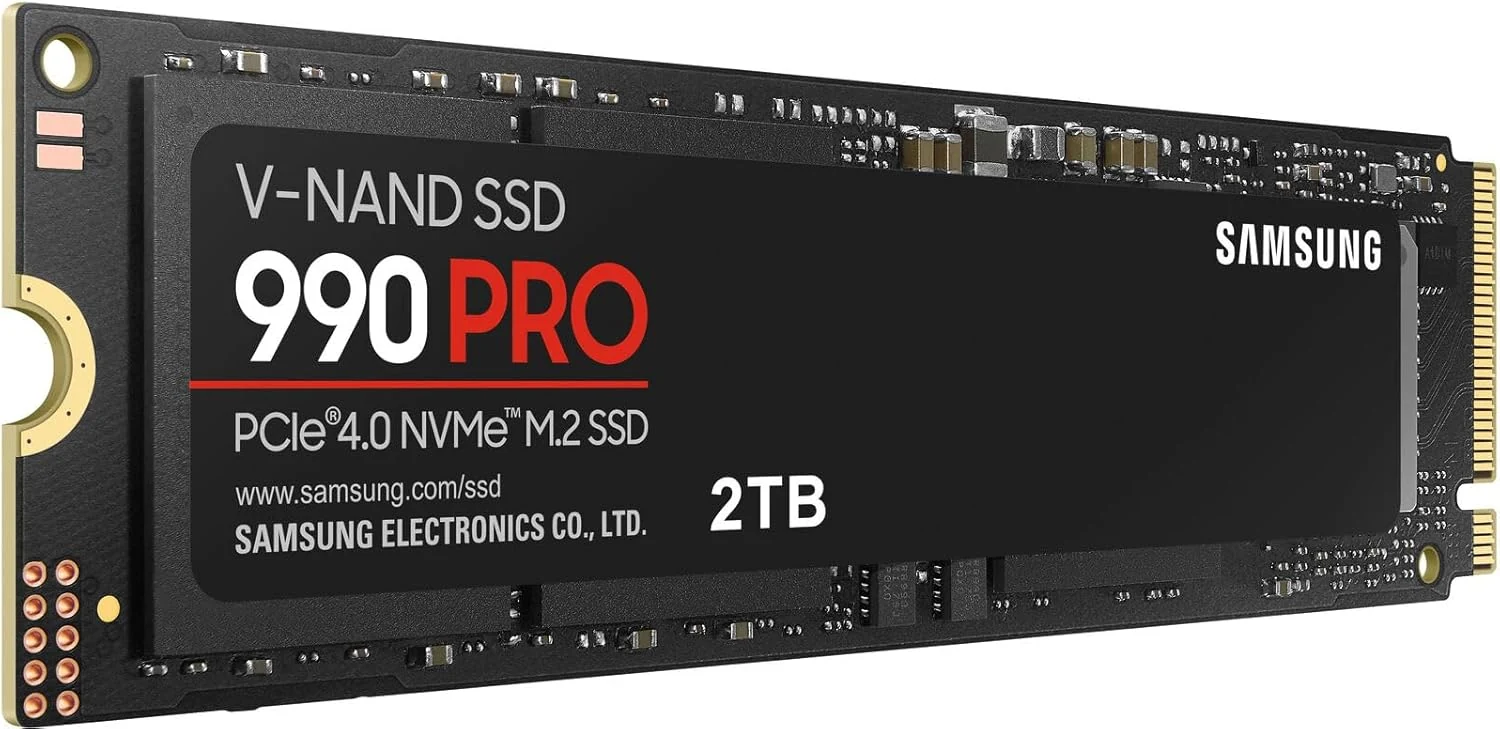
Samsung 990 PRO NVMe SSD (2TB)
A high-performance 2TB PCIe 4.0 drive for a compatible M.2 slot. Cooling, workload and the upgrade plan matter more than the maximum sequential read figure.
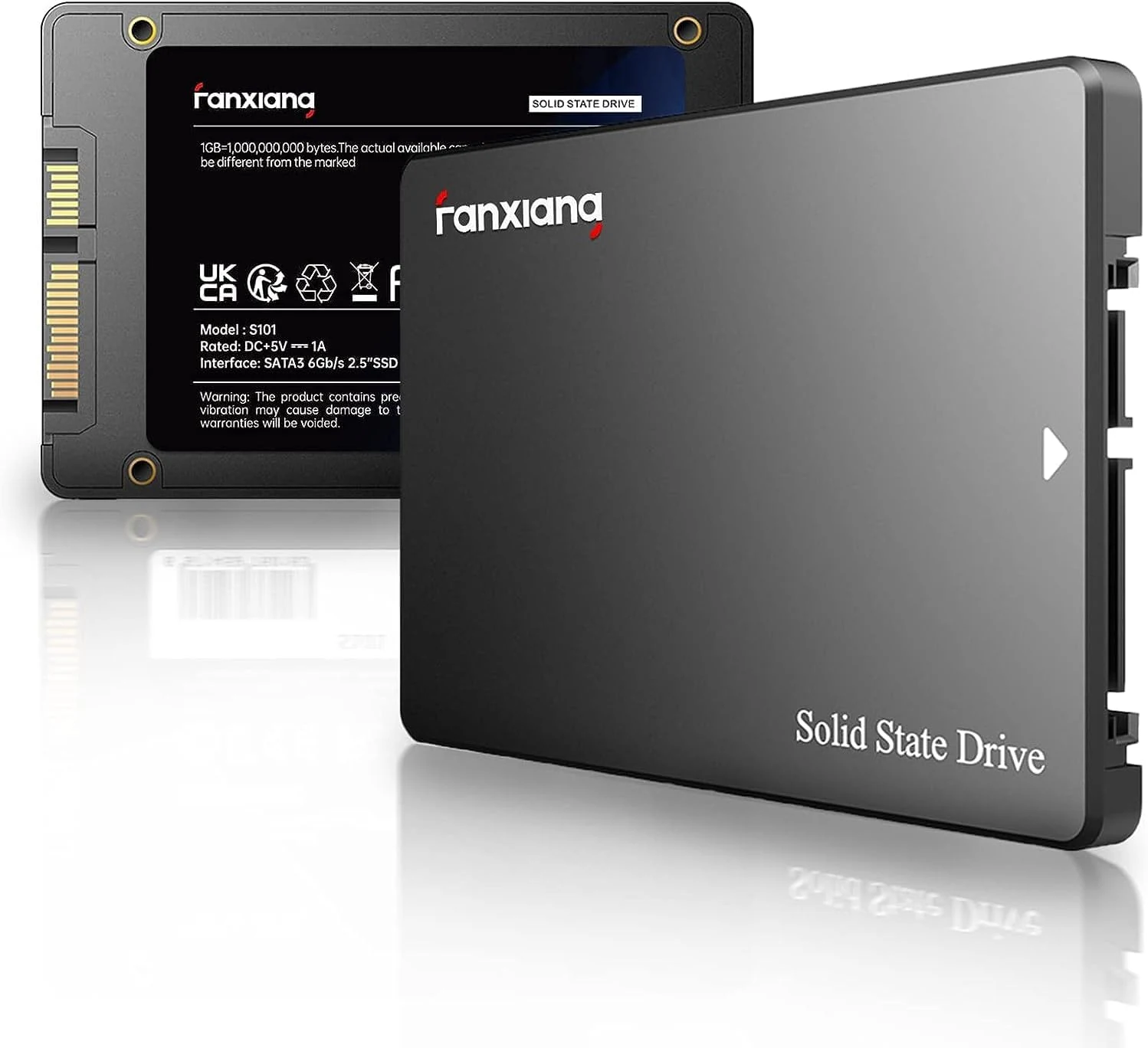
fanxiang S101 1TB SATA 2.5-inch SSD
A SATA 2.5-inch SSD for older systems or HDD replacements.