WD_BLACK SN850X 4TB NVMe SSD
The 4TB WD_BLACK SN850X makes most sense when a capable PC needs a substantial internal library, not simply a new performance badge. Its capacity can reduce the need to rotate large games or shuffle active projects. Before paying for that convenience, confirm that the computer has the correct M.2 slot, room for the drive and an appropriate cooling arrangement.
Pros
- 4TB capacity for a large internal library
- Rated up to 7300MB/s read and 6300MB/s write
- WD_BLACK Dashboard supports health monitoring on Windows
Cons
- Requires a compatible NVMe M.2 installation
- Heatsink details must be checked for the exact 4TB package
- Replacing a satisfactory SSD may not improve the tasks that matter to you
Four terabytes can solve a management problem
For a large game library, extra capacity can matter even when a faster drive would not noticeably change the routine. Keeping more games installed avoids repeated decisions about what to delete. The same reasoning applies to active project files that need to stay together inside a workstation.
Estimate the installed applications, working files and future additions before buying. If they fit comfortably on a smaller drive, the 4TB version is harder to justify purely on capacity. If you already spend time moving projects between drives, the additional room addresses a specific problem rather than an imagined future need.
Check the slot and cooling as one installation
This is an M.2 2280 NVMe drive, not a 2.5-inch SATA replacement. Read the computer or motherboard documentation for supported storage types and sizes. An available M.2-shaped connector is not enough reason to skip that check.
Heatsink references across the SN850X range can relate to other capacities or packages. Confirm exactly what comes with this 4TB option and whether the computer already supplies a suitable heat spreader. Physical clearance matters in a compact system, so settle the drive-and-cooling combination before ordering separate parts.
Speed ratings are not game frame rates
The advertised maxima are up to 7300MB/s reads and 6300MB/s writes for this model. They describe storage transfers under suitable conditions. They do not establish a promised frame-rate increase or mean every game loads in the same fraction of the time.
A move from a hard drive, a move from an older SSD and a capacity upgrade from a modern NVMe drive are different situations. Identify which one applies. If the existing SSD is already adequate, the strongest reason to choose this 4TB drive may simply be room, not the assumption that a higher sequential number improves every task.
Management software does not replace a backup
WD_BLACK Dashboard is a Windows download for drive health monitoring and supported features, including Game Mode 2.0 for this family. Check the current software requirements if those tools are part of your buying decision rather than assuming identical support on every operating system.
Before replacing an existing system drive, plan whether to migrate or reinstall the operating system and keep a recoverable copy of your files. A large internal drive is convenient for daily use, but concentrating more work on it also makes a separate backup more important. Keep the old drive intact until the new setup is confirmed.
The buying decision
Shortlist the SN850X 4TB when a compatible system genuinely needs a large internal SSD. Confirm the exact package and cooling first. If your current drive already meets the workload and has enough room, do not expect a specification upgrade alone to transform the computer.
Product details and Amazon customer ratings as of .
Available variants
Capacity
- 4TB
- 8TB
- 2TB
- 1TB
Style
- SN850X w/ Heatsink
- SN850X
Recommended next
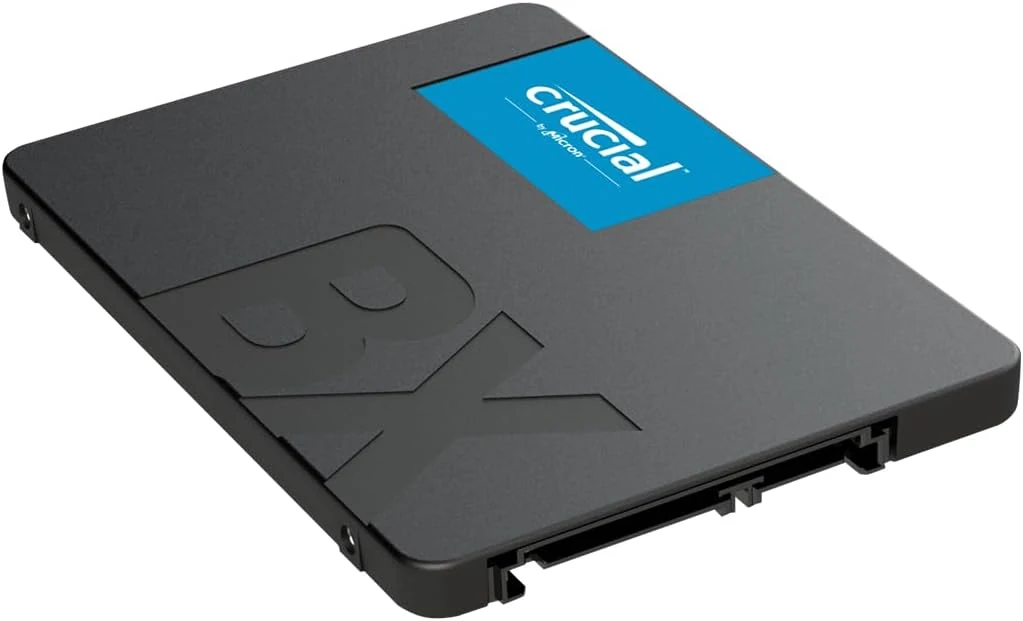
Crucial BX500 1TB SATA SSD
A 2.5-inch SATA upgrade for a computer that still uses a hard drive. Compatibility and migration matter more here than headline NVMe comparisons.
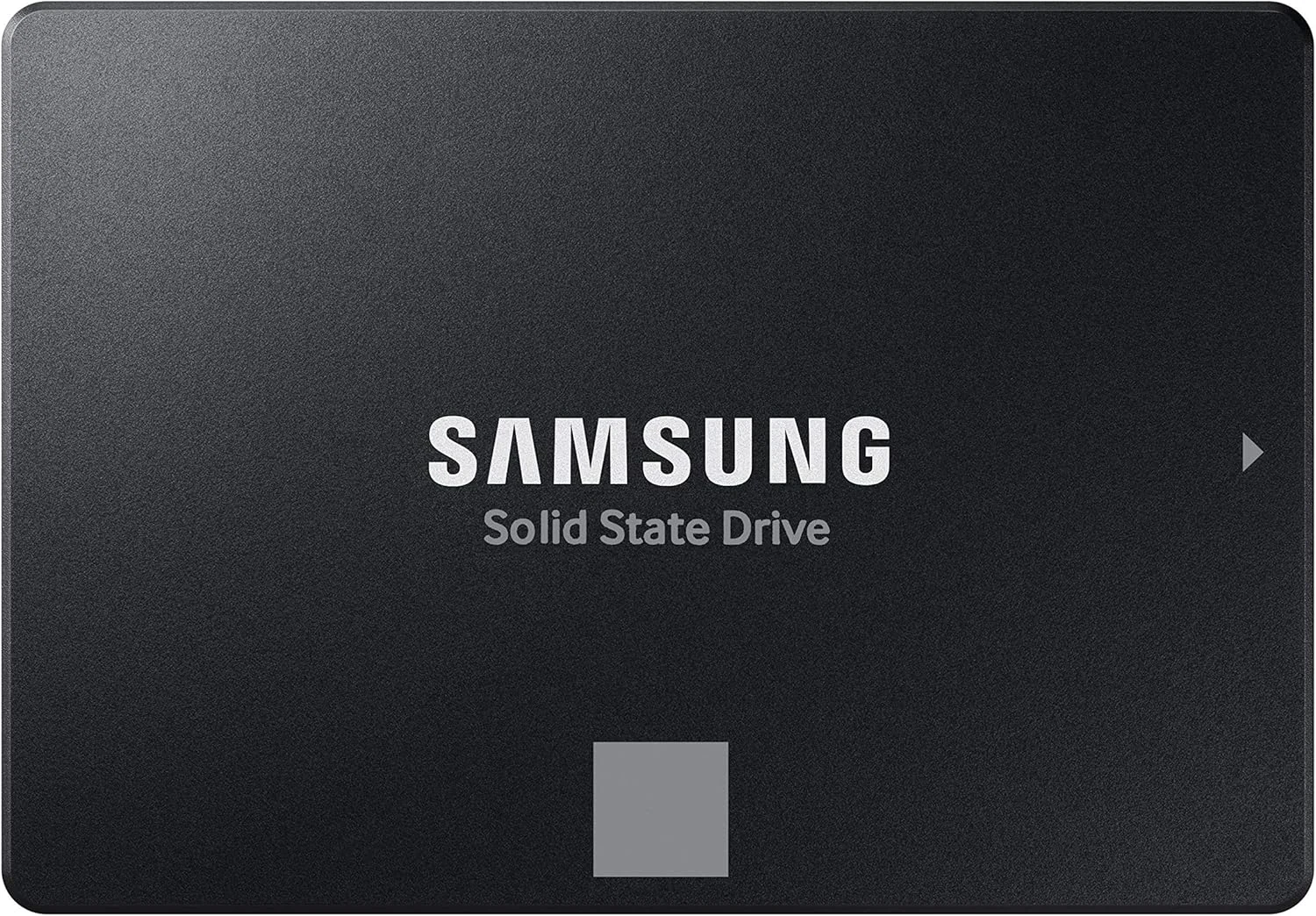
Samsung 870 EVO 1TB
The 870 EVO 1TB pairs familiar 2.5-inch SATA installation with management software and a stated endurance limit. It is an upgrade for the right computer, not every computer.
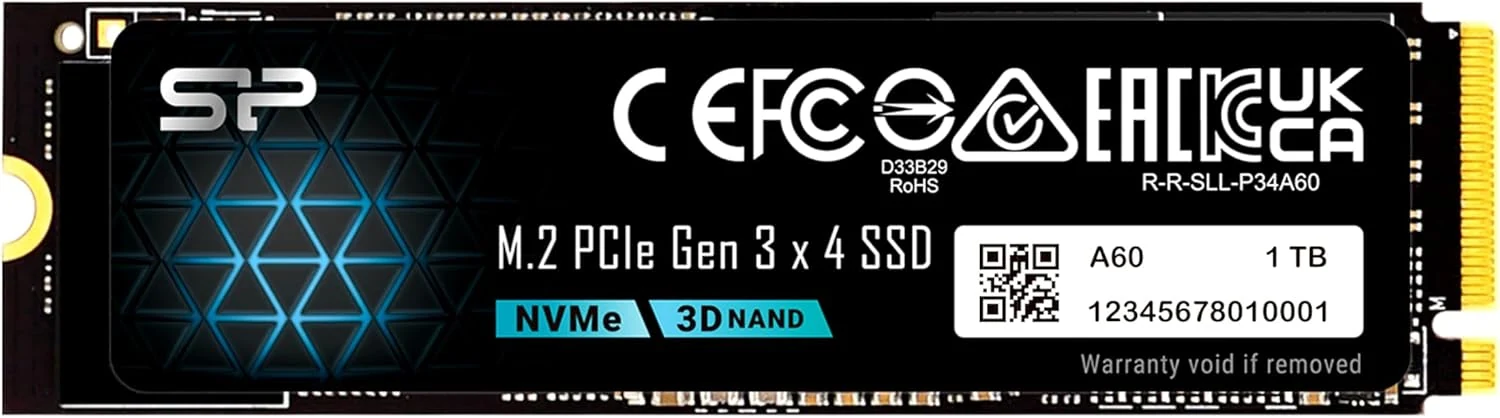
Silicon Power P34A60 1TB NVMe M.2 2280 SSD
A Gen3 NVMe M.2 2280 SSD for systems with M-key support. Best for older laptops, desktops, and adapter-based upgrades; not for SATA-only slots or Gen4 buyers.
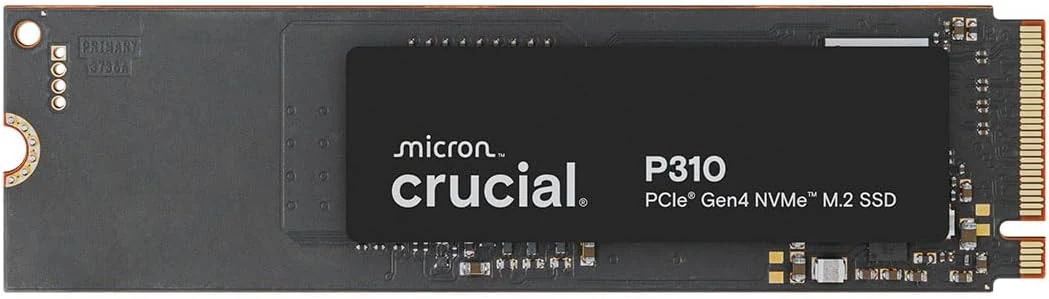
Crucial P310 1TB PCIe Gen4 NVMe M.2 SSD
A 1TB Gen4 NVMe M.2 2280 SSD for compatible laptops, desktops, and some handhelds. Strong fit if your device supports NVMe; not for SATA-only systems.