WD Elements Portable 2TB
The WD Elements Portable 2TB makes most sense as a place for files you want to keep, rather than files you need to work on constantly. Family photographs, finished projects and an extra copy of a laptop's documents suit its simple USB design. Choose it for uncomplicated storage; choose an SSD if waiting for frequent large transfers is the problem you are trying to solve.
Pros
- 2TB of storage without fitting an internal drive
- Simple USB connection and included cable
- A practical format for an additional backup copy
Cons
- A mechanical hard drive is a poor substitute for an SSD working drive
- Mac backup setup may require reformatting
- One drive alone is not a complete backup strategy
Two terabytes, not the whole Elements range
This is the 2TB WDBU6Y0020BBK-WESN model. Other Elements capacities share the family name, so a reference to 6TB elsewhere in the range should not influence expectations for this particular drive. Compare the capacity on the selected option, not the largest number associated with the product family.
For a laptop that is filling with photographs and documents, 2TB can provide useful breathing room. A collection of large video projects is a different calculation: total the folders you want to move and leave space for the next round of files before choosing a capacity. Buying just enough for today's archive can mean buying again sooner than intended.
The USB number is not the copying speed
USB 3.2 Gen 1, also described here as USB 3.0, specifies a connection rated at 5Gbps. That is not a promise that this mechanical drive writes files at anything close to the connection's maximum. The drive, the computer and the files being moved all affect the job.
The practical distinction is between occasional copying and repeated active work. Leaving a backup to run is a reasonable use of this drive. Constantly moving a video library between computers is a stronger reason to pay for solid-state storage. A faster USB port cannot turn the Elements into an SSD.
Decide what the drive will do before formatting it
Windows plug-and-play use is part of the Elements' appeal. On a Mac, check the format required by your intended workflow before moving your only copy of anything. A drive dedicated to Time Machine and a drive used to exchange ordinary files have different setup considerations.
Formatting erases existing contents, so settle that decision while the drive is empty. After copying important material, open a selection of files from the destination and keep another independent copy. Moving files off a laptop frees space; it does not create a backup if the external drive then holds the only copy.
Elements or My Passport?
The more useful WD comparison is with My Passport, not simply another capacity badge. The 1TB My Passport alternative adds password protection, hardware encryption and bundled backup management, but has half this model's nominal capacity. Those features may matter more than extra space if you travel with sensitive documents.
Seagate's Portable 2TB is a closer like-for-like capacity alternative. Compare the exact package and current total cost rather than assuming the larger review count establishes which drive will last longer. Elements is the cleaner choice when the requirement is simply an additional place to put files.
The buying decision
Buy the 2TB Elements for a straightforward extra copy or an occasional archive. Spend differently if you need an SSD for daily project work, or My Passport's explicit security features. Above all, budget for a second copy of anything you cannot replace.
Product details and Amazon customer ratings as of .
Available variants
Style
- Desktop
- Portable
Capacity
- 8TB
- 12TB
- 2TB
- 16TB
- 1TB
- 5TB
- 14TB
- 6TB
- 4TB
- 5TB (Pack of 5)
- 10TB
- 1.5TB
- 22TB
- 18TB
- 26TB
- 20TB
- 24TB
Recommended next
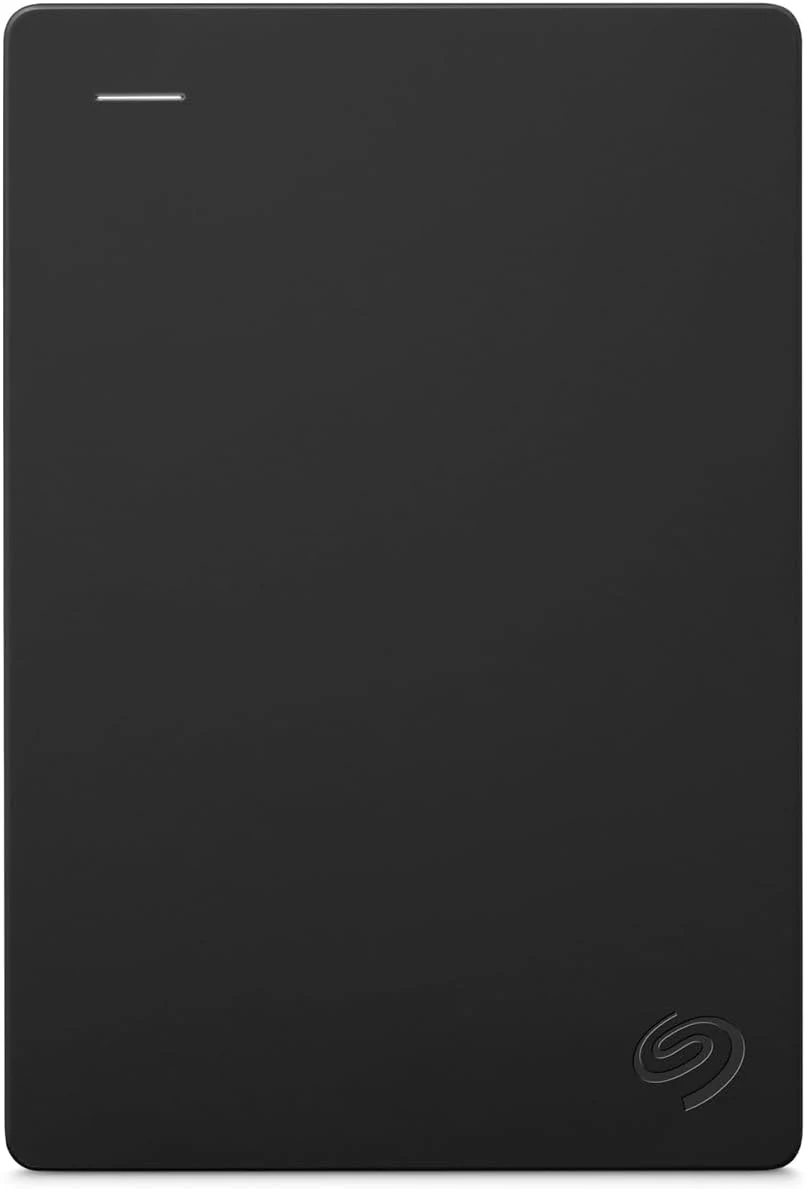
Seagate Portable 2TB
The Seagate Portable 2TB is a simple file-storage drive. Check your ports, formatting needs and backup plan before treating it as a complete solution.
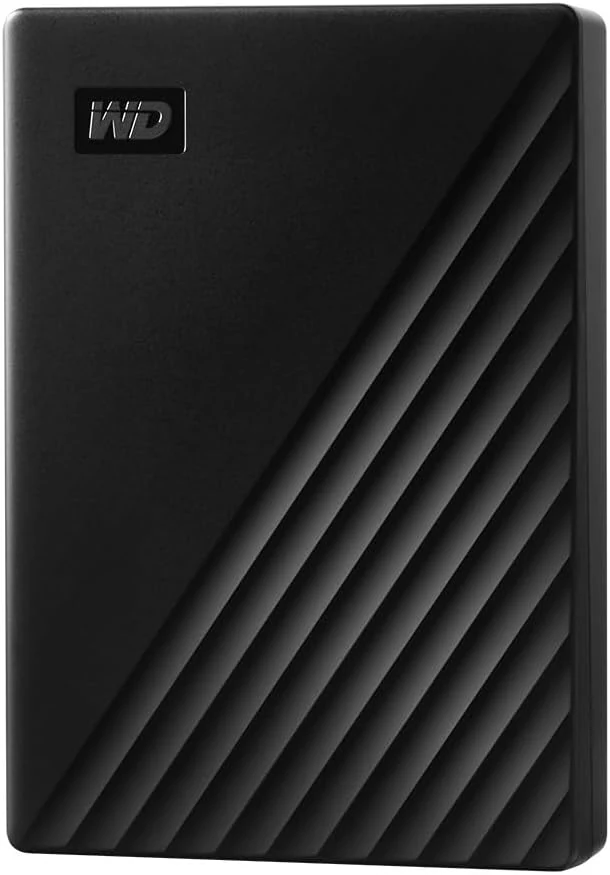
WD My Passport Portable Hard Drive (5TB)
A compact 5TB drive for a large backup or media collection. Capacity, recovery planning and password management matter more than bundled-software slogans.
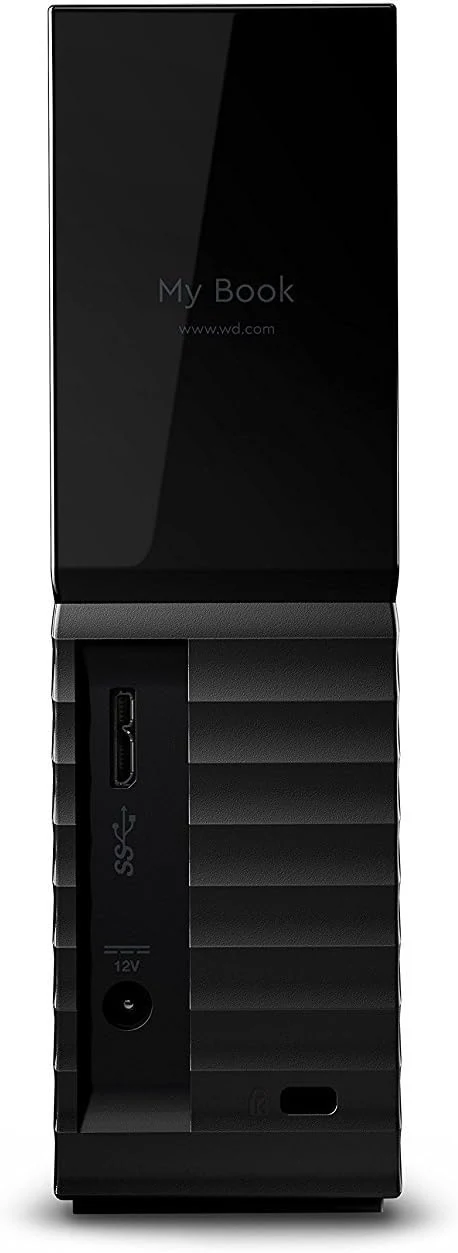
WD 8TB My Book Desktop External Hard Drive (WDBBGB0080HBK-NESN)
A desk-bound 8TB external drive with USB 3.0, password protection, and backup software. Best for stationary backups and archives, not for portability.
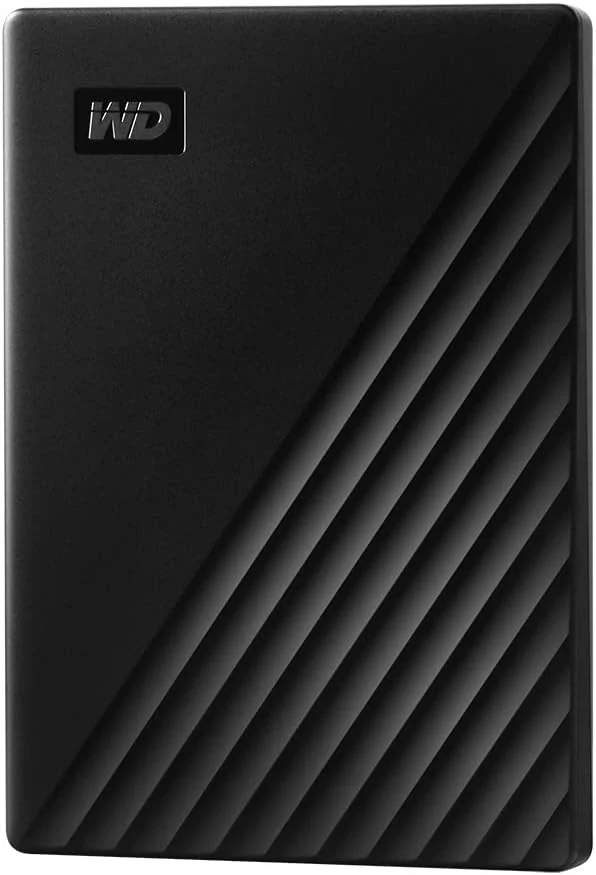
WD 2TB My Passport Portable External Hard Drive
A compact 2TB portable hard drive with backup software, password protection, and hardware encryption. Good for basic backups; less suitable if you want USB-C convenience or SSD-like speed.