WD 2TB My Passport Portable External Hard Drive
WD’s 2TB My Passport is a conventional portable hard drive aimed at buyers who want compact storage with bundled backup tools and basic file protection. It fits routine backups and file transport better than speed-focused work. The main question is whether you value the included software, password protection, and 3-year warranty enough to choose it over USB-C-centric alternatives or an SSD.
Pros
- Compact 2.5-inch design is easy to carry.
- Includes password protection and hardware encryption.
- Bundled backup software may suit simple backup setups.
- 3-year limited warranty is longer than some basic drives.
Cons
- As a mechanical drive, it should not be treated like an SSD.
- USB-A cable may be less convenient for USB-C-only devices.
- The specifications do not provide verified real-world speed results.
- No protective case is included in the listed contents.
What this model is
This is the WD My Passport 2TB portable external hard drive, model WDBYVG0020BBK-WESN, in black. The supplied details identify it as a 2.5-inch mechanical drive with USB 2.0/3.0 compatibility, hardware encryption, and software for device management and backup. On paper, that makes it a straightforward option for documents, media libraries, and routine backups.
The product is listed for desktops, laptops, and tablets, but actual compatibility still depends on the device’s ports and file-system support. For most buyers, the appeal is simplicity: connect the drive, store files, and keep a portable backup copy.
Where the trade-offs matter
Because this is a mechanical hard drive, it is best viewed as a capacity-first storage option rather than a speed-first one. If you are comparing it with an SSD, the safer expectation is that the SSD will be quicker and generally better suited to frequent plugging in and out.
The cable and interface details are also worth checking. The specifications describes the drive as USB 3.1/USB 3.0 compatible and the included cable as USB-A. That works well for many laptops and desktops, but USB-C-only buyers may need an adapter or a different drive.
Security and backup features
The bundled software, password protection, and hardware encryption are the main reasons to pick this model over a bare-bones portable drive. Those features can be useful if you want a guided backup workflow or some protection against casual access to the files on the drive.
The specifications also mentions defense against ransomware, but that should be treated as a vendor claim about the software bundle rather than a guaranteed outcome. It suggests extra backup tooling, not a promise that threats are eliminated.
What the review snippets suggest
The review snippets are generally positive, but they are only a limited sample and should not be read as proof of typical reliability. They include comments about easy use, portability, and long service, but also at least one example of a defective unit that was replaced.
Some snippets compare it favorably on price and capacity, but those are individual opinions, not measurements.
Buying considerations
This model makes the most sense if you want a compact 2TB backup drive, are comfortable with USB-A or an adapter, and value the included security and backup software. It is less compelling if you need USB-C-native convenience, want SSD-like speed, or expect a drive that will be handled very roughly.
Comparable alternative
One supplied alternative is the Toshiba Canvio Flex 2TB. Based on the features, it is aimed at PC, Mac, and tablet use, is formatted exFAT, and includes both USB-C and USB-A cables. That makes it a stronger fit for mixed-device households or buyers who want USB-C included in the box.
The WD model still has an edge if you want its software bundle, password protection, hardware encryption, and 3-year warranty. The Toshiba looks more convenient for cross-device connectivity, while the WD leans more toward backup and security features.
The buying decision
Choose this WD My Passport if you want a small 2TB portable backup drive with encryption and bundled software, and you are fine with a traditional mechanical drive. Skip it if you want USB-C-native convenience or SSD-like speed.
Product details and Amazon customer ratings as of .
Recommended next
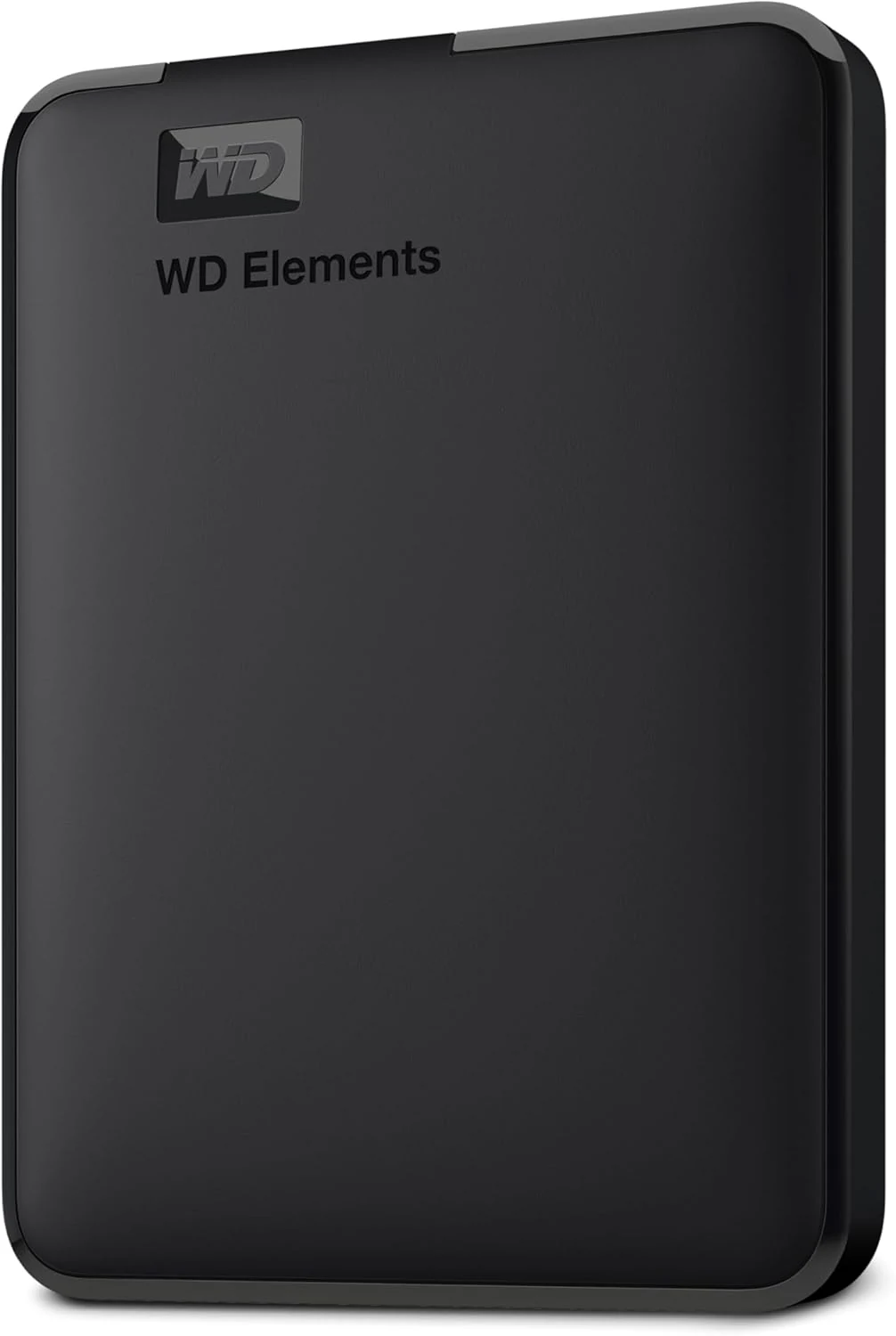
WD Elements Portable 2TB
A straightforward 2TB hard drive for file copies and backups. Its appeal is capacity and simplicity, not SSD-like responsiveness.
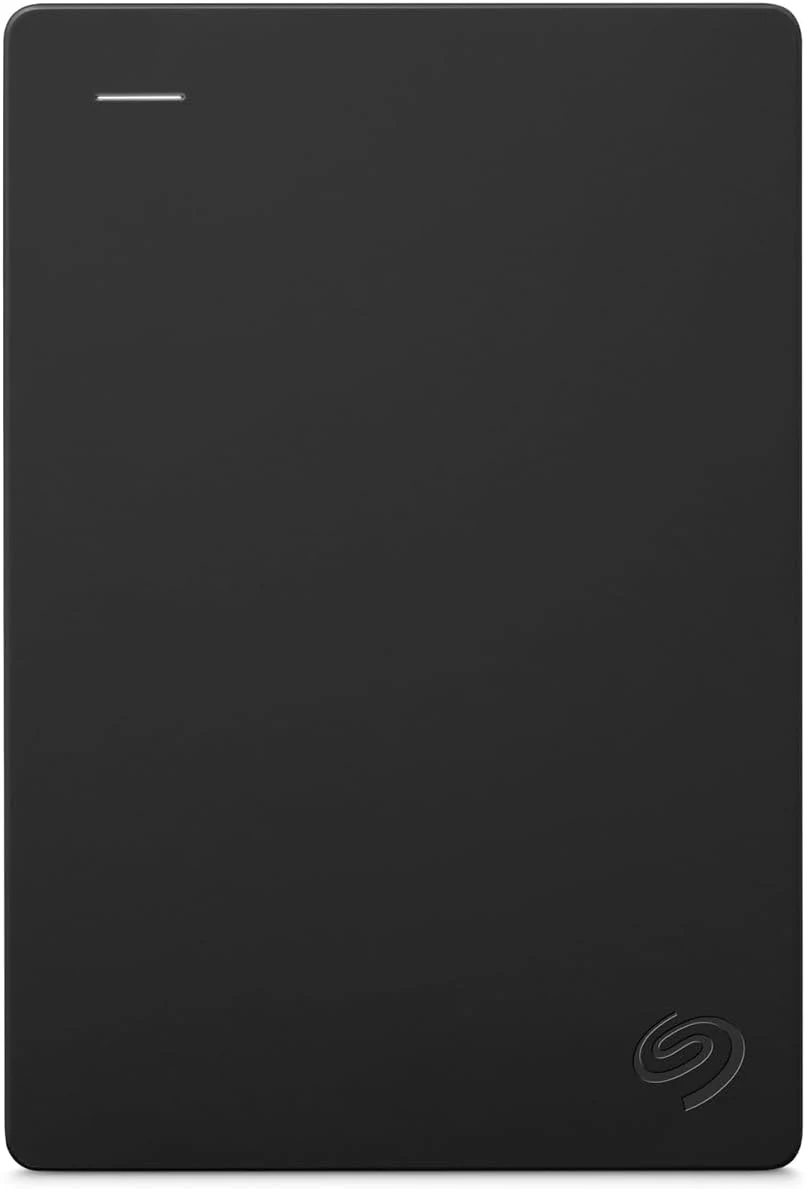
Seagate Portable 2TB
The Seagate Portable 2TB is a simple file-storage drive. Check your ports, formatting needs and backup plan before treating it as a complete solution.
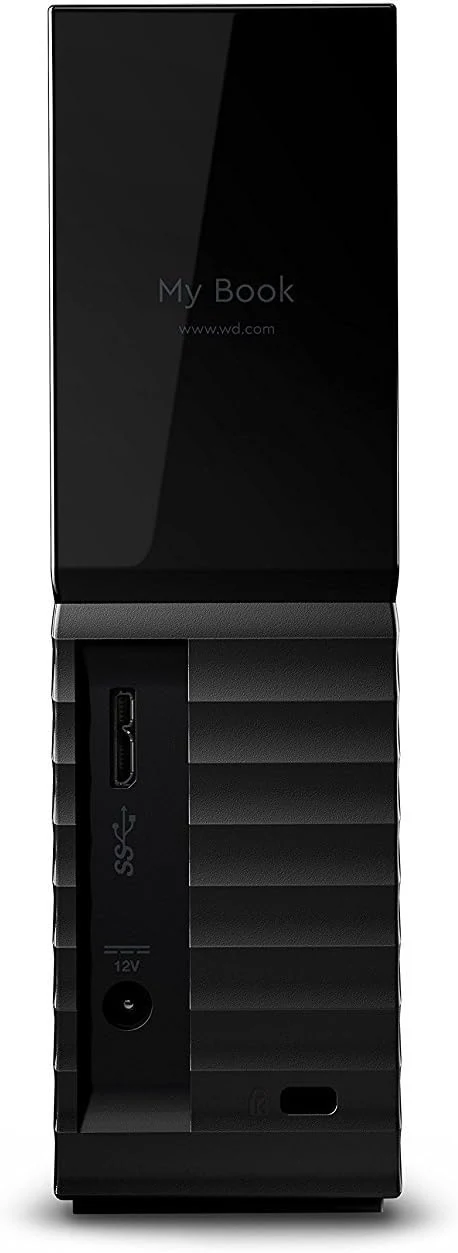
WD 8TB My Book Desktop External Hard Drive (WDBBGB0080HBK-NESN)
A desk-bound 8TB external drive with USB 3.0, password protection, and backup software. Best for stationary backups and archives, not for portability.
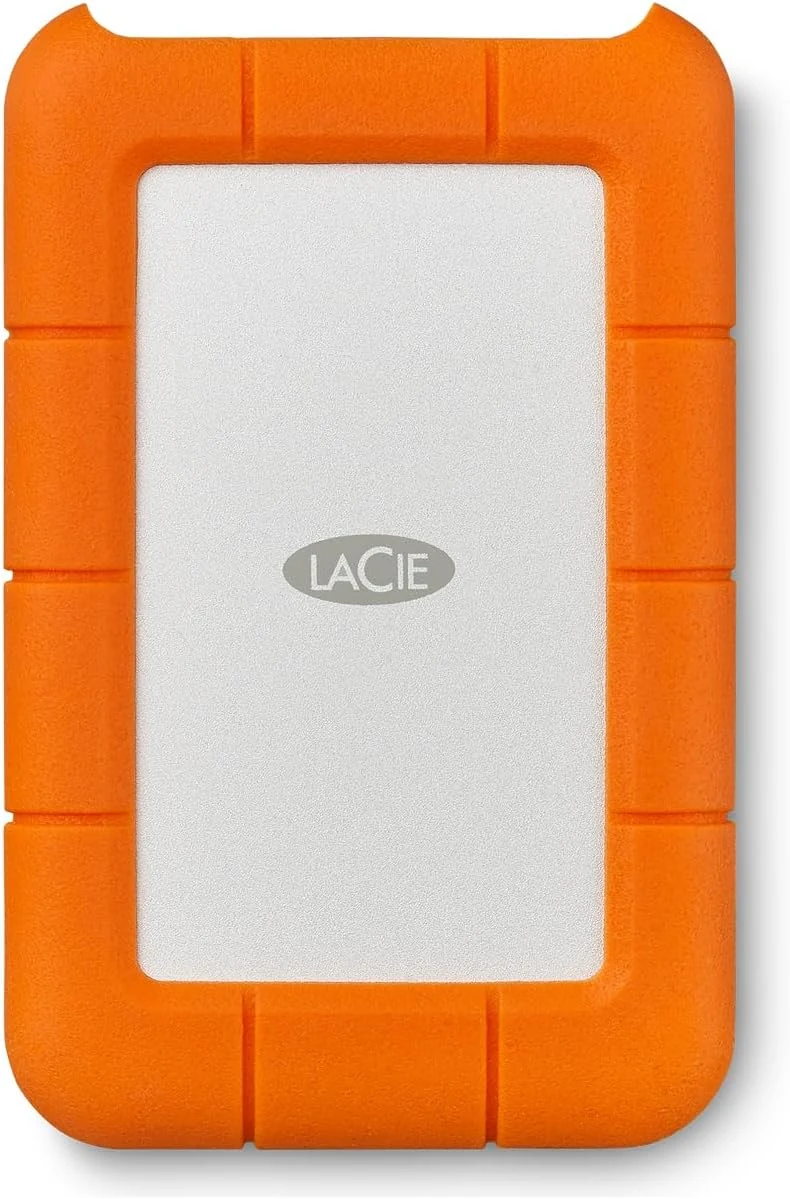
LaCie Rugged Mini 4TB Portable External Hard Drive
A rugged 4TB portable HDD for backups and travel. Good if you want a protective shell and can live with Micro-B USB 3.0; less ideal if you want USB-C on the drive itself.