Seagate Portable 2TB
The Seagate Portable 2TB is for someone who wants more storage without opening a computer or managing a network drive. Its useful qualities are ordinary ones: a compact enclosure, an included USB cable and a straightforward way to copy files. The important buying decision is whether you need a basic hard drive at all, rather than whether this one has the most impressive speed figure.
Pros
- 2TB capacity in a portable enclosure
- Included 18-inch USB 3.0 cable
- Automatic recognition on compatible computers
Cons
- The included cable may not suit a USB-C-only computer without an adapter
- Mechanical storage is less suited to frequent active project transfers
- Console storage requirements need checking separately
A file cupboard rather than a workspace
A sensible role for this drive is holding an extra copy of documents, completed work or a media collection. Drag-and-drop copying keeps that workflow accessible: you can organize folders without committing to a proprietary storage system.
That simplicity also leaves the backup routine to you. Decide what is copied, how often it is updated and where another copy lives. If you delete a folder from the computer after moving it here, the drive becomes primary storage for that folder, not its backup. This distinction matters more to protecting files than the brand name on the enclosure.
Check the cable before the first transfer
The package includes an 18-inch USB 3.0 cable. That is convenient beside a laptop, but a short cable can be awkward if a desktop's usable ports are behind the case. Plan a stable place for the drive rather than leaving it hanging from a connector.
Match the supplied connection to the computer you actually own. A machine with only USB-C ports may need a suitable adapter or cable. Windows and Mac support does not mean every connector or file-system arrangement is identical; check the format before using it across both platforms, particularly before erasing or repartitioning a drive that already contains files.
Do not buy it on a console name alone
The product family is marketed for computers and consoles, but a USB connection by itself does not establish which games can run from an external drive. Storage for media, storage for transferred games and storage that can launch a particular console's games are separate requirements.
Before buying, look up your exact console model and the intended use. If the goal is to play games directly from added storage, confirm that capability explicitly instead of assuming that recognition by the console is enough. The same principle applies to a computer application that requires its working files on faster storage.
When a different package makes more sense
Toshiba's Canvio Flex 2TB is worth comparing if moving between devices is the priority: that package includes USB-A and USB-C cables and is formatted exFAT. Those are concrete conveniences, rather than an abstract claim that one portable drive is better for everyone.
WD's 2TB My Passport addresses a different need with bundled backup management, password protection and hardware encryption. Choose between these packages according to the missing piece in your setup. If you already have a compatible port and a backup routine, Seagate's simpler approach may be all you need.
The buying decision
The Portable 2TB is a reasonable fit for uncomplicated computer storage and an additional file copy. Cross-device users should compare the Canvio Flex package, while buyers carrying sensitive files should look closely at explicit encryption features. Avoid buying any of them as the sole home for irreplaceable files.
Product details and Amazon customer ratings as of .
Available variants
Capacity
- 2TB
- 8TB
- 4TB
- 1TB
- 5TB
Recommended next
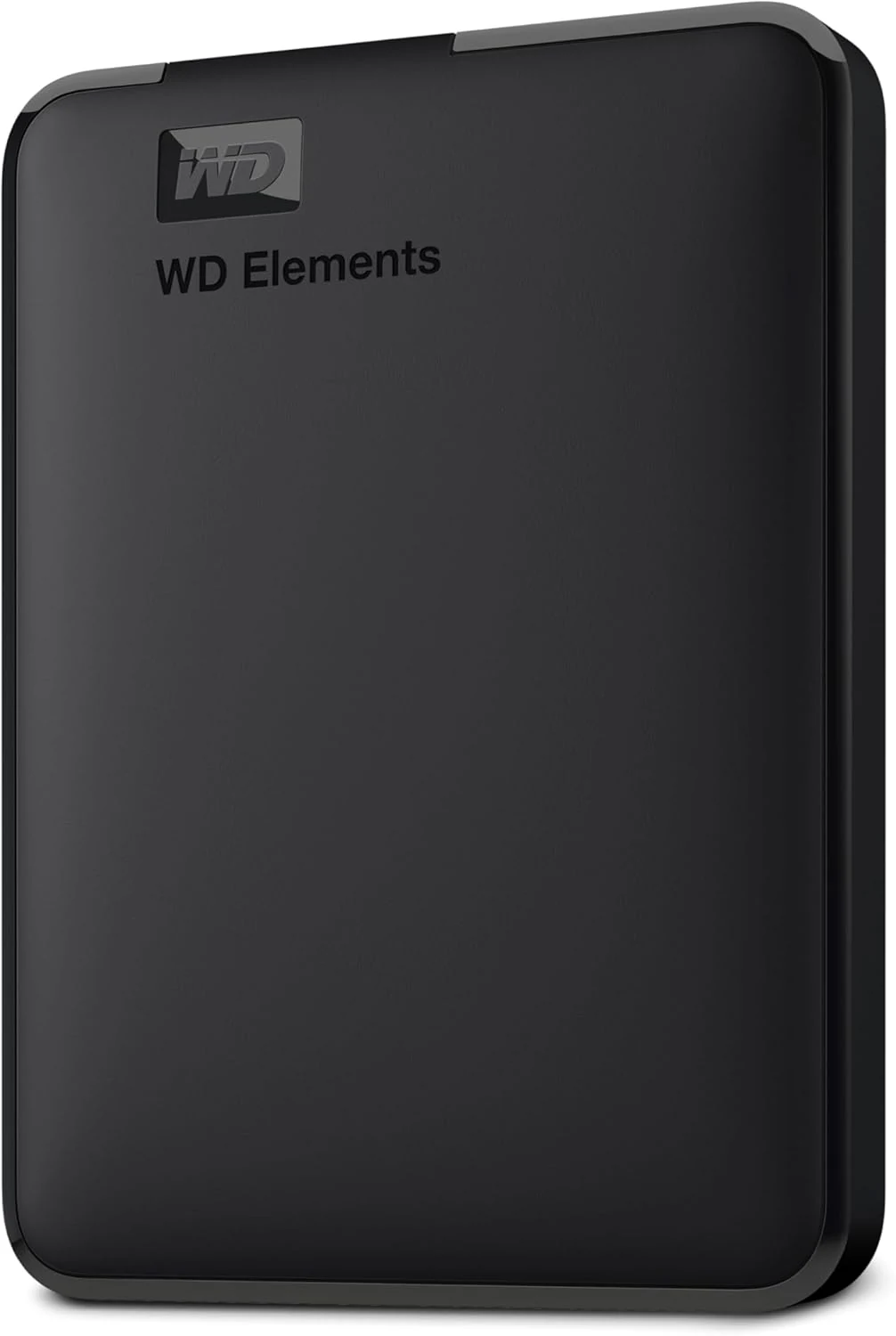
WD Elements Portable 2TB
A straightforward 2TB hard drive for file copies and backups. Its appeal is capacity and simplicity, not SSD-like responsiveness.
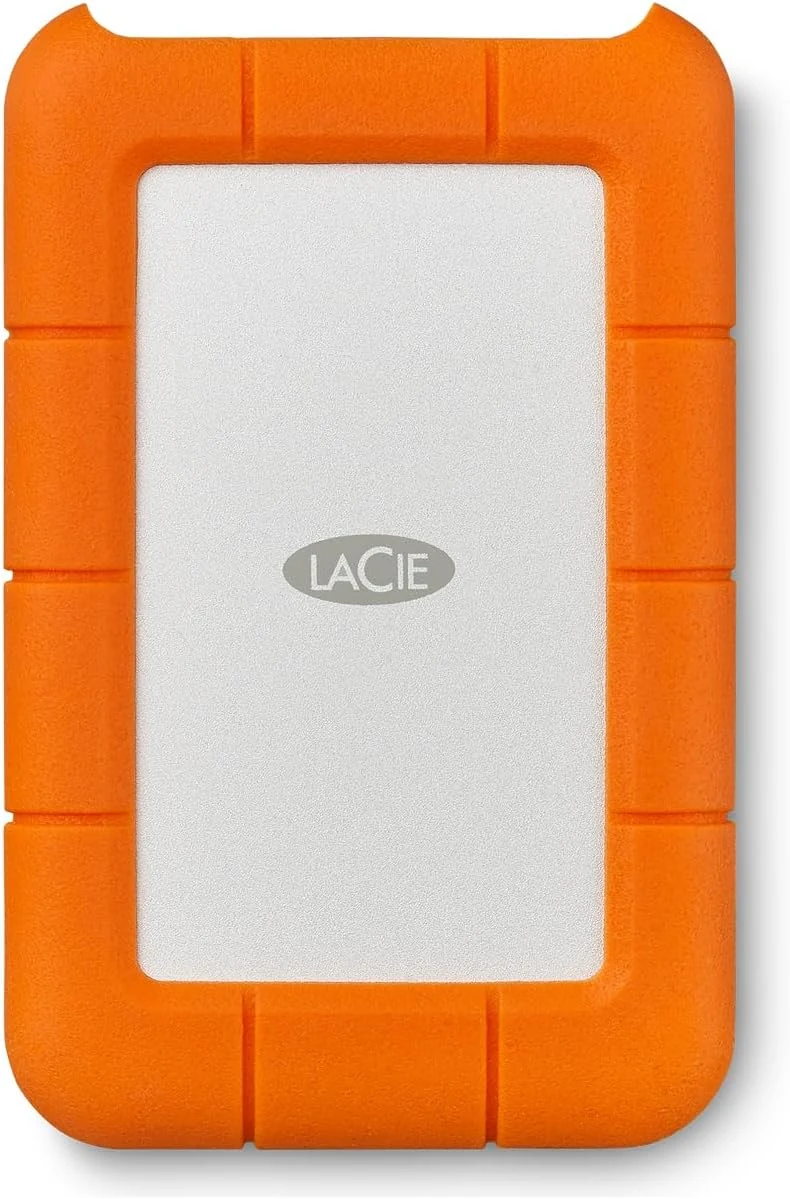
LaCie Rugged Mini 4TB Portable External Hard Drive
A rugged 4TB portable HDD for backups and travel. Good if you want a protective shell and can live with Micro-B USB 3.0; less ideal if you want USB-C on the drive itself.
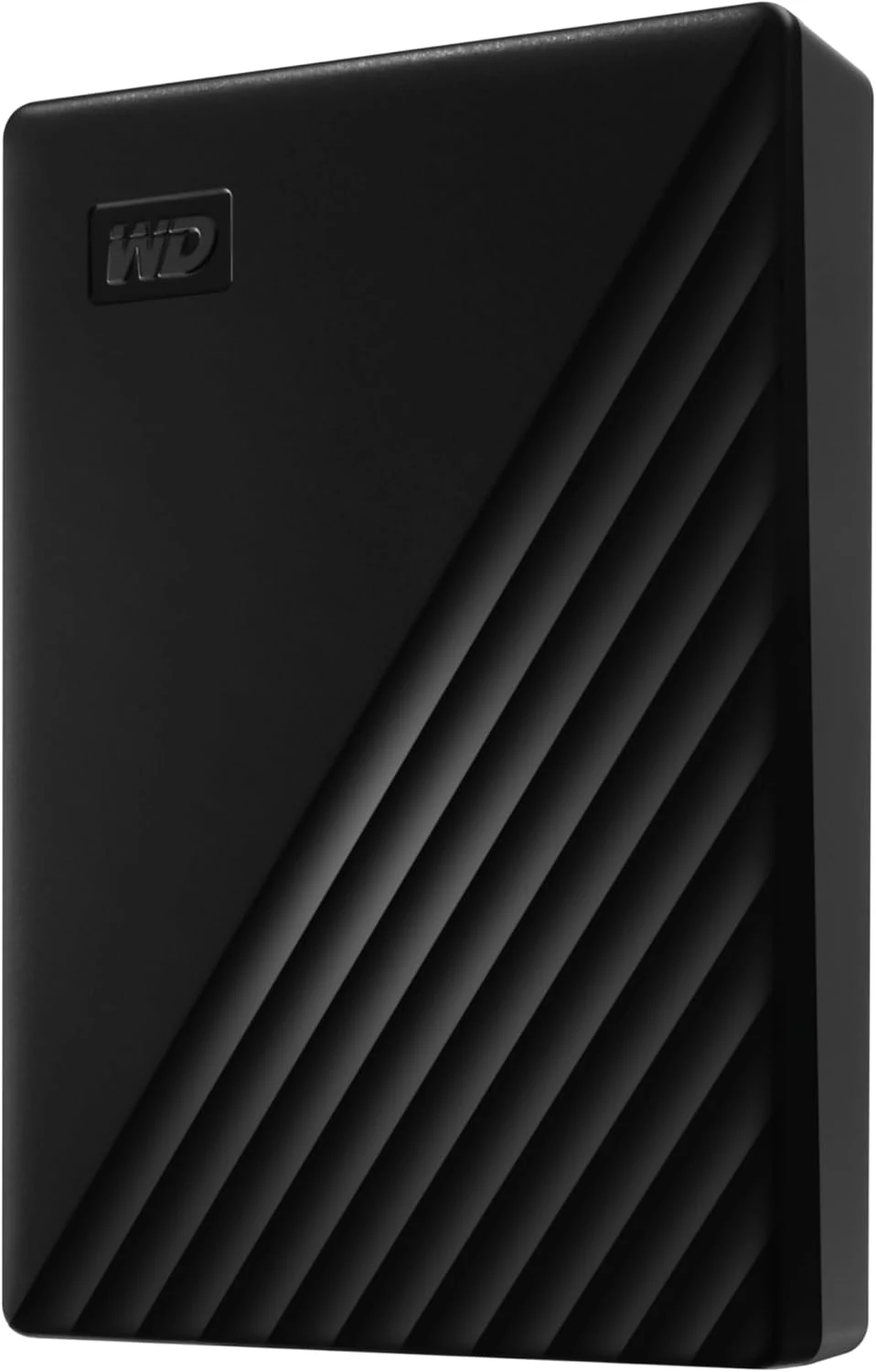
WD 6TB My Passport Portable Hard Drive
A compact 6TB portable hard drive with password protection and backup software. Best for large backups and travel storage, not for SSD-like speed or rugged use.
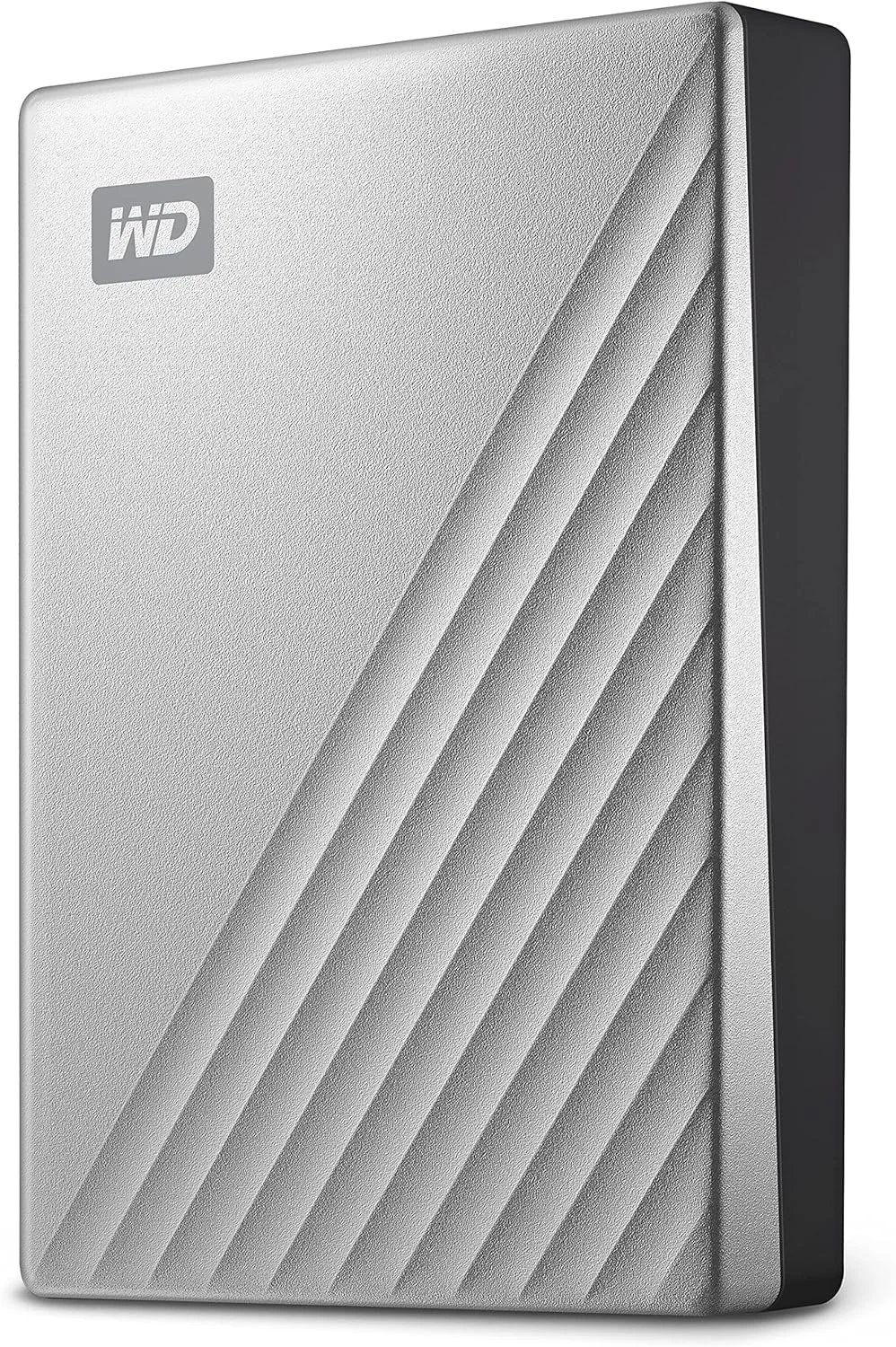
WD 5TB My Passport Ultra for Mac
A Mac-formatted 5TB portable HDD with USB-C, password protection, and Time Machine compatibility. Good for backups; less ideal if you want SSD-like speed or rugged portability.