WD 5TB My Passport Ultra for Mac
The WD 5TB My Passport Ultra for Mac is a portable external hard drive aimed at Mac users who want a simple backup option in a compact 2.5-inch case. It is formatted for macOS and Time Machine, supports USB-C and USB 3.1, and includes password protection with 256-bit AES hardware encryption. That makes it a practical choice for straightforward Mac backups, but it is still a mechanical drive, so it should be treated more carefully than an SSD and should not be assumed to offer the same resilience to bumps while in use.
Pros
- Formatted for macOS and Time Machine compatibility.
- USB-C and USB 3.1 support fit newer Macs.
- Password protection with 256-bit AES hardware encryption.
- 5TB capacity suits large backup libraries.
Cons
- It is a mechanical HDD, not an SSD.
- Mac formatting may mean extra steps for Windows use.
- User reviews include some failure reports, so keep another backup.
- Portable does not mean shock-proof while spinning.
What this model is
This is the silver WD My Passport Ultra for Mac, model WDBPMV0050BSL-WESN, with 5TB of storage. The listed form factor is 2.5-inch, and the product is positioned for business and personal use. It is a portable hard drive with USB Type-C and USB 3.0/USB 3.1 compatibility, so the main appeal is convenience and capacity rather than flash-drive speed or toughness.
Best fit for Mac backups
The strongest case for this drive is as a Mac backup companion. It is formatted for Mac out of the box and compatible with Time Machine, which reduces setup friction for Apple users. For that use, the included password protection and hardware encryption are useful if you want an extra layer of privacy for stored files.
Trade-offs of a mechanical drive
Because this is a spinning hard drive, it should not be treated like an SSD. The product details do not support any claim that it is silent, especially fast, or ideal for constant movement while operating. If you want a drive to carry around frequently or use in rough conditions, an SSD is the safer category to consider.
Compatibility and setup considerations
The Mac formatting is convenient if your main computer is a Mac, but it also matters for cross-platform use. A supplied review notes Windows use may require drivers or reformatting, which aligns with the Mac-first positioning. If you need one drive to move easily between Mac and Windows without changing formats, this is not the simplest option.
What the reviews suggest
The review excerpts show a mix of experiences. Several buyers say it works well with Time Machine and is easy to use for backups, while others report mounting problems or early failure. Those are individual reports, not proof of typical reliability or a product-wide pattern. They do, however, reinforce the basic advice to keep a separate backup of important files.
How it compares with the alternatives
The closest comparison in the alternatives is the WD 5TB My Passport Ultra in blue. That version is listed as formatted for Windows and includes a 3-year manufacturer’s limited warranty, while this model is the Mac-formatted version. So the choice is mainly about operating system preference and setup convenience. The 8TB desktop drives are different products altogether: they offer more capacity, but they are better suited to desk use than to portability.
The buying decision
Choose this if you want a Mac-ready 5TB portable backup drive with USB-C, encryption, and Time Machine support. Skip it if you need SSD-like speed, frequent in-use portability, or easy Mac/Windows sharing without reformatting.
Product details and Amazon customer ratings as of .
Available variants
Color
- Emerald
- Silver
- Limited Edition Red
Capacity
- 6TB
- 2TB
- 5TB
- 4TB
- 1TB
Style
- PC/Mac Ready (exFAT)
- Mac
- PC
Recommended next
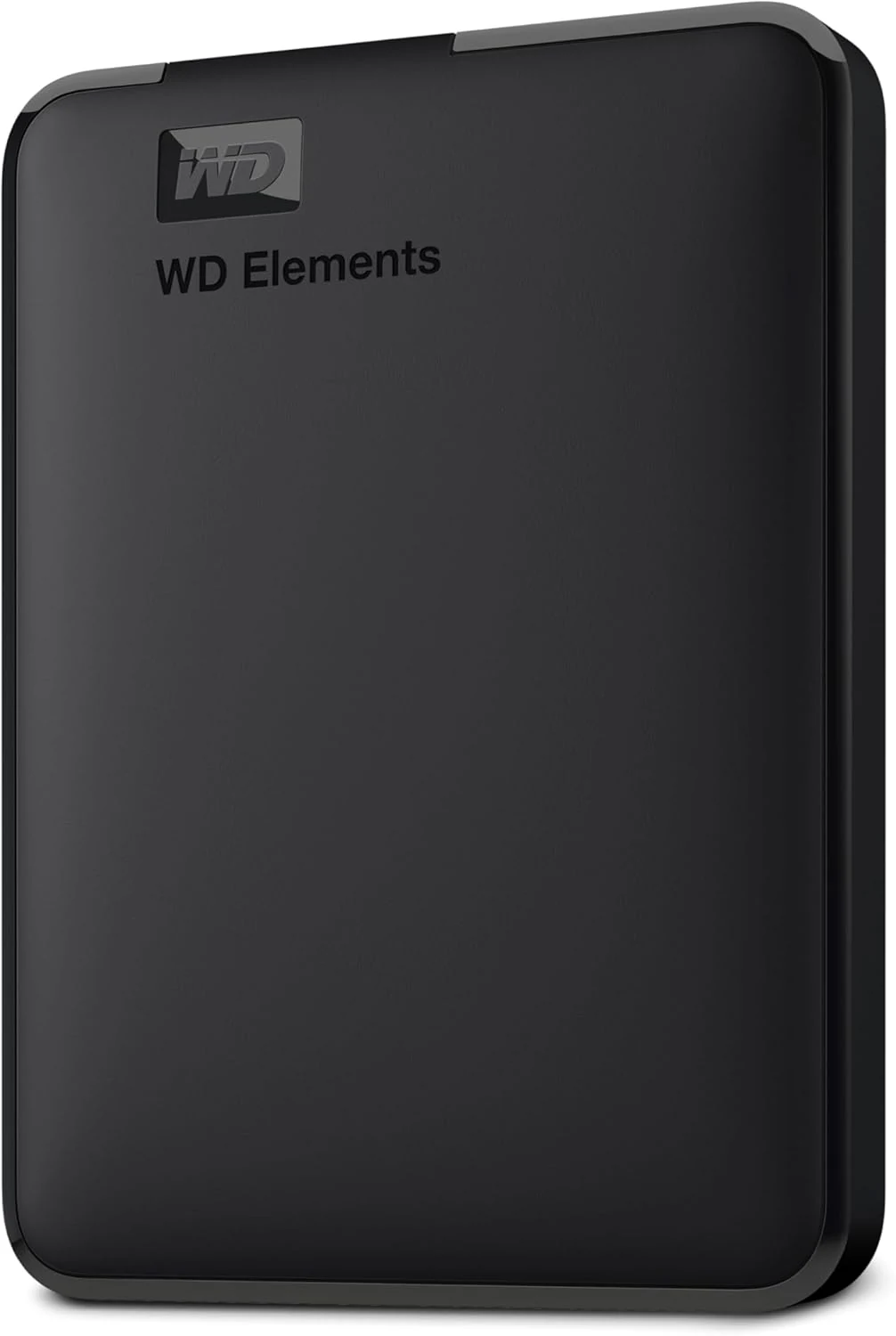
WD Elements Portable 2TB
A straightforward 2TB hard drive for file copies and backups. Its appeal is capacity and simplicity, not SSD-like responsiveness.
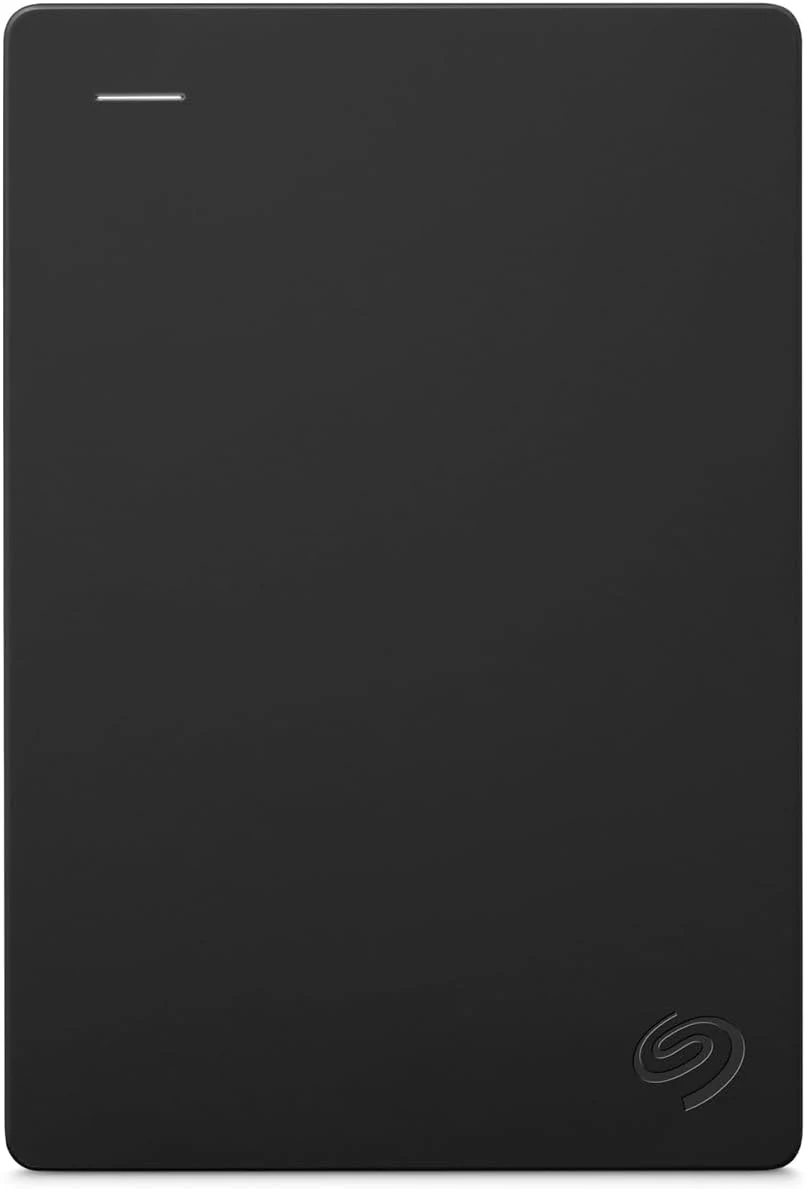
Seagate Portable 2TB
The Seagate Portable 2TB is a simple file-storage drive. Check your ports, formatting needs and backup plan before treating it as a complete solution.
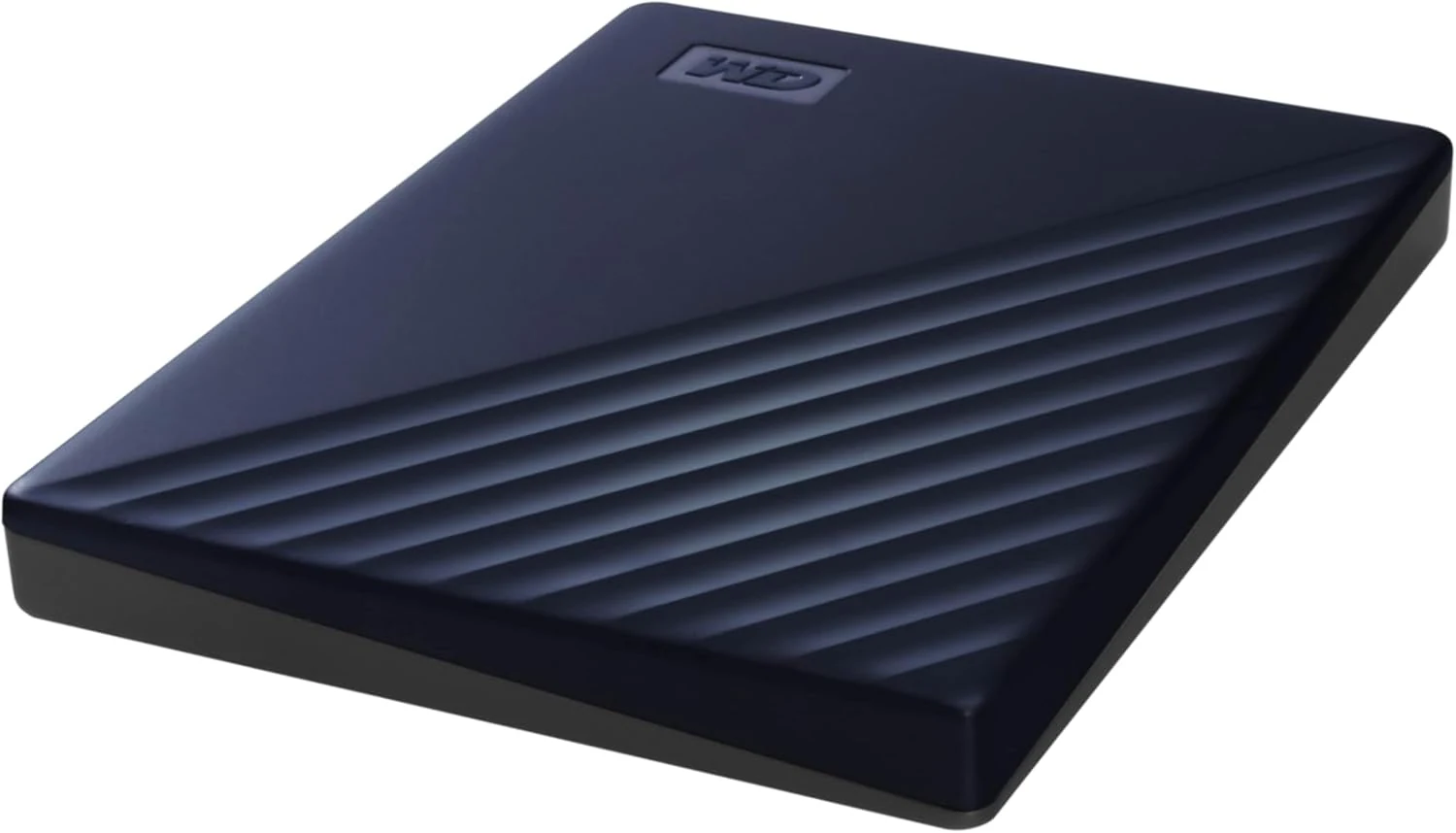
WD 2TB My Passport for Mac portable hard drive
A compact Mac-oriented 2TB portable HDD with backup software and password protection, but it’s still a mechanical drive with the usual speed and handling trade-offs.
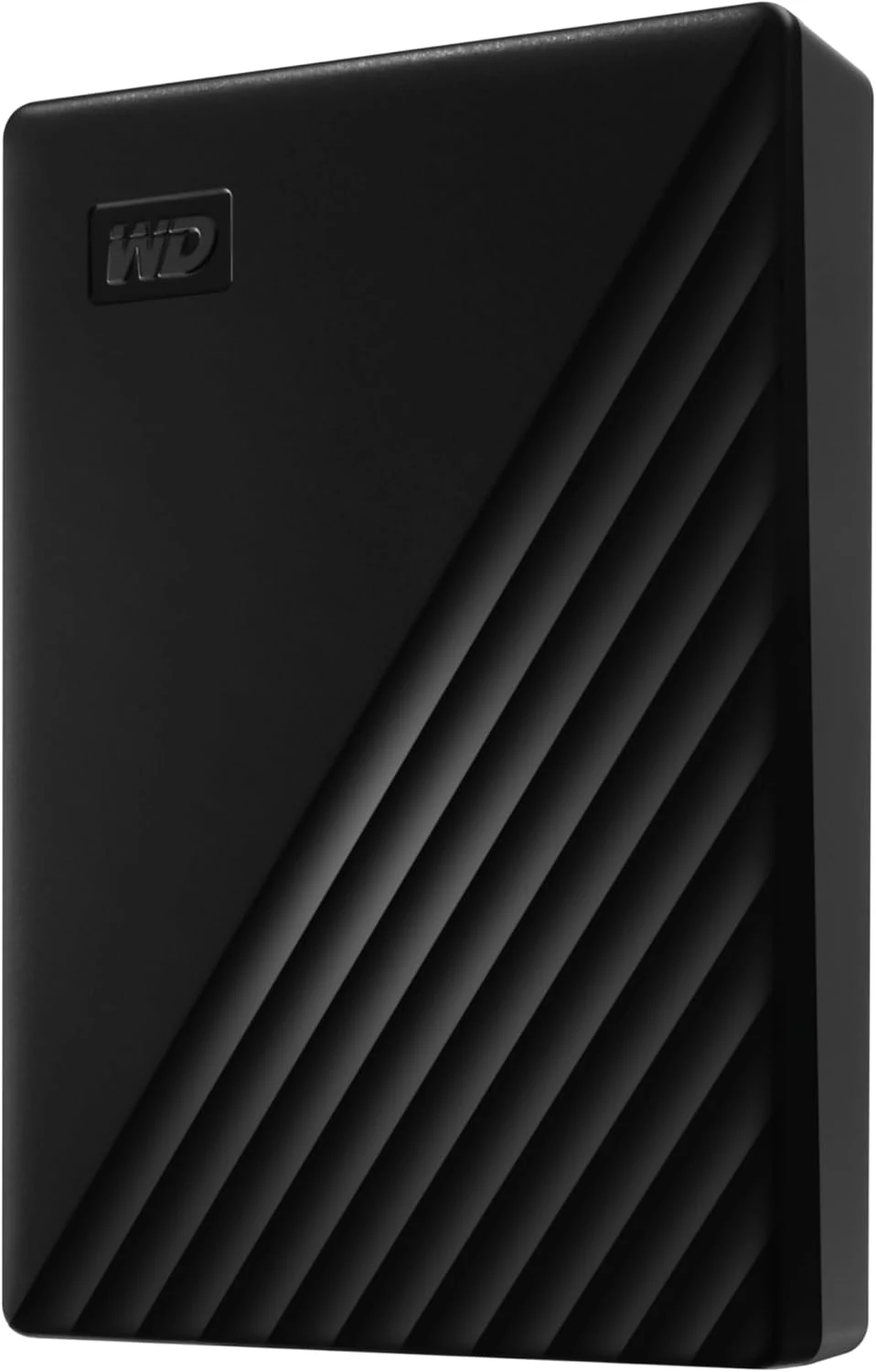
WD 6TB My Passport Portable Hard Drive
A compact 6TB portable hard drive with password protection and backup software. Best for large backups and travel storage, not for SSD-like speed or rugged use.