WD My Passport Portable Hard Drive (5TB)
The 5TB My Passport is for someone who needs a substantial amount of portable storage rather than the transfer characteristics of an SSD. Its useful extras are hardware encryption and backup-software options. The important decision is how it fits a recovery plan: an encrypted drive carrying your only copy still leaves you with a single point of failure.
Pros
- 5TB capacity in a portable hard-drive format
- Hardware encryption and password-protection support
- Three-year limited warranty
Cons
- Mechanical drive needs care while operating or traveling
- Reformatting and software choices depend on the computer
- Bundled software eligibility should be checked before purchase
Size it for the next backup, not just today's files
Count the data you intend to protect and the growth expected over the next few years. Versioned backups can require more space than one copy of the current folder. A 5TB label does not mean a nearly full 5TB source can keep a useful history on this drive indefinitely.
The 4TB and 6TB My Passport alternatives make capacity a concrete choice. Compare the space you need with the price difference rather than buying the largest version by habit. If even the 6TB option is tight, reconsider the backup arrangement instead of treating a small capacity increase as a lasting fix.
Encryption and backup solve different problems
Hardware encryption can help protect files when the drive is lost, provided password protection is configured correctly. It does not create another copy or protect you from forgetting the password. Store recovery information securely, away from the drive itself, and understand the unlock process before relying on it.
Backup software can automate copying, but the setup must cover the folders you care about and allow a successful restore. After creating a backup, recover a few ordinary files to another location as a practical check. A completed progress bar is less informative than knowing how recovery works.
Choose the software before trusting the bundle
The package promotes Acronis True Image for Western Digital. Redemption, supported systems and feature terms can change, so confirm the current entitlement for this exact purchase. Do not assign a permanent value to a historic software offer or assume every advertised protective feature remains available without conditions.
Ransomware-defense language is not a reason to leave every backup continuously exposed to the same computer. Keep an independent recovery copy, and disconnect removable backup storage when appropriate for the chosen routine. Automation is useful, but separation is a different part of protecting important data.
Plan the connection and format together
This is a USB portable hard drive, not an internal upgrade. Check the supplied cable against the computer's ports, particularly on USB-C-only laptops. USB naming describes the connection standard, not the sustained speed of the mechanical drive inside.
Mac use can require reformatting for the intended workflow. Decide whether the drive will serve one operating system or move between several, because file-system choice affects compatibility. Formatting can erase existing content, so make that decision before copying valuable files onto it and keep the originals during setup.
The buying decision
The 5TB My Passport is a reasonable large portable backup drive when capacity and encryption match the job. Buy it with a defined format, supported software and a recovery routine. For daily work dominated by repeated large transfers, compare an SSD rather than treating USB branding as the performance answer.
Product details and Amazon customer ratings as of .
Available variants
Capacity
- 5TB
Recommended next
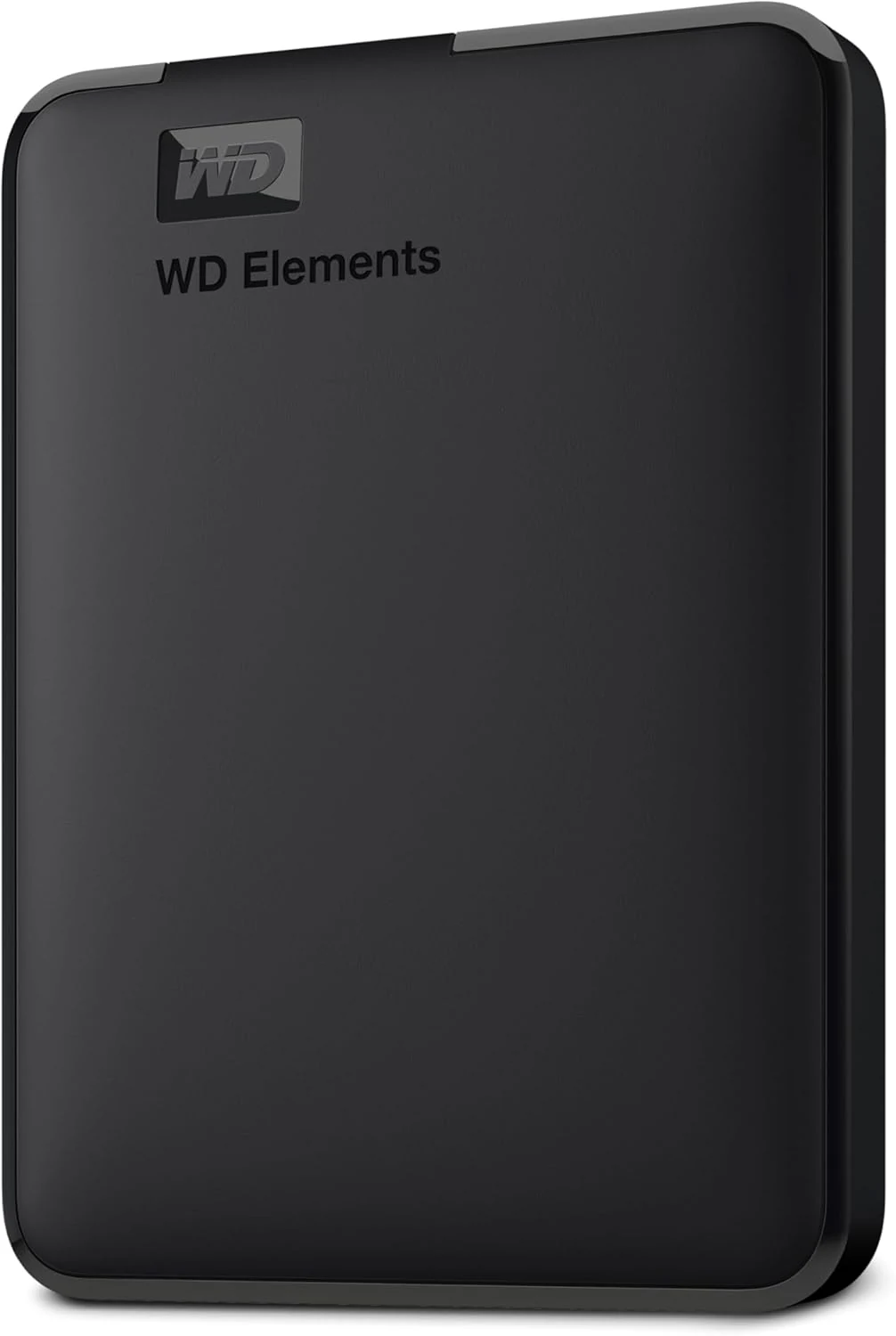
WD Elements Portable 2TB
A straightforward 2TB hard drive for file copies and backups. Its appeal is capacity and simplicity, not SSD-like responsiveness.
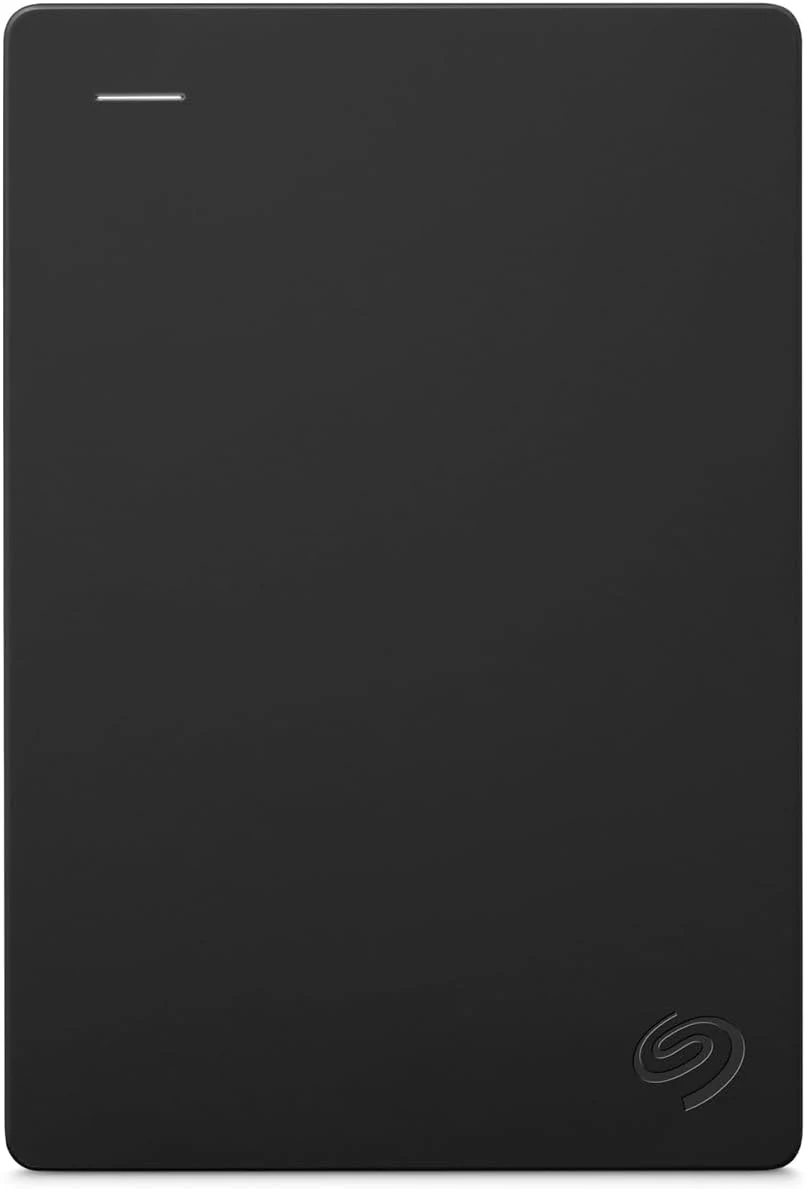
Seagate Portable 2TB
The Seagate Portable 2TB is a simple file-storage drive. Check your ports, formatting needs and backup plan before treating it as a complete solution.
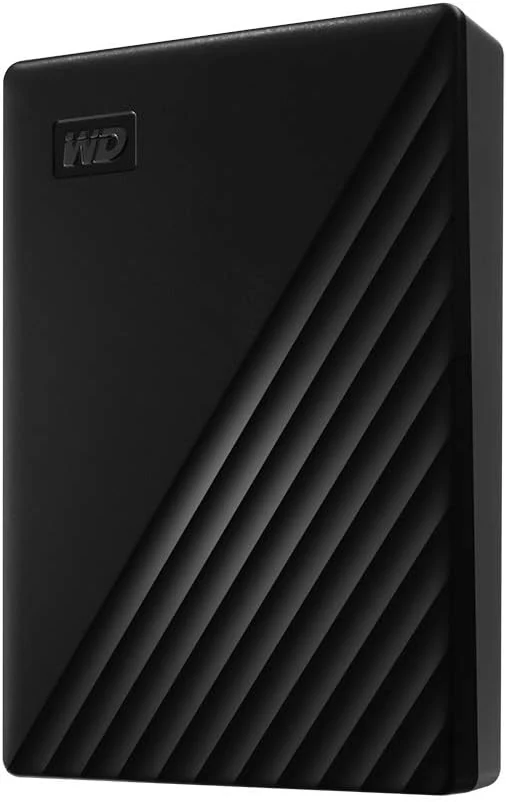
WD My Passport 4TB Portable External Hard Drive
A compact 4TB portable HDD with backup software, password protection, and hardware encryption. Good for bulk storage and backups, but it’s still a mechanical drive.
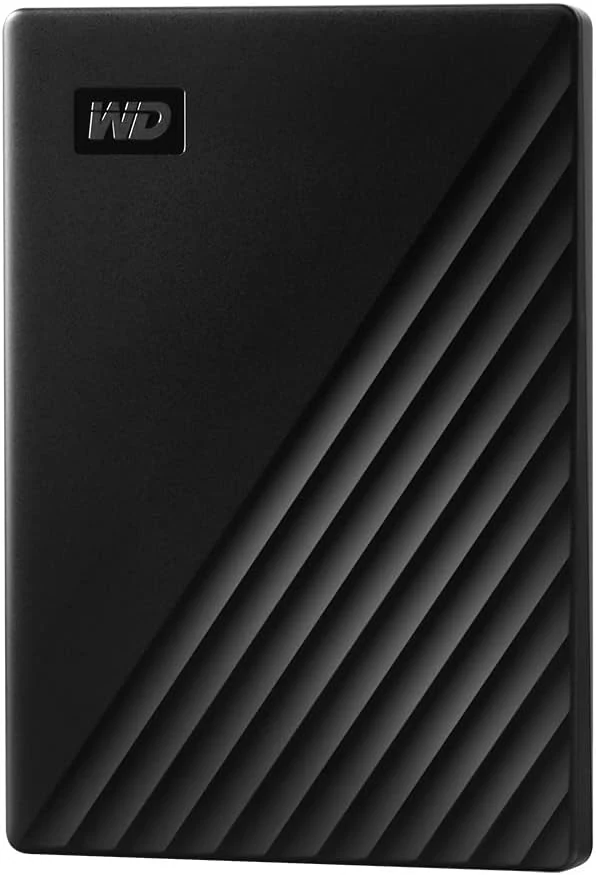
WD 1TB My Passport Portable External Hard Drive
Compact 1TB portable hard drive with password protection, hardware encryption, and backup software. Best for basic backups and file storage, not USB-C-first setups or speed-focused users.