Fusion5 FWIN232 PRO N5 10.1-inch Windows 11 Tablet
The Fusion5 FWIN232 PRO N5 is a 10.1-inch Windows 11 tablet for buyers who want a small PC-style device rather than a typical Android or iPad slate. That mix makes it appealing for light office work, remote access, and other portable Windows tasks.
Pros
- Windows 11 suits buyers who want a desktop-like workflow in tablet form.
- 12GB RAM and 256GB SSD are a solid spec set for a small Windows tablet.
- USB-C, USB-A, micro HDMI, and microSD add useful connection options.
- A 2-year warranty with accidental damage cover is a notable inclusion if the terms are clear.
Cons
- The specifications blends current specs with older reviews, so variant details need care.
- Windows tablets may still need a keyboard and mouse for comfortable productivity.
- Buyers should verify charger plug type and accessory compatibility by region.
What this model is trying to be
The specifications presents the Fusion5 FWIN232 PRO N5 as a compact Windows 11 Home tablet for business, entertainment, and student use. The stated configuration is 12GB RAM, 256GB storage, and a 13th Gen-branded Intel N100 model designation, with a 10.1-inch Full HD display. It is best understood as a portable Windows computer in tablet form, not as an app-first consumer tablet.
That matters because the likely appeal is software compatibility and flexibility, not the simplicity of a mobile-first tablet platform. If you need Windows programs in a small device, the concept makes sense. If you want a pure tablet experience, the compromises of Windows may matter more.
Where the spec sheet helps
On paper, 12GB of RAM and a 256GB SSD are the strongest parts of the configuration. They should give more breathing room than very low-end tablets for browser tabs, document work, and general multitasking. The microSD support also offers extra storage expansion, though that is not the same as faster internal storage.
The port selection is another practical point in its favor. USB-C, USB-A, and micro HDMI make it easier to connect accessories or external displays without relying on as many adapters. Features include a 36W charger, but the actual plug standard still needs checking for your region.
Who is most likely to like it
This looks most suitable for buyers who want a small Windows device for light productivity, kiosk-like setups, smart-home control, or travel work. The review snippets point in that direction, with several users describing it as useful for everyday Windows tasks and portable use.
It may also appeal to buyers who value physical connectivity over tablet simplicity. If you want a device that can more easily interface with older accessories or basic peripherals, the broad port mix is a genuine practical advantage.
Who should probably pass
If you want a tablet that behaves like an iPad or Android tablet with minimal setup, this is less likely to be the right fit. Windows can be more flexible, but it is also more desktop-like and may involve more updates, accounts, and peripheral dependence.
You should also pass if you need proven battery life, ruggedness, or stylus-first creative use. International buyers should be especially careful about charger compatibility, since the reviews include region-specific plug complaints on older purchases.
How it compares with the alternatives
Compared with the supplied iPad mini and iPad 10th generation, the Fusion5 is the more Windows-oriented choice. Apple’s tablets offer a more polished tablet ecosystem, while this Fusion5 offers Windows compatibility and more physical ports. Which is better depends on whether you want tablet simplicity or PC-style flexibility.
Compared with the Samsung Galaxy Tab S9 FE, the Fusion5 is less clearly aimed at long-battery, durable tablet use. Samsung’s model emphasizes a larger display and rugged features, while the Fusion5 leans toward portable Windows access and wired connectivity. The choice is really about software environment and workflow.
Practical considerations
The review excerpts are mixed across years and regions, and some clearly refer to older Fusion5 versions with different specs or ports.
That makes the reviews useful mainly as context. They suggest the brand’s Windows tablets can suit light everyday use, but they do not reliably confirm this exact 2026 model’s battery life, speed, or accessory package.
The buying decision
Buy it if you specifically want a compact Windows 11 tablet with useful ports and a relatively generous memory/storage setup. Skip it if you want a tablet-first experience or need verified battery and accessory details.
Product details and Amazon customer ratings as of .
Available variants
Size
- 128GB
- 256GB
Recommended next
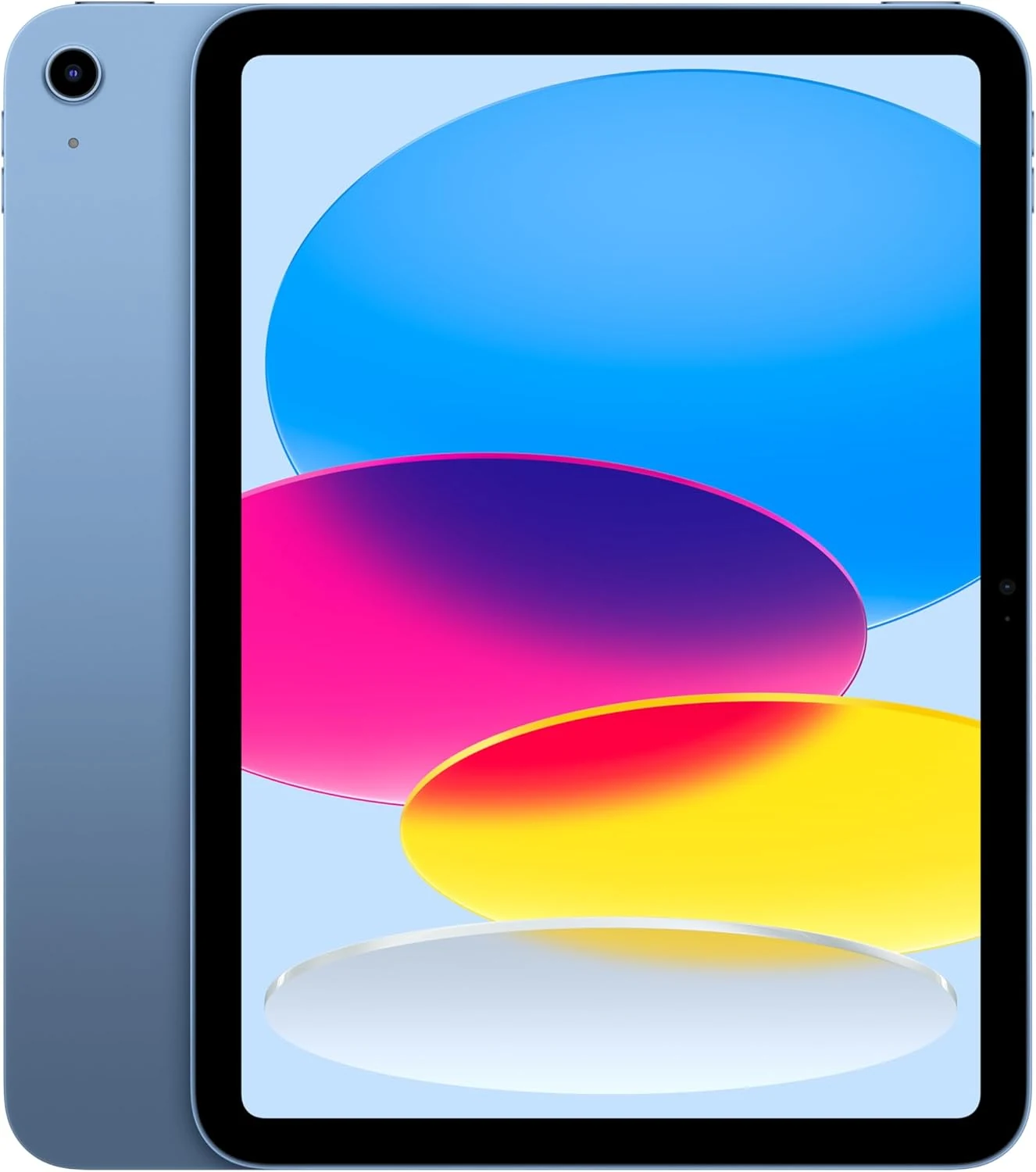
Apple iPad A16 (128GB, Wi-Fi)
A general-purpose 11-inch iPad with 128GB as configured. Accessory compatibility and the complete work setup matter more than the screen size alone.
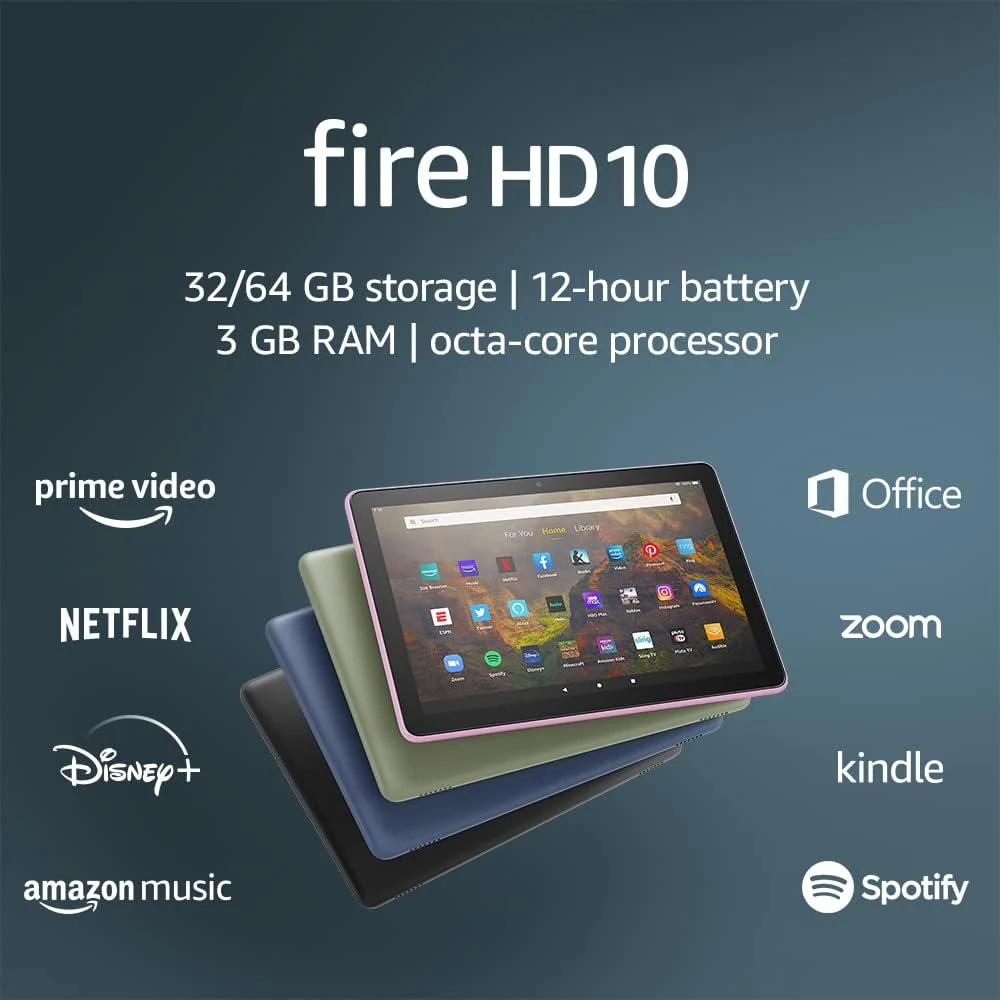
Amazon Fire HD 10 (2021, 32GB)
A 10.1-inch tablet for reading and entertainment, provided the apps you need are available. This is the 2021 model, not the newer Fire HD 10.
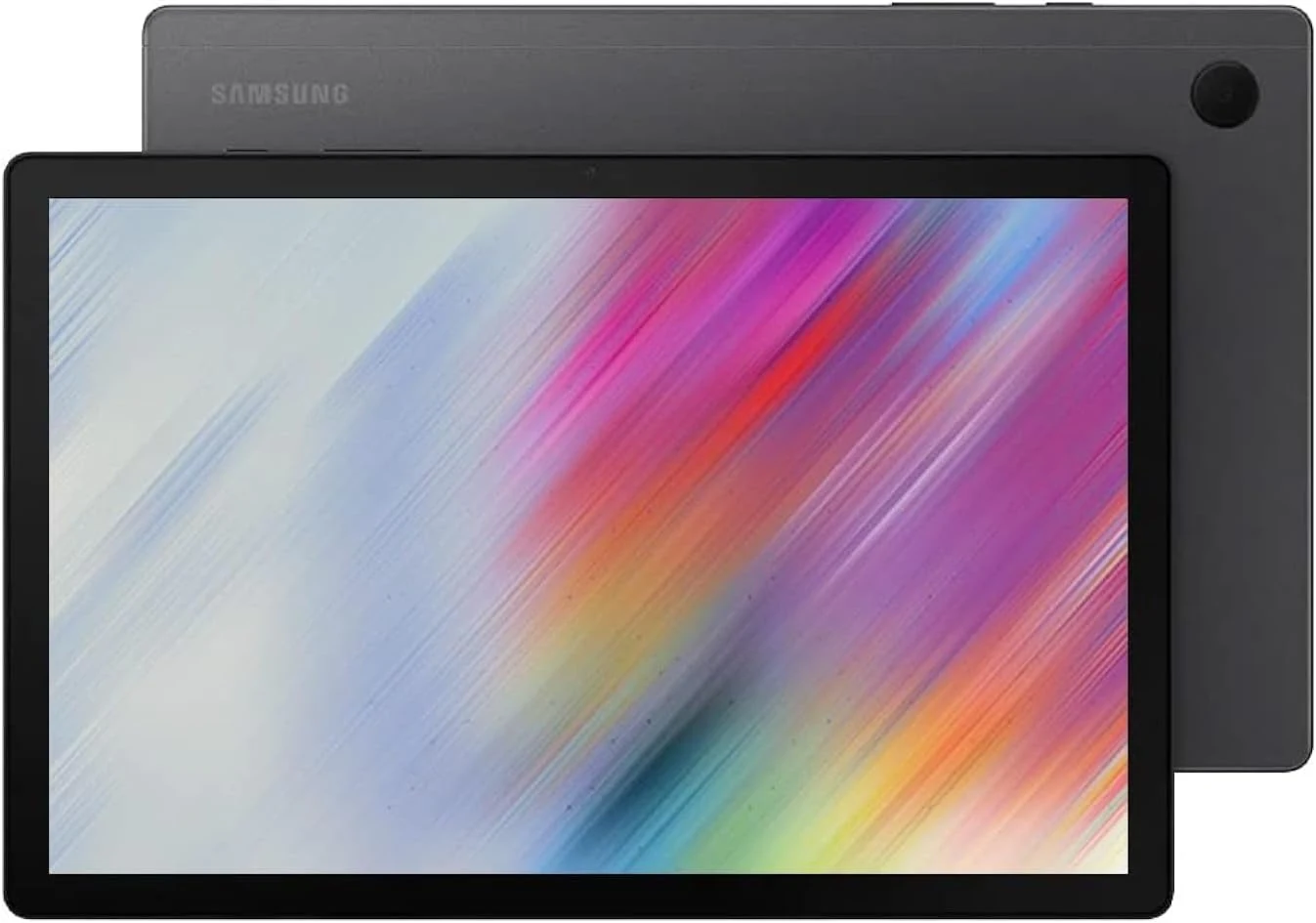
Samsung Galaxy Tab A8 (2022, 64GB)
An older 10.5-inch family tablet for a defined entertainment role. Confirm support, capacity and essential apps before buying it on a low price alone.
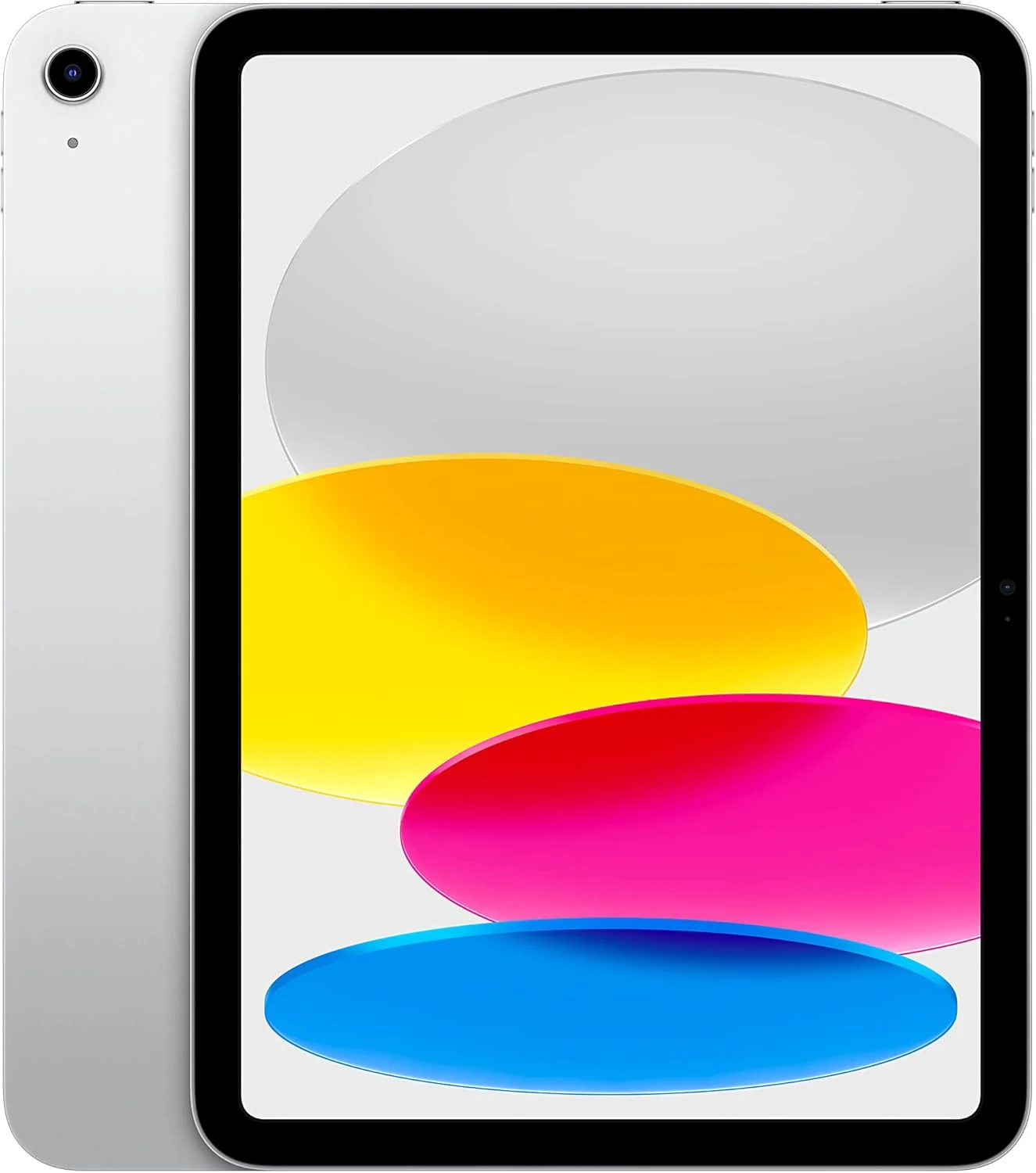
Apple iPad 10th Generation (64GB, Wi-Fi)
A versatile 10.9-inch iPad whose main constraint is the 64GB configuration. Price the keyboard, Pencil and storage needs before choosing it for work.