Apple iPad 10th Generation (64GB, Wi-Fi)
The 10th-generation iPad is an appealing shared tablet for video, reading, calls and occasional creative work. This 64GB Wi-Fi version needs a more careful decision if it will hold games, downloaded films or a growing collection of project files. The right question is not whether an iPad can do those things, but whether this configuration gives you enough room and the right accessories to do them comfortably.
Pros
- 10.9-inch Liquid Retina display
- Landscape front camera with Center Stage
- Touch ID in the top button and Wi-Fi 6
Cons
- 64GB internal storage can constrain an offline-heavy workflow
- Pencil and keyboard accessories cost extra
- First-generation Pencil pairing requires the correct adapter
The 64GB decision comes before the color
This model combines Apple's A14 Bionic chip with 64GB storage. That can be a workable arrangement for browsing, streaming and documents, but a tablet filled with offline films and large games has a different appetite. Add up the applications and downloads you expect to keep before choosing the smaller configuration.
The 256GB version is the relevant capacity comparison within the same generation. Cloud storage can help with some files, but it is not the same as having every required item available offline. A tablet for travel, a child or field work should be chosen around the way it will be used away from a reliable connection.
A more natural position for video calls
The 12MP Ultra Wide front camera sits on the landscape side and supports Center Stage. That arrangement is particularly relevant if the tablet will spend time propped horizontally for classes or family calls. It is a more concrete reason to consider this model than a general promise of better productivity.
The 10.9-inch Liquid Retina screen also gives documents and video more room than a phone. True Tone adjusts the display's color temperature to the surroundings. Consider the stand or keyboard position alongside the screen: a tablet's usefulness for a long call depends on how it sits, not only on the camera specification.
Check the exact Pencil and keyboard combination
Apple Pencil and Magic Keyboard Folio are sold separately. That matters if the reason for buying an iPad is handwriting or typing rather than entertainment: accessories belong in the initial cost comparison, not on a list of possible future extras.
For a first-generation Apple Pencil, pairing with this iPad requires the USB-C to Apple Pencil Adapter and a USB-C cable. Do not assume a Pencil you already own connects in the same way as it did to an older iPad. Check the exact accessory model and connection process before building a note-taking setup around it.
A tablet workflow is still a workflow
iPadOS supports multitasking, handwriting features and a broad selection of applications. Those capabilities make this a flexible device, but they do not establish that a desktop application, school portal or work tool behaves identically on an iPad. Check the specific applications your task requires.
For mostly reading, video and calls, the tablet can stand on its own. For regular document work, compare the complete package with a laptop, including the keyboard and required software. Wi-Fi 6 helps define the wireless connection, but this particular configuration is Wi-Fi rather than a cellular model, another consideration for work away from home.
The buying decision
Choose the 64GB 10th-generation iPad for a light-storage, app-compatible routine. Move to a larger-capacity option if offline content is central, and price the correct accessories before calling it an inexpensive work setup. Its landscape camera is a useful advantage for a tablet that will spend time on calls.
Product details and Amazon customer ratings as of .
Reference material
Available variants
Style
- WiFi + Cellular
- WiFi
Size
- 256GB
- 64 GB
Color
- Pink
- Yellow
- Silver
- Blue
Configuration
- without AppleCare+
- With AppleCare+ (2 Years)
Recommended next
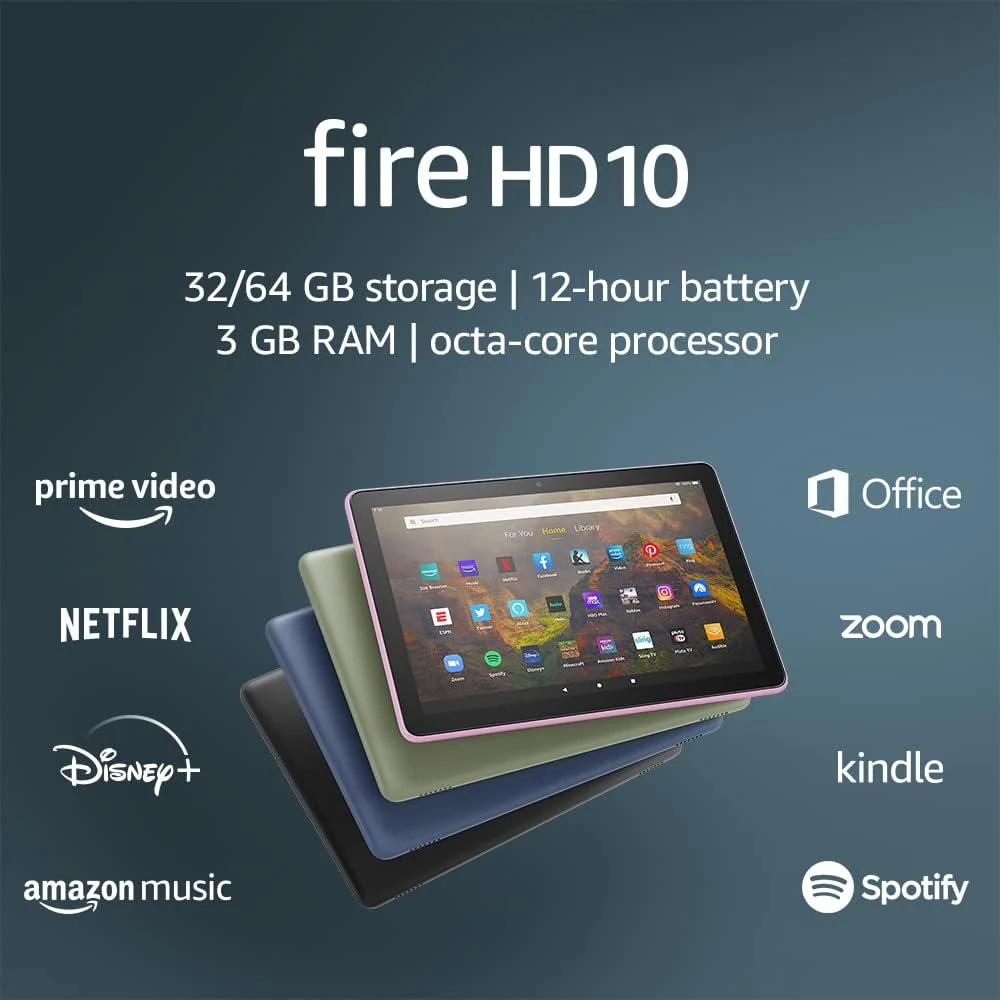
Amazon Fire HD 10 (2021, 32GB)
A 10.1-inch tablet for reading and entertainment, provided the apps you need are available. This is the 2021 model, not the newer Fire HD 10.
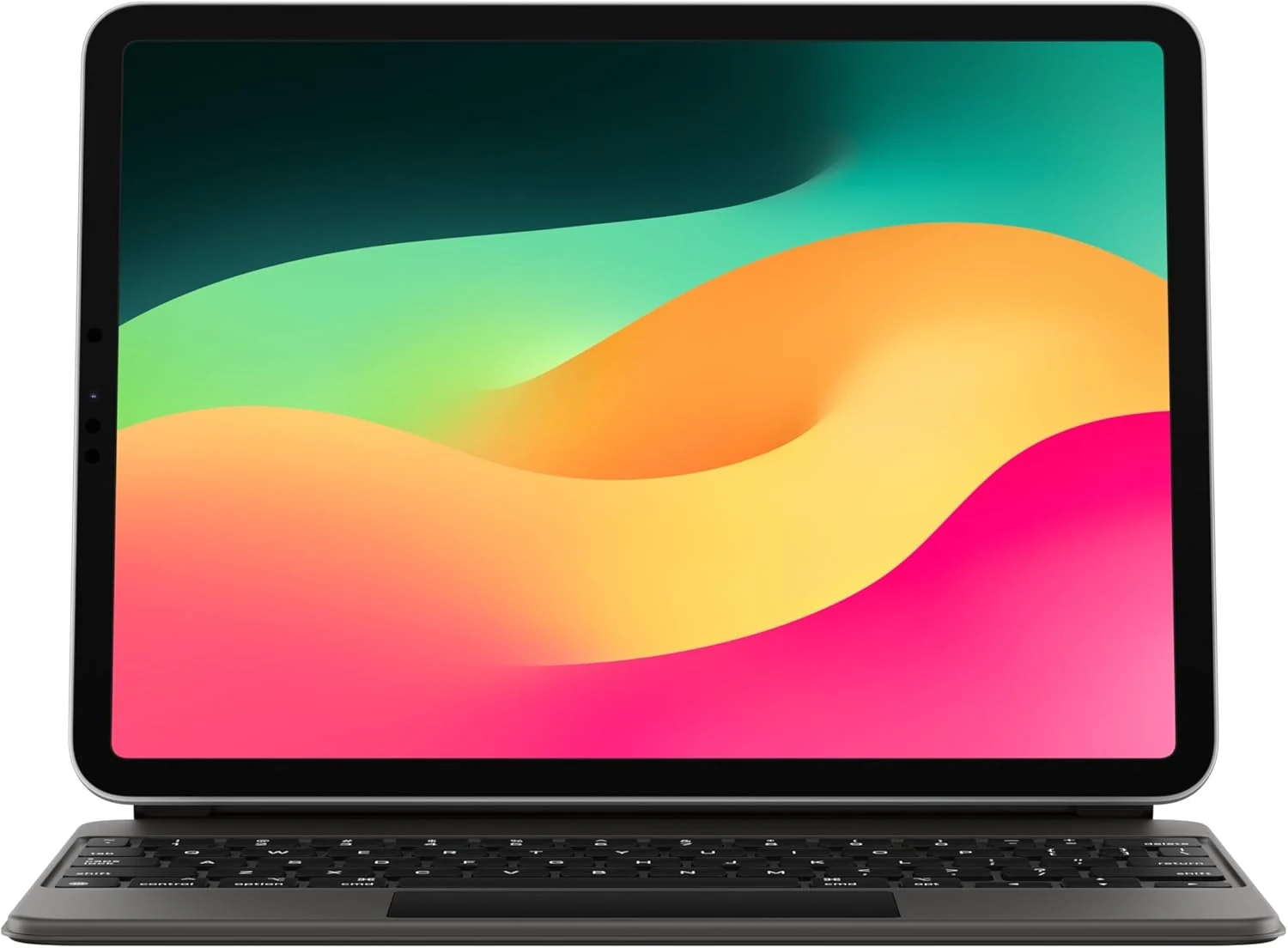
Apple Magic Keyboard for Compatible 11-Inch iPads (MXQT2LL/A)
A backlit keyboard and trackpad case for specific older iPad Pro and Air models. Exact compatibility matters: an 11-inch screen does not establish a fit.
Samsung Galaxy Tab A9+ 11-inch 64GB Graphite
A large-screen budget Android tablet for streaming, reading, schoolwork, and light multitasking. Stronger for general use than for premium display quality or kid-first controls.
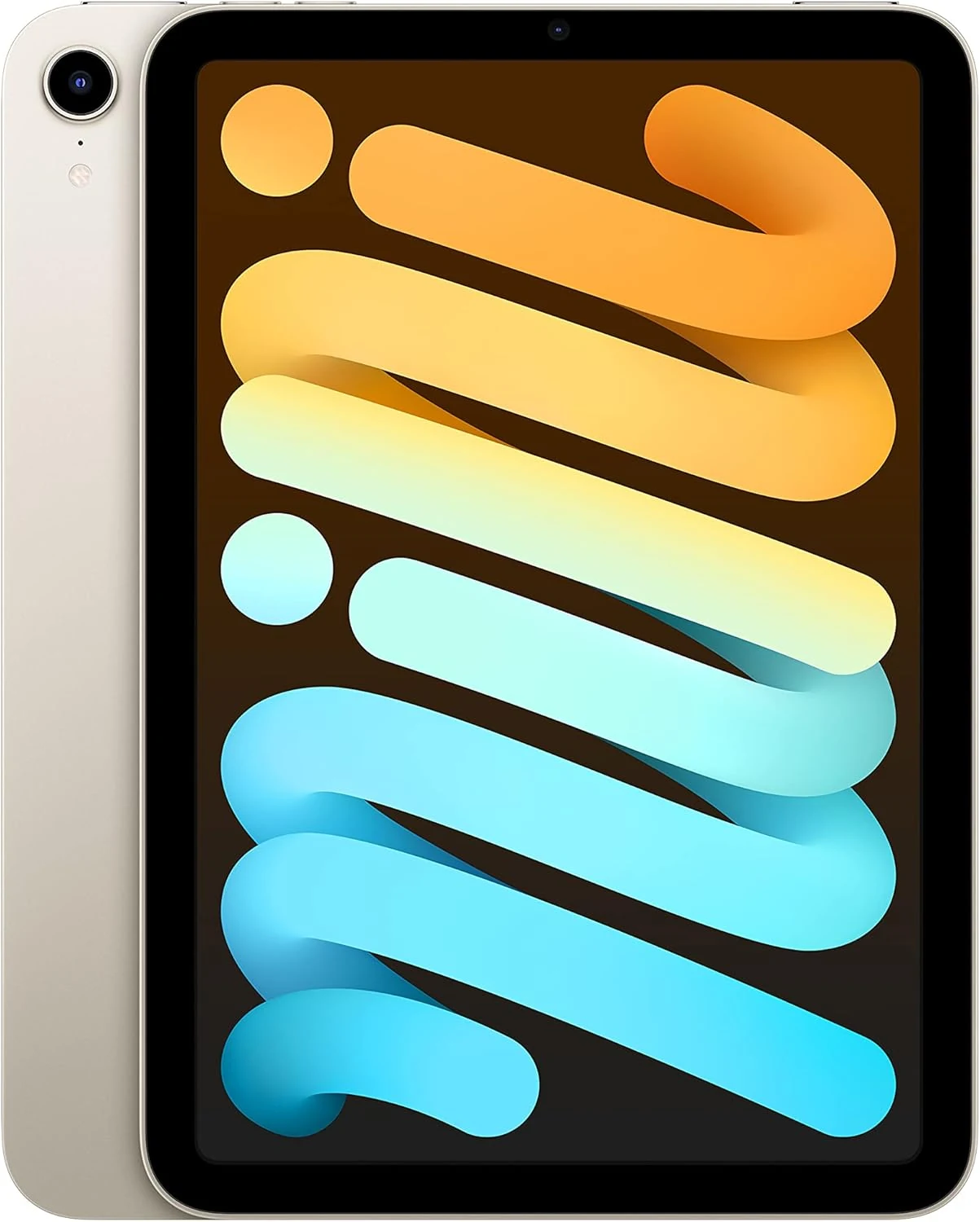
Apple iPad mini 6th Gen 64GB Wi‑Fi (Starlight)
A compact iPad for reading, notes, and travel. It suits light everyday use, but 64GB and the small screen make it less ideal for heavier storage or multitasking.