Apple Magic Keyboard for Compatible 11-Inch iPads (MXQT2LL/A)
This Magic Keyboard is a focused accessory for turning a compatible iPad into a more convenient typing setup. Backlit keys, a trackpad and a cantilever stand suit regular document work. The first question is not whether an iPad is roughly 11 inches: it is whether its exact model works with MXQT2LL/A.
Pros
- Integrated trackpad and backlit keyboard
- Connects to a supported iPad without separate pairing or charging
- Pass-through charging leaves the iPad's port available
Cons
- Not interchangeable with every 11-inch iPad keyboard
- Keyboard USB-C connection is for charging, not a data hub
- Added keyboard weight changes the tablet's portability
Check the iPad generation before the keyboard name
The established compatibility includes 11-inch iPad Pro generations one through four and iPad Air generations four and five. The package also identifies the 11-inch M2 Air. Verify the model against Apple's current accessory information before ordering, particularly where similar names cover different keyboard generations.
Do not assume a newer 11-inch iPad Pro or the A16 iPad fits because the screen-size label is similar. Different hardware and connector arrangements can make that shortcut expensive. Locate the iPad's model identification first, then match the accessory, language layout and exact product number.
The second USB-C port is a charging convenience
Pass-through charging lets the iPad receive power through the keyboard while its own port remains available for a supported accessory. It is not an extra general-purpose data connection on the keyboard. Plan external storage or a display around the iPad's actual connectivity rather than counting the keyboard port as a hub.
The keyboard draws power through its connection to the compatible iPad, so there is no separate keyboard battery to manage. That is convenient for a setup used frequently on a desk. It does not change the tablet's available applications or expand what those applications can do with connected devices.
Typing comfort depends on where you work
The floating stand adjusts the screen angle and the trackpad supports cursor-based interaction. For emails and documents, that can reduce repeated reaching toward the display. Think about the whole working position, including desk height and viewing distance, rather than judging the accessory only by its appearance when closed.
A keyboard case also adds weight to the item you carry. If most use remains reading or drawing with occasional typing, a separate keyboard may be a more flexible arrangement. For frequent text work, the integrated setup can be worth that trade, provided the iPad applications handle the intended documents well.
Compare the complete work setup
Try the required workflow in its iPad application before expecting the keyboard to replace a laptop. Specialist software, file handling and account restrictions do not disappear when a trackpad is attached. The accessory improves input; it does not turn iPadOS into a desktop operating system.
This package uses a US English layout. Check that choice as carefully as hardware compatibility, especially when purchasing across markets. Compare the total cost of tablet, keyboard and other required accessories against alternatives for the same work, rather than treating the keyboard price as an isolated upgrade.
The buying decision
Choose MXQT2LL/A when an explicitly compatible iPad already handles your work and frequent typing justifies an integrated keyboard and trackpad. Confirm the generation and layout first. Skip it as a speculative fix for missing desktop software or as a one-size-fits-all 11-inch accessory.
Product details and Amazon customer ratings as of .
Reference material
Available variants
Style
- Arabic
- Korean
- Spanish (Spain)
- Ukrainian
- Danish
- Russian
- Portuguese
- Italian
- Chinese (Pinyin)
- US English
- British English
- Japanese
- Chinese (Zhuyin)
- Swiss
- Spanish (Latin America)
Color
- White
- Black
Recommended next
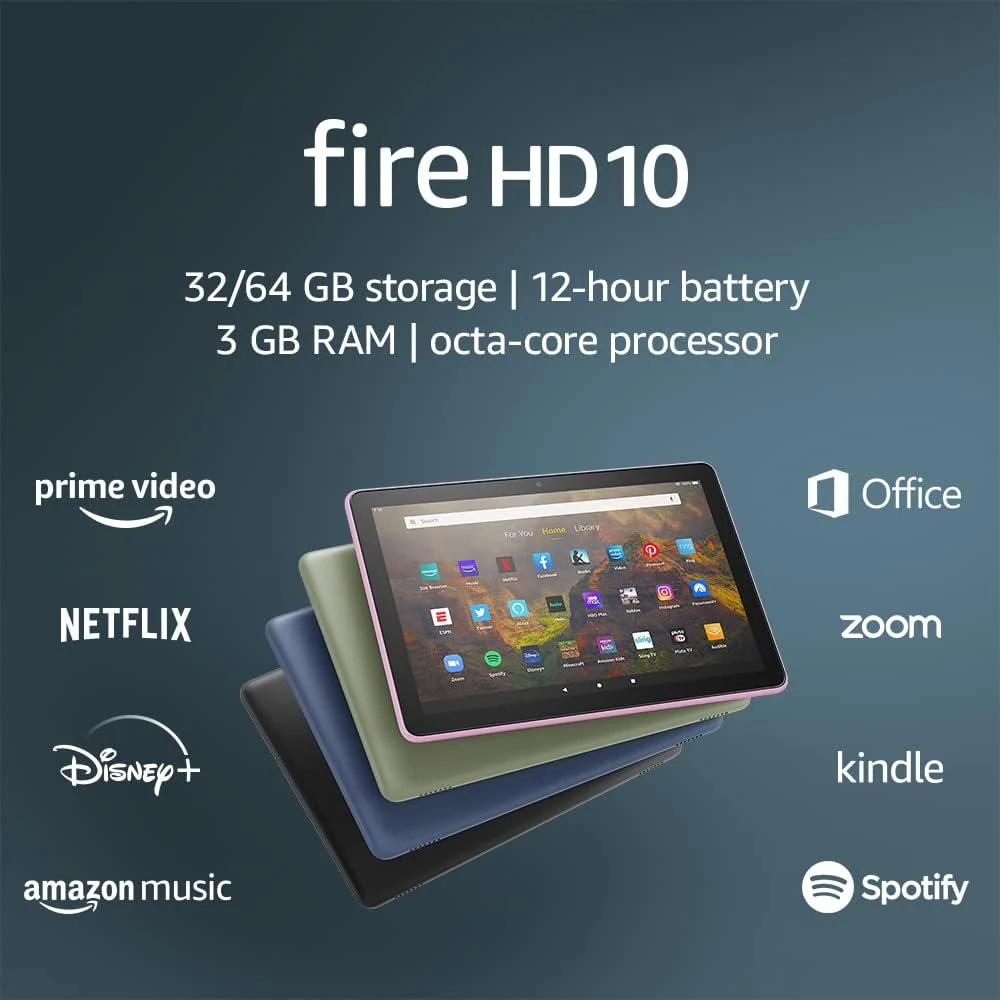
Amazon Fire HD 10 (2021, 32GB)
A 10.1-inch tablet for reading and entertainment, provided the apps you need are available. This is the 2021 model, not the newer Fire HD 10.
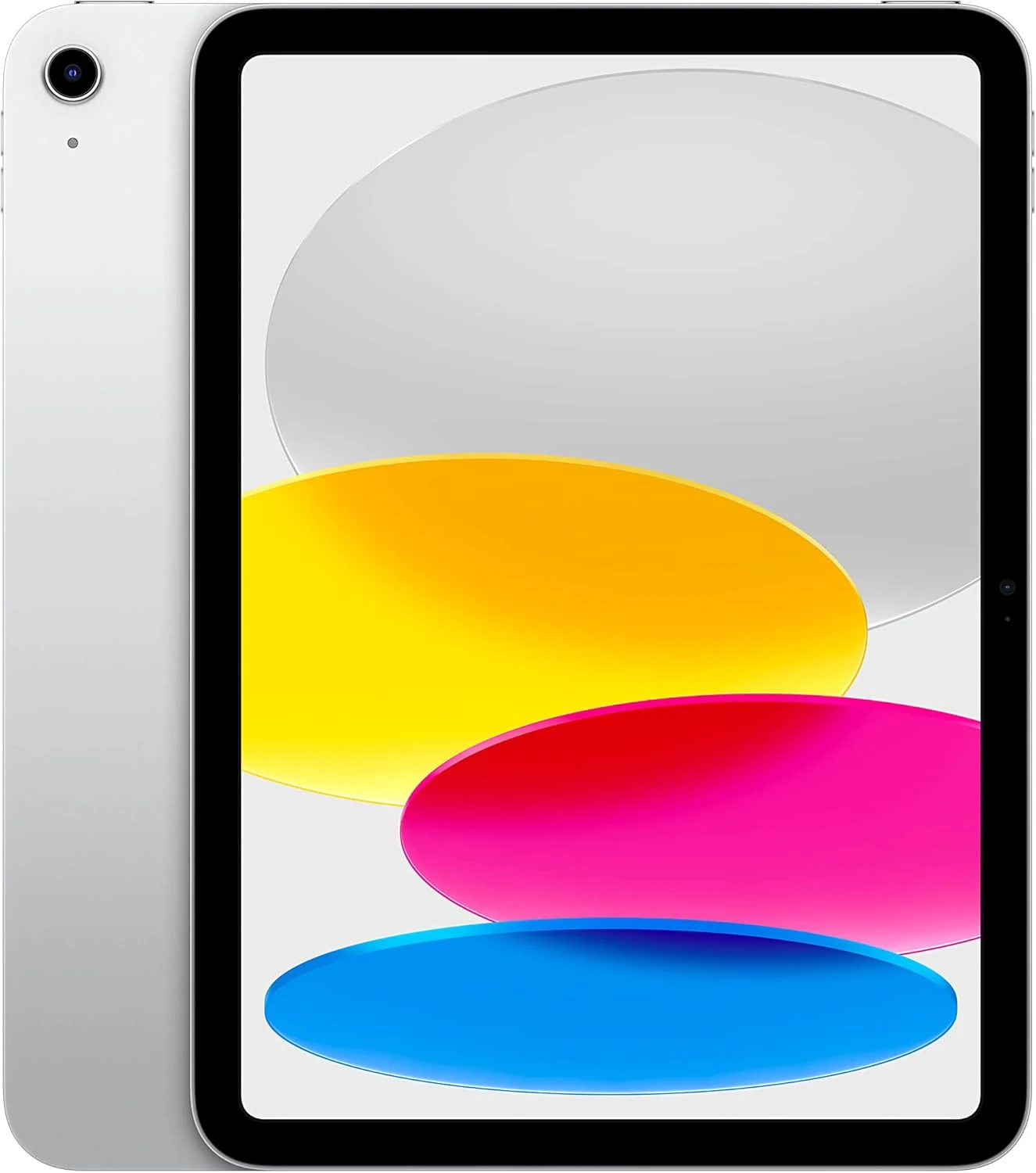
Apple iPad 10th Generation (64GB, Wi-Fi)
A versatile 10.9-inch iPad whose main constraint is the 64GB configuration. Price the keyboard, Pencil and storage needs before choosing it for work.
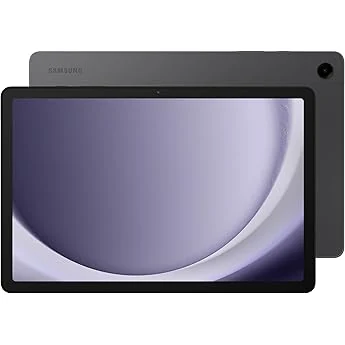
Samsung Galaxy Tab A9+ 11-inch 64GB Graphite
A large-screen budget Android tablet for streaming, reading, schoolwork, and light multitasking. Stronger for general use than for premium display quality or kid-first controls.
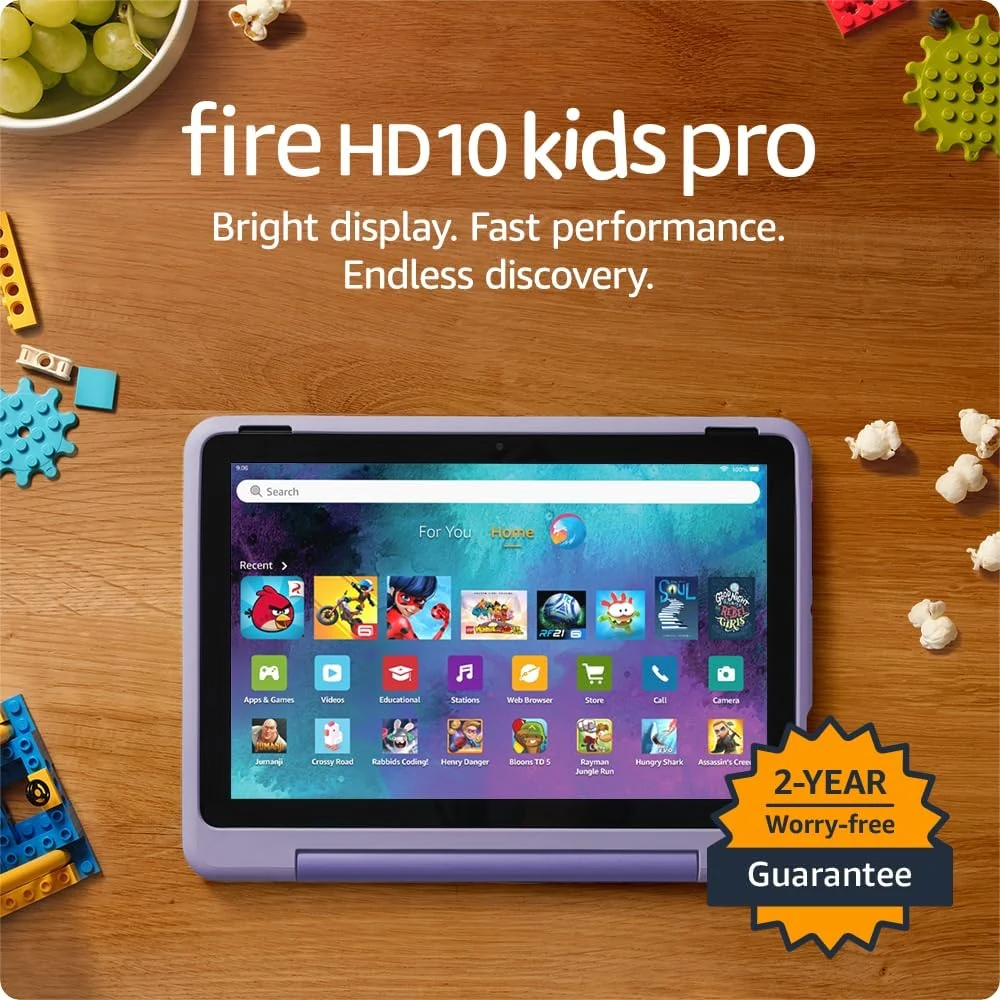
Amazon Fire HD 10 Kids Pro 32GB for ages 6-12
A kid-focused 10.1-inch Fire tablet with bundled Kids+ content and built-in parental controls. Best for families wanting a managed Amazon experience; less suited to open-ended app use.