Samsung Galaxy Tab A8 (2022, 64GB)
The 2022 Galaxy Tab A8 is best considered for a limited, familiar role: a shared screen for video, browsing and supported family apps. Age is now part of the purchase, so a tempting price needs to be weighed against current software support and the exact applications required. It is not the obvious default for someone seeking a long-term productivity or handwriting setup.
Pros
- 10.5-inch LCD for a shared entertainment screen
- 64GB configuration with expandable-storage support
- Samsung Kids and Smart Switch support useful family setup tasks
Cons
- 2022 model requires a current support check
- 64GB must cover the apps and files kept internally
- A dedicated pen workflow calls for a more specific comparison
A family screen with a specific purpose
A 10.5-inch display can make a recipe, video call or film more comfortable to view than the same content on a phone. That is the A8's clearest role. Decide which household services and applications it needs to run before making a broader claim about productivity.
For a shared device, consider accounts and placement as well as hardware. A stand, an accessible charging point and clear agreement about who uses which profile can make the tablet more useful than a feature that rarely gets opened. Choose the device for the room and routine it will serve.
Check 64GB rather than the range's largest option
The configuration here is 64GB. References to higher capacities within the A8 family do not change the selected version. Work out how much space applications and offline content require before assuming expandable storage will handle everything.
Check the supported card and the behavior of the applications you intend to use. A memory card can be helpful for suitable media, but it does not mean every app or download can be placed there. For travel or a child's offline entertainment, confirm the arrangement while you still have time to change the purchase plan.
An older Android tablet needs a present-day check
This is explicitly the US 2022 model. Check Samsung's current support information and the operating-system requirements of essential applications. A service that runs on another Android device is not enough to establish that the specific tablet meets its current requirements.
USB-C charging is convenient, but the connector name alone does not explain the complete charging setup. Check the included power accessories and supported charging requirements. For a device that will mostly stay at home, a reliable place to charge it may matter more than an unspecified claim of lasting for hours.
Entertainment and handwriting are different shortlists
Samsung Kids can help organize a child's use, while Smart Switch helps with supported data transfer. Review the current account and app behavior rather than assuming these features remove the need for parental setup or a separate copy of important files.
If handwritten notes are central, the Galaxy Tab S6 Lite alternative is worth examining because it includes an S Pen. Do not assume that buying a generic pen turns the A8 into the same package. For the A8, keep the purchase case focused on supported entertainment and everyday household tasks.
The buying decision
Consider the 64GB Tab A8 only when its current support, app compatibility and price fit a defined household role. Choose a more specific pen-capable setup for handwriting, and compare newer tablets when the savings on this older model are modest. A clear use case matters more than a long feature list.
Product details and Amazon customer ratings as of .
Available variants
Color
- Silver
- Dark Gray
- Pink Gold
Size
- 128GB
- 64 GB
- 32GB
Recommended next
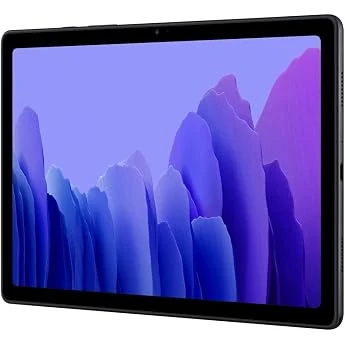
Samsung Galaxy Tab A7 10.4 Wi‑Fi 32GB Gray
A budget Samsung tablet for streaming, reading, and casual use. The 32GB storage and Android 10 setup are the main limits, so it suits lighter needs best.
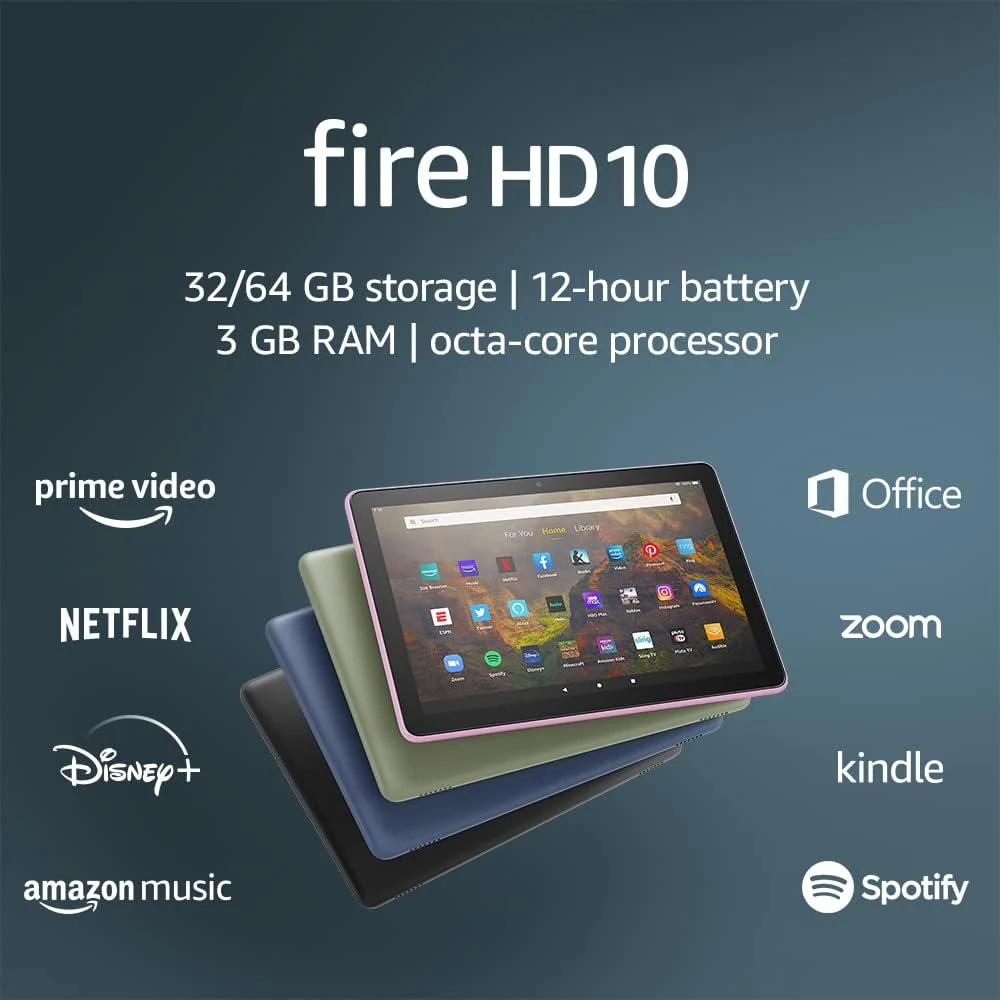
Amazon Fire HD 10 (2021, 32GB)
A 10.1-inch tablet for reading and entertainment, provided the apps you need are available. This is the 2021 model, not the newer Fire HD 10.
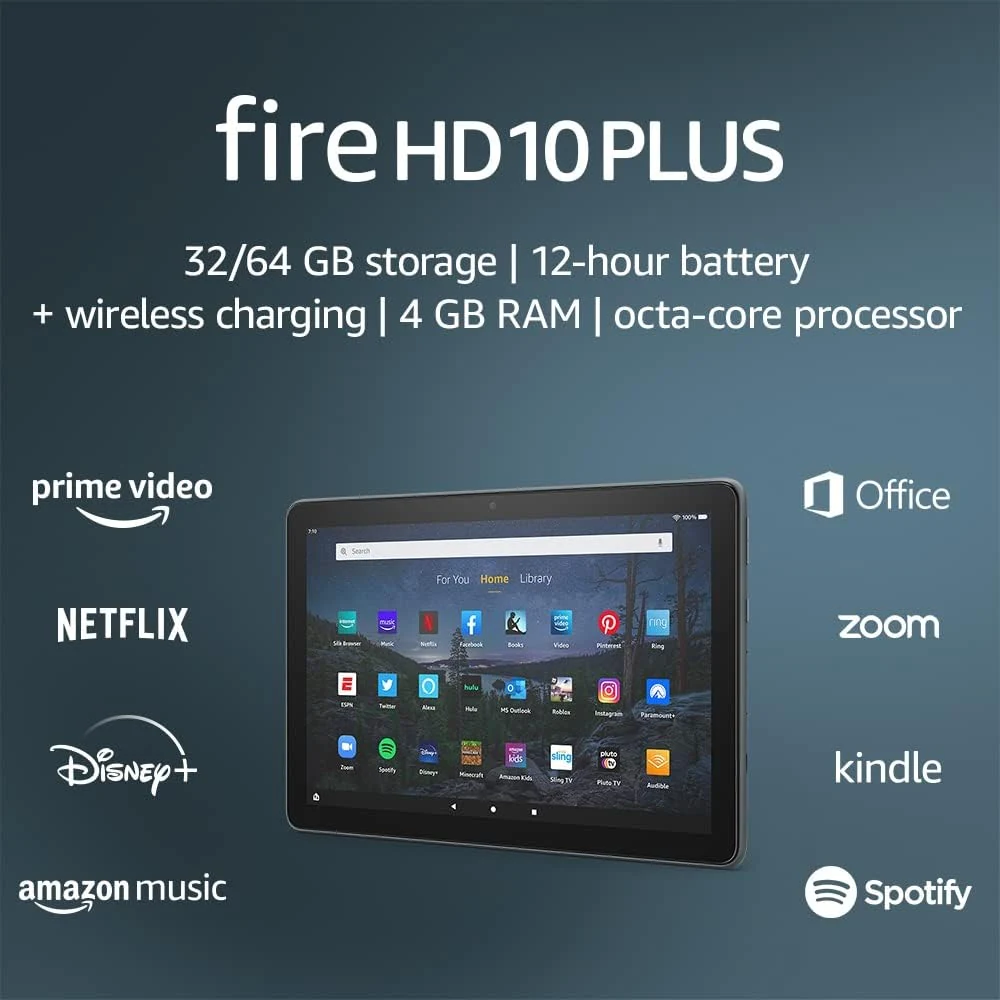
Amazon Fire HD 10 Plus (2021, 32 GB, Slate)
A big Fire tablet with 4 GB RAM, wireless charging, and a 1080p screen. Best for Amazon media and light tasks, but app limits and storage still matter.
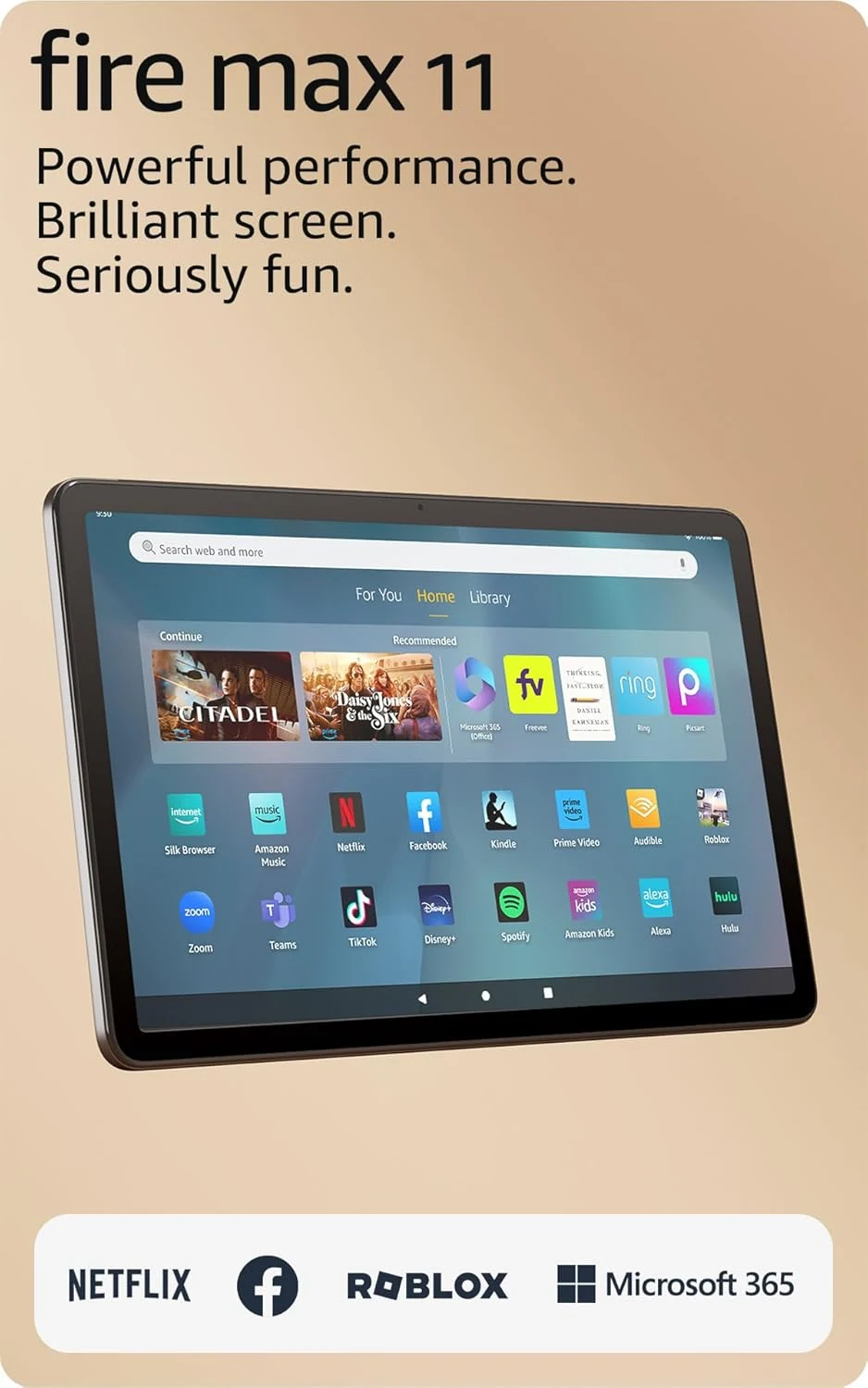
Amazon Fire Max 11 tablet, 64GB, Gray
Amazon’s largest Fire tablet suits streaming, reading, and light browsing best. It adds keyboard and stylus support, but Fire OS app limits still matter.