Apple iPad A16 (128GB, Wi-Fi)
The A16 iPad with 128GB is a useful starting point for someone who wants one tablet for video, calls, documents and occasional creative work. Its storage configuration gives the purchase a clearer practical basis than a smaller entry option. The harder decision comes when adding a keyboard or Pencil: compare the whole setup with the work you expect it to do.
Pros
- 128GB internal storage in this configuration
- 11-inch Liquid Retina display and A16 chip
- Touch ID, Wi-Fi 6 and USB-C connectivity
Cons
- Keyboard and Pencil are separate purchases
- Not every iPad accessory is interchangeable
- Wi-Fi model needs a suitable connection away from home
128GB is a starting point, not unlimited room
This configuration has 128GB, while the model family offers larger storage options. Count the games, offline video and project files you expect to keep together before deciding that the base capacity covers the job. A streaming-first household and a traveler carrying downloaded content have different requirements.
Cloud services can help organize some material but do not replace offline access when a connection is unavailable. Consider the places where the tablet will be used as well as the size of the collection. This is a Wi-Fi configuration, so plan connectivity separately if the tablet is intended for work on the move.
The display suits several ordinary jobs
The 11-inch Liquid Retina display provides space for reading, video and drawing, with True Tone adapting color temperature to the surroundings. The A16 chip and iPadOS support a broad app-based routine, but the relevant question is whether the required applications fit that routine.
Check a specific work or school application before assuming an iPad duplicates a desktop. File handling, specialist tools and account restrictions can matter more than processing power. For calls, the 12MP Center Stage front camera is useful to consider alongside the stand or case that holds the tablet at a comfortable angle.
Magic Keyboard Folio is not every Magic Keyboard
Apple names Magic Keyboard Folio for this iPad. A similarly named keyboard intended for an iPad Pro or Air is not automatically the same accessory or fit. Match the exact tablet and accessory model instead of choosing only by the advertised screen size.
Apple Pencil compatibility also needs checking. This model supports specified Pencil options, including the USB-C model and first generation, with different features and connection arrangements. Decide whether the task is basic annotation or pressure-sensitive drawing before choosing an accessory, and include its cost in the original comparison.
Compare the complete package with the alternative
For reading, entertainment and calls, the iPad can be a self-contained purchase. For regular typing or handwriting, it becomes a package of tablet, case or keyboard, and perhaps a Pencil. That complete cost is the fair figure to compare with a laptop or another tablet setup.
Amazon's Fire Max 11 is an alternative large-screen tablet, but matching an approximate screen size does not establish the same application environment. Start with the services and work you need to do, then compare hardware. A lower price is useful only if the device supports the actual task without an awkward workaround.
The buying decision
A sensible general-purpose iPad configuration when its applications and 128GB fit your routine. Choose the storage and exact accessories deliberately, and compare the complete package for work. Do not pay for a tablet-plus-keyboard arrangement on the assumption that every laptop task carries over unchanged.
Product details and Amazon customer ratings as of .
Available variants
Style
- Wi-Fi + Cellular
- Wi-Fi
Size
- 256GB
- 512GB
- 128GB
Color
- Pink
- Yellow
- Silver
- Blue
Configuration
- Without AppleCare+
- With AppleCare+ (2 Years)
Recommended next
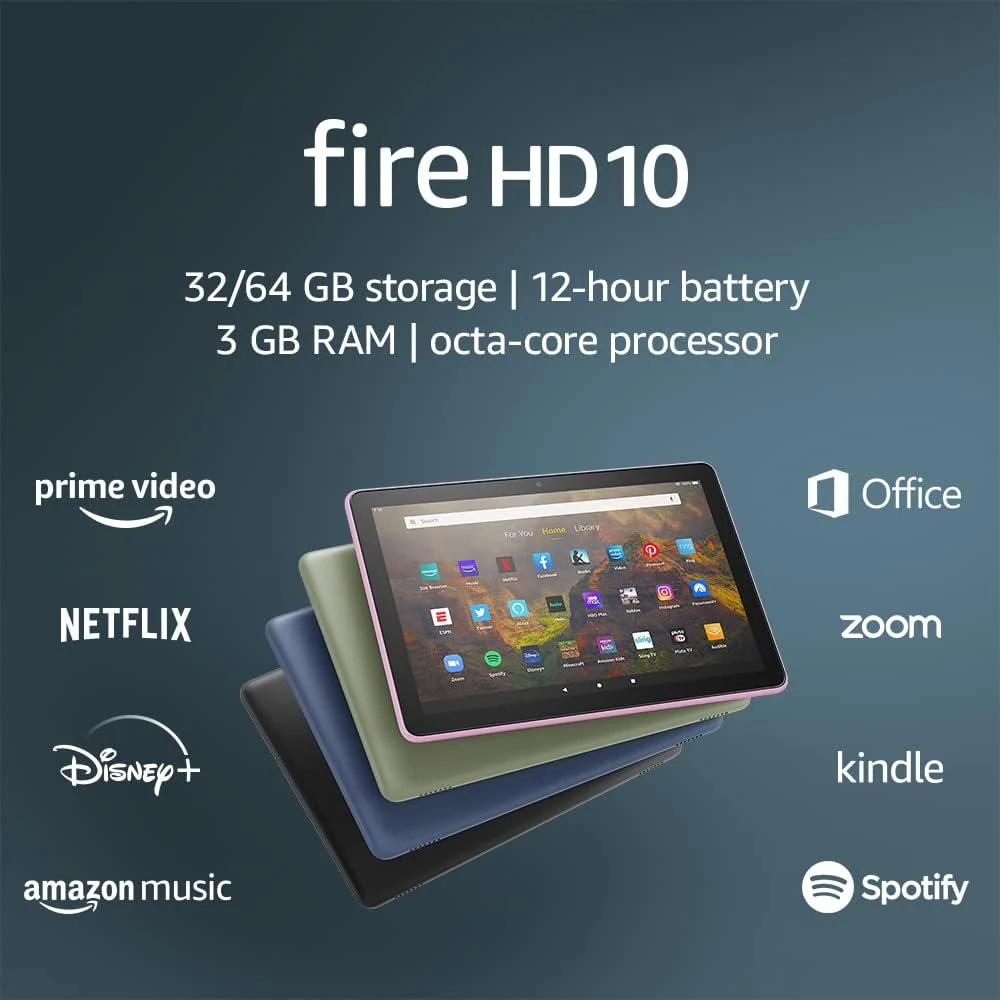
Amazon Fire HD 10 (2021, 32GB)
A 10.1-inch tablet for reading and entertainment, provided the apps you need are available. This is the 2021 model, not the newer Fire HD 10.

Amazon Fire HD 10 (64GB, Lilac)
A 10.1-inch entertainment tablet with 64GB and optional pen support. Check the exact release and app availability rather than buying on the word newest.
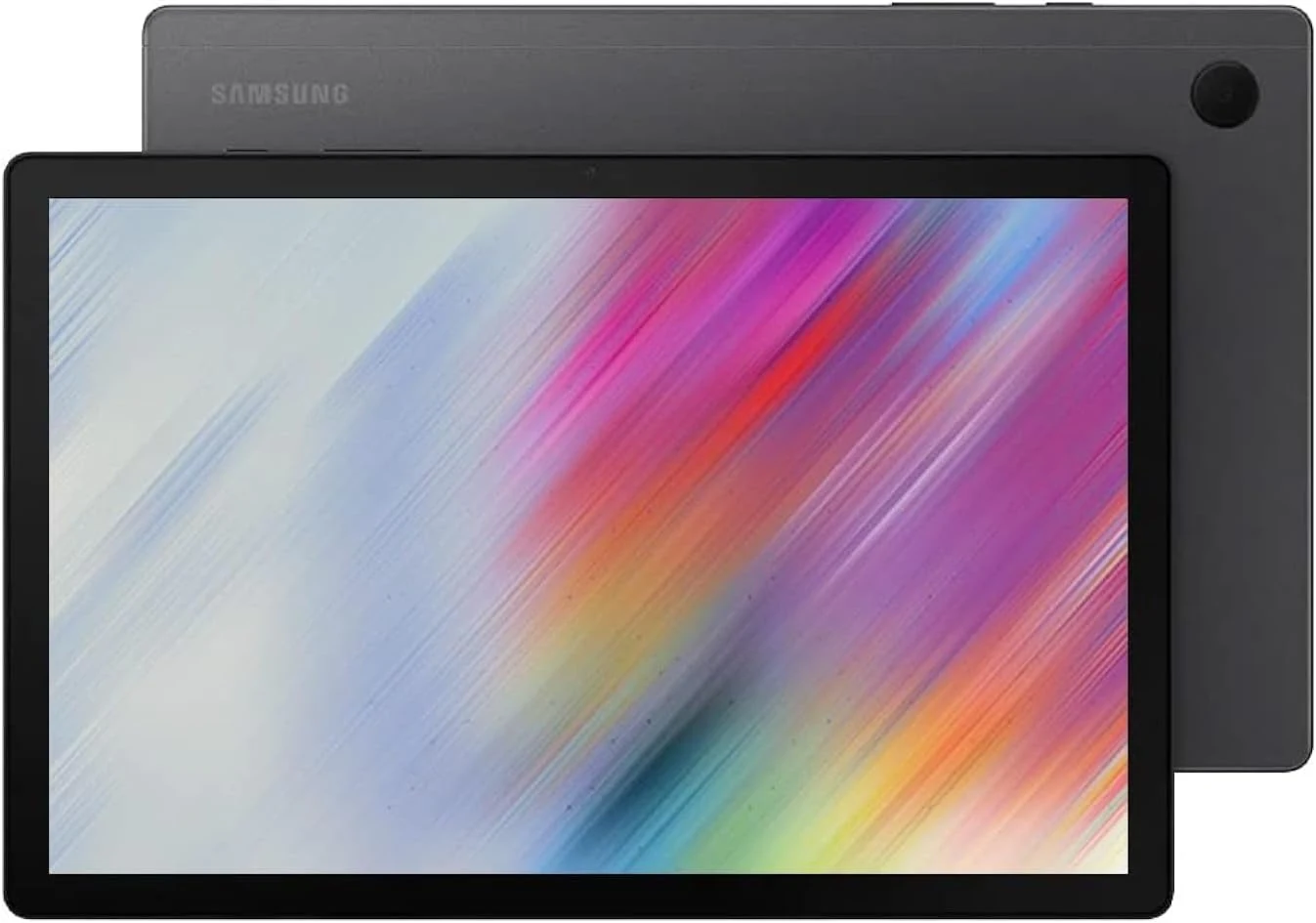
Samsung Galaxy Tab A8 (2022, 64GB)
An older 10.5-inch family tablet for a defined entertainment role. Confirm support, capacity and essential apps before buying it on a low price alone.
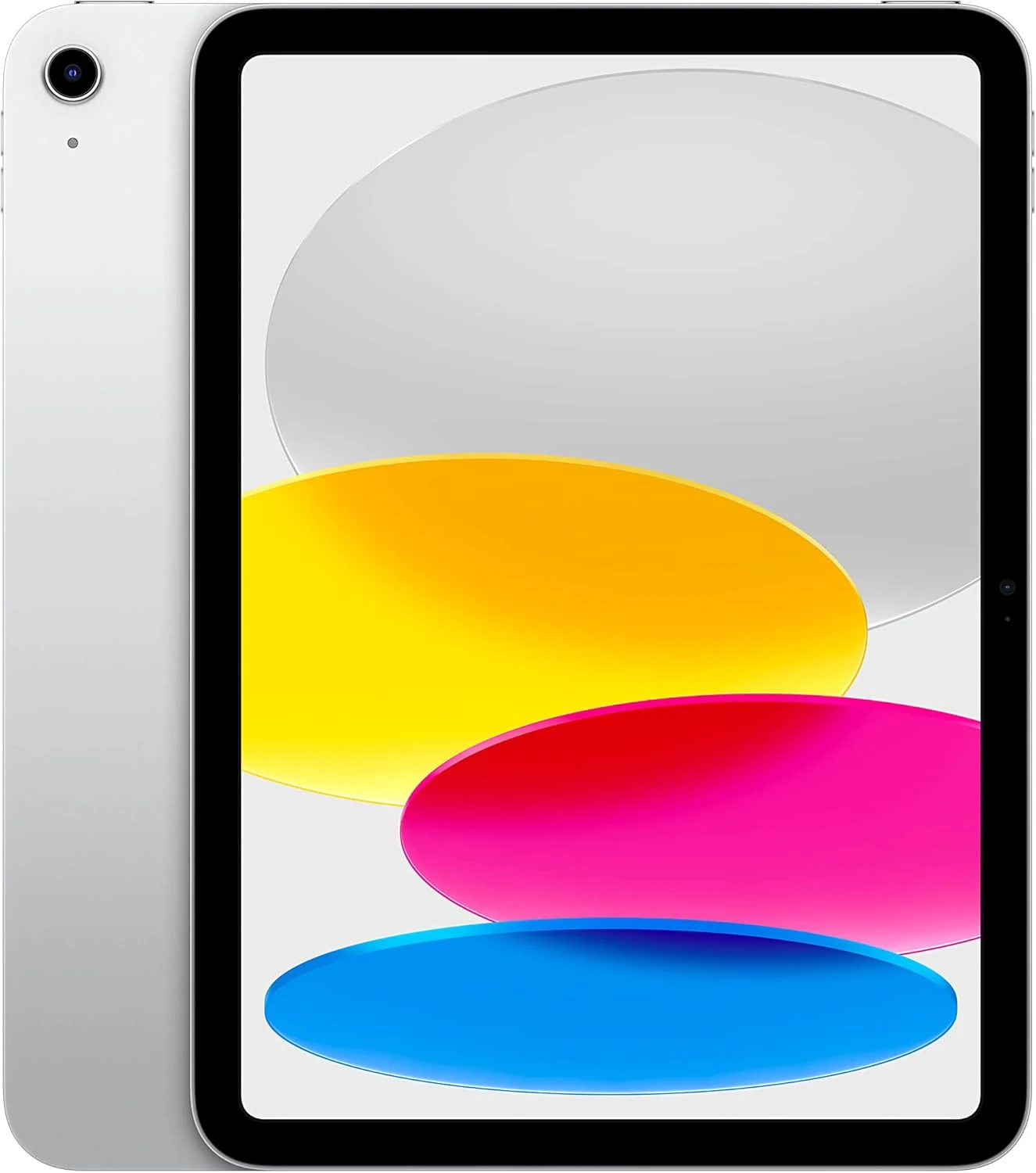
Apple iPad 10th Generation (64GB, Wi-Fi)
A versatile 10.9-inch iPad whose main constraint is the 64GB configuration. Price the keyboard, Pencil and storage needs before choosing it for work.