XIRON Stylus Pen for iPad (2026-2018) Fast Charge Pencil
Quick take
This pencil-style stylus is designed for many iPad models from 2018 through 2026, with no Bluetooth pairing required (double-tap to power on or off). It adds palm rejection and a fine 1.5 mm tip for notes, sketching, and general writing, with fast charging for less downtime. The biggest caveat is compatibility, it does not work with iPhones and it is not compatible with certain iPad Pro (12.9-inch 1st/2nd gen) models.
Pros and cons
Pros
- No Bluetooth connection required, double-tap to turn on and off.
- Palm rejection support helps reduce accidental touches during writing.
- Ultra-fine 1.5 mm tip and tilt feature for more natural line variation.
- Auto-sleep after inactivity and LED battery indicators, plus fast charging.
Cons
- Not compatible with iPhones or some older iPad Pro models (12.9-inch 1st and 2nd gen).
- No pressure sensitivity function, so it may feel less expressive than pens that support that feature.
- Charge method is USB charging rather than magnetic “mag-charge” style (depending on your iPad setup and case).
What buyers think
Buyer-review evidence is broadly positive on day-to-day usability for the supported iPads. Many reviewers describe smooth writing, quick charging, and easy connection without Bluetooth. There are also recurring mentions of strong battery life for real note-taking sessions and convenience features like magnet attachment for some iPad models. Because reviews are focused on general satisfaction, buyer-review evidence is limited on more specific areas like long-term tip wear patterns, software behavior across apps, or edge-case latency.
Who this stylus is for
This is a good fit if you want a straightforward replacement or alternative to a more expensive iPad pencil, especially for students, everyday note-takers, and people who sketch or annotate on the go. It is especially worth considering if you prefer a pen that does not require Bluetooth pairing, and if you like being able to rest your hand on the screen thanks to palm rejection.
Compatibility and setup (the make-or-break factor)
Compatibility is the biggest thing to check before you buy. This stylus is designed for iPad models from 2018 onward, including many iPad Air (M2/M3/M4), iPad Pro (11-inch and 13-inch M-series variants listed), iPad 11th through 6th gen (A16 to A series range listed), and iPad mini 7th/6th/5th gen (A17 Pro and earlier listed models). It is not compatible with iPhones, Microsoft devices, Android tablets, and older iPad Pro 12.9-inch (1st and 2nd gen).
Setup is intended to be simple. There is no Bluetooth connection required, and you can power the stylus on or off with a double-tap on the top. It also includes an auto-sleep behavior after inactivity to save power, and it wakes with a double-tap.
Writing experience: tip, tilt, and palm rejection
The pen uses an ultra-fine 1.5 mm tip, aiming to support precise line work for handwriting, drawing, and sketching. It also includes a tilt feature, which can change line thickness or depth based on how you hold the stylus, helping it feel more natural for shading and varied strokes.
Palm rejection is designed to let you rest your hand on the screen while writing or drawing. In practice, that usually matters most for long note sessions, and it can reduce unwanted input when your hand brushes the glass.
One feature to note: there is no pressure sensitivity function. If your main workflow depends on pressure-based effects (for example, certain pro illustration techniques), you may find this limitation worth considering before purchase.
Battery life, charging, and indicators
This stylus includes 3 LED indicators for battery status and supports fast charging for less waiting. It also enters sleep after about 5 minutes of inactivity, then you can wake it with a double-tap. The stylus charges via the included cable.
Review themes also point to convenient charging and battery longevity during regular note-taking. That said, real battery performance can vary by how often you use the pen and which apps you’re drawing or writing in.
In the box and what you get
The package includes the stylus (1), extra pen tips (3), a pen cap (1), a pen plug (1), a fast charging cable (1), and a user manual (1). If you use the pen frequently, extra tips are a practical inclusion for keeping the writing feel consistent over time.
Pros and cons recap
- Best for: iPad owners within the listed compatibility range who want a no-Bluetooth stylus with palm rejection, a fine tip, and tilt behavior.
- Skip or double-check if: you need pressure sensitivity, or you have an iPhone or an unsupported iPad Pro (12.9-inch 1st/2nd gen).
Verdict
The XIRON stylus is a practical pick for many iPad users who want simple power-on operation, palm rejection for comfortable writing, and a fine 1.5 mm tip with tilt-based line variation. If your iPad model is supported and you do not require pressure sensitivity, it looks like a strong value-oriented alternative style of stylus. If you need pressure-based effects or your device is outside the supported list, you will likely be better served by a different model that matches your tablet.
FAQ
Does this stylus work without Bluetooth?
Yes. It is designed to work without Bluetooth pairing, using a double-tap on the top to turn the stylus on or off.
Which iPads is it compatible with?
It supports many iPad models from 2018 through 2026, including listed iPad Air (M2/M3/M4), iPad Pro 11-inch and 13-inch M-series variants, many iPad 11th through 6th gen models (A16 through the listed A-series range), and iPad mini 7th/6th/5th gen (A17 Pro and earlier listed models). It is not compatible with iPhone, Android tablets, Microsoft devices, or iPad Pro 12.9-inch (1st and 2nd gen).
Does it have pressure sensitivity?
No, it does not include a pressure sensitivity function.
What is the tip size?
The stylus uses an ultra-fine 1.5 mm tip.
How does charging work?
It supports fast charging and includes LED battery indicators. It charges with the included cable, rather than relying on Bluetooth connectivity.
Specifications
| Product Title | Stylus Pen for iPad (2026-2018), Fast Charge Pencil for iPad A16 11th/10/9/8/7/6 Gen, Air M4/M3/M2/11/13"/5/4/3rd, Pro M4 M5 11"/13"/12.9", Mini A17 Pro 7/6/5th, Palm Rejection Tilt Sensitivity |
|---|---|
| Category | Cell Phones & Accessories > Accessories > Stylus Pens |
| Brand | XIRON |
| Manufacturer | XIRON |
| Color | White |
| Material | Aluminum |
| Item Weight | 41 Grams |
| Number of Batteries | 1 Lithium Polymer batteries required. (included) |
| Battery Average Life Standby | 5 minutes |
| Compatible Devices | Compatible with iPad iPad 2018-2026 (A16 11th-6th gen, mini 5th/6th/7th (A17 Pro), Air M2/M3/M4/11"/13", Pro M4/M5/11"/12.9" 2018-2022) |
| Battery Description | Lithium-Ion Polymer |
| Minimum Required Operating System Version | iOS 17 |
| Compatible Tablet Computer Models | Apple iPad 11th Generation, Apple iPad Air (5th generation), Apple iPad Pro 10.5-inch, Apple iPad Pro 9.7-inch, Apple iPad mini 6 |
| Enclosure Material | Aluminum |
| Are Batteries Included | Yes |
| Are Batteries Required | Yes |
| Unit Count | 1.0 Count |
| Warranty Description | 1 year |
| Batteries Required? | Yes |
Available variants
Color
- Blue
- Black
- Purple
- White
- Pink
Recommended next
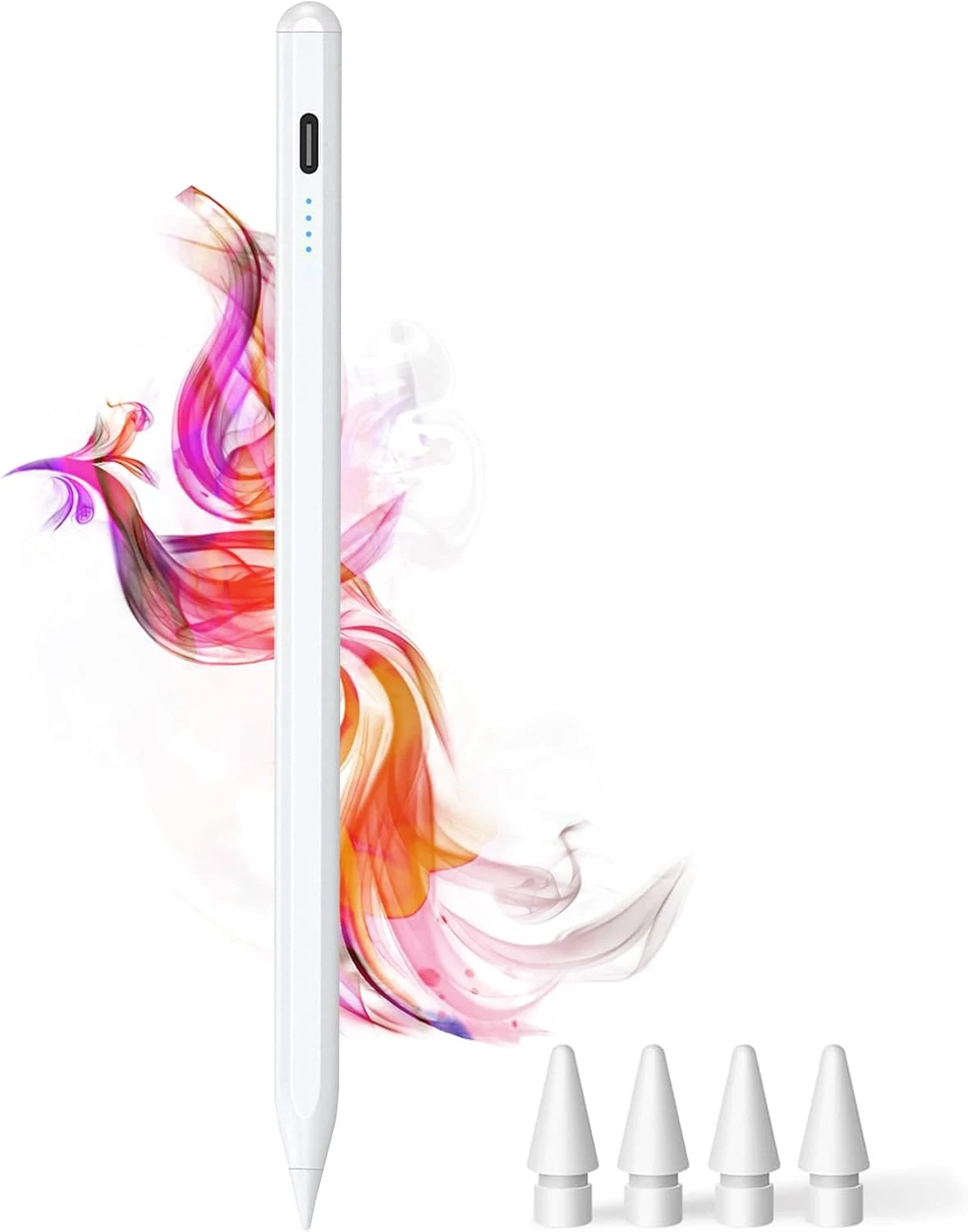
DOGAIN iPad Pencil for Apple iPad A16 11th&10th
The DOGAIN iPad Pencil is a palm-rejection, tilt-sensitive stylus designed for many iPad models from 2018 onward that support this style of pencil. It uses USB-C charging, includes replacement POM tips, and adds simple touch controls plus magnetic storage. The main caveat is compatibility, it will not work with iPhones or iPads that fall outside the listed model years.
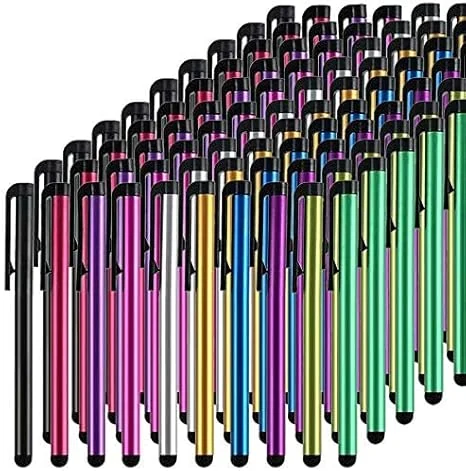
Stylus Pens for Touch Screens, 100 Pieces Universal Colorful Long Metal Stylists Pack for iPad, iPhone, Android, Galaxy, Chrome Book, Tablets
This bulk pack of 100 battery-free stylus pens is built for everyday touchscreen use, with rubber tips designed for a smooth, scratch-resistant glide. It is a budget-friendly option if you want backups for multiple devices or for sharing, with the main tradeoff being that it is not a premium “active” stylus experience for note-taking apps.
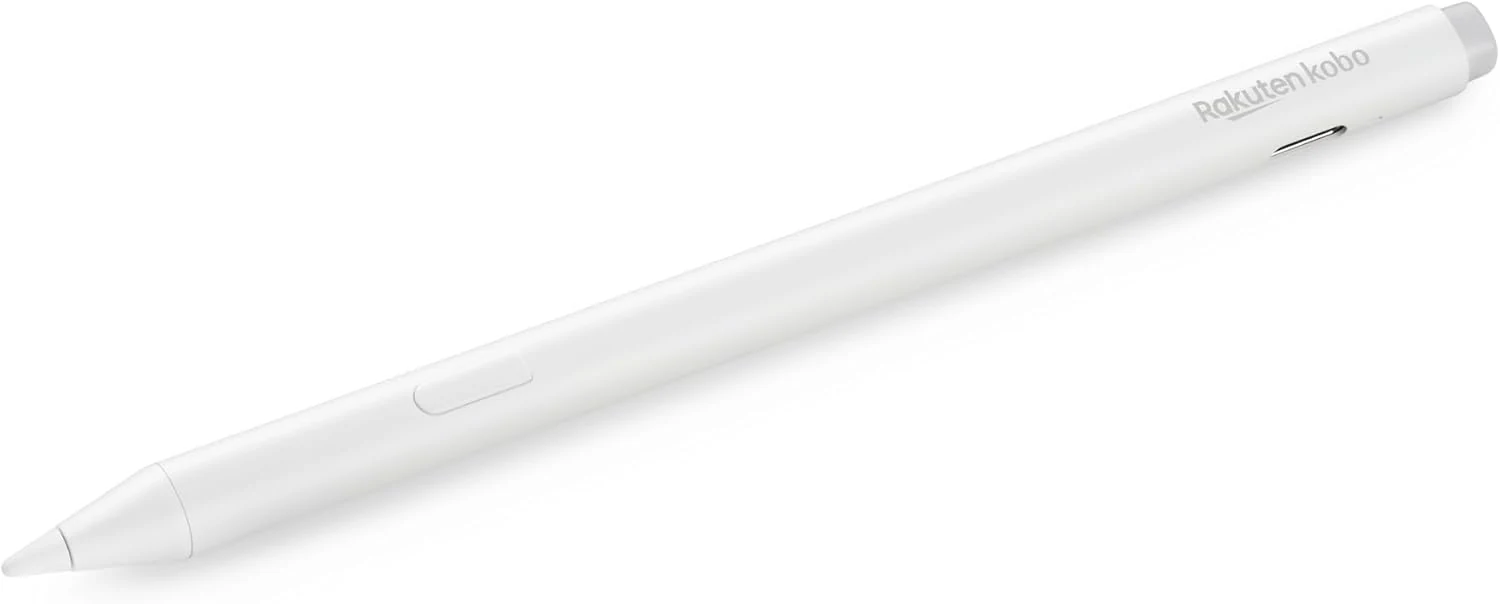
Kobo Stylus 2
The Kobo Stylus 2 is a rechargeable USB-C stylus designed for compatible Kobo Libra Colour and Kobo Sage eReaders. It supports writing notes, highlighting, and marking up eBooks or PDFs, with an eraser feature on the back and two replacement tips included. Best for Kobo owners who want a more natural pen-like experience for annotations, with the main caveat being its higher price and limited compatibility.
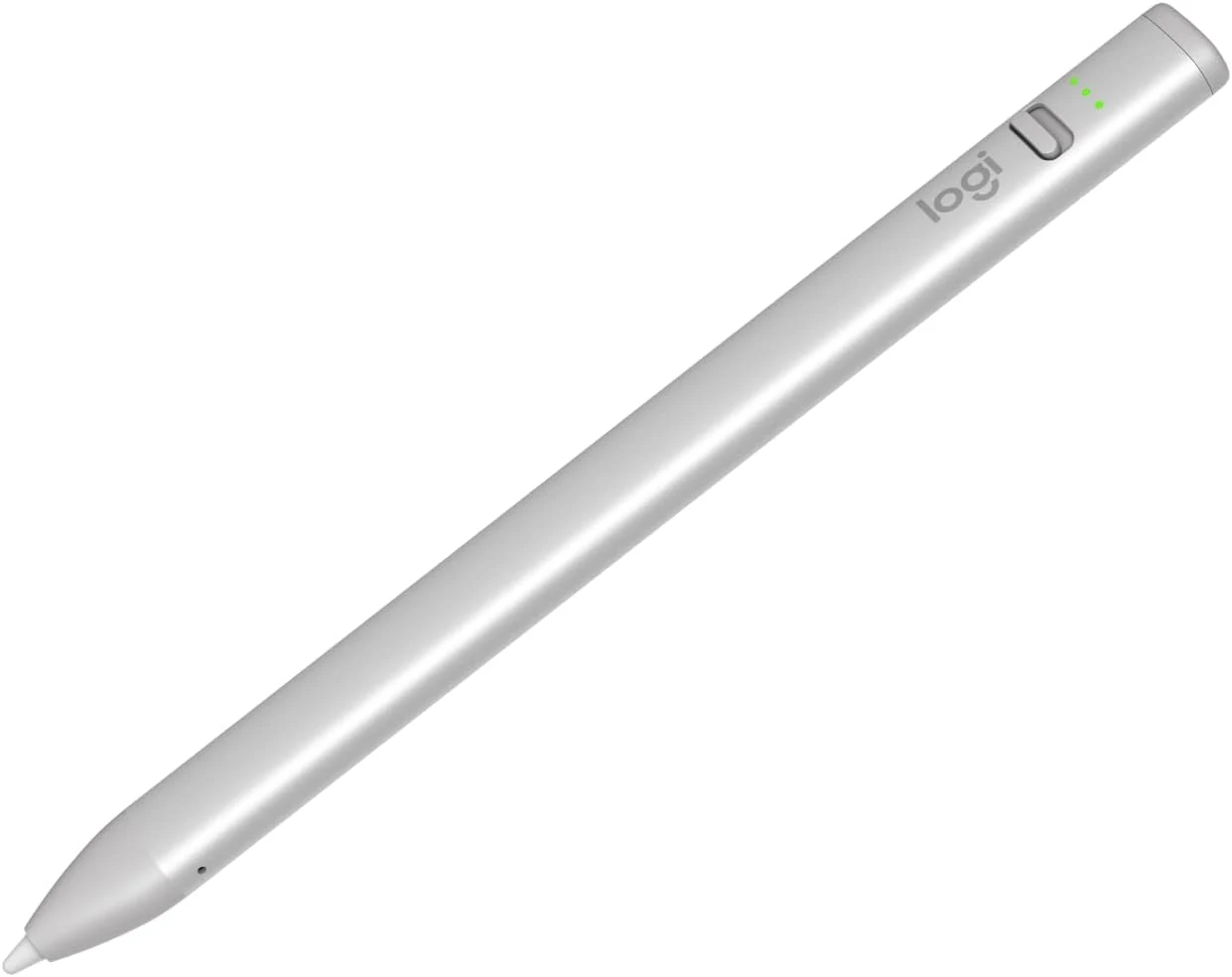
Logitech Crayon Digital Pencil for iPad (USB C Port Compatibility Only)
The Logitech Crayon is a USB-C iPad stylus designed to feel natural for notes and drawing, using Apple Pencil technology. It supports quick on/off use, tilt-based line thickness changes, and USB-C charging (up to about 7 hours of writing per charge). It is not pressure-sensitive, and it does not magnetically attach to an iPad.