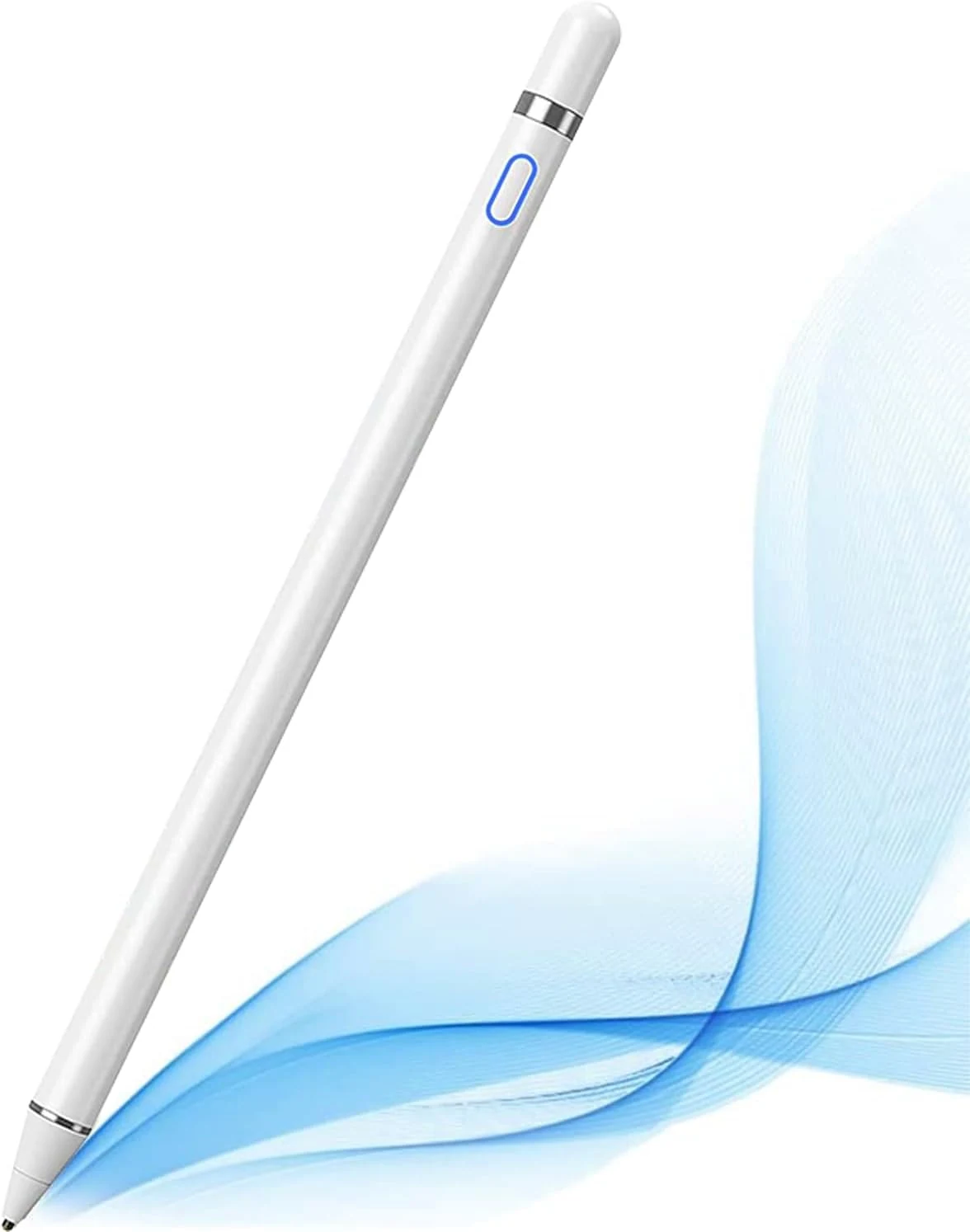
Stylus Pens $9.99
★★★★★ 4.2/5 6,984 ratings The DOGAIN Active Digital Stylus Pen is a rechargeable, fine-point active stylus designed for capacitive touch screens, including many iPad and iPhone models plus Android phones and tablets. It’s a simple, no-pairing stylus option for note-taking and light drawing, with pressure and tilt sensitivity for more natural lines. The main tradeoff is that iPad compatibility is specific, and some users report responsiveness issues with defective units.
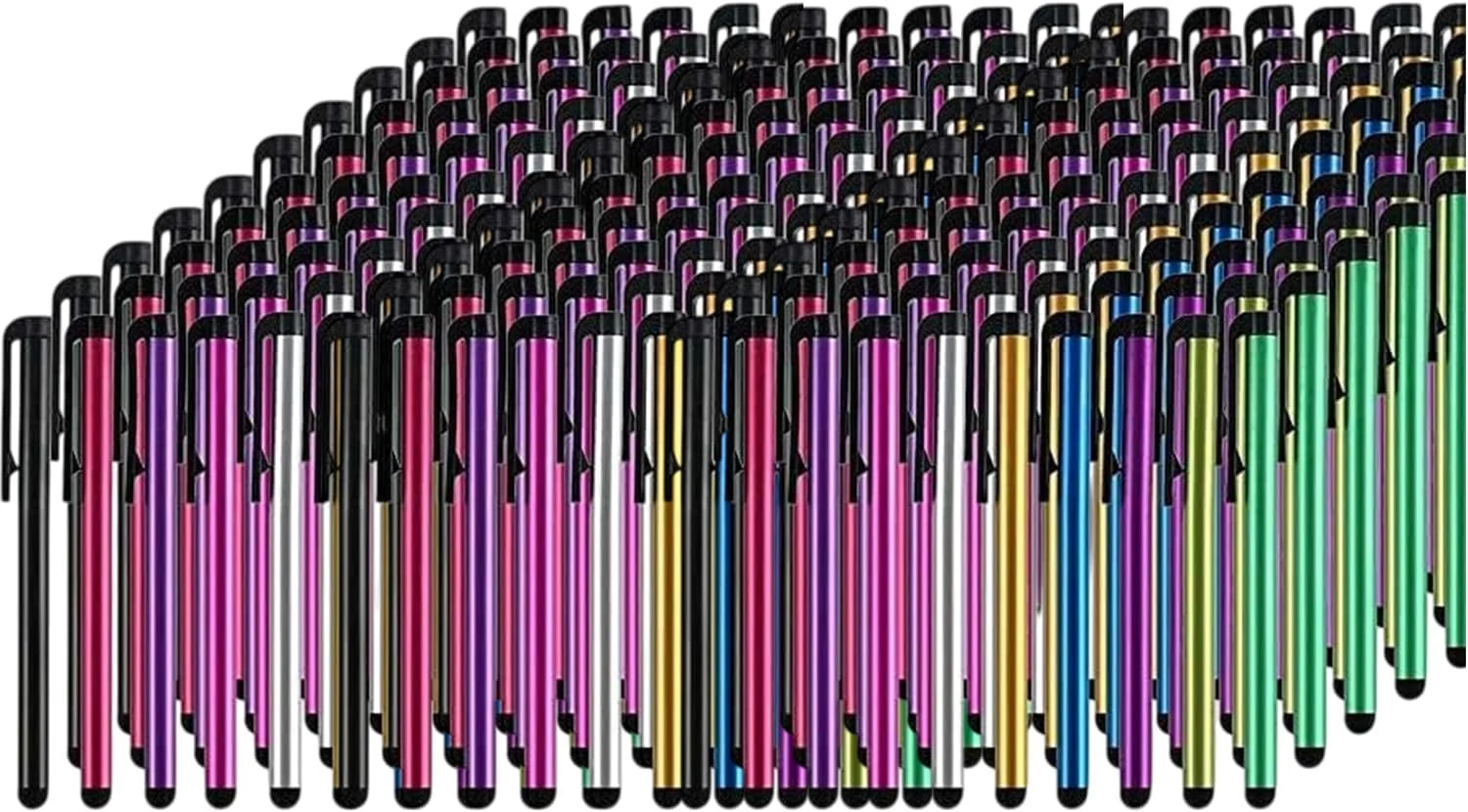
Stylus Pens $54.99
★★★★★ 4.4/5 1,044 ratings A budget-friendly bundle of 300 universal stylus pens designed for touchscreens across iPad, iPhone, Android, Samsung Galaxy, Chromebooks, and more. Buyers generally like the feel and durability for everyday use, with a key caveat that performance may vary versus higher-end styluses and replacement tips are not a focus of the design.
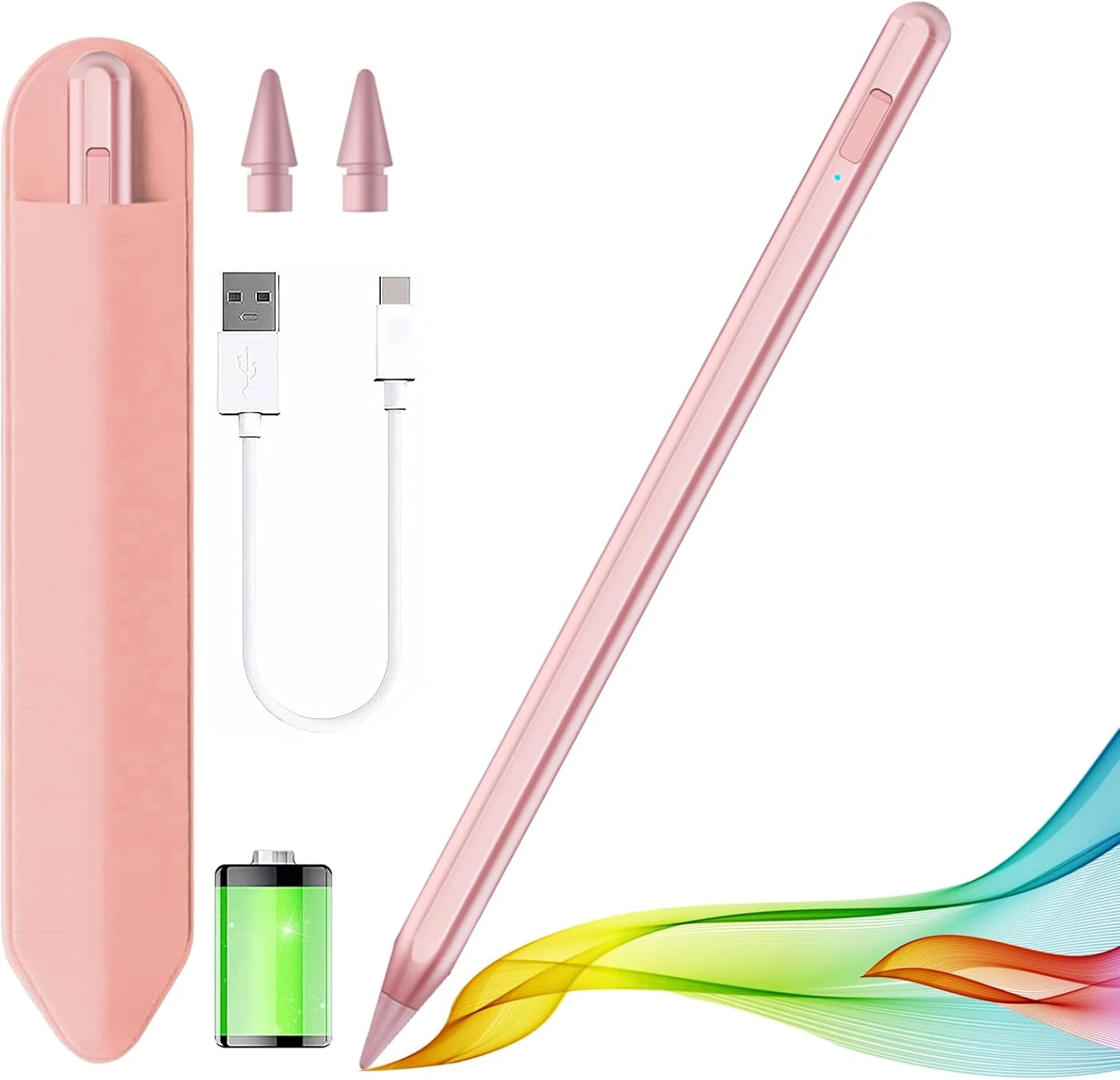
Stylus Pens $11.99
★★★★★ 4.5/5 4,487 ratings A budget-friendly Apple Pencil-style stylus for many iPad models (2018-2025). It supports palm rejection, offers a battery percentage display and power-saving shutdown, includes extra replacement nibs, and has touch-based shortcuts, but nib wear and occasional quirks may matter if you draw heavily or use screen protectors.
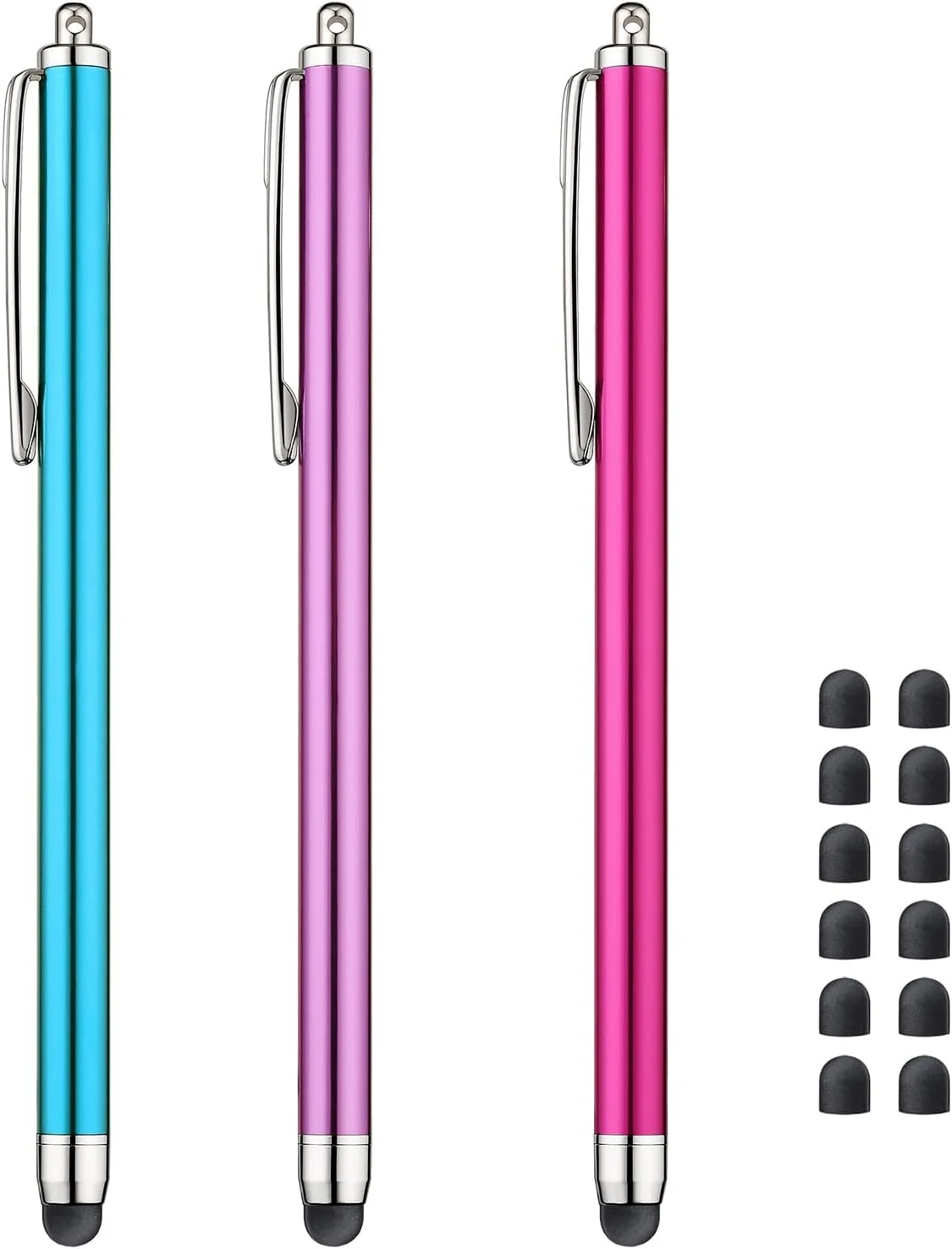
Stylus Pens $4.99
★★★★★ 4.6/5 9,790 ratings A 3-pack of simple, pen-style capacitive stylus pens for everyday touch input on iPad, iPhone, Kindle Fire, and other capacitive screens. Buyers like the comfort and longer length, plus the included replacement tips, but the thinner tip feel may not suit everyone.
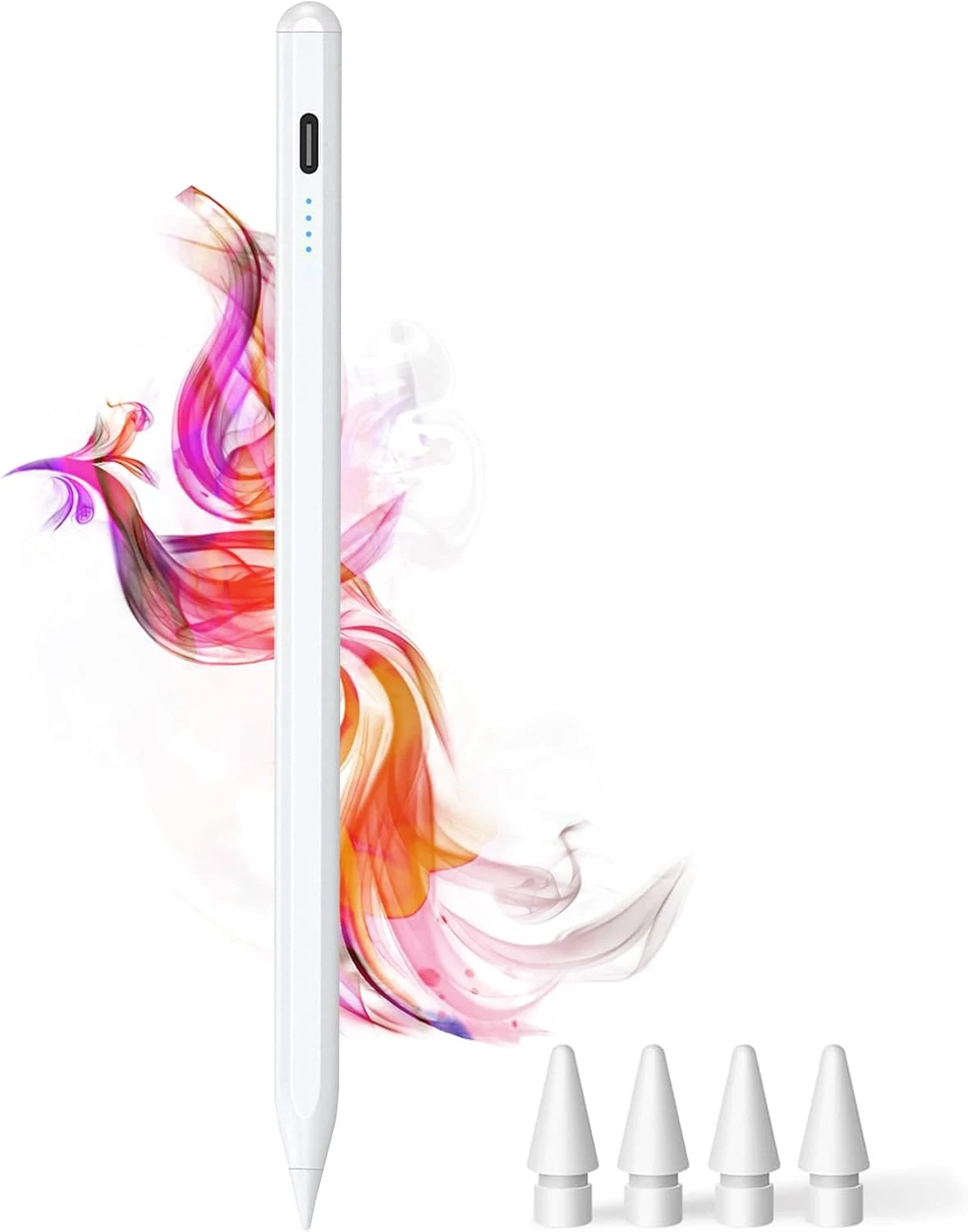
Stylus Pens $9.49
★★★★★ 4.6/5 4,134 ratings The DOGAIN iPad Pencil is a palm-rejection, tilt-sensitive stylus designed for many iPad models from 2018 onward that support this style of pencil. It uses USB-C charging, includes replacement POM tips, and adds simple touch controls plus magnetic storage. The main caveat is compatibility, it will not work with iPhones or iPads that fall outside the listed model years.
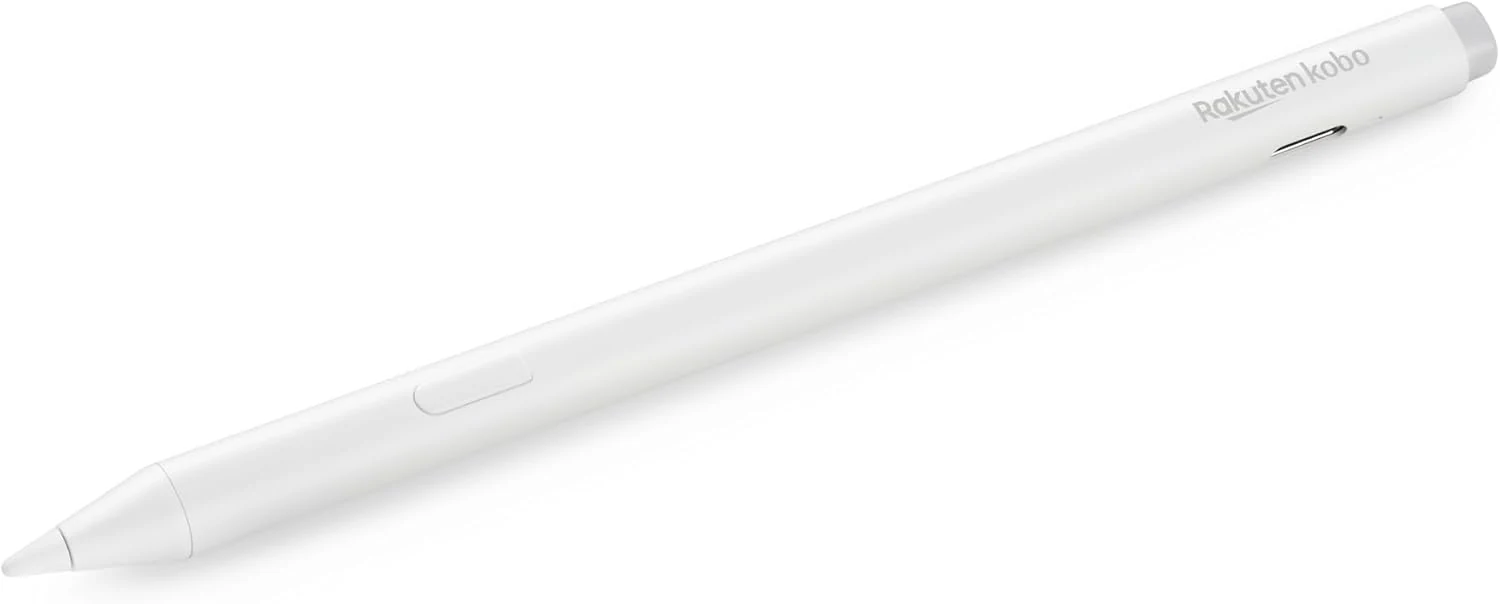
Stylus Pens $69.99
★★★★★ 4.6/5 527 ratings The Kobo Stylus 2 is a rechargeable USB-C stylus designed for compatible Kobo Libra Colour and Kobo Sage eReaders. It supports writing notes, highlighting, and marking up eBooks or PDFs, with an eraser feature on the back and two replacement tips included. Best for Kobo owners who want a more natural pen-like experience for annotations, with the main caveat being its higher price and limited compatibility.
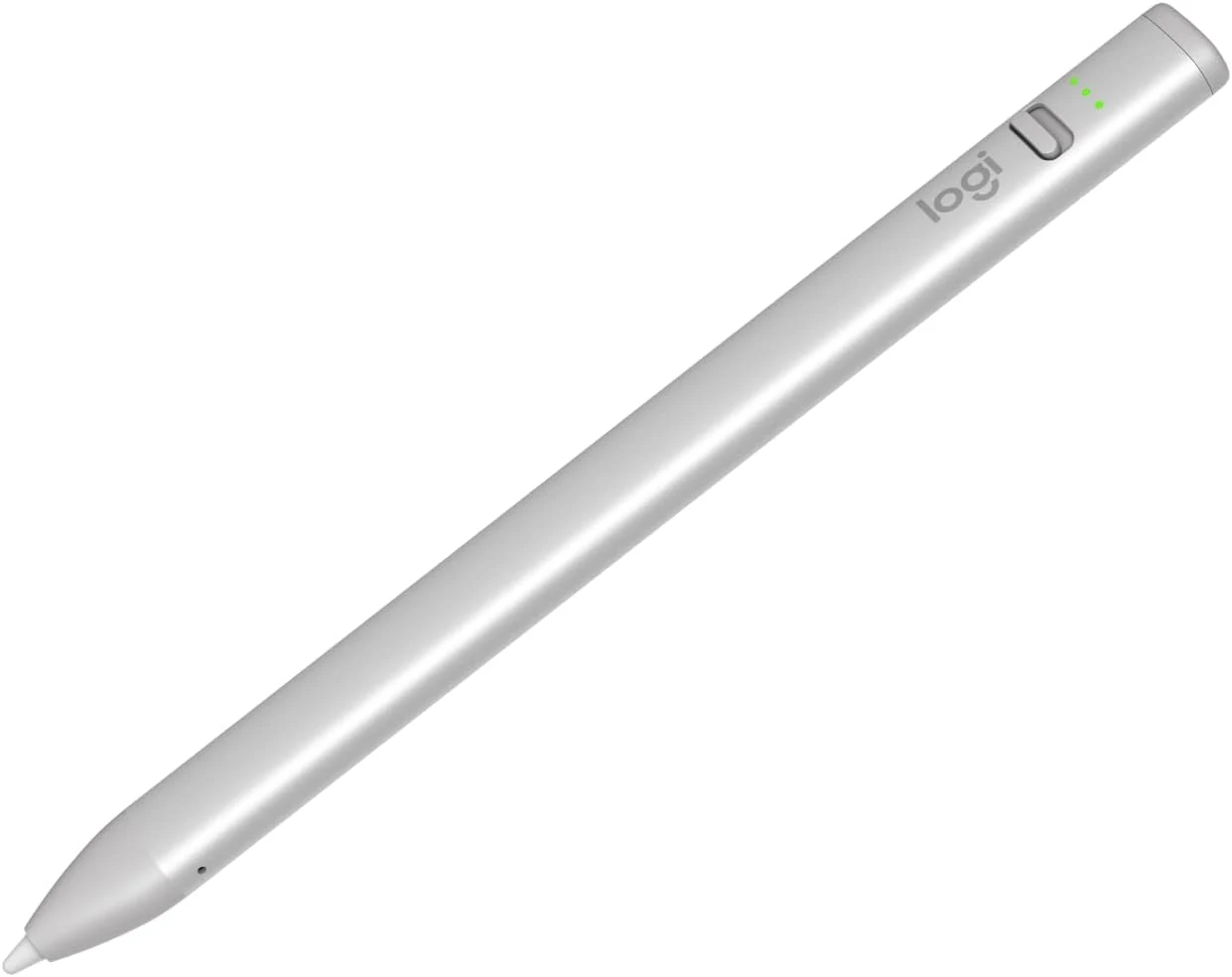
Stylus Pens $43.99
★★★★★ 4.5/5 837 ratings The Logitech Crayon is a USB-C iPad stylus designed to feel natural for notes and drawing, using Apple Pencil technology. It supports quick on/off use, tilt-based line thickness changes, and USB-C charging (up to about 7 hours of writing per charge). It is not pressure-sensitive, and it does not magnetically attach to an iPad.
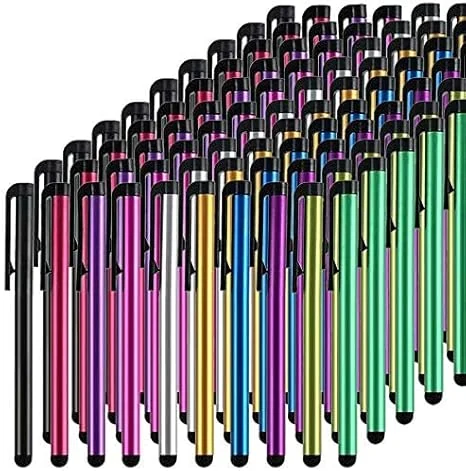
Stylus Pens $24.99
★★★★★ 4.4/5 1,044 ratings This bulk pack of 100 battery-free stylus pens is built for everyday touchscreen use, with rubber tips designed for a smooth, scratch-resistant glide. It is a budget-friendly option if you want backups for multiple devices or for sharing, with the main tradeoff being that it is not a premium “active” stylus experience for note-taking apps.

Stylus Pens $41.00
★★★★★ 4.5/5 573 ratings The Samsung Galaxy S25 Ultra S Pen (EJ-PS938BBEGUJ) is a genuine, S25 Ultra-specific touch stylus replacement or backup. It supports Air Command tools for sketching and note taking, and buyers consistently describe it as smooth and easy to pair when needed. The main caveat is compatibility, it only works with the Galaxy S25 Ultra, not other Galaxy models.
Stylus Pens $9.99
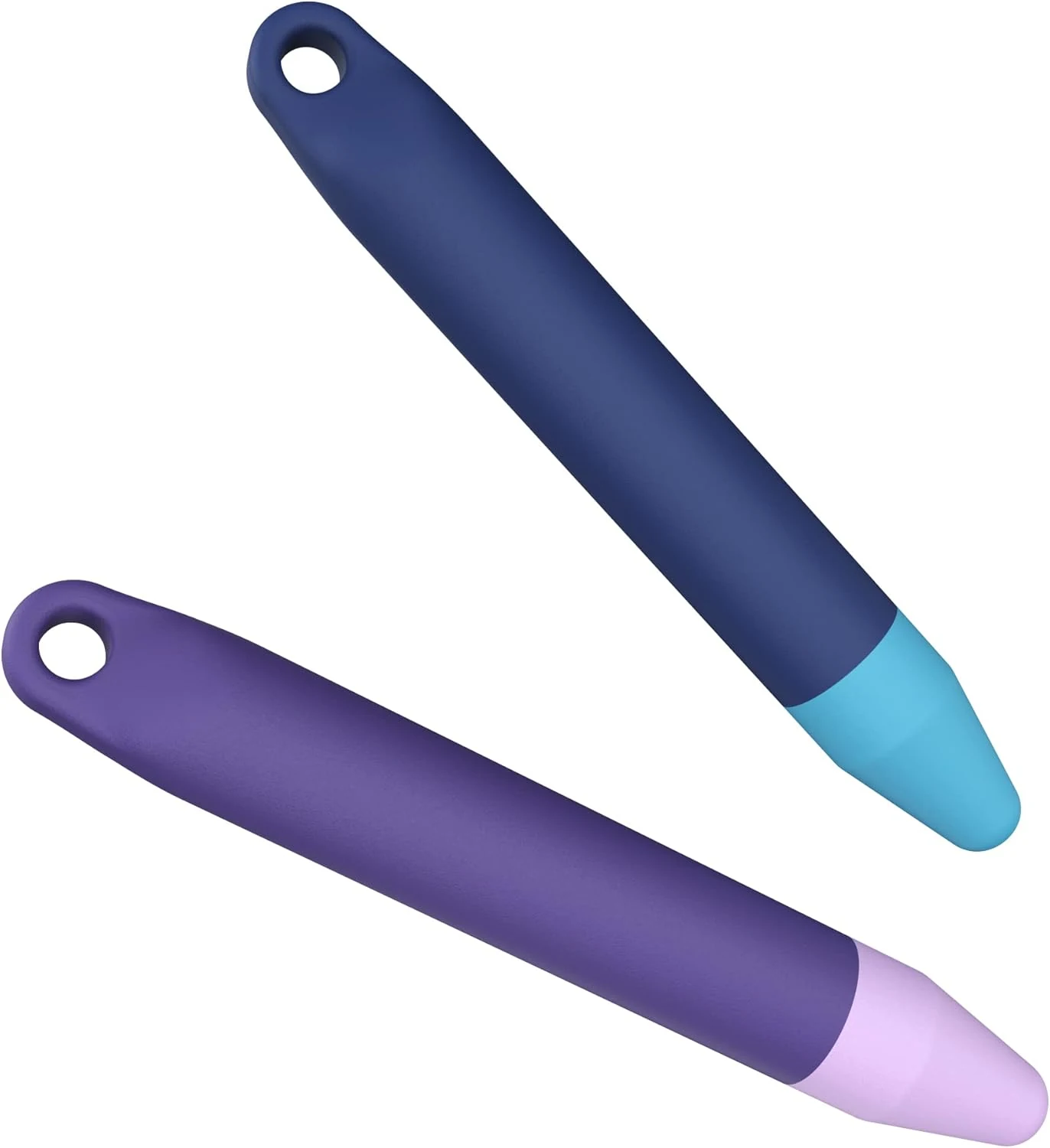
★★★★★ 4.5/5 2,294 ratings These kid-friendly stylus pens (purple and blue, 2-pack) are designed to be comfortable for small hands and usable with many touch screens, including Amazon Fire Kids tablets. They’re a practical pick for learning to draw, write, or point, with the main tradeoff being a wider tip feel that may not suit people who want a finer “precision” stylus.
Stylus Pens $24.46
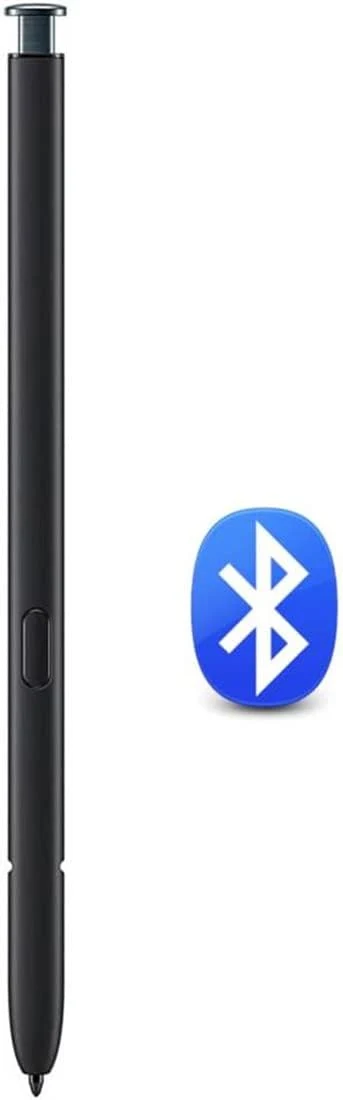
★★★★★ 4.5/5 852 ratings A Bluetooth-enabled replacement S Pen style stylus for Galaxy S23 Ultra. It’s designed to pair easily, supports 4096 levels of pressure, and includes extra tips, but it is not compatible with the standard S23, S23+, or S23 FE models.
Stylus Pens $9.99
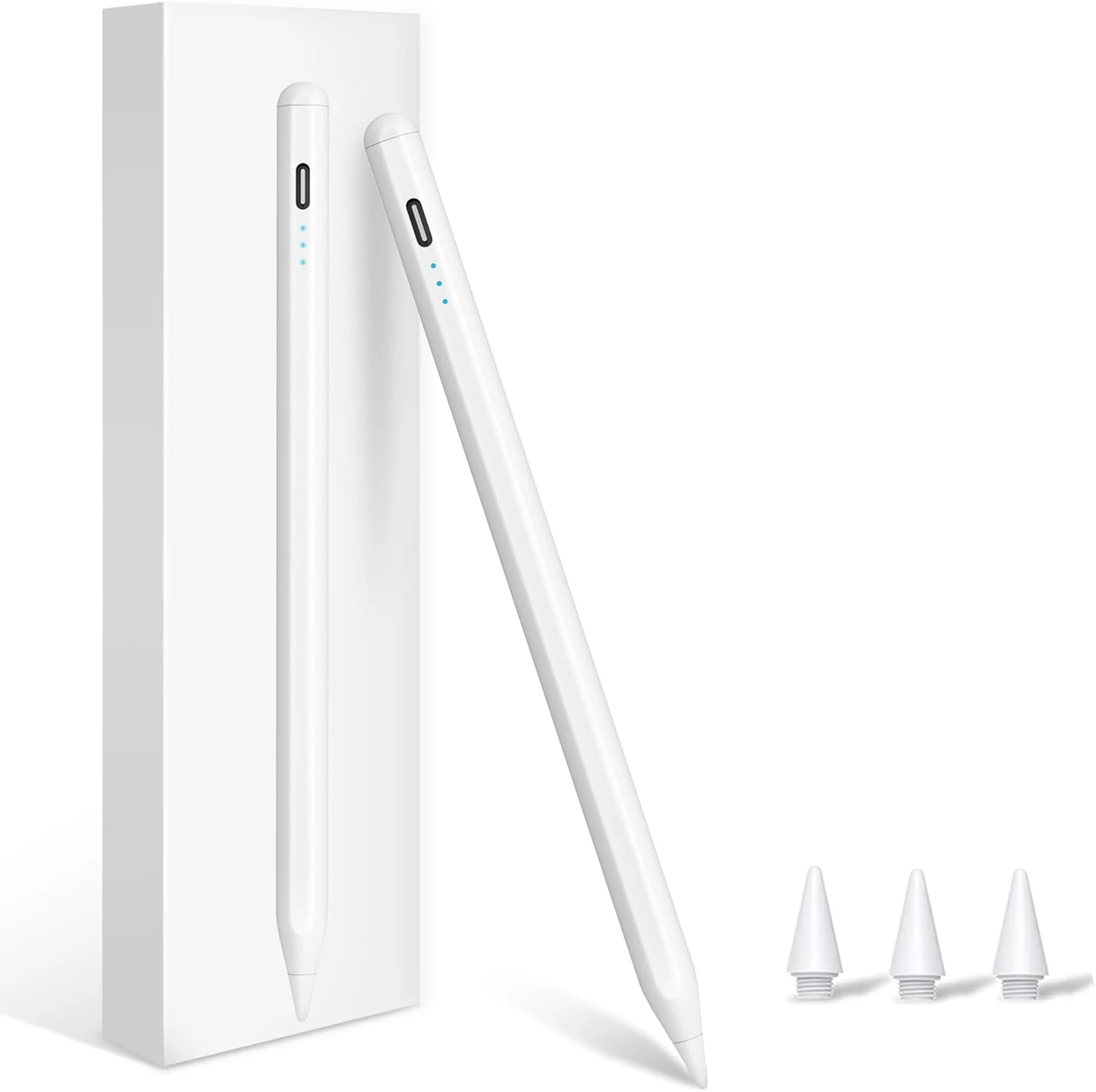
★★★★★ 4.6/5 1,685 ratings XIRON’s no-Bluetooth stylus is built for a wide range of iPad models (2018 through 2026), with palm rejection, a fine 1.5 mm tip, and quick on/off via double-tap. It supports fast charging and includes extra tips, but it is not compatible with iPhone or many older iPad Pro models.
Stylus Pens $9.99
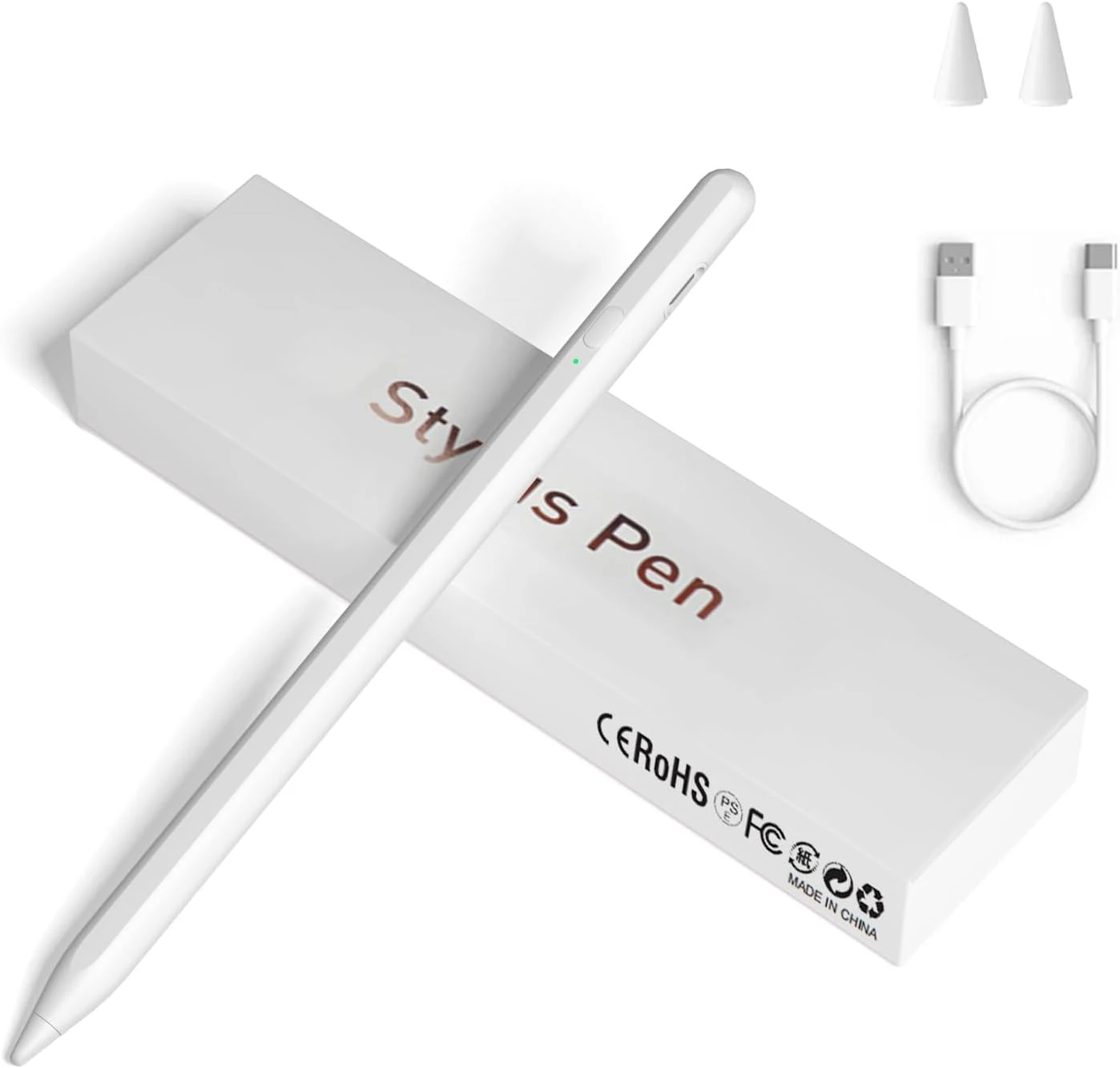
★★★★★ 4.4/5 1,505 ratings A budget-friendly, fine-point rechargeable stylus designed for broad capacitive touchscreen compatibility, plus magnetic side attachment for select iPad Pro models. It’s easy to use with minimal setup, but the tradeoff is fewer “pro” features (like accidental-touch prevention) and some buyers report occasional responsiveness quirks over time.
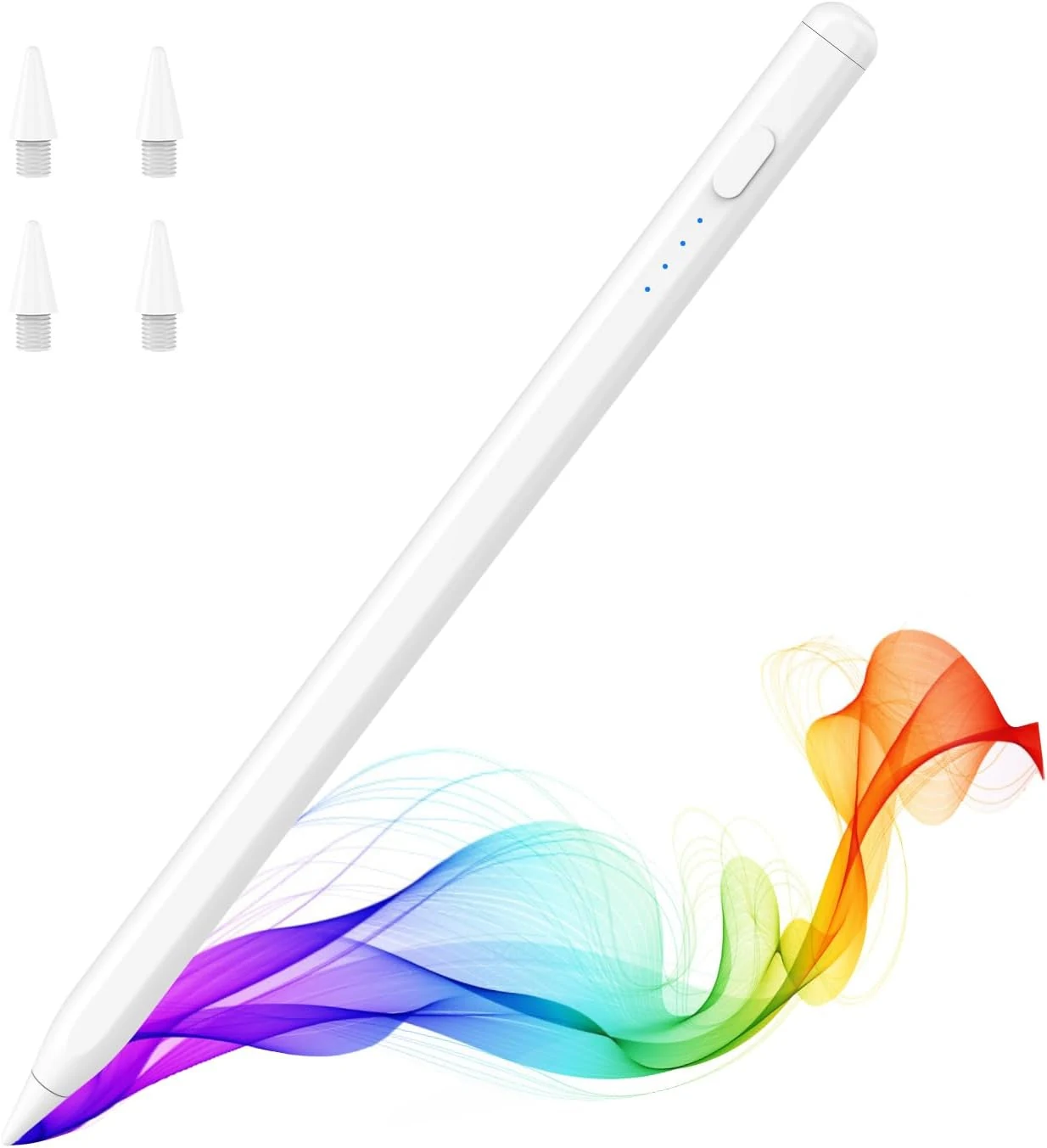
Stylus Pens $13.88
★★★★★ 4.6/5 1,002 ratings The MoKo Pencil for iPad (A16) is a USB-C rechargeable, magnetically attachable stylus designed specifically for many iPad models from 2018 through newer generations that match its compatibility list. It supports tilt sensitivity and palm rejection, includes extra POM nibs, and aims to deliver a smoother note-taking and drawing experience than a basic stylus, with the main tradeoff being that it is not a full Apple Pencil Pro feature match (for example, pressure-style workflows may feel different).
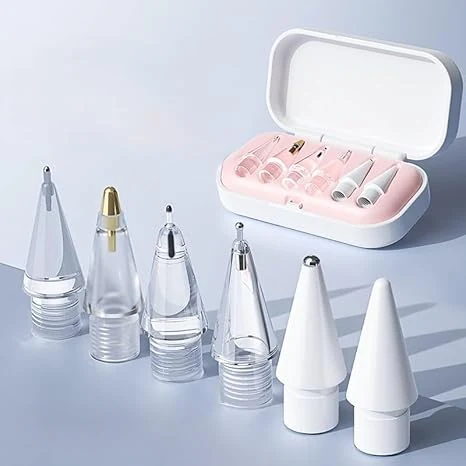
Stylus Pens $9.99
★★★★★ 4.4/5 1,071 ratings LOVE MEI replacement pencil tips are designed for Apple Pencil Pro and multiple Apple Pencil generations, plus Logitech Crayon. Buyers like the smooth, responsive feel and the included case for keeping small nibs organized, with one common tradeoff being the need to handle tiny tips carefully. If you use your Pencil heavily (notes, sketching, signatures), these are a practical, low-friction way to refresh your stylus setup.
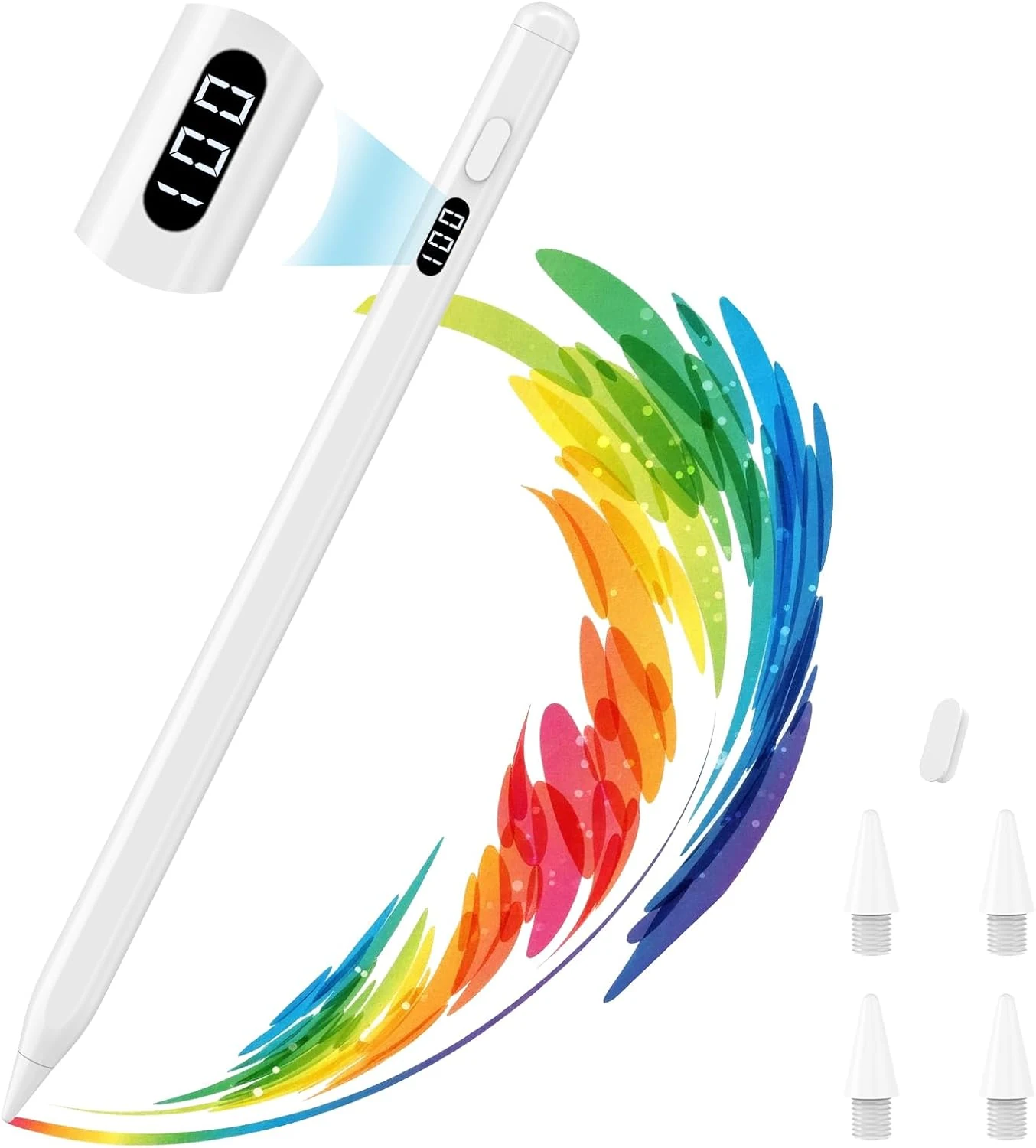
Stylus Pens $14.99
★★★★★ 4.6/5 495 ratings The MoKo Stylus Pen is a budget-friendly iPad stylus designed for note-taking and everyday drawing across iPad models released from 2018 onward. It skips Bluetooth pairing, supports tilt sensitivity and palm rejection, and includes an LED battery percentage display, which multiple buyers highlight as genuinely useful.
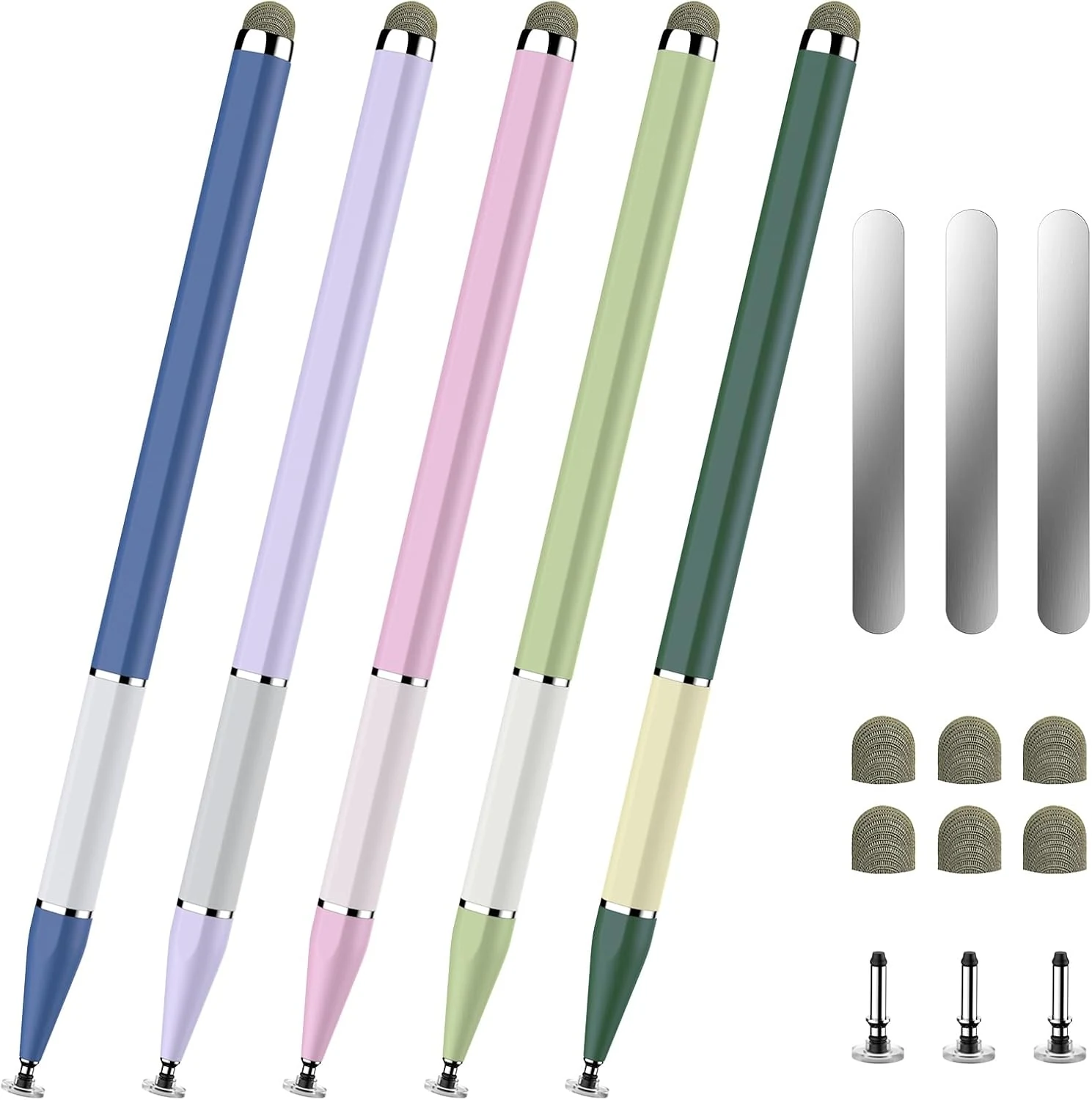
Stylus Pens $9.98
★★★★★ 4.4/5 687 ratings A budget-friendly 5-pack of alloy 2-in-1 stylus pens designed for capacitive touchscreens, with fiber and disc tip options plus magnetic attachment. It is a good fit for note-taking, drawing, and handheld gaming, but tip performance can be inconsistent across the included accessories.
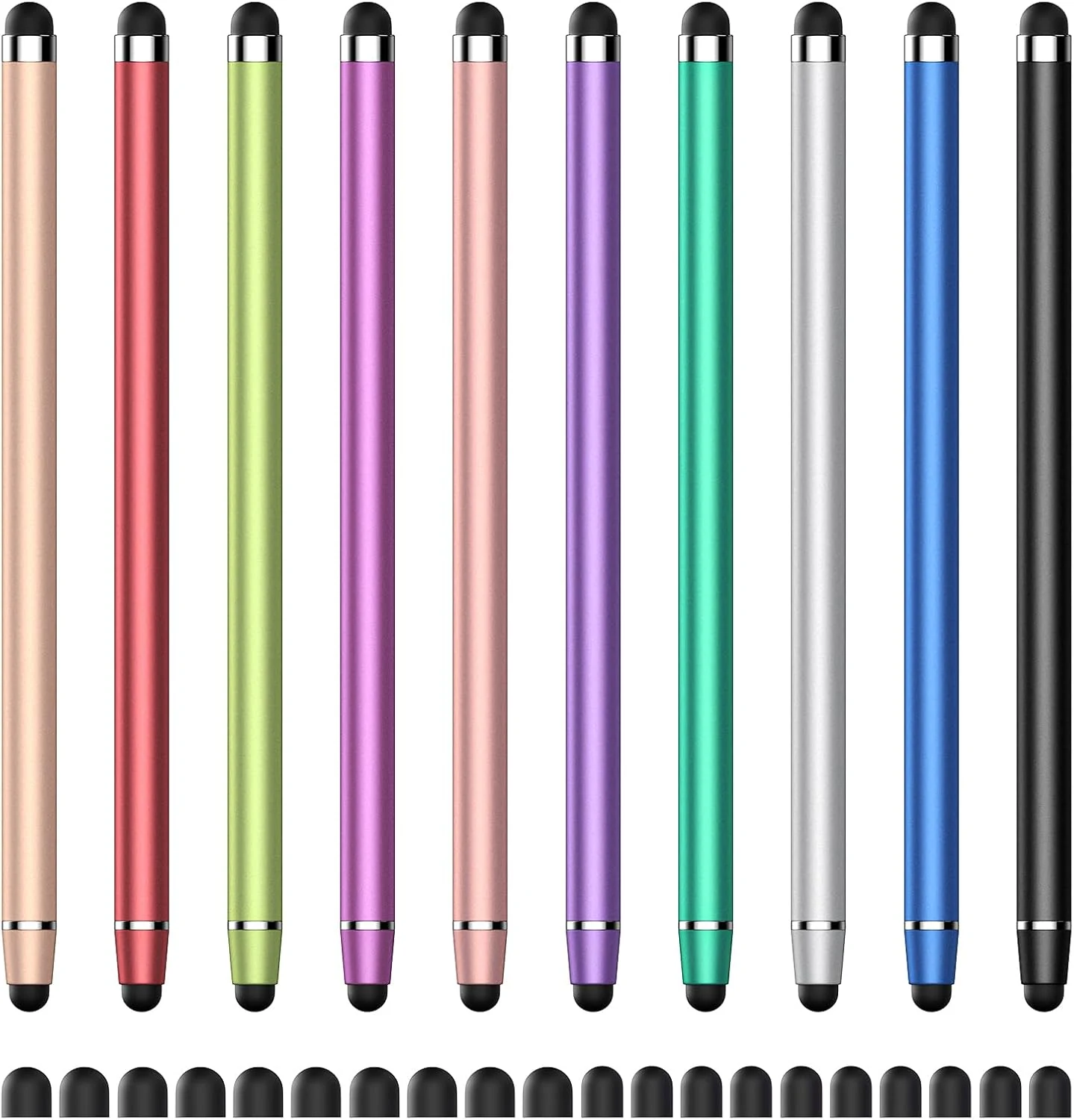
Stylus Pens $9.99
★★★★★ 4.8/5 680 ratings A budget-friendly 2-in-1 capacitive stylus that uses soft rubber tips for smoother writing, drawing, and tapping without charging or Bluetooth. Built around a dual-tip design plus replacement tips, it’s a practical pick for everyday touchscreen use on devices like iPhone/iPad (capactive support), Android tablets, and Microsoft Surface models that accept capacitive styluses. The main caveat: it’s a capacitive stylus, so it will not provide the same feature set as active digitizer pens on iPads and other devices that require the official pen protocol.
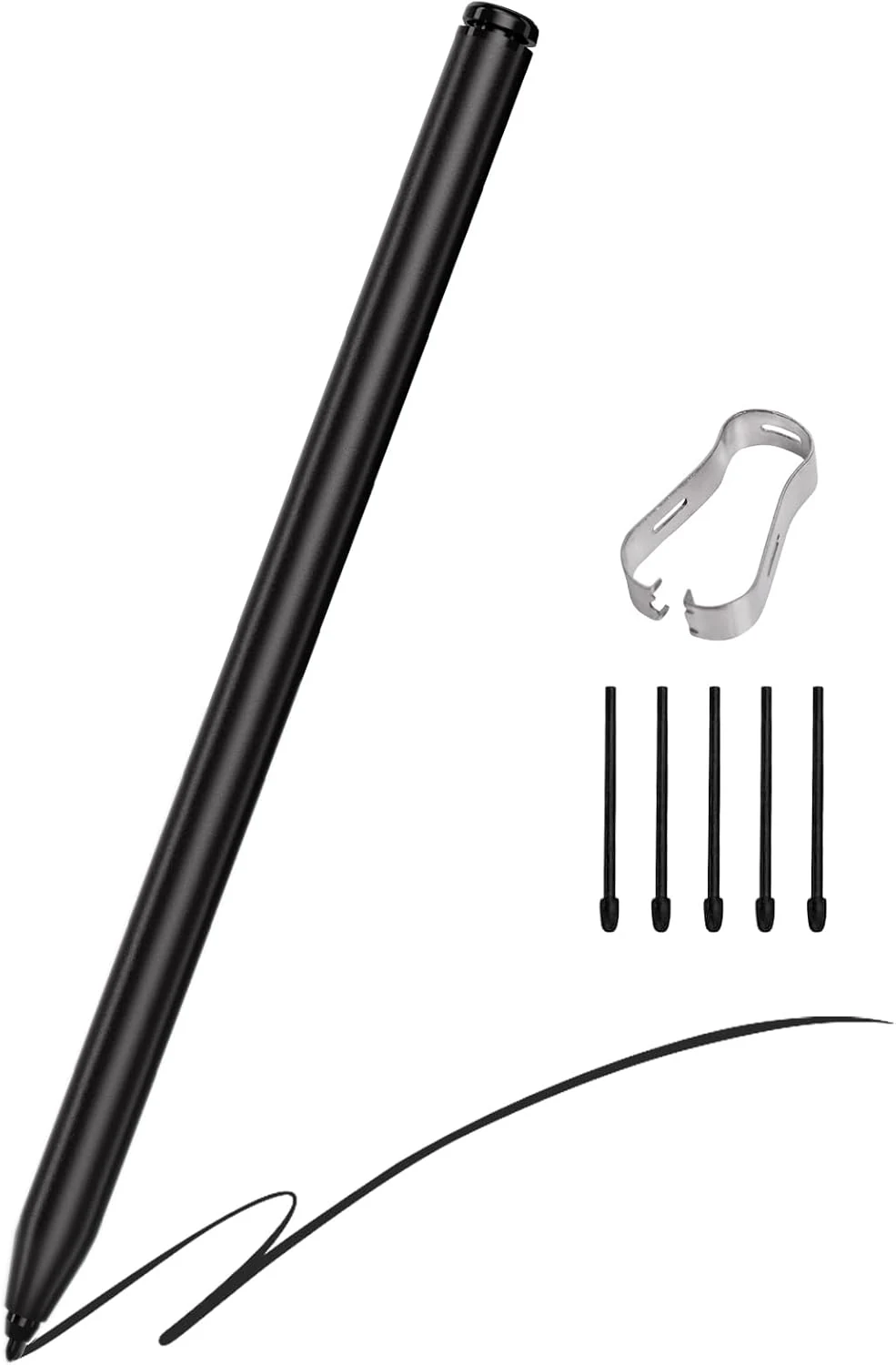
Stylus Pens $29.99
★★★★★ 3.7/5 166 ratings A battery-free magnetic EMR stylus made for Remarkable 2/1 and Kindle Scribe, with 4096 pressure levels, tilt support, and a built-in digital eraser. It’s a budget-friendly alternative to the official pen, but compatibility is limited (it will not work with some other Remarkable models) and a small set of reports mention issues like eraser durability and occasional “ghost writing.”
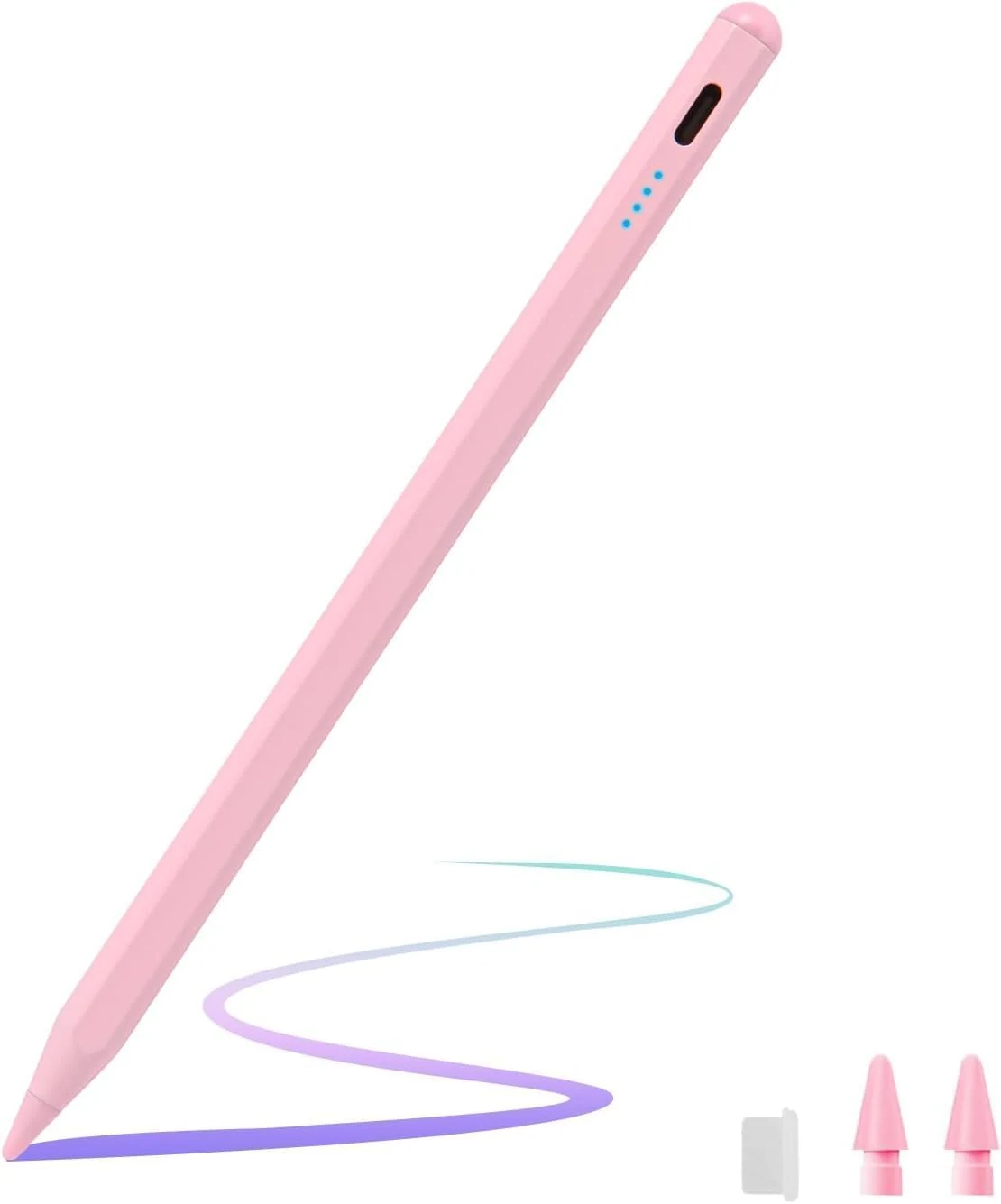
Stylus Pens $6.99
★★★★★ 4.1/5 650 ratings A budget-friendly active stylus made for Amazon Fire HD 10 and Fire Max 11, with compatibility extending to select Samsung and Lenovo Android tablets. It’s easy to use (no Bluetooth or extra apps), charges via USB-C, and includes spare nibs, but battery runtime and “always-on” behavior can vary depending on how heavily you use it.
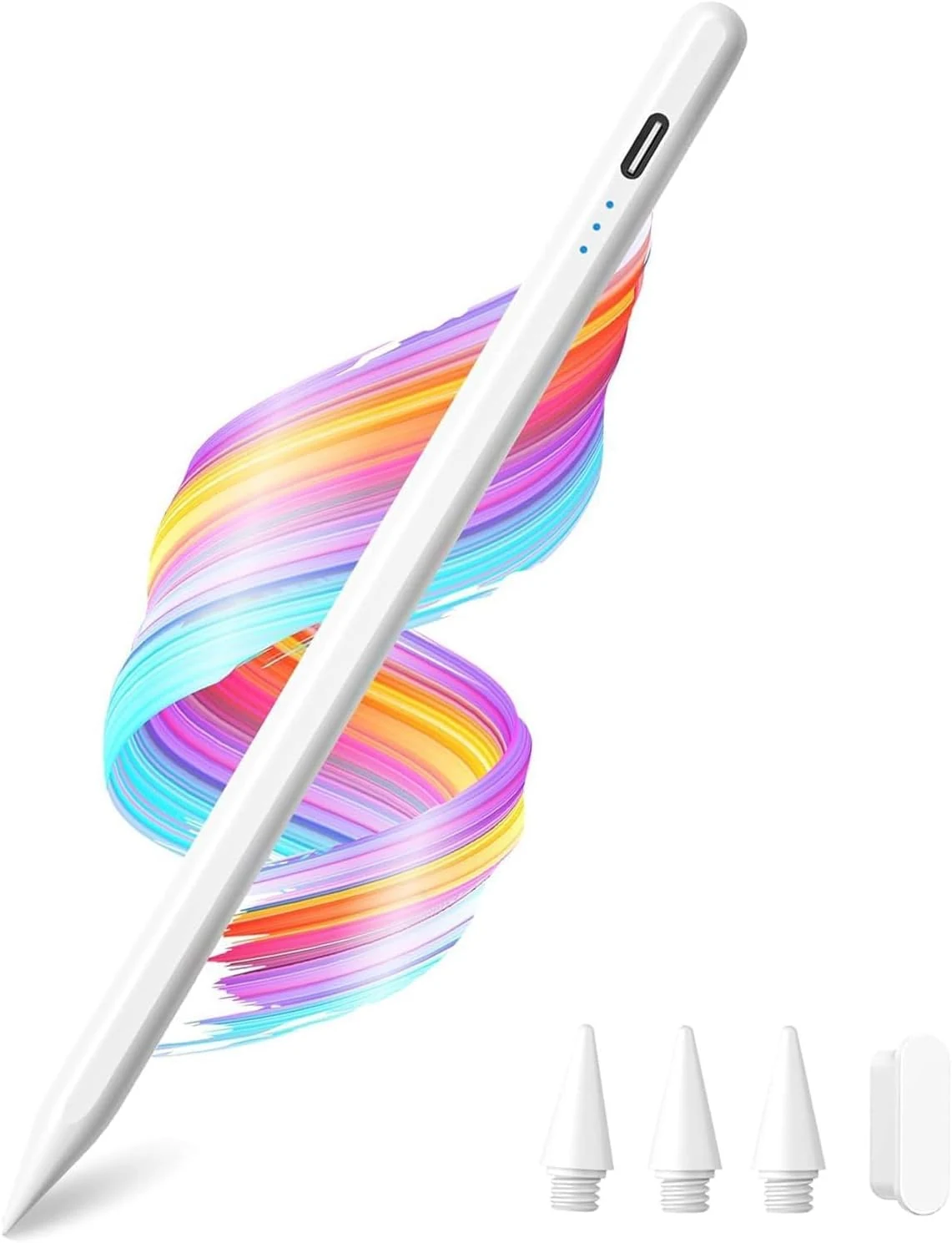
Stylus Pens $19.99
★★★★★ 4.5/5 188 ratings A budget-friendly Apple iPad stylus built for many 2018 to 2026 iPad models. It supports palm rejection and tilt sensitivity, uses a quick-charge routine, and includes replacement nibs. The main catch: it is not for iPhone, and compatibility depends on your exact iPad generation.
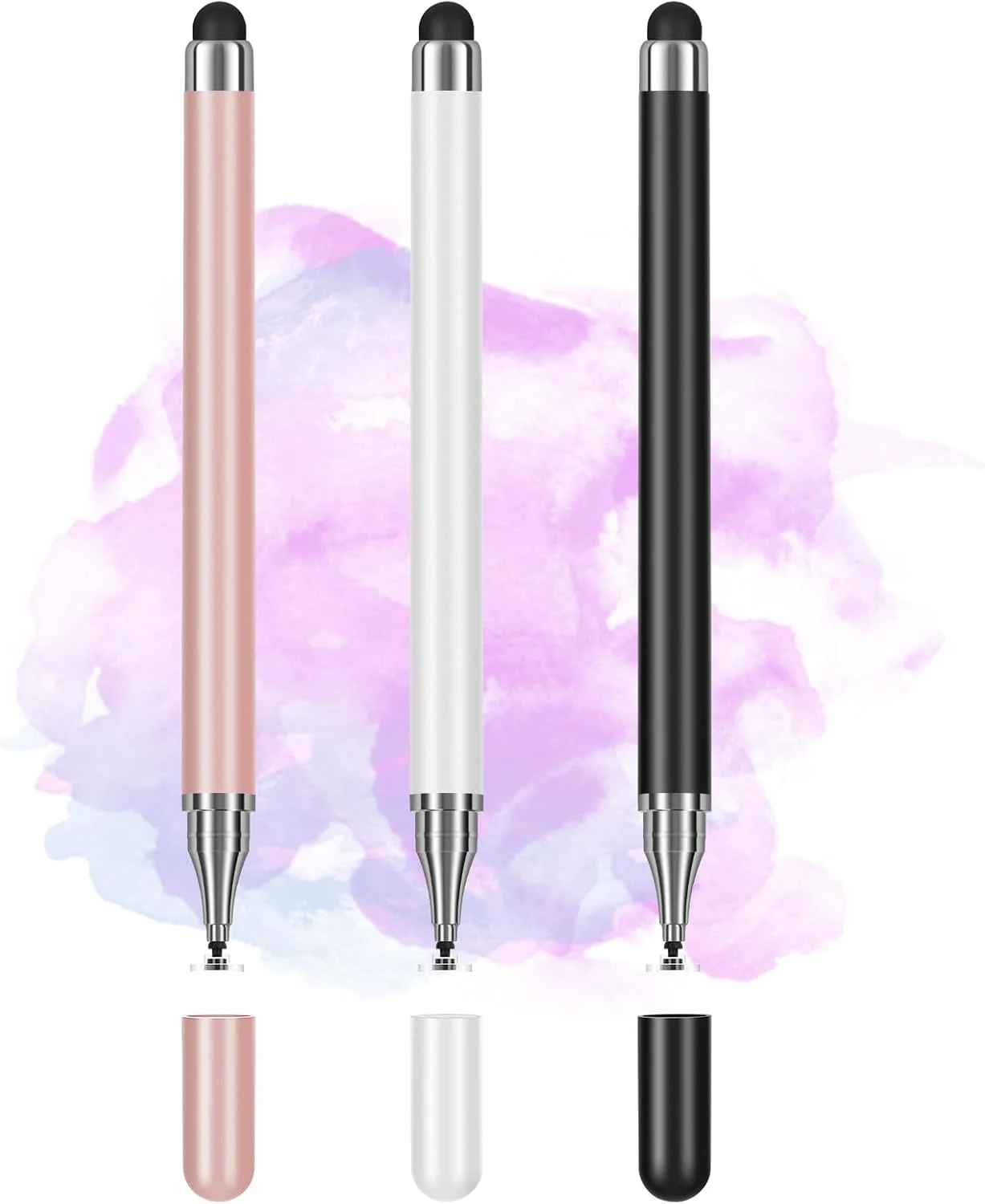
Stylus Pens $3.99
★★★★★ 4.2/5 730 ratings A budget-friendly 3-pack of passive stylus pens designed for everyday writing, drawing, and navigation. The precision disc tip is the standout feature for more controlled touch, and the set is convenient if you use multiple devices.
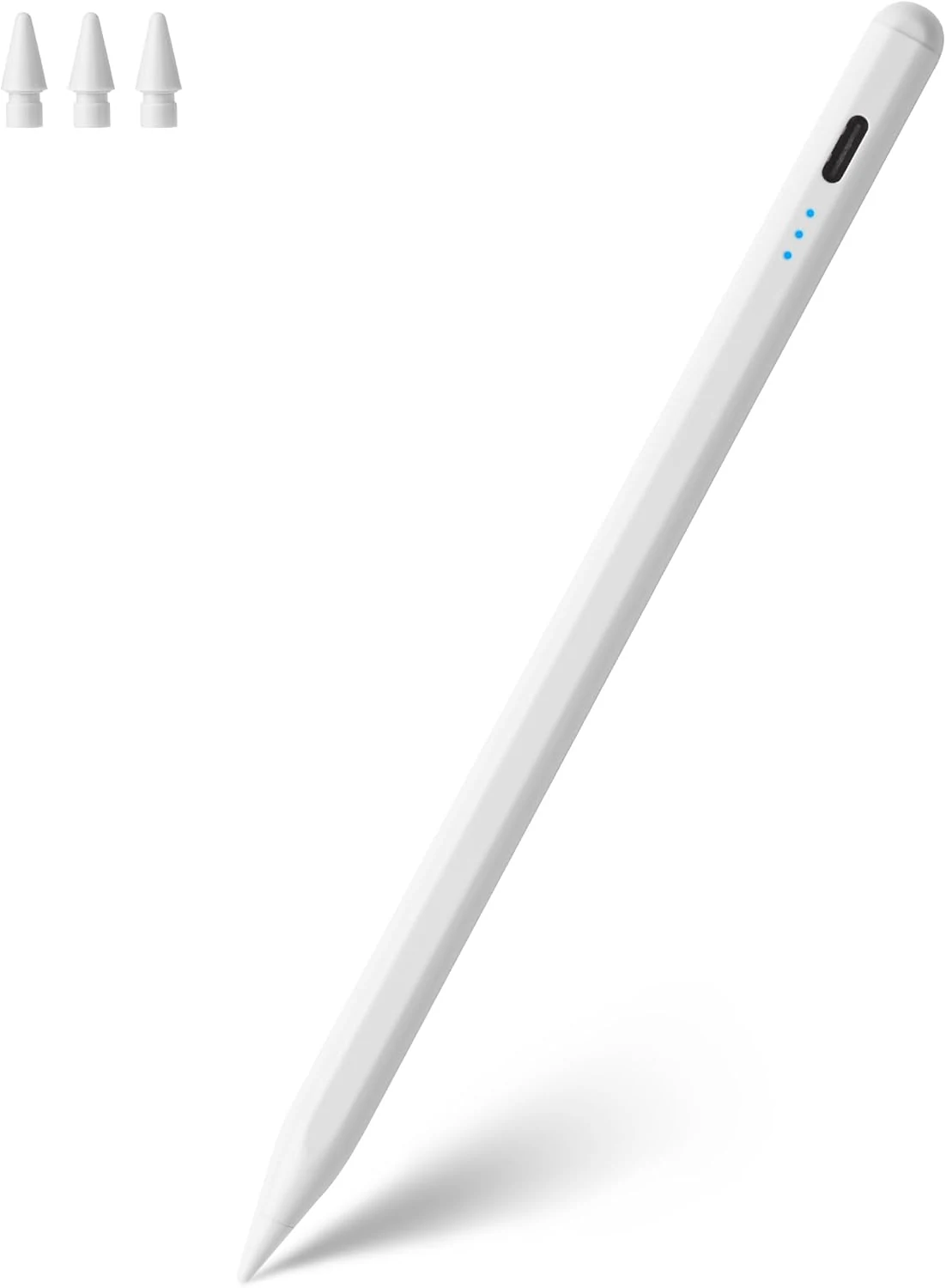
Stylus Pens $7.19
★★★★★ 4.5/5 345 ratings A budget-friendly Apple Pencil-style alternative for compatible iPads, offering tilt-based line thickness, palm rejection for comfortable writing, and a fine 1.5 mm tip with replacement nibs. Best for note-taking, sketching, and marking, with the main caveat that it does not support pressure sensitivity or Apple Pencil-specific features like hover.
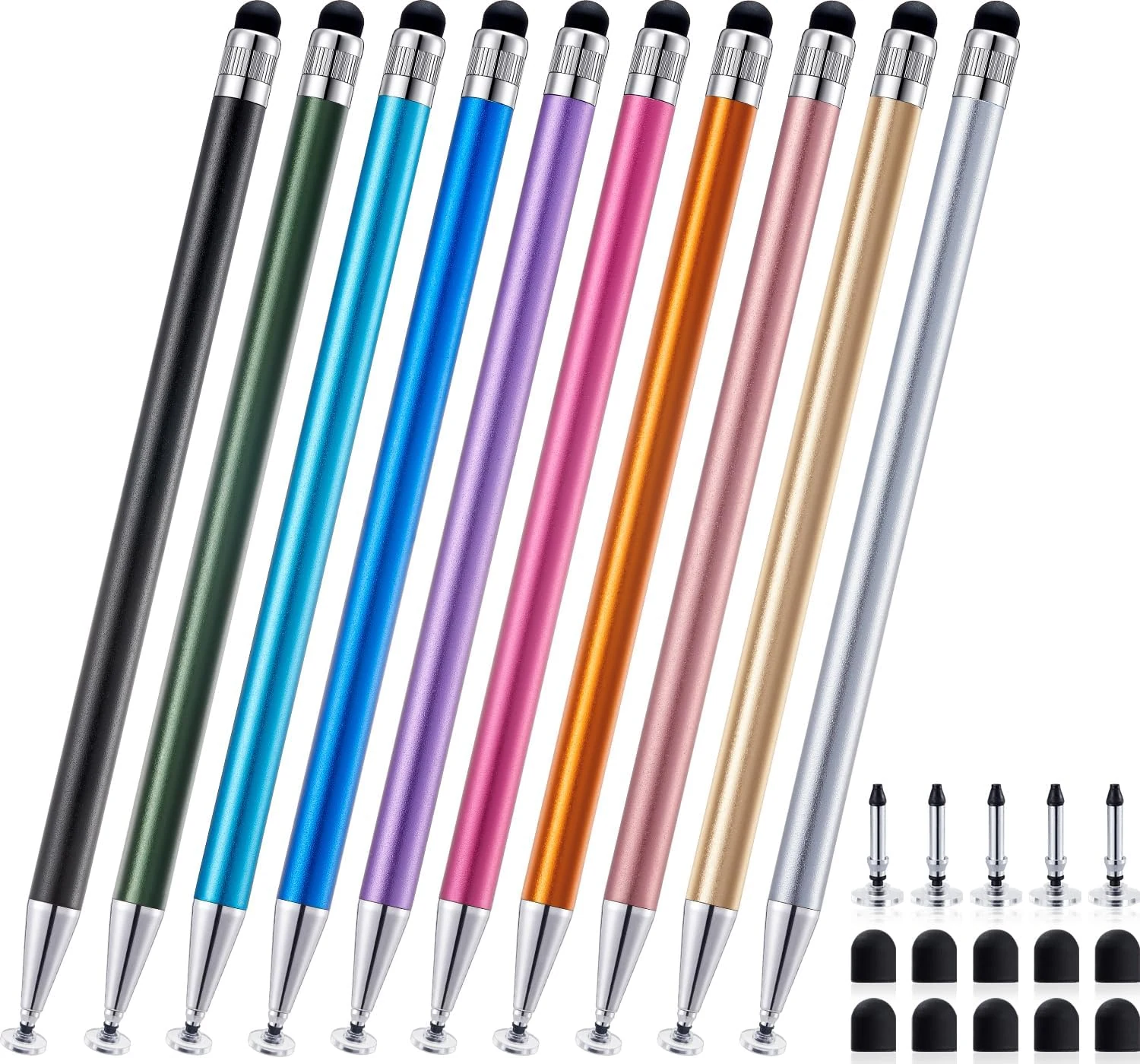
Stylus Pens $7.99
★★★★★ 4.7/5 302 ratings The LINFANC 10-pack 2-in-1 touchscreen stylus is a no-charge, universal option for note-taking, sketching, marking up screens, and casual mobile gaming. Each pen includes two tip styles (disc and rubber) to support both precise drawing and smoother touch control, and the multi-pack format is convenient if you misplace styluses or want spares.
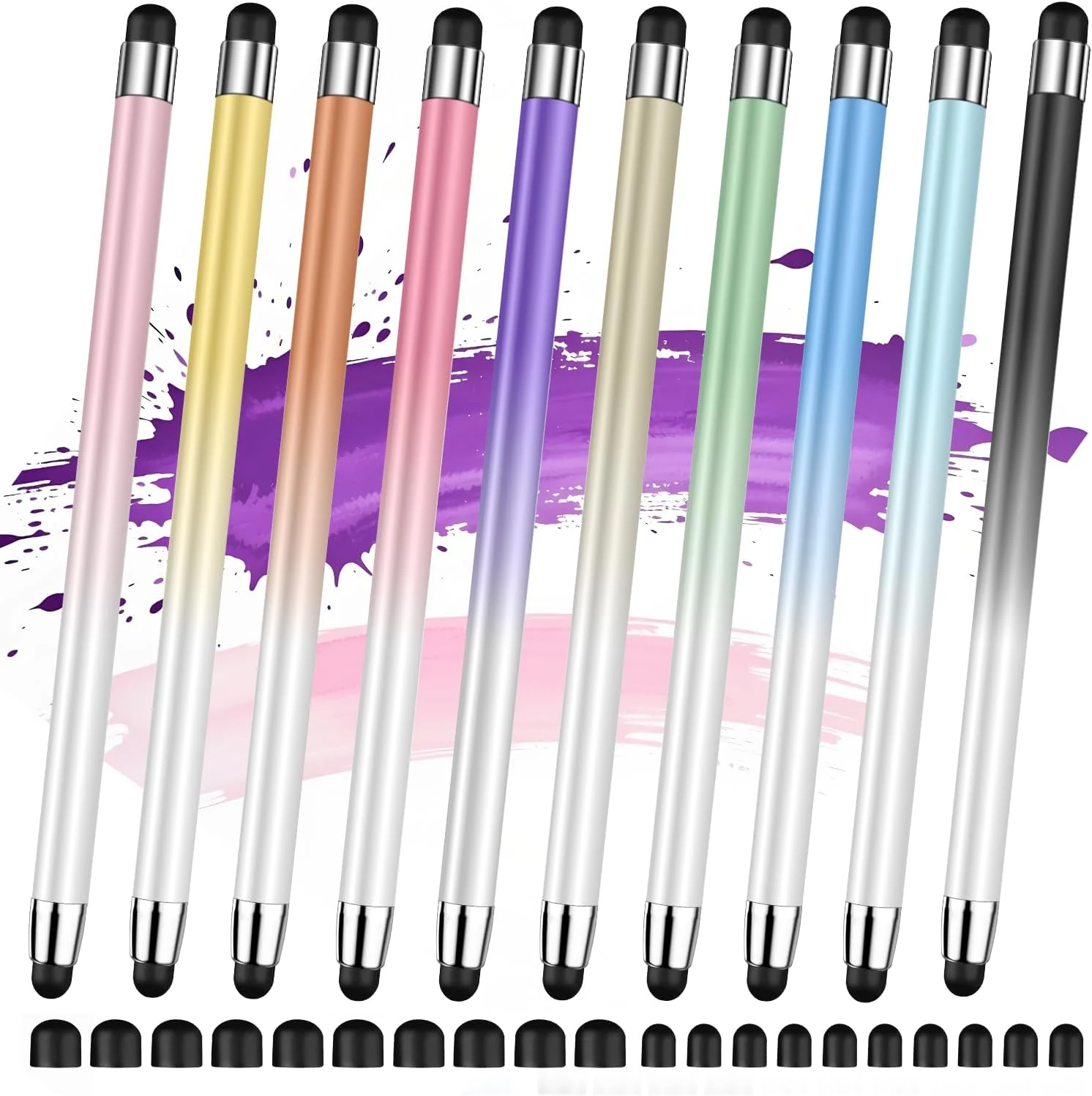
Stylus Pens $12.99
★★★★★ 4.8/5 45 ratings Acempire’s 10-piece 2-in-1 stylus set is built for everyday touch-screen use, with no Bluetooth pairing or charging required. It’s a solid option for iPad, iPhone, Android phones, and tablets if you want a comfortable, durable stylus experience and multiple tips on hand.
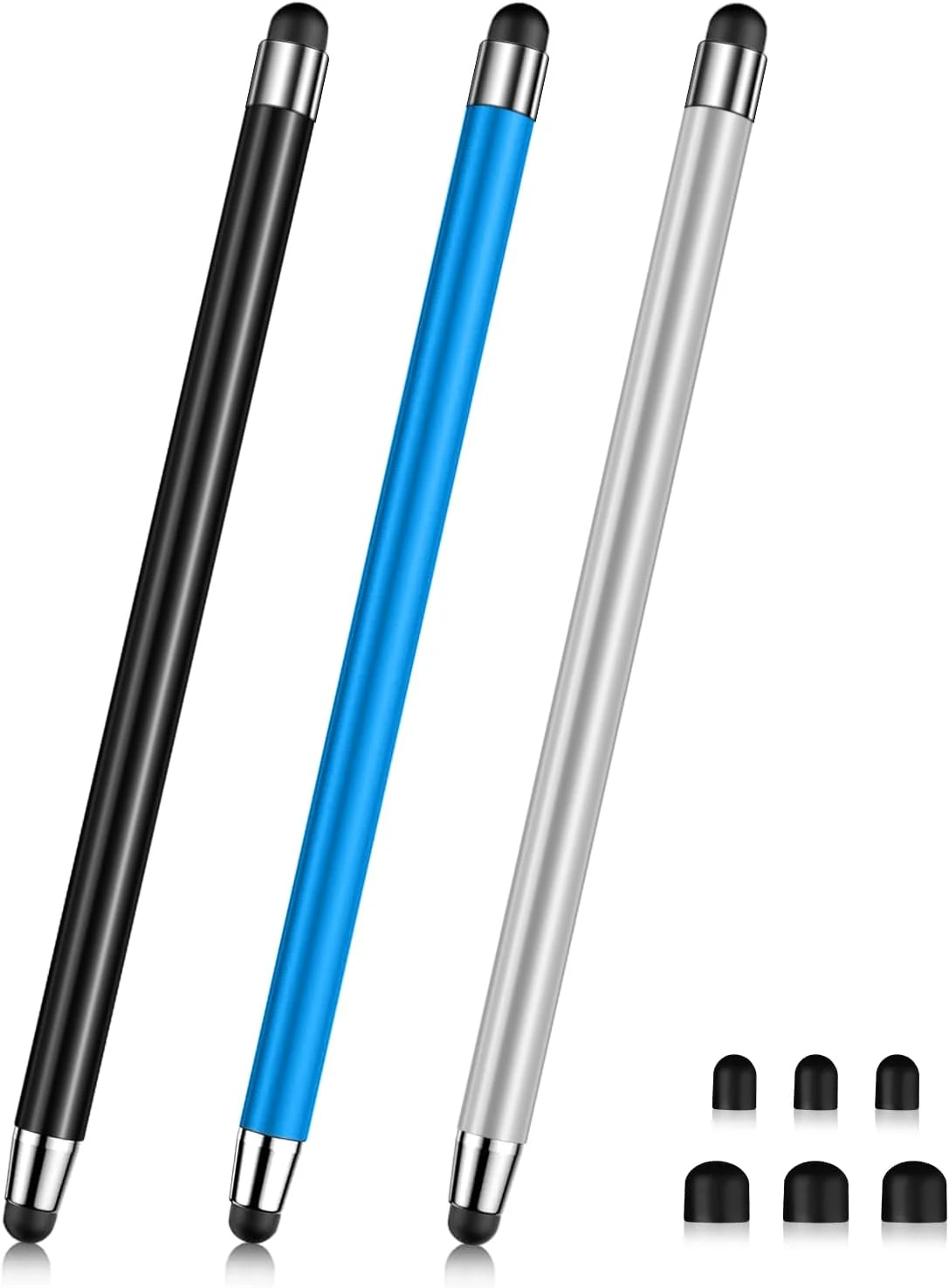
Stylus Pens $5.49
★★★★★ 4.8/5 88 ratings The Acempire 3-pack of stylus pens is a no-fuss, no-Bluetooth, no-charging option for note-taking, sketching, and everyday touch input. Buyers like the value and say the tips work well, with the main caveat being that one reviewer felt the pen was shorter than expected.
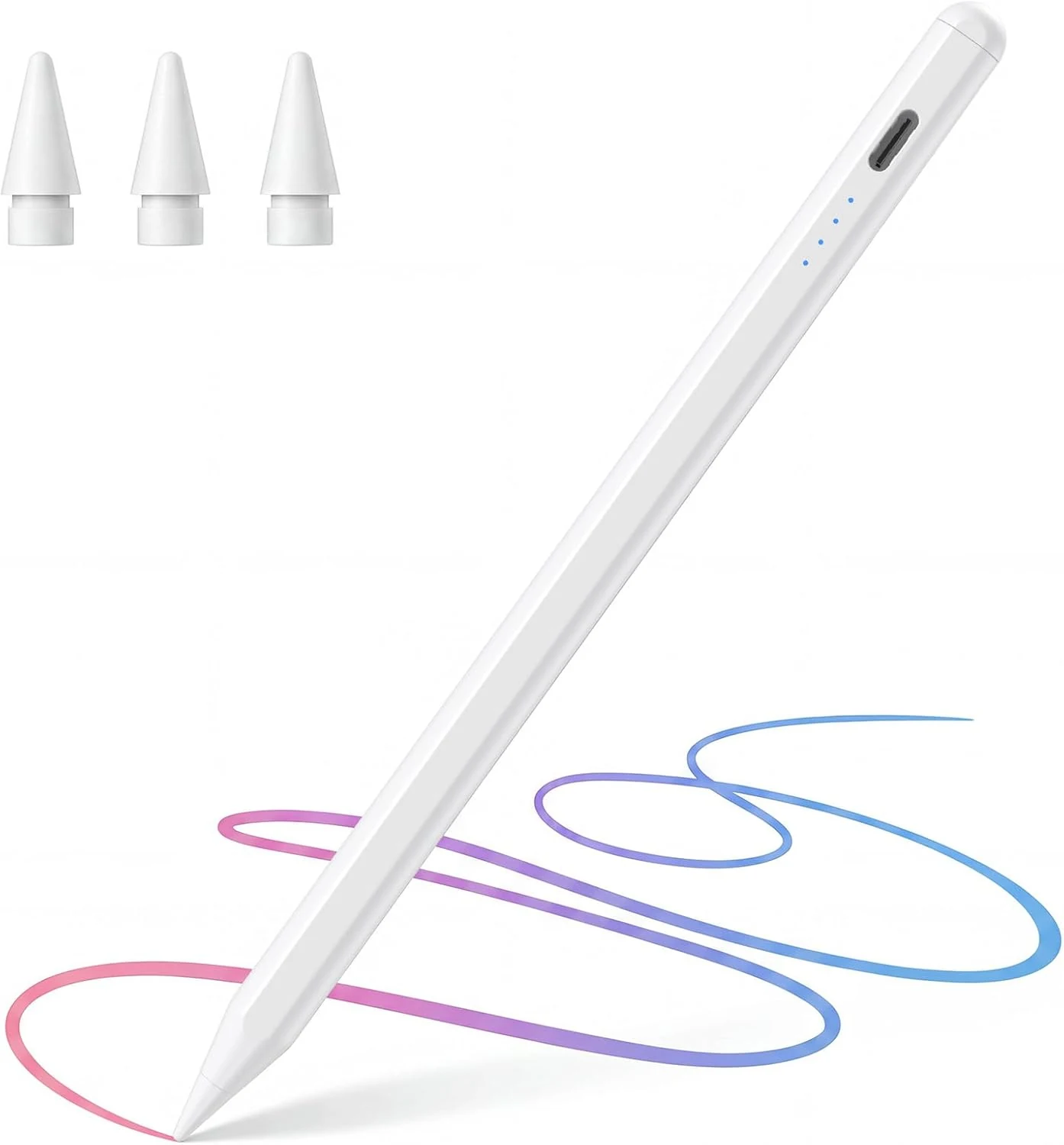
Stylus Pens $5.99
★★★★★ 5/5 51 ratings A budget-friendly stylus for compatible iPads (2018-2026 models) that focuses on smooth note-taking, palm rejection, and easy magnetic storage. It uses USB-C charging with an LED indicator, supports tilt for varied line weight, and includes extra replacement tips, but it is not compatible with older iPads or wireless magnetic charging.