Stylus Pens for Touch Screens, Universal Fine Point iPad Pencil with Magnetic Adsorption Compatible with iPhone/iPad/Samsung/Android/Tablet & Other Touch Screens (White)
Quick take
This universal fine-point stylus is built for everyday writing and drawing on capacitive touch screens, with broad compatibility across iPhone, iPad, Android devices, and tablets. If you have a compatible iPad Pro model, the magnetic adsorption feature can help it stay attached and harder to misplace. The main caveat is that it is not aimed at replacing higher-end pen features like accidental-touch prevention, and a small number of buyers mention occasional responsiveness issues over time.
Pros and cons
Pros
- Universal capacitive touchscreen compatibility across phones and tablets (iPhone, iPad, Android, and other touch screens).
- Simple one-touch switch control, designed for quick on/off use.
- Magnetic adsorption for select iPad Pro 11-inch and 12.9-inch (3rd/4th gen) to help it stay within reach.
- Rechargeable battery with quick charging (about 40 minutes) and several hours of continuous use (about 9 to 10).
Cons
- Not designed to prevent accidental touches.
- Magnetic attachment is limited to specific iPad Pro generations.
- Some buyers report occasional “stops working” behavior that may require troubleshooting or recharging.
What buyers think
Buyer-review evidence points to strong satisfaction for straightforward note-taking, sketching, and casual drawing on multiple devices. Common positives include smooth writing, no noticeable lag for typical use, easy operation, and good value for the price. Many buyers also like that it is ready to use without complex setup, and that extra tips are included. The most recurring caution is limited durability of performance over longer use for a subset of buyers, where the stylus may temporarily act unresponsive and needs a quick fix like recharging.
Who this stylus is best for
- People who want one stylus for many devices: phones, tablets, and other capacitive touch screens, instead of buying separate pens.
- Casual creators: students taking notes, readers highlighting, and hobbyists doing simple drawing or handwriting.
- Buyers with a compatible iPad Pro model: if you own an iPad Pro 11-inch or 12.9-inch (3rd/4th gen), magnetic adsorption can be a convenience upgrade.
- Value-focused shoppers: you want a rechargeable fine-point stylus experience without paying for a premium ecosystem.
Compatibility and setup, explained
Device compatibility
This stylus is positioned for broad use with capacitive touch screens, including iPhone, iPad, Android devices, and tablets. If you plan to use magnetic attachment, note the limitation: the magnetic adsorption feature is supported for iPad Pro 11-inch and iPad Pro 12.9-inch (3rd and 4th generation).
Power, Bluetooth, and quick troubleshooting
It includes a rechargeable lithium-ion battery, and charging is designed to be relatively quick. Some buyers also mention that it can be used without needing Bluetooth connection for typical operation. If it does not respond after turning it on, one suggested troubleshooting path involves Bluetooth settings (for example, turning Bluetooth off and then removing the Apple pencil pairing entry). That indicates compatibility may depend on how your iPad/iPhone handles stylus-related Bluetooth pairing.
Performance for writing and drawing
Feedback trends toward smooth, responsive strokes for everyday use, with buyers often describing little to no lag. Several reviews note that on some devices you may need a light, consistent amount of pressure to register accurately, which is typical for fine-point styluses on capacitive screens. The pen includes extra nibs, which helps if the tip wears down from regular use or if a replacement is needed.
Battery life and charging expectations
The stylus is designed for rechargeable use, with an advertised full-charge time of about 40 minutes and continuous use around 9 to 10 hours. Buyers generally describe charging as fast and battery life as decent for day-to-day sessions, with a battery indicator light included.
Design and everyday usability
It uses an aluminum build and a fine-point tip for more precise writing compared to broader stylus ends. Reviews often mention a comfortable feel in the hand and a “no setup” style of use for many devices. If you prefer a heavier, chunkier stylus, the lighter feel may take adjustment, and some users describe the length as a personal preference.
Pros and cons summary
- Buy it if: you need a universal fine-point stylus for multiple capacitive devices, want magnetic convenience on select iPad Pro models, and prefer a quick recharge routine.
- Skip it if: you specifically need advanced features like accidental-touch prevention, or you want fully seamless integration across all iPads without relying on model-specific compatibility (especially for magnetic attachment).
Price and availability
Pricing for this type of universal rechargeable stylus typically targets shoppers who want a straightforward, budget-friendly alternative to higher-end stylus ecosystems. Check current availability and the latest price before ordering, since listing prices can change.
Alternatives to consider
If you are deciding between different stylus categories, here are practical comparison points rather than brand-by-brand claims:
- If you need iPad Pro “pro” functionality: look for styluses that explicitly support features you care about (for example, palm rejection and accidental-touch prevention).
- If you mostly use non-Apple touch devices: prioritize true capacitive touchscreen compatibility and strong responsiveness over magnetic attachment features.
- If you hate charging: consider passive stylus options, though they often trade away precision or features.
Verdict
The JXYHMY fine-point universal stylus is a solid pick for everyday notes, reading, and casual sketching across many capacitive touchscreen devices. Magnetic adsorption is a nice convenience if you own a compatible iPad Pro, but it is not a full replacement for higher-end iPad stylus features. If you are comfortable with a budget stylus approach and can tolerate occasional troubleshooting, it should fit well for general use.
FAQs
If you have specific questions about compatibility, charging, or what to expect from a fine-point universal stylus, these answers cover the most common buying concerns.
Does this stylus work on iPhone and Android?
It is designed for broad capacitive touch compatibility, including iPhone and Android devices, along with many other touch screen tablets.
Will the stylus attach magnetically to any iPad?
Magnetic adsorption is supported for iPad Pro 11-inch and iPad Pro 12.9-inch (3rd and 4th generation). Other iPad models may not magnetically attach in the same way.
Is there accidental-touch prevention?
No. This stylus is not designed to prevent accidental touches.
How fast does it charge, and how long does it last?
It is designed to reach a full charge in about 40 minutes, with continuous use around 9 to 10 hours.
What should I do if it doesn’t work after turning it on?
If it does not respond, try the recommended Bluetooth troubleshooting steps such as turning Bluetooth off, then removing the Apple pencil entry from Bluetooth settings. Recharging has also helped at least some buyers regain responsiveness.
Does it come with extra tips?
Yes, it includes 2 complimentary nibs for replacement.
Specifications
| Product Title | Stylus Pens for Touch Screens, Universal Fine Point iPad Pencil with Magnetic Adsorption Compatible with iPhone/iPad/Samsung/Android/Tablet & Other Touch Screens (White) |
|---|---|
| Category | Cell Phones & Accessories > Accessories > Stylus Pens |
| Brand | JXYHMY |
| Manufacturer | JXYHMY |
| Color | white |
| Material | Aluminum |
| Item Weight | 0.47 Ounces |
| Number of Batteries | 1 Lithium Ion batteries required. (included) |
| Compatible Devices | Android, Tablet, Touch Screen Devices, iPad, iPhone |
| Minimum Required Operating System Version | Android 5.0 Lollipop, iOS 10 |
| Item Dimensions | 6.5 x 0.35 x 0.35 inches |
| Enclosure Material | Aluminum |
| Are Batteries Included | Yes |
| Are Batteries Required | Yes |
| Unit Count | 1.0 Count |
| Warranty Description | 3 months |
| Item dimensions L x W x H | 6.5 x 0.35 x 0.35 inches |
| Batteries Required? | Yes |
| Number of Packs | 1 |
Available variants
Color
- blue
- White Gradient Pink
- white
- light pink
- White Purple
Recommended next
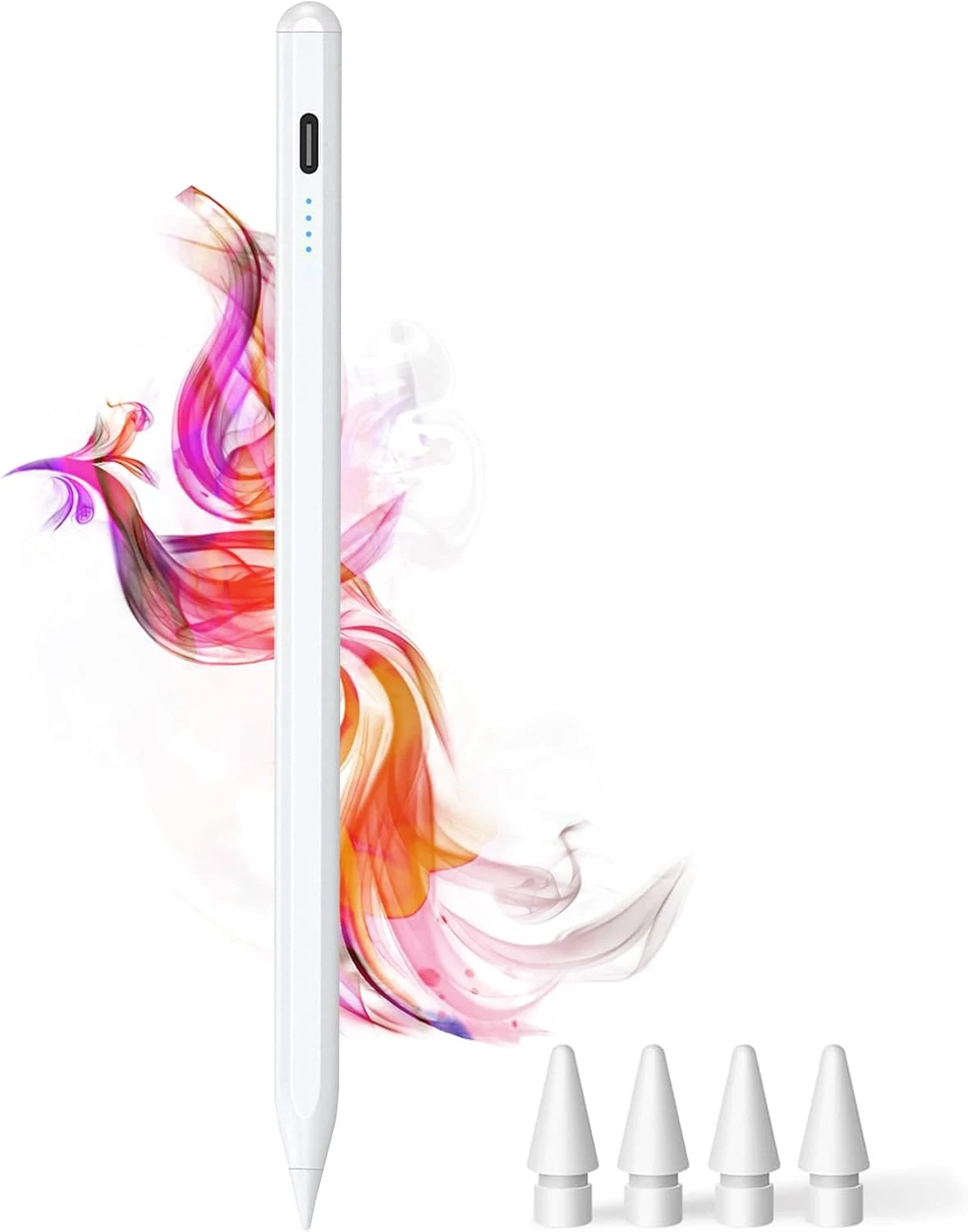
DOGAIN iPad Pencil for Apple iPad A16 11th&10th
The DOGAIN iPad Pencil is a palm-rejection, tilt-sensitive stylus designed for many iPad models from 2018 onward that support this style of pencil. It uses USB-C charging, includes replacement POM tips, and adds simple touch controls plus magnetic storage. The main caveat is compatibility, it will not work with iPhones or iPads that fall outside the listed model years.
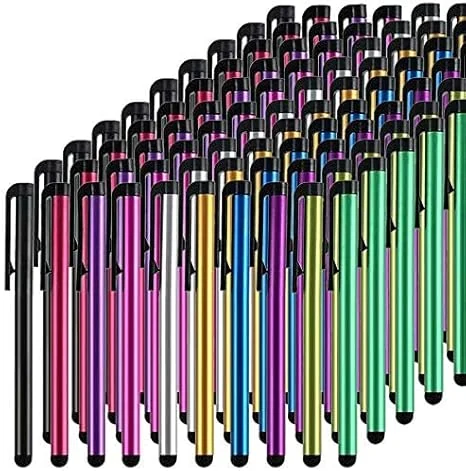
Stylus Pens for Touch Screens, 100 Pieces Universal Colorful Long Metal Stylists Pack for iPad, iPhone, Android, Galaxy, Chrome Book, Tablets
This bulk pack of 100 battery-free stylus pens is built for everyday touchscreen use, with rubber tips designed for a smooth, scratch-resistant glide. It is a budget-friendly option if you want backups for multiple devices or for sharing, with the main tradeoff being that it is not a premium “active” stylus experience for note-taking apps.
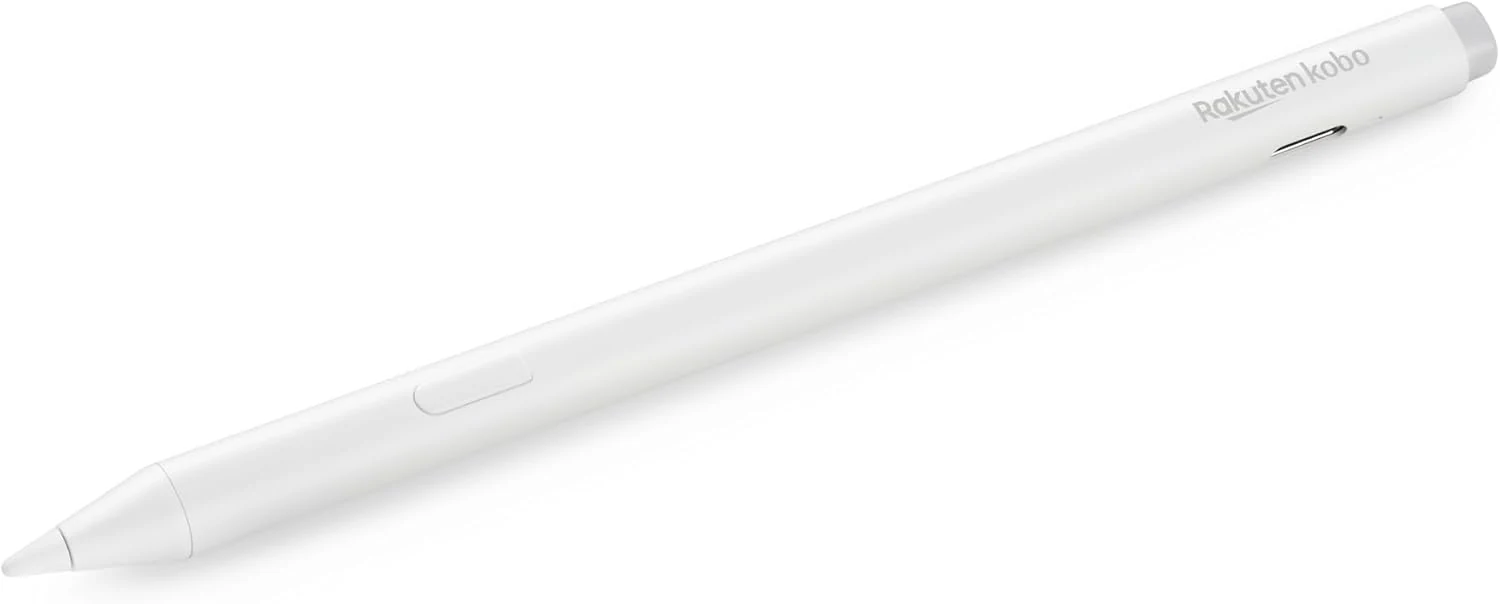
Kobo Stylus 2
The Kobo Stylus 2 is a rechargeable USB-C stylus designed for compatible Kobo Libra Colour and Kobo Sage eReaders. It supports writing notes, highlighting, and marking up eBooks or PDFs, with an eraser feature on the back and two replacement tips included. Best for Kobo owners who want a more natural pen-like experience for annotations, with the main caveat being its higher price and limited compatibility.
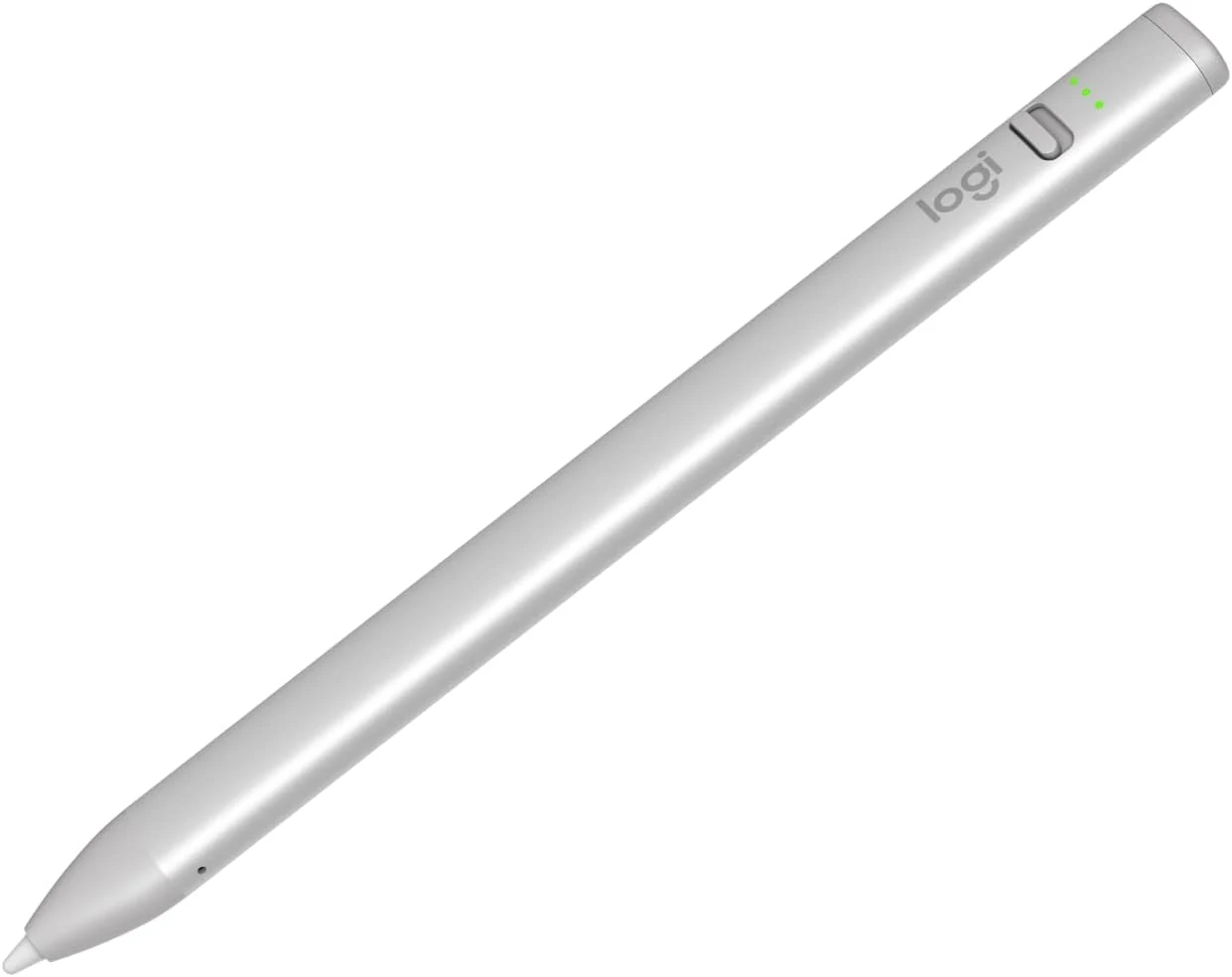
Logitech Crayon Digital Pencil for iPad (USB C Port Compatibility Only)
The Logitech Crayon is a USB-C iPad stylus designed to feel natural for notes and drawing, using Apple Pencil technology. It supports quick on/off use, tilt-based line thickness changes, and USB-C charging (up to about 7 hours of writing per charge). It is not pressure-sensitive, and it does not magnetically attach to an iPad.