WD Blue 4TB Desktop Hard Drive (WD40EZZX)
The WD Blue WD40EZZX is a capacity purchase for a desktop, not a speed upgrade. Its 4TB of mechanical storage can hold a substantial file collection while an SSD handles the operating system and active applications. That division of work is a more convincing use than buying a hard drive to make a slow computer feel fast.
Pros
- 4TB capacity for a desktop file collection
- Conventional 3.5-inch SATA installation in a suitable case
- Two-year limited warranty and WD Edition cloning software
Cons
- Needs an internal bay, SATA data connection and power
- 5400 RPM mechanical storage is not an SSD substitute
- A second internal drive alone is not a complete backup
A second drive with a different job
Pairing this hard drive with an existing SSD gives each a clear role. Keep the operating system and frequently used applications on the SSD, and consider the Blue for photographs, media and other files where capacity matters more than rapid access. That can make better use of a desktop's available bays.
If the computer currently starts from a mechanical drive and feels slow, another hard drive is not the obvious remedy. A suitable SSD is the more relevant category to investigate for that task. Choose the Blue because you need a large internal file store, not because the SATA speed on the box sounds fast.
Make sure the desktop has all three connections
The WD40EZZX is a 3.5-inch internal SATA drive. Installation needs a suitable bay or mounting arrangement, a SATA data path to the motherboard and power from the computer's power supply. Check all three before deciding that an empty space inside the case is enough.
This is not a USB portable drive and is not a normal fit for a laptop's slim 2.5-inch bay. An external enclosure would be a separate purchase with its own size and power requirements. If the goal is simply to move files between laptops, a complete portable drive may be the more straightforward product.
Capacity, spindle speed and interface are different figures
This version provides a nominal 4TB, runs at 5400 RPM and specifies 128MB cache. The SATA 6Gb/s figure describes the interface, not sustained file copying at that rate. Keep those measurements separate when comparing it with an SSD or another mechanical drive.
The useful question is how the files will be used. An occasional large archive and a busy working folder with many small accesses place different demands on storage. Do not choose on cache size alone, and do not assume a desktop storage drive automatically suits every specialized workload merely because the capacity is attractive.
A file store is not automatically a safety copy
Adding a second drive creates a backup only for files that also remain somewhere else. Moving everything off the SSD and onto this drive frees space, but leaves the moved material dependent on one device. Decide which copy is primary and where recovery will come from.
An internal drive also stays with the same computer. For irreplaceable material, consider an independent copy outside that machine and follow a routine you can maintain. The two-year limited warranty and included WD Edition cloning software are useful purchase details; neither replaces the ability to recover your documents.
The buying decision
Choose the 4TB Blue for a desktop that needs bulk internal storage alongside an SSD. Check the mounting, cabling and power first, and keep another copy of important files. For a system-speed upgrade or a portable laptop accessory, look at a different type of drive.
Product details and Amazon customer ratings as of .
Available variants
Capacity
- 8TB
- 4TB
- 6TB
- 12TB
- 2TB
- 1TB
- 10TB
Style
- 3.5"
- 2.5"
Recommended next
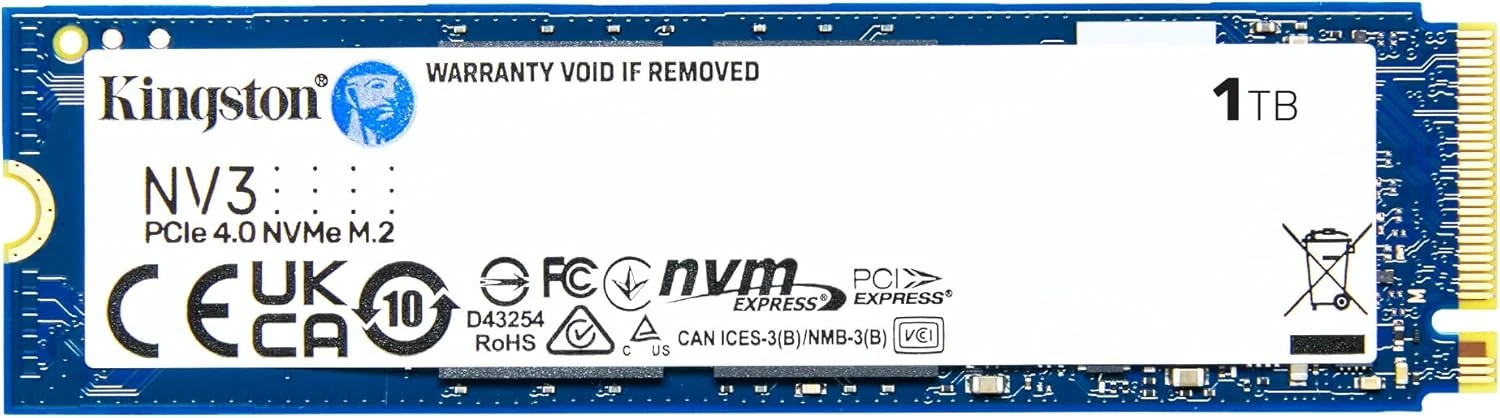
Kingston NV3 1TB M.2 2280 NVMe SSD
A basic PCIe 4.0 M.2 SSD for everyday upgrades. It suits standard desktops and laptops with NVMe slots, but the 1TB capacity and sustained-write behavior may limit some buyers.
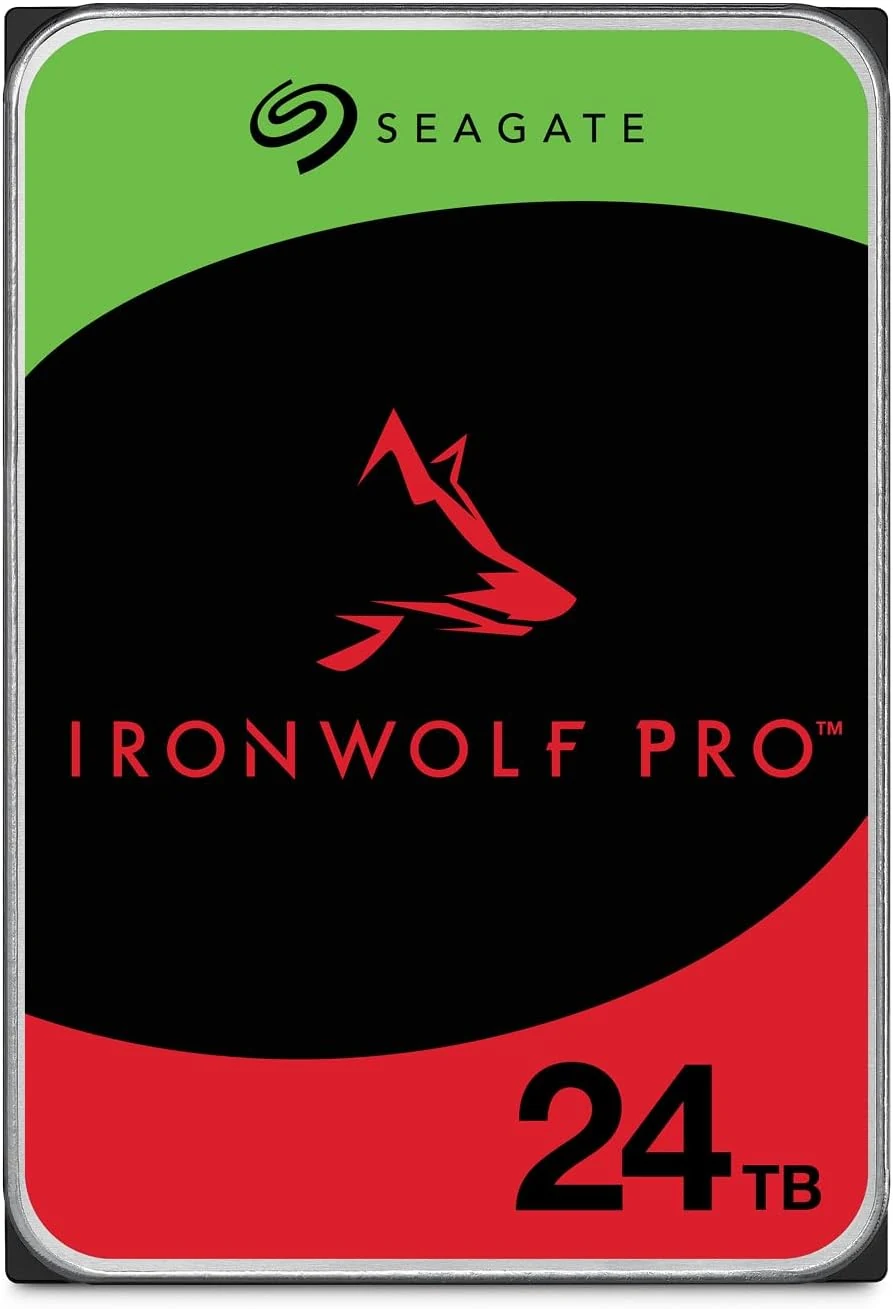
Seagate IronWolf Pro 24TB NAS HDD
A 24TB NAS-focused SATA hard drive with CMR, 7200 RPM, and RAID-oriented features. Good fit for always-on bulk storage if you accept HDD noise and speed limits.
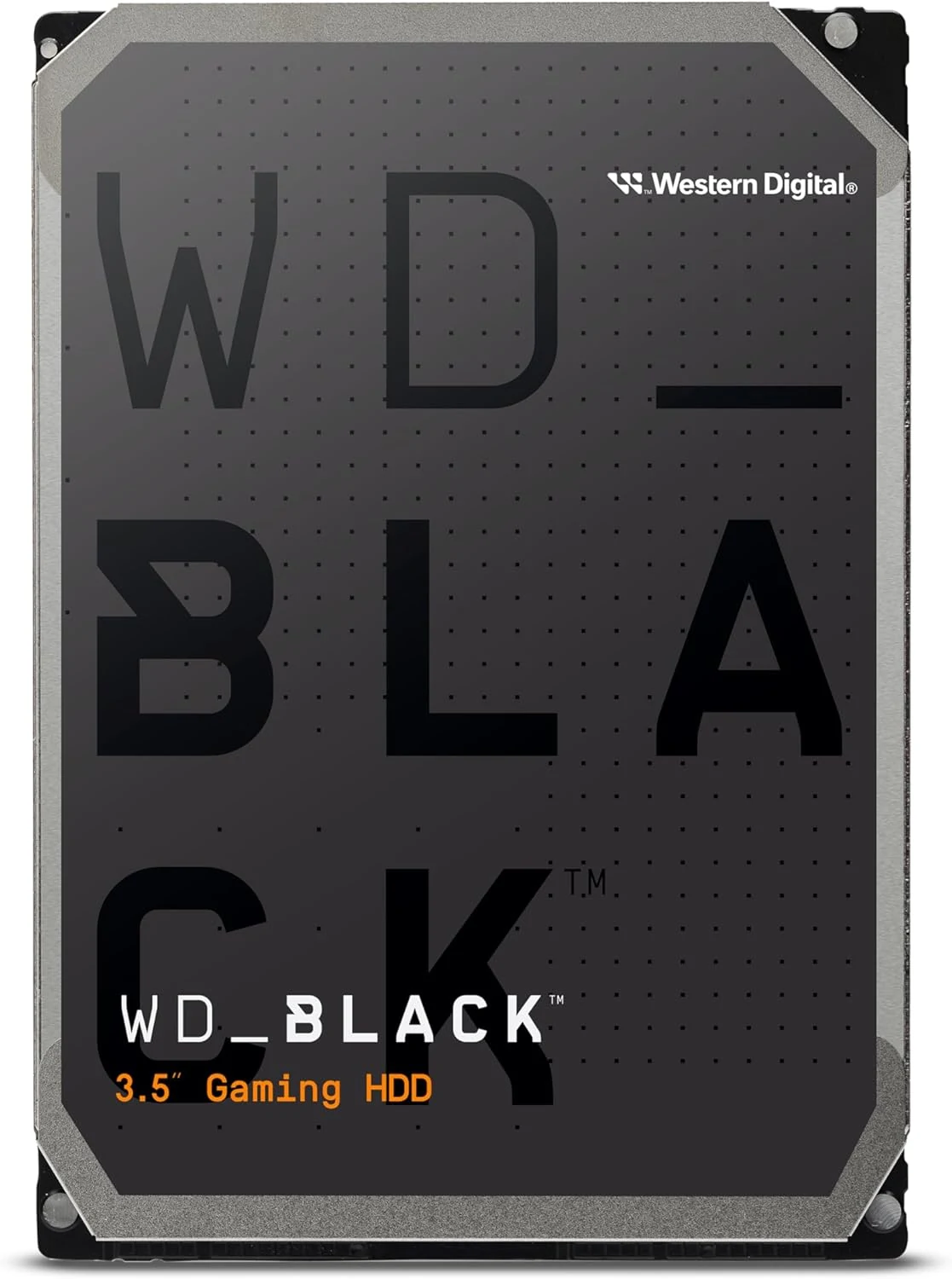
WD Black 4TB 3.5-inch SATA HDD (WD4006FZBX)
A 4TB desktop HDD for bulk game and media storage. It suits builds that can live with mechanical noise and HDD speeds; SSDs remain better for silence and responsiveness.
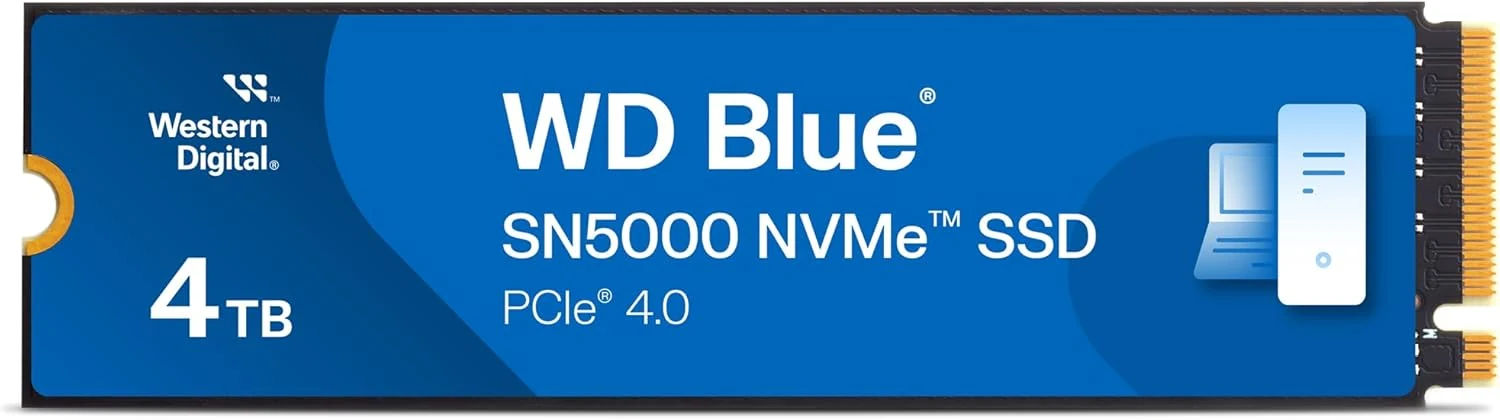
Western Digital WD Blue SN5000 4TB NVMe SSD
A 4TB PCIe 4.0 M.2 NVMe drive that prioritizes capacity and mainstream PC use. Good fit for upgrades, but not a flagship-speed or PS5-focused pick.