Kingston NV3 1TB M.2 2280 NVMe SSD
Kingston’s NV3 1TB is a straightforward M.2 2280 NVMe SSD for buyers who want a simple internal storage upgrade. PCIe 4.0 x4 support, up to 6,000 MB/s read and 5,000 MB/s write speeds, a single-sided design, and lower power use. It looks best suited to routine OS, app, and game storage in systems that already support the M.2 2280 NVMe format.
Pros
- M.2 2280 PCIe 4.0 format fits many modern systems.
- It is rated for up to 6,000 MB/s read and 5,000 MB/s write.
- 1TB is a practical size for OS, apps, and some games.
Cons
- 1TB may feel tight for larger game or media libraries.
- Real speed depends on the host slot and platform support.
What this drive is
This is the Kingston NV3 1TB, model SNV3S/1000G, sold as an M.2 2280 NVMe SSD with PCIe 4.0 x4 connectivity. It is a 1TB drive in a standard internal format for desktops and laptops with compatible M.2 slots.
The specifications’s speed figures and lower-power claims should be treated as advertised specifications.
Where it makes sense
For a basic storage upgrade, this drive is easy to place: faster boot and app loading than a hard drive or SATA SSD is what buyers generally seek from this category, and several reviews describe responsive everyday use.
It also fits secondary game storage or general-purpose system storage if your device supports PCIe 4.0 NVMe. If the machine only supports older PCIe generations, the drive may still function, but it will not deliver the advertised Gen 4 ceiling.
Main cautions
The biggest caution is sustained performance. One review says the drive slows after about 5 to 10 minutes of use, which may matter for long transfers or heavier workloads. That is only one buyer report, but it is enough to avoid overpromising on consistency.
Capacity is the other limitation. At 1TB, this is a comfortable everyday size, but it can fill quickly once modern games, media, and project files start stacking up. If you need a lot of space, a larger SSD may be the better fit.
Alternatives
The alternatives are not direct matches in every case. Two are 4TB 3.5-inch hard drives, which are better for inexpensive bulk storage but are much slower and use a different form factor.
The closer SSD comparison is the 4TB WD Blue SN5000 NVMe drive. It offers more capacity in the same general M.2 PCIe 4.0 category, but it is also listed at a much higher recorded price. That makes the Kingston the simpler choice if you want a lower-cost, lower-capacity NVMe upgrade rather than a premium capacity play.
Practical considerations
The rating count is large, but the review snippets are still a small, mixed sample and may include different capacities and use cases. Some comments reference 500GB while others mention 1TB, so not every anecdote maps cleanly to this exact model.
The buying decision
Buy the Kingston NV3 1TB if you want a basic PCIe 4.0 M.2 upgrade for everyday use and your system supports it. Skip it if you need larger capacity or stronger confidence in sustained heavy-write performance.
Product details and Amazon customer ratings as of .
Available variants
Capacity
- 500GB
- 4TB
- 1TB
- 2TB
Recommended next
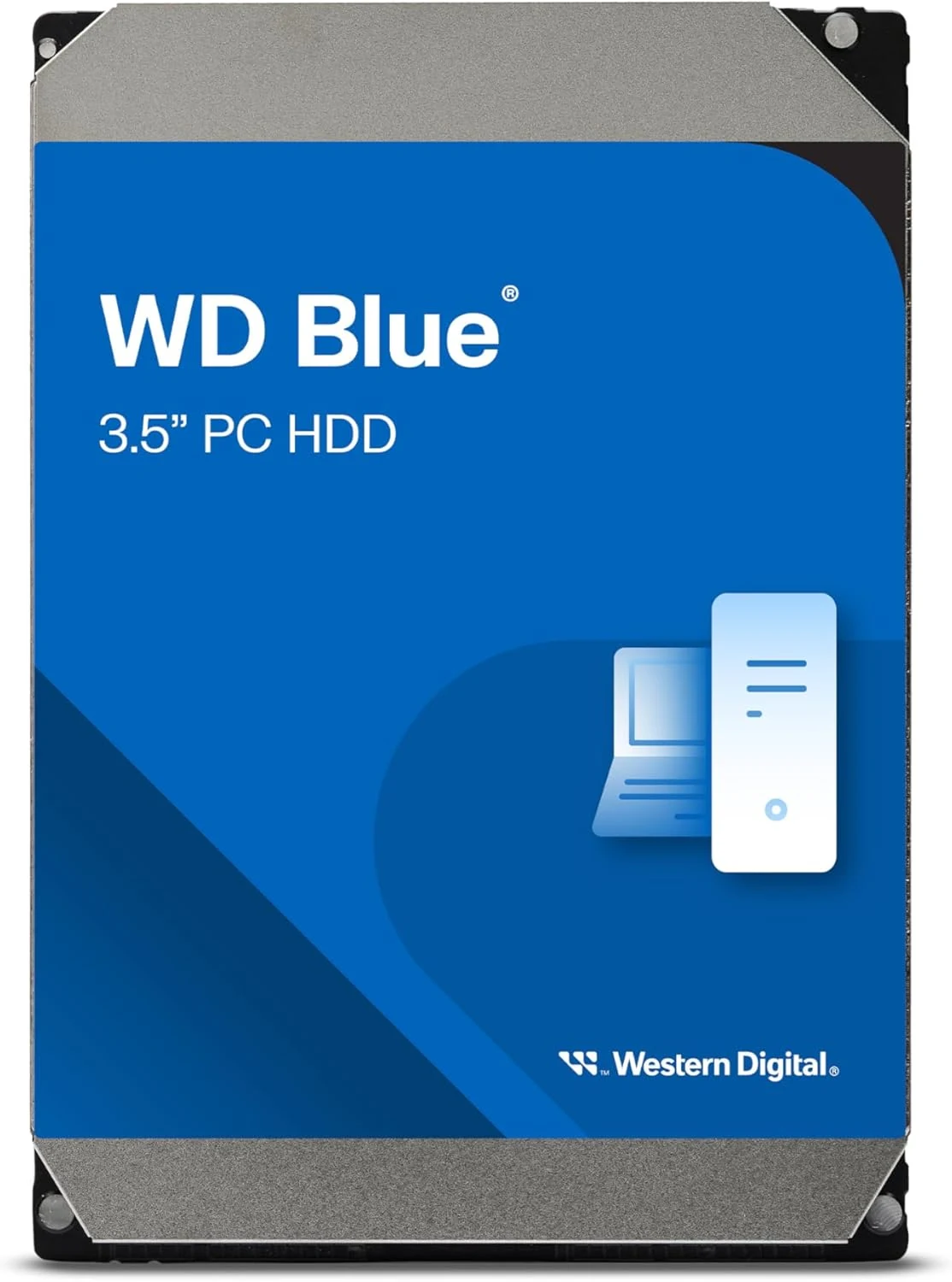
WD Blue 4TB Desktop Hard Drive (WD40EZZX)
A 3.5-inch internal hard drive for desktop bulk storage. It complements an SSD more naturally than it replaces one as the system drive.
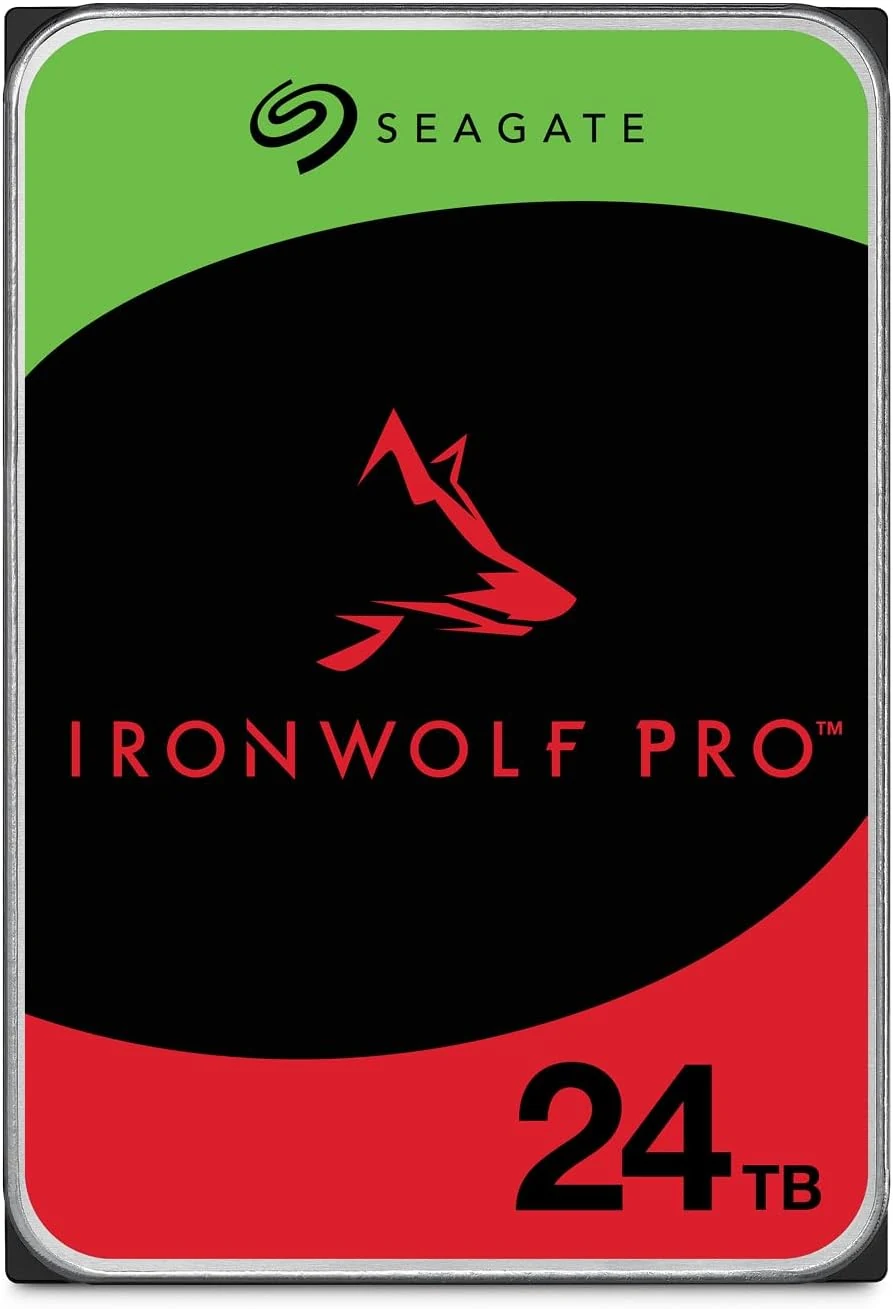
Seagate IronWolf Pro 24TB NAS HDD
A 24TB NAS-focused SATA hard drive with CMR, 7200 RPM, and RAID-oriented features. Good fit for always-on bulk storage if you accept HDD noise and speed limits.
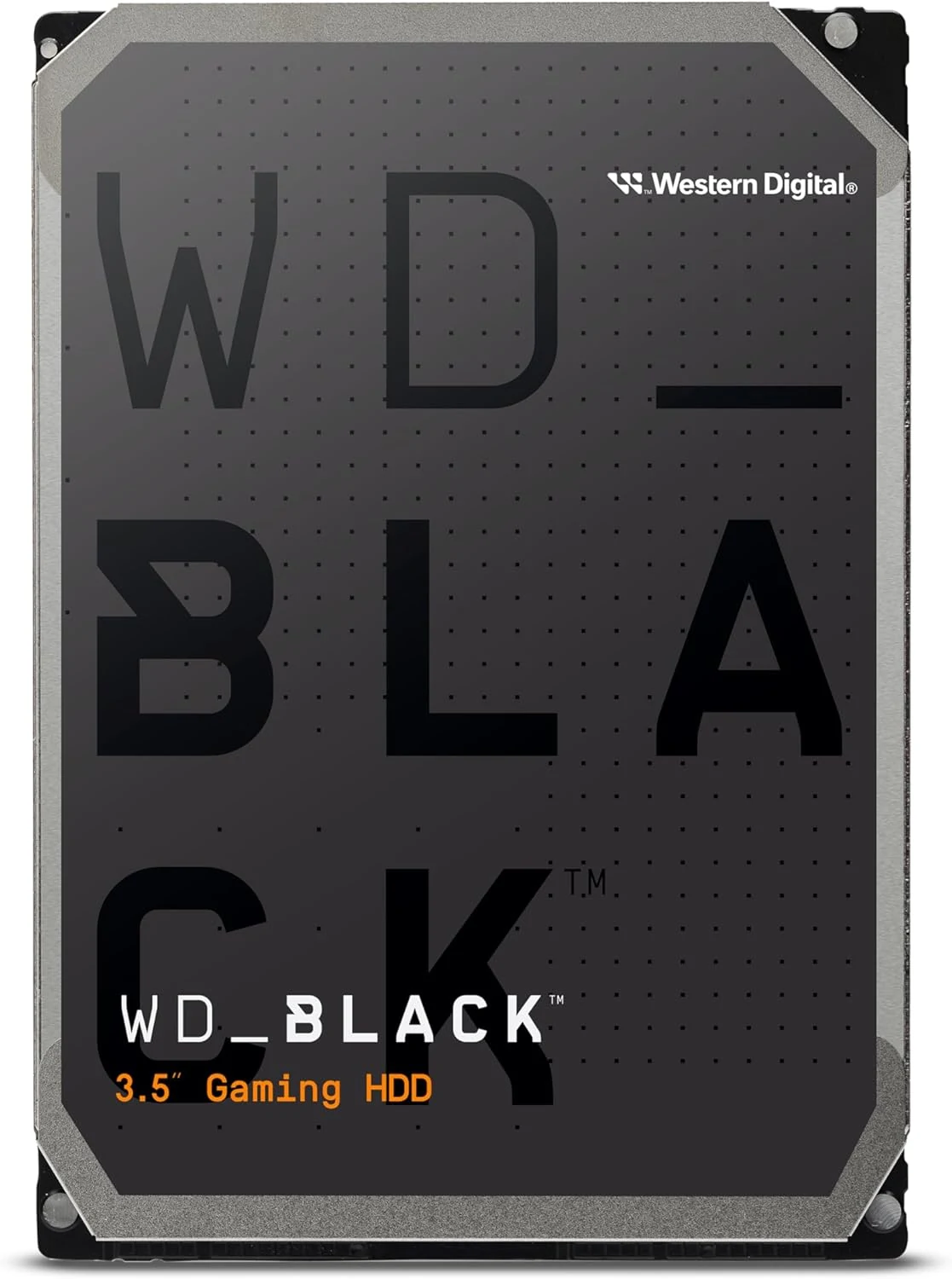
WD Black 4TB 3.5-inch SATA HDD (WD4006FZBX)
A 4TB desktop HDD for bulk game and media storage. It suits builds that can live with mechanical noise and HDD speeds; SSDs remain better for silence and responsiveness.
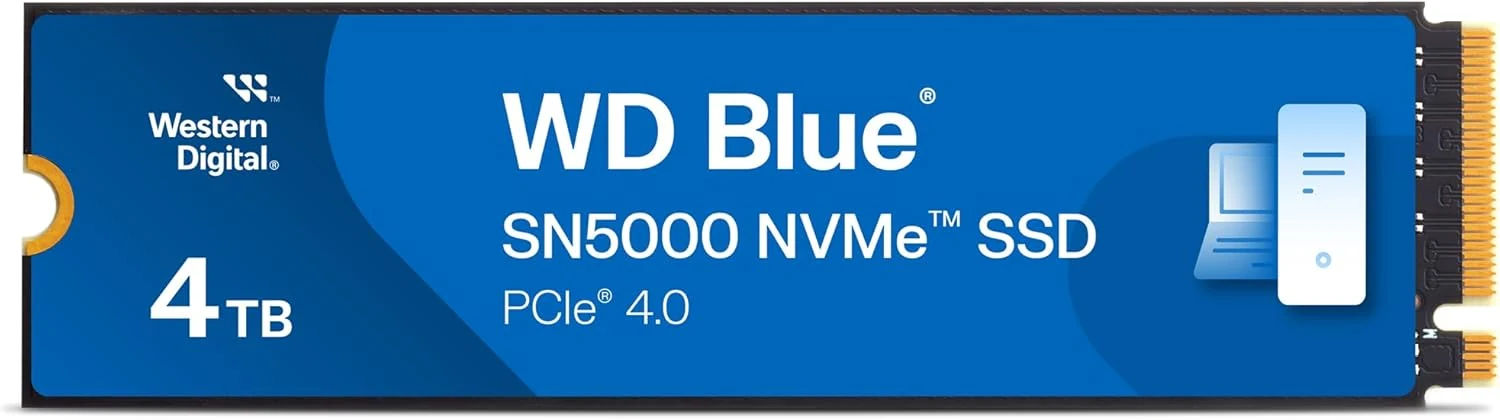
Western Digital WD Blue SN5000 4TB NVMe SSD
A 4TB PCIe 4.0 M.2 NVMe drive that prioritizes capacity and mainstream PC use. Good fit for upgrades, but not a flagship-speed or PS5-focused pick.