Stylus Pens for Touch Screens iPad iPhone Kindle Fire (Pink/Purple/Aqua Blue)
Quick take
This CCIVV stylus set is a simple, pen-style option for capacitive touch screens, designed for comfortable long-session tapping, scrolling, and basic drawing. It comes as a 3-pack with soft rubber tips and extra replacement tips for ongoing use. The main caveat is tip feel, some buyers want a thicker tip.
Pros and cons
Pros
- Pen-style, longer design aims for better finger comfort during extended use.
- Soft rubber tip is intended to protect screens while gliding smoothly.
- Includes replacement tips, which helps extend the life of the set.
- Works with many capacitive touch devices including iPad, iPhone, and Kindle Fire models.
Cons
- Tip thickness is a personal preference, and some users wish the tips were thicker.
- It does not offer battery-powered features (it requires no charging), so it is not intended as an advanced, pressure-sensitive stylus replacement.
What buyers think
Buyer-review evidence is generally positive around comfort, everyday responsiveness, and convenience. Multiple reviews highlight that the longer, pen-like shape feels better in the hand for longer sessions than shorter styluses. Users also frequently mention smooth gliding, no obvious screen dragging, and no skipping behavior during normal touch use (taps, swipes, and casual drawing). Another recurring theme is practical value, especially because replacement tips are included and swapping them is straightforward. The build and feel also come up often, with buyers describing a lightweight, balanced design and rubber tips that feel soft but sturdy. The main limitation mentioned is that the rubber tips’ thickness may not match everyone’s preference.
A practical, budget-friendly stylus for capacitive screens
These stylus pens are meant for capacitive touch screens, which covers the majority of everyday smartphones and tablets. That means they can be used with iPad and iPhone models that support capacitive input, as well as popular Kindle Fire and Galaxy Tab-style touch devices. If your goal is easier tapping, more accurate finger control, or basic note-taking and sketching, this category of stylus is a straightforward upgrade from bare finger use.
Design and comfort: the big selling point
The set is designed to feel more like a pen, with a length of about 5.3 inches and a slim body profile. Reviews repeatedly point to comfort for people who do a lot of screen time, especially those who find shorter styluses uncomfortable over long periods. There is also an emphasis on the tip-to-body design, with buyers noting that a comfortable grip can matter as much as the touch performance.
Tip performance and screen feel
The stylus uses a soft rubber tip intended for smooth contact with screens and to help avoid harsh, abrasive contact. Review themes describe the pens gliding smoothly without leaving noticeable marks and without skipping during typical touch gestures. This is the kind of stylus experience most buyers want for everyday use, where responsiveness and basic drawing control matter more than advanced features.
Replacement tips included for ongoing value
Rather than focusing only on the initial stylus pair, this set includes extra replaceable tips. Buyers mention that swapping tips is easy, and the availability of backups helps reduce the “eventually I have to replace the whole stylus” problem. If you plan to use your stylus regularly, the replacement-tip approach is a practical way to stretch value over time.
Compatibility: what it is built to work with
This is a capacitive stylus set. It is listed as compatible with a wide range of capacitive touch devices, including Apple iPad and iPhone models (and specifically mentions various iPad and iPhone generations) as well as Kindle Fire HD models and other capacitive tablets. It is also specified for smartphone and tablet use, with the brand’s compatibility list covering many common models.
Tip: If you are shopping for a stylus for a specific iPad model that supports Apple Pencil or a specific digital stylus protocol, make sure you are targeting capacitive touch support rather than expecting pen-only features like pressure sensitivity or magnetic charging.
Pros and cons summary
- Best for: people who want a pen-style capacitive stylus for iPad, iPhone, Kindle Fire, and similar touchscreens, with comfort and smoother touch control as the priority.
- Who should buy: students, casual note-takers, and anyone who dislikes finger friction or wants a more controlled way to tap, swipe, and do basic doodles.
- Who should avoid: buyers who want advanced digital-stylus features, such as pressure sensitivity, palm rejection behaviors, or a fully integrated stylus system designed for a specific proprietary model.
- Main tradeoff: tip thickness and feel vary by preference, so if you strongly prefer a thicker rubber nib, you may want to compare tip styles before buying.
Verdict: a comfortable capacitive stylus set for everyday use
If you are looking for a simple capacitive stylus upgrade that feels good in the hand, this 3-pack is a solid value-focused option. The comfort feedback is one of the strongest themes, and the included replacement tips add practical longevity. The decision mainly comes down to whether you like the soft rubber tip feel and whether your device compatibility is truly capacitive-based.
Want to check current availability and pricing? Buy on Amazon
FAQ
Are these stylus pens compatible with iPad and iPhone?
They are designed for capacitive touch screens, and the compatibility list includes various iPad and iPhone models. If your iPad supports a proprietary stylus system, verify you need a capacitive stylus rather than that specific technology.
Do they require charging or batteries?
No. They are non-battery stylus pens intended for standard capacitive touch input.
Do the pens come with replacement tips?
Yes. The set includes extra replaceable rubber tips, and buyers mention the tip swapping is straightforward.
Will the rubber tip scratch the screen?
The tip is made of soft rubber intended to glide on screens. Buyers also describe smooth performance without obvious screen marks during everyday use.
Are these good for drawing or just tapping?
They are geared toward everyday touch control, including taps, swipes, and basic drawing or note-taking. If you need advanced digital drawing features, a different stylus category may fit better.
What’s the biggest downside buyers mention?
The most notable limitation is tip feel, specifically that some people wish the rubber tips were thicker. Comfort and performance seem strong for most buyers, but tip thickness is personal preference.
Specifications
| Product Title | Stylus Pens for Touch Screens iPad iPhone Kindle Fire (Pink/Purple/Aqua Blue) |
|---|---|
| Category | Cell Phones & Accessories > Accessories > Stylus Pens |
| Brand | CCIVV |
| Manufacturer | CCIVV |
| Model Number | 74 |
| Color | Pink/Purple/AquaBlue |
| Material | Aluminum |
| Item Weight | 10.5 Grams |
| Compatible Devices | Smartphone, Tablet |
| Compatible Amazon Tablet Models | Amazon Fire 5th Generation, Amazon Kindle Fire 1st Generation, Amazon Kindle Fire 2nd Generation, Amazon Kindle Fire HD 2nd Generation, Amazon Kindle Fire HD 3rd Generation, Amazon Kindle Fire HD 4th Generation |
| Item Dimensions | 5.31 x 0.31 x 0.31 inches |
| Enclosure Material | Aluminum |
| Are Batteries Included | No |
| Are Batteries Required | No |
| UPC | 704298060776 |
| Unit Count | 3.0 Count |
| Mfr Part Number | B075FQRRCD |
| Item dimensions L x W x H | 5.31 x 0.31 x 0.31 inches |
| Batteries Required? | No |
| Number of Packs | 3 |
Available variants
Size
- 6 Pcs
- 3 Pcs
Color
- Black/Silver/Blue
- Pink/Purple/AquaBlue
- Black/Silver/DarkBlue
- Pink/Purple/AquaBlue*2
- Pink/Purple/AquaBlue/Black/Silver/DarkBlue
Recommended next
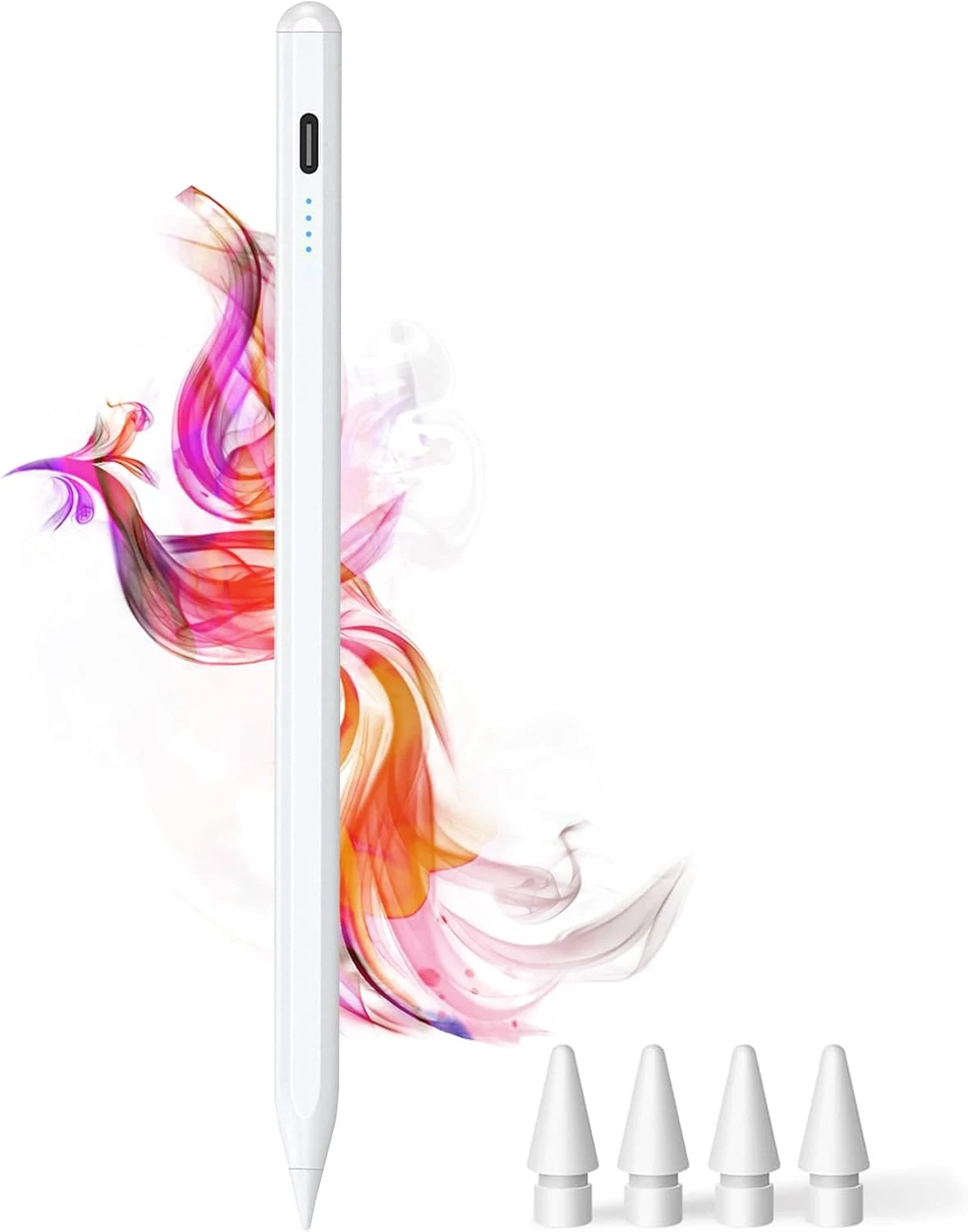
DOGAIN iPad Pencil for Apple iPad A16 11th&10th
The DOGAIN iPad Pencil is a palm-rejection, tilt-sensitive stylus designed for many iPad models from 2018 onward that support this style of pencil. It uses USB-C charging, includes replacement POM tips, and adds simple touch controls plus magnetic storage. The main caveat is compatibility, it will not work with iPhones or iPads that fall outside the listed model years.
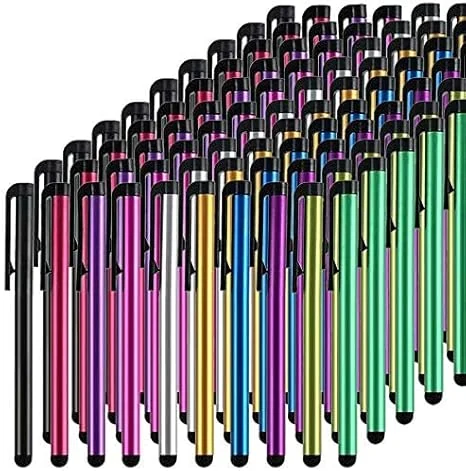
Stylus Pens for Touch Screens, 100 Pieces Universal Colorful Long Metal Stylists Pack for iPad, iPhone, Android, Galaxy, Chrome Book, Tablets
This bulk pack of 100 battery-free stylus pens is built for everyday touchscreen use, with rubber tips designed for a smooth, scratch-resistant glide. It is a budget-friendly option if you want backups for multiple devices or for sharing, with the main tradeoff being that it is not a premium “active” stylus experience for note-taking apps.
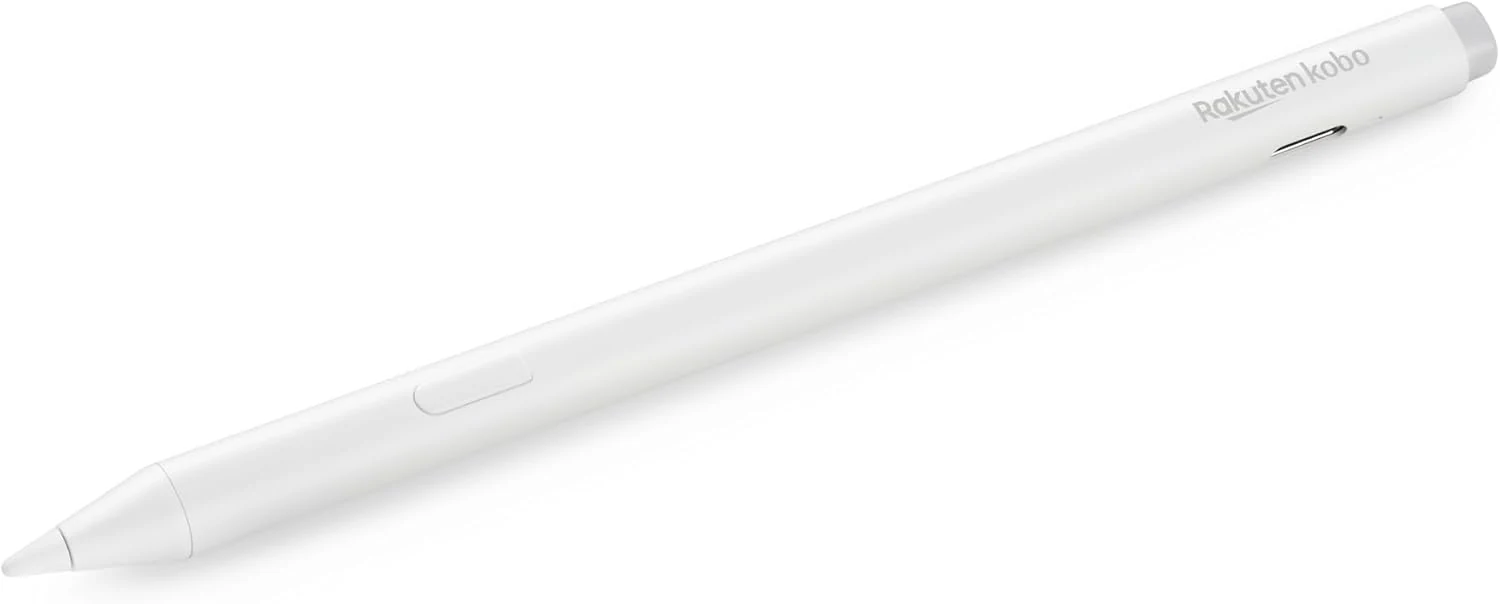
Kobo Stylus 2
The Kobo Stylus 2 is a rechargeable USB-C stylus designed for compatible Kobo Libra Colour and Kobo Sage eReaders. It supports writing notes, highlighting, and marking up eBooks or PDFs, with an eraser feature on the back and two replacement tips included. Best for Kobo owners who want a more natural pen-like experience for annotations, with the main caveat being its higher price and limited compatibility.
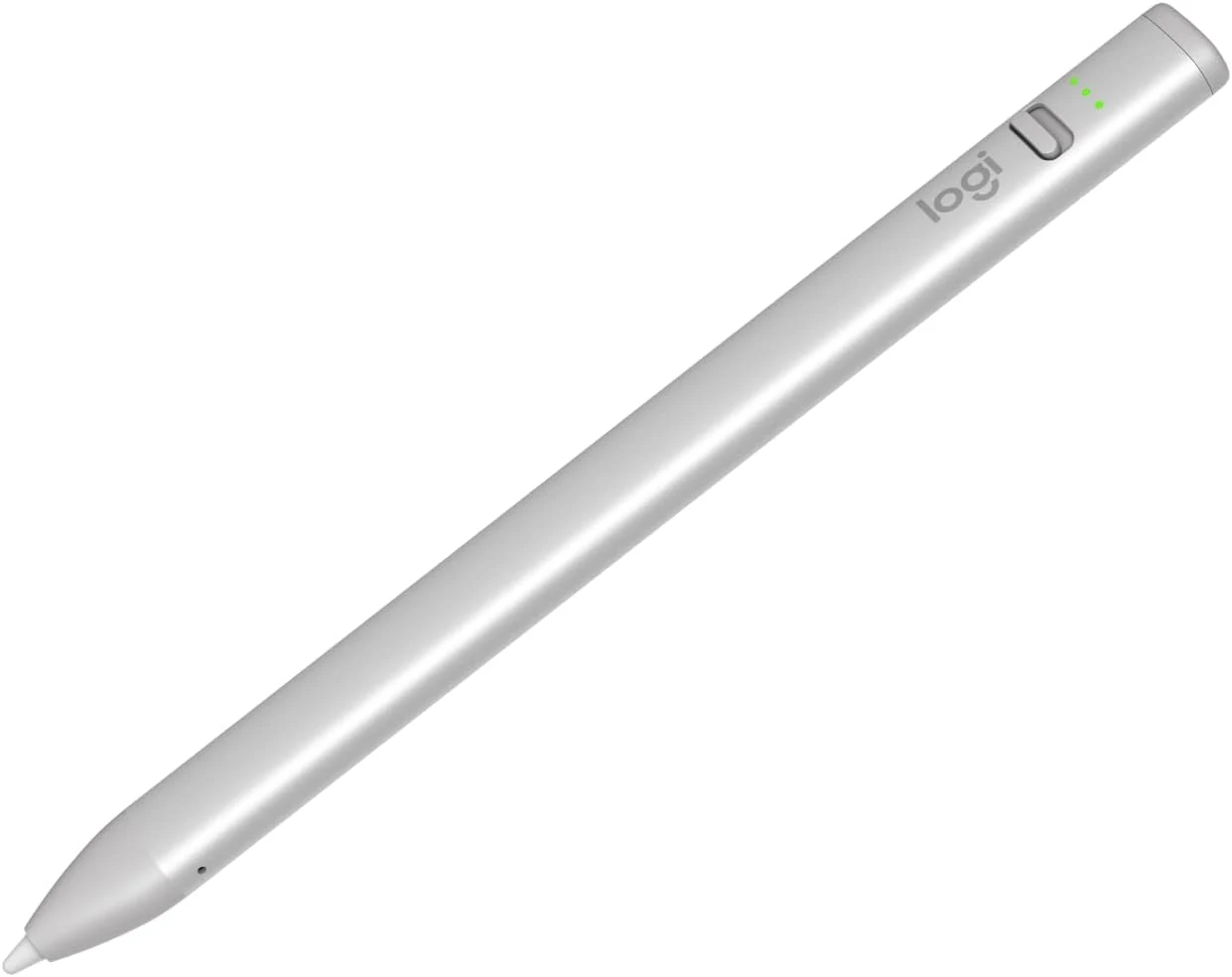
Logitech Crayon Digital Pencil for iPad (USB C Port Compatibility Only)
The Logitech Crayon is a USB-C iPad stylus designed to feel natural for notes and drawing, using Apple Pencil technology. It supports quick on/off use, tilt-based line thickness changes, and USB-C charging (up to about 7 hours of writing per charge). It is not pressure-sensitive, and it does not magnetically attach to an iPad.