JvKzaen Stylus Pen for iPad 2018-2025 with Palm Rejection, Apple Pencil
Quick take
This JvKzaen stylus is designed as an Apple Pencil-style option for compatible iPads from 2018 through 2025. It focuses on easy pairing, palm rejection, a battery percentage display, and touch shortcuts for basic camera and screenshot controls. The main buying caveat is that nib wear may be faster than premium styluses, especially if you use a textured/scratchy screen protector and draw with a heavy hand.
Pros and cons
Pros
- Palm rejection support for more natural writing and drawing with your hand resting on the screen.
- Battery level display on the iPad plus an auto power-saving shutdown after 5 minutes of inactivity.
- Includes 2 spare nibs, and USB-C charging with a stated 14-minute full-charge time.
- Shortcut controls after pairing (single click for task manager, double click for screenshots, triple click for photos/remote shutter in camera).
Cons
- Nibs can wear quickly for some heavy users, particularly when using screen protectors for drawing.
- Occasional “freak out” behavior has been reported, suggesting it may not be as consistently smooth as higher-end styluses for every setup.
- Compatibility is wide but not universal, so older iPads or certain models (and other device types) may not work.
What buyers think
Buyer review evidence is generally positive about the day-to-day experience, especially for ease of setup and stylus responsiveness. Many shoppers describe quick connections and a smooth feel for note-taking and drawing. A recurring helpful detail is that the stylus includes replacement nibs, and several buyers like the value aspect compared with an Apple Pencil purchase. At the same time, review evidence is limited but points to two practical issues worth noting: some users report faster nib wear when drawing on a protected screen, and a minority mention occasional odd behavior that can be worked around by managing Bluetooth connections.
Who this stylus is for
- Students and note-takers who want a palm-rejection stylus that behaves more like writing on paper.
- Casual digital artists who sketch, doodle, or do occasional drawing, and appreciate a thinner 0.9mm nib and included spares.
- iPad owners who want basic Apple Pencil-style features on-screen, including battery percentage display.
- Parents or kids learning remotely, since it is lightweight (0.47 ounces) and includes simple touch activation plus shortcut functions.
Who should avoid it
- If your iPad is outside the 2018-2025 compatible list, you will likely waste time troubleshooting a stylus that is not supported.
- If you use a drawing screen protector and press very hard, plan for faster nib replacements than premium options.
- If you need maximum reliability for professional-grade drawing, buyer feedback suggests occasional quirks can happen, so it may be better to consider a higher-end stylus if your workflow cannot tolerate interruptions.
Key features that matter in real use
Palm rejection for more natural writing
Palm rejection is built in, which helps you rest your hand on the display while writing or drawing. That small difference can make long note sessions more comfortable, especially compared with styluses that are more sensitive to accidental touches.
Precision and control with a 0.9mm nib
The stylus uses a 0.9mm nib intended to deliver fine, controlled strokes and support tilt sensitivity. It includes two spare nibs, which is useful because nibs are a consumable part of stylus ownership.
Battery level display and power saving
After pairing, it can show remaining battery percentage on your iPad, similar to how you might expect from Apple Pencil. It also shuts down automatically after 5 minutes of inactivity to save power, which helps reduce the “did I turn it off?” problem.
Touch-based activation and shortcut clicks
You press to turn it on, then it works without needing an app. Once paired, it supports three shortcut actions using quick taps or clicks: a single click to open the iPad task manager, double click to take a screenshot, and triple click to trigger a photo (remote shutter behavior in camera mode).
Charging and portability
Charging is USB-C, with a stated 14 minutes for a full charge. The stylus is also lightweight, and it includes magnetic adsorption design meant to help with keeping the pen organized and reducing rolling (though it is not described as charging via magnets).
Compatibility checklist (before you buy)
This stylus is meant for many iPad models released from 2018 onward, including iPad 2018-2025, iPad Air 3rd gen and newer, iPad mini 5th and 6th gen, and iPad Pro 11-inch and 12.9-inch models from specific generations listed. If your iPad is older than 2018 or you are using models the manufacturer excludes (including certain iPad mini, iPad Air, iPhone, Android, Surface, Chromebook, and Kobo devices), it will not be a fit.
Tip: Double-check your exact iPad model year and screen size before ordering. Styluses often have generation-specific compatibility, even when they sound similar.
Price and availability
The current price point is positioned as a lower-cost alternative to an Apple Pencil. For shoppers comparing value, the included spare nibs and USB-C charging convenience help justify the budget tier, but it is worth factoring potential nib replacements if you draw a lot on a textured protector.
Verdict
If you have a compatible iPad from 2018-2025 and want a comfortable, palm-rejection stylus with battery percentage visibility and useful click shortcuts, the JvKzaen is a strong budget option. It is especially appealing for note-taking and casual creative use. Just be mindful that nib wear and occasional quirks have been reported, so heavy artists or users who need uninterrupted performance may prefer spending more for a more premium stylus experience.
FAQs
Will this stylus work with my iPad?
It is designed for many iPad models from 2018 through 2025, including iPad, iPad Air, iPad mini, and iPad Pro models listed by generation and size. It is not compatible with certain older iPads and it is not intended for iPhone, Android, Surface, Chromebook, or Kobo devices. Check your exact iPad model before buying.
How do I charge it?
It charges using a standard USB-C connection. The listing states about 14 minutes for a full charge.
Does it show battery level on the iPad?
Yes. After connecting, you can view the remaining battery percentage in the iPad’s battery widget.
Does it support palm rejection?
Yes. Palm rejection is a key feature, intended to let you rest your hand on the screen while writing or drawing.
What about replacement nibs?
It includes 2 spare nibs. Some users report nib wear can be faster with drawing screen protectors and heavy pressure, so having spares is helpful.
Are the shortcut buttons useful?
After pairing, it supports three shortcut actions: single click opens the task manager, double click takes a screenshot, and triple click triggers a photo (remote shutter behavior in camera mode).
Where should I buy it?
You can check the latest price and details here: Buy on Amazon.
Specifications
| Product Title | Stylus Pen for iPad 2018-2025 with Palm Rejection, Apple Pencil for Pad11th/10th/9th/8th/7th/6th Gen, iPad Pro 11/12.9 inch, New iPad Air 2025 11&13-inch(M3/2) /5th/4th/3th Gen, iPad mini 6th/5th |
|---|---|
| Category | Cell Phones & Accessories > Accessories > Stylus Pens |
| Brand | JvKzaen |
| Manufacturer | JvKzaen |
| Model Number | AC10S |
| Color | Rose Gold |
| Material | Aluminum, Plastic |
| Item Weight | 0.47 Ounces |
| Number of Batteries | 1 Lithium Ion batteries required. (included) |
| Battery Average Life Standby | 365 days |
| Compatible Devices | Tablet |
| Charging Time | 14 minutes |
| Battery Description | Lithium-Ion |
| Compatible Tablet Computer Models | Apple iPad (6th generation), Apple iPad 11th Generation, Apple iPad Air (3rd generation), Apple iPad Pro 11-Inch (M4), Apple iPad Pro 13-Inch (M4), Apple iPad mini 6 |
| Item Dimensions | 5.91 x 0.47 x 0.47 inches |
| Item Diameter | 0.35 Inches |
| Enclosure Material | Aluminum, Plastic |
| Are Batteries Included | Yes |
| Are Batteries Required | Yes |
| Unit Count | 1.0 Count |
| Mfr Part Number | AC10 |
| Warranty Description | 1 year manufacturer |
| Item dimensions L x W x H | 5.91 x 0.47 x 0.47 inches |
| Batteries Required? | Yes |
Available variants
Color
- Blue
- Rose Gold
- White
- Light Purple
- Purple
- Black
- Light Pink
- Silver
Recommended next
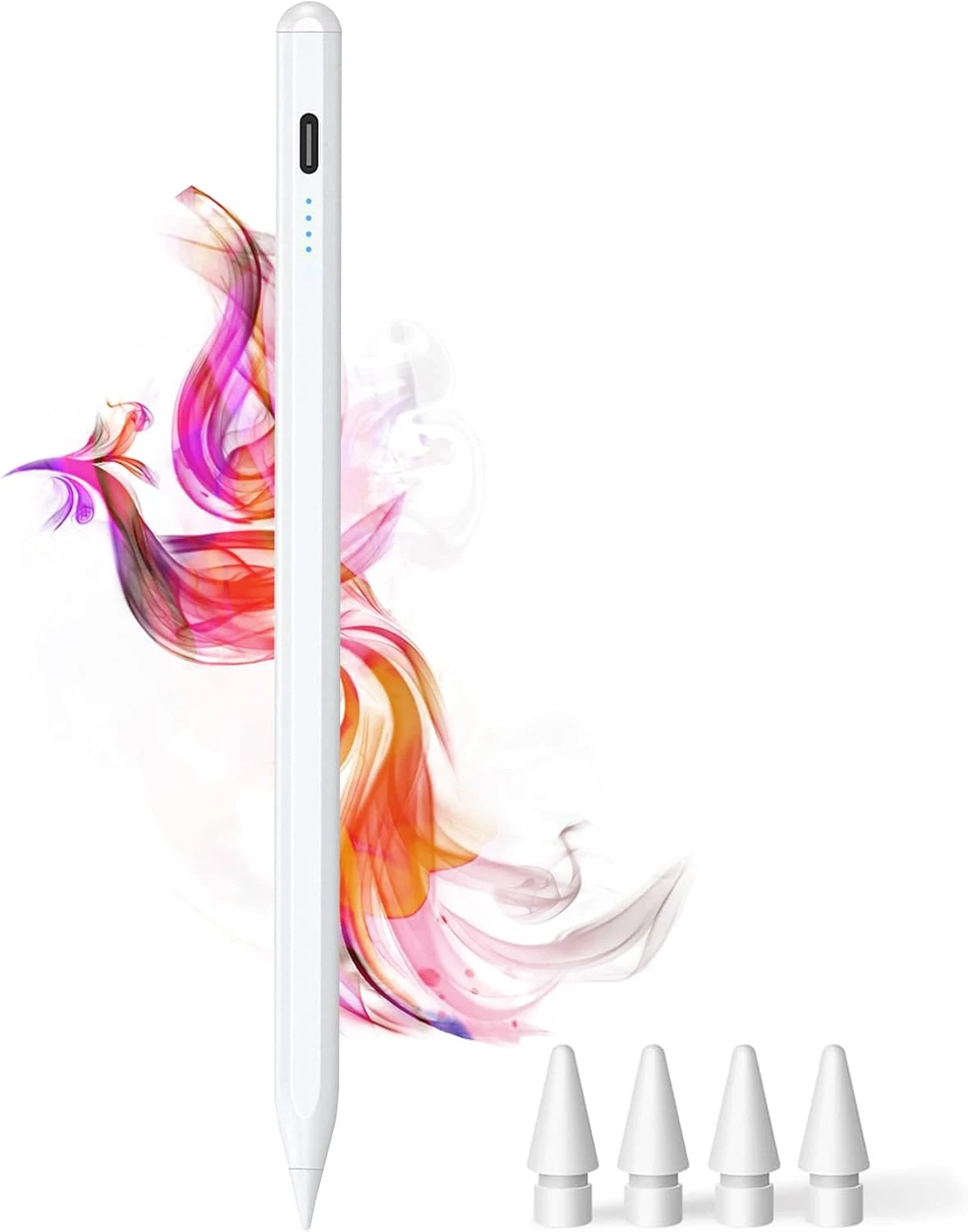
DOGAIN iPad Pencil for Apple iPad A16 11th&10th
The DOGAIN iPad Pencil is a palm-rejection, tilt-sensitive stylus designed for many iPad models from 2018 onward that support this style of pencil. It uses USB-C charging, includes replacement POM tips, and adds simple touch controls plus magnetic storage. The main caveat is compatibility, it will not work with iPhones or iPads that fall outside the listed model years.
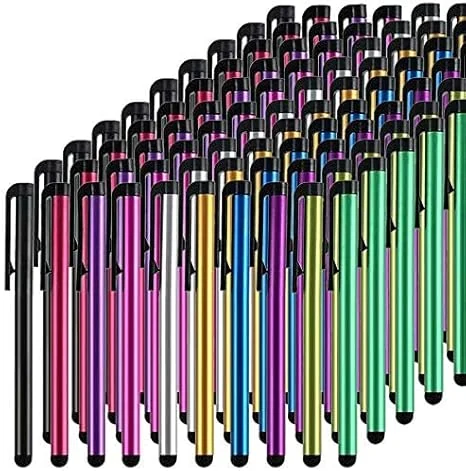
Stylus Pens for Touch Screens, 100 Pieces Universal Colorful Long Metal Stylists Pack for iPad, iPhone, Android, Galaxy, Chrome Book, Tablets
This bulk pack of 100 battery-free stylus pens is built for everyday touchscreen use, with rubber tips designed for a smooth, scratch-resistant glide. It is a budget-friendly option if you want backups for multiple devices or for sharing, with the main tradeoff being that it is not a premium “active” stylus experience for note-taking apps.
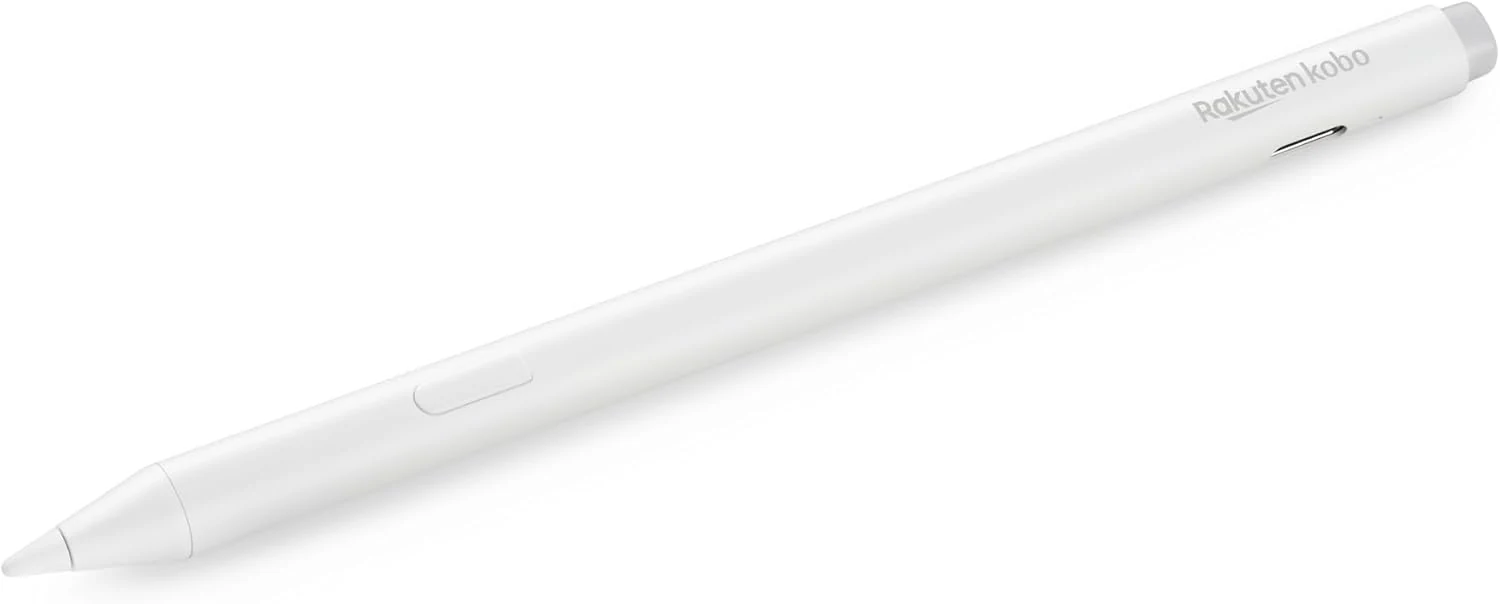
Kobo Stylus 2
The Kobo Stylus 2 is a rechargeable USB-C stylus designed for compatible Kobo Libra Colour and Kobo Sage eReaders. It supports writing notes, highlighting, and marking up eBooks or PDFs, with an eraser feature on the back and two replacement tips included. Best for Kobo owners who want a more natural pen-like experience for annotations, with the main caveat being its higher price and limited compatibility.
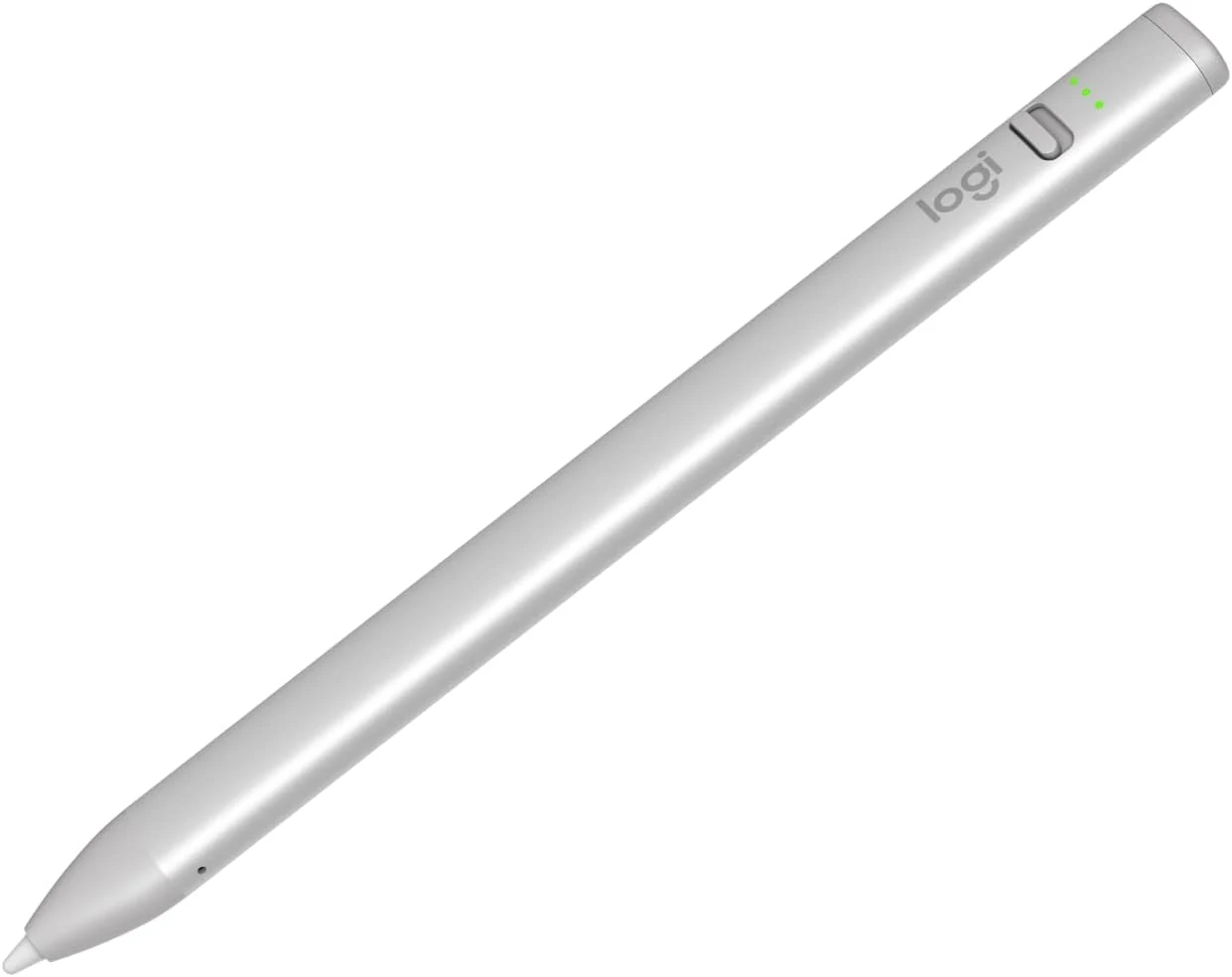
Logitech Crayon Digital Pencil for iPad (USB C Port Compatibility Only)
The Logitech Crayon is a USB-C iPad stylus designed to feel natural for notes and drawing, using Apple Pencil technology. It supports quick on/off use, tilt-based line thickness changes, and USB-C charging (up to about 7 hours of writing per charge). It is not pressure-sensitive, and it does not magnetically attach to an iPad.