Seagate Xbox Series X|S Storage Expansion Card (1TB)
The 1TB Seagate Storage Expansion Card solves a specific Xbox problem: keeping more Series X|S games ready to launch without shuffling them back to the internal SSD. That is a different job from parking a library on a USB drive. Its appeal is less storage management, not a promise that an already installed game becomes better.
Pros
- Plays Series X|S games directly from the card
- Uses the console's dedicated storage expansion slot
- Adds capacity without opening the console
Cons
- Dedicated to the Xbox Series X|S expansion system
- 1TB can still fill quickly with large installations
- USB storage may suffice for a library you only want to archive
Ready to play is the feature you are buying
A compatible USB drive can hold Series X|S games, but titles that require the console's high-speed storage must be moved to internal storage or a compatible expansion card to play. The Seagate card extends the ready-to-play pool. That distinction matters more than comparing it with an ordinary external SSD by a transfer-speed headline.
If you regularly move between several large current-generation games, avoiding those transfers can be useful. If one or two installations occupy most of your time, archiving less-used games on USB may be acceptable. Buy around the games you keep active, rather than the total number attached to an account.
Work out what 1TB buys for your library
Add up the installed sizes of the games you want available together, including the content packs you actually keep. Updates can change those requirements. A fixed claim that 1TB holds a certain number of games would obscure how widely installation sizes vary.
Leave practical room for changes rather than planning to the last available gigabyte. If the active library already exceeds the combined internal and added capacity, this card postpones transfers rather than eliminating them. A larger expansion option deserves comparison before buying a size you expect to outgrow immediately.
Do not confuse the card with a USB SSD
This device goes into the dedicated expansion slot on Xbox Series X or S. It is not an M.2 upgrade for a computer and not a general-purpose USB portable drive. Confirm the console generation before buying it as a gift; Xbox branding alone is not enough to identify the required storage connection.
The card is designed to work within Xbox Velocity Architecture alongside the internal SSD. That supports the same role for compatible games, but it does not add processing power to the console. Keep expectations centered on capacity and access to installed games.
Use cheaper archive space when convenience is secondary
A Samsung T7 or portable SanDisk SSD is a different kind of purchase. General-purpose USB storage can be useful for moving files between other devices or archiving games, while the expansion card prioritizes console integration. Cross-device flexibility and direct Series X|S playback are not interchangeable benefits.
Quick Resume is not by itself a reason to choose the card: Xbox's storage behavior is more nuanced than an expansion-only feature claim. The decisive question is whether your games need high-speed console storage to launch and whether keeping more of them there is worth the extra dedicated hardware.
The buying decision
Buy the 1TB card when an overcrowded ready-to-play library is causing repeated transfers. Choose ordinary USB storage when archiving is enough or broader device use matters more. Check the active library's size first so the upgrade addresses the actual constraint.
Product details and Amazon customer ratings as of .
Reference material
Available variants
Capacity
- 2TB
- 4TB
- 1TB
Style
- Xbox SSD Expansion
Recommended next
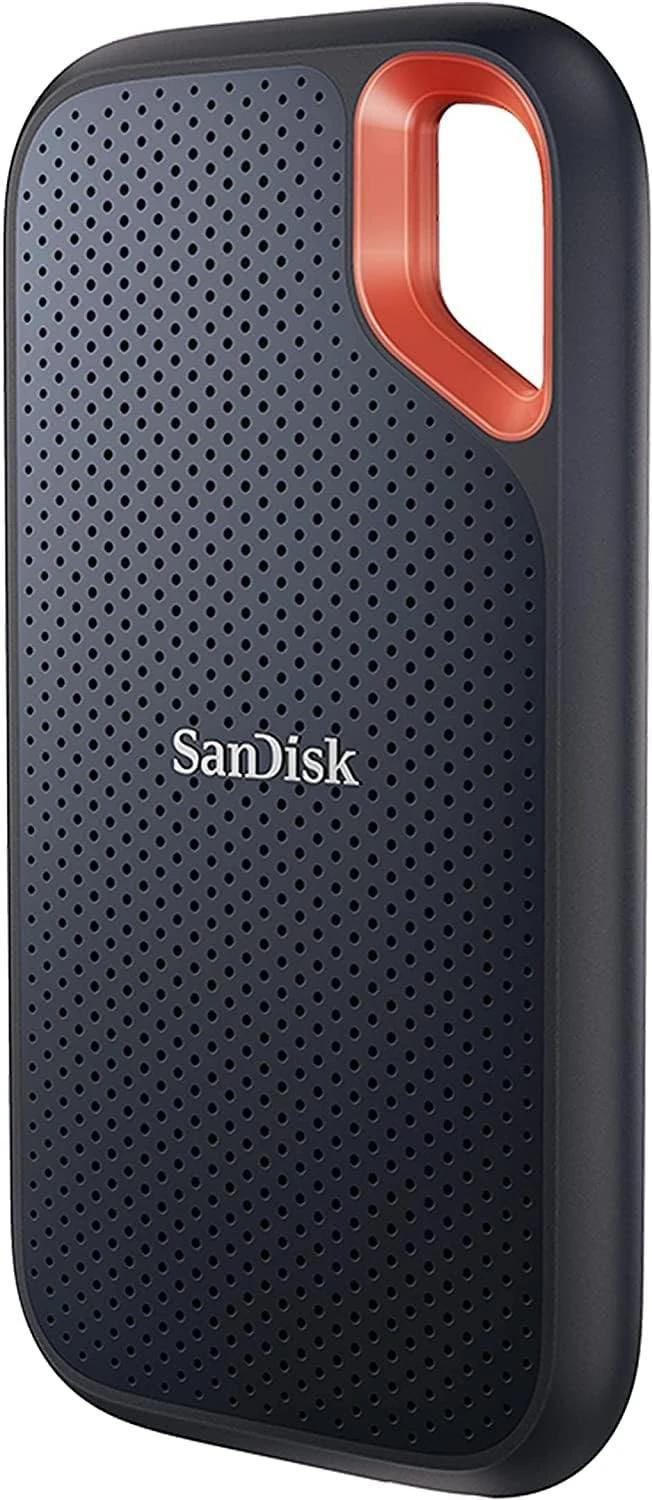
SanDisk Extreme Portable SSD 1TB (SDSSDE61)
A compact USB-C SSD for moving photo and video projects. The right port and a separate backup matter more than the rugged styling.
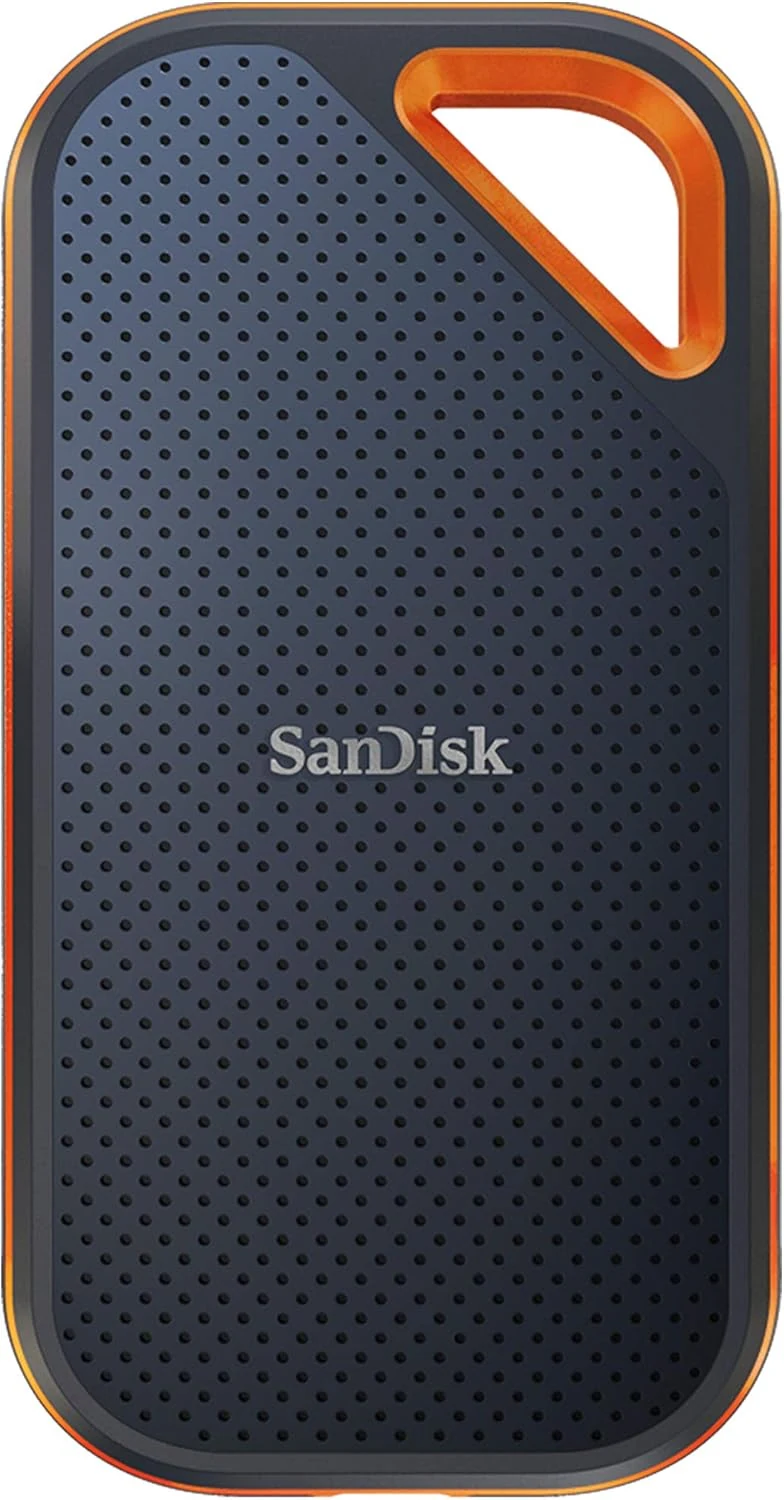
SanDisk Extreme PRO Portable SSD 4TB
A high-capacity portable SSD whose 2000MB/s rating needs USB 3.2 Gen 2x2. Check that specific port support before paying for the PRO tier.
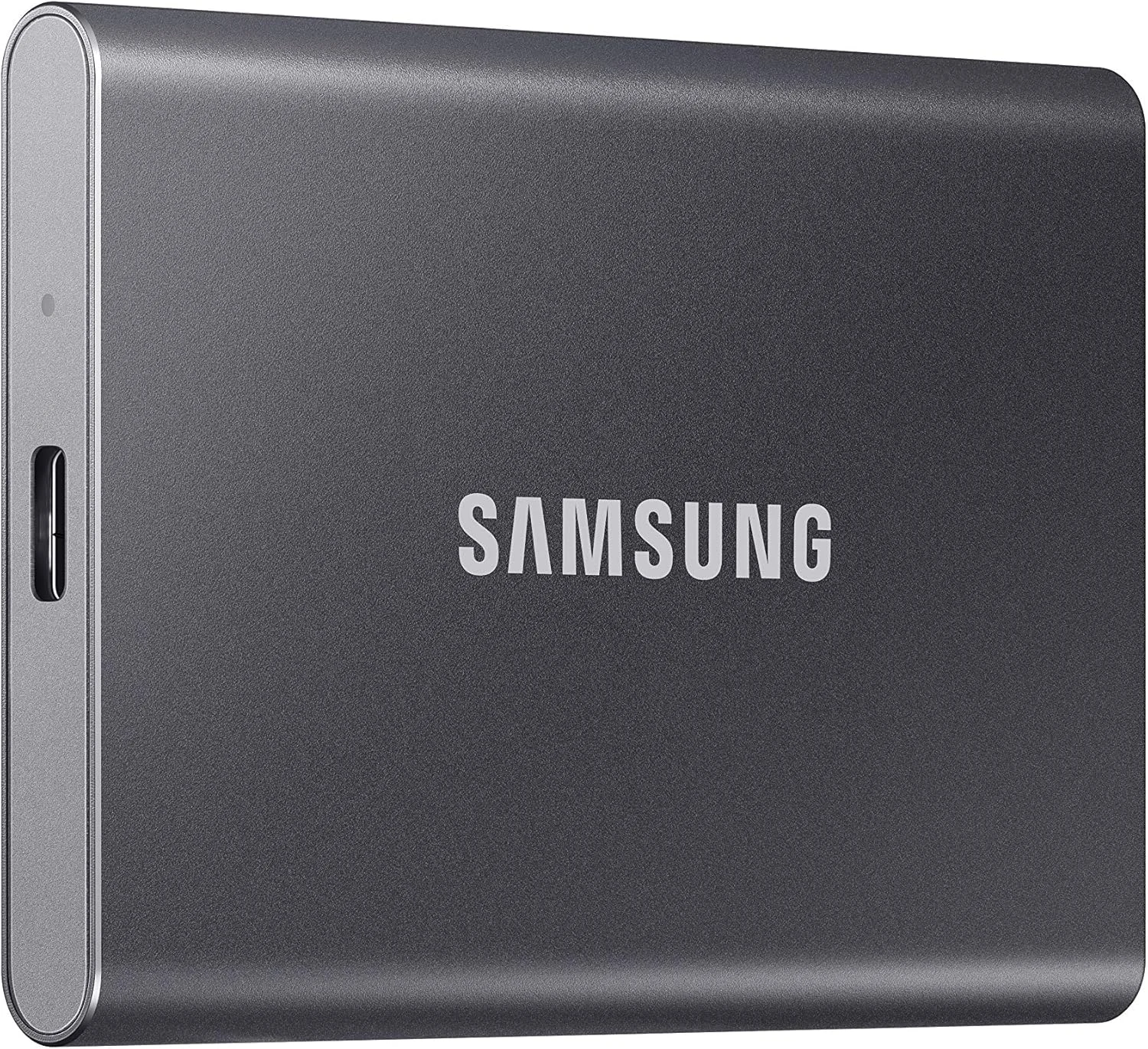
Samsung T7 Portable SSD 1TB
A compact USB 3.2 Gen 2 SSD for a working file collection. Check the host connection and whether 1TB leaves enough room for the next project.
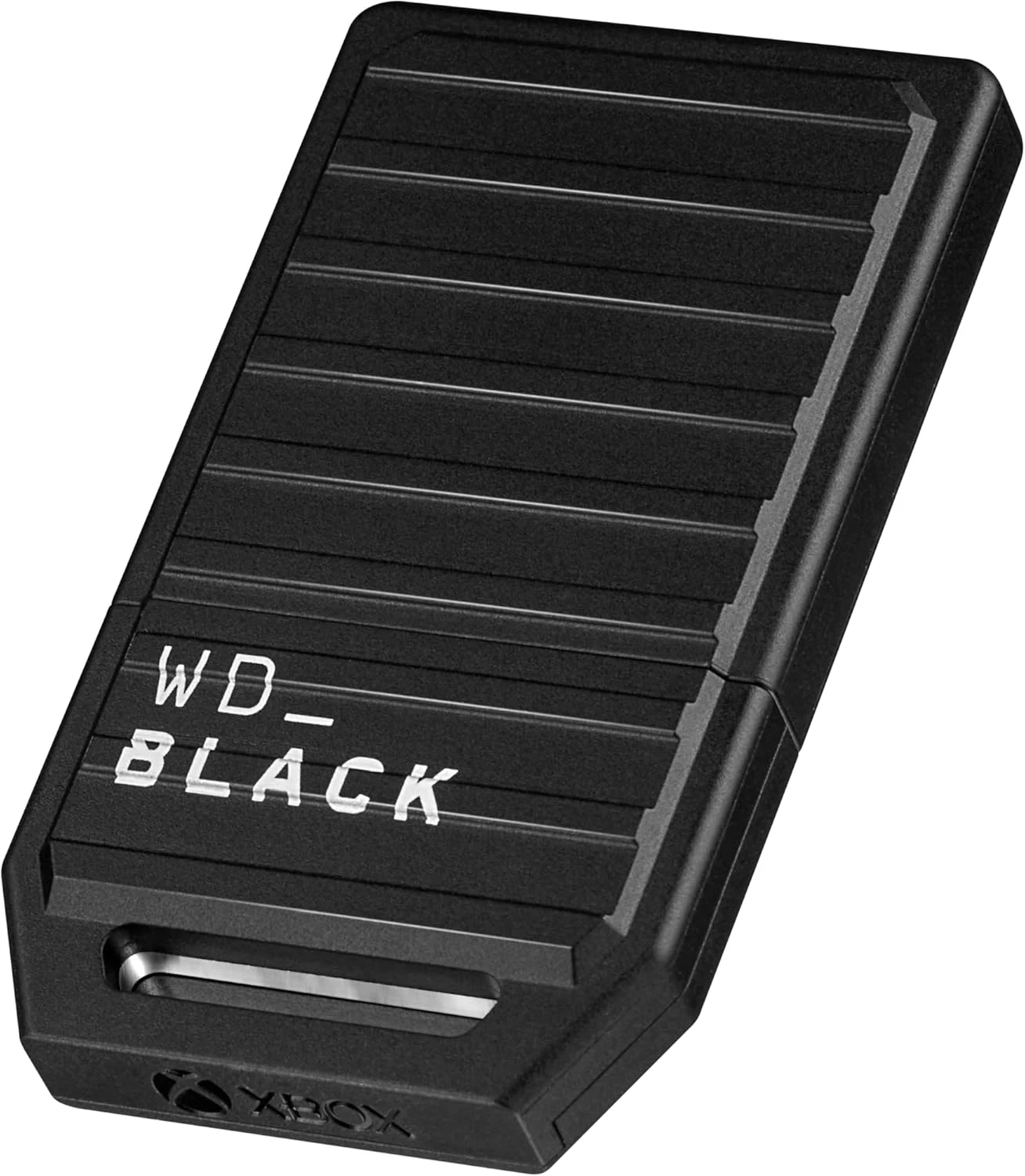
WD_BLACK 1TB C50 Xbox Storage Expansion Card
A console-specific expansion card for Xbox Series X|S owners who want more install space and Quick Resume support without using a standard USB drive.