Samsung T7 Portable SSD 1TB
The Samsung T7 1TB is a sensible format for carrying an active collection of documents, photographs or project files between compatible devices. It offers an advertised speed class around 1GB/s without asking for the Gen 2x2 connection used by some faster portable drives. The practical questions are whether your devices support the intended workflow and whether 1TB is enough.
Pros
- Rated up to 1050MB/s read and 1000MB/s write
- Compact aluminum enclosure
- USB 3.2 Gen 2 suits a defined portable-storage role
Cons
- Maximum speed depends on the complete connection path
- 1TB may constrain a substantial video collection
- External USB storage is not interchangeable with every console expansion system
Confirm the path from device to drive
The T7 uses USB 3.2 Gen 2. The computer port, cable and any hub between them need appropriate support to benefit from its advertised speed class. A connector that fits is not enough information to predict the transfer rate.
Look at the source of the files too. Copying from a slower camera card or hard drive can leave the T7 waiting for data. If the aim is to shorten a particular job, identify the limiting part of that job rather than assuming a faster destination drive always fixes it.
One terabyte is the configuration under review
Samsung offers the T7 family in larger capacities, but this MU-PC1T0T/AM is 1TB. Decide how much material needs to travel together, including active work and exports. A project that nearly fills the drive before the next shoot is a reason to compare a larger capacity.
For a light document and photo routine, extra unused capacity may add little. For large video folders, capacity can be more important than a small difference between peak speed ratings. Choose the amount of space deliberately rather than accepting whichever option is selected first in a multi-capacity offer.
Recording to a drive needs specific support
Samsung promotes compatible direct-recording uses, including certain phone and camera workflows. Confirm the exact device, application, recording mode and cable requirements before buying for that purpose. A general claim of mobile compatibility is not a guarantee that every phone can record any format directly to external storage.
The same caution applies to games. A USB SSD can have a useful role in a gaming setup without replacing a proprietary console expansion card. Establish whether the goal is storing files, moving games or launching a particular title directly from the drive, then check the console's requirements for that operation.
Portability should not create a single point of loss
The compact aluminum enclosure is attractive for a bag or desk, but a small drive is also easy to leave behind. Give it a consistent place and consider how cables will sit when connected to a moving laptop. Protective construction does not make a file collection recoverable.
SanDisk's Extreme 1TB is a useful comparison in a similar advertised speed class. Compare the exact model, capacity and package instead of inventing a performance winner from their peak figures. Whichever you choose, keep an independent copy of work that exists only on the portable drive.
The buying decision
Choose the T7 1TB for a compatible portable workflow that genuinely fits within its capacity. Check the host, cable and recording requirements first. A larger model may be the better upgrade if space is the constraint, while a specialized console task may require a different storage product altogether.
Product details and Amazon customer ratings as of .
Available variants
Color
- Blue
- Titan Gray
- Red
Memory Storage Capacity
- 1 TB
- 4 TB
- 2 TB
- 0.5 TB
- 2.1 TB
Recommended next
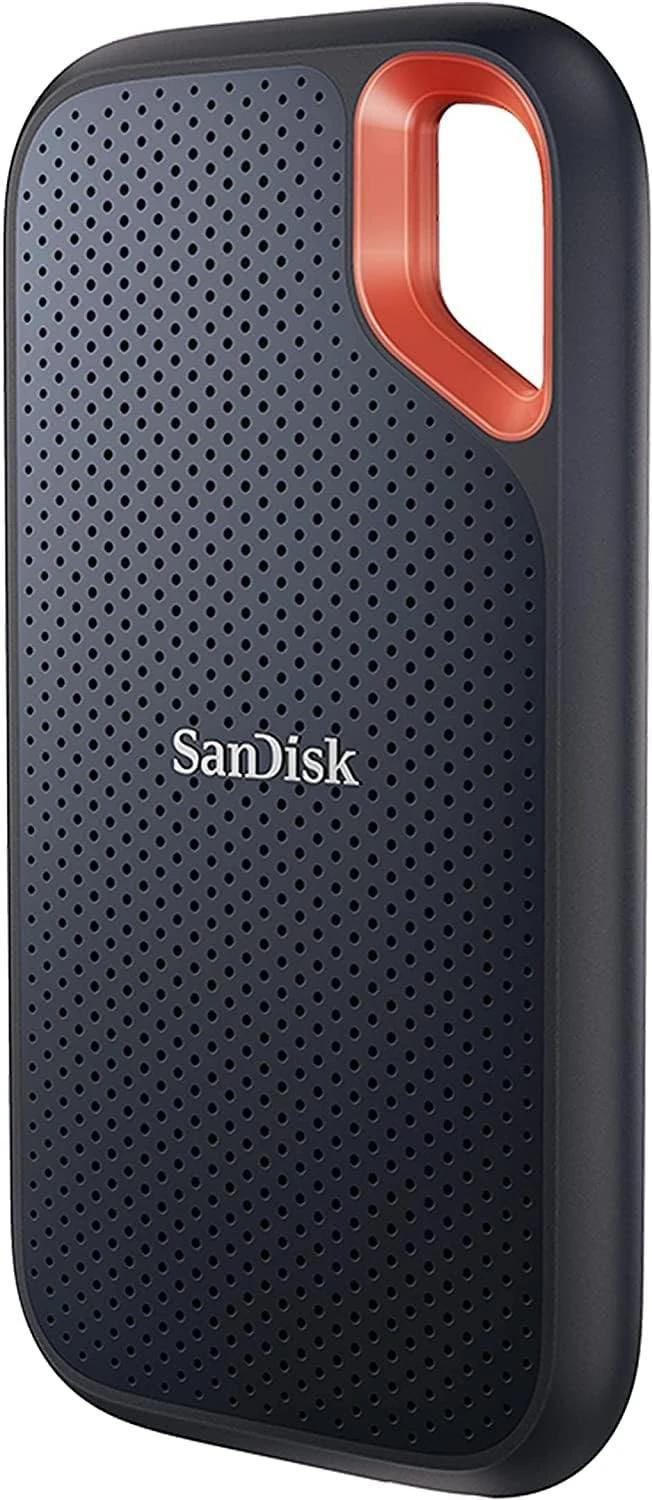
SanDisk Extreme Portable SSD 1TB (SDSSDE61)
A compact USB-C SSD for moving photo and video projects. The right port and a separate backup matter more than the rugged styling.
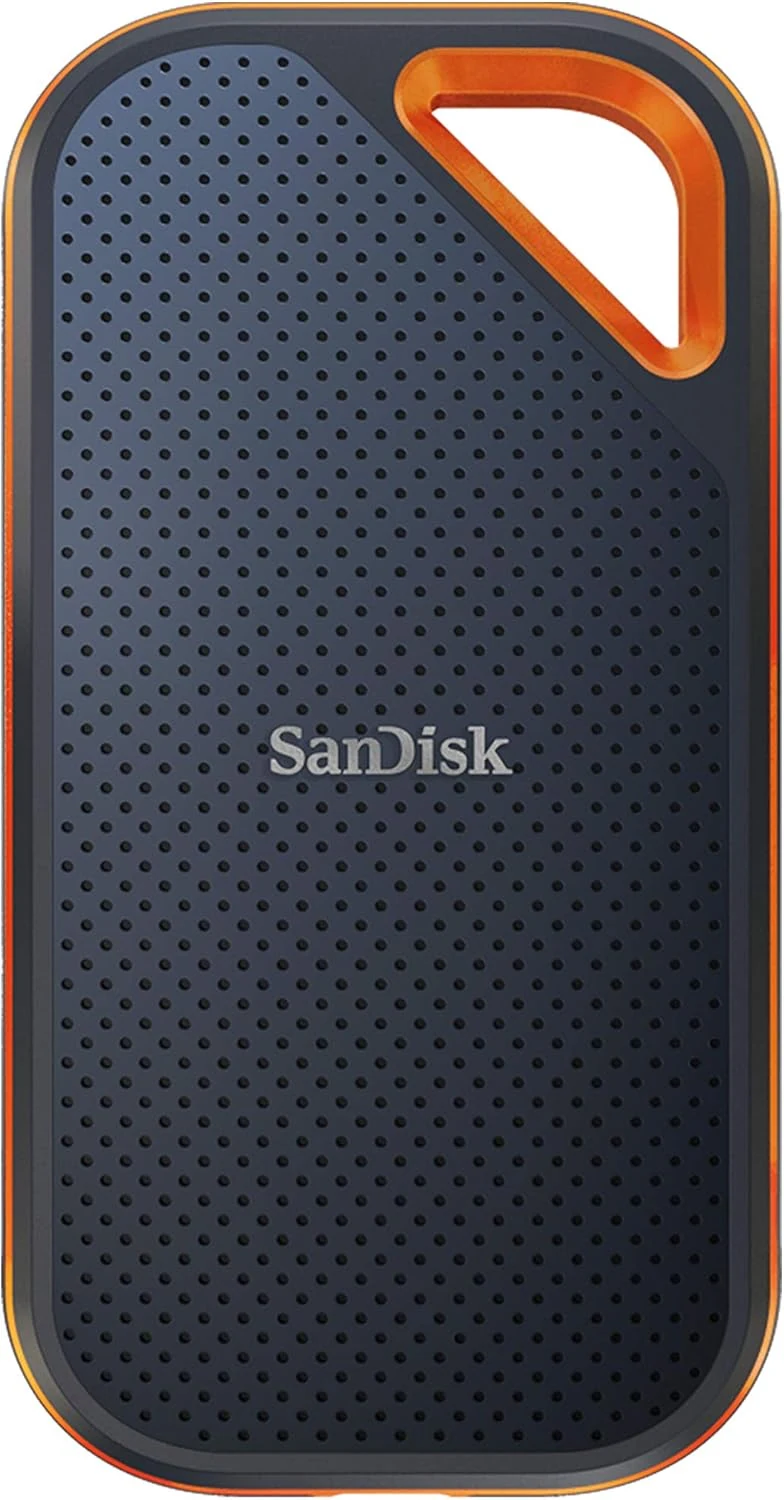
SanDisk Extreme PRO Portable SSD 4TB
A high-capacity portable SSD whose 2000MB/s rating needs USB 3.2 Gen 2x2. Check that specific port support before paying for the PRO tier.
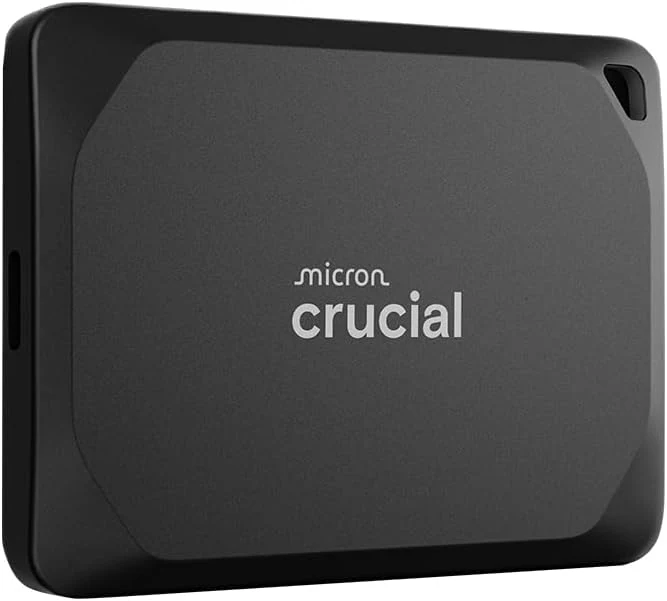
Crucial X10 Pro 4TB Portable SSD
A compact 4TB portable SSD with fast USB-C claims and basic ruggedness. Best for capable hosts and large files; check encryption and Android compatibility first.
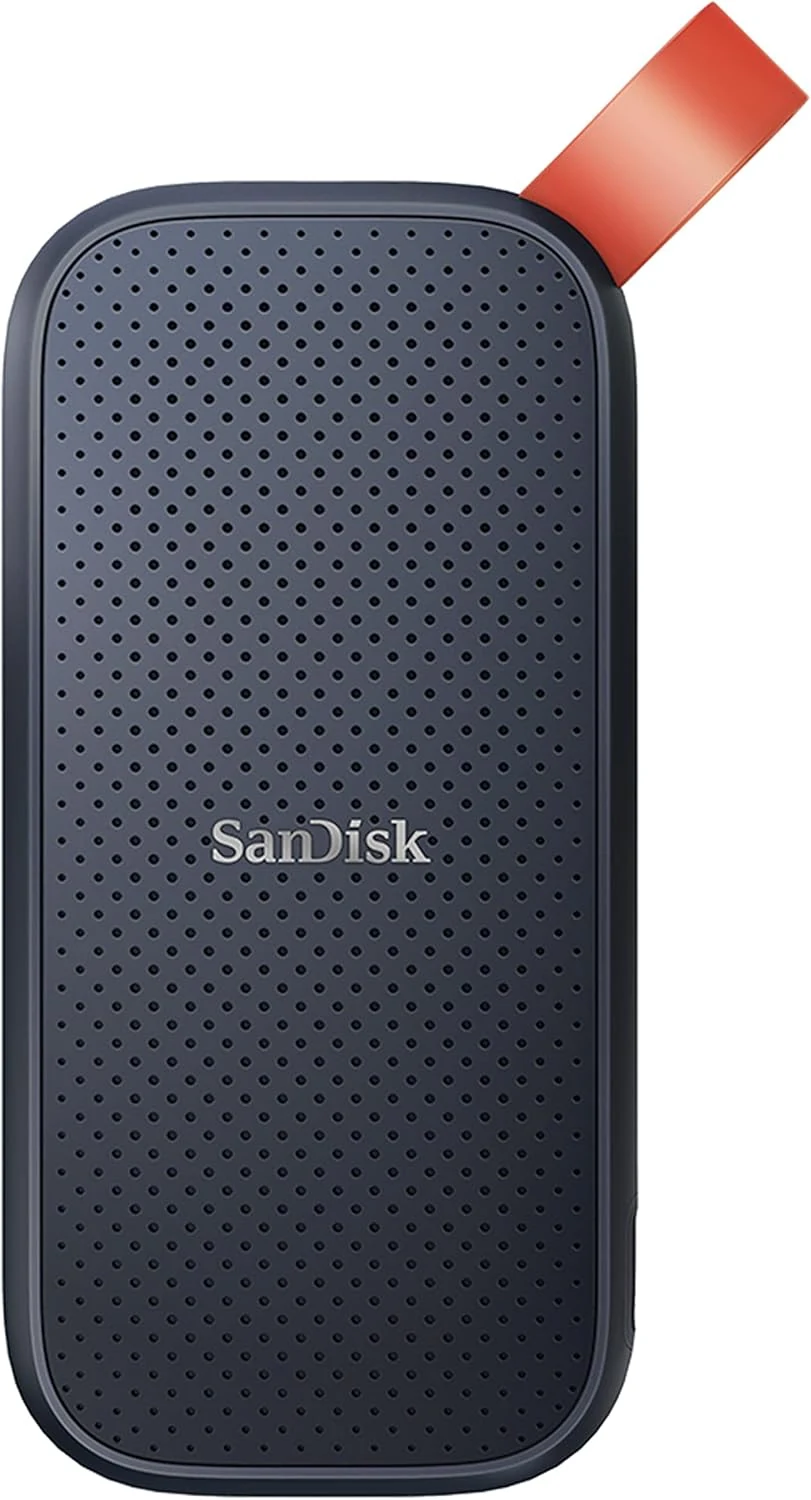
SanDisk 1TB Portable SSD (SDSSDE30-1T00-G26)
A compact USB-C portable SSD with advertised up to 800MB/s reads for everyday backups and travel use, but no listed water resistance and slower write speeds than the headline figure.