SanDisk Extreme Portable SSD 1TB (SDSSDE61)
The 1TB SanDisk Extreme Portable SSD is a better match for an active photo or video bag than a drive that only holds an archive at home. Its solid-state storage, compact enclosure and attachment loop suit moving work between locations. The reason to choose this particular model is a useful combination of portability and rated speed, not an assumption that a rugged-looking drive makes files safe on its own.
Pros
- Rated up to 1050MB/s read and 1000MB/s write
- Compact USB-C enclosure with an attachment loop
- Password protection with 256-bit AES hardware encryption
Cons
- Advertised speeds depend on the host connection and workload
- 1TB may be restrictive for a growing video library
- Similar Extreme names cover different drives and capacities
Buy the SDSSDE61, not a family name
This review concerns the 1TB SDSSDE61-1T00-G25, rated for up to 1050MB/s reads and 1000MB/s writes. SanDisk uses related names across multiple capacities and generations. Check the model number on the actual option you select, especially when an offer groups several versions together.
The distinction affects more than the amount of space. An Extreme PRO with a 2000MB/s rating is a different purchase, while the simpler SanDisk Portable 1TB alternative is rated up to 800MB/s read. Decide whether your routine benefits from the higher ceiling before paying to move up a product tier.
USB-C describes the connector, not the whole connection
This Extreme uses USB 3.2 Gen 2. To benefit from its speed class, the computer port, cable and any intervening hub need to support the appropriate data connection. A cable that fits is not by itself confirmation that the whole path has the required bandwidth.
Moving a few documents will rarely justify choosing on transfer speed alone. Repeatedly copying large batches of camera files is a more relevant use. Even there, the source card, file sizes and available space affect the job; a rated maximum is not a scheduled completion time for your next shoot.
Portability and protection solve different problems
The attachment loop helps keep a small drive with a bag, while password protection addresses access to its contents. Those are separate benefits: securing the enclosure to a strap does not encrypt the files, and encryption does not create a recovery copy.
Before using password protection for important material, check the software requirements and how access works on every computer you intend to use. Keep credentials recoverable and maintain a separate backup. The drive is a convenient way to carry a working copy; it should not be the only location for an entire assignment.
Compare it with the drive your workflow needs
Samsung's T7 1TB offers a similar advertised speed class, making it a more relevant comparison than a much larger mechanical archive drive. Compare capacity, connection requirements and the way each security setup fits your computers rather than expecting a dramatic difference from similar peak ratings.
The 800MB/s SanDisk Portable alternative deserves a look if transfers are occasional and the price difference is meaningful. Conversely, if a single project could consume much of 1TB, additional capacity may be more useful than a faster badge. Check SanDisk's current support information for the exact model before putting it into service.
The buying decision
Choose this 1TB Extreme for a compact, frequently carried working drive with a suitable USB connection. Compare the T7 at the same capacity and consider whether a larger drive would solve more of your problem. Keep a separate copy regardless of which enclosure you choose.
Product details and Amazon customer ratings as of .
Reference material
Available variants
Style
- New Model
- Old Model
Capacity
- 2TB
- 4TB
- 1TB
- 8TB
- 0.5TB
Color
- Black
- Monterey
- Sky Blue
Recommended next
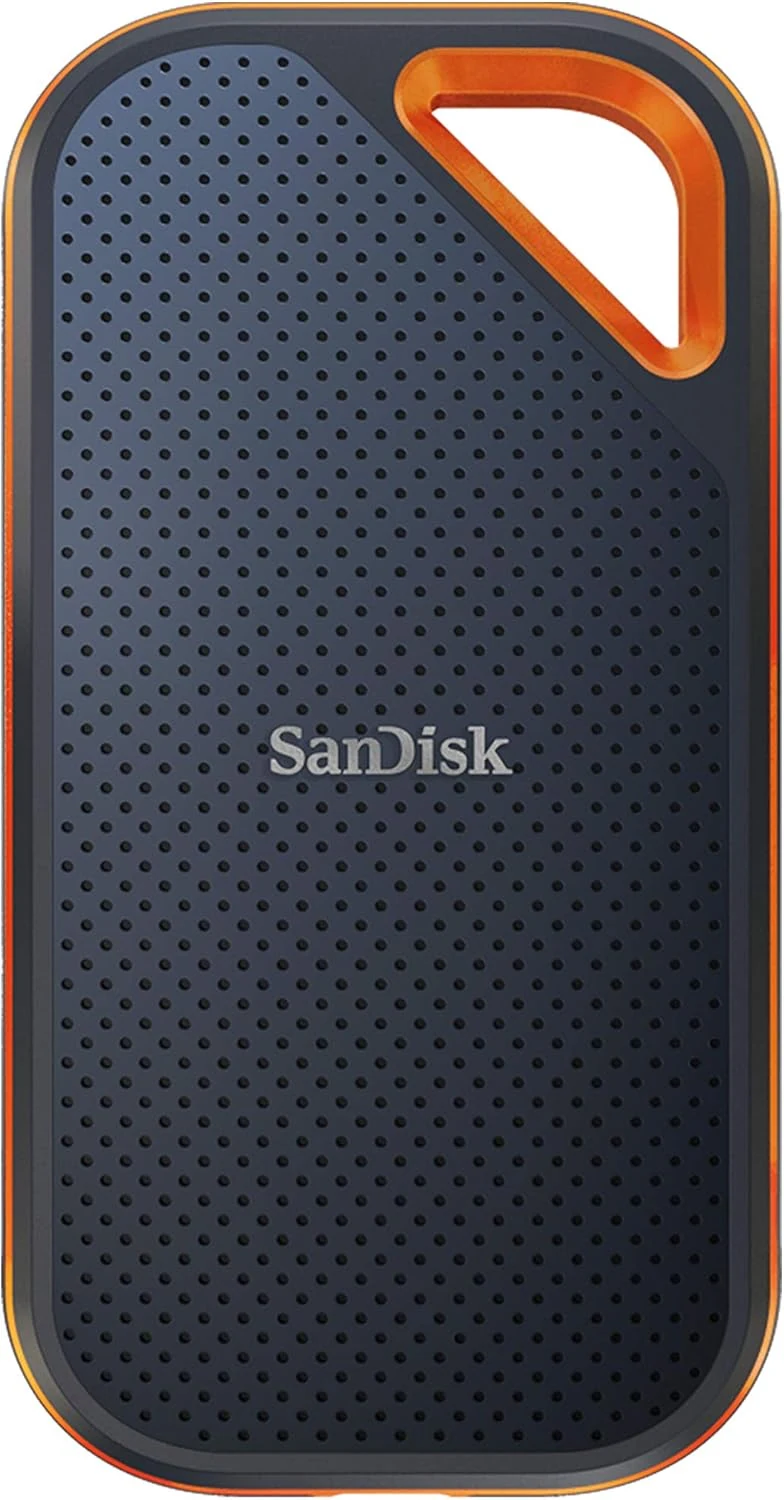
SanDisk Extreme PRO Portable SSD 4TB
A high-capacity portable SSD whose 2000MB/s rating needs USB 3.2 Gen 2x2. Check that specific port support before paying for the PRO tier.
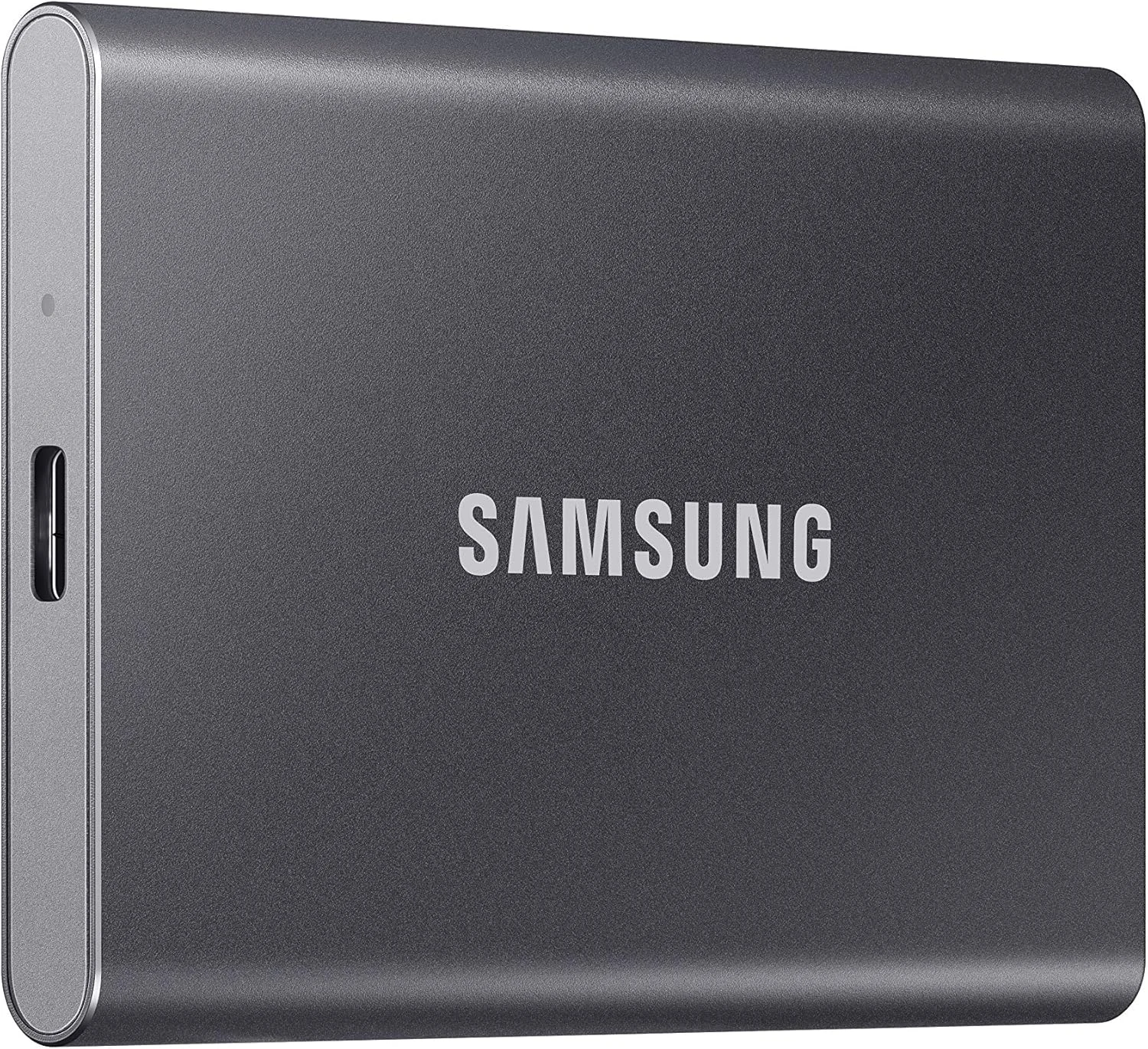
Samsung T7 Portable SSD 1TB
A compact USB 3.2 Gen 2 SSD for a working file collection. Check the host connection and whether 1TB leaves enough room for the next project.
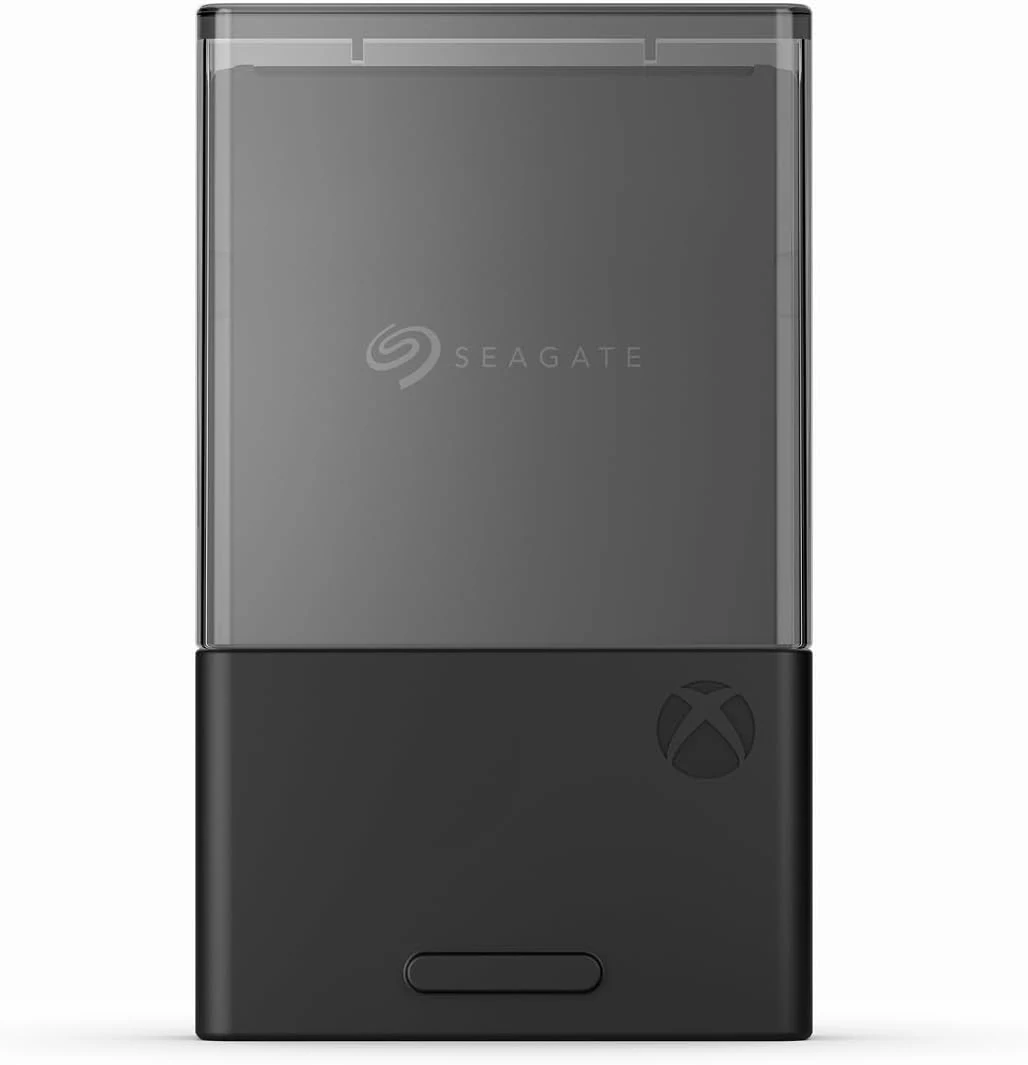
Seagate Xbox Series X|S Storage Expansion Card (1TB)
Extra space for playing Series X|S games directly, not just storing them. Choose this expansion card when moving installations between drives is the problem.
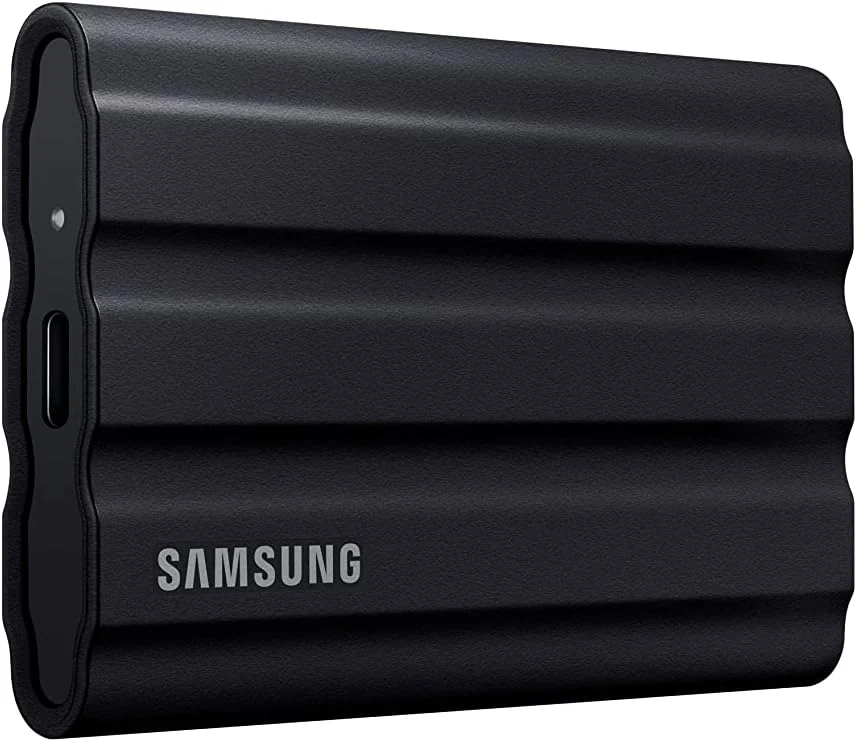
Samsung T7 Shield 1TB Portable SSD
A rugged 1TB portable SSD with USB 3.2 Gen 2 speeds and IP65 protection, but the top speed depends on your device and it costs more than basic alternatives.