Kids Tablet 7'' Tablet for Kids 3-7 32GB Toddler Tablets
Quick take
This 7-inch kids tablet from okulaku is built for younger children (roughly ages 3 and up) with a kid-friendly silicone case, offline learning content, parental controls, and Android-based access to apps over WiFi. It is best for parents who want simple, guided screen time rather than a high-performance media machine, but battery life is a key tradeoff to consider.
Pros and cons
Pros
- Kid-focused bundle: preloaded offline learning content (Montessori, STEM, art and craft, brain training) plus app downloads via Play Store.
- Parental control features: manage screen time, choose age-appropriate content, and monitor what has been watched.
- Kid-friendly hardware design: soft silicone case, plus a handle that can also work as a hands-free stand.
- Expandable storage potential: 32GB built-in storage, expandable up to 128GB.
Cons
- Battery performance appears inconsistent among buyers (some report much shorter runtime than others).
- Small 7-inch screen may feel limited for kids used to larger tablets.
- Setup may take a little time before it feels smooth for everyday use.
What buyers think
Buyer-review evidence is mixed but still informative for decision-making. Several comments point to the tablet being helpful for learning and offering solid value, especially for families looking for offline-friendly content. At the same time, other feedback raises concerns about battery longevity, with one report suggesting a much shorter runtime than expected, and another reviewer mentioning the handle and fit can feel less secure. There is also at least some indication that getting the tablet working smoothly may require a bit of patience, although the overall “works well” sentiment shows up in other feedback. Overall, buying-review evidence is limited in size, so it is best to treat battery life as the main uncertainty.
What you get for the money
The okulaku kids tablet is positioned as an entry-level device for toddlers and early elementary kids. The core package combines practical hardware (2GB RAM, 32GB storage), an Android operating system, and a kid-oriented experience that is meant to reduce friction for parents managing screen time.
On top of the system basics, the device emphasizes learning and offline play. Instead of relying only on streaming, it includes preloaded offline content categories like Montessori, STEM, and art and craft, plus brain training style activities. If you often travel, that offline focus can matter more than raw performance.
Offline content plus WiFi access
This is a “both modes” kids tablet. It includes offline educational content preinstalled, and it also supports downloading additional apps through Play Store when you have WiFi. That gives you flexibility: you can use offline content for road trips and then add more kid-approved apps when you are at home.
For parents, the biggest day-to-day benefit is that kids have something to do without needing a constant connection, which can make routines easier on flights, in cars, or during power-saving trips.
Parental controls that are meant for real routines
The tablet includes parental control options designed to help manage what kids access and how long they use it. You can set usage time limits and choose age-appropriate content. There is also a monitoring component intended to help parents keep track of what has been watched.
In practice, this kind of feature set is most useful when you plan to use the tablet as a structured learning tool, not a free-for-all entertainment device. If you want to curate the app mix and keep session lengths predictable, these controls align well with that goal.
Hardware and kid-proofing details
The 7-inch size is intentionally portable, and it comes with a kid-friendly silicone case. The case is designed to help protect the screen from bumps and drops, and the handle is made to fit small hands. The handle can also function as an adjustable stand, which can support hands-free viewing.
The camera setup is basic but kid-friendly for capturing moments, with dual cameras (front and back) and storage support. If your main goal is quick photos for school projects or family memories, it is likely to be sufficient for that use case.
Battery life, the main thing to double-check
Battery capacity is listed as 3500mAh with an advertised runtime around 4 to 6 hours of reading (and other source-provided battery average life around 5 hours). However, buyer feedback includes at least one report of extremely short runtime after a full charge, which raises uncertainty for travel-day expectations.
If your plan involves long stretches away from a charger, treat battery life as the biggest risk area. Practical options include bringing the original charger, using offline content to reduce background drain, and planning shorter sessions.
Who it is best for
- Parents shopping for a small kids tablet (7-inch) for ages 3 and up.
- Families who want offline learning content plus the option to add apps when WiFi is available.
- People who prioritize parental time and content controls over high-end performance.
- Kids who benefit from a protected, handle-friendly design for easier holding or hands-free stand viewing.
Who should consider a different option
- You need consistently strong battery performance for long flights or all-day travel without frequent charging.
- Your child is already used to larger tablets and gets frustrated with smaller screens.
- You want a tablet that feels “instant and effortless” at first setup, with minimal parental setup time.
Verdict
The okulaku 7-inch kids tablet can be a sensible pick if you want a budget-friendly tablet experience centered on offline learning, with parental controls and a kid-protective case. The main reason to pause is battery consistency, since real-world feedback includes claims that suggest runtime may be shorter than expected. If you are comfortable charging during longer sessions and using it as a structured learning device, it aligns well with the intended 3-to-7 age use case.
Want to compare current pricing and availability? Buy on Amazon
FAQ
Is this kids tablet suitable for ages 3 to 7?
It is marketed as a kids tablet for toddlers and children (ages 3 and up). It is designed with kid-friendly controls and a protective case, which can fit that early-learning age range.
Does it work offline?
Yes. It includes preloaded offline content aimed at learning and play, so you can use it without WiFi for many activities.
Can parents control screen time and content?
Yes. Parental control mode is designed to let you set screen usage time, choose age-appropriate content, and monitor what the child has watched.
How much storage does it have?
It includes 32GB of built-in storage and can be expanded up to 128GB.
How long does the battery last?
Battery life is listed around several hours for reading, but buyer feedback is mixed, with at least one report indicating much shorter runtime. If you plan to travel, consider bringing the charger and planning shorter sessions.
Is it expandable for additional apps?
It runs on Android and supports downloading apps through Play Store when you have WiFi, so you can add kid-appropriate apps beyond the offline bundle.
Specifications
| Product Title | Kids Tablet 7'' Tablet for Kids 3-7 32GB Toddler Tablets Kid Software Offline Content Installed, Kid Android Learning Tablets with WiFi Case Dual Camera Parental Control for Toddlers Children |
|---|---|
| Category | Electronics > Computers & Accessories > Computers & Tablets > Tablets |
| Brand | okulaku |
| Manufacturer | YNC |
| Model Name | ZIDS701 |
| Model Number | ZIDS701 |
| Operating System | Android |
| Color | Green |
| Size | 7 inches |
| Generation | 2nd Generation |
| Built-In Media | Kids Tablet, User Manual |
| Warranty Description | 30 days free replacement or refund and whole life technology service support |
| Specific Uses For Product | Kids |
| UPC | 704505879580 |
| Style Name | Kid-friendly |
| Unit Count | 1.0 Count |
| Battery Average Life | 5 Hours |
| Battery Capacity | 3500 Milliamp Hours |
| Battery Cell Type | Lithium Polymer |
| Battery Power | 3500 Milliamp Hours |
| Lithium-Battery Energy Content | 13.3 Watt Hours |
| Processor Description | Allwinner Quad-Core |
| Processor Brand | Allwinner |
| Other Special Features of the Product | Portable, Parental Control |
| Item Dimensions L x W x Thickness | 11"L x 6"W x 0.8"Th |
| Human-Interface Input | Touchscreen |
| Graphics Description | Integrated |
Recommended next
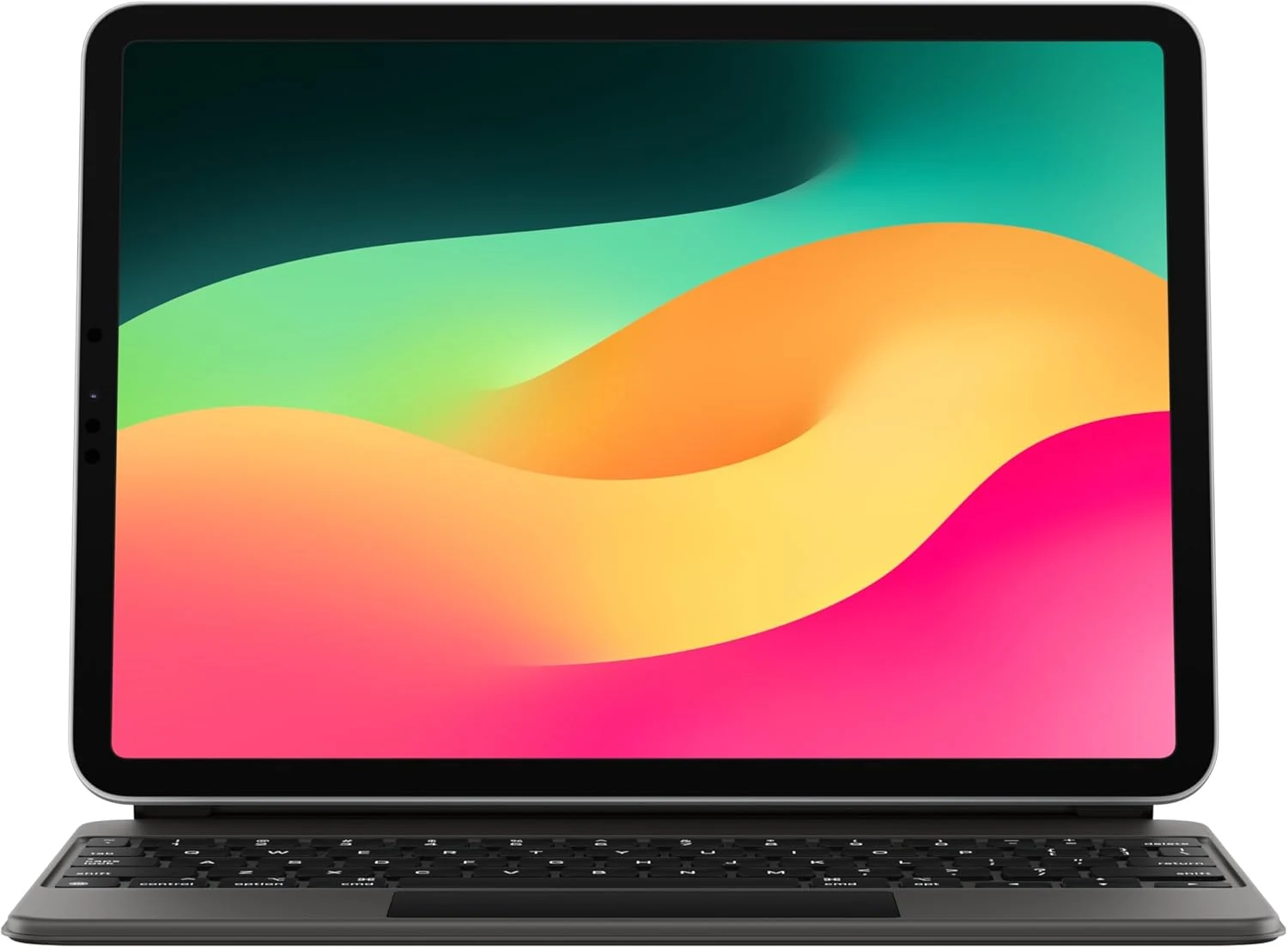
Apple Magic Keyboard: iPad Keyboard case for iPad Pro 11-inch (1st, 2nd, 3rd, 4th gen) and iPad Air (4th, 5th gen, and M2)
Apple’s Magic Keyboard turns compatible 11-inch iPads into a more laptop-like setup with a full keyboard, built-in trackpad, backlit keys, and front-and-back protection. Buyers highlight the typing and trackpad experience and easy magnet attachment, but most caveat to consider is the added weight and the premium price.
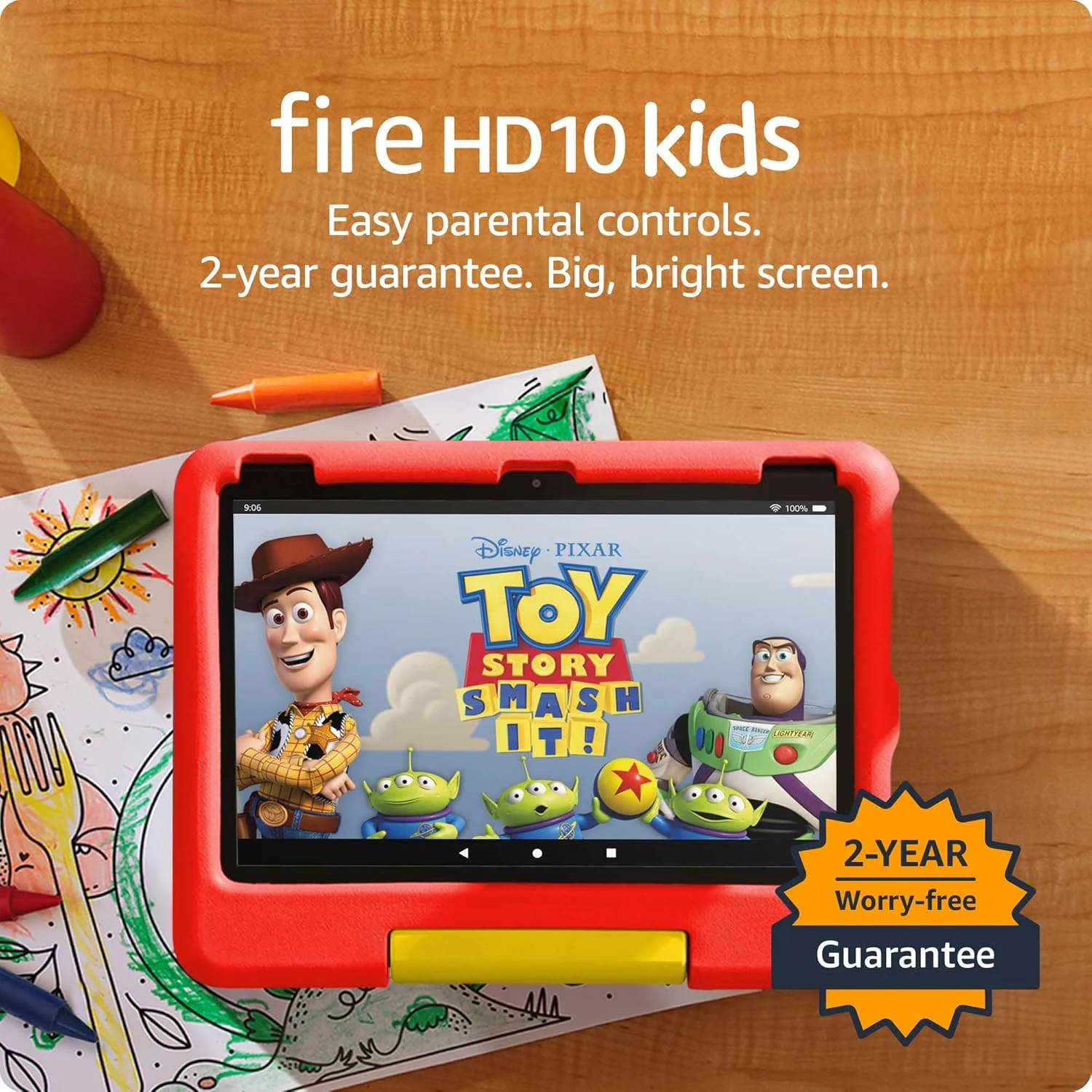
Amazon Fire HD 10 Kids tablet (newest model) | Officially Licensed Toy Story 30th Anniversary Edition
A durable, parent-friendly 10.1-inch kids tablet with a full-featured setup for ages 3-7, 3 GB RAM, 32 GB storage, and up to 13 hours of battery life. The standout is Amazon Kids+ plus robust parental controls for screen time and app approvals, with the main tradeoff being storage that can fill up and slow down if you do not manage it.

Apple Magic Keyboard: Keyboard and Case for iPad Air 11-inch (M2, M3, and M4) and iPad Air (4th and 5th Generation), US English — White
Apple’s Magic Keyboard for iPad Air 11-inch adds a laptop-style typing setup with an integrated trackpad, a full function row, and a foldable protective design with USB-C pass-through charging. It’s a great fit for iPad Air owners who want a steadier, more comfortable work-and-note-taking experience, with the main tradeoff being the premium price and the lack of keyboard backlighting.
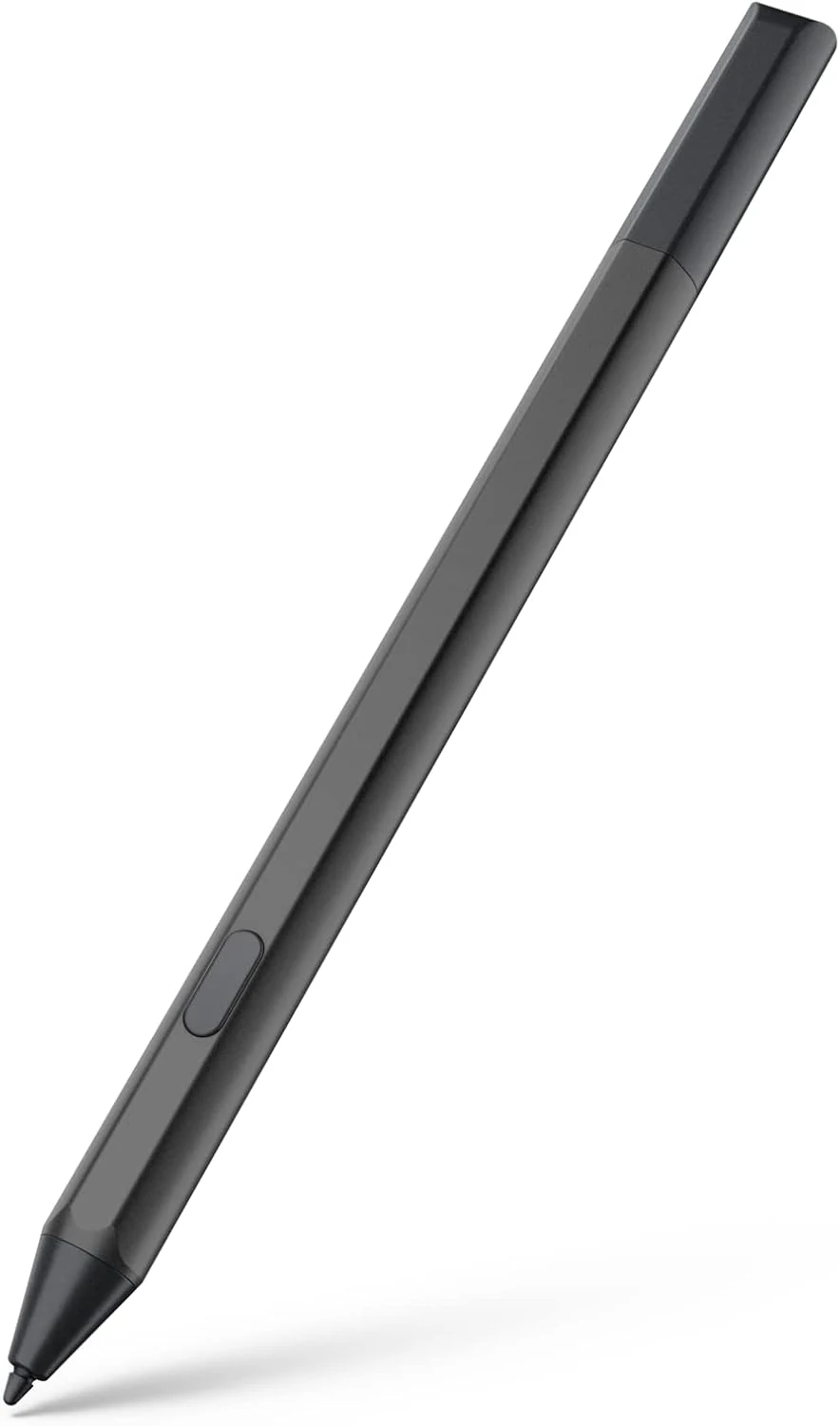
Maxeye stylus pen for Fire Max 11 (2023) and Fire HD 10 (13th gen)
A USI 2.0 compatible stylus designed for Amazon Fire tablets like Fire Max 11 (2023) and Fire HD 10 (13th gen). It offers magnetic attachment, tilt support, and 4096 pressure sensitivity, with battery-powered AAAA operation and an emphasis on long standby via Sleep Mode. Best for note-taking, drawing, and markup, especially if you’re okay managing AAAA batteries.