Apple Magic Keyboard: Keyboard and Case for iPad Air 11-inch (M2, M3, and M4) and iPad Air (4th and 5th Generation), US English — White
Quick take
This Magic Keyboard turns an iPad Air 11-inch into a more laptop-like setup with a built-in trackpad, a 14-key function row, and a foldable design that protects both sides. It uses Apple’s Smart Connector for a simple attachment experience, and it includes USB-C pass-through charging. The main caveats are the premium cost and the fact that the keyboard is not backlit.
Pros and cons
Pros
- Smart Connector-style connection, so you do not need Bluetooth pairing or separate charging for the keyboard.
- Comfort-focused typing layout, including physical keycaps with a scissor mechanism and a 14-key function row.
- Integrated trackpad for more complete laptop-like navigation.
- USB-C pass-through charging, plus a two-cantilever hinge for adjustable viewing angles.
Cons
- Not backlit, which can be a dealbreaker for dim environments.
- Premium pricing makes it a better value for frequent keyboard-and-trackpad users.
- Some users mention it can feel top heavy when used on your lap, so it may suit desk or careful lap use better.
What buyers think
Buyer-review evidence is broadly positive on the core experience: smooth, responsive typing, a trackpad that makes the iPad feel closer to a laptop, and a sturdy, magnet-secured fit. Reviews also commonly highlight convenience, especially the Smart Connector setup (no Bluetooth connection hassles) and USB-C pass-through charging. The main recurring limitation is the lack of keyboard backlighting, and a smaller number of comments mention balance or “top heavy” feel when using it on a lap.
Who this keyboard is for
This is a strong match if you have an iPad Air 11-inch (M2, M3, or M4) or iPad Air 11-inch (4th or 5th generation) and you want a more productive, laptop-like workflow. It is especially useful for writing, taking notes, school work, and day-to-day tasks where trackpad navigation plus physical keys make a difference.
Who should skip it
If you rely on keyboard backlighting, or if you want the cheapest possible keyboard-and-case option, this model may not fit. It also may not be ideal for people who strongly prefer using accessories on their lap without any wobble or balance considerations.
Design and setup: it’s built to feel like part of the iPad
One of the biggest practical wins is how it attaches and powers. The Magic Keyboard is designed to connect through Apple’s Smart Connector, so you are not juggling Bluetooth pairing. For charging, it includes USB-C pass-through, which helps you keep your iPad powered while the keyboard is attached.
Typing comfort and keys
Apple’s approach here focuses on a more traditional typing feel for an iPad accessory. The keyboard uses physical keycaps with a scissor mechanism and includes a full 14-key function row. For buyers moving from a cheap generic Bluetooth keyboard, the improvement usually comes down to responsiveness, comfort, and the more “laptop-like” key layout.
Trackpad and daily navigation
The built-in trackpad is a core reason many iPad Air owners upgrade to this keyboard. Reviews commonly describe the trackpad as working smoothly, making the iPad feel more complete for tasks that benefit from cursor control. While it will not replace how a MacBook’s ecosystem feels for every user, the trackpad is generally viewed as “good enough” to make the iPad more usable for writing and editing on the go.
Protection and viewing angles
The Magic Keyboard folds to provide front and back protection, and the two-cantilever hinge design is made for smoother, adjustable viewing angles. That combination matters if you routinely switch between typing and watching, or if you use the iPad in different positions during work and travel.
Pros and cons summary
- Best for: iPad Air 11-inch owners who want laptop-like typing plus a trackpad, and who prefer an easier attachment and charging setup (Smart Connector plus USB-C pass-through).
- Main tradeoffs: no keyboard backlight, premium price, and a small chance of balance complaints when used on your lap.
- Value depends on habits: if you type a lot, take notes often, or do regular cursor-based work, the experience can feel worth the upgrade. If you only need occasional typing, a simpler Bluetooth keyboard can be enough.
Price and availability
Pricing varies by retailer and can be significantly higher than generic keyboard cases. Check the current listing to compare against your budget and against alternatives that might include backlighting or lower-cost Bluetooth options.
Alternatives to consider (based on what you care about)
- If you need backlighting: prioritize a model that explicitly includes keyboard backlight support, since this one does not provide it.
- If you just need occasional typing: a lower-cost Bluetooth keyboard-and-case may cover basic email and document edits without the premium cost.
- If you want the most integrated look and feel: this Smart Connector design is a strong option compared with add-on keyboards that rely on re-pairing or separate power management.
Verdict
The Apple Magic Keyboard for iPad Air 11-inch is a premium, well-integrated keyboard-and-case that leans into what most buyers want from a laptop-like iPad setup: comfortable physical keys, a reliable built-in trackpad, and a clean attachment and charging experience. If you can live without backlighting and you will use keyboard-and-trackpad features regularly, it is easy to justify for iPad Air productivity.
FAQs
Is the apple magic keyboard for ipad air 11-inch backlit?
No. Reviews and the design focus on key functionality rather than backlighting, so it is not intended for low-light typing convenience.
Does it require Bluetooth pairing?
No. The Magic Keyboard is designed to connect through Apple’s Smart Connector, which avoids Bluetooth pairing and related connection issues.
Can you charge the iPad while the keyboard is attached?
Yes. It includes USB-C pass-through charging, so you can power your iPad without removing it from the keyboard.
What iPad models is this compatible with?
It is designed for iPad Air 11-inch models including iPad Air (M2, M3, and M4) and iPad Air (4th and 5th generation).
Is it worth buying if I only type occasionally?
If your typing use is occasional, the premium cost may be harder to justify. It tends to make more sense for frequent note-taking, writing, and cursor-based work where the trackpad and physical keys are used regularly.
Specifications
| Product Title | Apple Magic Keyboard: Keyboard and Case for iPad Air 11-inch (M2, M3, and M4) and iPad Air (4th and 5th Generation), US English — White |
|---|---|
| Category | Electronics > Computers & Accessories > Computers & Tablets > Tablets |
| Brand | Apple |
| Manufacturer | Apple |
| Item Weight | 2 pounds |
| Product Dimensions | 10.7 x 10 x 1.1 inches |
| Color | White |
| Language | English |
| Item model number | MDFV4LL/A |
| Batteries | 1 Nonstandard Battery batteries required. |
| Compatible Devices | iPad Air 11-inch (M4), iPad Air 11-inch (M3), iPad Air 11-inch (M2), iPad Air (5th generation), iPad Air (4th generation) iPad Air 11-inch (M4), iPad Air 11-inch (M3), iPad Air 11-inch (M2), iPad Air (5th generation), iPad Air (4th generation) See more |
| Connectivity Technology | Smart Connector, USB-C |
| Keyboard Description | Flexible, Integrated, Gaming, Mechanical, Multi Functinoal, Multimedia, Wireless |
| Recommended Uses For Product | Business, Education, Everyday Use, Multimedia, Video Editing |
| Special Feature | Ergonomic, Foldable, Integrated Stand, Trackpad |
| Keyboard backlighting color support | Single Color |
| Style | US English |
Available variants
Size
- iPad Air 11-inch
- iPad Air 13-inch
Color
- Black
- White
Recommended next
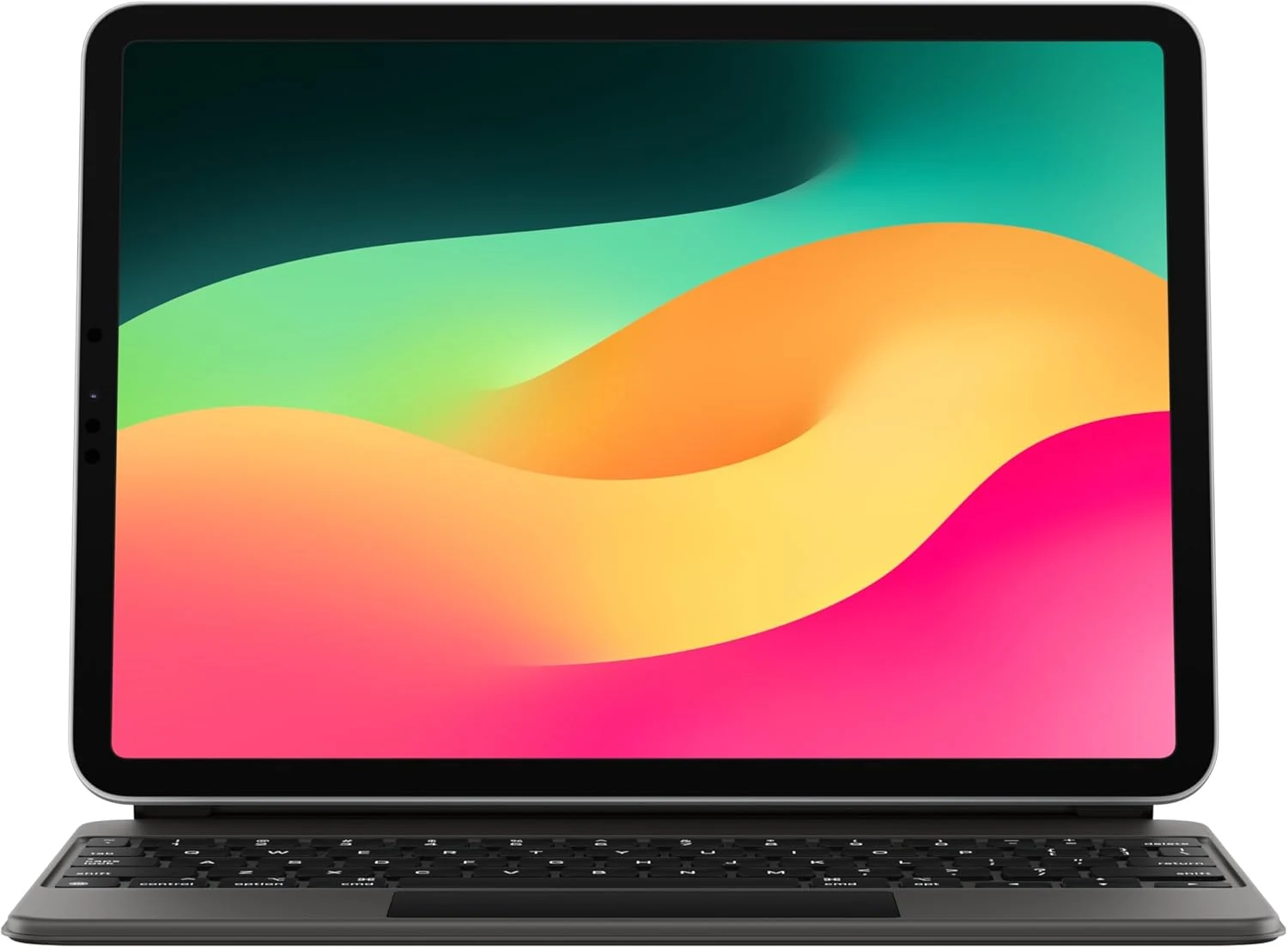
Apple Magic Keyboard: iPad Keyboard case for iPad Pro 11-inch (1st, 2nd, 3rd, 4th gen) and iPad Air (4th, 5th gen, and M2)
Apple’s Magic Keyboard turns compatible 11-inch iPads into a more laptop-like setup with a full keyboard, built-in trackpad, backlit keys, and front-and-back protection. Buyers highlight the typing and trackpad experience and easy magnet attachment, but most caveat to consider is the added weight and the premium price.
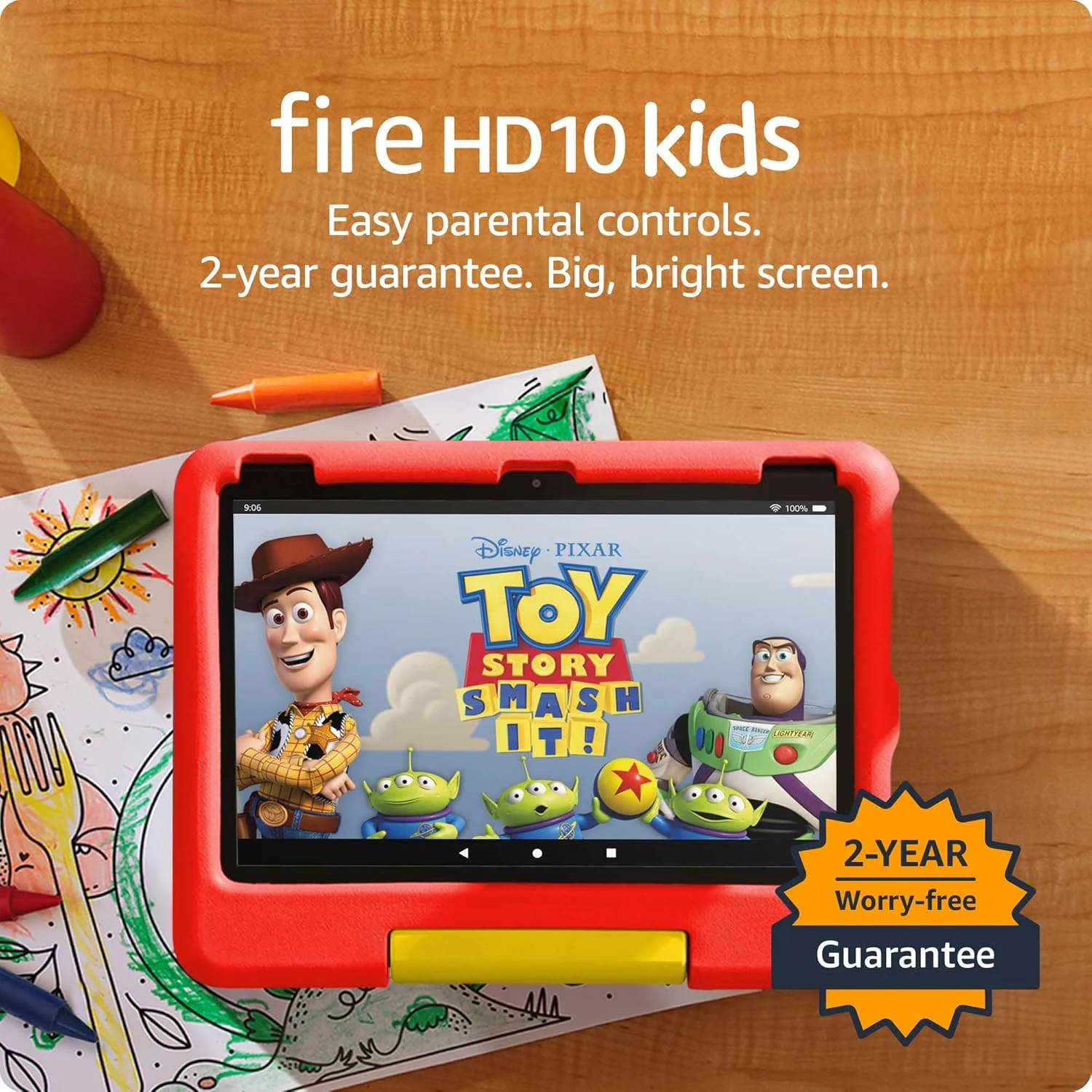
Amazon Fire HD 10 Kids tablet (newest model) | Officially Licensed Toy Story 30th Anniversary Edition
A durable, parent-friendly 10.1-inch kids tablet with a full-featured setup for ages 3-7, 3 GB RAM, 32 GB storage, and up to 13 hours of battery life. The standout is Amazon Kids+ plus robust parental controls for screen time and app approvals, with the main tradeoff being storage that can fill up and slow down if you do not manage it.
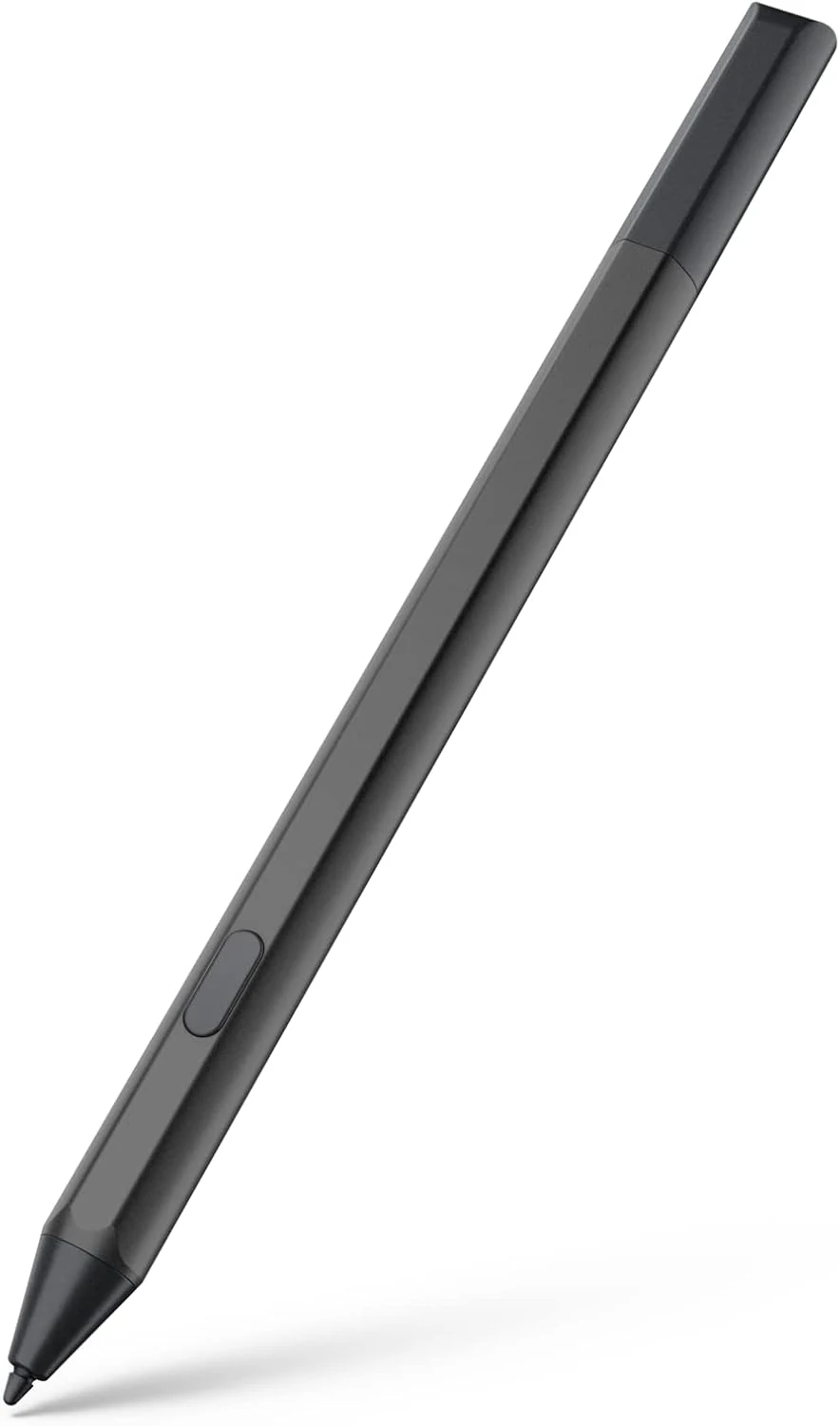
Maxeye stylus pen for Fire Max 11 (2023) and Fire HD 10 (13th gen)
A USI 2.0 compatible stylus designed for Amazon Fire tablets like Fire Max 11 (2023) and Fire HD 10 (13th gen). It offers magnetic attachment, tilt support, and 4096 pressure sensitivity, with battery-powered AAAA operation and an emphasis on long standby via Sleep Mode. Best for note-taking, drawing, and markup, especially if you’re okay managing AAAA batteries.
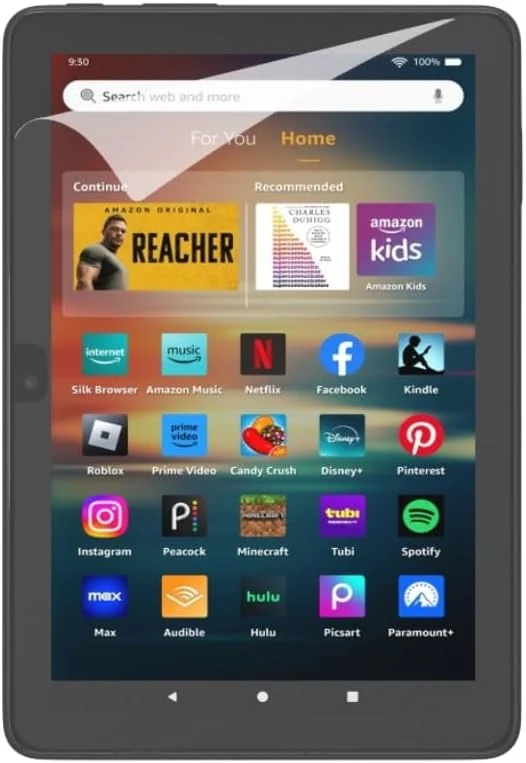
Anti-Glare Screen Protector (2 Pack), for Amazon Fire HD 8 tablet (2022 & 2024 releases)
This anti-glare screen protector set is made specifically for the Amazon Fire HD 8 (2022 and 2024). Buyers like the matte finish for glare-free reading and the included cleaning and alignment tools, though application can take patience, especially for bubble-free results.