MUIsOO 7 Inch Android 13 Kids Tablet (5GB+32GB, 128GB Expandable) with Parental Controls and Shockproof Case
Quick take
This 7-inch Android 13 kids tablet from MUISOO is built for small hands, with a kid-focused shockproof case and parental controls that let you manage apps and screen time. It includes 5GB RAM and 32GB storage (expandable up to 128GB), plus a 1024x600 IPS display and WiFi 6 for learning apps and streaming. The biggest buying caveat is that the hardware is entry-level, so it is best suited for basic educational content rather than heavy multitasking or demanding games.
Pros and cons
Pros
- Parental control mode supports account management, app permissions, content filtering, and usage time limits.
- Compact 7-inch size is easier for younger kids to hold and use.
- Includes a shockproof, kid-friendly case that reviewers credit with drop protection.
- Solid connectivity for learning and entertainment, including WiFi 6 and Bluetooth 5.2.
Cons
- Entry-level tablet specs mean you should expect best performance with lighter apps and content.
- Video, photos, and app experiences are limited by a basic 1024x600 resolution (not a high-end display).
- Review evidence is mixed overall, so buyers should review return options and usage needs before committing.
What buyers think
Buyer feedback is split, but the recurring themes connect directly to day-to-day kids-tablet priorities. Several reviews describe the screen as good for videos and games at this size, and they highlight that the parental controls are useful for limiting screen time and managing what apps children can access. Durability is another positive thread, with reviewers pointing to the included shockproof case as helpful during drops.
What you get and who this tablet is for
The MUISOO 7-inch kids tablet is an Android 13 device aimed at families who want a dedicated learning-and-entertainment tablet, without giving kids full freedom on a general-purpose device. It pairs a compact form factor with built-in parental controls, making it easier for parents to set boundaries for apps and screen time while still letting children use age-appropriate content.
Parental controls that matter in real life
Where this tablet stands out for families is the parental control mode. Features include managing multiple user accounts, setting application permissions, applying content filtering rules, and placing usage duration restrictions. There is also support for viewing device usage reports in real time, which can make it easier to monitor habits and adjust limits as needed.
Best fit for parents who want guardrails, not just recommendations
If your goal is to control what your child can install or open, and to keep screen time within a set window, the control system is designed for that kind of day-to-day parenting. It is also positioned as a way to automatically match content to age-appropriate categories, although you should still supervise at first and confirm that the content library works for your child’s preferences.
Display, size, and cameras
This is a 7-inch Android tablet with a 1024x600 IPS-style HD resolution and a 178-degree viewing angle. For kid use cases, that typically translates to readable video and clear-enough visuals for cartoons, e-books, and learning apps, especially in normal indoor lighting.
For photos and video calls, it includes a 0.3MP front camera and a 2MP rear camera. That is suitable for basic capture and casual communication, but it is not the kind of setup you would choose for higher-quality photography.
Performance and storage: what to expect
The device comes with 5GB RAM and 32GB of built-in storage, with support for expansion up to 128GB. For educational apps, streaming, and lightweight games, that configuration is typically focused on keeping things usable without the cost of higher-end hardware.
That said, budget tablets can slow down as app counts grow or when storage fills up. For families planning lots of downloads (learning games, videos, or offline content), expansion support is important, and it is worth treating storage as something you will manage.
Connectivity for learning apps and online content
It supports WiFi 6 (802.11ax) and Bluetooth 5.2, which helps for stable connections to educational apps, streaming services, and online classes. It also supports Bluetooth devices like headphones, which can make listening activities easier for younger kids.
Durability and everyday handling
A key selling point is the included shockproof case with full protection coverage. Reviews mention that it has helped protect the tablet from drops. If you are buying for a child who tends to set tablets down quickly, grip tightly, or drop things accidentally, a case like this is often the difference between “one more week” and “the device is done.”
Pros and cons recap
- Choose it if: you want a compact Android 13 kids tablet with parental controls, a shockproof case, and WiFi 6 connectivity for learning apps.
- Consider other options if: you need top-tier performance for heavy games or you expect a higher-resolution display than 1024x600 for daily viewing.
- Watch for fit: budget storage and entry-level hardware are best for basic educational content, not for lots of demanding multitasking.
How it compares (by buying criteria)
If your priority is parental controls
This tablet is built around usage limits, content filtering, and account-based management. If parental control tooling is the deciding factor, it is a stronger match than generic budget tablets that require extra apps or complicated setup.
If your priority is display quality
With 1024x600 resolution, it is more “good for kids use” than “premium viewing.” For long reading sessions or high-definition video expectations, you may want to move up in display quality within the tablet category.
If your priority is performance for games
The hardware configuration is intended for everyday learning and entertainment. For kids who heavily game or want fast multitasking, performance may not feel as smooth as pricier models with stronger processors.
Verdict
The MUISOO 7-inch Android 13 kids tablet is a reasonable pick for families who want a child-sized device plus parental controls and a shockproof case that reviewers associate with drop protection. It is best for learning apps, videos, and age-appropriate entertainment rather than demanding gaming or premium media experiences. If you buy with a realistic expectation of budget hardware and plan storage management, it can be a practical, parent-friendly tablet option.
FAQ
Does this kids tablet have parental controls?
Yes. It includes a parental control mode with features for managing multiple user accounts, setting app permissions, filtering content, and limiting usage duration, plus usage reports.
What storage does it include, and can it be expanded?
It includes 32GB of built-in storage and supports expansion up to 128GB. It also uses a 5GB RAM configuration.
Is the 7-inch size good for younger children?
For many families, 7-inch tablets are easier for kids to hold and use, and this model is paired with a protective shockproof case designed for everyday handling.
What screen resolution does it have?
The display resolution is 1024x600.
Does it support WiFi 6 and Bluetooth?
Yes. It supports WiFi 6 and Bluetooth 5.2, which helps with stable connectivity for learning apps and using Bluetooth headphones.
Who should avoid buying this tablet?
Families who want high-end performance, top-tier display quality, or a tablet mainly for demanding games may find this entry-level configuration less suitable.
Specifications
| Product Title | 7 Inch Android 13 Kids Tablet, 5GB+32GB(128GB Expandable), 1024x600 HD Screen, 2500mAh, 0.3MP+2MP Dual Camera, WiFi 6, BT5.2, Parental Controls, Tablet for Kids with Shockproof Case (Blue) |
|---|---|
| Category | Electronics > Computers & Accessories > Computers & Tablets > Tablets |
| Brand | MUISOO |
| Manufacturer | MUISOO |
| Model Name | MUITK70700 |
| Model Number | MUITK70700 |
| Operating System | Android 13 |
| Color | Blue |
| Generation | 1st Generation |
| Built-In Media | Tablet |
| Warranty Description | 1 year |
| UPC | 768834431949 |
| Set Name | Kids |
| Memory Storage Capacity | 5 GB |
| RAM Memory Installed | 5 GB |
| RAM Size | 5 GB |
| Hardware Interface | Bluetooth 5 |
| Wireless Technology | Wi-Fi |
| Cellular Technology | 5G |
| Connectivity Technology | WiFi 6, BT5.2 |
| Wireless Compability | 802.11ax |
| Item Dimensions L x W x Thickness | 7.5"L x 4.3"W x 0.39"Th |
| Human-Interface Input | Touchscreen |
| Graphics Description | Integrated |
| Compatible Devices | Keyboard, Mouse, Headphones |
| Warranty Type | Limited |
| Operating System Family | Android |
Available variants
Color
- Pink
- Blue
Recommended next
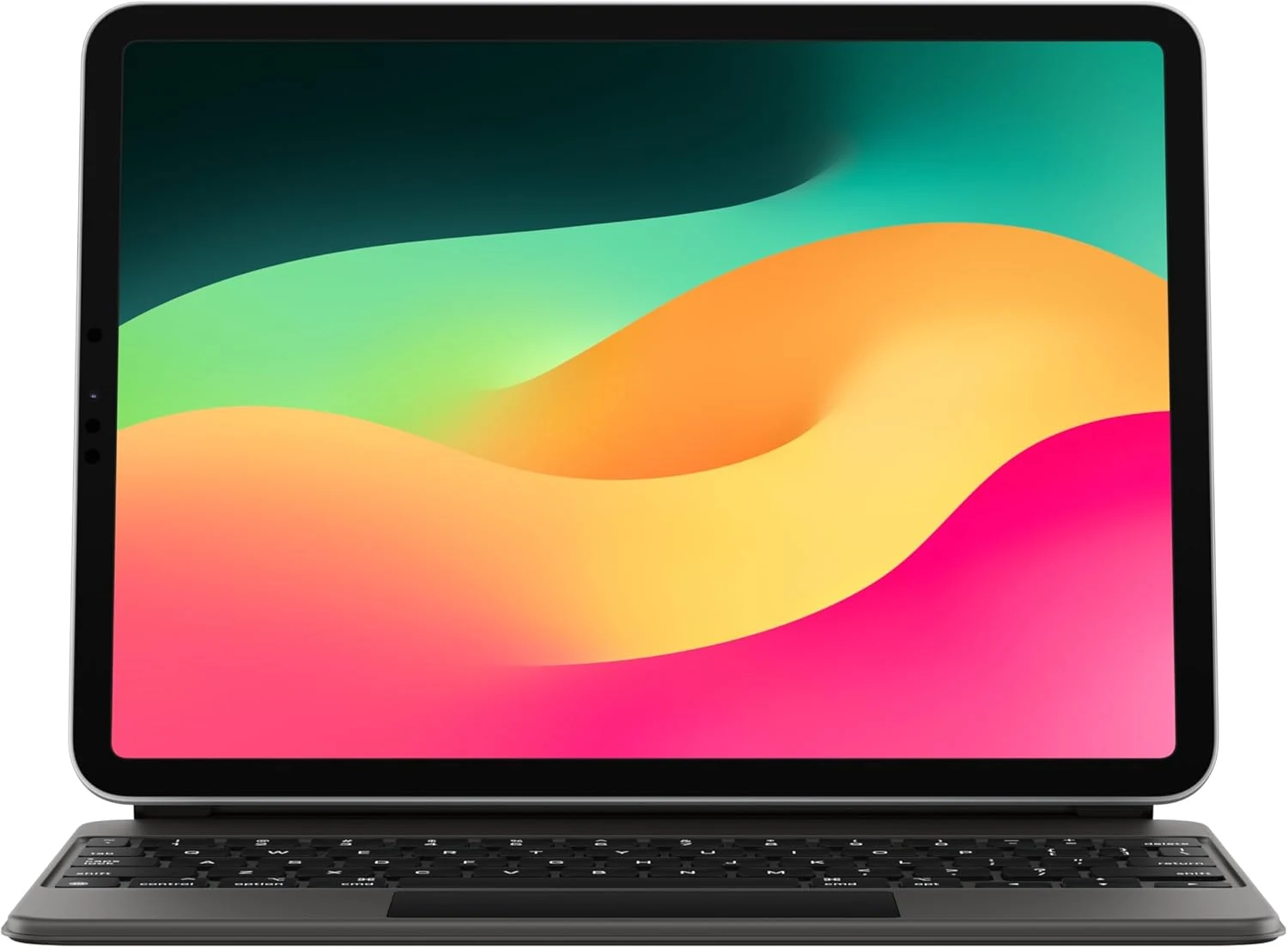
Apple Magic Keyboard: iPad Keyboard case for iPad Pro 11-inch (1st, 2nd, 3rd, 4th gen) and iPad Air (4th, 5th gen, and M2)
Apple’s Magic Keyboard turns compatible 11-inch iPads into a more laptop-like setup with a full keyboard, built-in trackpad, backlit keys, and front-and-back protection. Buyers highlight the typing and trackpad experience and easy magnet attachment, but most caveat to consider is the added weight and the premium price.
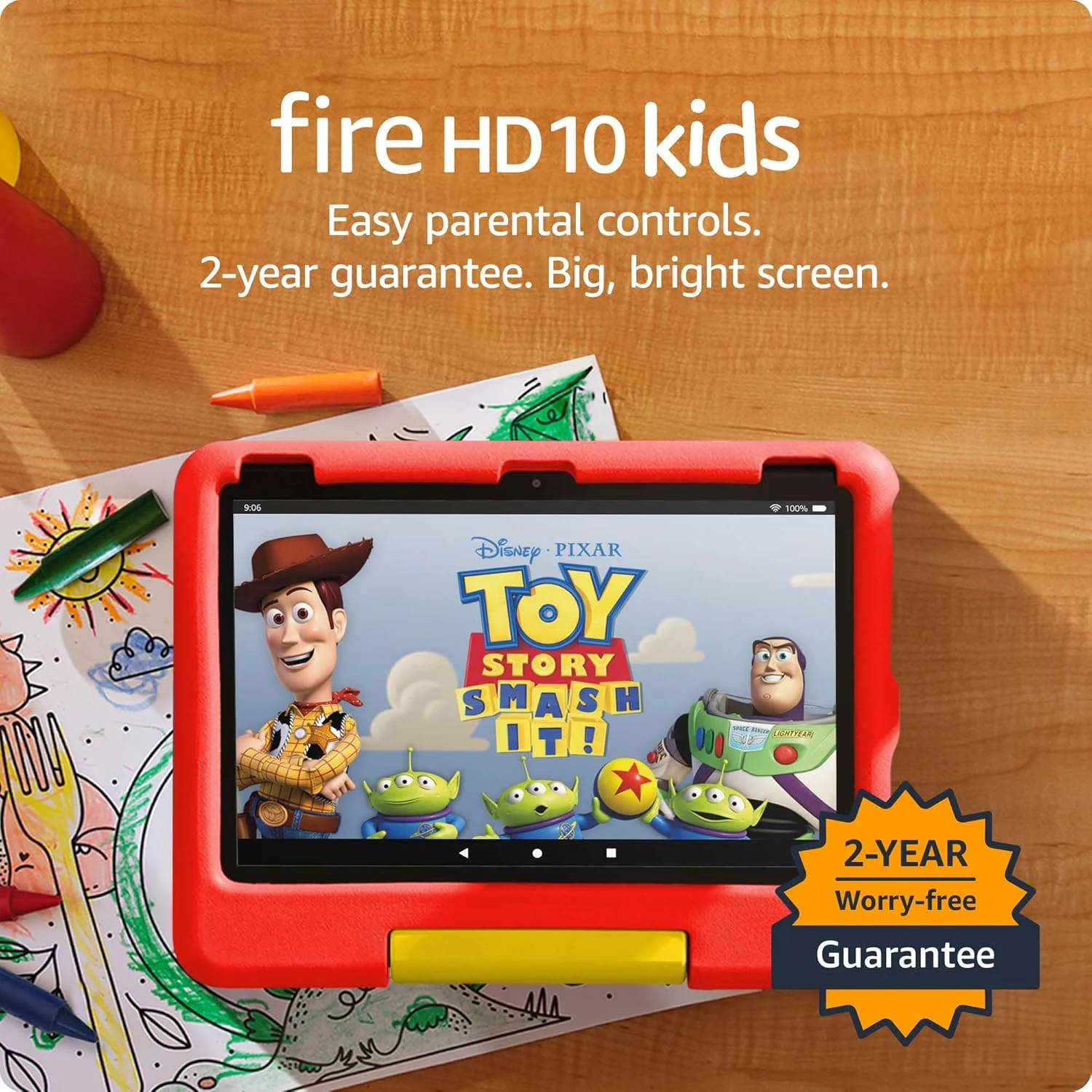
Amazon Fire HD 10 Kids tablet (newest model) | Officially Licensed Toy Story 30th Anniversary Edition
A durable, parent-friendly 10.1-inch kids tablet with a full-featured setup for ages 3-7, 3 GB RAM, 32 GB storage, and up to 13 hours of battery life. The standout is Amazon Kids+ plus robust parental controls for screen time and app approvals, with the main tradeoff being storage that can fill up and slow down if you do not manage it.

Apple Magic Keyboard: Keyboard and Case for iPad Air 11-inch (M2, M3, and M4) and iPad Air (4th and 5th Generation), US English — White
Apple’s Magic Keyboard for iPad Air 11-inch adds a laptop-style typing setup with an integrated trackpad, a full function row, and a foldable protective design with USB-C pass-through charging. It’s a great fit for iPad Air owners who want a steadier, more comfortable work-and-note-taking experience, with the main tradeoff being the premium price and the lack of keyboard backlighting.
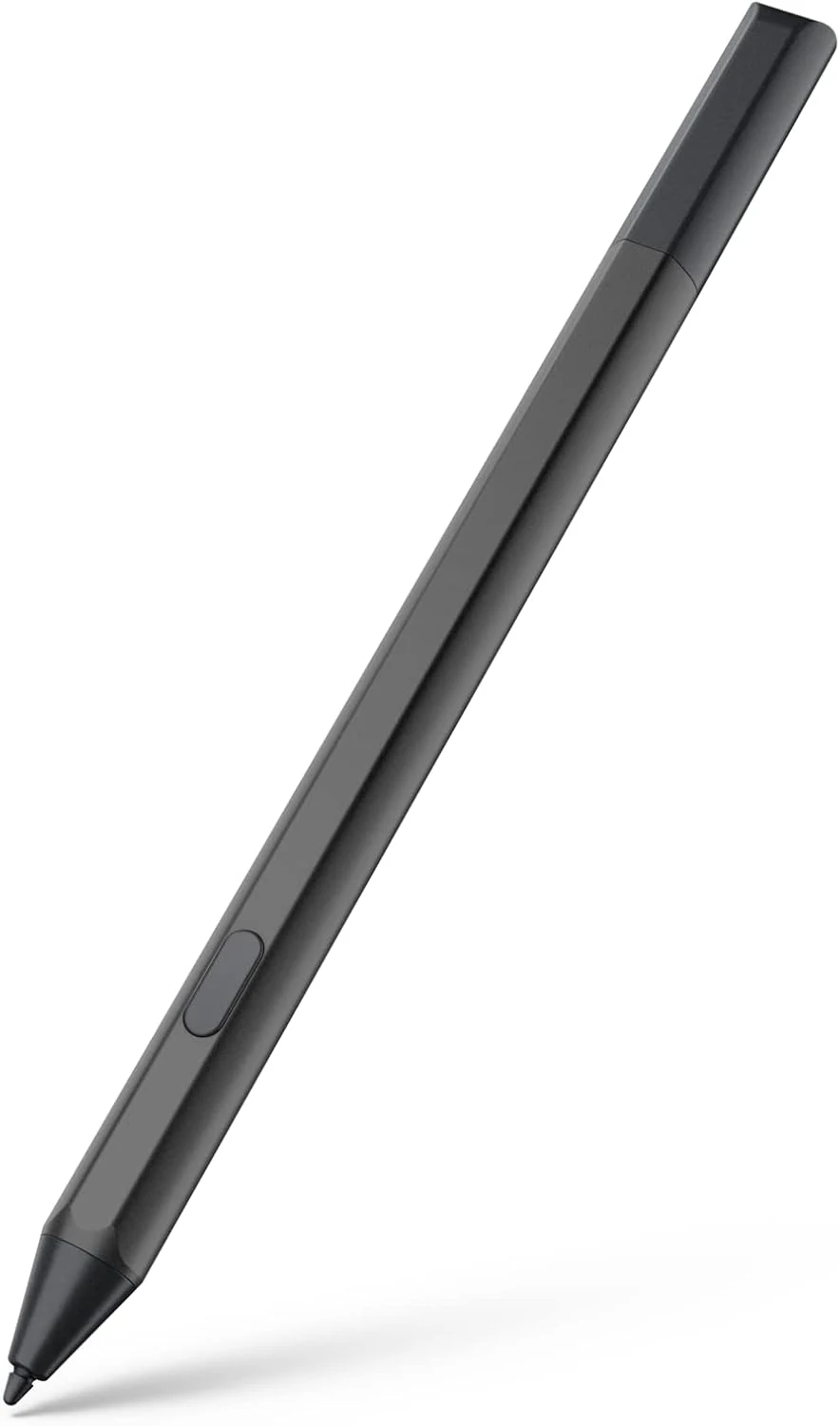
Maxeye stylus pen for Fire Max 11 (2023) and Fire HD 10 (13th gen)
A USI 2.0 compatible stylus designed for Amazon Fire tablets like Fire Max 11 (2023) and Fire HD 10 (13th gen). It offers magnetic attachment, tilt support, and 4096 pressure sensitivity, with battery-powered AAAA operation and an emphasis on long standby via Sleep Mode. Best for note-taking, drawing, and markup, especially if you’re okay managing AAAA batteries.