Liene M200 4x6 Battery Photo Printer
The Liene M200 Battery Edition is aimed at buyers who want small-format photo prints from a phone or computer without staying tied to a wall outlet. It is a 4x6 dye-sublimation photo printer with app control, wireless connectivity, and a built-in battery. That makes it a practical fit for travel, events, or a small desk setup where portability matters more than all-purpose printing. It is not a document printer, so it makes less sense if you need a general home office machine.
Pros
- Built-in battery supports printing away from an outlet.
- Dedicated 4x6 dye-sublimation output suits photo prints.
- Works with iOS, Android, laptops, and PCs.
Cons
- Prints only 4x6 photos; no scanning or copying.
- Some review excerpts mention unclear setup or hotspot issues.
What this model is
It sits in the desktop photo-printer category and is listed as a color, print-only device for 4x6 photos. The core use case is simple: make small glossy prints from a phone or computer, not office documents.
That matters because it keeps expectations realistic. If you want a compact printer for photos alone, this is the right category. If you need copying, scanning, or regular text printing, this model is the wrong tool.
Who it fits best
The strongest fit is a shopper who mainly prints phone photos, travel snapshots, or family images and wants something smaller than a full-size inkjet. The battery edition adds flexibility if you sometimes print away from an outlet.
It also suits buyers who care more about convenient photo output than broad functionality. Features include app-based editing, wireless connection, and quick device pairing, so the appeal is mainly in the photo workflow rather than office versatility.
Where the trade-offs show up
The big compromise is obvious: this printer solves one job and only one job. It will not handle documents, scanning, or copying. For buyers who need those functions, the Canon PIXMA TR4520 or HP OfficeJet 3830 in the alternatives are more versatile, though they are different product types and better judged as office printers than photo specialists.
The specifications promises a built-in Wi-Fi hotspot and support for multiple devices, but the review excerpts include both easy setup and complaints about unclear instructions or weak hotspot behavior. That means setup may be straightforward for some users and frustrating for others.
Print quality and output limits
The supplied specs list dye-sublimation printing, 300 x 300 resolution, and a laminated surface intended to help resist water, scratches, and fading.
The review excerpts lean positive on color and detail, but they are too small and varied to establish a strong consensus. A fair reading is that this printer is meant for glossy keepsake photos, not for broad-format flexibility or office-style text output.
Battery use and portability
The battery edition is the main reason to choose this version instead of a plug-only photo printer. It can print without being connected to power and suggests up to about 40 prints per charge. That is useful, but it remains a seller claim rather than a measured result here.
The product dimensions and weight also point to a compact machine that can be moved around easily. Still, buyers should be cautious about assuming the same performance in every setting, especially if they plan to use it repeatedly away from home.
Value and buying decision
At the recorded price of $169.99, the Liene M200 is positioned as a midpriced photo-only printer with wireless convenience and a built-in battery. That can be a fair value if you specifically want portable 4x6 prints and accept the ongoing cost of paper and cartridges.
It is a weaker choice if you want one printer to cover photos, documents, and scanning, or if you want the least fussy setup possible. For the right buyer, though, its focused feature set makes sense: compact, photo-only, and easy to move around.
The buying decision
Buy it if you want a compact battery-powered 4x6 photo printer for occasional personal use and can live with app/setup quirks. Skip it if you need documents, scanning, or a more general-purpose printer.
Product details and Amazon customer ratings as of .
Available variants
Set Name
- Printer+20 Sheets
- Printer+100 Sheets
- Battery Printer+20 Sheets
Recommended next
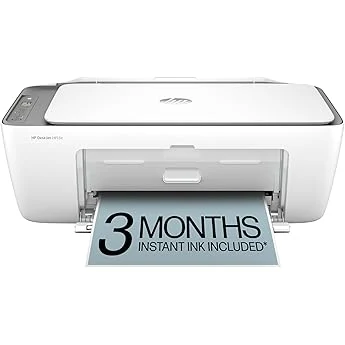
HP OfficeJet 3830 all-in-one printer
Compact all-in-one with scanning, copying, faxing, wireless printing, and optional Instant Ink. Best for light home use; not a fit for photo-first buyers or heavy printing.
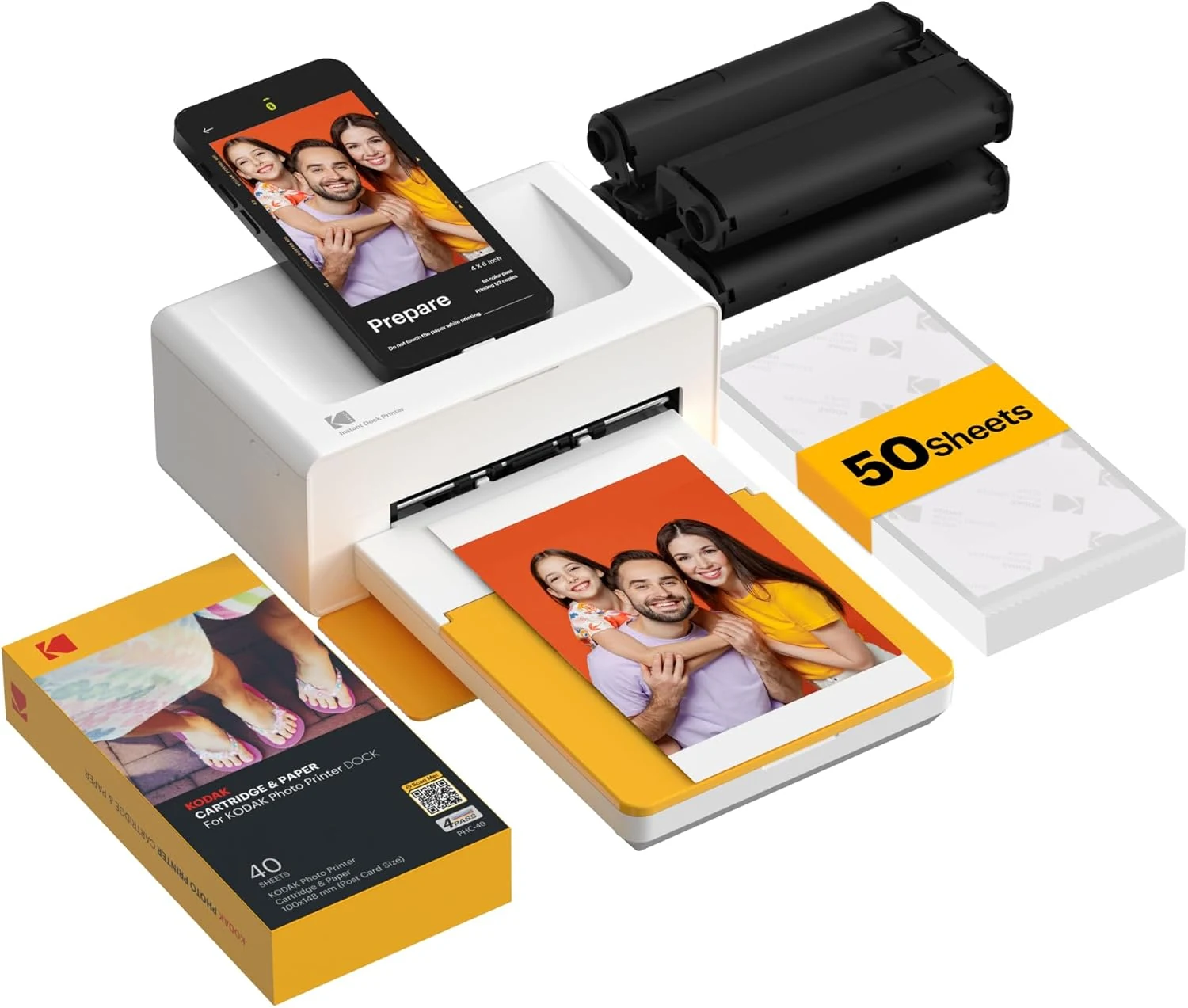
KODAK Dock Plus 4x6 Photo Printer
A phone-focused 4x6 photo printer for casual home use. Good for simple prints and gifting, but it’s app-dependent and not built for broad document tasks.
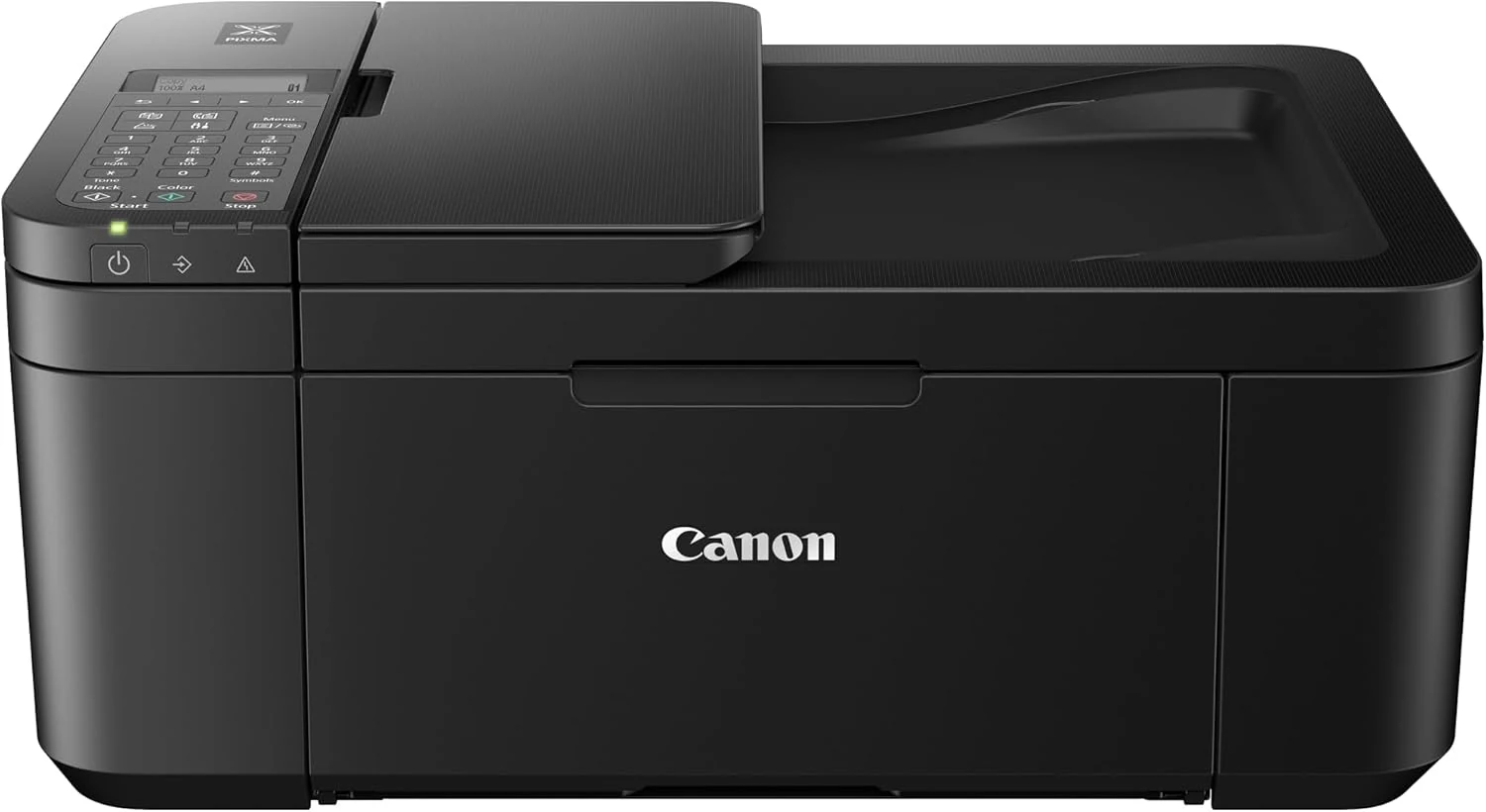
Canon PIXMA TR4520 Wireless All-in-One Photo Printer
A compact inkjet all-in-one for light document and casual color printing. It offers Wi‑Fi, scanning, faxing, and auto duplexing, but ink cost and paper-feed quirks may matter more than the low entry price.
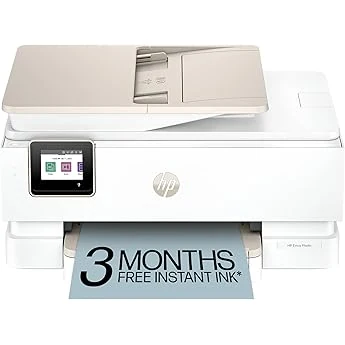
HP Envy Photo 7855 All-in-One Photo Printer
Feature-rich home inkjet with photo features, duplexing, and app-based control. Good fit for mixed use, but setup and ink costs deserve caution.