HP OfficeJet 3830 all-in-one printer
The HP OfficeJet 3830 is a compact color inkjet all-in-one for shoppers who want printing, scanning, copying, and faxing in a small footprint. Its design suggests wireless and mobile printing, a 35-page automatic document feeder, and a 2.2-inch display, which makes it a practical pick for routine home paperwork. It is better suited to light household use than to heavy-volume printing or anyone trying to minimize cartridge management.
Pros
- Small footprint for desks, shelves, or tight spaces.
- Includes copy, scan, fax, wireless printing, and a 35-page ADF.
- Supports AirPrint, HP mobile printing, and optional quiet mode.
- Instant Ink and optional high-yield cartridges may help light users.
Cons
- Cartridge-based printing can mean ongoing refill costs.
- The 2.2-inch display may feel cramped for some users.
- Not a dedicated photo printer.
- Long-term reliability cannot be confirmed.
What this printer is
This is the HP OfficeJet 3830, model K7V40A, a color inkjet all-in-one. The supplied details list wireless printing, AirPrint, a touchscreen, faxing, copying, scanning, and Works with Alexa support. That combination makes it a sensible fit for everyday home tasks, schoolwork, and occasional office paperwork.
The product is also described as compact, with support for common paper types such as plain paper, envelopes, labels, glossy photo paper, card stock, and high-resolution paper. That broad format support adds flexibility, but it does not make this a photo-focused printer by itself.
Setup and everyday use
The review excerpts mostly describe setup as simple, especially over Wi-Fi or smartphone-based setup. That is useful context, but it is still only a small set of user reports, so it should be treated as a positive sign rather than a promise. The specifications’s mobile-printing features support that expectation.
The printer’s 2.2-inch display and touchscreen controls should cover common tasks, but the screen size suggests basic on-device navigation rather than a rich interface. If you prefer to manage most tasks from a phone or computer, that limitation may not matter much.
Paper handling and document features
The 35-page automatic document feeder is one of the most practical features here. It helps when you need to scan or copy multi-page documents without feeding pages one at a time. For a compact home all-in-one, that is a meaningful convenience.
The product information lists a maximum media size of 8.5 x 14 inches and a maximum copy speed of 20 ppm black and white.
Ink and running costs
Ink is the main trade-off with this model. It is Instant Ink ready, and optional high-yield cartridges are mentioned as well. That may suit light users who want easier replenishment, but it still leaves you with cartridge-based printing and the usual attention that comes with it.
If you print infrequently, this may be manageable. If you print often, you should expect ongoing ink expense to matter more than the low upfront price.
How it compares with the alternatives
It is priced higher there, so the choice may come down to brand preference, software comfort, and which features you value most.
The Liene M100 and KODAK Dock Plus are different product types. Both are photo printers built around 4x6 printing, while the HP is a multifunction document printer with scan, copy, and fax functions. If your main goal is phone photos, those are more relevant; if you need an everyday home all-in-one, they are not direct substitutes.
Bottom line
The OfficeJet 3830 makes sense as a compact, budget-friendly all-in-one for light home use, especially if you want scanning, copying, faxing, and mobile printing in one device. It is not positioned here as a photo specialist or a heavy-duty workhorse.
Buy it if you want a small multifunction printer for occasional documents and you are comfortable with cartridges. Skip it if you print heavily or want the simplest possible long-term ink setup.
The buying decision
A practical buy for light home printing, scanning, copying, and faxing in a compact body. It is less compelling if you print heavily or want a photo-first printer.
Product details and Amazon customer ratings as of .
Recommended next
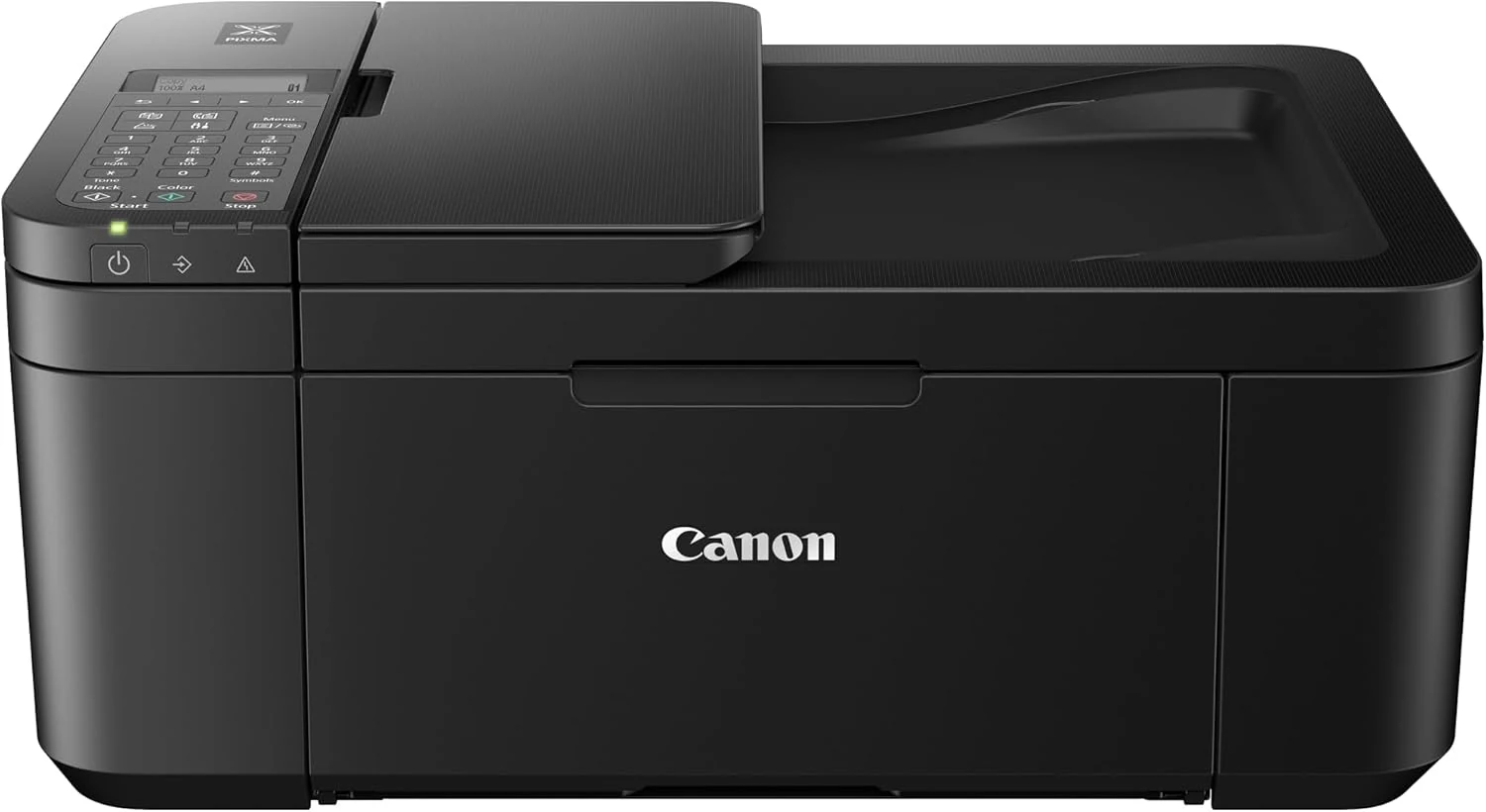
Canon PIXMA TR4520 Wireless All-in-One Photo Printer
A compact inkjet all-in-one for light document and casual color printing. It offers Wi‑Fi, scanning, faxing, and auto duplexing, but ink cost and paper-feed quirks may matter more than the low entry price.
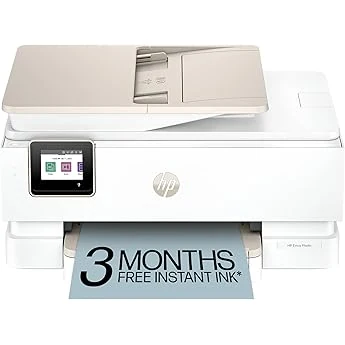
HP Envy Photo 7855 All-in-One Photo Printer
Feature-rich home inkjet with photo features, duplexing, and app-based control. Good fit for mixed use, but setup and ink costs deserve caution.
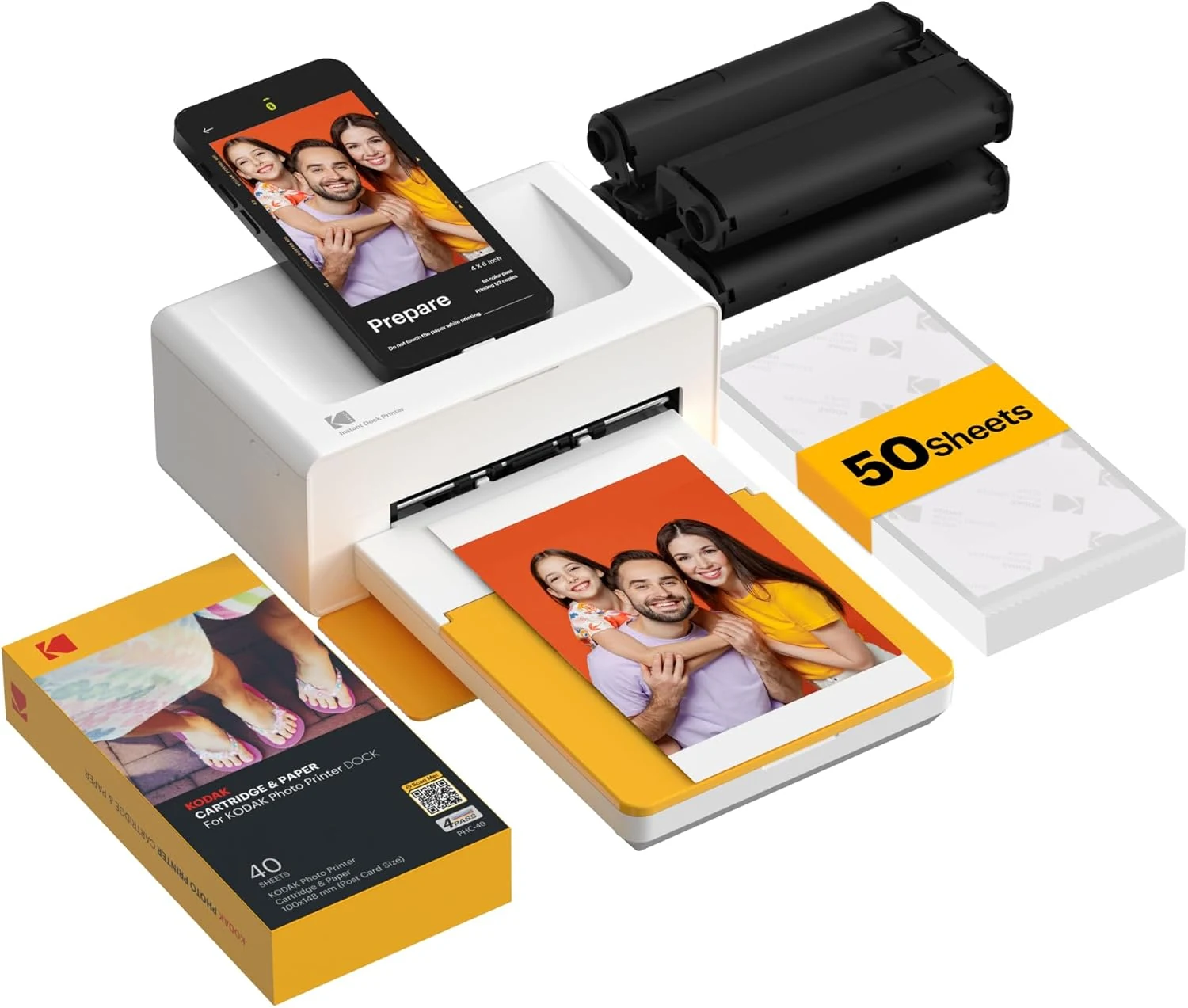
KODAK Dock Plus 4x6 Photo Printer
A phone-focused 4x6 photo printer for casual home use. Good for simple prints and gifting, but it’s app-dependent and not built for broad document tasks.
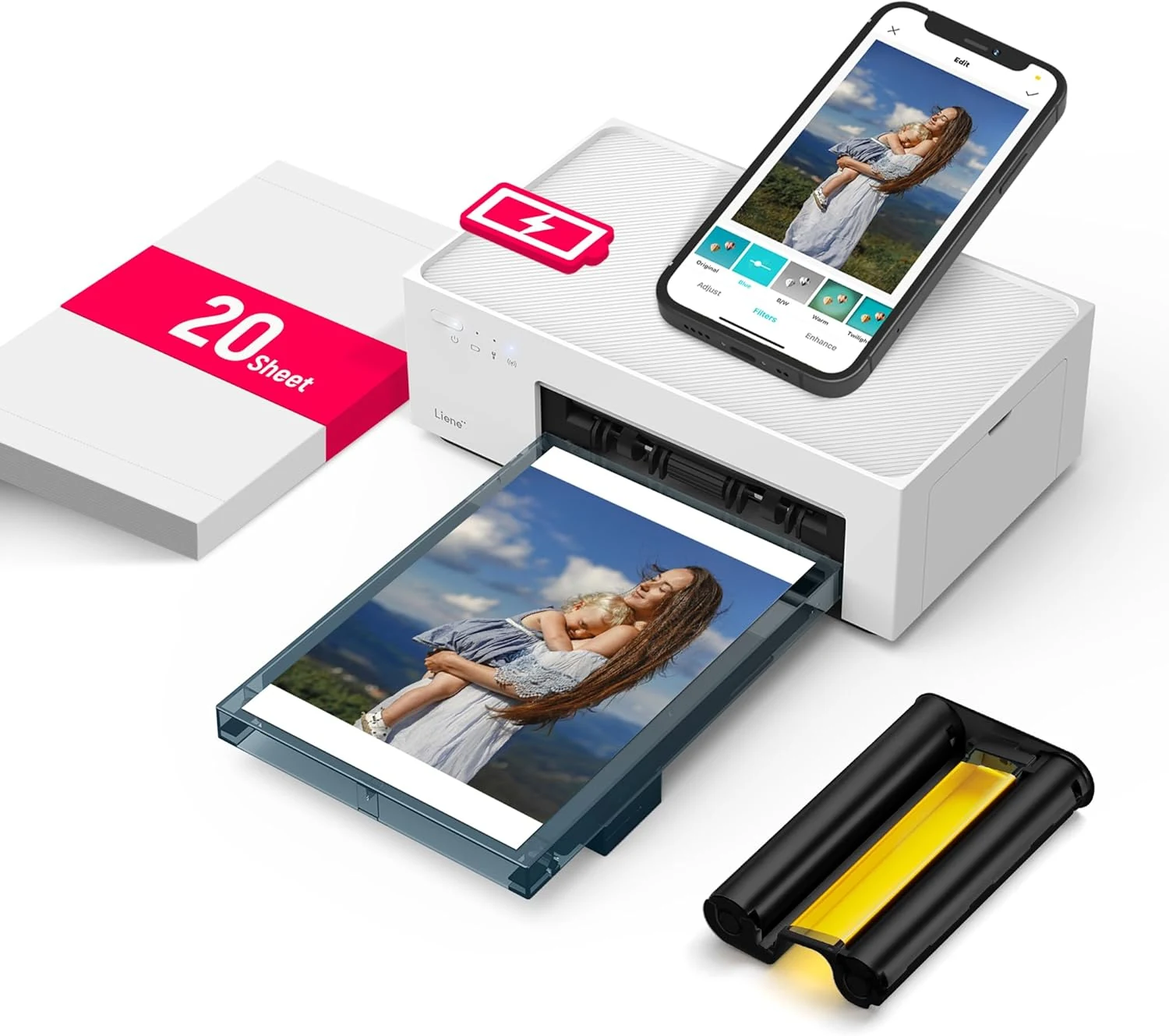
Liene M200 4x6 Battery Photo Printer
A compact 4x6 dye-sublimation photo printer for phone-first buyers who want portable glossy prints. Best for photo-only use; skip it if you need documents or the simplest setup.