Canon PIXMA TR4520 Wireless All-in-One Photo Printer
The Canon PIXMA TR4520 is a compact inkjet all-in-one built for basic home or light home-office tasks. It supports wireless printing, scanning, faxing, auto two-sided printing, and an automatic document feeder, so it covers the essentials in a relatively small footprint. That makes it appealing if you want one device for everyday documents and occasional color printing. It is less appealing if you need fast output, heavy paper handling, or the lowest ongoing cost.
Pros
- Compact for an all-in-one with scanning, faxing, and an ADF.
- Supports wireless and mobile printing from phones and tablets.
- Auto two-sided printing helps with everyday document use.
- Alexa support may be convenient for some households.
Cons
- Ink costs and cartridge capacity may be a concern for heavier use.
- Some reviews mention jams or paper-tray sensitivity.
- Setup can be simple for some, but not effortless for everyone.
What this model is for
This is the Canon PIXMA TR4520, model number 2984C002, in black. The provided specs identify it as an inkjet all-in-one with printing, scanning, copying, and faxing. It also includes Wi‑Fi, USB connectivity, an LCD display, and support for mobile printing features such as AirPrint, Mopria Print Service, and Canon’s app-based setup.
That combination fits a light-use home office, schoolwork, forms, and occasional color pages. The specifications’s maximum copy speed and desktop-photo-printer category suggest a consumer model rather than a high-volume office machine. Owner comments generally line up with that positioning, but individual experiences vary.
Trade-offs to keep in mind
The main limitation is that this is an inkjet. That usually makes it more flexible for color than a laser, but ongoing ink expense matters more. Owner comments include complaints about ink running out quickly and about replacement cost, while one buyer reported acceptable results with a refill solution. Those are user experiences, not proof of typical cartridge life.
Paper handling is another area to watch. That suggests the printer may be best behaved with standard paper loaded carefully, and less forgiving with sticker stock or other specialty media. If you print craft materials often, this is worth noting before buying.
Setup and connectivity
Features include wireless connect, the Canon Print app, and voice-related features through Alexa. Review excerpts show that setup can go smoothly for some people and take extra effort for others, especially when router settings, WPS, or manual driver installation come into play. So the wireless features are real, but the easiest setup path depends on your network and devices.
For a buyer who is comfortable following prompts and checking router settings, the TR4520 should be manageable. For someone who wants a near-instant appliance-like experience, the mixed setup feedback is a limitation to consider.
Photo and document use
The specifications places the printer in a photo-printer category and mentions glossy photo paper, but that does not make it a dedicated photo printer. Owner comments are mixed: some owners were satisfied with color output for casual use, while others were disappointed with streaking, jams, or slow photo printing. That points to a basic consumer printer that may be fine for occasional prints, not a specialized photo solution.
For documents, the TR4520 seems more naturally suited. The features listed here, including automatic duplex printing and an ADF, are practical for schoolwork and office paperwork. If you mainly need quick, everyday document output with occasional color pages, it fits better than if you expect frequent craft, sticker, or gallery-style photo work.
How it compares with the alternatives
The provided Liene alternatives are dedicated 4x6 photo printers. If your main goal is 4x6 photo output from a phone, a Liene model may fit better. If you need an all-in-one for documents first and photos second, the Canon is the broader tool.
The HP OfficeJet 3830 is the closest alternative in overall role: a compact wireless all-in-one with faxing and mobile printing. Based only the choice is mainly about feature preferences rather than a clear winner.
Bottom line before you buy
The TR4520 makes sense if you want a compact multifunction inkjet for light home or home-office use and you are okay managing ink costs and some setup or paper-feed quirks. It offers useful everyday features without taking much space.
Skip it if you print heavily, rely on specialty media, or want the cheapest possible running cost.
The buying decision
Buy it if you want a compact all-in-one for light document use, scanning, faxing, and occasional color printing. If low ink cost, heavy paper handling, or frequent photo work matters most, look elsewhere.
Product details and Amazon customer ratings as of .
Recommended next
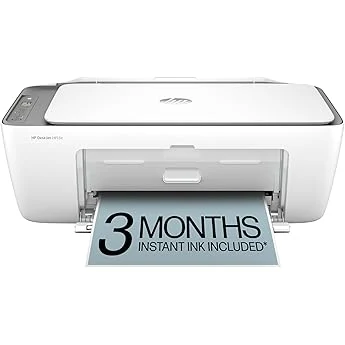
HP OfficeJet 3830 all-in-one printer
Compact all-in-one with scanning, copying, faxing, wireless printing, and optional Instant Ink. Best for light home use; not a fit for photo-first buyers or heavy printing.
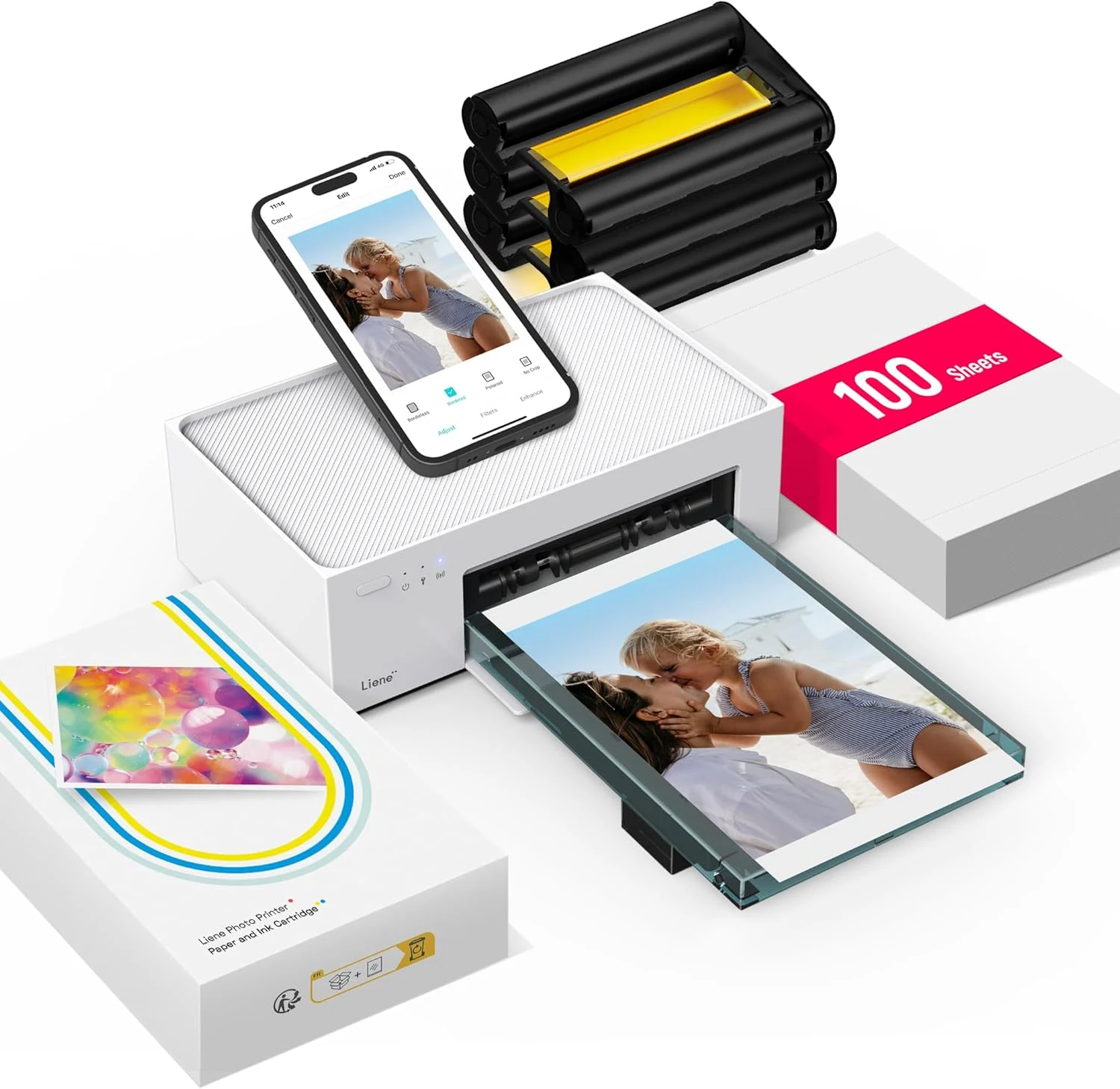
Liene M100 4x6 Photo Printer (DHP513)
Compact 4x6 dye-sublimation photo printer with app control and bundled supplies. Best for simple home prints; less suitable if you need scanning, copying, or battery power.
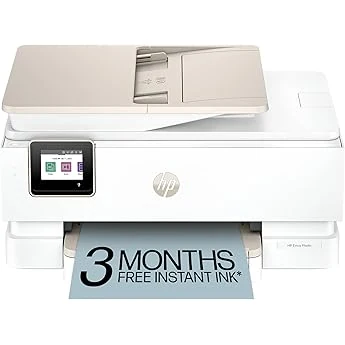
HP Envy Photo 7855 All-in-One Photo Printer
Feature-rich home inkjet with photo features, duplexing, and app-based control. Good fit for mixed use, but setup and ink costs deserve caution.
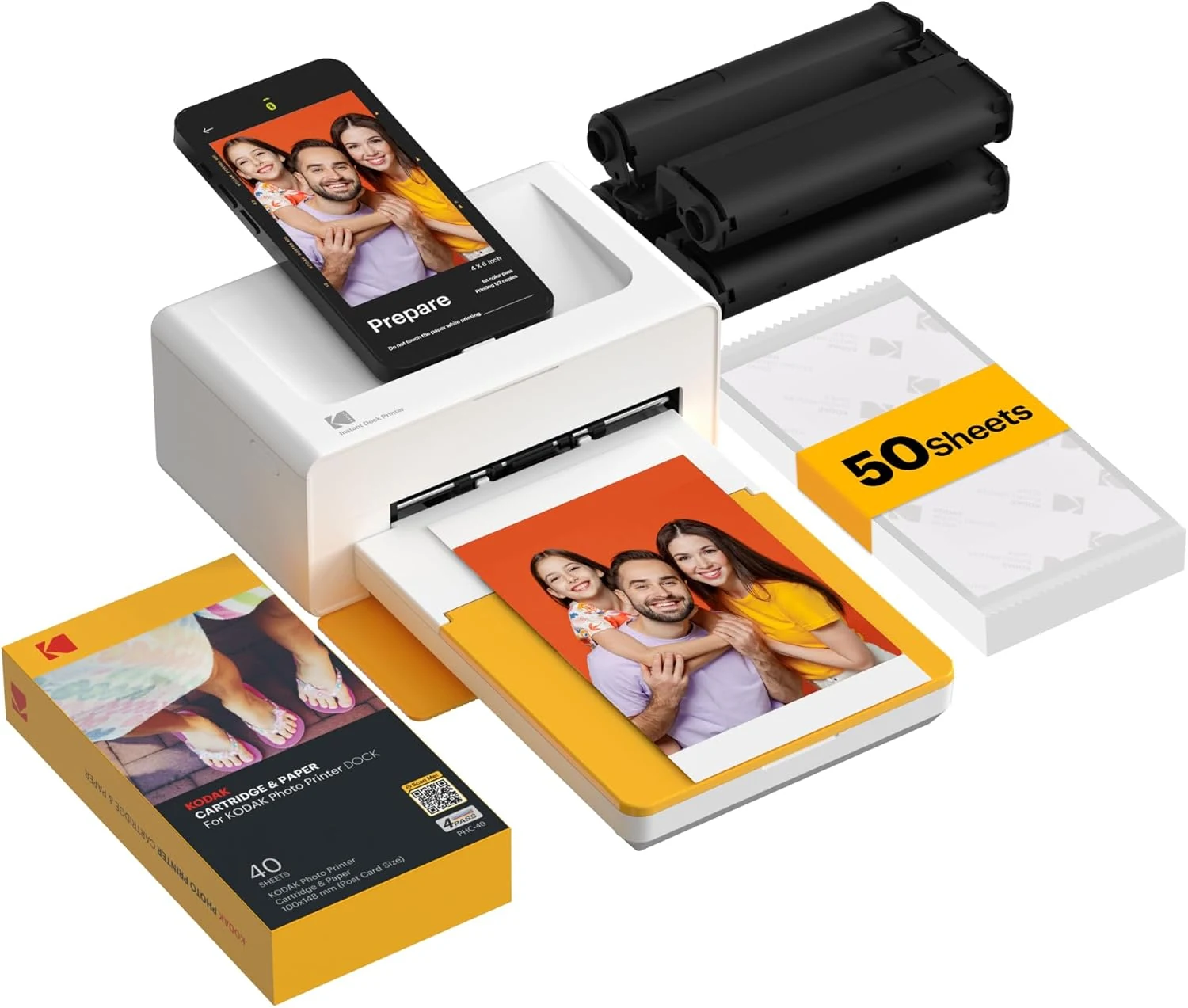
KODAK Dock Plus 4x6 Photo Printer
A phone-focused 4x6 photo printer for casual home use. Good for simple prints and gifting, but it’s app-dependent and not built for broad document tasks.