JOYUSING WiFi/USB/VGA/HDMI Four Mode 8MP Wireless Document Camera with 7200mAh Battery
Quick take
The JOYUSING four-mode wireless document camera is built for teaching and presentations, letting you stream content using Wi‑Fi or connect via USB, VGA, or HDMI. It’s designed to capture at up to 1080p@30fps with a built-in 7200mAh battery for unplugged use, plus SD/SDHC/SDXC support for expandable storage. The main catch to plan for is that real battery runtime can fall short of the claimed all-day window for some users.
Pros and cons
Pros
- Multiple connection options, including Wi‑Fi plus USB, VGA, and HDMI, for flexible setups.
- Supports a wide range of devices (Windows, macOS, and Android via Wi‑Fi).
- 1080p video capture at 30fps for clear live streaming.
- Built-in 7200mAh battery intended for mobile use and long sessions.
- Expandable storage with SD/SDHC/SDXC cards.
Cons
- Battery performance may be shorter than the stated maximum for some buyers.
- Buyer experience with reliability during early use appears mixed, so it is worth keeping an eye on performance after setup.
What buyers think
Buyer feedback is focused on portability, ease of integrating the camera into different teaching setups, and whether the live image looks clear when connected. Several reviewers describe smooth performance when using wireless connectivity with displays, and they highlight the adjustable arm and practical positioning for showing documents. Image clarity is also mentioned as a strength for remote teaching. At the same time, review evidence includes at least one report where the battery runtime was notably less than expected, plus a separate early failure experience that led to an exchange request. Overall, buyer-review evidence supports the idea that this is a flexible classroom tool, but it also suggests you should verify battery expectations for your specific workflow.
How this document camera fits different teaching setups
This is a four-mode document camera, meaning it is designed to work across common classroom and conferencing environments rather than forcing one single connection method. If your setup changes week to week (different laptops, projectors, or TVs), that matters, because the camera can be routed through Wi‑Fi for wireless streaming, or connected via USB, VGA, or HDMI when you need a more direct path.
Connectivity and device compatibility
- Wi‑Fi streaming: Useful for distance learning and cases where you want a cleaner setup without cables.
- USB (USB 3.0 Type B): A solid option when you want a predictable wired connection to a computer.
- VGA and HDMI: Helpful if you are projecting to legacy displays (VGA) or using HDMI-based TVs and conference monitors.
Compatibility is listed for Windows XP/7/8/10/11 and macOS 10 through 14, with Android support via Wi‑Fi. It also references Chromebook compatibility.
Video quality and capture features
For live demonstrations, the key spec is capture performance. This model is built around an 8MP effective still resolution sensor and supports video capture up to 1080p at 30fps. Automatic shooting and automatic exposure control are provided, which reduces setup hassle if you plan to move between documents, diagrams, or other materials.
Storage for captured files
If you want to save images or clips directly, the camera supports SD/SDHC/SDXC cards, with output file formats listed as JPEG and MP4. That can be helpful for teachers who want an easy way to record what they show during a session, without relying solely on software capture on the computer.
Battery life, portability, and what to expect
The included 7200mAh battery is one of the main reasons to consider a wireless document camera. The stated goal is up to 6 hours of continuous use without charging, but buyer feedback includes at least one account where runtime was shorter than expected. Translation: this camera can be a good travel-friendly option, but you will likely want to plan for charging for longer uninterrupted sessions, especially if your workflow involves heavier wireless streaming and frequent screen activity.
Pros and cons recap
- Best for: teachers, trainers, and anyone running remote or hybrid sessions who needs multiple connection methods (Wi‑Fi, USB, VGA, HDMI) and wants a battery-powered option for classroom flexibility.
- Who should buy: buyers using a mix of Windows and macOS computers, plus those projecting to TVs and monitors where HDMI or VGA might be required.
- Who should avoid or reconsider: buyers whose priority is guaranteed all-day unplugged runtime, or buyers unwilling to troubleshoot wireless setup and power expectations after first use.
Verdict: is it worth it?
The JOYUSING four-mode wireless document camera is a strong fit when you want one device that can adapt to different classrooms and conference setups. Its combination of Wi‑Fi plus wired outputs, broad Windows and macOS support, and 1080p@30fps capture make it easy to recommend for general document and diagram presentations. Just be realistic about battery runtime variability, and consider keeping a charging plan in place for longer sessions.
Alternatives to consider (by fit, not brand)
- If wireless battery runtime is your top priority: compare models that offer clearer, consistently reported unplugged endurance and charging behavior.
- If you mostly connect to one computer and want simplicity: consider wired-first document cameras that minimize wireless configuration needs.
- If you need high storage or recording workflows: prioritize cameras with well-supported SD recording and dependable file saving formats that match how you manage media.
FAQ
- What connections does the JOYUSING document camera support? It supports Wi‑Fi plus USB, VGA, and HDMI connections.
- What resolution and frame rate does it capture? It is specified for 1080p video capture at 30fps, with an 8MP effective still resolution.
- How long does the battery last? The built-in 7200mAh battery is rated for up to 6 hours of continuous use, but some buyers report shorter runtime in real use.
- Does it work with Windows and Mac? Yes, it lists compatibility with Windows XP/7/8/10/11 and macOS 10 through 14.
- Can it record to an SD card? Yes, it supports SD/SDHC/SDXC cards, and file formats are listed as JPEG and MP4.
- Is there audio recording? No audio recording is listed for this model.
Specifications
| Product Title | JOYUSING WiFi/USB/VGA/HDMI Four Mode 8MP Wireless Document Camera with 7200mAh Battery for Teachers, Mac, Windows, Compatible, Online Teaching, Distance Learning and Web Conferencing |
|---|---|
| Category | Office Products > Office Electronics > Document Cameras |
| Brand | JOYUSING |
| Manufacturer | joyusingtech |
| Video Capture Resolution | 1080p |
| Color | silver |
| Shooting Modes | Automatic |
| Exposure Control Type | Automatic |
| Media Type | SD Card |
| Water Resistance Level | Waterproof |
| File Format | JPEG, MP4 |
| Video Capture Format | MP4 |
| Effective Still Resolution | 8 MP |
| Viewfinder Type | LCD screen |
| Compatible Devices | Windows XP/7/8/10/11, macOS 10/11/12/13/14, Chromebook, Android System |
| Light Sensitivity | 100-3200 |
| ISO Range | 100-3200 |
| Audio Recording | No |
| Has Self-Timer | No |
| Aspect Ratio | 16:9 |
| Battery Average Life | 6 Hours |
| Sensor Type | CMOS |
| Camera Flash | no flash |
| Warranty Description | 1 year manufacturer |
| Connectivity Technology | Wi-Fi |
| Hardware Interface | USB 3.0 Type B |
| Wireless Communication Technology | Wi-Fi |
Recommended next
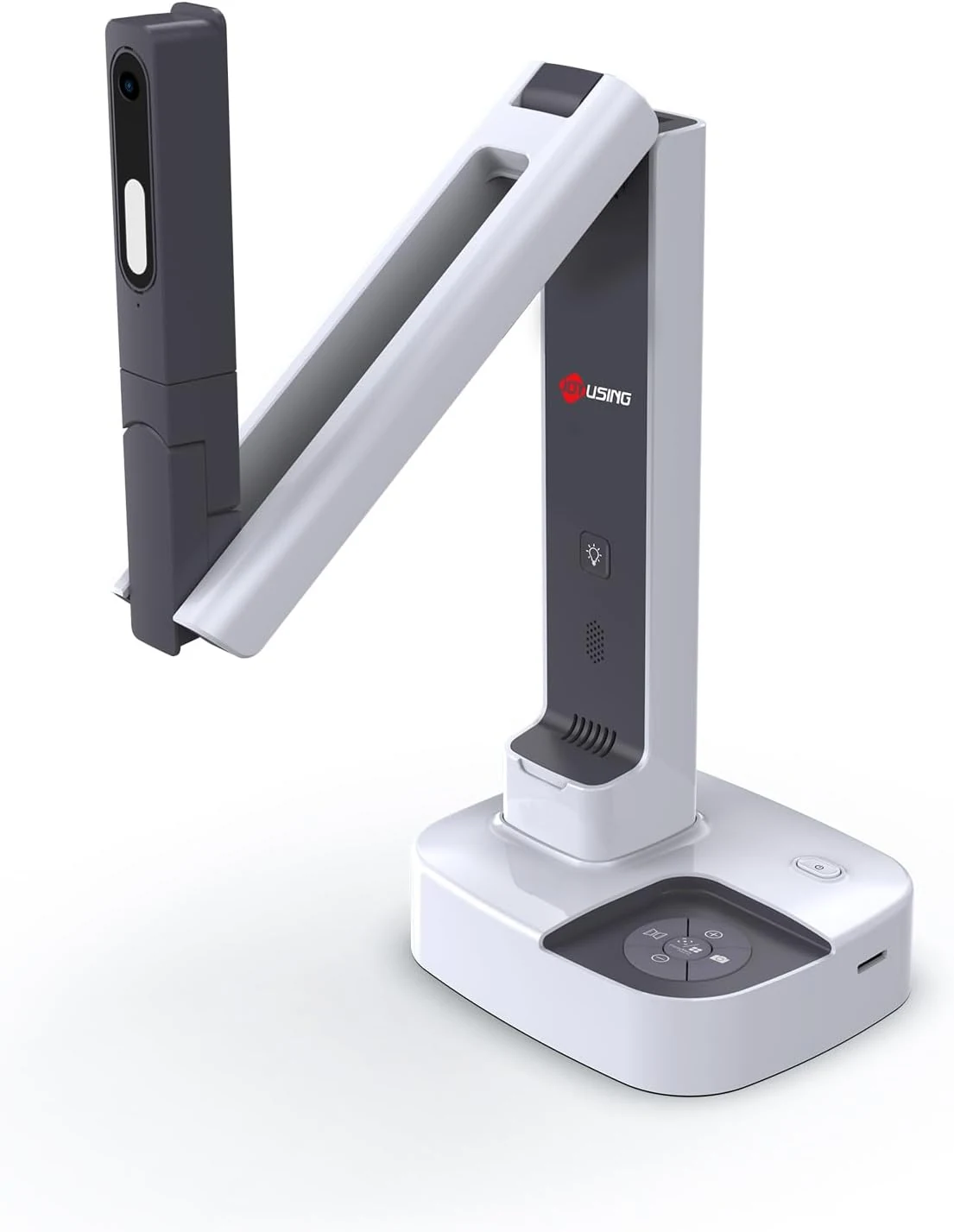
JOYUSING V513 HDMI/USB 13MP Dual Mode Document Camera for Teacher, review
The JOYUSING V513 is a dual-mode document camera built for live teaching and presentations, offering HDMI or USB connectivity, autofocus, and built-in LED lighting for real-time projection. Buyers highlight crisp, clear capture and straightforward setup, with the main tradeoff being that USB live streaming frame rate can drop slightly for motion-heavy content.
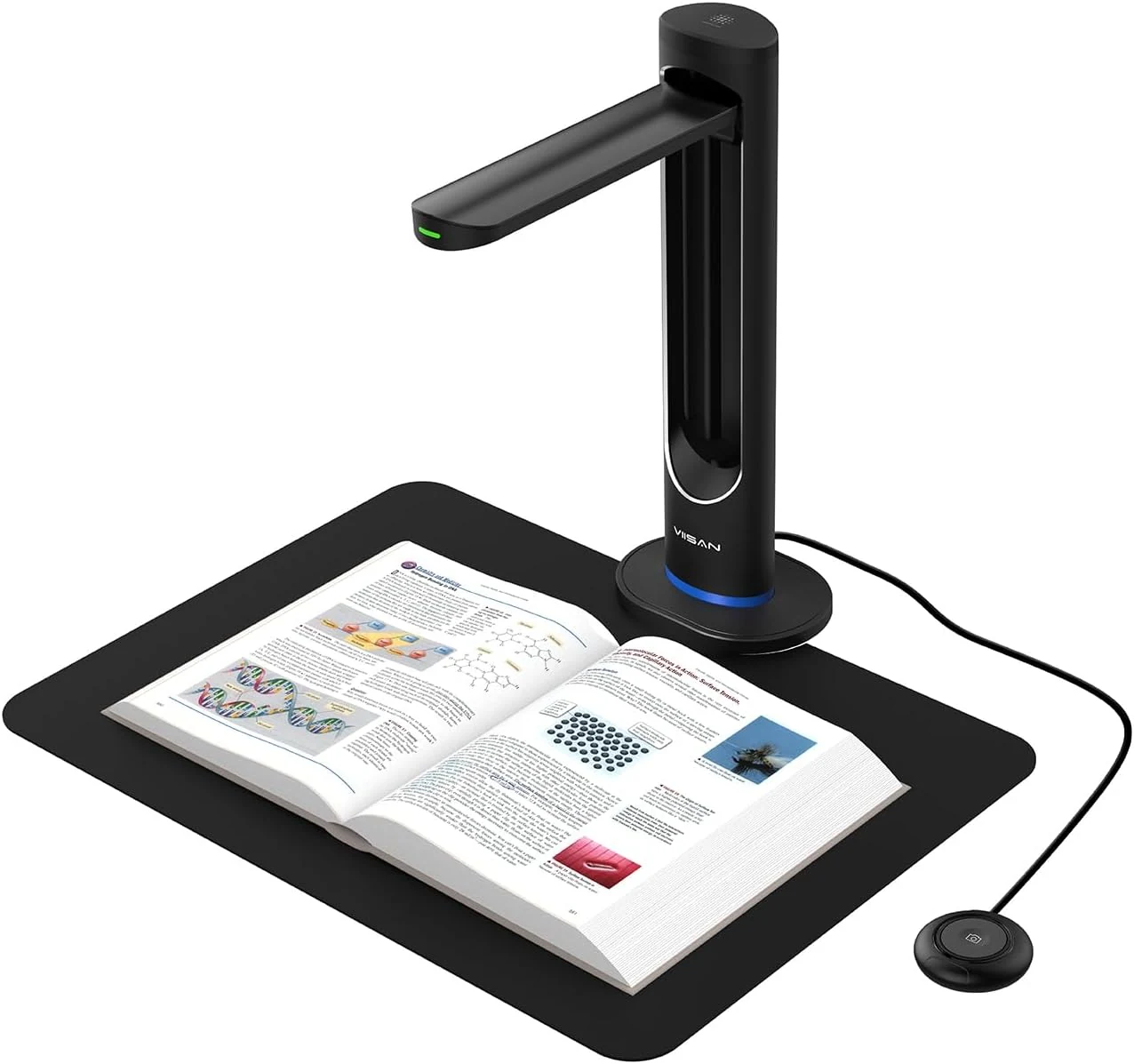
VIISAN K48 48MP Book Scanner & Document Camera, AI-Powered USB review
The VIISAN K48 is a USB document camera-style scanner aimed at digitizing books with tools like page-turn detection, curve-flattening, and OCR for searchable files. It can produce strong black-and-white results, but buyer feedback also flags software limitations and issues with color scanning and visual artifacts, so it may be a better fit for text-heavy workflows than full-color archival work.
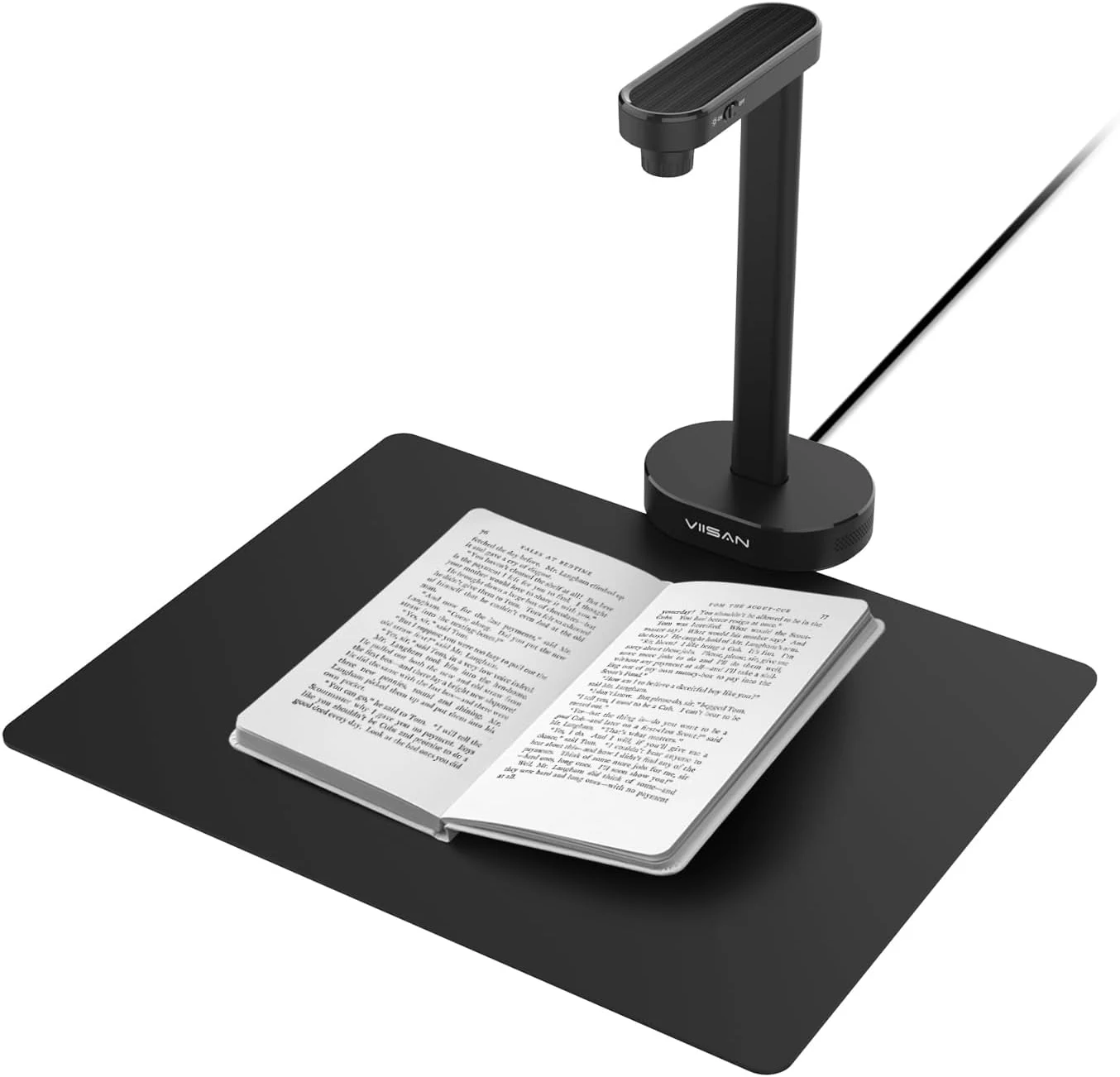
VIISAN A8401 16MP Document Scanner for Small Offices & Home Classrooms
The VIISAN A8401 is a compact USB document camera aimed at small offices and home classrooms, combining OCR, text-to-speech, and barcode recognition for digitizing paperwork and teaching materials. It is also UVC-compliant for remote lessons, but buyer feedback suggests image quality can be only “okay,” and connectivity can be frustrating for some setups.
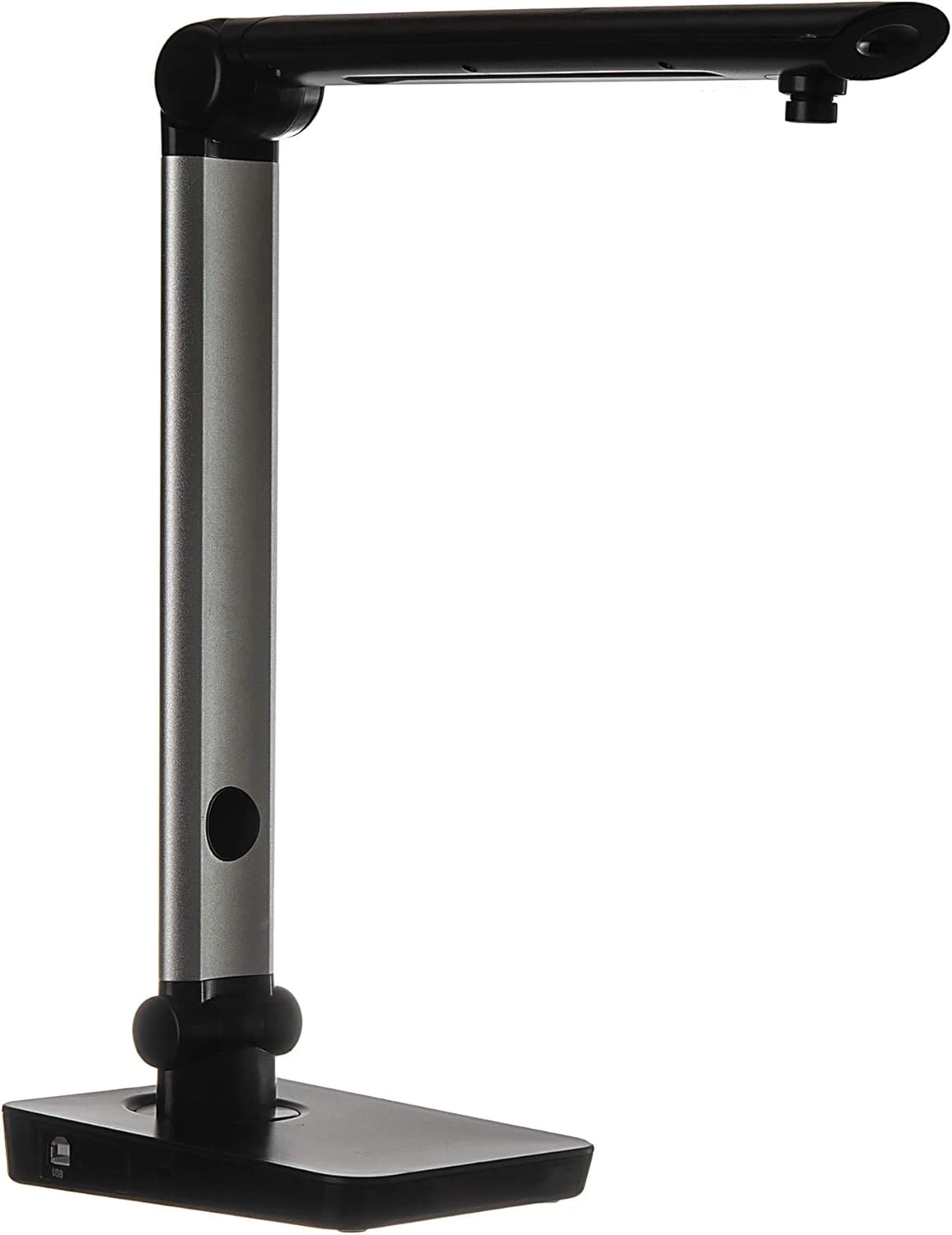
Digital Portable Multi-Angle USB Document Camera LV-1 Series LV-1010 (Black)
The Longjoy LV-1010 is a compact USB document camera designed for classrooms, office training, and quick document or ID capture. It offers a 5 MP sensor, built-in adjustable LED light, and flexible camera angles, but it relies on Windows software (not macOS/Chromebook) and buyers should double-check included items and cables when purchased from third parties.