CZUR Shine Surface Pro Professional Document Scanner, 16MP Document Camera + 2MP webcam review
Quick take
The CZUR Shine Surface Pro is a USB document camera designed to digitize paper and books up to A3 size, with a 16MP sensor and AI-assisted curved-page flattening. It also includes a rotatable 2MP webcam for recording or using it as a visual presenter, and it offers OCR for 180+ languages. The tradeoff is that buyer experience can depend heavily on the bundled software and how your pages fit the scanning area, especially for single-page or hard-to-flatten layouts.
Pros and cons
Pros
- 16MP scanning (4608×3456) aimed at detailed document capture, plus searchable export options.
- Adjustable scan size up to A3 (with a dedicated A3 work surface/pad) for larger pages and book-style layouts.
- Curved page flattening technology to help straighten arched pages from open books.
- OCR supports 180+ languages and can export to editable formats like PDF, Word, Excel, and text.
- Fast “about 1s/page” scanning and a manual foot control can speed workflow.
Cons
- Software can feel “quirky” and not as polished as typical Mac apps.
- Flattening support may not help equally for every use case, such as certain single-page-from-a-book scenarios.
- Not recommended for very glossy paper, which can affect scan clarity.
- Some regions may need compatible power connectors, so check your local electrical plug needs.
What buyers think
Buyer-review evidence is limited but points to a few consistent, product-relevant themes. Several buyers find it speeds up digitizing tasks and can be a practical way to copy or archive printed pages, including larger layouts. The scanning setup appears to work well for page-by-page workflows, particularly when users are digitizing materials that fit within the scanning area. One separate report highlights a compatibility issue related to the power connection for customers outside the US, which is more about regional accessory fit than scanning performance.
Key features and how they matter for real use
16MP document camera for detailed digitizing
The Shine Surface Pro uses a 16MP sensor (4608×3456) for capturing documents with high resolution. In practice, this matters most if you plan to digitize text-heavy pages, forms, receipts, or visual work where clarity helps OCR and reading. The scanner is connected via USB to your computer (with macOS 10.13+ and Windows support listed), so it is meant to be a desktop workflow tool rather than a standalone handheld device.
A3 scanning capability for books and larger pages
A standout fit factor is the maximum scanning size, which can be adjusted from A4 to A3 by using the supplied A3 work surface/pad and control lever setup. That makes it more suitable than basic A4-only document cameras if you scan textbooks, sheet music, large diagrams, or documents that do not easily compress into A4.
Curved page flattening, designed for open-book scanning
Curved page flattening technology is included to intelligently flatten unfolded arched book pages using an AI algorithm. This feature is meant to reduce the “warped” look that can happen when pages sit naturally in a book. The buying caveat is that flattening may not solve every situation automatically, depending on how the page is positioned and whether you are scanning a single page versus an open book spread.
OCR for 180+ languages, plus multiple export formats
OCR recognition supports 180+ languages, converting pages into editable output such as searchable PDF, Word, Excel, and text. This is a key consideration if you need to reuse content, not just store images. There are also explicit notes about certain languages not being supported (Thai, Hebrew, and Arabic), so if OCR accuracy matters for your specific language set, confirm compatibility before buying.
Top rotatable 2MP webcam for presenter or recording needs
Besides scanning, the top 2MP webcam can be manually rotated 270 degrees. It is intended for capturing your face during visual presenter use or recording videos, but it requires the “CZUR Camera” software rather than the “CZUR Scanner” tool used for scanning.
Workflow speed, including foot control
The scanner is described as capable of about 1 second per page, and a foot pedal is included for capture control. If your digitizing job is repetitive (for example, copying pages for study or archiving), these details can reduce friction compared with clicking a mouse each time.
Pros and cons in plain English
Who it’s best for
- People who want a desktop document camera for turning printed pages and books into searchable or editable files.
- Anyone digitizing content larger than A4, especially book-style materials that benefit from a working surface and curved-page handling.
- Users who can work through a page-by-page workflow when needed, and who want OCR for reusing text.
- Buyers who also want a rotatable webcam option for presenter-style setups.
Who should skip it (or consider alternatives first)
- Shoppers scanning mostly very glossy paper, since it is not recommended for that material type.
- Buyers who need a highly polished, “out of the box” app experience on macOS, since software quirks have been reported.
- Anyone who cannot verify regional power compatibility, especially if the included connector plug type does not match local outlets.
- If you need maximum OCR language coverage for Thai, Hebrew, or Arabic, you would want a different solution.
Buying guide: what to check before you buy
1) Your documents’ size and shape
If you mainly scan standard single sheets, A4-only setups may be enough. Choose the Shine Surface Pro if you regularly run into A3-sized needs or book pages that benefit from a scanning surface and flattening approach.
2) OCR language requirements
OCR support is broad (180+ languages), but it is not universal. Confirm whether your target languages are included for your use case, especially if you need OCR for unsupported languages listed.
3) How important is page flattening for your exact layouts
If your content is always perfectly flat, flattening might not be the deciding factor. If you scan open books, curved pages, or materials that never lie flat, curved-page flattening is valuable, but still consider that results can depend on page positioning and whether you scan single pages versus spreads.
4) Software comfort level
Because capture and export rely on the included software, buyers should expect some setup learning and possible UI quirks. If you prefer straightforward scanner utilities, look for reviews or specs that suggest a smoother experience for your operating system.
Verdict
The CZUR Shine Surface Pro is a strong fit for buyers who want high-resolution document camera scanning for books and larger-than-A4 materials, with OCR and multiple editable export formats. It is especially compelling if curved pages are part of your day-to-day scanning workflow. The main reasons it may not be the best choice are not about the hardware sensor, but about software feel on your platform, the way flattening behaves for your specific page style, and sensitivity to very glossy paper. If those caveats align with your needs, it can be a practical way to digitize and reuse printed content.
FAQ
- Does the CZUR Shine Surface Pro scan up to A3?Yes. It can scan up to A3 size (420 × 297 mm, 16.5 × 11.7 inch) when using the A3 working surface/pad, and it can be adjusted from A4 to A3.
- What resolution does it capture?It uses a 16MP sensor with a stated capture resolution of 4608 × 3456.
- How fast is scanning?It is described as about 1 second per page.
- What OCR formats can it produce?OCR supports 180+ languages and can export to editable formats including searchable PDF, Word, Excel, and text (TIFF requires conversion from scanned JPG images).
- Is it good for glossy paper?It is not recommended for very glossy paper.
- Does it include a webcam?Yes, a 2MP top webcam is included, and it can be rotated 270 degrees, using separate “CZUR Camera” software for webcam use.
- What languages are not supported for OCR?Thai, Hebrew, and Arabic are noted as currently not supported.
Specifications
| Product Title | CZUR Shine Surface Pro Professional Document Scanner, 16MP Document Camera + 2MP Webcam+ Working Surface, A3 Book Scanner for Computer/Laptop, 180+ Languages OCR, Fast Scan 1s/Page, for PC/Mac |
|---|---|
| Category | Office Products > Office Electronics > Document Cameras |
| Brand | CZUR |
| Manufacturer | CZUR |
| Model Name | Shine Surface Pro |
| Item Weight | 1.6 Kilograms |
| Scanner Type | Document |
| Connection Type | USB |
| Resolution | 4608*3456 |
| Optical Sensor Technology | CMOS |
| Media Type | USB |
| Minimum System Requirements | macOS 10.13 or later, Windows XP/7/8/10/11 |
| Warranty Description | 1 year manufacturer |
| Connectivity Technology | USB |
| Number of Items | 1 |
Available variants
Size
- Shine Surface Pro
Recommended next
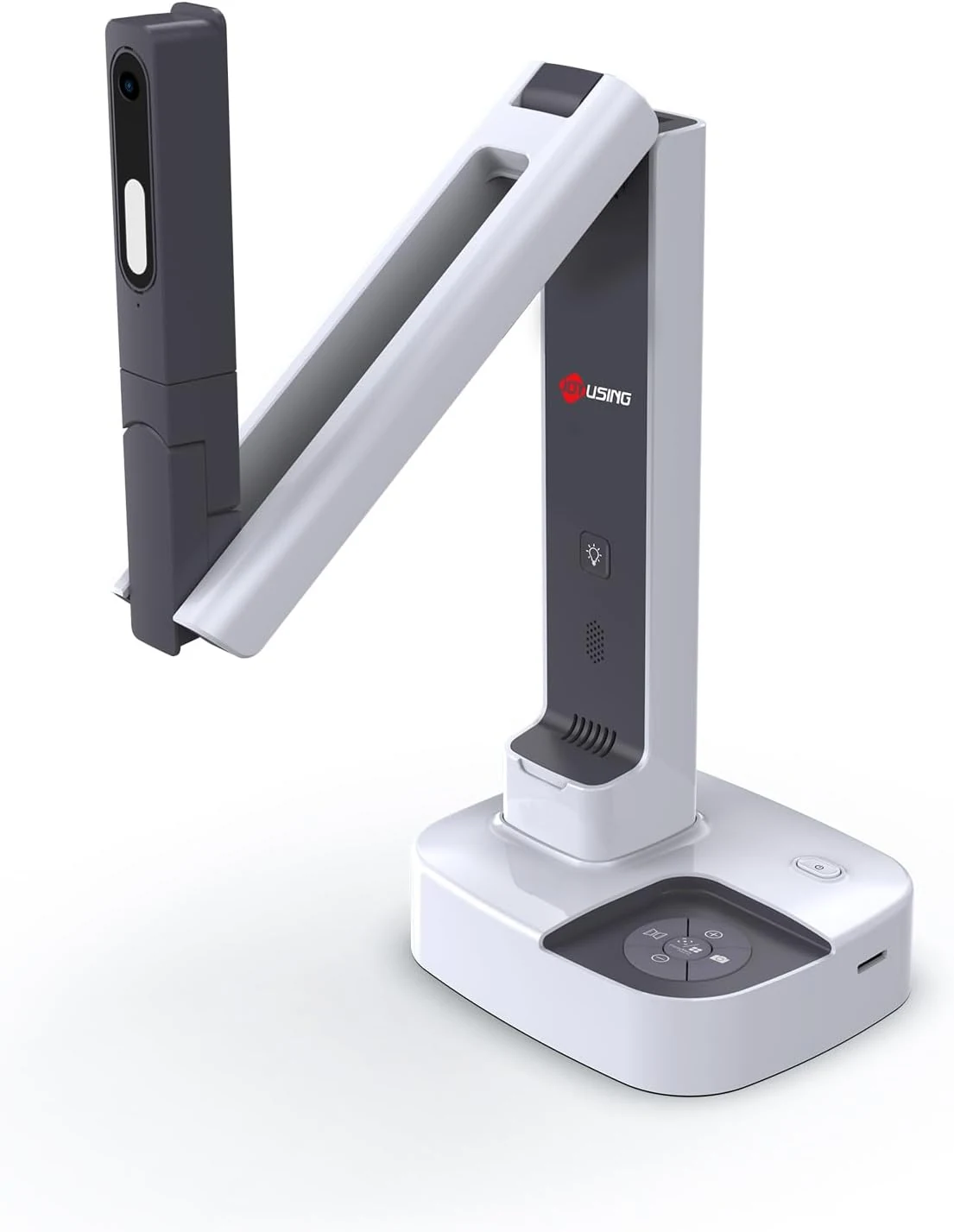
JOYUSING V513 HDMI/USB 13MP Dual Mode Document Camera for Teacher, review
The JOYUSING V513 is a dual-mode document camera built for live teaching and presentations, offering HDMI or USB connectivity, autofocus, and built-in LED lighting for real-time projection. Buyers highlight crisp, clear capture and straightforward setup, with the main tradeoff being that USB live streaming frame rate can drop slightly for motion-heavy content.
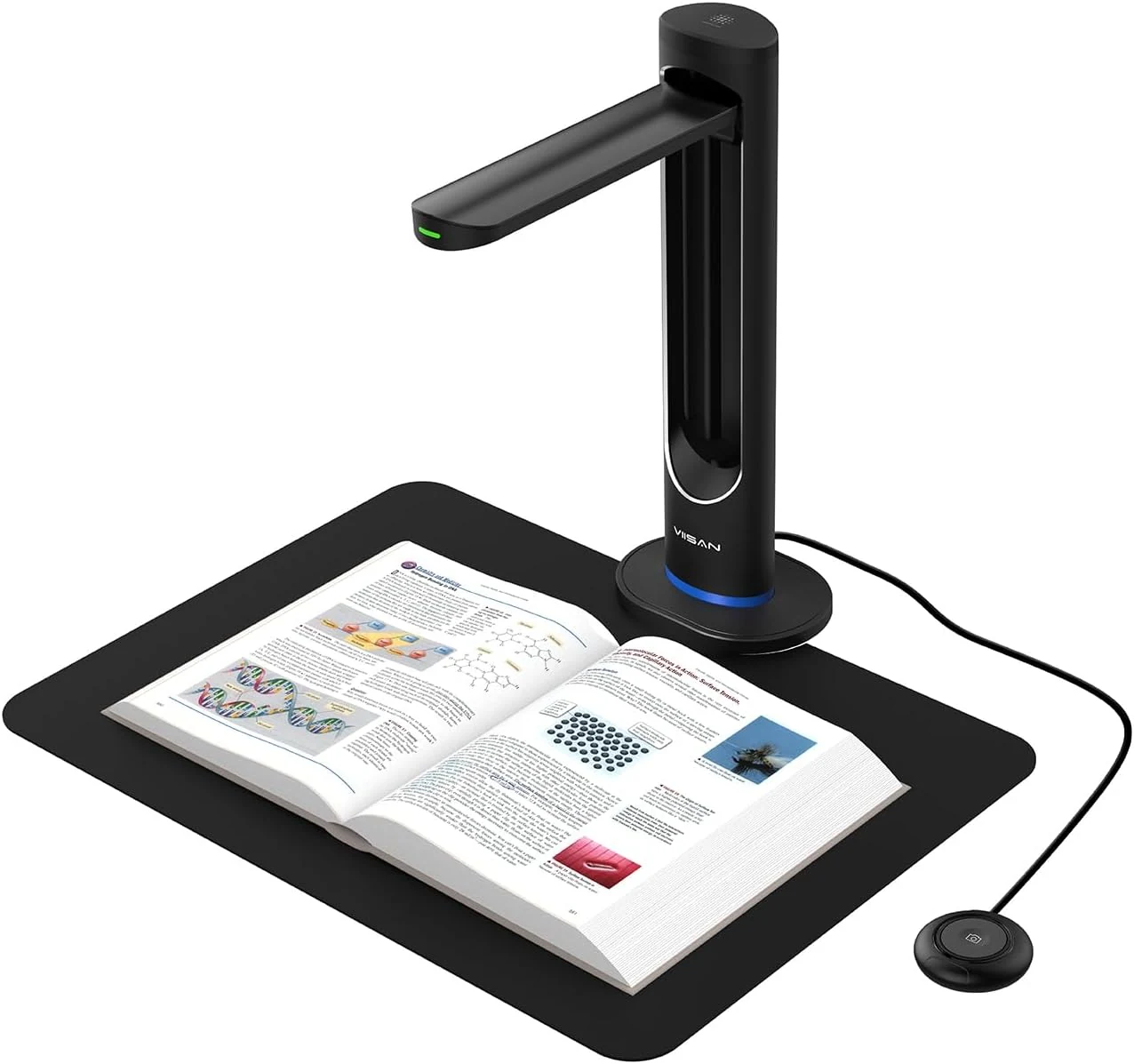
VIISAN K48 48MP Book Scanner & Document Camera, AI-Powered USB review
The VIISAN K48 is a USB document camera-style scanner aimed at digitizing books with tools like page-turn detection, curve-flattening, and OCR for searchable files. It can produce strong black-and-white results, but buyer feedback also flags software limitations and issues with color scanning and visual artifacts, so it may be a better fit for text-heavy workflows than full-color archival work.
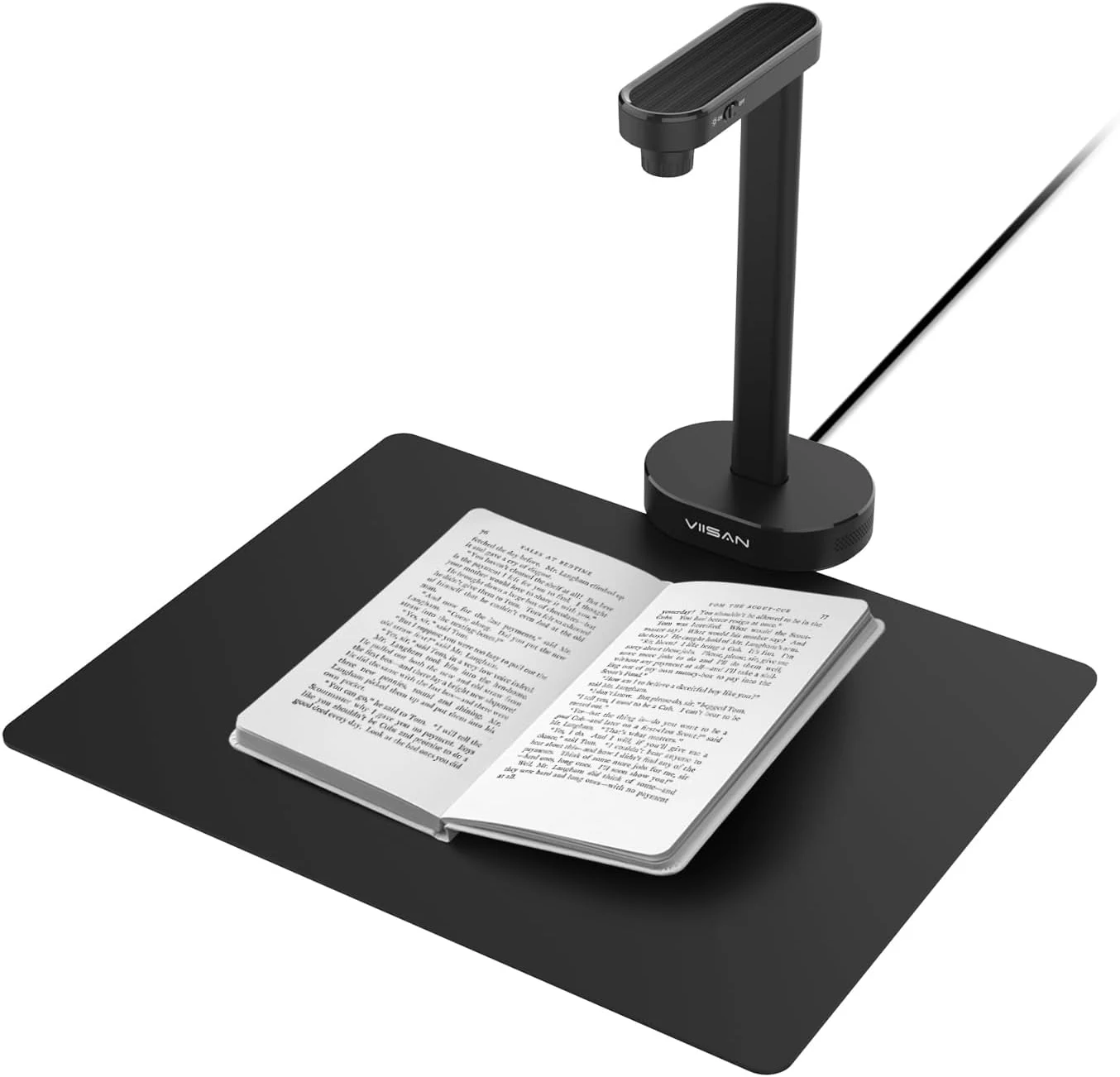
VIISAN A8401 16MP Document Scanner for Small Offices & Home Classrooms
The VIISAN A8401 is a compact USB document camera aimed at small offices and home classrooms, combining OCR, text-to-speech, and barcode recognition for digitizing paperwork and teaching materials. It is also UVC-compliant for remote lessons, but buyer feedback suggests image quality can be only “okay,” and connectivity can be frustrating for some setups.
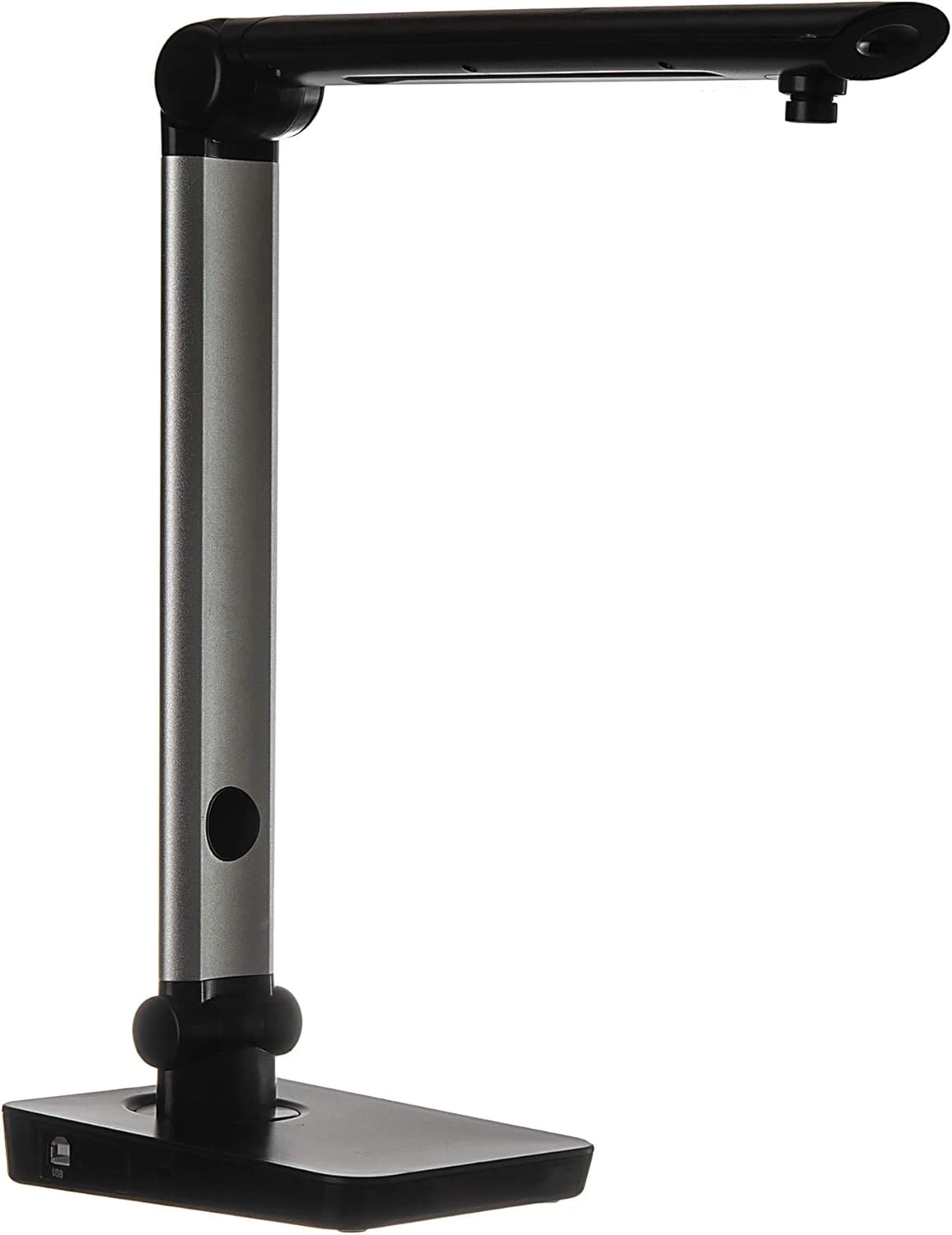
Digital Portable Multi-Angle USB Document Camera LV-1 Series LV-1010 (Black)
The Longjoy LV-1010 is a compact USB document camera designed for classrooms, office training, and quick document or ID capture. It offers a 5 MP sensor, built-in adjustable LED light, and flexible camera angles, but it relies on Windows software (not macOS/Chromebook) and buyers should double-check included items and cables when purchased from third parties.