H96MAX Screencast TV Stick 4K Ultra HD Streaming Stick 16GB WiFi6
Quick take
The H96MAX Screencast TV Stick is a budget 4K HDMI streaming stick built for casting and app streaming, with Wi‑Fi 6, Bluetooth, and a voice-enabled remote. It could appeal if you want an inexpensive way to get 4K playback and use a voice remote, but buyer feedback includes repeated problems with remote pairing and noticeable lag, so it may not be the smooth plug-and-play upgrade many people expect.
Pros and cons
Pros
- 4K Ultra HD playback support (ideal for compatible HDTVs and projectors).
- Wi‑Fi 6 and Bluetooth connectivity for streaming and pairing wireless accessories.
- Includes 16GB storage for apps and saved media, with possible expansion via external storage.
- Voice control remote included for hands-free searching and navigation.
Cons
- Review evidence is mixed to negative, with multiple reports of remote not pairing reliably.
- Some buyers report slow navigation or performance, especially after installing several apps.
- May require a separate 5V/2A Type-C power adapter, since an adapter is not included.
What buyers think
Buyer-review evidence for the H96MAX is limited, and the overall themes lean negative. Several reviews describe difficulty getting the voice remote to connect or function properly, which is a major day-to-day usability issue for a streaming stick. Other feedback mentions lag and sluggish response times, including cases where performance worsened after adding apps. A smaller amount of feedback characterizes picture quality as only fair and notes that response can be slow, suggesting that while 4K output may be supported, the user experience may not feel as polished as more established streaming platforms.
What it is, and what it’s best for
The H96MAX Screencast TV Stick is a compact HDMI streaming device intended to turn a TV or projector with an HDMI port into a smart streaming display. It targets common streaming and media use cases such as watching online content and using voice search and commands through the included remote.
Based on its feature set, it makes the most sense for shoppers who:
- Want an inexpensive 4K-capable stick for basic streaming.
- Plan to use wireless casting/streaming and value Bluetooth connectivity for simple accessory pairing.
- Are comfortable troubleshooting a budget device if pairing or setup is not as smooth as expected.
Key features that matter for buying
4K output and display expectations
It’s designed to output 4K video, including support for HDR-style content. For buyers, the practical question is whether the stick performs smoothly while you browse menus and play content. Some review feedback suggests picture quality is acceptable but responsiveness can be slow, so 4K support alone may not deliver the experience you expect if you prioritize speed.
Wi‑Fi 6 and bluetooth 5.0 for connectivity
Wi‑Fi 6 aims to improve stability and throughput in busy networks. Bluetooth is also included for connecting compatible wireless accessories. If you typically stream over Wi‑Fi in a dense household, Wi‑Fi 6 can be a meaningful advantage, but real-world results will still depend on your network quality.
Storage and multitasking
With 16GB of storage, it’s meant to handle apps without immediately feeling cramped. However, review feedback includes reports of the device slowing down after installing multiple apps. That suggests this stick may feel more comfortable with a smaller set of frequently used apps rather than a large app library.
Voice remote and everyday usability
The included voice-enabled remote is one of the most attractive features on paper, but usability depends on reliable pairing and responsiveness. Multiple reviews report remote pairing problems or locked-up behavior, which is the biggest practical drawback for anyone who wants a smooth day-one experience.
Pros and cons, translated into “real life”
Good fit if you need a cheap streaming stick for basic use
- If you’re okay with the possibility of extra setup time, the 4K HDMI form factor plus Wi‑Fi 6 and Bluetooth can still be attractive.
- Voice control can be convenient, assuming the remote pairs and works reliably on your TV setup.
Potentially frustrating if you want seamless reliability
- If your priority is a remote that pairs instantly and consistently, the review pattern around remote issues is a serious warning sign.
- If you expect snappy menu navigation and fast app switching, the reported sluggish response may not match your expectations.
Price and availability
The H96MAX Screencast TV Stick is positioned as a budget streaming option. For the most accurate value check, compare its current cost against better-known streaming sticks that often deliver more consistent setup and interface performance.
Alternatives to consider (by priority, not brand hype)
- If remote reliability is your top priority: prioritize widely adopted streaming platforms that have a reputation for consistent remote pairing and smooth navigation.
- If you want the quickest interface experience: look for devices advertised with stronger performance, especially if you plan to install several apps.
- If you primarily cast from a phone: compare against solutions that emphasize wireless display/casting stability and minimal menu browsing.
- If you’re cost-sensitive but still want dependable playback: consider spending a bit more for a device that’s less likely to feel sluggish after you add apps.
Verdict
The H96MAX Screencast TV Stick offers a compelling spec sheet for a low-cost 4K streaming stick, including Wi‑Fi 6, Bluetooth, and voice control. However, buyer feedback frequently points to remote pairing problems and slow performance, which can undermine the core streaming experience. If you can accept a higher chance of troubleshooting and you keep your app setup simple, it may be worth trying. If you want reliability and fast day-to-day operation, you’ll likely be happier choosing a more consistently performing streaming stick.
FAQ
Is the H96MAX screencast TV stick actually 4K?
Yes, it’s built for 4K Ultra HD video playback, intended for TVs or projectors with an HDMI input that supports 4K resolution.
Does it come with a power adapter?
No. It uses a USB Type-C power connection and requires a 5V/2A Type-C power adapter (a standard phone charger type is typically used).
Does it support Wi‑Fi 6 and Bluetooth?
Yes. It includes Wi‑Fi 6 connectivity and Bluetooth (listed as Bluetooth 5.0) for wireless accessory compatibility.
Is the voice remote reliable?
Review evidence is mixed to negative, and there are recurring mentions of remote pairing or remote functionality issues. If you rely heavily on voice control, this is an important consideration before buying.
Will it be fast if I install multiple apps?
There are reports that performance can slow down after adding apps. If you prefer a small set of frequently used streaming apps, that may be a safer expectation than installing a large library.
What kind of buyer is it best for?
It’s best for shoppers who want a budget 4K HDMI streaming stick and are comfortable with the possibility of setup or usability tradeoffs.
Specifications
| Product Title | H96MAX Screencast TV Stick 4K Ultra HD Streaming Stick 16GB WiFi6 Streaming Media Player Streaming Media Video/Audio/File HDMI Wireless Extender from Laptop, PC, Smartphone to HDTV Projector Monitor |
|---|---|
| Category | Electronics > Television & Video > Streaming Media Players |
| Brand | X88 |
| Manufacturer | X88 |
| Model Name | iShare iOS Wireless Hdmi Display Adapter,Wireless Hdmi Display Stick,H96MAX TV Stick |
| Model Number | H96MAX |
| Item Weight | 6.4 ounces |
| Connectivity Technology | WIFI6,BT5.0,USB |
| Connector Type | HDMI |
| Other Special Features of the Product | Chromecast |
| Resolution | 4k |
| Supported Internet Services | Youtube,Brower,Tiktok,etc. |
| Controller Type | Voice Control |
| Form Factor | TV Stick |
| RAM Memory Installed | 2 GB |
| Compatible Devices | Television, Personal Computer, Smartphone, Laptop |
| Memory Storage Capacity | 16 GB |
| Item Dimensions L x W x H | 31"L x 1.18"W x 0.51"H |
| UPC | 717974884542 |
| Unit Count | 1.0 Count |
| Built-In Media | Stick,Power cable,Voice Remote control,User guide |
| Warranty Description | 2 Years Warranty |
| Special Feature | Chromecast |
Recommended next
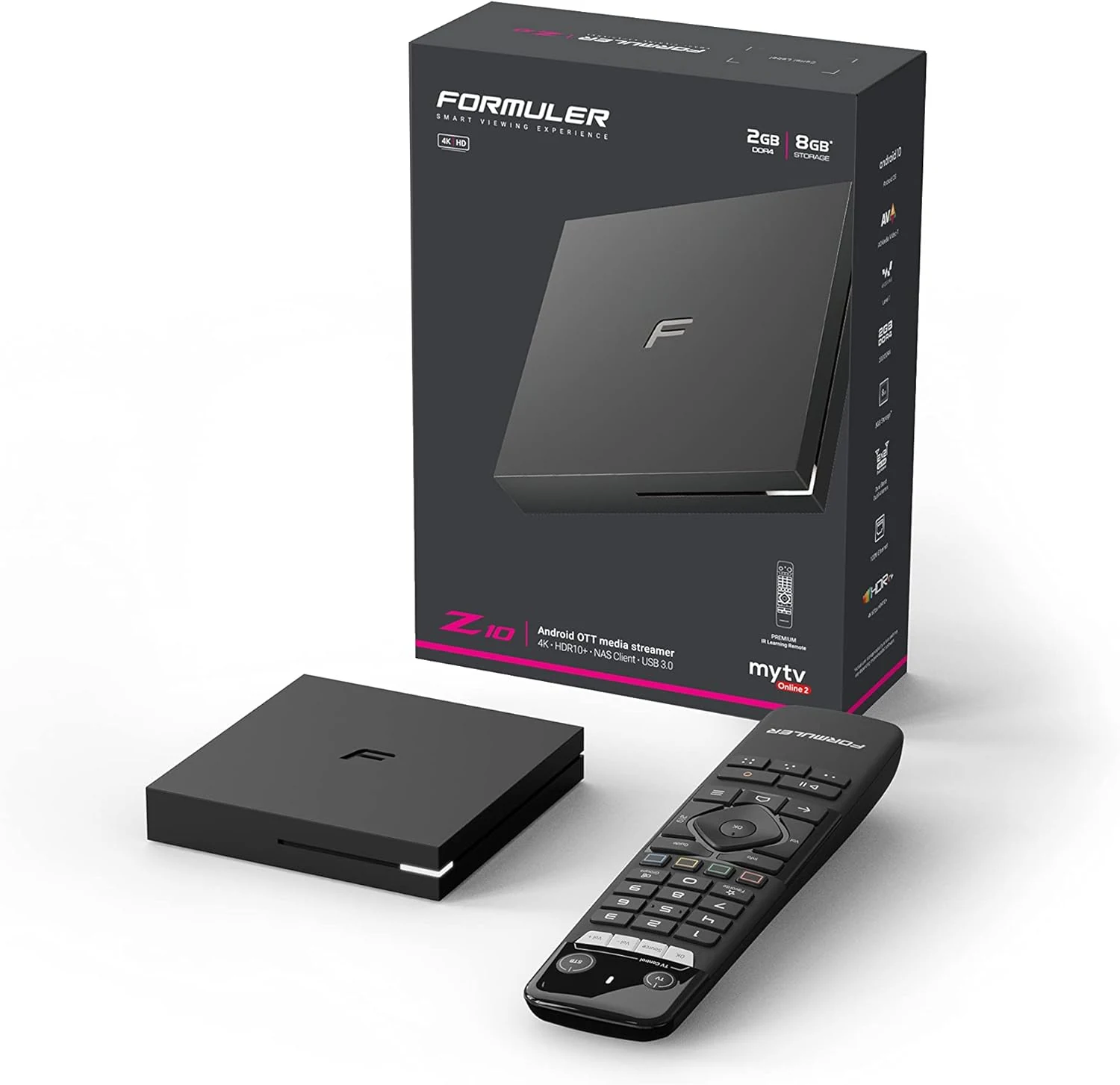
Formuler Z10 Android 10 Dual Band 5G 2GB Ram 8GB 4K
Formuler Z10 is a compact Android 10 TV box built for 4K output (up to 60fps HDR 10) with dual-band 2x2 AC Wi-Fi, Bluetooth 5.0, and HDMI/LAN connectivity. Buyers commonly highlight stability and straightforward setup, with one key caveat: it may not reliably support Netflix, so plan around that if Netflix is a must-have.
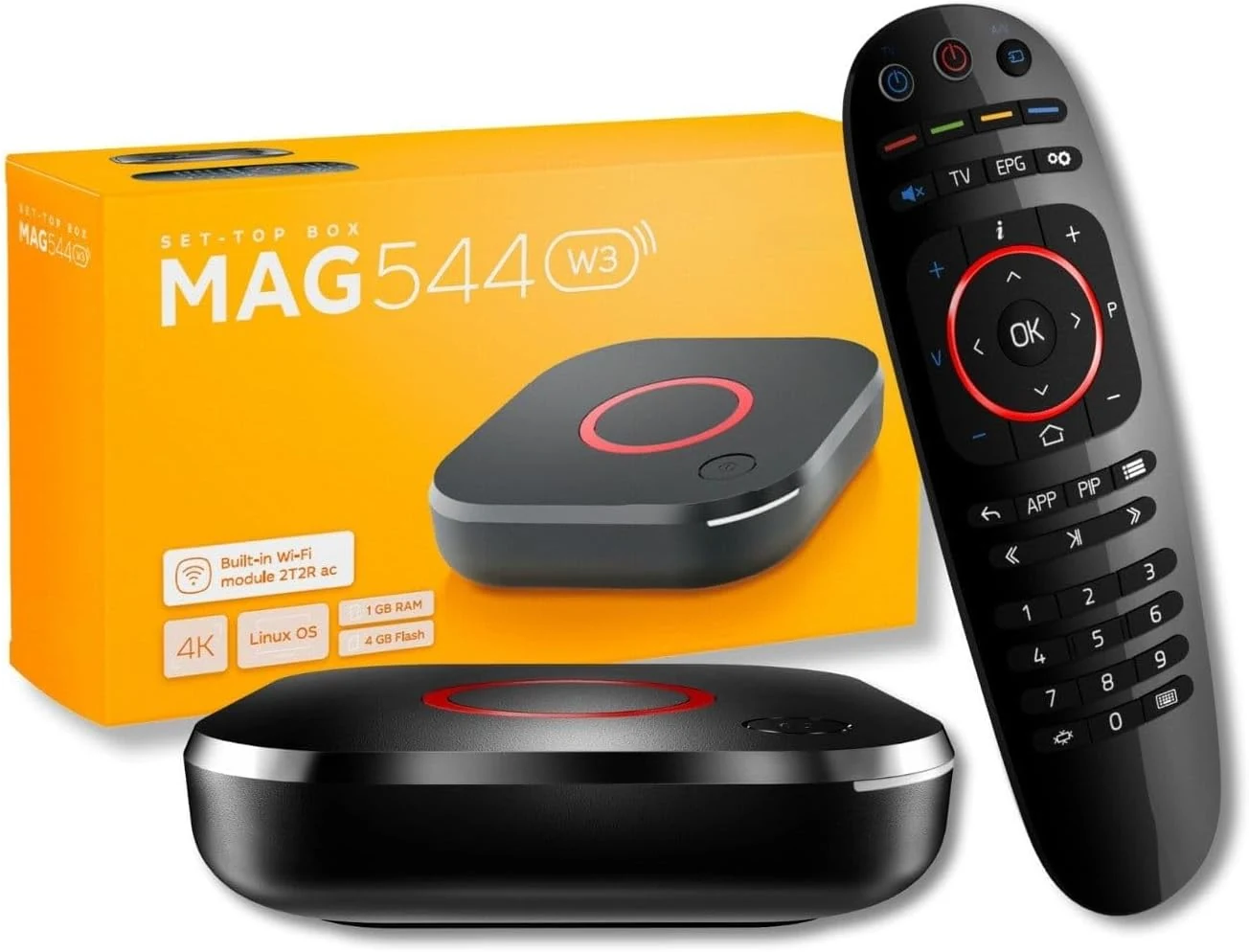
Raxxio MAG544w3 Set-Top Box – 4K HDR Streaming Media Player
The Raxxio MAG544w3 is a Linux-based set-top box for 4K HDR streaming playback with dual-band Wi-Fi and Ethernet. It is geared toward users who want a traditional MAG-style setup with compatible third-party services, not Android apps. If you need plug-and-play for your favorite provider, double-check compatibility before buying.
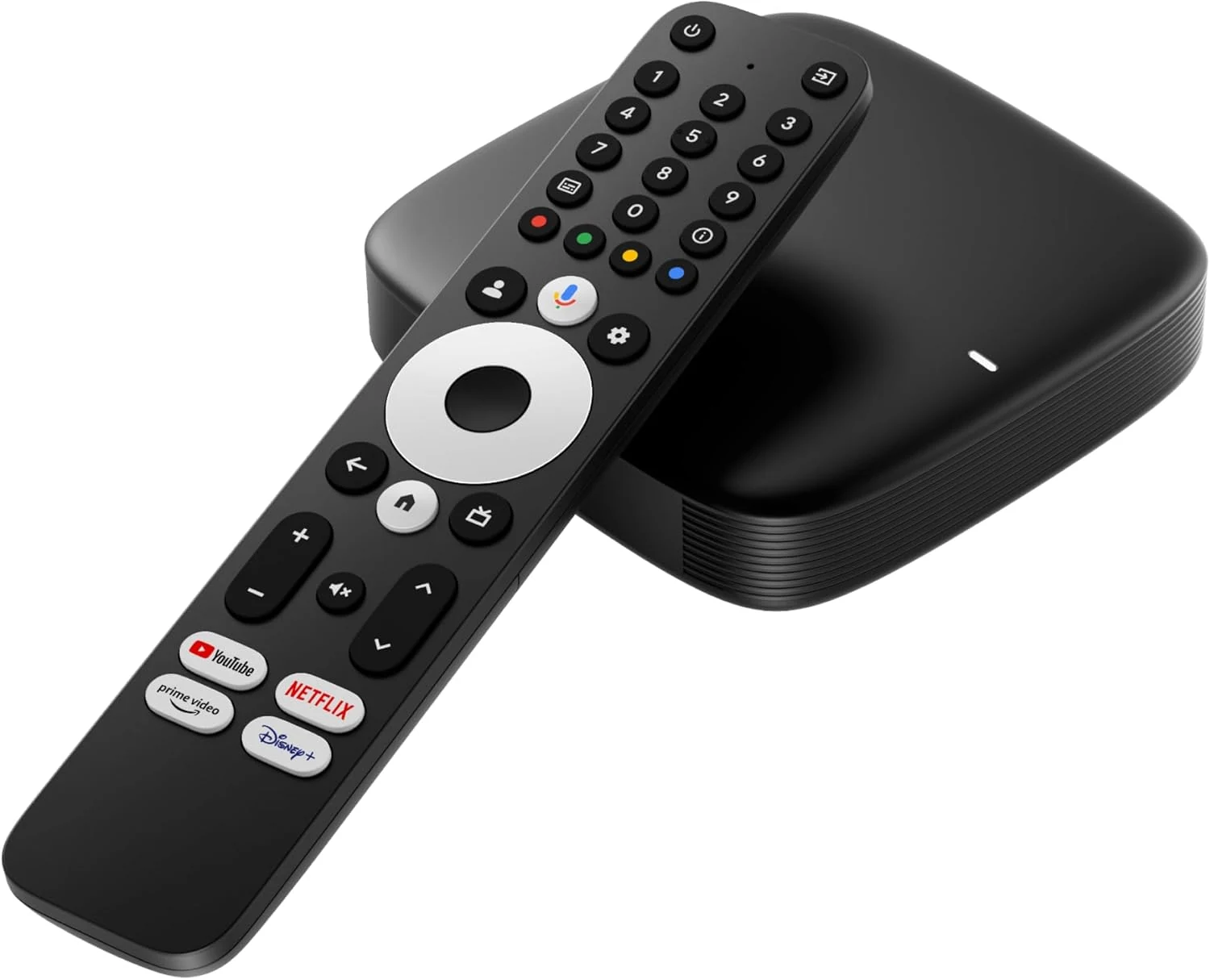
Infomir MAG555 Streaming Media Player Google TV™
The Infomir MAG555 is a compact 4K HDR streaming box with official Google TV 12, Chromecast built-in, and voice control, plus dual-band Wi-Fi and an Ethernet port for steadier high-bitrate streaming. It can be a good fit for upgrading a TV to a modern smart experience, with the main caveat that IPTV or streaming access may require paid subscriptions.
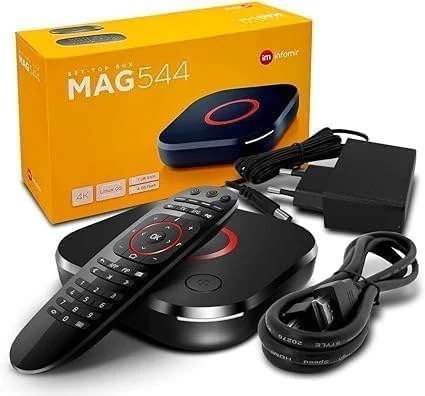
Infomir *New* 2024 Genuine Mag 544W3 4K Linux 4.9 Box (MAG544)
The Infomir MAG 544W3 is a Linux-based set-top box built for 4K HDR playback, HEVC video support, and reliable streaming via dual-band 2.4G/5G Wi-Fi plus Ethernet. It is positioned as a replacement option for MAG 524W3 and 424W3, but buyer fit depends on whether you need MAG-compatible service playback.