Infomir MAG555 Streaming Media Player Google TV™
Quick take
The Infomir MAG555 is a compact 4K HDR streaming media player that brings official Google TV 12 to any TV with HDMI. It includes a voice remote, Chromecast built-in, and dual-band Wi‑Fi (plus Ethernet) for more stable streaming. The main buying caveat is that some viewing options, especially IPTV-style services, typically require a separate subscription.
Pros and cons
Pros
- Official Google TV 12 with access to licensed apps via the Google Play Store
- 4K HDR streaming support (up to 60 fps) plus HDMI 2.1 with HDCP
- Stable connectivity options, including dual-band Wi‑Fi (2.4/5 GHz) and Ethernet
- Voice control built into the included remote, plus Chromecast built-in
Cons
- Buyer setup and sign-in steps can take a bit of learning if you are new to Google TV
- Some content channels or services may not be included and can require paid subscriptions
- Limited proof of reliability from review evidence, including at least one report of Ethernet issues
What buyers think
Buyer-review evidence points to a generally positive experience with the MAG555 as a way to turn a regular TV into a smart Google TV setup. Common themes include vivid picture quality, success installing and using apps after initial learning, and satisfaction with streaming performance for movie and show viewing (and IPTV-style use cases).
At the same time, buyer feedback includes a limited but notable negative datapoint about Ethernet connectivity working reliably. Overall, review evidence is not extensive enough to conclude broad hardware issues, but it does suggest you should plan for basic troubleshooting (especially around network and setup) and consider whether you will rely heavily on wired Ethernet.
What the Infomir MAG555 is best for
- Upgrading a non-smart TV to Google TV: Use HDMI to get the Google TV 12 interface, app access, and casting features.
- 4K HDR streaming with better network stability: Dual-band Wi‑Fi helps when 2.4 GHz is crowded, and Ethernet gives an option for steadier playback.
- Hands-free search and control: The included voice remote can help you find content and manage settings more quickly.
- Chromecast-friendly setups: Chromecast built-in makes it easier to cast compatible media to your TV.
Key specs and features that matter in daily use
4K HDR video output
Designed for 4K Ultra HD playback with HDR support, the MAG555 targets a sharper, more detailed viewing experience. HDMI 2.1 (with HDCP support) is included for connecting to modern TVs and home theater systems.
Google TV 12, with a licensed app ecosystem
The device runs official Google TV 12, giving you a personalized interface and access to authorized streaming services (including Netflix, YouTube, Prime Video, and Disney+) through the Google Play Store.
Connectivity for high-bitrate streaming
You get dual-band Wi‑Fi (2.4 GHz and 5 GHz) with 2x2 MIMO for stronger wireless performance, and there is also a dedicated Ethernet port if you prefer a wired connection for stability.
Remote and control
A Bluetooth voice remote is included, with a built-in microphone to support Google Assistant-style searches and commands. Setup also includes Google sign-in flow and multi-profile support.
Setup and usability: what to expect
Google TV setup is typically straightforward, but reviews suggest there can be a learning curve for navigating the remote and finding apps quickly. If you are coming from a basic TV or an older streaming box, give yourself time for sign-in and app installation the first day, then the interface should feel more familiar after you personalize recommendations.
Pros and cons in plain English
Pros
- Good mainstream smart-TV experience: Official Google TV 12 with access to popular licensed services.
- 4K HDR and modern HDMI: Built for higher-quality TV playback and easier compatibility with newer TVs.
- Flexible internet options: Dual-band Wi‑Fi plus Ethernet helps match your home network.
- Convenient voice and casting: Voice remote and Chromecast built-in reduce friction in day-to-day use.
Cons
- Content availability may still depend on subscriptions: Some buyers note you may need to pay to access certain channels or services.
- Network reliability is important: While many users are satisfied, review evidence includes at least one Ethernet reliability complaint, so wired users may want to be prepared to troubleshoot.
Who should buy this streaming player
- You want Google TV 12: Official Google interface, app ecosystem access, and Chromecast built-in are the core reasons to consider it.
- You stream in 4K and care about HDR: If your TV supports 4K HDR, this device is built for that workflow.
- You want both Wi‑Fi and Ethernet: Dual-band wireless plus a wired option can help reduce buffering and keep playback steady.
Who should look elsewhere
- You rely on a fully plug-and-play experience: If you want almost no setup or sign-in friction, be ready for a learning curve with Google TV navigation.
- You have a strict IPTV-only plan with paid channels: Make sure your specific service works with your expected access method and budget, since some channels require subscriptions.
- You need rock-solid wired Ethernet reliability: Review evidence includes a concerning Ethernet report, so if wired connectivity is mission-critical for you, consider your network troubleshooting options in advance.
Bottom line verdict
The Infomir MAG555 is a solid choice for buyers who want an official Google TV 12 streaming box, with 4K HDR support, Chromecast built-in, and both dual-band Wi‑Fi and Ethernet. It appears to satisfy customers looking to improve picture quality and simplify smart-TV use, with the key caution that some content options may require paid subscriptions and that you should plan for basic setup and network troubleshooting.
FAQ
Is the infomir MAG555 compatible with 4K HDR tvs?
It is designed for 4K Ultra HD streaming with HDR support, and it connects via HDMI 2.1.
Does the MAG555 include chromecast built-in?
Yes, Chromecast built-in is included for casting compatible media to your TV.
Do I need a subscription for streaming or IPTV?
Popular streaming apps generally require their own service access, and some IPTV-style channels are paid. Plan for subscription costs if your goal is access to specific channels.
Can I use wired Ethernet or only Wi‑Fi?
It offers both dual-band Wi‑Fi (2.4 GHz and 5 GHz) and a dedicated Ethernet port.
What apps does it support?
It supports authorized streaming apps accessed through the Google Play Store, including major services such as Netflix, YouTube, Prime Video, and Disney+.
Specifications
| Product Title | Infomir MAG555 Streaming Media Player Google TV™ - 4K Ultra HD, HDR, Dual-Band Wi-Fi, HDMI 2.1 & AV Output |
|---|---|
| Category | Electronics > Television & Video > Streaming Media Players |
| Brand | Infomir |
| Manufacturer | Infomir |
| Model Name | MAG555 |
| Model Number | MAG555 |
| Color | Black |
| Item Weight | 12.8 ounces |
| Connectivity Technology | Bluetooth, Ethernet, HDMI, Wi-Fi |
| Connector Type | HDMI 2.1, USB 2.0, Ethernet (RJ45), AV, DC |
| Other Special Features of the Product | 4K HDR Streaming, Google TV™, Voice Control, Chromecast Built-In |
| Resolution | 4К |
| Supported Internet Services | Netflix, YouTube, Prime Video, Disney+, Google Play Store |
| Controller Type | Bluetooth Remote Control |
| Form Factor | Streaming Media Player |
| RAM Memory Installed | 2 GB |
| Compatible Devices | Television, Projector, Monitor |
| Memory Storage Capacity | 16 GB |
| Video Output Resolution | 3840x2160 Pixels |
| Video Codec | AV1, HEVC H.265, MPEG-2, MP/HL, H.264 AVC [email protected] |
| Item Dimensions L x W x H | 4.17"L x 4.17"W x 0.92"H |
| Mfr Part Number | MAG555 |
| Built-In Media | MAG555 Set-Top Box, Bluetooth Remote, Power Adapter, HDMI Cable, User Manual |
| Warranty Description | This item is returnable within 30 days of receipt for a refund or replacement, provided it is in its original condition. |
| Special Feature | 4K HDR Streaming, Google TV™, Voice Control, Chromecast Built-In |
Recommended next
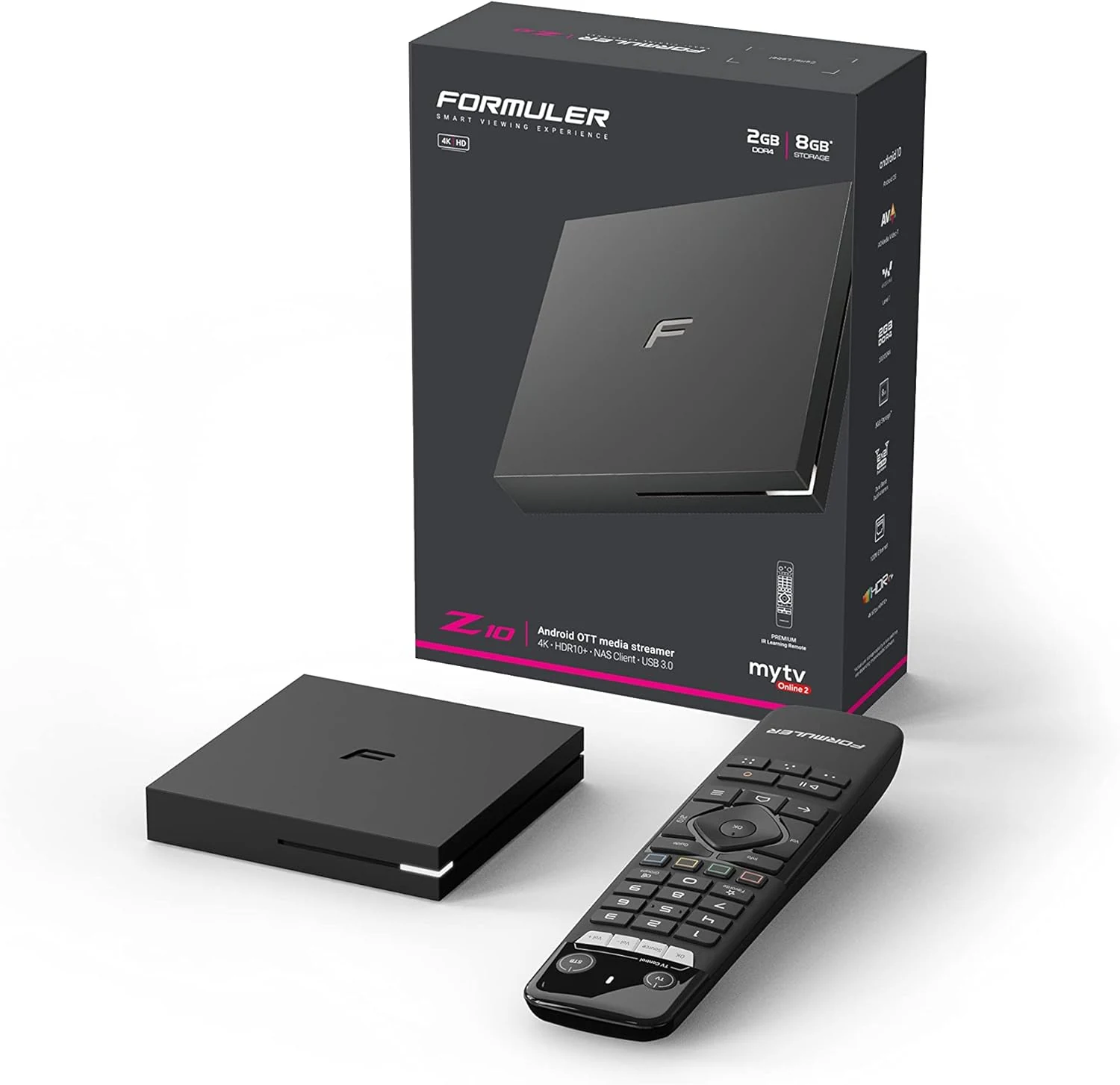
Formuler Z10 Android 10 Dual Band 5G 2GB Ram 8GB 4K
Formuler Z10 is a compact Android 10 TV box built for 4K output (up to 60fps HDR 10) with dual-band 2x2 AC Wi-Fi, Bluetooth 5.0, and HDMI/LAN connectivity. Buyers commonly highlight stability and straightforward setup, with one key caveat: it may not reliably support Netflix, so plan around that if Netflix is a must-have.
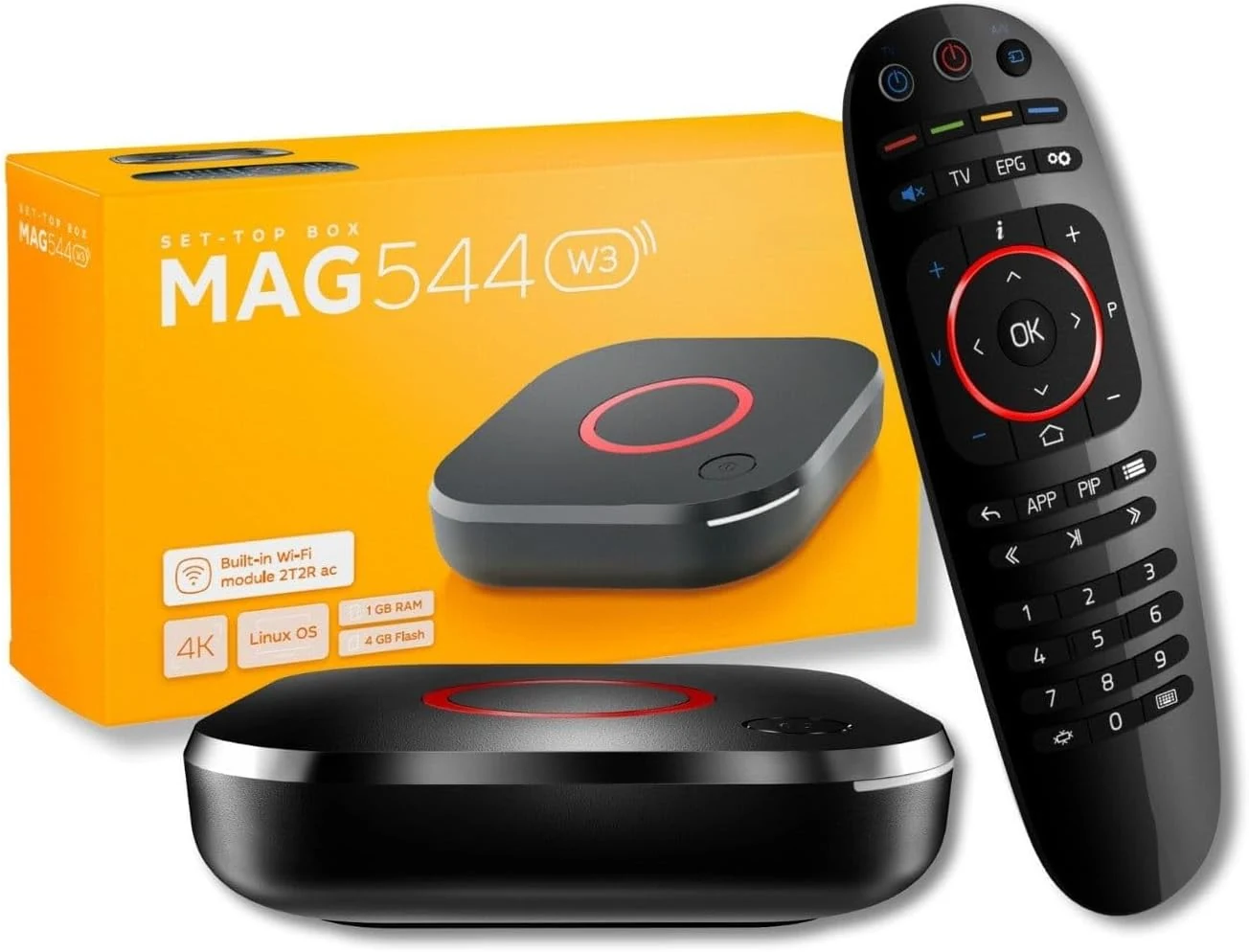
Raxxio MAG544w3 Set-Top Box – 4K HDR Streaming Media Player
The Raxxio MAG544w3 is a Linux-based set-top box for 4K HDR streaming playback with dual-band Wi-Fi and Ethernet. It is geared toward users who want a traditional MAG-style setup with compatible third-party services, not Android apps. If you need plug-and-play for your favorite provider, double-check compatibility before buying.
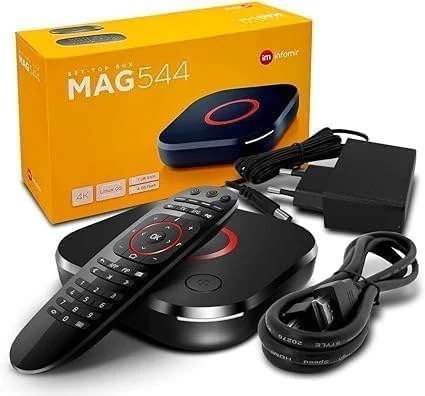
Infomir *New* 2024 Genuine Mag 544W3 4K Linux 4.9 Box (MAG544)
The Infomir MAG 544W3 is a Linux-based set-top box built for 4K HDR playback, HEVC video support, and reliable streaming via dual-band 2.4G/5G Wi-Fi plus Ethernet. It is positioned as a replacement option for MAG 524W3 and 424W3, but buyer fit depends on whether you need MAG-compatible service playback.
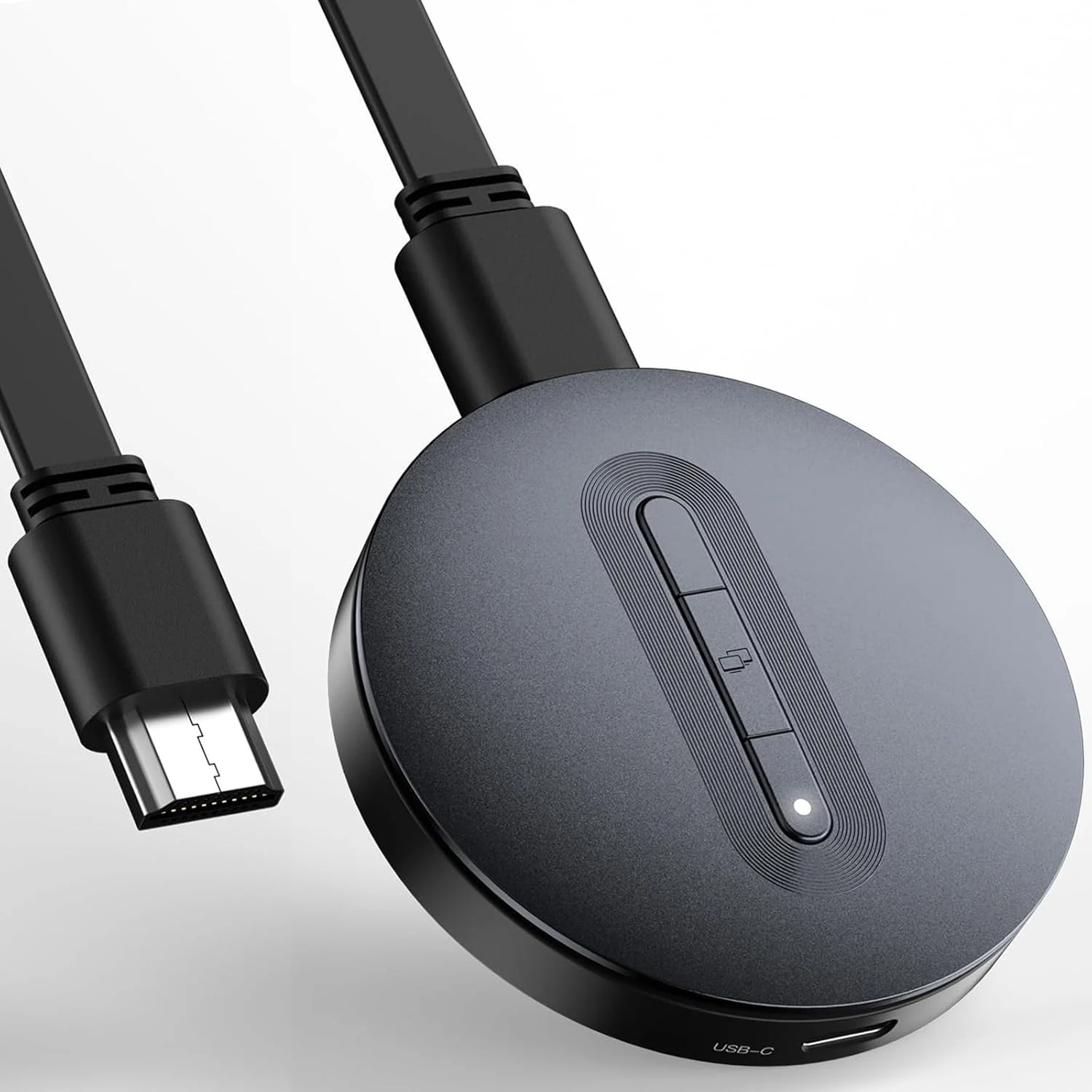
Wireless HDMI Display Dongle Adapter – Miracast Dongle, DLNA, AirPlay
A compact wireless HDMI receiver for mirroring from iPhone/iPad (AirPlay), Android/Windows (Miracast), and media-style streaming via DLNA. It can be a convenient, travel-friendly option for adding wireless input to an HDMI-capable TV, monitor, or projector, but it has setup friction (hotspot and network steps) and HDCP can limit compatibility with some streaming apps.