Wireless HDMI Display Dongle Adapter – Miracast Dongle, DLNA, AirPlay
Quick take
This wireless HDMI dongle receiver lets you mirror from iPhone/iPad (AirPlay), Android/Windows devices (Miracast), and stream content using DLNA, as long as your display has an available HDMI input. Buyers like how small and portable it is, and many report the mirroring experience is smooth. The main caveat is setup complexity (hotspot, Wi‑Fi/network steps) plus HDCP restrictions that can block some popular streaming apps.
Pros and cons
Pros
- Supports AirPlay, Miracast, and DLNA for cross-device use (iOS, Android, Windows).
- Designed to plug into an HDMI port on a TV, monitor, or projector, adding wireless input where it is missing.
- Portable “puck” form factor, with buyers noting it is convenient for travel and classroom or office sharing.
- 1080p output and H.264/H.265 (HEVC) codec support for standard HD mirroring.
Cons
- Setup can be less “instant” than some simpler streaming sticks, involving hotspot and Wi‑Fi steps.
- HDCP limitations may prevent mirroring for certain apps like Netflix and Amazon Prime Video.
- Wireless range is limited (buyers cite practical range that is well below “whole house” expectations).
- It is a receiver for your display, not a full transmitter solution for every use case.
What buyers think
Buyer-review evidence is mixed but generally centered on usability and real-world compatibility. Many shoppers report quick mirroring once the receiver is configured, especially for presenting photos or projecting phone screens to an HDMI display. Several reviews highlight that the receiver form factor is convenient for travel and that video and audio performance can feel responsive (low latency and no obvious dropouts during normal use). At the same time, there are recurring complaints about setup difficulty and device support gaps, particularly for users who expected a Chromecast-like plug-and-play experience across all device types without extra steps.
What this wireless HDMI dongle actually does
This model is a wireless HDMI receiver that plugs into your TV, projector, or monitor’s HDMI input. From there, your phone or computer sends the signal using one of three common methods:
- AirPlay for iOS and macOS mirroring.
- Miracast for many Android devices and Windows laptops/desktops (depending on wireless display support).
- DLNA for certain “playback” style streaming workflows.
It is most useful when your display does not already have native AirPlay or screen-casting features.
Setup and daily use: what to expect
The receiver is meant to be easy to use, but it is not always effortless to get to first connection. Typical workflows include choosing the right mode on the dongle, connecting to the device hotspot named like “Mirascreen-XXXX”, then completing Wi‑Fi/network configuration. After that, the receiver should reconnect to the previously configured network on later startups.
In practical terms, buyers tend to find it straightforward after initial setup, especially for mirroring a phone to a nearby display for photos, classroom sharing, or quick presentations. If your goal is a completely automatic experience with every device you own, you may want to plan for some troubleshooting or additional steps.
Video quality and audio performance
The adapter targets 1080p output. It supports common compression formats, including H.264 and H.265/HEVC, which helps with compatibility across typical streaming and screen mirroring scenarios. In reviews, many users describe the picture and sound quality as strong for HD content and presentations, with little perceived latency during normal mirroring.
One practical expectation to keep in mind: reviews also suggest this class of wireless display receiver is best treated as an HD solution, not an all-in-one 4K replacement.
Compatibility details that matter before you buy
AirPlay, miracast, and DLNA support
This dongle is marketed for cross-platform use. AirPlay support is intended for iOS and Mac devices, Miracast support is intended for Android and certain Windows setups, and DLNA can be used for media playback workflows.
HDCP limitations
A key buying caveat is HDCP. HDCP is designed to prevent unauthorized copying of protected video, and that can interfere with wireless mirroring of some services. The product specifically warns that apps such as Netflix and Amazon Prime Video may not support wireless mirroring for copyright-protection reasons.
Range and placement
Wireless display adapters typically perform best when the sender and receiver are relatively close. Reviewers mention a limited practical range, so you should plan to stay within the same room or a similar distance, especially for consistent mirroring.
Who it’s best for
- People who need to add wireless mirroring to an HDMI display (older TVs, monitors, or projectors without AirPlay or casting built in).
- Classroom, meeting, or event use, where multiple people need to share media quickly from phones or laptops.
- Travel-focused users who want a small receiver puck rather than a bulky kit.
- Buyers okay with initial setup in exchange for a convenient receiver for everyday mirroring.
Who should avoid it
- Anyone counting on mirroring for protected streaming apps like Netflix and Prime Video.
- Buyers who want “Chromecast-level” setup across every device with zero troubleshooting, especially if you use Chromebooks or expect universal wireless display support.
- Users who need long-range wireless casting (multiple rooms, large distances) and want consistent reliability at that range.
Pros and cons, summarized
If you want a compact wireless HDMI receiver that can take an iOS AirPlay stream and Android/Windows Miracast mirroring input, this dongle can be a practical fit. The tradeoff is that first-time setup and device compatibility may take more effort than a dedicated streaming device, and HDCP restrictions can limit what you can mirror from certain apps.
FAQ
Can this dongle mirror Netflix or Prime Video?
HDCP restrictions can block mirroring for some protected apps. The product specifically notes that services like Netflix and Amazon Prime Video may not support wireless mirroring.
Is it a receiver or a transmitter?
It is a receiver for the display side. It plugs into an HDMI input and your phone or computer transmits to it using AirPlay, Miracast, or DLNA workflows.
Does it support 4K?
The adapter is rated for 1080p output, so it is best treated as an HD wireless mirroring solution.
How do I switch between AirPlay and Miracast?
You typically select the appropriate mode on the dongle, then use your device’s screen mirroring menu to pick the receiver (often shown as “Mirascreen-XXXX”).
Does it work without a home Wi‑Fi network?
Initial setup commonly involves connecting to the receiver’s hotspot for network configuration. After it is configured, it should reconnect to the prior network on later uses.
Specifications
| Product Title | Wireless HDMI Display Dongle Adapter – Miracast Dongle, DLNA, AirPlay - Plug & Play Video/Audio Streaming from Laptop, PC, Smartphone to HDTV, Projector, Monitor |
|---|---|
| Category | Electronics > Television & Video > Streaming Media Players |
| Brand | YGXLWF |
| Manufacturer | YGXLWF |
| Model Name | Wireless HDMI Display Dongle Adapter |
| Model Number | G66 |
| Color | Black |
| Item Weight | 0.22 Pounds |
| Connectivity Technology | Wireless |
| Connector Type | HDMI |
| Other Special Features of the Product | Chromecast, DLNA, Miracast |
| Resolution | 1080p |
| Supported Internet Services | Browser |
| Controller Type | Button Control |
| Form Factor | TV Stick |
| Compatible Devices | Smartphone, Tablet, Television |
| Video Output Resolution | 1920x1080 |
| Video Codec | H.264, H.265/HEVC |
| Smart Home Compatibility | Not Smart Home Compatible |
| Item Dimensions L x W x H | 2.59"L x 2.59"W x 0.58"H |
| UPC | 782097184268 |
| Mfr Part Number | G66 |
| Unit Count | 1.0 Count |
| Built-In Media | HDMI Cable, USB-C Cable, Wireless HDMI Display Dongle Adapter |
| Warranty Description | 1 Year Manufacurer |
| Special Feature | Chromecast, DLNA, Miracast |
Recommended next
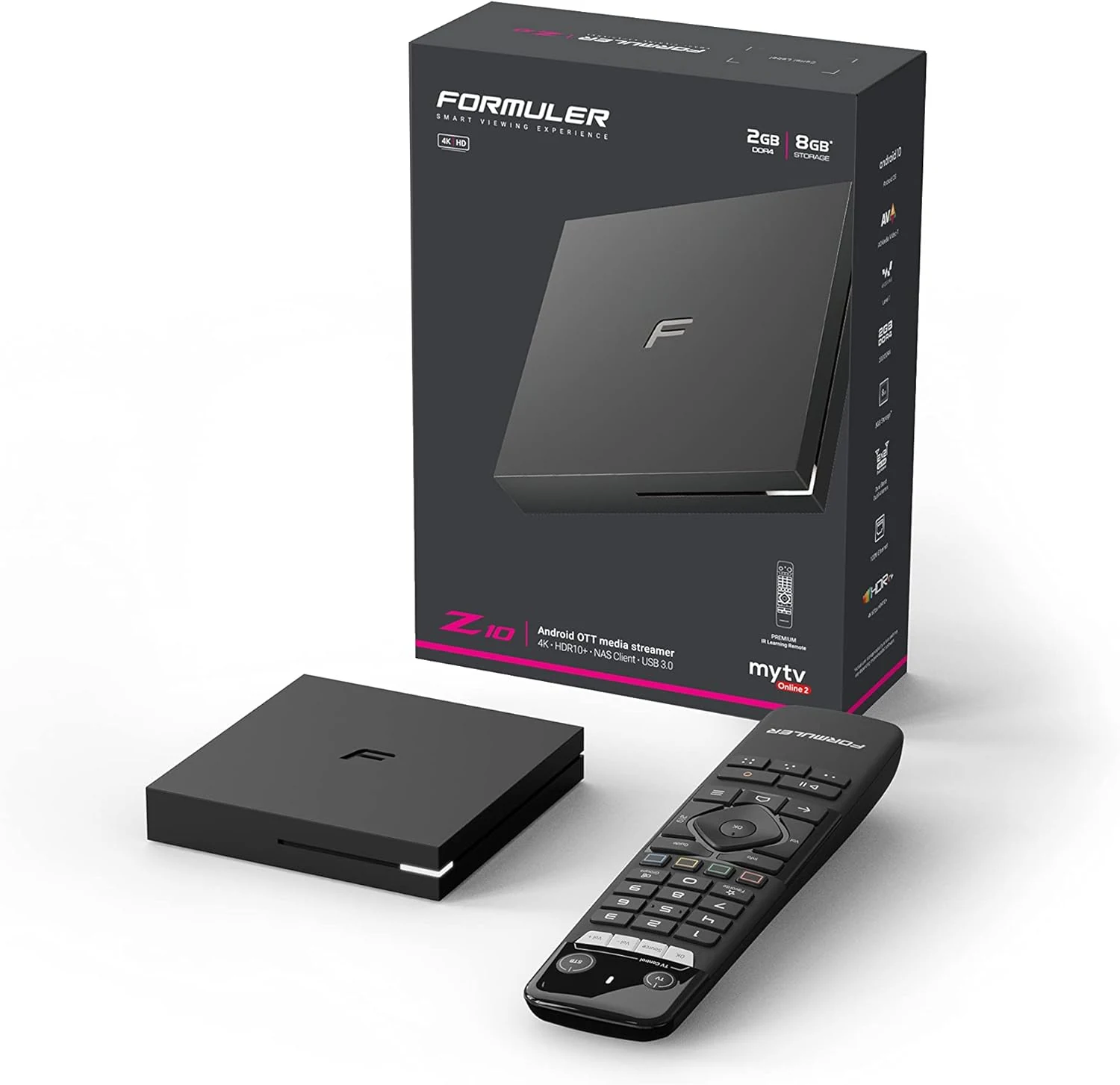
Formuler Z10 Android 10 Dual Band 5G 2GB Ram 8GB 4K
Formuler Z10 is a compact Android 10 TV box built for 4K output (up to 60fps HDR 10) with dual-band 2x2 AC Wi-Fi, Bluetooth 5.0, and HDMI/LAN connectivity. Buyers commonly highlight stability and straightforward setup, with one key caveat: it may not reliably support Netflix, so plan around that if Netflix is a must-have.
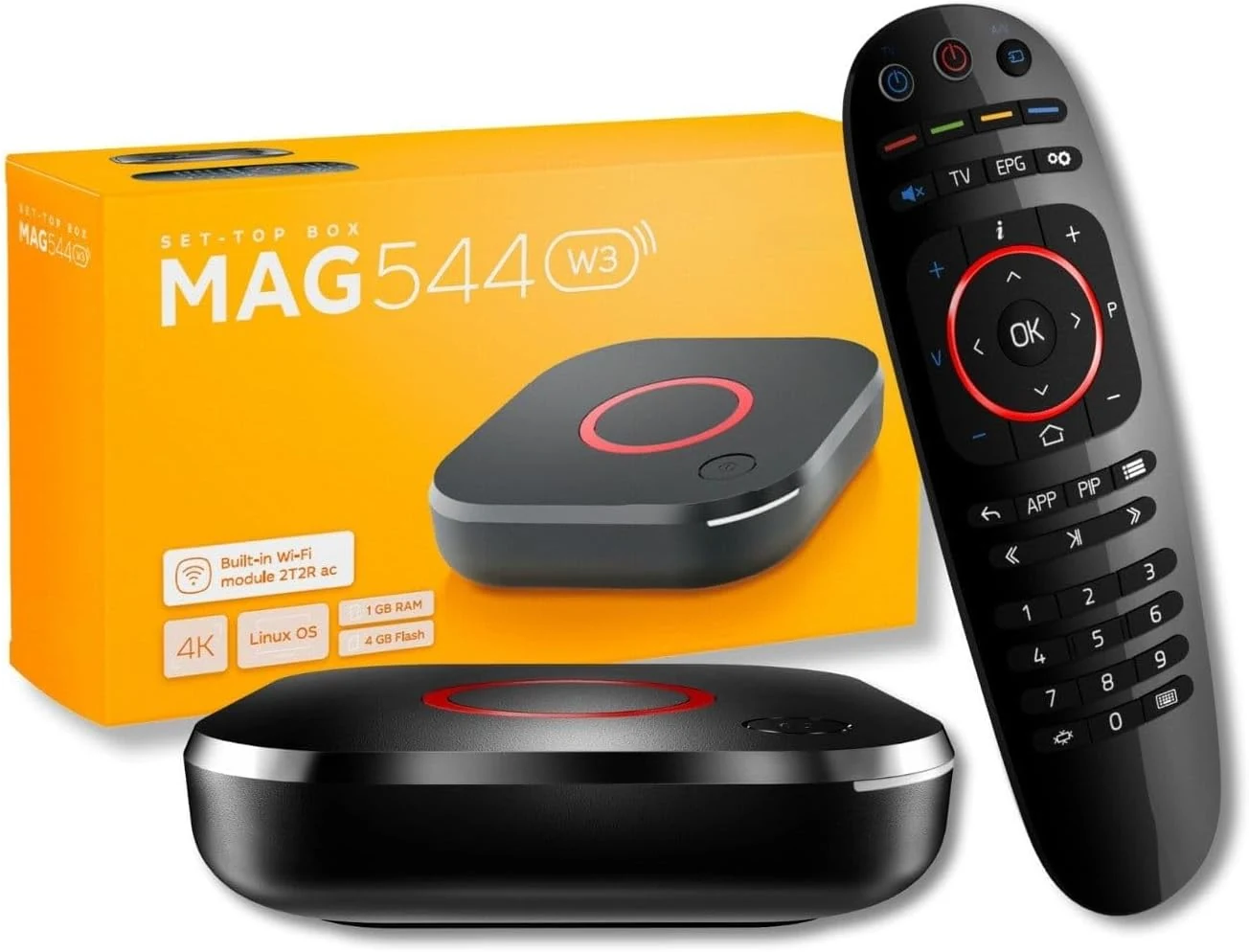
Raxxio MAG544w3 Set-Top Box – 4K HDR Streaming Media Player
The Raxxio MAG544w3 is a Linux-based set-top box for 4K HDR streaming playback with dual-band Wi-Fi and Ethernet. It is geared toward users who want a traditional MAG-style setup with compatible third-party services, not Android apps. If you need plug-and-play for your favorite provider, double-check compatibility before buying.
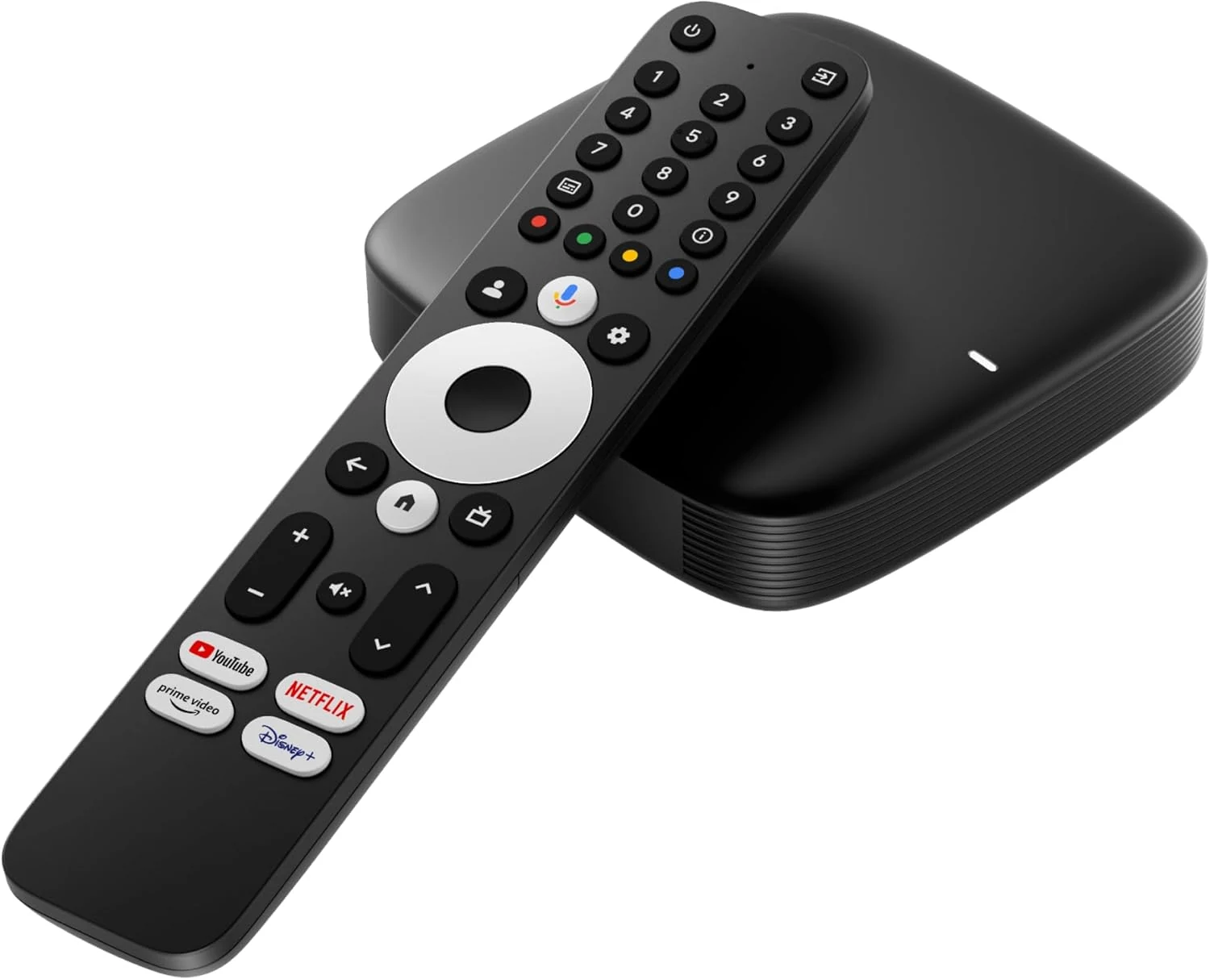
Infomir MAG555 Streaming Media Player Google TV™
The Infomir MAG555 is a compact 4K HDR streaming box with official Google TV 12, Chromecast built-in, and voice control, plus dual-band Wi-Fi and an Ethernet port for steadier high-bitrate streaming. It can be a good fit for upgrading a TV to a modern smart experience, with the main caveat that IPTV or streaming access may require paid subscriptions.
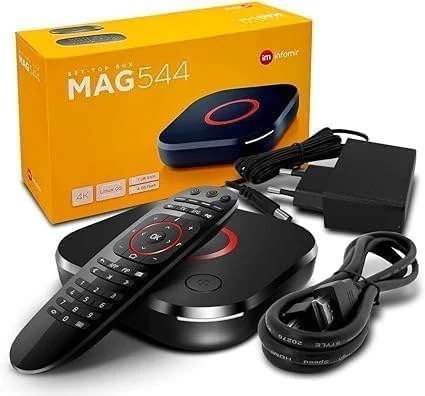
Infomir *New* 2024 Genuine Mag 544W3 4K Linux 4.9 Box (MAG544)
The Infomir MAG 544W3 is a Linux-based set-top box built for 4K HDR playback, HEVC video support, and reliable streaming via dual-band 2.4G/5G Wi-Fi plus Ethernet. It is positioned as a replacement option for MAG 524W3 and 424W3, but buyer fit depends on whether you need MAG-compatible service playback.