2026 Wireless HDMI Display Adapter 4K, Portable Screen Mirror Dongle, WiFi Casting Video/Audio for Phone, Pad, Android, Tablet, Laptop, Windows to TV/Monitor/Projector
Quick take
This wireless HDMI display adapter is meant to turn a TV, monitor, or projector into a secondary screen for compatible Android and Windows devices using screen mirroring (Miracast-style) over WiFi. It supports multiple resolutions up to 4K (with 30Hz listed), and it can mirror or extend your display.
The biggest caveat is app compatibility, especially on iOS and Mac, where HDCP-protected streaming apps may not display due to copyright restrictions. Buyer-review evidence is limited, with a mix of setup success and cases where video did not appear after pairing.
Pros and cons
Pros
- Supports wireless mirroring to HDMI displays, with resolution options listed up to 4K at 30Hz and 1080p at 60Hz.
- Plug-and-play approach, using device Miracast pairing and an HDMI connection to the screen.
- Offers two display modes: mirror (share what you see) and extend (use as a second display).
- Includes guidance for firmware/chip updates to improve casting performance with certain Google Pixel setups.
Cons
- Compatibility limits: best fit is Android and Windows up to Windows 10, and it explicitly does not support Windows 11.
- iOS and Mac casting has restrictions for HDCP-protected apps (for example, major subscription streaming services).
- Review evidence includes some users who could pair but still did not get video output, suggesting setup reliability can vary.
What buyers think
Buyer-review evidence is limited, but the available feedback clusters into two themes. Many reports focus on basic success, including fast setup and working mirroring for media. Other feedback describes a pairing or detection problem where Windows indicates the adapter is present, but the external display does not show an image, leaving users unable to use duplicate/extend display modes.
Overall, the reviews suggest the experience can be straightforward when pairing behaves correctly, but setup reliability is not guaranteed across all device combinations.
How this wireless HDMI adapter is supposed to work
At a high level, the dongle plugs into your display using HDMI, then receives power via a USB connection. From there, you initiate screen mirroring on your phone, tablet, or laptop by selecting the adapter’s Miracast-style option and choosing it as the target.
It’s designed for both entertainment (video and audio casting) and casual productivity, using either:
- Mirror mode, where the TV or monitor shows the same content as your device.
- Extend mode, where you can use the TV or monitor as a secondary display while multitasking.
Resolution and performance expectations
For video quality, the adapter lists support for multiple resolutions and frame rates, including 4K (3840x2160) up to 30Hz, plus 1080p options (listed at 60Hz and 30Hz). In practice, wireless display performance can depend heavily on your source device, the type of content, and your WiFi conditions, so it’s smart to treat the highest settings as “capable,” not guaranteed for every scenario.
Compatibility and content limitations (read this before buying)
Android and windows support
This adapter is positioned for Android and Windows use, and it specifically notes support for Windows up to Windows 10 while stating it does not support Windows 11. If you’re on a Windows 11 PC, you’ll likely need a different solution than this model.
iOS and Mac restrictions for protected streaming
Even though it can cast certain kinds of free media from compatible apps on iOS and Mac, the adapter calls out a key limitation: HDCP-protected apps may not play because of copyright restrictions. That means popular subscription streaming services are the likely problem areas. For iPhone or Mac users who mainly want Netflix, Amazon Video, Hulu, and similar platforms, plan on using a casting alternative or choose a device that supports those protections end to end.
Pros and cons for different buyers
Best for
- Android owners and Windows 10 users who want a budget wireless HDMI option for mirroring photos, videos, and presentations.
- People who value extend mode for multitasking on a second screen (when pairing works properly).
- Buyers with compatible device ecosystems who will use mostly non-HDCP-restricted content on iOS/Mac (if applicable).
Who should avoid it
- Windows 11 users who need reliable screen casting to an HDMI display.
- iOS and Mac users who rely on HDCP-protected streaming apps as their main casting use case.
- Anyone expecting universal plug-and-play behavior regardless of device model, since review evidence includes cases where video output did not appear after detection.
Setup tips that can prevent common problems
- Confirm HDMI input selection on the TV or monitor before troubleshooting the mirroring connection.
- Use the adapter’s pairing target directly (the Miracast option name) and try again if it pairs but does not display.
- Consider firmware update guidance for Google Pixel scenarios, since performance can depend on having the latest dongle chip/firmware available.
Price and availability
With a listed price of $29.99 and availability shown as in stock, this sits firmly in the low-cost end of wireless display adapters. If you’re choosing based on value, treat it as a “works if your device combo is compatible” purchase rather than a universal streaming solution.
Verdict
The DRYMOKINI 2026 Wireless HDMI Display Adapter 4K is a compelling budget option for Android and Windows 10 users who want mirroring and extend mode on an existing TV or monitor. Its main limitations are the Windows 11 incompatibility and the HDCP-protected app restrictions on iOS and Mac. If your use case matches those constraints, it can be an easy way to go from phone or laptop to big-screen viewing, but setup reliability can vary across device pairings.
FAQs
What devices does this wireless HDMI display adapter support?
It is best suited for Android devices and Windows up to Windows 10. It does not support Windows 11, and iOS and Mac have content restrictions for HDCP-protected apps.
Can it cast Netflix, Amazon Prime Video, or other protected streaming apps?
iOS and Mac app casting is limited for HDCP-protected apps due to copyright restrictions. If your goal is protected streaming from iOS or Mac, you may not get video through this adapter.
Does it support mirror mode and extend mode?
Yes. It supports mirror mode (showing the same screen on the TV) and extend mode (using the TV or monitor as a secondary display).
What maximum resolution and refresh rate does it list?
It lists support up to 4K (3840x2160) at 30Hz, and 1080p options including 60Hz and 30Hz.
If Windows detects it but no image appears, what could be wrong?
Some buyers reported detecting the adapter in Windows but not seeing output on the display. Common fixes include rechecking the HDMI input selection on the TV and redoing the Miracast connection pairing. Compatibility and device behavior can also play a role.
Specifications
| Product Title | 2026 Wireless HDMI Display Adapter 4K, Portable Screen Mirror Dongle, WiFi Casting Video/Audio for Phone, Pad, Android, Tablet, Laptop, Windows to TV/Monitor/Projector, Miracast, Airplay, DLNA |
|---|---|
| Category | Electronics > Television & Video > Streaming Media Players |
| Brand | DRYMOKINI |
| Manufacturer | DRYMOKINI |
| Model Number | G17 |
| Color | Grey |
| Item Weight | 80 Grams |
| Connectivity Technology | Wireless |
| Connector Type | HDMI |
| Other Special Features of the Product | Miracast |
| Resolution | 4k |
| Supported Internet Services | YouTube |
| Controller Type | Remote Control |
| Form Factor | TV Stick |
| Compatible Devices | Television, Phone, Laptop, Tablet |
| Video Output Resolution | 3840x2160 pixels |
| Smart Home Compatibility | Not Smart Home Compatible |
| Item Dimensions L x W x H | 3"L x 2"W x 1"H |
| Mfr Part Number | G1712 |
| Unit Count | 1.0 Count |
| Special Feature | Miracast |
Available variants
Size
- 18cm
Color
- Grey
Recommended next
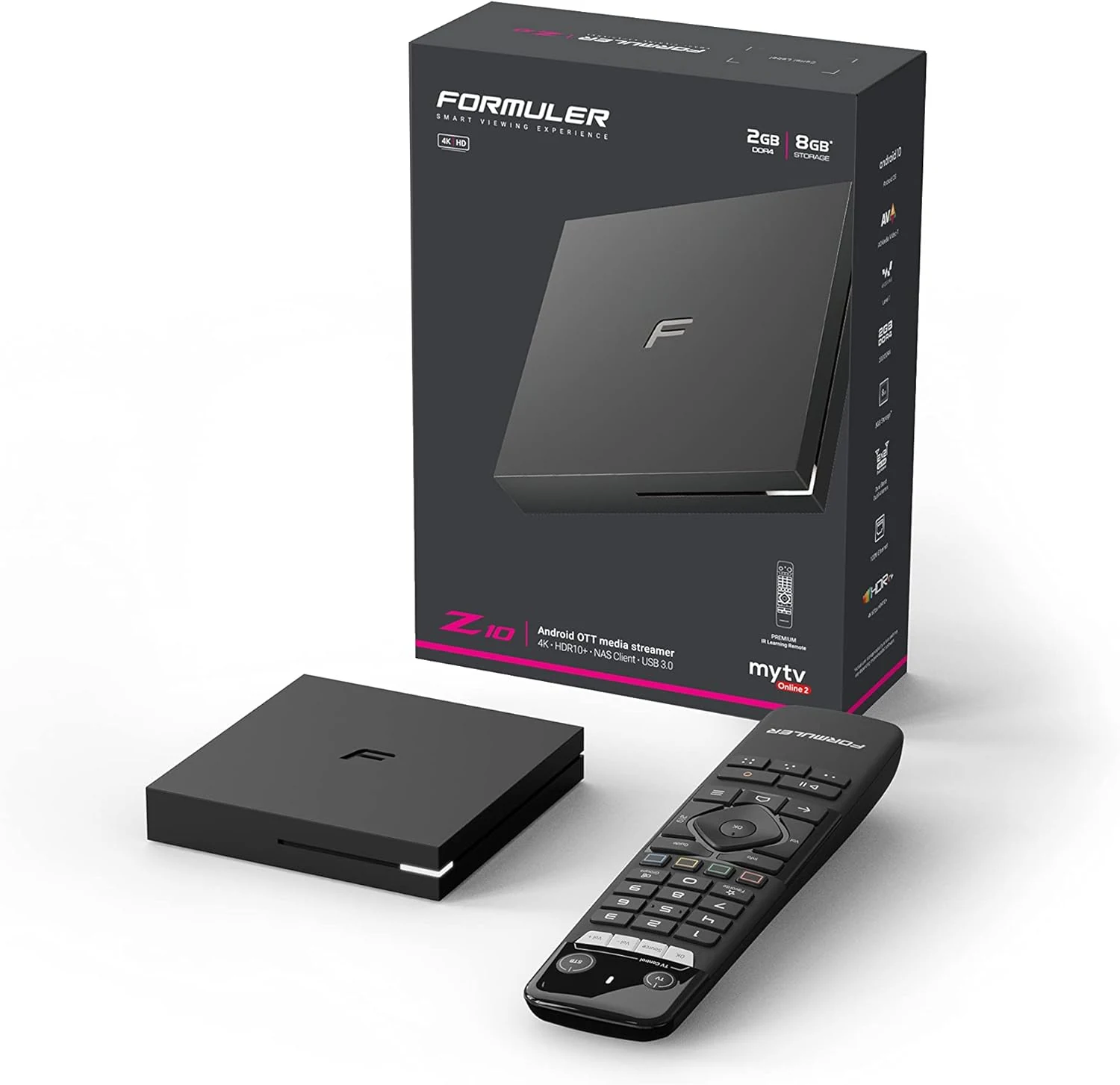
Formuler Z10 Android 10 Dual Band 5G 2GB Ram 8GB 4K
Formuler Z10 is a compact Android 10 TV box built for 4K output (up to 60fps HDR 10) with dual-band 2x2 AC Wi-Fi, Bluetooth 5.0, and HDMI/LAN connectivity. Buyers commonly highlight stability and straightforward setup, with one key caveat: it may not reliably support Netflix, so plan around that if Netflix is a must-have.
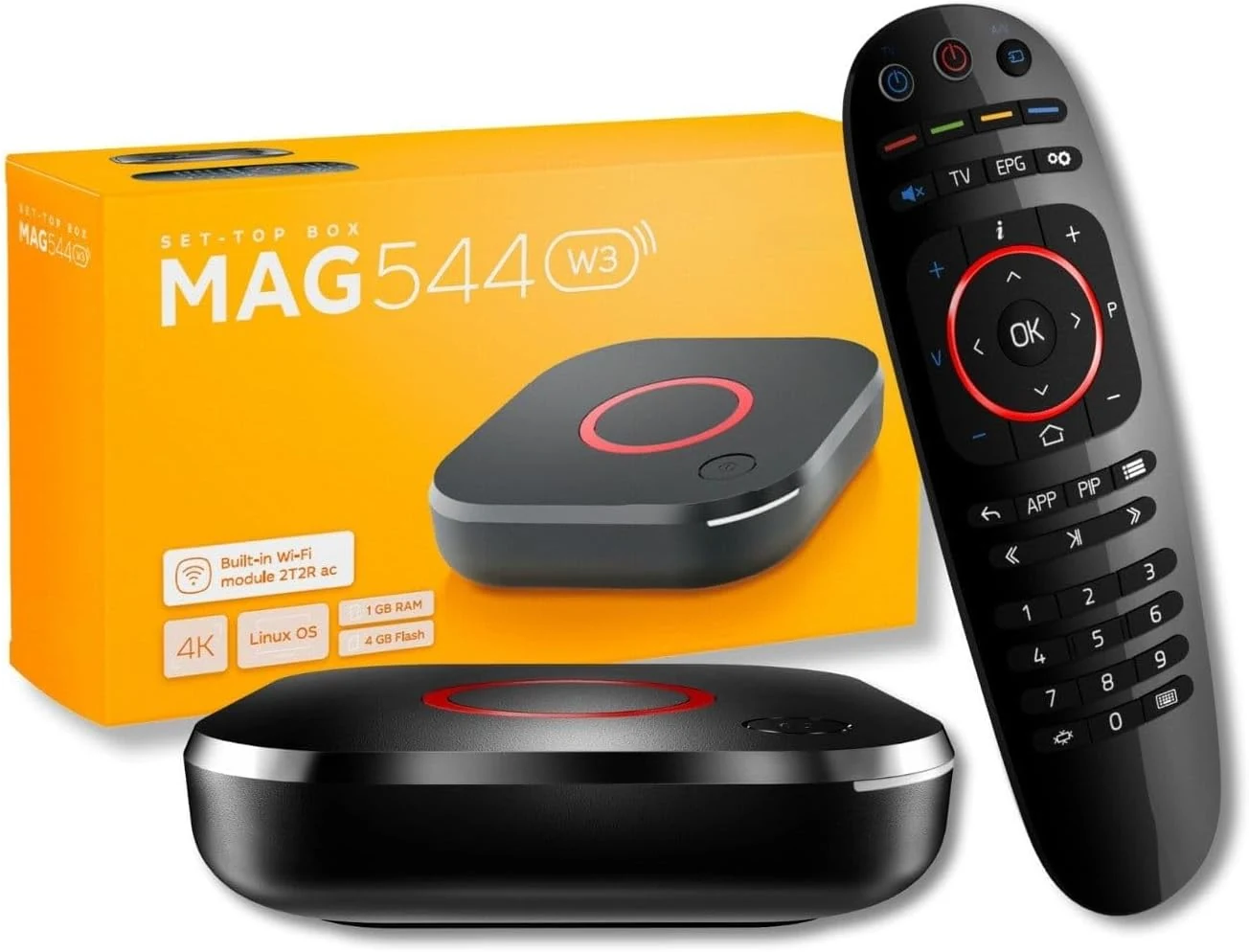
Raxxio MAG544w3 Set-Top Box – 4K HDR Streaming Media Player
The Raxxio MAG544w3 is a Linux-based set-top box for 4K HDR streaming playback with dual-band Wi-Fi and Ethernet. It is geared toward users who want a traditional MAG-style setup with compatible third-party services, not Android apps. If you need plug-and-play for your favorite provider, double-check compatibility before buying.
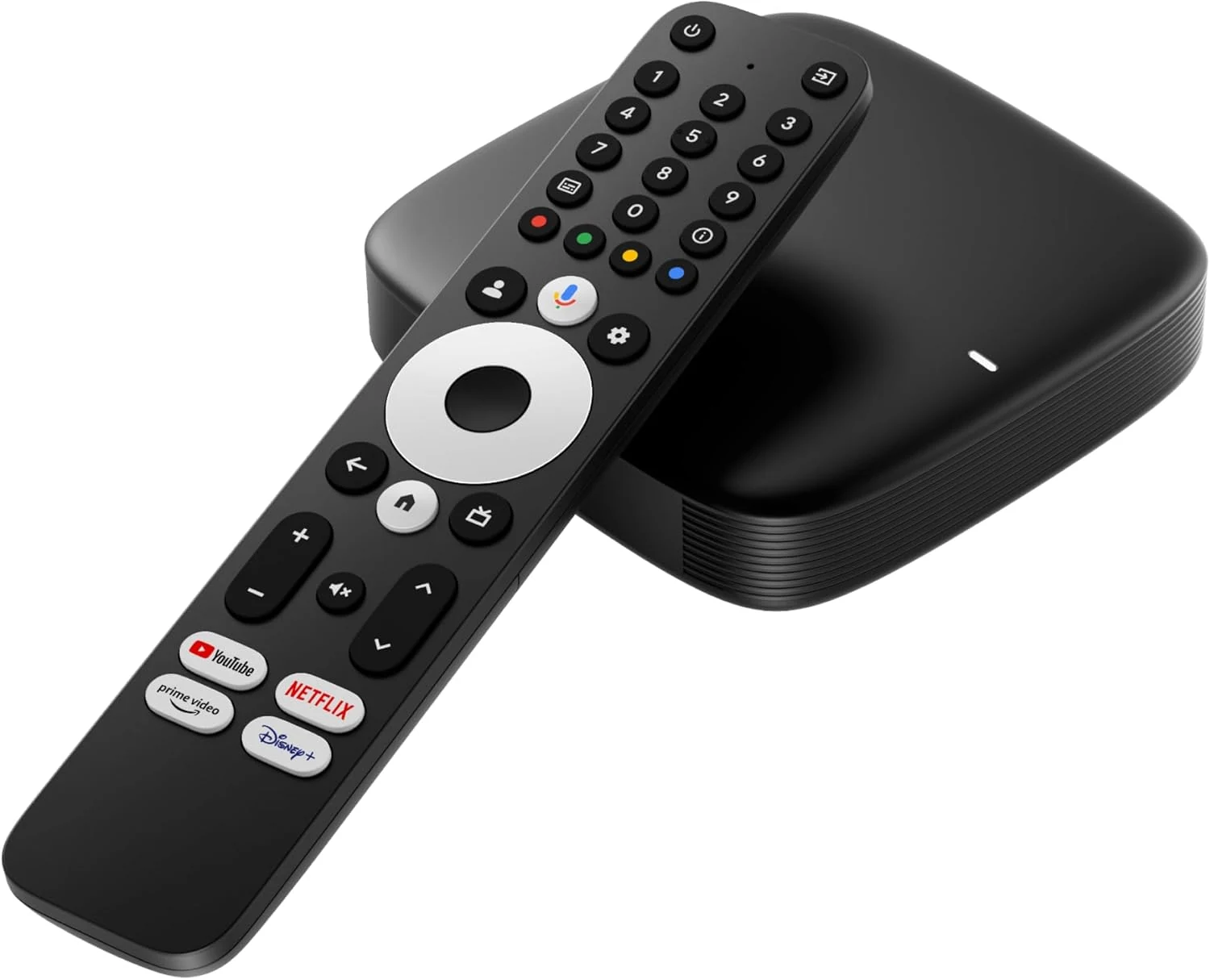
Infomir MAG555 Streaming Media Player Google TV™
The Infomir MAG555 is a compact 4K HDR streaming box with official Google TV 12, Chromecast built-in, and voice control, plus dual-band Wi-Fi and an Ethernet port for steadier high-bitrate streaming. It can be a good fit for upgrading a TV to a modern smart experience, with the main caveat that IPTV or streaming access may require paid subscriptions.
Infomir *New* 2024 Genuine Mag 544W3 4K Linux 4.9 Box (MAG544)
The Infomir MAG 544W3 is a Linux-based set-top box built for 4K HDR playback, HEVC video support, and reliable streaming via dual-band 2.4G/5G Wi-Fi plus Ethernet. It is positioned as a replacement option for MAG 524W3 and 424W3, but buyer fit depends on whether you need MAG-compatible service playback.