DIGITHINK 128GB Tablet PC 10 inch Android 15.0, Android Tablets
Quick take
This 10.1-inch Android 15.0 tablet is built for straightforward tasks like streaming, e-book reading, and school-style learning apps, with 128GB storage that can be expanded using a microSD card and dual-band Wi‑Fi for more stable connections. Battery life is rated around up to 6 hours, and the IPS screen supports a “reading mode” aimed at reducing harsh light. The biggest buying caveat is that some buyers report charging-port problems after only a short time, so it is best approached as a budget, casual-use tablet rather than a daily, long-term main device.
Pros and cons
Pros
- 10.1-inch IPS LCD (1280 x 800) with a “reading mode” designed for more comfortable night reading
- Android 15.0, up to 128GB built-in storage, and microSD expansion up to 1TB
- Dual-band Wi‑Fi (2.4G + 5G) and Bluetooth for everyday connectivity
- Dual cameras (8MP rear, 2MP front) for basic photo capture and video calls
Cons
- Limited charging reliability evidence, with buyers mentioning the tablet stops charging properly after weeks or months
- Review evidence is limited in quantity, so performance and longevity patterns are not fully proven
What buyers think
Buyer-review evidence is mixed but generally focuses on two themes. Several comments describe the tablet as doing what it is needed for (including as a gift) and working well for basic tasks. Other feedback points to charging-port issues developing after a relatively short period, suggesting this is the most important reliability risk to consider. Because the review count is not large, the overall pattern is not definitive, but charging behavior is clearly the main topic shoppers should evaluate before relying on it day to day.
What you get with the DIGITHINK 10.1-inch Android tablet
This is a compact Android tablet built around a 10.1-inch IPS LCD display, with a resolution of 1280 x 800 and an aspect ratio of 16:10 for browsing and video. It runs Android 15.0 and is positioned for everyday use cases like streaming media, taking part in video calls, and using learning apps or reading tools.
Display and everyday usability
The IPS screen is one of the clearer “fit” advantages for casual use. With a 10.1-inch size, it is easier to handle than larger tablets if you plan to read or watch content in bed, on the couch, or while traveling. The inclusion of a “reading mode” is also a practical feature for night use, especially if glare or blue light makes long sessions uncomfortable for you.
Performance and storage that supports downloads
You get 128GB of built-in storage, plus support for microSD expansion up to 1TB. That combination is useful if you want to keep e-books, podcasts, or downloaded videos on the device instead of streaming everything over Wi‑Fi. The tablet also includes a RAM setup described as 4GB RAM plus expandable storage, which is aimed at keeping daily app use smoother within this budget category.
Battery life and real-world charging is the main concern
The battery is rated at 6000mAh, with an advertised runtime up to about 6 hours. That makes the tablet reasonable for schoolwork sessions, casual browsing, and several short entertainment blocks before needing a recharge. However, buyer feedback includes complaints about the charging port working intermittently after only a short time, sometimes requiring adjusting the cable to get it to charge. If you tend to charge and use continuously, or you want a tablet with strong long-term charging reliability, this is the area to weigh carefully.
Connectivity, cameras, and software basics
For networking, it supports dual-band Wi‑Fi (2.4G and 5G) and Bluetooth. That helps with pairing accessories and getting a better chance of stable Wi‑Fi depending on your home setup. The camera setup includes an 8MP rear and a 2MP front, which is best viewed as “good enough” for occasional photos and video chatting rather than a dedicated photography device. On the software side, the presence of Google Play services (GMS certification) and pre-installed access to popular apps means you should be able to install common learning and media apps without jumping through extra setup steps.
Who this tablet is best for
- Casual media viewers: people who want a simple Android tablet for movies, YouTube-style watching, and web browsing.
- Readers and learners: a 10.1-inch IPS panel plus “reading mode” can be a good low-cost way to build a reading routine.
- Budget shoppers who want storage flexibility: 128GB built-in plus microSD expansion up to 1TB can fit bigger local libraries.
- Gift buyers: multiple reviews mention it as a gift that meets basic needs.
Who should avoid it (or buy more carefully)
- Anyone prioritizing charging-port reliability: charging behavior is the clearest reported weakness, so it may not suit users who need dependable daily charging stability.
- Power users and demanding workflows: this is a value tablet. If you expect heavy multitasking, complex creative apps, or laptop-like performance, you may want a higher-tier device instead.
Comparison shopping checklist (what to look at next)
- Tablet size: 10.1 inches is a sweet spot for readability and streaming. If you want more screen real estate, compare larger models.
- Battery expectations: look for clear, consistent buyer feedback on charging and longevity.
- Storage and expansion: confirm microSD support and the capacity you need (this model supports up to 1TB).
- Display comfort features: if night reading matters, prioritize devices with a reading/night mode.
Verdict
The DIGITHINK 10.1-inch Android 15.0 tablet is a practical budget pick for streaming, reading, and learning-app basics, especially if you want expandable storage and dual-band Wi‑Fi. The key decision factor is reliability around charging, since buyer feedback raises concerns about the charging port after short periods. If you can accept that tradeoff, it can be a workable value tablet, but shoppers who need strong long-term charging stability may want to compare higher-reliability alternatives.
FAQs
How much storage does the DIGITHINK tablet have, and can you add more?
It includes 128GB of built-in storage and supports microSD expansion up to 1TB, so you can store more media and e-books locally.
What display does this tablet use?
It has a 10.1-inch IPS LCD display with a resolution of 1280 x 800. A “reading mode” feature is included for more comfortable night reading.
Does it support Wi‑Fi and Bluetooth?
Yes. It supports dual-band Wi‑Fi (2.4G and 5G) and includes Bluetooth for wireless accessories and connectivity.
What are the camera specs?
The tablet has a dual-camera setup, with an 8MP rear camera and a 2MP front camera for video calls.
How long does the battery last?
The battery is rated at 6000mAh, with an advertised runtime of up to about 6 hours under typical use.
Are there reliability concerns?
Buyer feedback includes reports about charging-port issues developing after relatively short use. If charging stability is a top priority for you, that is worth considering before purchasing.
Is this a good tablet for kids or gifts?
It can be a reasonable option for kids or gift recipients who need an easy-to-use Android tablet for watching content, reading, and basic app learning, as long as you are comfortable with the budget-category tradeoffs.
Specifications
| Product Title | DIGITHINK 128GB Tablet PC 10 inch Android 15.0, Android Tablets, DDR4 4GB RAM+16GB Extend 20GB ROM 2MP+8MP Dual Camera, 2.4G+5G WiFi, Bluetooth 1TB Expand 10 in IPS Tab |
|---|---|
| Category | Electronics > Computers & Accessories > Computers & Tablets > Tablets |
| Brand | DIGITHINK |
| Manufacturer | DIGITHINK |
| Model Number | CP31M |
| Color | Black |
| Size | 10.1 inches |
| Model Year | 2025 |
| Set Name | DIGITHINK Tablet PC 10 inch Android 15.0 with Case |
| Mfr Part Number | CP31M Black |
| Unit Count | 1.0 Count |
| Battery Average Life | 6 Hours |
| Battery Capacity | 6000 Milliamp Hours |
| Battery Cell Type | Lithium Polymer |
| Battery Power | 22 Watt Hours |
| Lithium-Battery Energy Content | 22.8 Watt Hours |
| Processor Speed | 2 GHz |
| CPU Model Speed Maximum | 2 GHz |
| Item Dimensions L x W x Thickness | 9.65"L x 6.38"W x 0.39"Th |
| Human-Interface Input | Touchscreen |
| Operating System Family | Android |
| Screen Size | 10.1 Inches |
| Display Type | IPS LCD |
| Native Resolution | 1280 x 800 pixels |
| Aspect Ratio | 16:10 |
| Memory Storage Capacity | 128 GB |
| RAM Memory Installed | 18 GB |
Recommended next
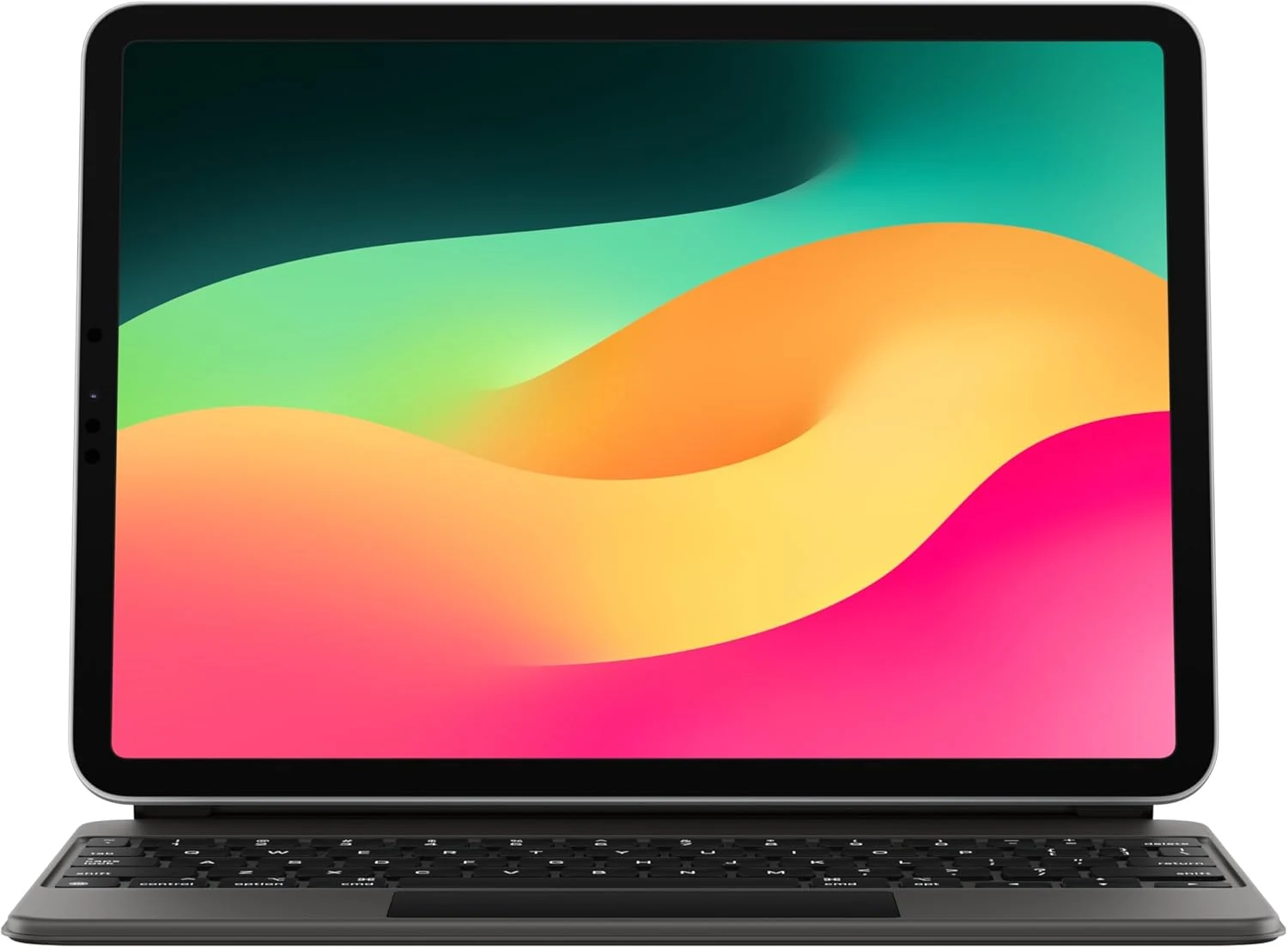
Apple Magic Keyboard: iPad Keyboard case for iPad Pro 11-inch (1st, 2nd, 3rd, 4th gen) and iPad Air (4th, 5th gen, and M2)
Apple’s Magic Keyboard turns compatible 11-inch iPads into a more laptop-like setup with a full keyboard, built-in trackpad, backlit keys, and front-and-back protection. Buyers highlight the typing and trackpad experience and easy magnet attachment, but most caveat to consider is the added weight and the premium price.

Amazon Fire HD 10 Kids tablet (newest model) | Officially Licensed Toy Story 30th Anniversary Edition
A durable, parent-friendly 10.1-inch kids tablet with a full-featured setup for ages 3-7, 3 GB RAM, 32 GB storage, and up to 13 hours of battery life. The standout is Amazon Kids+ plus robust parental controls for screen time and app approvals, with the main tradeoff being storage that can fill up and slow down if you do not manage it.

Apple Magic Keyboard: Keyboard and Case for iPad Air 11-inch (M2, M3, and M4) and iPad Air (4th and 5th Generation), US English — White
Apple’s Magic Keyboard for iPad Air 11-inch adds a laptop-style typing setup with an integrated trackpad, a full function row, and a foldable protective design with USB-C pass-through charging. It’s a great fit for iPad Air owners who want a steadier, more comfortable work-and-note-taking experience, with the main tradeoff being the premium price and the lack of keyboard backlighting.
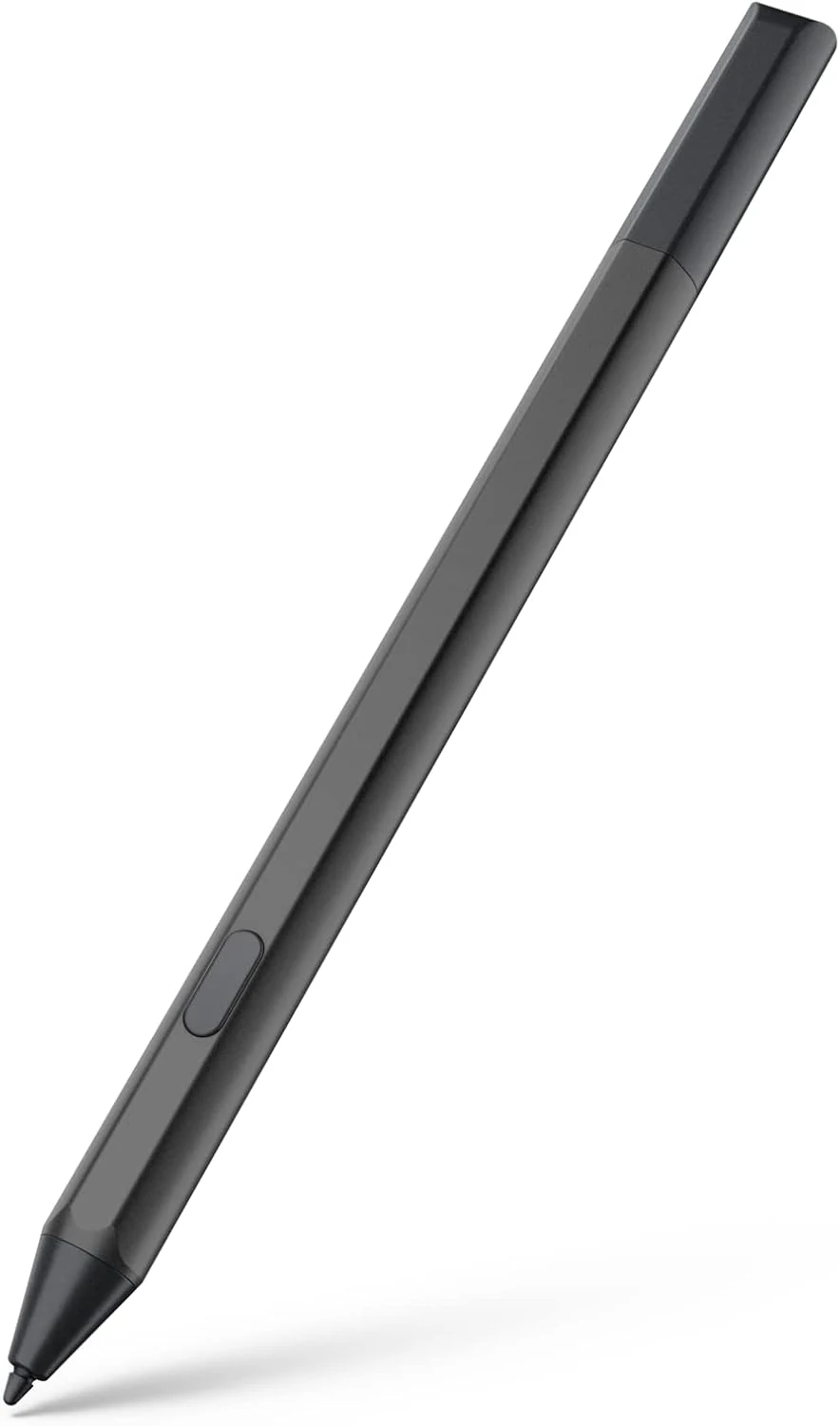
Maxeye stylus pen for Fire Max 11 (2023) and Fire HD 10 (13th gen)
A USI 2.0 compatible stylus designed for Amazon Fire tablets like Fire Max 11 (2023) and Fire HD 10 (13th gen). It offers magnetic attachment, tilt support, and 4096 pressure sensitivity, with battery-powered AAAA operation and an emphasis on long standby via Sleep Mode. Best for note-taking, drawing, and markup, especially if you’re okay managing AAAA batteries.