Arduino® UNO™ Q 2GB[ABX00162] Hybrid Board
Quick take
The Arduino UNO Q 2GB brings a hybrid design to the familiar UNO form factor, pairing a Qualcomm Dragonwing MPU for Linux-based computing with an STM32U585 MCU for real-time control. It is a strong fit for makers who want to prototype AI vision, voice, and IoT/robotics with both Python/Linux access and Arduino-style expansion. The biggest buying caveat to plan for is that initial setup and certain accessory scenarios (especially around power and companion tools) can be less straightforward than typical maker boards.
Pros and cons
Pros
- Hybrid architecture: Qualcomm Dragonwing QRB2210 MPU plus STM32U585 MCU for combined Linux and real-time workloads.
- Runs Linux Debian, with 2GB LPDDR4 RAM and 16GB eMMC storage for lightweight OS-based development.
- UNO form factor compatibility, plus Qwiic and Modulino-style expansion for cameras, audio, and other peripherals.
- Wireless built in: Wi‑Fi 5 (2.4/5 GHz) and Bluetooth 5.1 for networked robotics and IoT projects.
Cons
- Some buyers report sensitivity to USB-C power delivery and hub/accessory compatibility, which can affect boot or peripheral use.
- Companion tooling (like Arduino App Lab) may require firmware updates and can be less stable on certain computer setups, even if core USB access still works.
What buyers think
Buyer feedback focuses more on capability and setup experience than on day-to-day hardware comfort. Several reviewers describe the board as genuinely powerful for AI/vision and robotics-style experiments, especially when you want both a Linux environment and real-time control. Documentation is frequently mentioned as helpful, and Linux/SSH workflows are seen as workable for development. At the same time, review evidence also points to occasional friction with setup and certain accessory/power configurations, suggesting that buyers should expect some troubleshooting during the first configuration, particularly around USB-C power and connected peripherals.
Who this board is for
This hybrid UNO Q 2GB is best for builders who want a single platform that can cover multiple layers of a project, not just one typical maker workflow.
- AI and vision prototyping (lightweight scope): The onboard MPU and hardware acceleration support are a natural match if you plan to experiment with object recognition, classification, or motion-related vision tasks without building a full heavy GUI experience.
- Python plus Arduino ecosystem development: If you like writing Python against a Linux environment but still want UNO-style shields and common Arduino-compatible expansion, the form factor is a major advantage.
- IoT and robotics projects that need connectivity: Built-in Wi‑Fi 5 and Bluetooth 5.1 help you prototype networked devices, remote control, and data upload without adding a separate communications board.
- Developers who prefer OS access: With Debian Linux, onboard storage (16GB eMMC), and support for SSH/shell-style workflows, it suits people who want to run scripts and basic services.
Key specs that matter in practice
Hybrid compute for “both worlds”
The board combines a Qualcomm Dragonwing QRB2210 MPU (quad-core Arm Cortex-A53 at 2.0 GHz, Adreno GPU, AI acceleration) with a dedicated STM32U585 MCU intended for low-power, real-time tasks. That separation can make it easier to split responsibilities, for example, running vision inference on the Linux side while using the STM32 side for deterministic control loops.
Memory and storage for lightweight Linux development
It includes 2 GB LPDDR4 RAM and 16 GB eMMC storage. In buyer terms, that tends to fit projects where you need a usable OS environment and local scripts, but you are not expecting the board to behave like a full desktop development machine.
Connectivity built in
You get dual-band Wi‑Fi 5 (2.4/5 GHz) and Bluetooth 5.1. This is particularly useful for robotics, monitoring, and voice or sensor-driven projects where you want local connectivity and remote interaction.
Expansion in the UNO ecosystem
With a UNO form factor, buyers can lean on UNO shield compatibility. It also includes an 8x13 LED matrix and a Qwiic connector for expanding with Modulino nodes and Qwiic-style peripherals, which helps when you want to keep wiring simple for sensors and modules.
Setup and compatibility considerations to plan for
Review feedback suggests the board is capable, but first-time setup can involve trial and error depending on your environment.
- USB-C power and peripherals: Some buyers report that USB-C hub and power negotiation can fail in certain scenarios, leading to boot issues or peripheral problems. If you plan to use hubs for cameras, keyboards, or other USB devices, consider testing your exact power source and hub combination.
- Companion software behavior: Some buyers mention that Arduino App Lab can request firmware updates during setup and that Wi‑Fi connection behavior may vary based on the computer setup. Even when Wi‑Fi issues occur, USB workflows may still function, so your development approach matters.
- “UNO” expansion convenience, but not “plug-and-forget”: UNO shields and Qwiic expansion are a big plus, but you should still validate your intended peripheral chain, especially with USB-C accessories and any HDMI or multi-device setups.
Pros and cons summary
Pros
- Hybrid Qualcomm + STM32 design supports both AI-capable compute and real-time control use cases.
- Linux Debian with local storage (16GB eMMC) supports Python and basic services without relying on a demanding GUI workflow.
- Strong maker ecosystem alignment via UNO form factor, UNO shield compatibility, Qwiic connectivity, and Modulino-style expansion.
- Built-in Wi‑Fi 5 and Bluetooth 5.1 for connected robotics and IoT prototypes.
Cons
- Some setup and accessory scenarios can be sensitive, particularly around USB-C power delivery and hub compatibility.
- Companion tooling may require firmware updates and may behave differently depending on the host computer environment.
Is it worth it?
The Arduino UNO Q 2GB is worth considering if you want a UNO-compatible hybrid board that can do Linux-based Python development and AI vision experimentation while still using familiar Arduino-style shields and expansion. If you mainly want a straightforward microcontroller-only UNO replacement, or you prefer a device that behaves consistently across every hub and USB-C power setup without adjustment, you may want to look for a simpler alternative that matches your exact peripheral plan.
FAQ
What kind of projects is the Arduino UNO Q 2GB best for?
It is designed for robotics and IoT prototypes, and for lightweight AI/vision work where you want a Linux (Debian) environment plus Arduino-style expansion. The hybrid design helps when you need both higher-level computing and real-time control.
Does it support UNO shields and Qwiic expansion?
Yes. It uses the classic UNO form factor for UNO shield compatibility, and it also includes Qwiic connectivity for easier expansion with supported nodes and peripherals.
How much memory and storage does it have?
It includes 2 GB LPDDR4 RAM and 16 GB eMMC storage.
What connectivity options are included?
It has dual-band Wi‑Fi 5 and Bluetooth 5.1, and it uses USB-C for power and connection.
Will I need a Linux workflow to use this board?
If you want to take advantage of its Debian Linux environment and local Python scripting, then yes, a Linux-oriented workflow helps. You can still prototype in an Arduino ecosystem style, but the board is particularly compelling when you use both the OS side and the MCU side.
Are there any setup pitfalls to watch for?
Some buyers report that USB-C power delivery and hub/peripheral compatibility can be finicky, and that companion tooling setup can involve firmware updates and varying Wi‑Fi behavior depending on the host setup.
Specifications
| Product Title | Arduino® UNO™ Q 2GB[ABX00162] - Hybrid Board, Qualcomm Dragonwing QRB2210 microprocessor (MPU) & STM32U585 Microcontroller(MCU), AI Vision, Voice, IoT, Robotics, Linux Debian OS, Wi-Fi 5, USB-C |
|---|---|
| Category | Electronics > Computers & Accessories > Computer Components > Single Board Computers |
| Brand | Arduino |
| Manufacturer | Arduino S.r.l. |
| Model Name | Uno Q 2 GB |
| Model Number | ABX00162 |
| Operating System | Linux Debian |
| RAM Memory Installed | 2 GB |
| Memory Storage Capacity | 16 GB |
| CPU Model | Snapdragon |
| Processor Speed | 2 GHz |
| Connectivity Technology | Bluetooth 5.1, USB, Wi-fi 5 |
| Processor Brand | Qualcomm |
| Wireless Compability | 802.11a/b/g/n/ac, Bluetooth |
| Compatible Devices | Arduino Shields, Modulino Nodes, Qwiic Sensors, Uno Shields, Usb-c Peripherals |
| RAM Memory Technology | LPDDR4 |
| Processor Count | 4 |
| Total Usb Ports | 1 |
| Smart Home Compatibility | Not Smart Home Compatible |
| Built-In Media | User Manual |
| Mfr Part Number | ABX00162 |
| Warranty Description | 2 Year Manufacturer |
| Item Dimensions L x W x H | 3"L x 2.2"W x 0.5"H |
| Ram Memory Installed Size | 2 GB |
Available variants
Ram Memory Size
- 2.0 GB
- 4.0 GB
Memory Storage Capacity
- 16.0 GB
- 32.0 GB
Recommended next
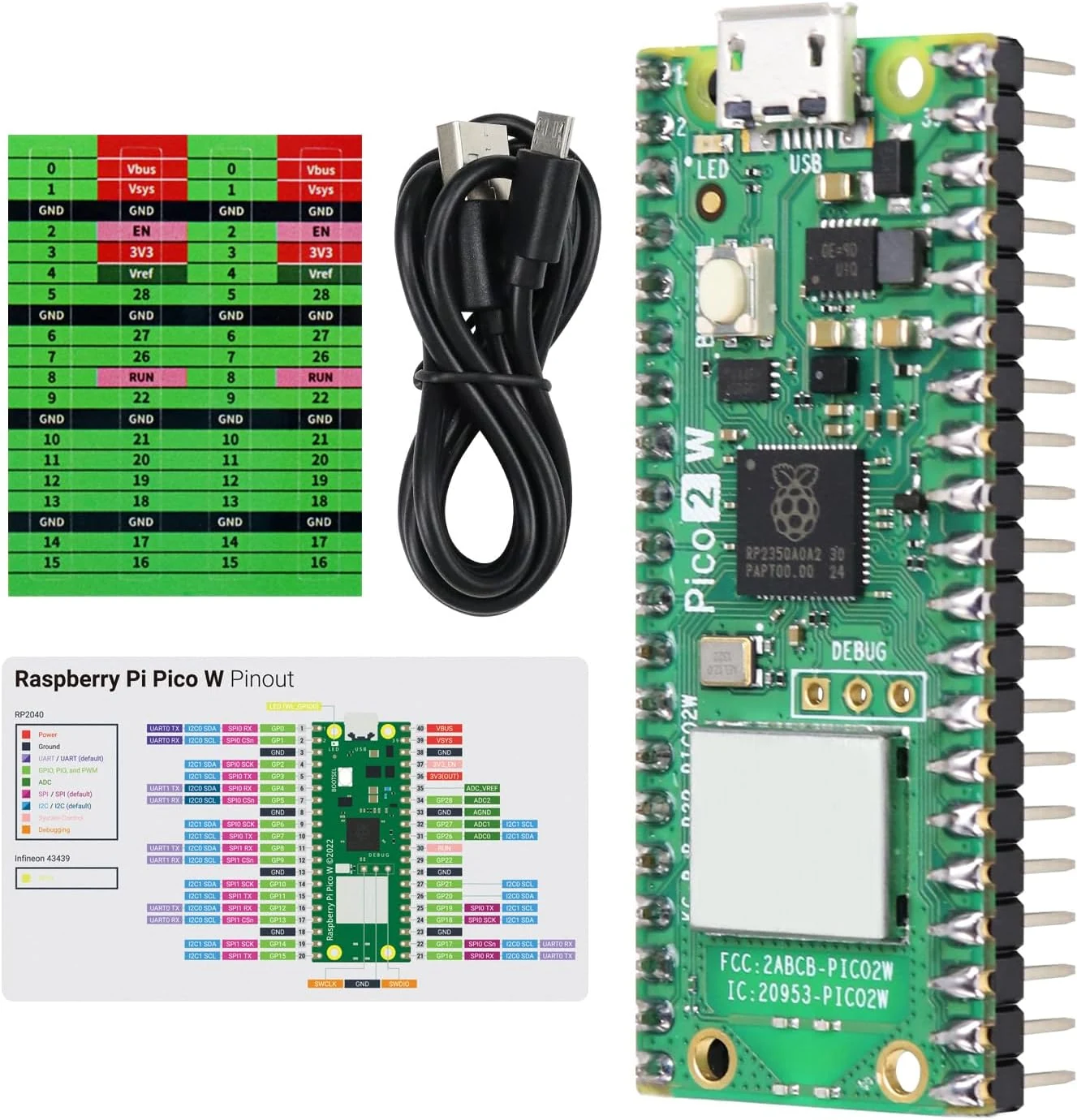
Freenove Raspberry Pi Pico 2 W Board Pre-Soldered Header, Dual
The Freenove Raspberry Pi Pico 2 W is a dual-core development board with built-in 2.4 GHz 802.11n Wi-Fi and Bluetooth 5.2, plus GPIO, PWM, ADC, and common serial interfaces for maker projects. Buyers like the overall value, strong wireless connectivity, and the flexibility to program with MicroPython, C, or other included example code, with the main caveat that you will need to download tutorials and supporting items for projects.
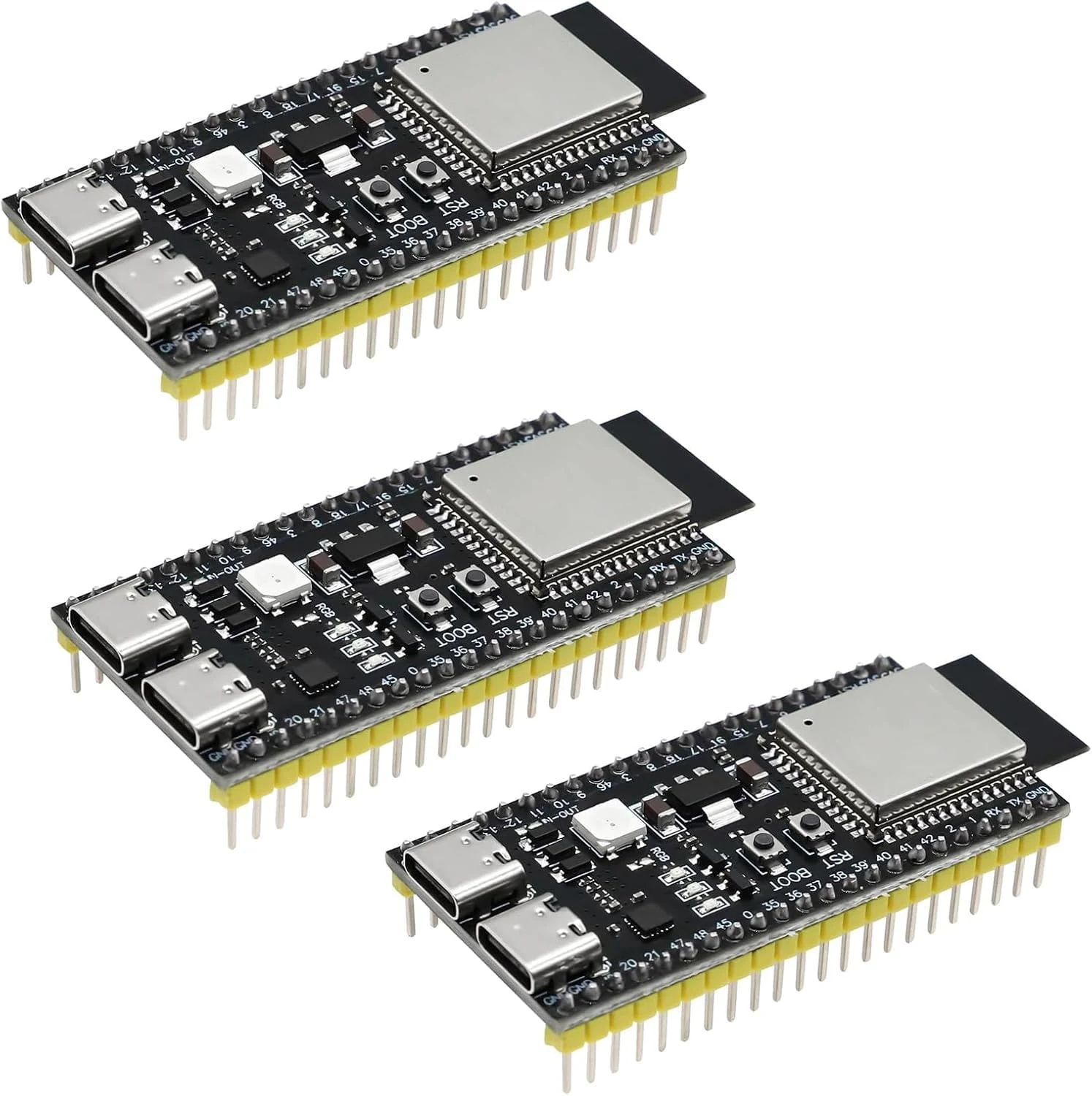
3 PCS ESP ESP-32-S3 Development Board ESP-32-S3 Module with ESP-1-N16R8 Low Power MCU with Dual-Mode Wi-Fi and Bluetooth Type-C Connector Compatible with Arduino
A 3-pack of ESP32-S3 dev boards built around the ESP-1-N16R8 module, aimed at Arduino and IoT projects that need Wi-Fi plus Bluetooth LE. The setup experience seems to go smoothly on mainstream IDEs, but buyers should pay attention to USB and port selection, and the review evidence is mixed on reliability and physical arrival.
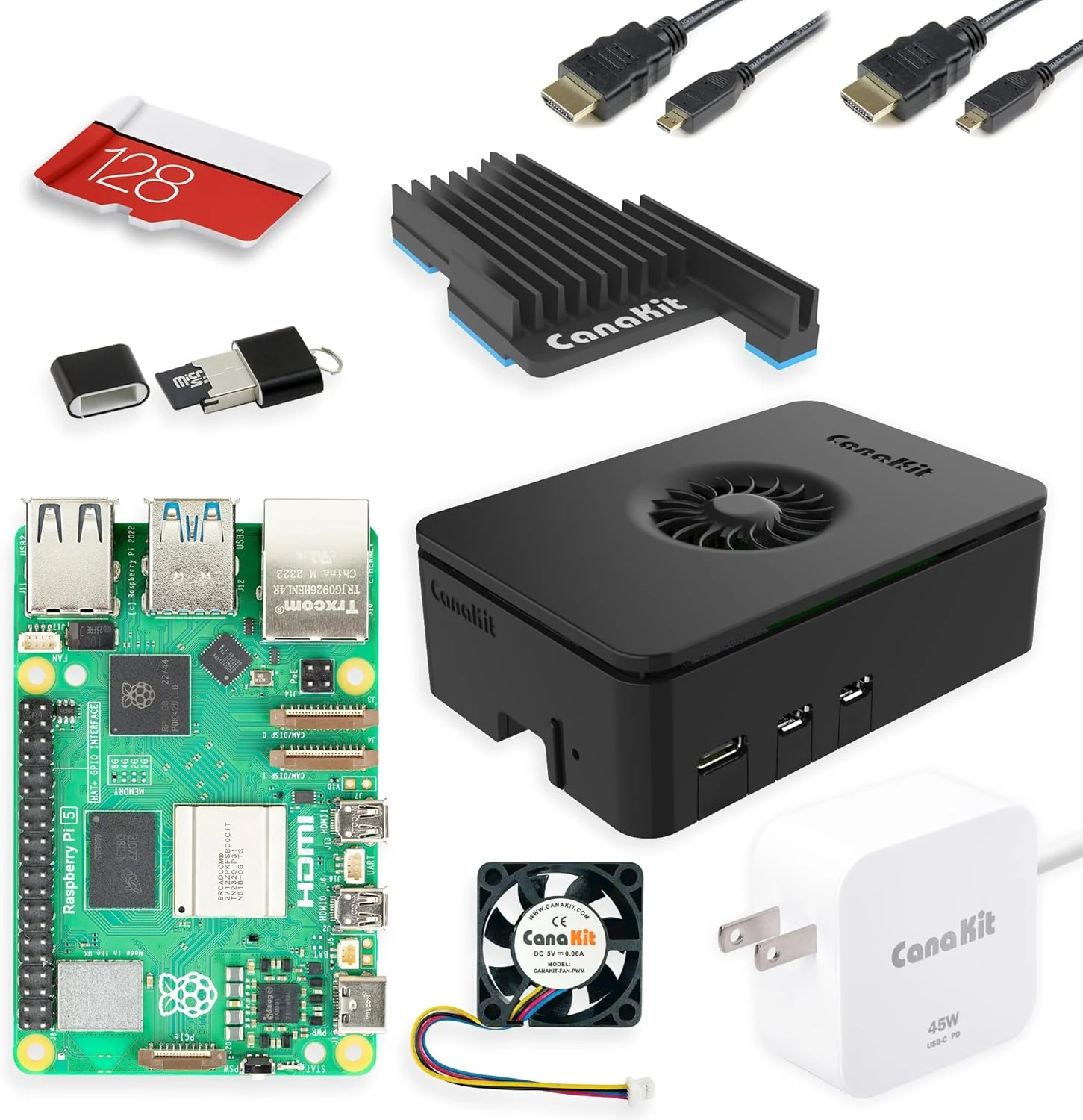
CanaKit Raspberry Pi 5 16GB Starter Kit PRO - Turbine Black (128GB Edition) (16GB RAM)
The CanaKit Raspberry Pi 5 16GB Starter Kit PRO (Turbine Black, 128GB edition) is an all-in-one bundle aimed at getting you running fast, with 16GB RAM, a pre-loaded 128GB microSD card, a case with active cooling, a heat sink, a PWM fan, and a 45W USB-C PD power supply. It is a strong pick for learning, coding, and everyday Pi projects, especially if you want less part-hunting than a bare board. The main caveat is that it is still a single-board computer, so some desktop-style workflows may require extra peripherals and setup.
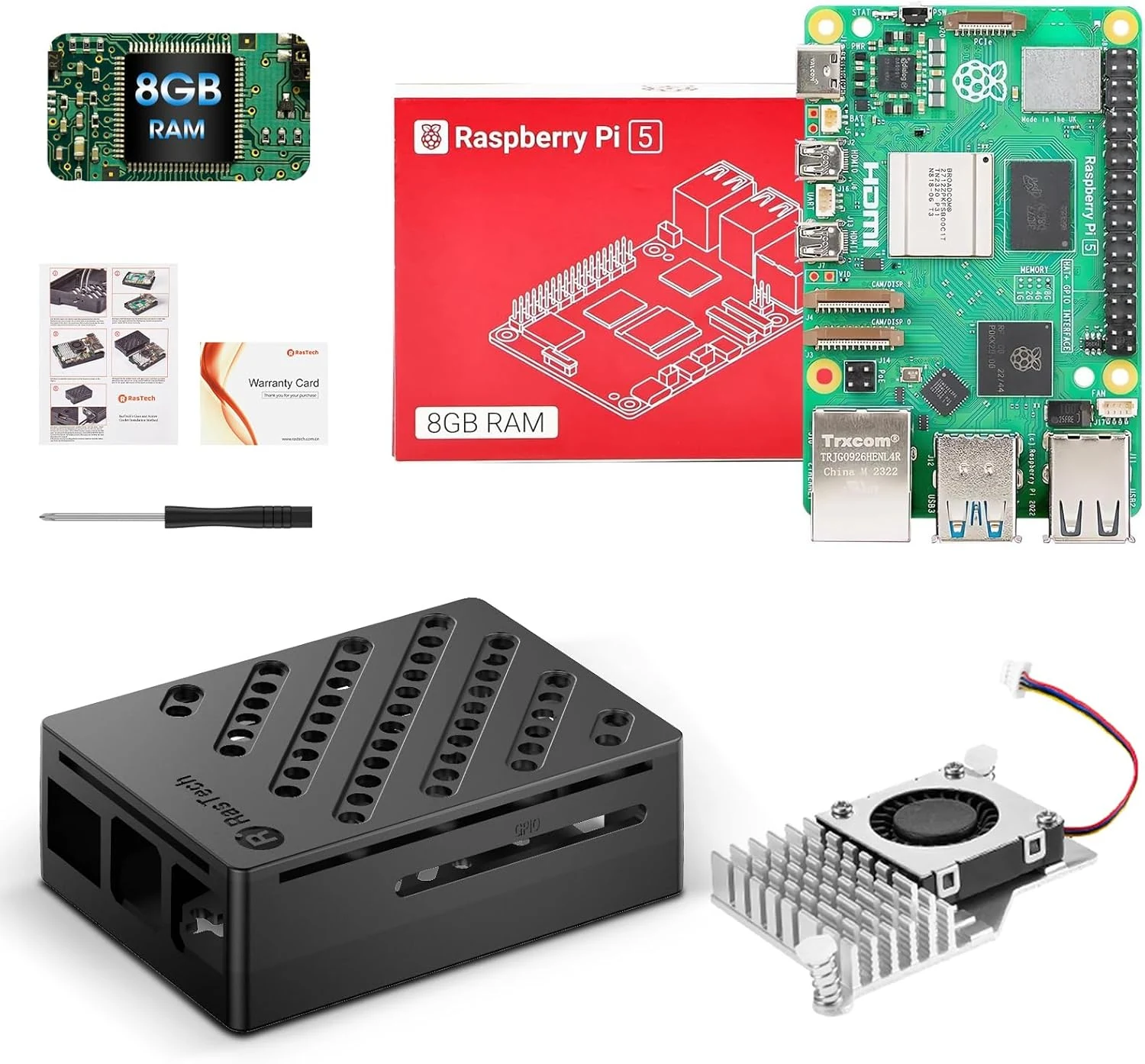
RasTech Raspberry Pi 5 Kit 8GB RAM with Pi 5 Case,Active Cooler,Screwdrive and Pi 5 8GB Board Included
The RasTech Raspberry Pi 5 Kit bundles the Raspberry Pi 5 (8GB) with a case and active cooler, targeting makers and beginners who want a ready-to-assemble starting point. It supports dual 4Kp60 micro-HDMI displays, gigabit Ethernet, dual-band Wi‑Fi, Bluetooth 5.0, faster SD card mode (SDR104), and a PCIe interface for fast peripherals (with separate add-ons). The main catch is that it is a kit that still requires you to supply common items like a microSD card and peripherals, and assembly can take some careful alignment.