Freenove Raspberry Pi Pico 2 W Board Pre-Soldered Header, Dual
Quick take
Freenove’s Raspberry Pi Pico 2 W is a developer-friendly microcontroller board built for projects that need both GPIO and wireless connectivity. It includes onboard 2.4 GHz Wi-Fi (802.11n) and Bluetooth 5.2, and it lets you work with MicroPython and other example code. The tradeoff is that tutorials and many example projects require downloads and extra components, so it is not as plug-and-play as a finished gadget.
Pros and cons
Pros
- Onboard Wi-Fi (2.4 GHz 802.11n) and Bluetooth 5.2 for IoT and wireless builds.
- Flexible programming options, including MicroPython plus downloadable tutorial materials and example code.
- Lots of expansion via multifunction GPIO, with common interfaces like I2C, UART, SPI, and PWM.
- Dual-core setup with switchable Arm Cortex-M33 and Hazard3 RISC-V cores for more than one development style.
Cons
- You will likely need to download the tutorial materials, and many example projects need extra items.
- Because it is a development board, successful use takes some setup and tinkering compared with consumer electronics.
- Wireless performance for your specific application will depend on your firmware and project design, not just the hardware radio.
What buyers think
Buyer feedback is broadly positive, with recurring themes around usability and wireless behavior. Several shoppers mention that Wi-Fi stays connected reliably and that the board offers plenty of usable I/O (including I2C, UART/serial, SPI, and ADC) for electronics experiments. Reviewers also commonly call out the learning value, noting that you should expect to follow setup steps and adjust things as you go. There is also clear enthusiasm for Bluetooth use cases that require responsive wireless pairing, including controller-style projects, though results can vary widely by firmware and workflow.
Who this board is best for
- IoT and wireless prototyping: If you want Wi-Fi and Bluetooth built in, you avoid extra adapters and can move straight into experimenting.
- Maker electronics learners: The abundance of GPIO and standard interfaces makes it a good “learn by wiring” platform.
- Developers who like flexibility: The switchable dual-core design (Arm Cortex-M33 and Hazard3 RISC-V) supports different development approaches.
- People who use code-first workflows: You are comfortable downloading materials, following setup steps, and building from schematics and wiring diagrams.
Key features that matter in everyday use
Wireless connectivity built in
The Pico 2 W variant includes onboard 2.4 GHz 802.11n Wi-Fi and Bluetooth 5.2. That combination is especially useful for prototypes that need internet access, device-to-device communication, or both.
Plenty of I/O for real projects
With multifunction GPIO (26 pins), plus PWM (24), ADC (3), and serial buses like UART (2), SPI (2), and I2C (2), this board fits common maker patterns, from sensor reads and display control to motor drivers and communication modules.
More than one CPU option
The board supports switchable dual Arm Cortex-M33 cores and dual Hazard3 RISC-V cores. If you are experimenting across toolchains or want to explore different architectures, that flexibility can be a deciding factor.
Built for code and learning, not finished products
It comes with downloadable tutorials and example projects, including schematics and wiring diagrams, but you will need extra items for some builds. Plan to spend a bit of time assembling the full development setup.
Pros and cons in plain terms
Pros
- Strong value for a wireless-capable microcontroller platform: Buyers repeatedly describe it as a good deal for what you get.
- Wireless features get used: Reviews mention Wi-Fi connectivity that holds up and Bluetooth pairing that can work well for responsive wireless interactions.
- Project-friendly interface options: Common electronics buses and a large GPIO count support lots of experiments without needing constant workarounds.
Cons
- Not fully self-contained: Expect to download materials and gather additional components for some example projects.
- Learning curve is real: Setup and tweaking are part of the experience for development boards.
Comparison guidance (what to consider vs other Pico-style boards)
If you are deciding between “Pico 2 W” and non-wireless options, the Wi-Fi and Bluetooth radios are the main differentiator. Choose the Pico 2 W if your project needs wireless without adding external dongles. If you only need local I/O (sensors, basic control, wired communication), a non-W variant could be simpler and cheaper, but you would need to add networking or Bluetooth later if you change requirements.
Verdict
The Freenove Raspberry Pi Pico 2 W is a solid choice for makers who want a compact development board with Wi-Fi and Bluetooth on board, plus plenty of GPIO and standard interfaces for hands-on electronics and code-based learning. It is best when you are comfortable following setup steps and using downloadable tutorials, and it may be less appealing if you want immediate, out-of-the-box results with no extra components or configuration.
FAQ
Is the Pico 2 W version better than the non-W model?
The key advantage is onboard 2.4 GHz Wi-Fi (802.11n) and Bluetooth 5.2, which lets you build wireless projects without buying separate adapters.
Do I need extra parts to use the example projects?
Many projects reference schematics and wiring diagrams and may require additional components beyond the board itself.
What programming options does this board support?
It is designed around MicroPython, and it also includes example code and materials for other environments (such as C and Processing/Java-style examples), with learning resources provided to download.
What interfaces are available for connecting sensors and modules?
You get multifunction GPIO plus common interfaces such as I2C, UART, SPI, and PWM, along with ADC inputs for analog sensing.
Is it easy for beginners?
It can be beginner-friendly if you are comfortable with a code-first workflow and following setup steps. The learning materials are downloadable, and you should expect some tweaking while you get started.
Specifications
| Product Title | Freenove Raspberry Pi Pico 2 W Board Pre-Soldered Header, Dual Arm Cortex-M33 and Dual Hazard3 RISC-V Microcontroller, Development Board, Tutorial Example Projects |
|---|---|
| Category | Electronics > Computers & Accessories > Computer Components > Single Board Computers |
| Brand | FREENOVE |
| Manufacturer | Freenove |
| Model Name | Raspberry Pi Pico 2 W Board |
| Model Number | FNK0065E |
| Operating System | MicroPython |
| Memory Storage Capacity | 4 MB |
| Processor Speed | 0.15 GHz |
| Connectivity Technology | Bluetooth, GPIO, Wi-Fi |
| Processor Brand | ARM |
| Processor Count | 2 |
| Total Usb Ports | 1 |
| Built-In Media | board |
| Mfr Part Number | FNK0065EE |
| Warranty Description | 1 |
| CPU Speed | 0.15 GHz |
Available variants
Color
- Raspberry Pi Pico 2
- Raspberry Pi Pico 2 W
- Raspberry Pi Pico W
- Freenove Raspberry Pi Pico
Recommended next
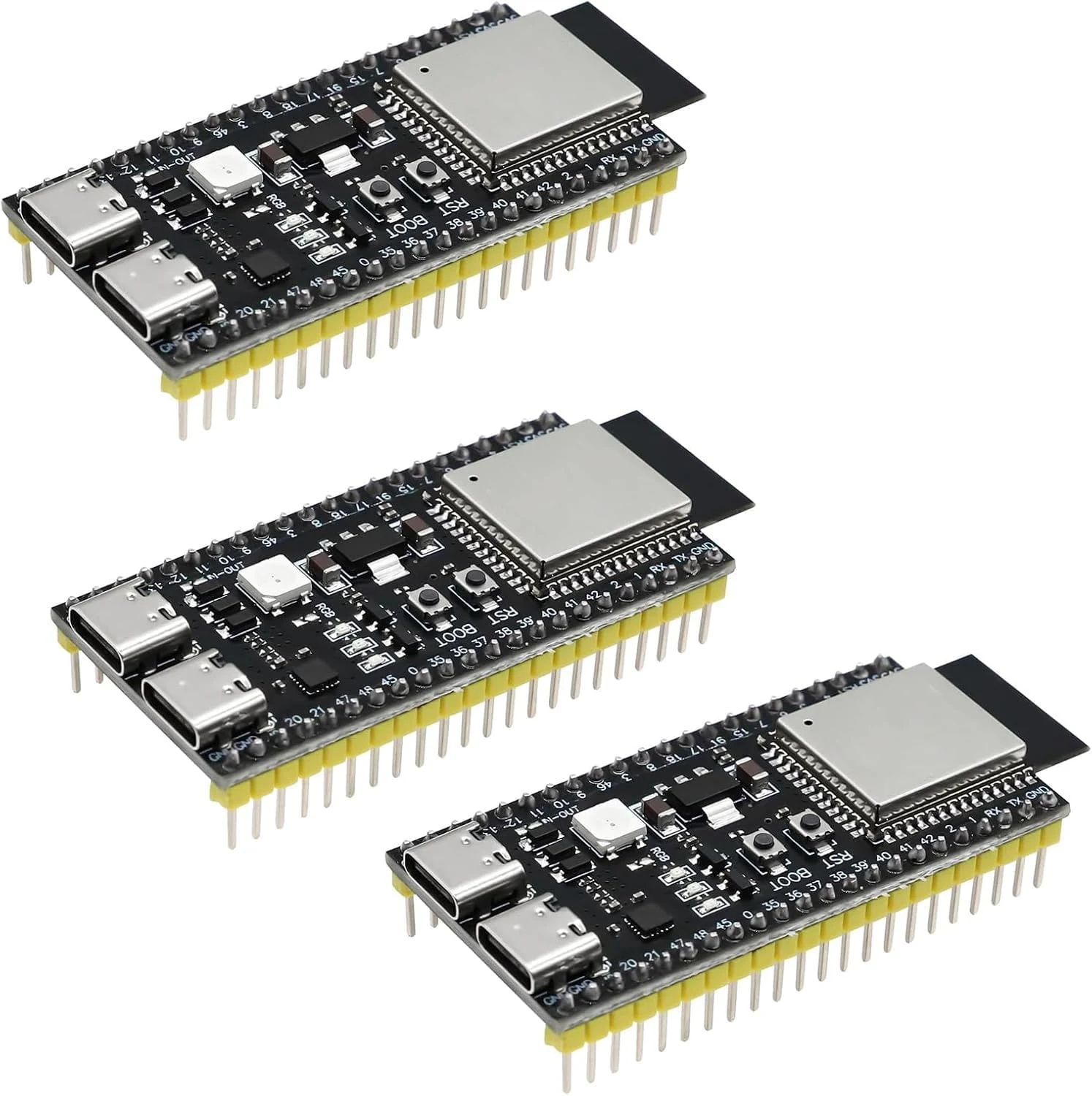
3 PCS ESP ESP-32-S3 Development Board ESP-32-S3 Module with ESP-1-N16R8 Low Power MCU with Dual-Mode Wi-Fi and Bluetooth Type-C Connector Compatible with Arduino
A 3-pack of ESP32-S3 dev boards built around the ESP-1-N16R8 module, aimed at Arduino and IoT projects that need Wi-Fi plus Bluetooth LE. The setup experience seems to go smoothly on mainstream IDEs, but buyers should pay attention to USB and port selection, and the review evidence is mixed on reliability and physical arrival.
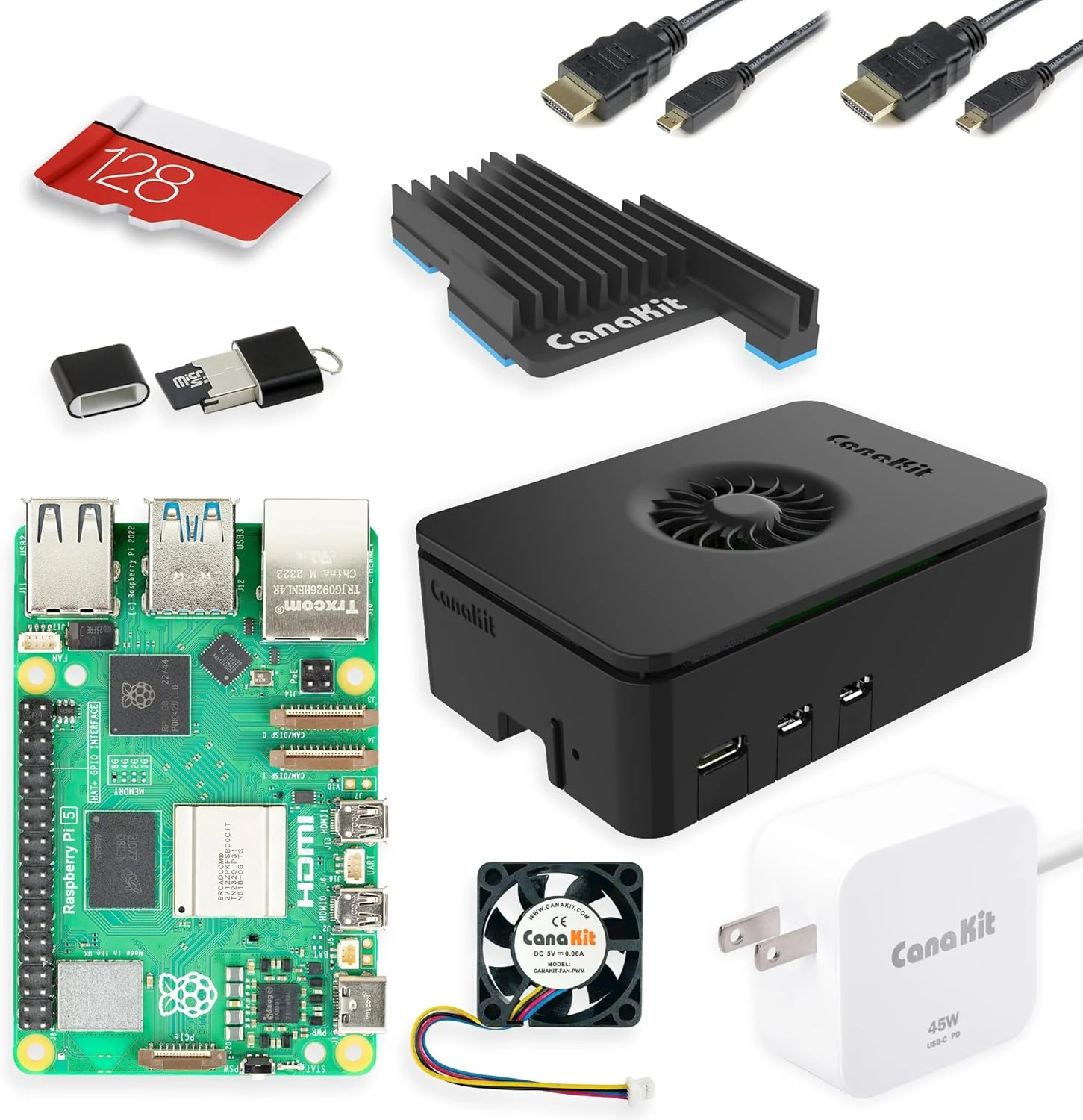
CanaKit Raspberry Pi 5 16GB Starter Kit PRO - Turbine Black (128GB Edition) (16GB RAM)
The CanaKit Raspberry Pi 5 16GB Starter Kit PRO (Turbine Black, 128GB edition) is an all-in-one bundle aimed at getting you running fast, with 16GB RAM, a pre-loaded 128GB microSD card, a case with active cooling, a heat sink, a PWM fan, and a 45W USB-C PD power supply. It is a strong pick for learning, coding, and everyday Pi projects, especially if you want less part-hunting than a bare board. The main caveat is that it is still a single-board computer, so some desktop-style workflows may require extra peripherals and setup.
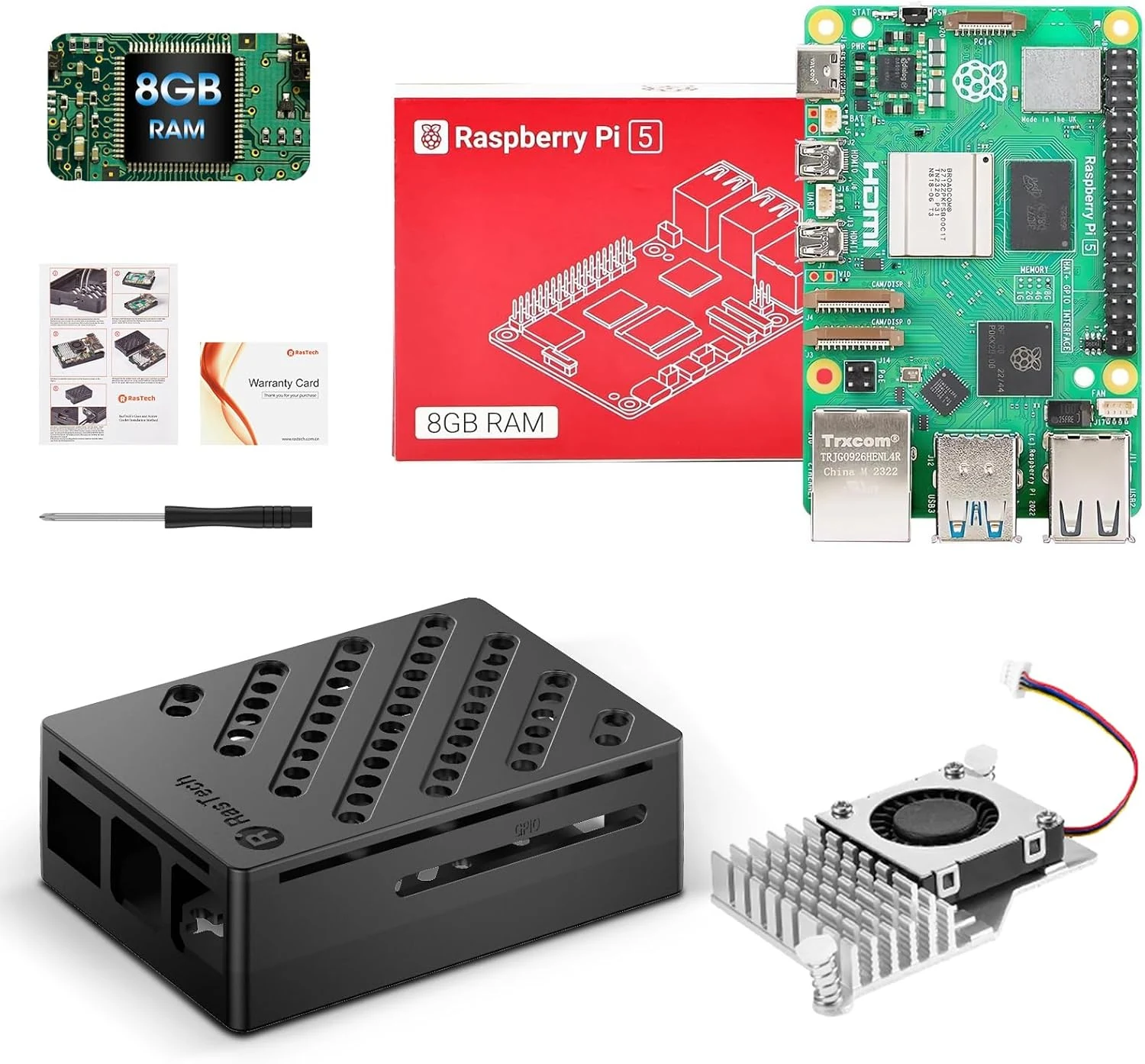
RasTech Raspberry Pi 5 Kit 8GB RAM with Pi 5 Case,Active Cooler,Screwdrive and Pi 5 8GB Board Included
The RasTech Raspberry Pi 5 Kit bundles the Raspberry Pi 5 (8GB) with a case and active cooler, targeting makers and beginners who want a ready-to-assemble starting point. It supports dual 4Kp60 micro-HDMI displays, gigabit Ethernet, dual-band Wi‑Fi, Bluetooth 5.0, faster SD card mode (SDR104), and a PCIe interface for fast peripherals (with separate add-ons). The main catch is that it is a kit that still requires you to supply common items like a microSD card and peripherals, and assembly can take some careful alignment.
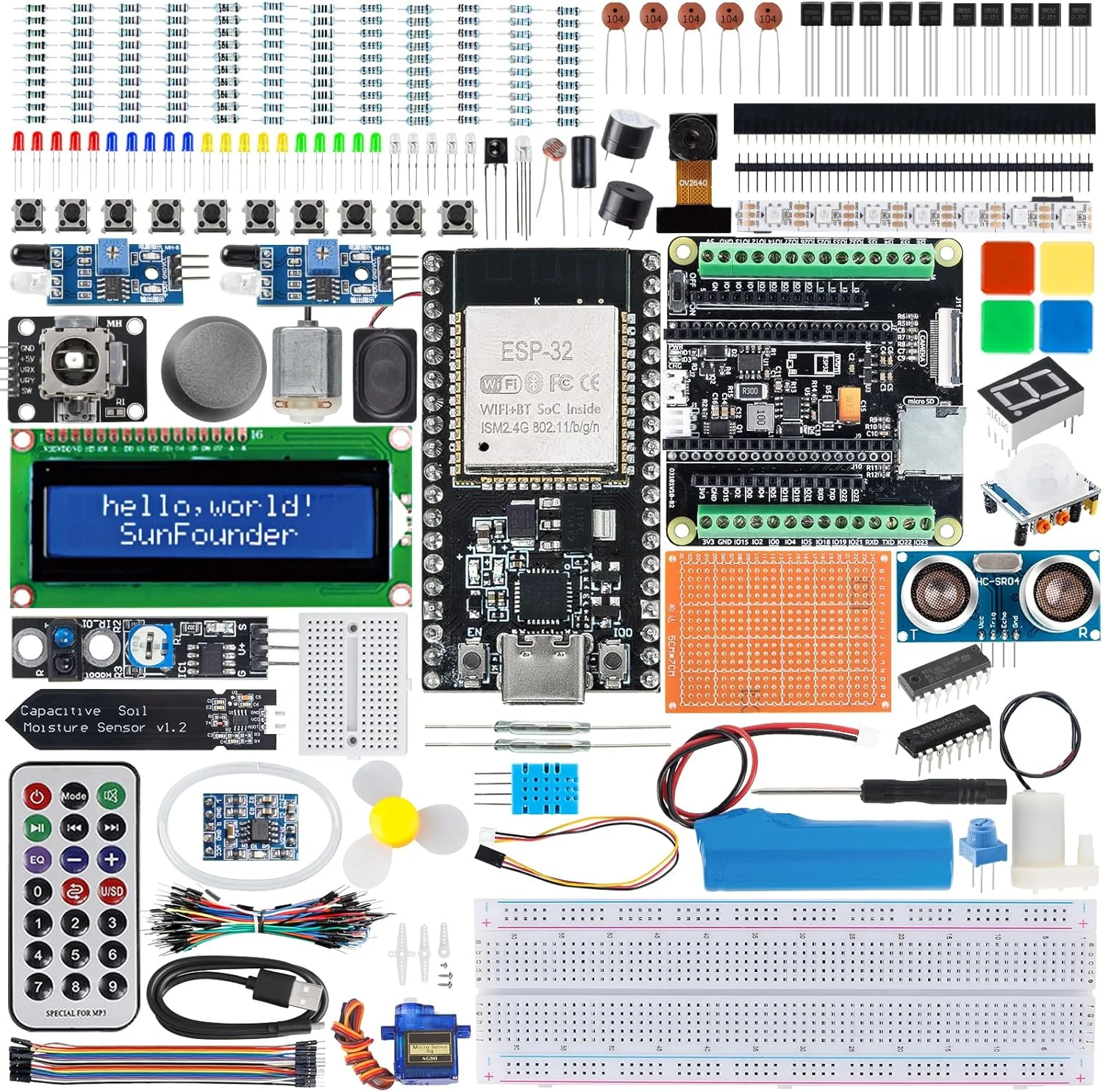
SunFounder ESP32 Ultimate Starter Kit (Compatible with Arduino) ESP32CAM, RoHS
A battery-friendly ESP32 learning kit that pairs an ESP32 board with a camera extension and a library of guided projects. It’s built to help beginners progress through electronics and IoT basics, with multiple programming options (Arduino C++, MicroPython, and Scratch) and a support-driven learning path.