Apple Pencil (2nd Generation)
The second-generation Apple Pencil is an appealing accessory when a supported iPad is already part of your drawing or annotation routine. Magnetic storage and charging reduce the separate cable ritual, while pressure and tilt sensitivity serve creative work. It is a poor purchase made on the assumption that an Apple-branded pen works with every iPad.
Pros
- Magnetic attachment, pairing and charging on supported iPads
- Pressure and tilt sensitivity for compatible creative apps
- Double-tap tool switching
Cons
- Compatibility is restricted to specific iPad models
- Does not add value to every tablet workflow
- Application support determines how advanced features are used
Check the iPad model, not just the screen size
Apple Pencil compatibility is tied to exact iPad models and generations. The supported group for this Pencil includes specified older iPad Pro models, iPad Air fourth and fifth generations, and iPad mini sixth generation. A similar display size or magnetic edge is not enough to establish support.
Open the iPad's model information and compare it with Apple's current compatibility table before ordering. That is especially important for a gift or a replacement bought several years after the tablet. A newer iPad is not automatically compatible with an older Pencil generation, and a different Pencil model can require a different pairing method.
Pressure sensitivity matters more for some tasks than others
Pressure and tilt sensitivity give compatible drawing applications more information than a basic touch. That is relevant to brush control, shading and expressive marks. The benefit depends on the application using those inputs rather than on the accessory alone.
For marking a few PDFs or navigating menus, the value calculation can be different. Identify the actual writing or drawing task before paying for a more capable pen. A list of supported features is not the same as a reason you will use them every day.
Convenience is part of the design
On a compatible iPad, the flat edge attaches magnetically for pairing and wireless charging. Keeping the Pencil with the tablet can reduce the chance that it is elsewhere when a note needs marking. Think about the case you use, since the complete tablet-and-case arrangement needs to accommodate that attachment.
Double-tap tool switching is another small workflow feature worth checking in the applications you use. It can reduce trips to an on-screen toolbar, but take time to configure supported behavior rather than assuming every app uses the same gesture in the same way.
Buy the writing setup, not only the pen
The Pencil does not provide a drawing application, a comfortable desk angle or a place to rest the tablet. For long note-taking or sketching sessions, the stand, case and application can influence the experience as much as the accessory specification.
If the iPad is mostly a video screen, this may be an accessory without a regular purpose. If handwritten notes, diagrams or annotations already form part of the routine, its convenience is easier to justify. Choose the exact compatible Pencil after defining that task, rather than buying an accessory first and looking for a use later.
The buying decision
A useful addition to a supported iPad that is genuinely used for handwriting or drawing. Check Apple's exact model table before purchasing, then confirm your case and applications suit the setup. Do not buy the second generation merely because it sounds like a universal upgrade over the first.
Product details and Amazon customer ratings as of .
Reference material
Recommended next
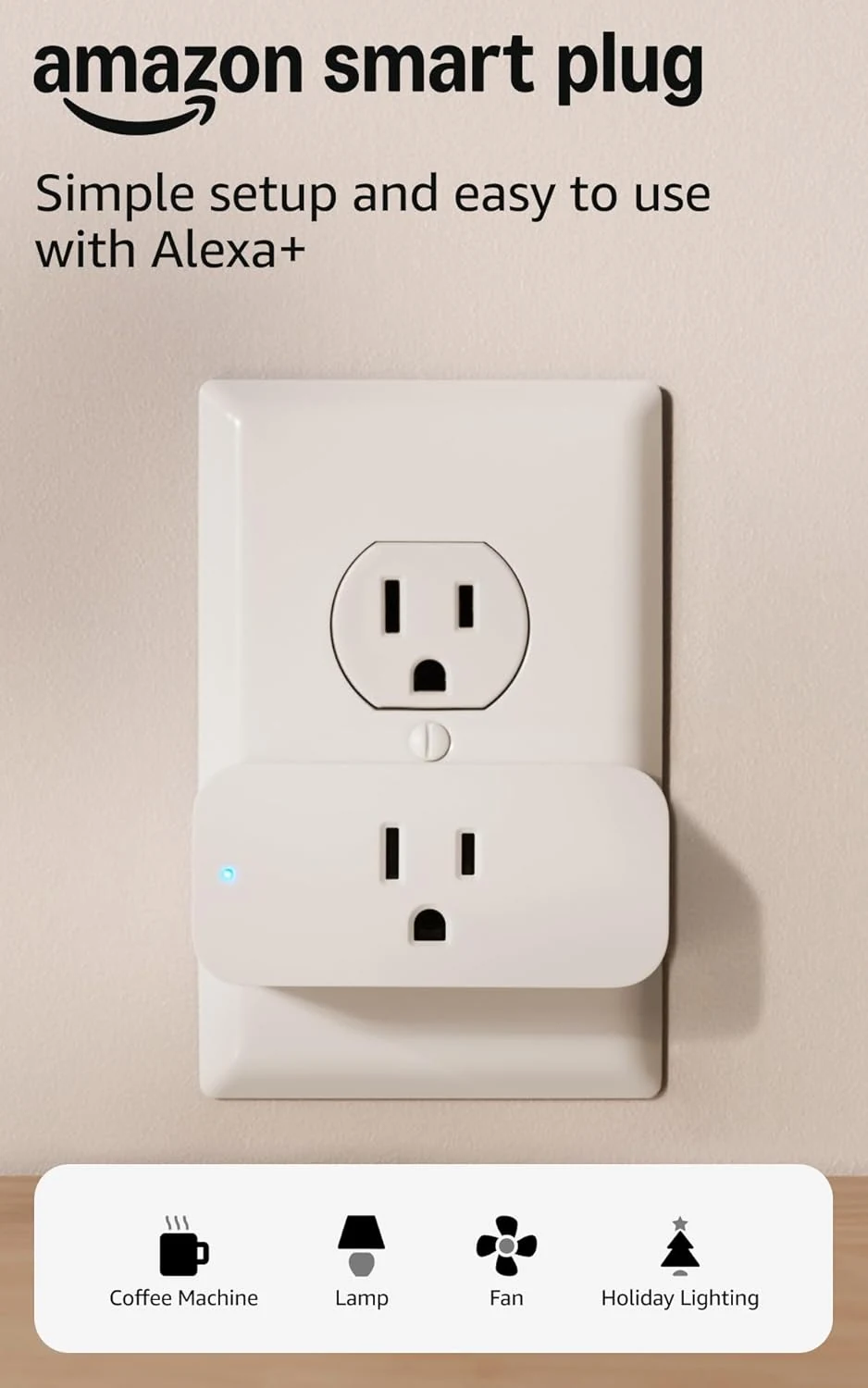
Amazon Smart Plug
An uncomplicated way to put a suitable lamp or appliance on an Alexa schedule. The appliance's own switch determines how useful it will be.
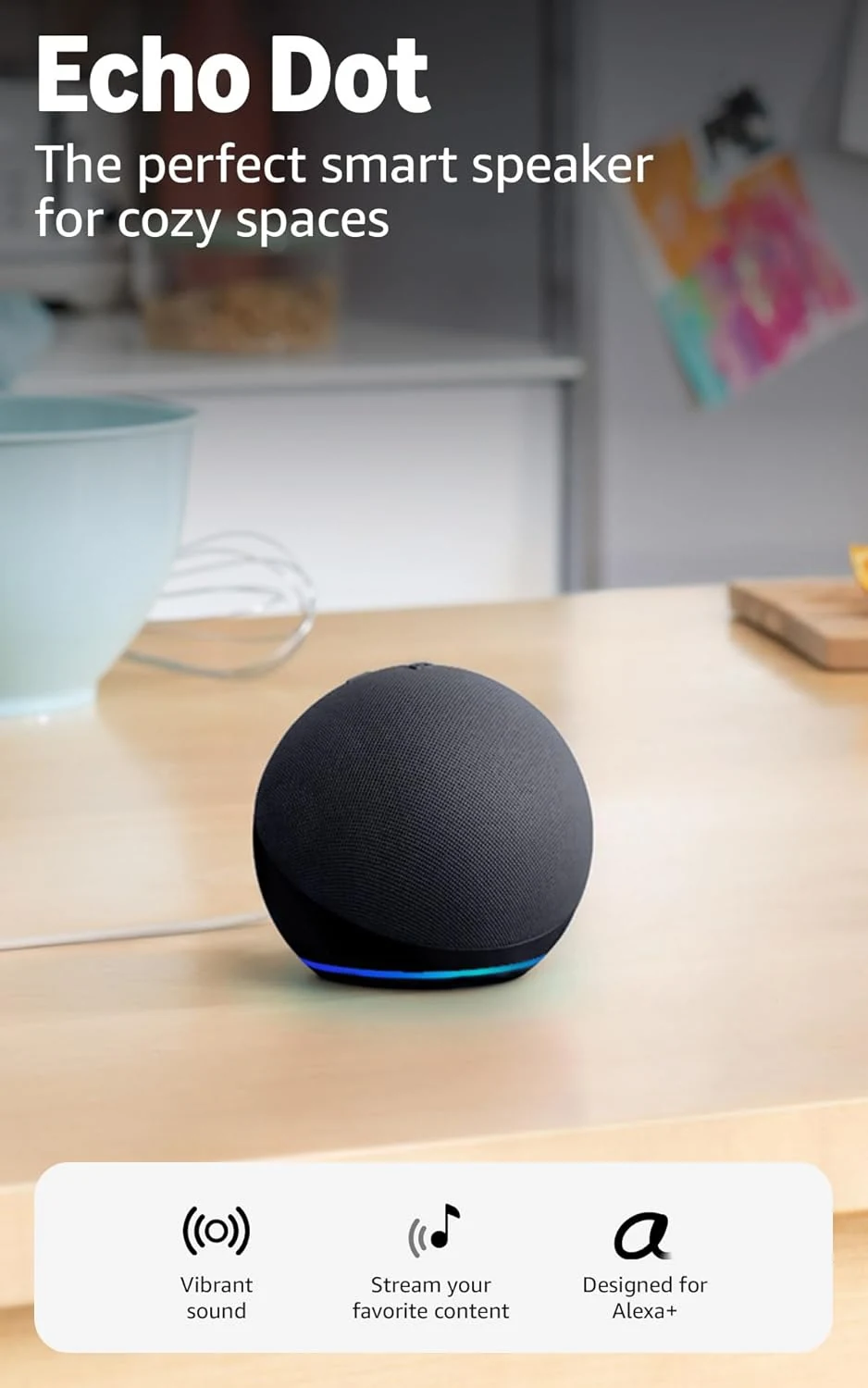
Amazon Echo Dot
A compact Alexa speaker for timers, everyday listening and compatible home routines. Check the services and devices you want it to connect to.
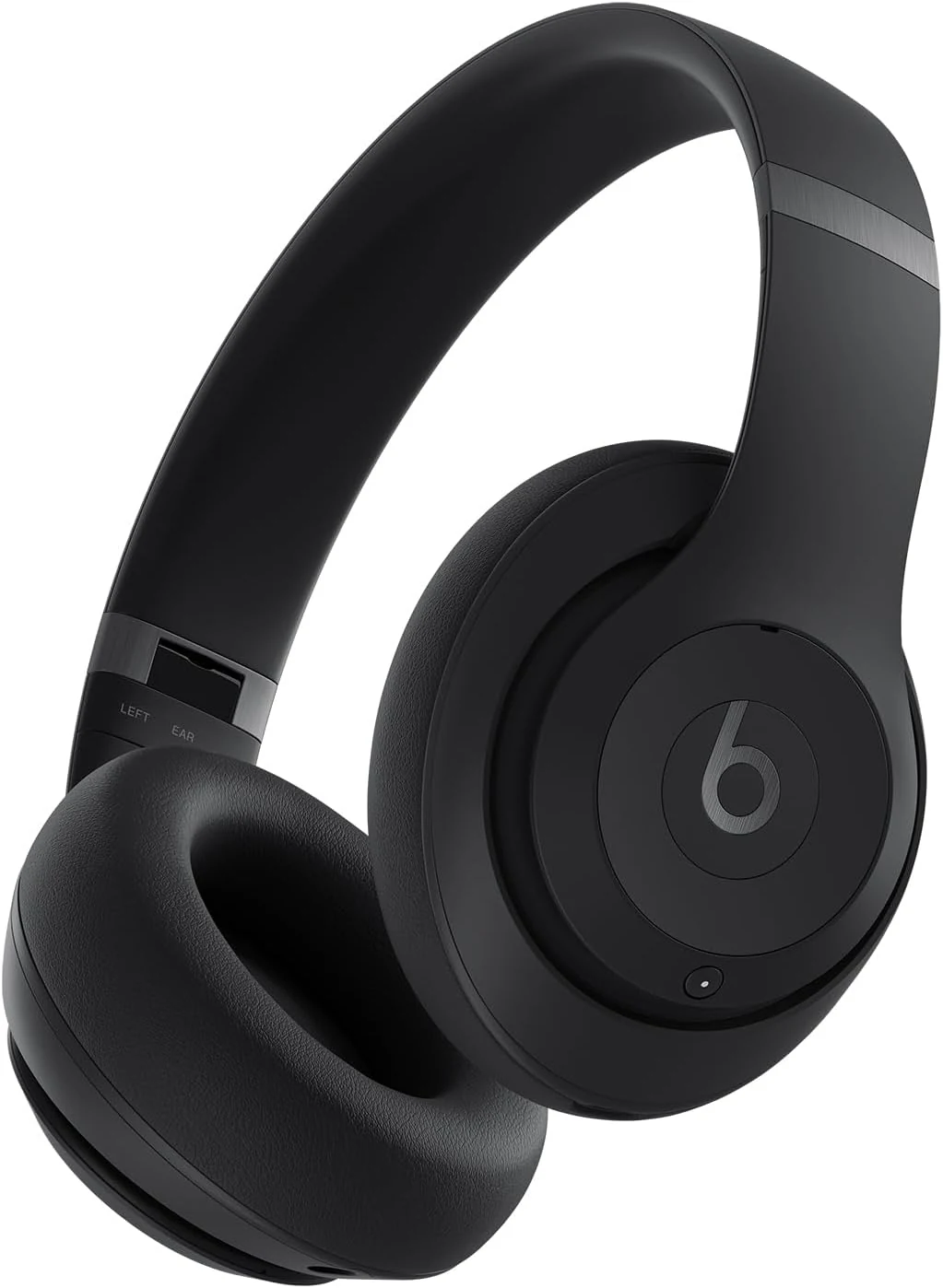
Beats Studio Pro Black
Over-ear Beats headphones with ANC, USB-C audio, foldable portability, and up to 40-hour battery claims. Best for commuting and casual listening if you want convenience over neutral tuning.
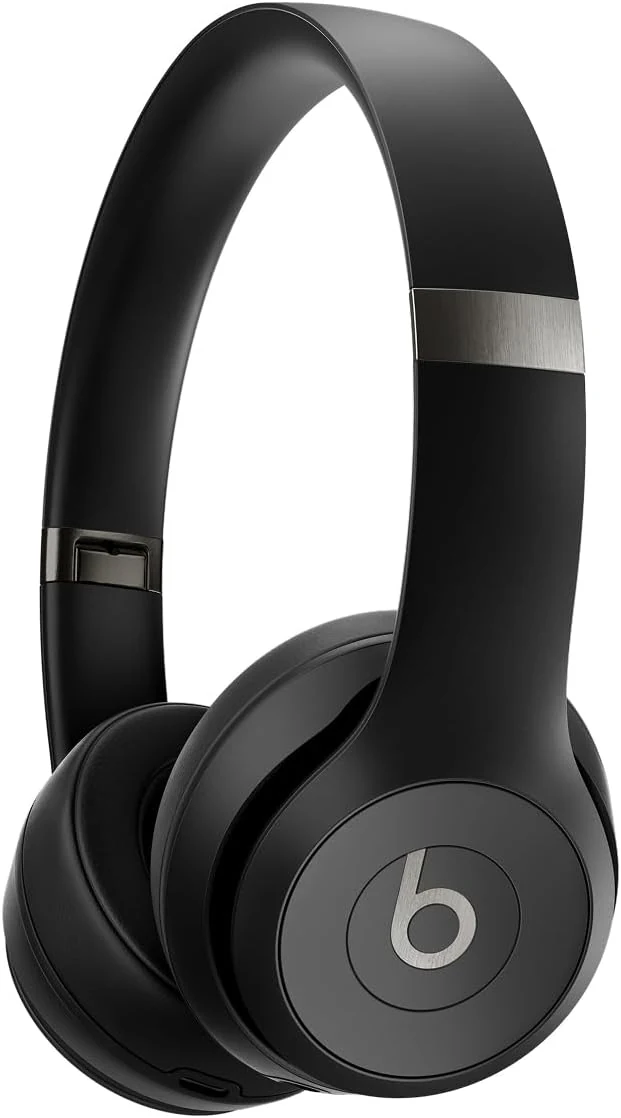
Beats Solo 4 Matte Black
Beats Solo 4 is a lightweight on-ear headphone with long advertised battery life, wired listening options, and no listed active noise canceling.