Amazon Echo Show 5 (Charcoal)
Think of the Charcoal Echo Show 5 as a household control point, not another tablet. It combines a small screen, speaker and Alexa functions for places where checking a door camera or setting a timer should take little effort. The strongest reason to choose it is an existing routine it simplifies, rather than the number of things Alexa might do.
Pros
- Visual feedback for supported smart-home controls
- Small display combines clocks, calls and camera viewing
- Camera shutter provides a physical lens cover
Cons
- 5.5 inches is restrictive for longer video sessions
- Each connected service has its own support and account requirements
- Shared communication settings need care in a family room
Start with the camera or light you want to control
If the intended job is seeing the front door, confirm that exact doorbell's Echo Show support. If it is switching lights, identify the controls you need rather than assuming Alexa duplicates the manufacturer's application. A useful shared screen removes a repeated step; an incompatible integration adds another one.
Place it where the person responding can read the display and be heard comfortably. A central room may make more sense for household announcements than a private bedroom. The small footprint is useful, but distance still determines whether 5.5 inches is enough for the intended view.
Calling needs a household agreement
A 2MP camera enables video calls to supported Echo devices and the Alexa app. That creates a convenient shared calling point, especially when people do not want to hold a phone. It is less appealing if the camera looks directly into an area that family members regard as private.
Set communication permissions and Drop In access with the people who use the room. The lens shutter and mic/camera-off button are tangible controls, but account settings remain important. Give a recipient a simple setup they understand rather than leaving every communication option enabled for convenience.
A music display rather than a sound-quality shortcut
Music, podcasts and supported video services give the Show 5 several uses between smart-home tasks. The screen can show titles and other visual information while audio plays. That is a clearer buying reason than translating a bass-improvement slogan into a promise about how it will sound in a particular room.
Check the preferred service and subscription before ordering. For longer viewing, ask whether the household would actually choose this small screen over a phone, tablet or TV already available. A feature can be present without becoming a convincing reason to buy another device.
Charcoal does not mean a different Show 5
Glacier White is an alternative finish with the same core functions. There is no reason to buy one color for an assumed performance advantage. Match the finish to its surroundings and compare the actual package, including any bundled accessories or service offers.
Against an Echo Spot, the practical question is how often video matters. For a clock, song information and voice requests, a clock-oriented device may cover the routine. For occasional family calls or a compatible camera image, the Show's display has a more defined purpose. Confirm current Alexa+ terms separately from that hardware decision.
The buying decision
The Charcoal Show 5 is a reasonable shared screen when a few supported household tasks justify it. Check those integrations and communication settings first. Skip it when the planned use is mainly long-form video or when a speaker and ordinary clock already cover the routine.
Product details and Amazon customer ratings as of .
Available variants
Color
- Cloud Blue
- Charcoal
- Glacier White
Configuration
- Device only
Recommended next

Apple Watch SE (2nd Gen) 40mm GPS Starlight
A compact GPS Apple Watch for iPhone users who want core fitness, safety, and notifications without paying for higher-end health features.
Ring Video Doorbell Wired
A low-cost wired Ring doorbell with 1080p video, motion alerts, two-way talk, and Alexa support, but it needs existing wiring and a separate chime solution.
eero 6+ 3-Pack Mesh Wi‑Fi System
A setup-friendly Wi‑Fi 6 mesh kit for broader home coverage, with dual-band trade-offs and possible 2.4 GHz device quirks to check before buying.
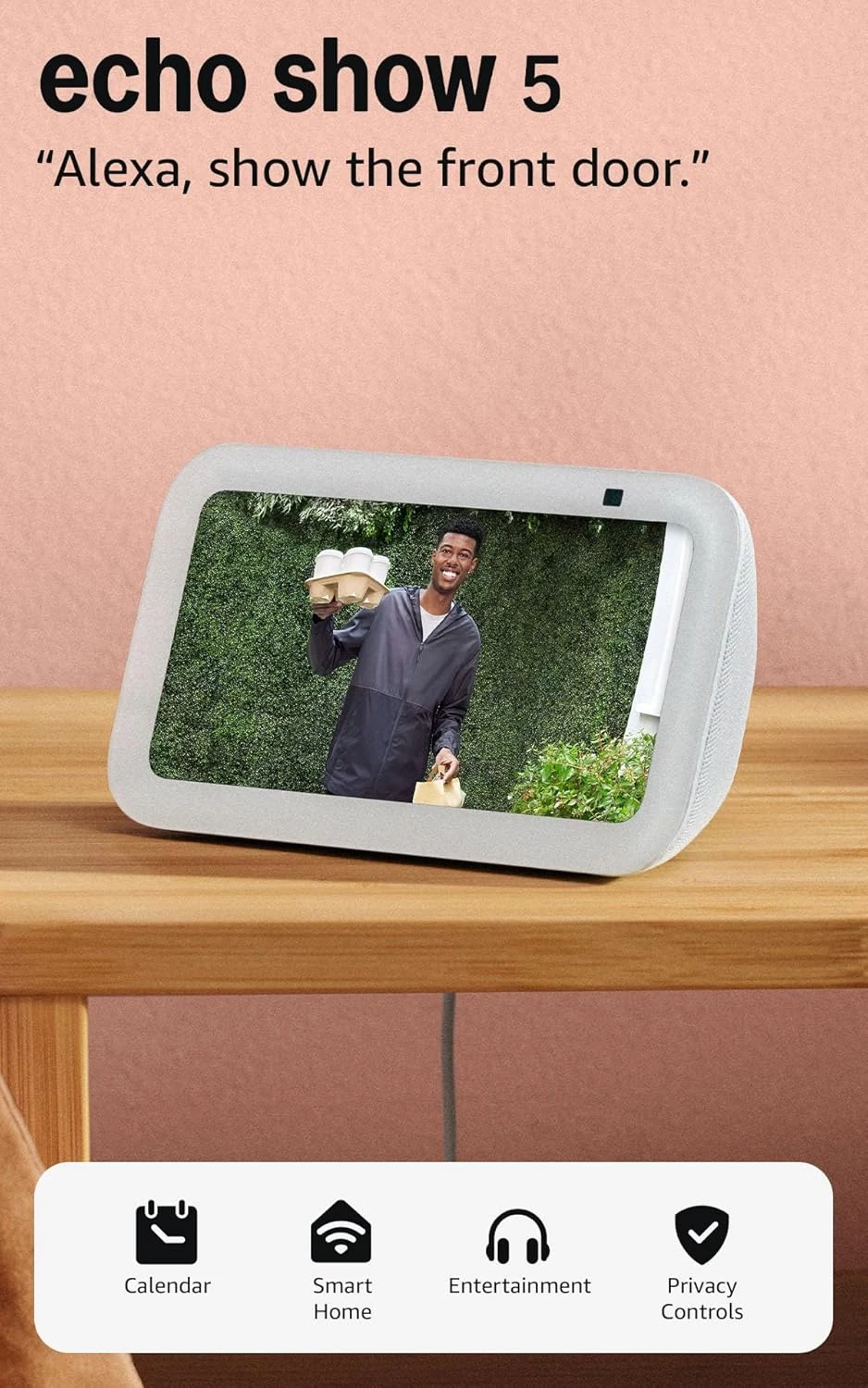
Amazon Echo Show 5 (Glacier White)
A compact Alexa display for a bedside table or small counter. Buy it for quick visual information and calls, not as a miniature television.