eero 6+ 3-Pack Mesh Wi‑Fi System
The eero 6+ 3-pack is positioned as an easy-to-manage mesh system for homes that need better coverage rather than advanced router tuning. It supports internet plans up to a gigabit, covers up to 4,500 square feet, and can connect 75+ devices.
Pros
- App-guided setup is designed to be simple for most users.
- Built-in Thread and Zigbee hub may reduce the need for separate smart-home hubs.
- Three-node mesh suits homes with dead zones or uneven coverage.
Cons
- Dual-band design may need extra care with some 2.4 GHz-only devices.
- Setup can depend on your existing network and phone connectivity.
- Advertised coverage and speed are not the same as measured home performance.
What this 3-pack is meant to solve
This is a three-node mesh system, so it is aimed at homes where one router leaves weak spots in far rooms or on another floor.
The customer excerpts mostly describe the same use case: replacing aging extenders or older routers, then improving coverage and roaming. Those stories are useful as context, but they are still individual experiences, not proof of consistent results.
Setup looks straightforward, but not always friction-free
Several excerpts describe quick app-guided setup, which is likely the main appeal for non-technical buyers. If you want to get a mesh network running without spending time in router menus, that convenience is a real selling point.
The caveat is that migration can depend on the current setup. One excerpt says registration needed cell reception, while another describes keeping the old router active briefly to get the new gateway online. That does not mean every buyer will face those steps, but it does show setup may be less effortless in homes with weak phone signal or unusual modem behavior.
Performance claims need to be read carefully
It offers Wi‑Fi 6 with 160 MHz support and internet-plan compatibility up to a gigabit. Those are specifications, not measurements. Owner comments do mention better coverage and, in some cases, better speeds after switching, but the situations differ too much to treat those reports as typical.
The safest takeaway is conditional: if your current problem is poor in-home Wi‑Fi coverage, a mesh system like this may help. If your issue is slow ISP service, the eero itself will not increase your plan speed.
Device compatibility and 2.4 GHz caution
Because this is a dual-band system, older smart-home accessories may take more effort during migration. One excerpt says some 2.4 GHz-dependent devices needed extra attention, and another mentions trouble with a garage hub.
The system includes a built-in smart-home hub for compatible Thread and Zigbee devices with Alexa. If your current setup depends on older 2.4 GHz networks or separate SSIDs, check compatibility before switching.
Who should consider it
This looks best for buyers who want a simple mesh upgrade, need better whole-home coverage, and value a built-in smart-home hub. It also suits users who would rather use an app than manage a more configurable router.
If your home has a lot of picky legacy devices, or if you want advanced networking controls, this may not be the best fit.
The buying decision
Choose the eero 6+ 3-pack if you want an easy mesh upgrade for coverage gaps and can accept some dual-band compatibility trade-offs.
Product details and Amazon customer ratings as of .
Available variants
Size
- 4-pack
- 2-pack
- 1-pack
- 3-pack
Configuration
- without eero Plus
- with eero Plus annual subscription
- with eero Plus monthly subscription
Recommended next

Amazon Echo Dot
A compact Alexa speaker for timers, everyday listening and compatible home routines. Check the services and devices you want it to connect to.

Apple Watch Series 10 GPS 46mm Jet Black Aluminum
A large-screen Apple Watch with broad health, fitness, and safety features for iPhone users, but battery life, GPS-only limits, and fit preference matter.
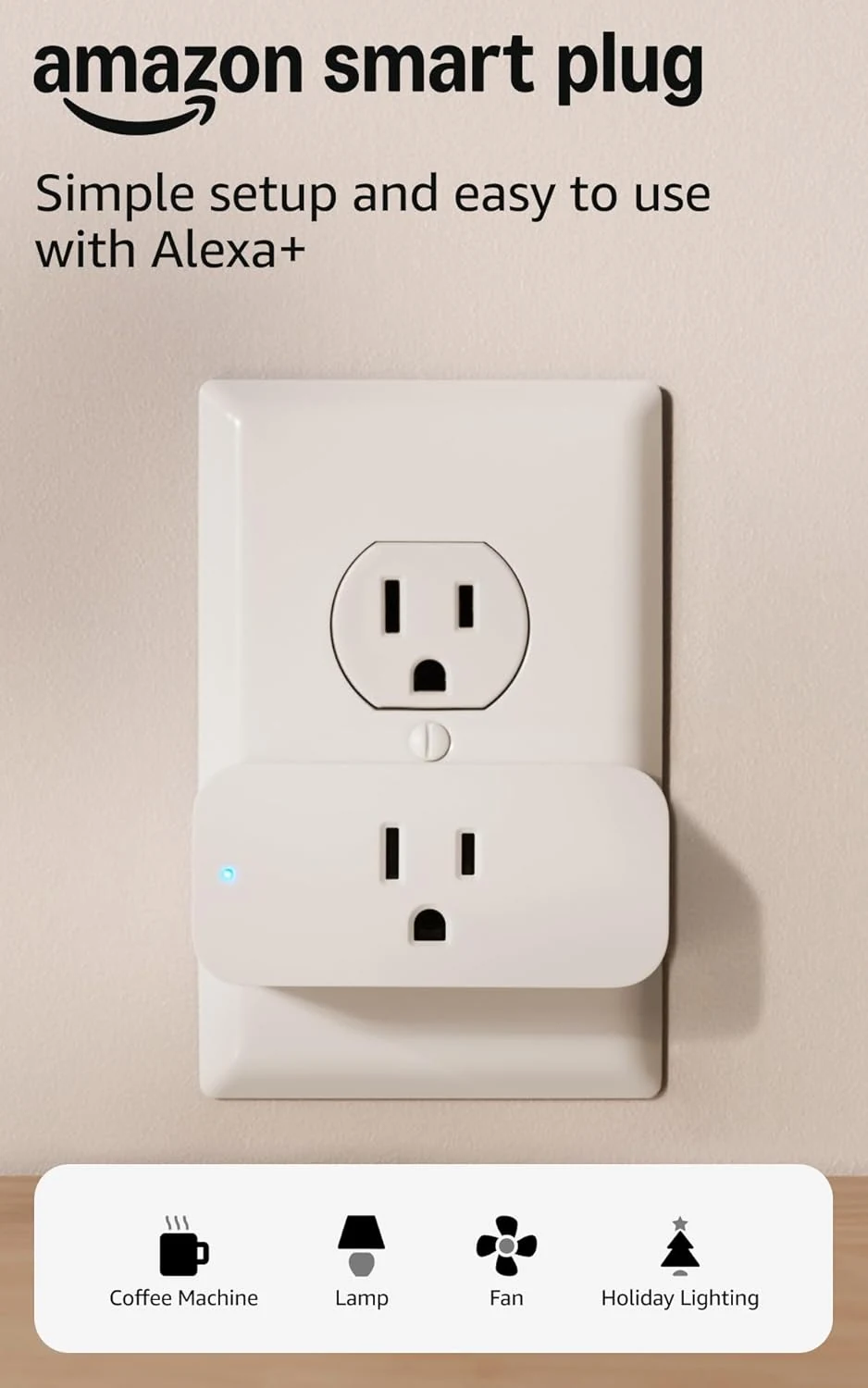
Amazon Smart Plug
An uncomplicated way to put a suitable lamp or appliance on an Alexa schedule. The appliance's own switch determines how useful it will be.

Amazon Fire TV Stick 4K Max (newest model)
A feature-heavy 4K streaming stick with Wi‑Fi 6E, 16GB storage, and Alexa search. Best for Amazon-friendly homes; less appealing if you want a simpler interface.