Amazon Echo Dot
The Echo Dot is most useful where a small voice-controlled speaker has a regular job: kitchen timers, a bedroom alarm or spoken control of compatible lights. Music is part of its appeal, but the broader value comes from fitting into a routine you already have. Buy it for a room and a purpose, rather than because every room supposedly needs another smart device.
Pros
- Compact access to Alexa timers, alarms and compatible services
- Built-in motion and temperature sensors for supported routines
- Physical microphone-off control
Cons
- Music and smart-home compatibility need checking
- Pairing and network-expansion features require compatible hardware
- A small speaker may not match a music-first purchase
Start with the room's most repeated task
A kitchen may benefit from hands-free timers, while a bedside table may make better use of an alarm and tap-to-snooze control. Those are small but concrete conveniences. Thinking about the room first helps separate a useful device from an extra speaker that rarely does anything.
For music, check the services you actually use. Amazon names Amazon Music, Apple Music and Spotify among the supported options, and Bluetooth provides another playback route. The speaker does not include every paid music subscription, so account access and the way you prefer to choose music still matter.
Sensors make sense only with a useful routine
Built-in motion and indoor-temperature sensors can trigger supported home routines. Turning on a compatible light when someone enters a room, or operating a suitable fan when the room reaches a chosen temperature, are more specific uses than a general promise of a smart home.
Work backward from the device you want to control. Confirm compatibility and decide what should happen when another household member uses the room. An automatic action that repeatedly needs undoing is not much of a convenience. Keep simple manual control available rather than making every basic task depend on a voice command.
Do not buy it solely for an accessory feature
Compatible Echo devices can support multi-room music, while certain Fire TV and eero combinations add other pairing features. The word 'compatible' is doing important work here. Check the exact hardware and current requirements before counting a pairing feature as part of the value.
This is especially relevant if the main problem is a Wi-Fi dead spot. Investigate the network arrangement and supported eero combination instead of assuming any Echo Dot automatically extends any router. A room speaker and a network upgrade should be evaluated as separate needs, even when one product can participate in both.
Choose placement and privacy deliberately
The physical microphone-off button offers a clear local control when voice access is not wanted. Review the account and privacy settings during setup as well, particularly for a shared bedroom or family space. A connected speaker is a household choice, not merely a decorating accessory.
For a music-first room, compare a speaker selected specifically for the listening setup and room size. For timers, occasional music and supported Alexa routines, the Dot's compact format is a more natural match. Avoid treating a change of color or the word 'newest' in an offer as a substitute for checking the exact device being purchased.
The buying decision
Choose the Echo Dot for a defined Alexa role in a particular room. Confirm service and accessory compatibility before paying for the wider ecosystem promise. If the objective is primarily serious music listening or fixing Wi-Fi coverage, compare products chosen directly for those jobs.
Product details and Amazon customer ratings as of .
Available variants
Color
- Glacier White
- Deep Sea Blue
- Charcoal
Configuration
- Device only
Recommended next
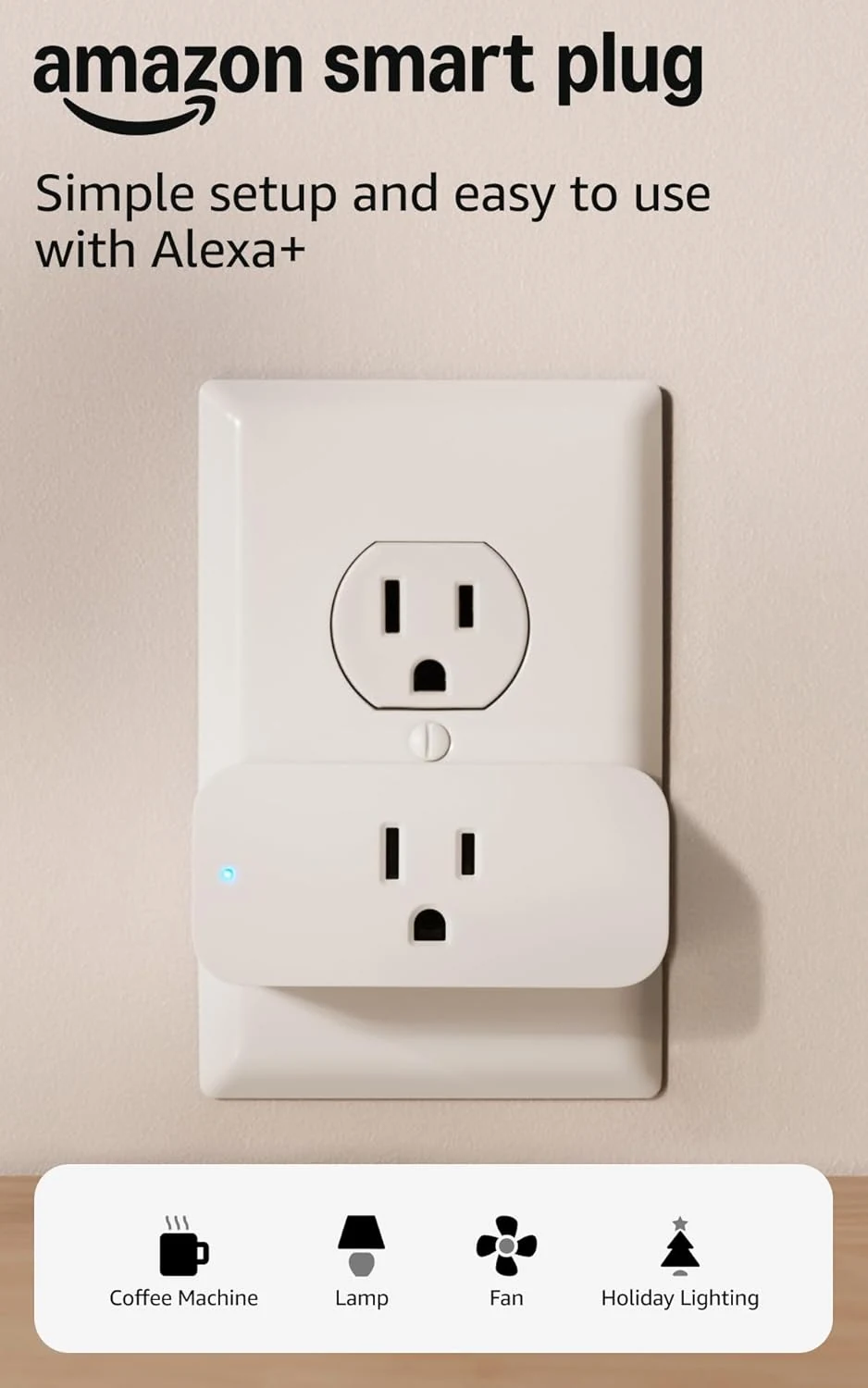
Amazon Smart Plug
An uncomplicated way to put a suitable lamp or appliance on an Alexa schedule. The appliance's own switch determines how useful it will be.
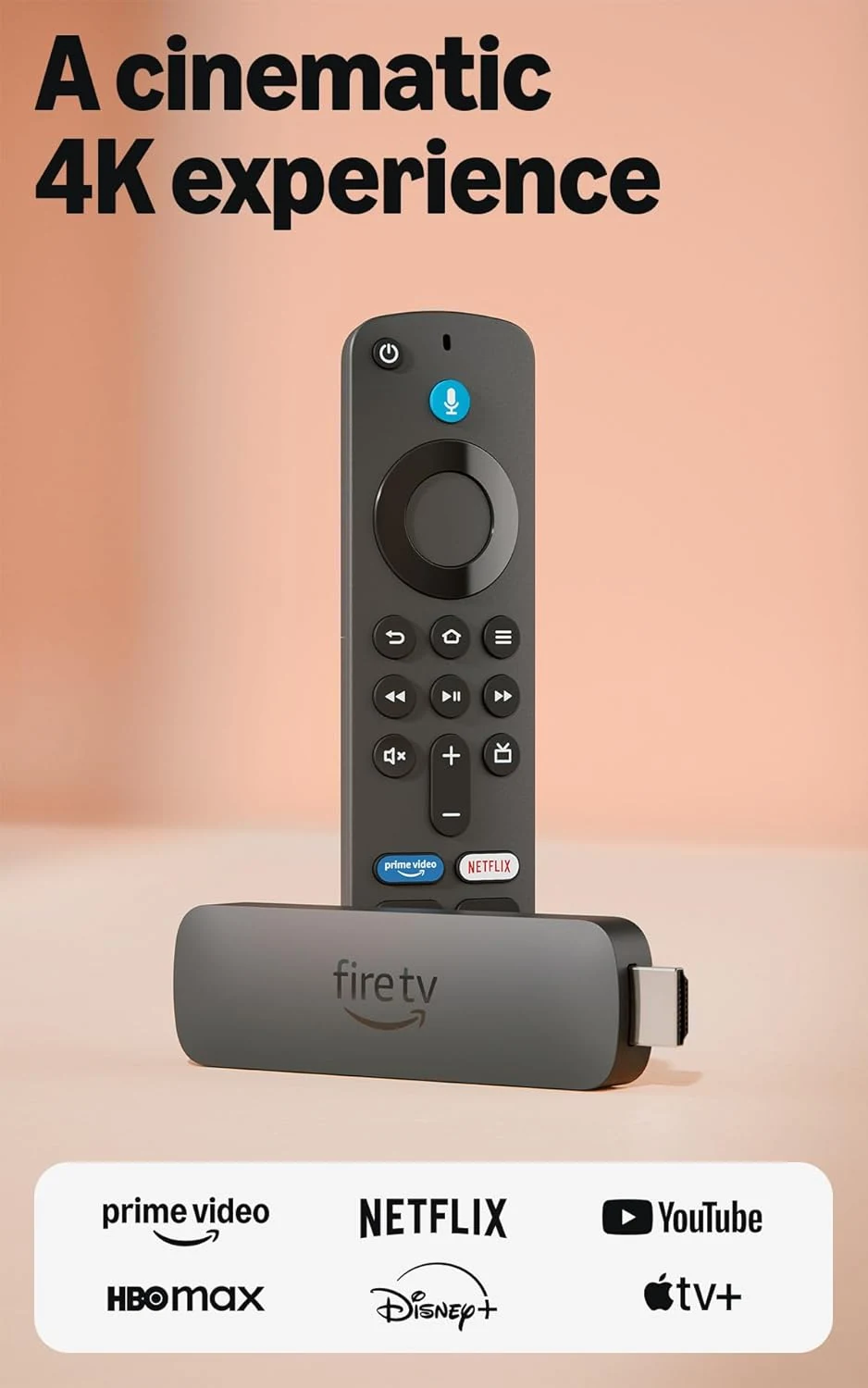
Amazon Fire TV Stick 4K Plus
A 4K streaming upgrade for a TV that still has a useful screen. App support, HDMI placement and the home network decide whether it solves your problem.

Apple Watch Series 10 GPS 46mm Jet Black Aluminum
A large-screen Apple Watch with broad health, fitness, and safety features for iPhone users, but battery life, GPS-only limits, and fit preference matter.

Amazon Fire TV Stick 4K Max (newest model)
A feature-heavy 4K streaming stick with Wi‑Fi 6E, 16GB storage, and Alexa search. Best for Amazon-friendly homes; less appealing if you want a simpler interface.