Amazon Fire TV Stick 4K Plus
The Fire TV Stick 4K Plus is most persuasive when a television's panel is still good but its built-in streaming platform is the weak link. It adds a separate Fire TV interface, Wi-Fi 6 and supported 4K services. It cannot turn an HD screen into a 4K display or make a poor wireless connection disappear.
Pros
- Supports 4K playback and compatible HDR formats
- Wi-Fi 6 connection for a suitable home network
- Voice remote combines content search and supported TV controls
Cons
- Picture and audio formats depend on the full playback setup
- Paid streaming services remain separate purchases
- Cloud gaming depends on network quality and service eligibility
Upgrade the TV platform, not the panel
Check that the television has an available suitable HDMI connection and that the streaming services you use are supported in your country. A replacement streaming device can be a more focused purchase than replacing a whole TV when applications or interface behavior are the complaint.
For 4K viewing, the display, content and service plan must all support the desired format. Dolby Vision and HDR10+ support on the stick is useful only along a compatible path. Likewise, Dolby Atmos depends on content and the audio setup, not simply a logo on the streaming device.
Wi-Fi 6 still needs a workable signal
A Wi-Fi 6-capable stick is one component of the network. Router capabilities, placement and interference also matter. If the existing TV struggles at the far end of the house, investigate coverage there before expecting a new streaming platform to fix buffering.
Consider the physical position behind the TV as well as the room's distance from the router. If other devices work well in a different part of the room, that is a reason to examine placement rather than buy solely by the newest wireless label. Stable delivery is more useful than a theoretical maximum.
Count the services you actually want
Netflix, Prime Video and other supported applications retain their own subscription rules. Free services commonly include advertisements. Decide which applications replace something you already pay for and which would add another recurring bill; a large catalog figure does not answer that household question.
Voice search can help locate a title, but finding it is not the same as having access to it. Check current Alexa+ availability and conditions if enhanced search is central to the purchase. The remote's supported power and volume controls are a separate everyday convenience worth checking against the TV.
Cloud gaming is not a hidden Xbox console
Game streaming uses a remote service, so eligibility, supported games and a compatible controller matter alongside the device. Confirm Xbox's current supported-device list and the plan required for the games you want. Do not count an advertised game catalog as content permanently bundled with the stick.
Network delay and connection consistency matter differently for interactive games than for buffered video. If gaming is the main purpose, assess those requirements before treating a streaming stick as a console replacement. For the 4K Max alternative, compare the exact connectivity and other features you need rather than paying more merely for the name.
The buying decision
Consider the 4K Plus for a capable TV that needs a different streaming interface. Verify the essential apps, format compatibility and signal at the TV first. Treat cloud gaming as a service-dependent extra, not the basis for promising console-equivalent ownership or performance.
Product details and Amazon customer ratings as of .
Reference material
Available variants
Configuration
- Fire TV Stick 4K Plus
Recommended next
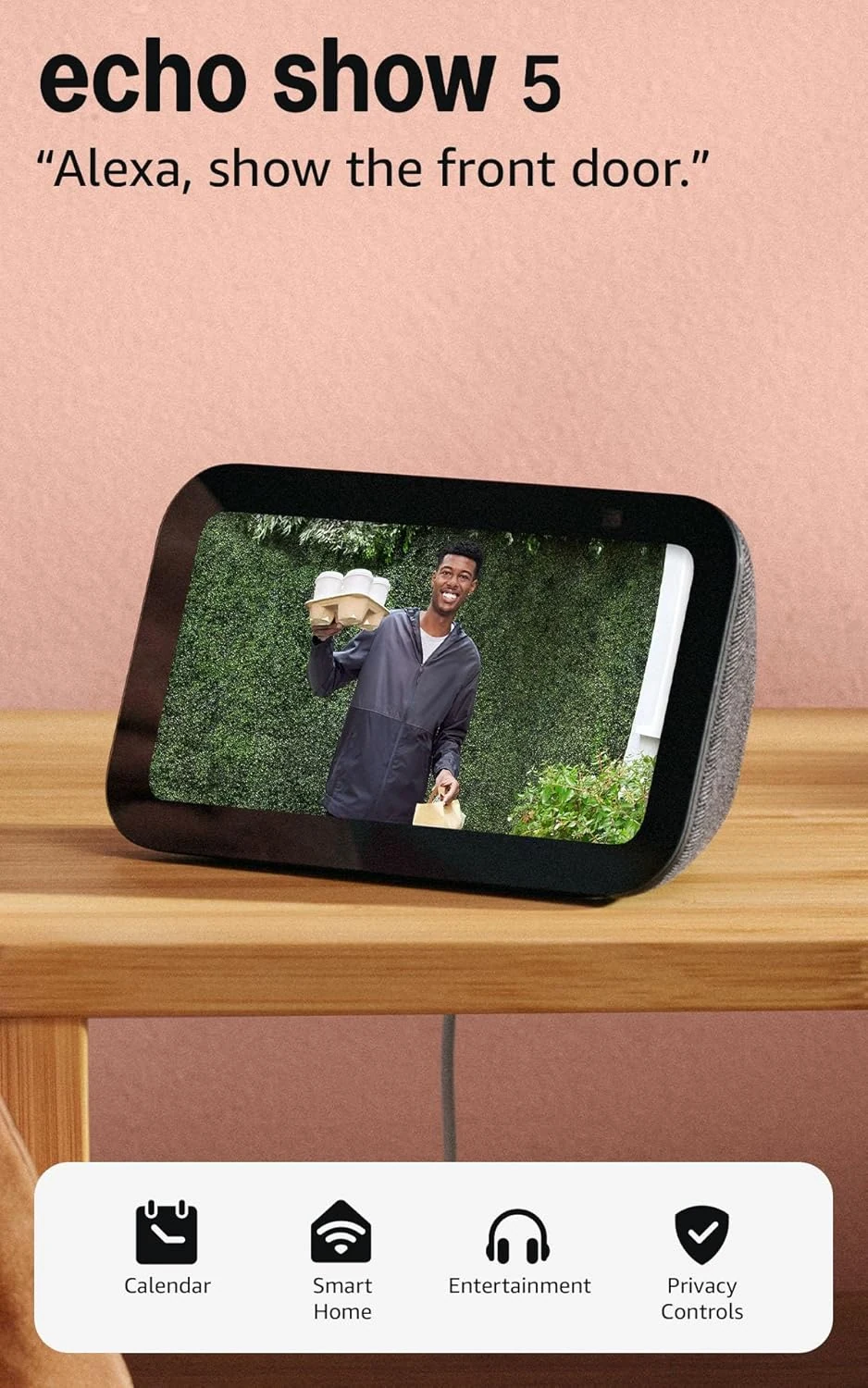
Amazon Echo Show 5 (Charcoal)
A small shared control screen for an Alexa household. Its value depends on the cameras, calling contacts and music services you already use.
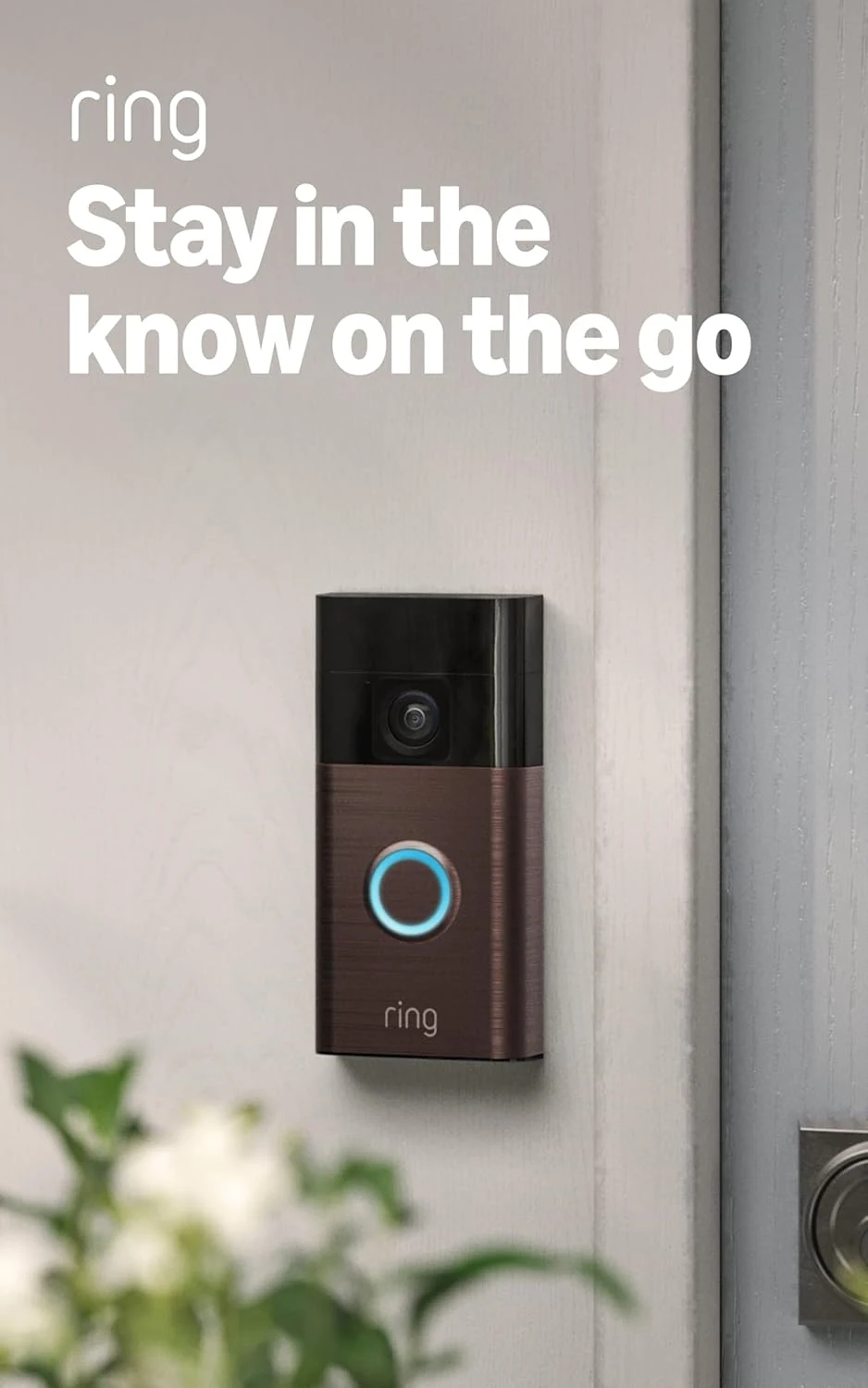
Ring Battery Doorbell (Venetian Bronze)
A battery-powered Ring doorbell with easy setup, head-to-toe video, and phone alerts. Best if you’re fine with separate subscription costs for recording and smarter alerts.
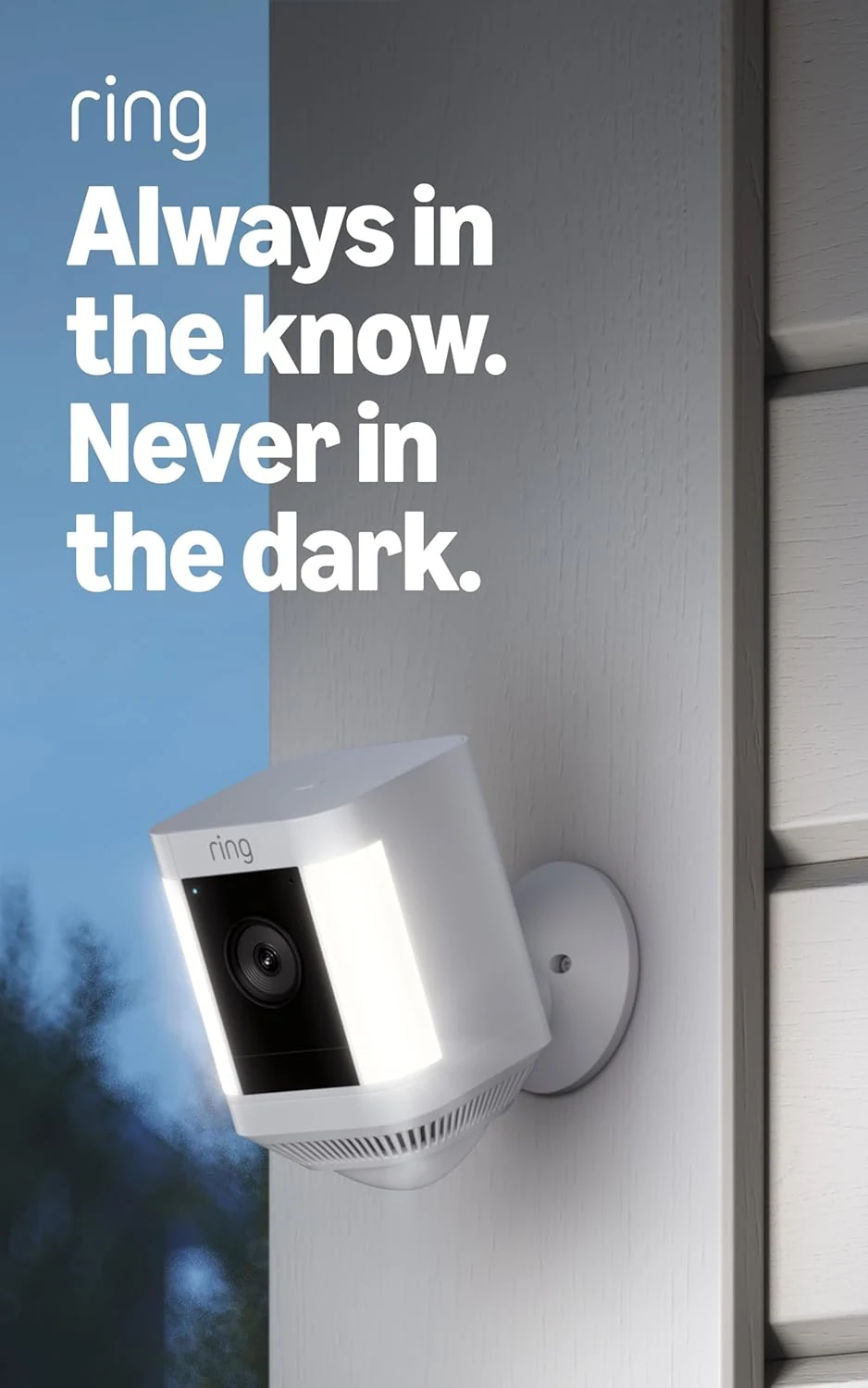
Ring Spotlight Cam Plus Battery
A wire-free Ring outdoor camera with spotlights, two-way talk, and app-based alerts; useful for flexible placement, but recording features depend on a separate subscription.
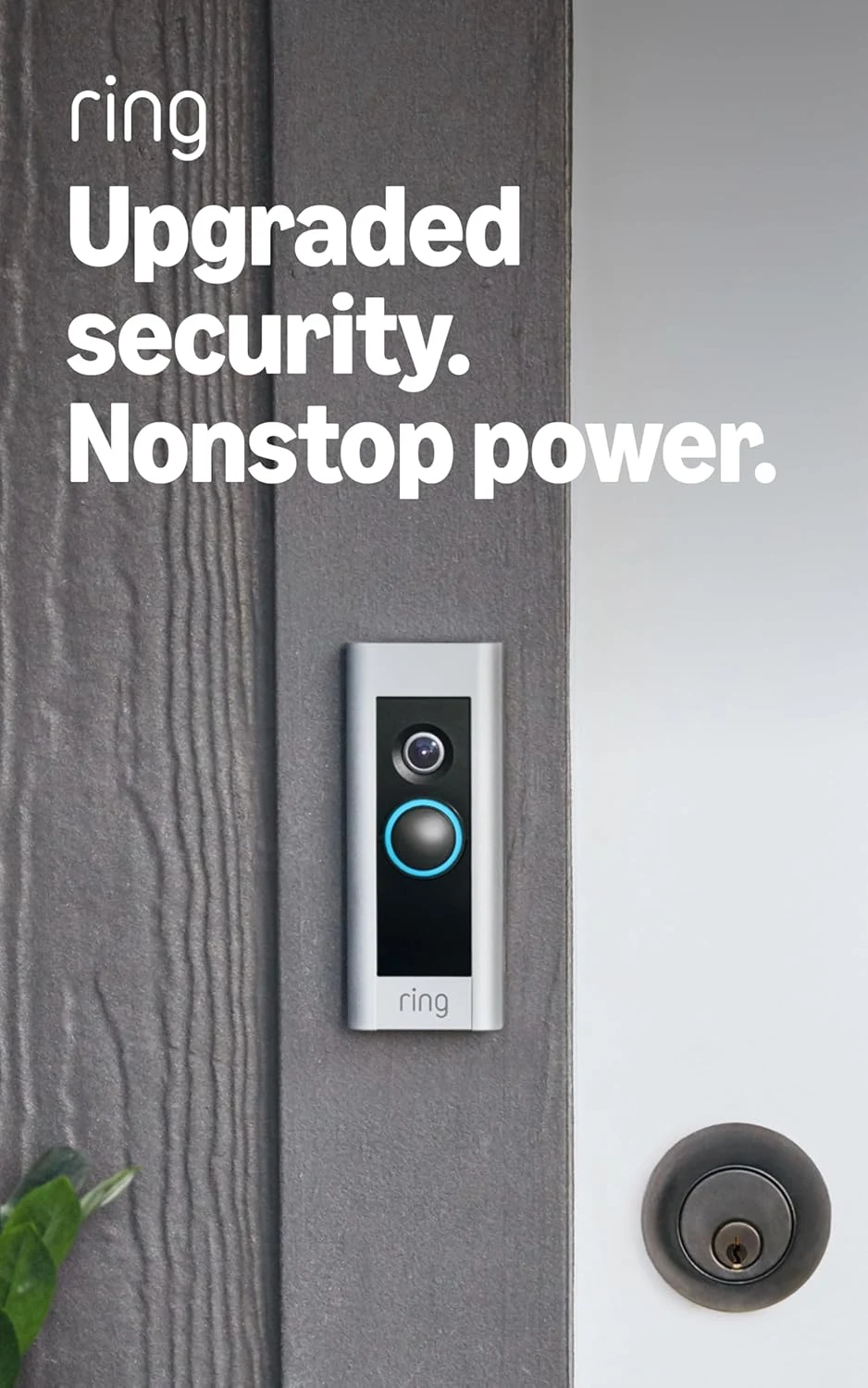
Ring Wired Doorbell Plus (Like-New, refurbished)
A wired Ring doorbell for homes with compatible wiring and stronger Wi‑Fi. The main trade-offs are refurbished-condition uncertainty and Ring Protect features that cost extra.