WD 2TB My Passport Portable Hard Drive, Works with USB-C and USB-A
Quick take
WD’s My Passport 2TB is a compact, bus-powered portable hard drive designed to work across USB-C and USB-A devices, from Windows and Mac to Chromebooks and even many gaming consoles. It adds password protection with 256-bit AES hardware encryption, plus included backup software. The main thing to double-check is compatibility with older Mac systems, since some buyers report it does not work with macOS versions older than 11.
Pros and cons
Pros
- USB-C and USB-A compatibility for mixed-device households and workflows
- Password protection with 256-bit AES hardware encryption for stored files
- Backup-focused setup with included device management and backup software
- Simple plug-and-play experience reported when moving between PC and Mac
Cons
- Older Mac users may run into compatibility issues (some reports point to macOS 11+ being required)
- May not match expectations for what’s included, depending on your cable/adapter expectations (USB-A cable plus USB-A to USB-C adapter)
What buyers think
Buyer-review evidence is broadly positive for day-to-day usability. Multiple reviews mention that the drive is easy to set up and works well for moving files between a PC and a Mac. Others describe long-term reliability in everyday use, suggesting it can be a dependable external storage companion rather than a one-off project drive. A recurring caution theme is compatibility with older Macs, where at least some buyers report the drive does not function properly on macOS versions older than 11.
Who this portable drive is for
- People with mixed connectivity: If you need one drive that can plug into both USB-C and USB-A devices, this My Passport is designed around that flexibility.
- Backup and file security needs: The 256-bit AES hardware encryption and password protection are a practical add-on for personal files, media libraries, or project documents.
- Cross-platform users: Buyers looking to move files between Windows and Mac often value how straightforward the experience feels.
- Everyday portability: At about 0.31 pounds, it is positioned as a travel-friendly storage option for taking your files with you.
What to know before you buy
Compatibility checks (especially for older Macs)
While the drive is marketed for use with Windows and Mac, buyer reports highlight a potential issue for older Mac operating systems. If you are on an older macOS version, verify compatibility before relying on the drive for Time Machine or other Mac workflows.
USB-C and USB-A: make sure you have the right connection
The drive supports USB-C and USB-A connections and comes with cables that can involve an adapter, so plan based on your devices. If you have modern USB-C ports only, confirm how the included USB-A to USB-C adapter fits your setup. The goal is to avoid “it powers on but I cannot connect” moments.
Storage speed expectations
This is a USB 3.0 external hard drive (mechanical). That usually means great for storing and moving large files, but it is not the same performance class as newer SSD-style external drives if you are trying to optimize for very fast transfers.
Pros and cons in plain terms
Good fit if you want
- A portable 2TB external HDD for backups and media/file storage
- Security features (password protection with 256-bit AES hardware encryption)
- One-drive convenience across USB-C and USB-A devices
Not ideal if you need
- Guaranteed support for older macOS versions (compatibility reports suggest you may be better off confirming requirements first)
- Maximum transfer speed (mechanical drive performance will not match SSD external options)
How it compares to other external hard drive options
Since no specific competing models were provided, here is how to choose based on common category tradeoffs:
- If your priority is security and cross-platform convenience: This My Passport’s built-in password protection and USB-C plus USB-A support make it a strong “one-drive” choice.
- If your priority is raw speed: consider an external SSD instead of a mechanical hard drive, especially for frequent file copying.
- If your priority is only one device: you might find simpler or cheaper options, but you give up some flexibility if you later switch devices or use multiple computers.
Verdict
The WD 2TB My Passport portable hard drive is a solid option for people who want compact, everyday external storage with practical security and broad USB-C and USB-A compatibility. For most Windows and newer Mac users, it appears to be straightforward to live with. If you are on an older Mac system, treat compatibility as the deciding factor before committing.
FAQ
Does the WD 2TB my passport work with both USB-C and USB-A?
Yes. It is designed to be compatible with USB-C and USB-A connections, intended for use across a range of devices. Check what your specific device ports require so you use the correct cable or adapter for your setup.
What security features does it include?
It includes password protection with 256-bit AES hardware encryption, aimed at helping secure your files on the drive.
Is it plug-and-play on windows and mac?
Many buyers report a plug-and-play style setup when moving files between PC and Mac. However, Mac users on older operating systems should confirm compatibility before purchase.
Will it work with Time Machine on older macOS versions?
There are reports of compatibility problems with older Mac operating systems. If Time Machine matters for you, confirm your macOS version compatibility first.
Is a mechanical external hard drive a good choice versus an SSD?
If you are prioritizing capacity per dollar and straightforward backup/storage, a mechanical HDD can be a good value. If you need faster transfer speeds for frequent copying, an external SSD is typically better.
How much storage do I get?
The drive capacity is 2TB.
Specifications
| Product Title | WD 2TB My Passport Portable Hard Drive, Works with USB-C and USB-A, Windows PC, Mac, Chromebook, Gaming Consoles, and Mobile Devices, Backup Software and Password Protection - WDBWML0020BGY-WESN |
|---|---|
| Category | Electronics > Computers & Accessories > Data Storage > External Hard Drives |
| Brand | Western Digital |
| Manufacturer | Western Digital Technologies, Inc. |
| Model Name | My Passport Portable Hard Drive, Works with USB-C |
| Model Number | WDBWML0020BGY-WESN |
| Item Weight | 0.31 Pounds |
| Color | Grey |
| Digital Storage Capacity | 2 TB |
| Hard Disk Interface | USB 3.0 |
| Connectivity Technology | USB |
| Additional Features | Works with USB-C |
| Hard Disk Form Factor | 2.5 Inches |
| Compatible Devices | Desktop, Gaming Console, Laptop, Smartphone, Tablet |
| Hard Disk Rotational Speed | 1 |
| Specific Uses For Product | Gaming, Multimedia, Personal |
| Read Speed | 5 Gigabytes Per Second |
| Media Speed | 1 megabit per second |
| Cache Memory Installed Size | 2 |
| Data Transfer Rate | 1 Megabits Per Second |
| Form Factor | 2.5-inch |
| Hardware Connectivity | USB Type C |
| Hardware Platform | WD |
| Installation Type | External Hard Drive |
| Enclosure Material | Aluminum, Glass, Or Ceramic |
| Hard Disk Description | Mechanical Hard Disk |
| Built-In Media | Portable hard drive, USB-A cable, USB-A to USB-C adapter, Quick Install guide |
Recommended next
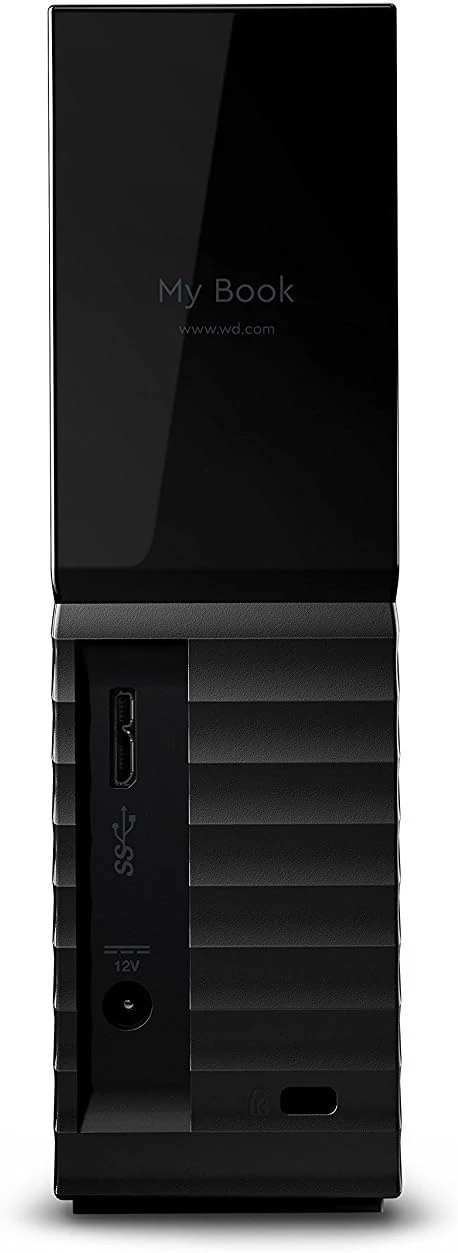
Western Digital 8TB My Book Desktop External Hard Drive, USB 3.0, external HDD with password protection
Western Digital’s My Book is a desktop-class 8TB external hard drive designed for bulk personal backup, with 256-bit AES hardware encryption and a password-protected experience. It’s a solid fit for users who want large capacity at a reasonable price, but it needs initial formatting steps for some setups and it is desktop-only (it’s a 3.5-inch, powered drive).
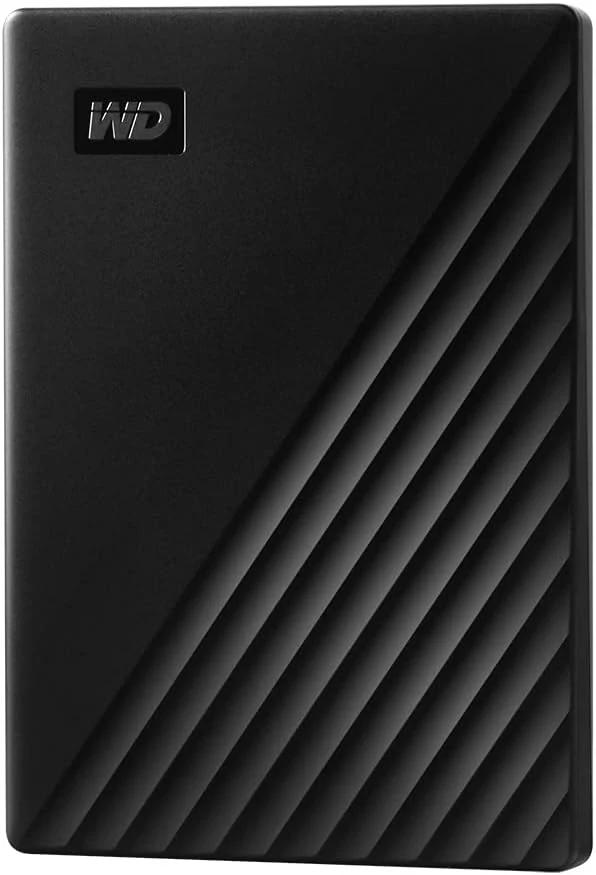
WD 2TB My Passport, Portable External Hard Drive, Black, backup software with defense against ransomware, and password protection
WD’s 2TB My Passport is a compact, aluminum-enclosed portable hard drive aimed at people who want plug-in storage plus password-protected, hardware-encrypted files and included backup software. It’s best for everyday backup, photo and document storage, and users who value portability, with the main tradeoff that it’s a mechanical drive rather than an SSD.
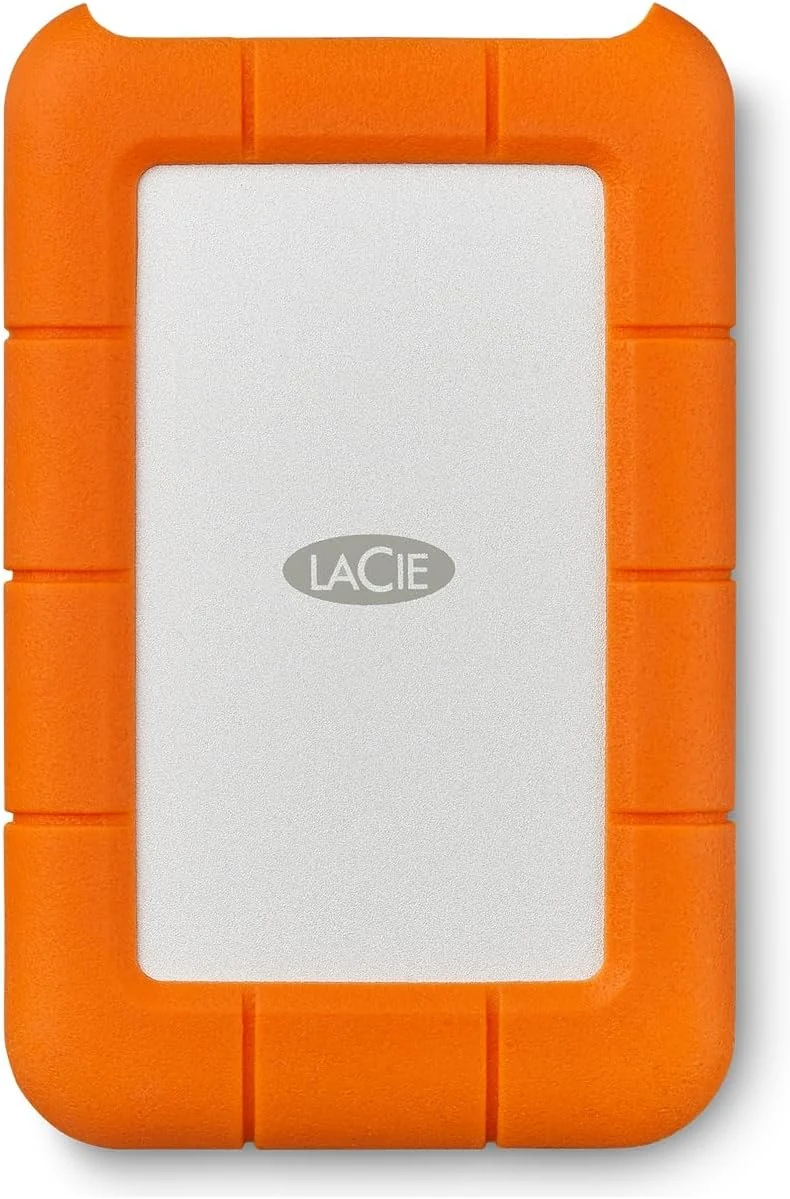
LaCie Rugged Mini Portable External Hard Drive, 4TB, 2.5"
The LaCie Rugged Mini 4TB is a compact 2.5-inch USB 3.0 external hard drive built for everyday portability. Its rugged design is meant for drop, crush, and rain conditions, and it includes a Data Rescue Service plan for added peace of mind, but Mac compatibility can depend on how it is formatted (exFAT).
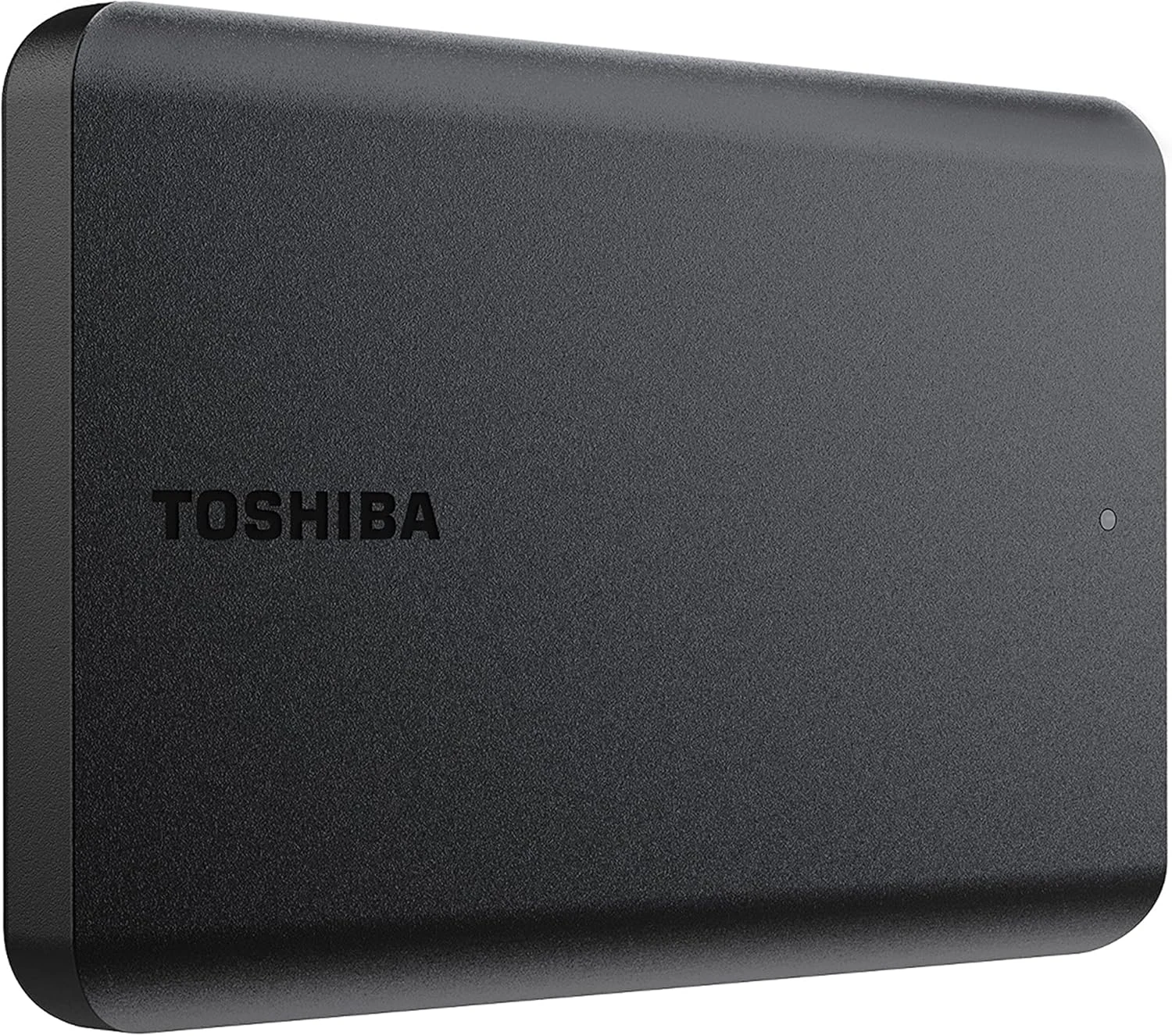
Toshiba Canvio Basics 1TB Portable External Hard Drive USB 3.0, Black - HDTB510XK3AA
The Toshiba Canvio Basics 1TB is a simple, plug-and-play portable USB 3.0 drive for Windows PCs, ideal for backups and travel storage. It is compact and matte, but it uses NTFS (reformatting needed for Mac) and you should expect mechanical drive speeds rather than SSD-like performance.