TP-Link N300 WiFi Extender (RE105)
Quick take
The TP-Link N300 WiFi Extender (RE105) is a 2.4 GHz-only range extender with two external antennas, designed to strengthen coverage in Wi‑Fi dead zones. It’s also useful if you want either (1) a better 2.4 GHz connection for devices that cannot use 5 GHz, or (2) an access point (AP) mode that turns its Ethernet port into a new Wi‑Fi hotspot. The main caveat is that extender performance depends a lot on placement, and some setups report occasional dropouts.
Pros and cons
Pros
- 2.4 GHz single-band extender for compatibility with devices that rely on 2.4 GHz Wi‑Fi.
- Two external antennas (MIMO) to improve range versus many basic extenders.
- AP mode support for creating a new Wi‑Fi network when you want an alternate SSID.
- Ethernet port lets you connect one device with a wired link in the extended setup.
Cons
- Not 5 GHz capable, so it will not help with 5 GHz-only device requirements.
- Extenders can trade speed for better signal reliability, and overall throughput may vary by environment.
- Placement matters, and some users report instability that improves when the unit is moved.
What buyers think
Buyer-review evidence is mixed but generally centers on setup ease, coverage improvement, and how well the extender holds up depending on where it is placed. Many comments highlight fast pairing and straightforward configuration using WPS and/or the Tether app, plus the convenience of the wall-plug design. A common theme is that the RE105 works well for extending 2.4 GHz Wi‑Fi to areas like bedrooms or closets, and for scenarios where devices need 2.4 GHz connectivity.
There is also limited evidence of occasional connection dropouts or slower-than-expected speeds at certain distances or through walls, with some users suggesting that relocating the extender improves behavior. Overall, the feedback pattern supports the idea that this extender can be a practical “coverage fix,” but it is not a one-size-fits-all solution across every home layout.
What the TP-Link RE105 is for
The RE105 is designed for homes that have a router signal that reaches most places, but not everywhere. It takes your existing Wi‑Fi and extends coverage using a 2.4 GHz wireless radio. This makes it a strong match if you need a steadier 2.4 GHz connection for smart-home devices, older equipment, or any device that does not work on 5 GHz.
Unlike extenders that only repeat the existing network, the RE105 also supports AP mode. That means it can broadcast Wi‑Fi as its own hotspot when you connect it for that use case, which can be helpful if you want a separate network name or a simpler way to get Wi‑Fi in a specific room.
Key features that affect everyday use
2.4 GHz only (single-band)
The RE105 supports 2.4 GHz Wi‑Fi (802.11a/b/g/n compatibility is listed, but the extender itself is single-band). If your router is mainly optimized for 5 GHz performance, you may still need an extender like this specifically to serve 2.4 GHz devices.
Two external antennas with MIMO
Two external antennas with MIMO are included to support improved range and signal stability compared with many basic wall extenders. In practice, this helps most when you can place the unit within a workable reach of your primary router signal.
Fast Ethernet port for wired connections
The unit includes an Ethernet (RJ45) port. This is useful if you want to plug in a device that benefits from a wired link, such as a streaming device, a desktop PC, or a console located near the extender.
LED signal indicator and Power Schedule
An intelligent LED indicator helps you find an installation spot with a stronger signal. It also supports a power schedule feature so you can potentially reduce idle power use when you do not need extended coverage.
Setup with WPS and the tether app
Setup is intended to be quick. WPS-based pairing is supported, and the TP-Link Tether app helps you manage and monitor the extender from an Android or iOS device.
Pros and cons in real buyer terms
Where it tends to work well
- Dead zones for 2.4 GHz, especially in homes where 2.4 GHz devices are still used heavily.
- Small-to-medium coverage gaps, where you can place the extender close enough to get a solid parent signal.
- Easy configuration needs, since WPS and the Tether app are both supported.
Where to be careful
- If you need 5 GHz, this is the wrong type of extender (it is 2.4 GHz only).
- If you expect “speed boost”, manage expectations. Improving signal reliability can help overall stability, but extenders are not designed to increase throughput in every scenario.
- If you see instability, placement can be the biggest lever. Some buyer feedback suggests that moving the unit changed results.
Who should buy (and who should skip)
Best for
- People who want a simple 2.4 GHz extender for remote rooms.
- Anyone needing AP mode to broadcast a separate Wi‑Fi network.
- Homes where one wired connection via Ethernet near the dead zone would help.
Skip it if
- You need 5 GHz range extension for 5 GHz-only devices or high-bandwidth uses.
- You want a guaranteed “one placement fixes everything” solution, extender performance varies by walls, distance, and interference.
Verdict
The TP-Link N300 WiFi Extender (RE105) is a practical choice when you need better 2.4 GHz coverage and value straightforward setup. Its external antennas, LED signal guidance, and support for both repeater and AP mode make it flexible for different room layouts and device needs. If you can place it well and your problem is truly coverage (not a router-wide performance bottleneck), it is likely to be a good fit. If you need 5 GHz extension, look for a dual-band extender instead.
Want to check current availability and pricing? Buy on Amazon
FAQ
Does the TP-Link RE105 work on 5 ghz wi‑fi?
No. The RE105 is a 2.4 GHz only extender, so it is intended for 2.4 GHz networks and 2.4 GHz devices.
Can it create a new Wi‑Fi network?
Yes. The RE105 supports AP mode, which can broadcast Wi‑Fi as a separate hotspot (using its Ethernet port for that setup).
How do I know where to plug it in?
Use the LED signal indicator to find a location where the extender detects a stronger parent signal. Placement is one of the biggest factors behind real-world results.
Will it increase my Wi‑Fi speed?
Extenders are designed to improve coverage, not directly to raise speed. In many cases, a stronger connection can improve real-world performance, but overall throughput can still vary depending on distance and interference.
Can I connect a device with Ethernet?
Yes. The RE105 includes a Fast Ethernet (RJ45) port for a wired connection near the extender.
Is it easy to set up?
Setup is intended to be quick. It supports WPS and can also be managed using the TP-Link Tether app on Android or iOS.
Specifications
| Product Title | TP-Link N300 WiFi Extender(RE105), WiFi Extenders Signal Booster for Home, Single Band WiFi Range Extender, Internet Booster, Supports Access Point, Wall Plug Design, 2.4Ghz only |
|---|---|
| Category | Electronics > Computers & Accessories > Networking Products > Repeaters |
| Brand | TP-Link |
| Manufacturer | TP-Link |
| Model Number | ELCM |
| Item Weight | 120 Grams |
| Color | White,Grey |
| Wireless Compability | 802.11a, 802.11b, 802.11g, 802.11n |
| Data Transfer Rate | 300 Megabits Per Second |
| Frequency Band Class | Single-Band |
| Special Features | LED Indicator |
| Frequency | 2.4 GHz |
| Compatible Devices | Router |
| Frequency Bands Supported | 2.4 GHz |
| Smart Home Compatibility | Not Smart Home Compatible |
| Connector Type | RJ45 |
| Item Dimensions D x W x H | 1.6"D x 3.1"W x 3.1"H |
| Built-In Media | 1 x RE105/300Mbps Wi-Fi Range Extender1 x Quick Installation Guide |
| UPC | 840030700446 |
| Mfr Part Number | ELCM |
| Item Type Name | Wifi Extender |
| Unit Count | 1.0 Count |
| Warranty Description | 2 year manufacturer |
| Wireless Communication Standard | 802.11a, 802.11b, 802.11g, 802.11n |
| Special Feature | LED Indicator |
Recommended next
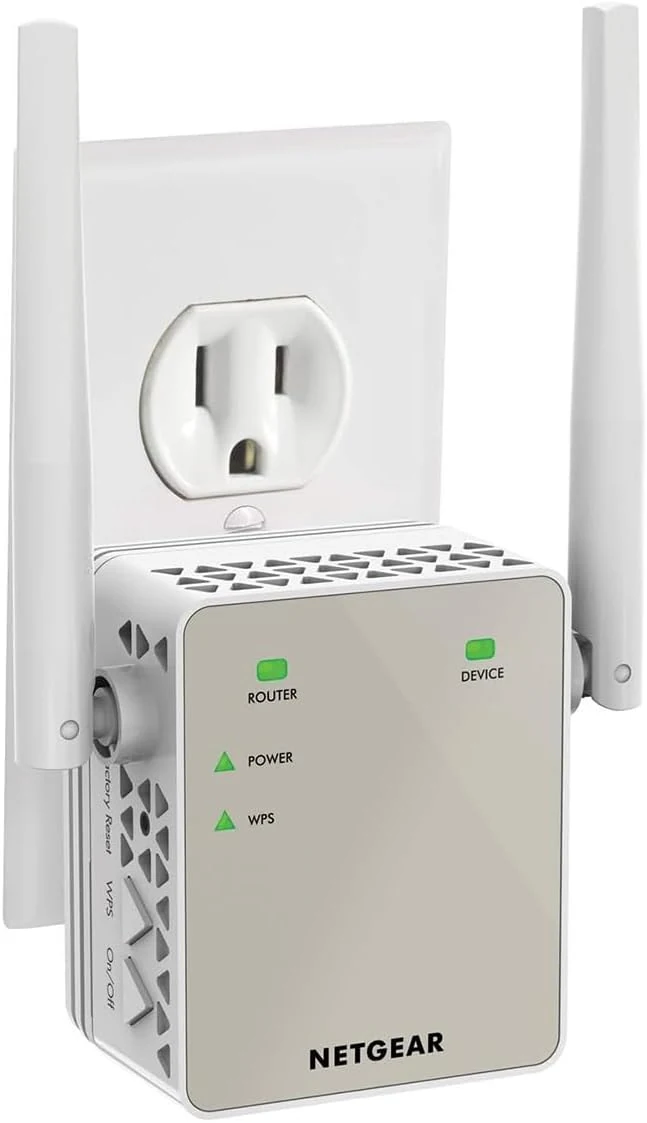
NETGEAR WiFi Range Extender (EX6120)
NETGEAR EX6120 (AC1200) is a compact WiFi range extender that wirelessly rebroadcasts your existing router’s signal to reduce dead zones. It’s best for smaller-to-mid sized homes and streaming or gaming needs where you want better coverage than the router alone, with a practical WPS or web setup and a 10/100 Ethernet port for one wired device.
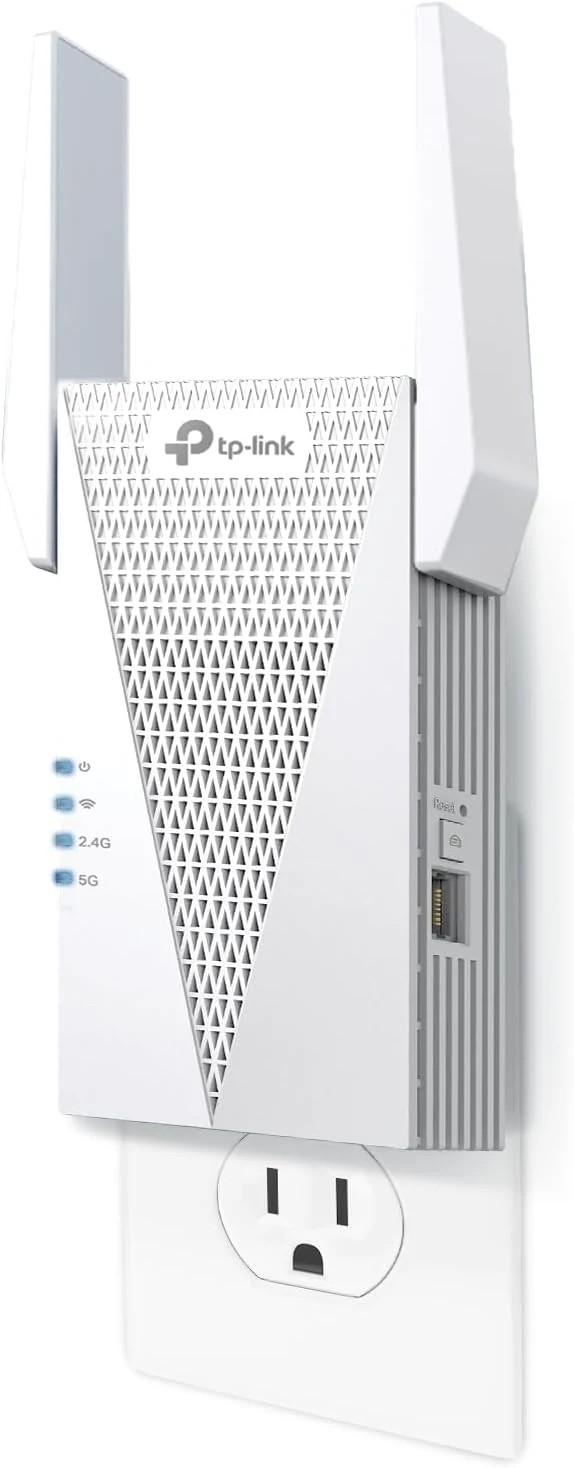
TP-Link RE615X AX1800 WiFi 6 Range Extender w/Ethernet Port
The TP-Link RE615X is a dual-band Wi‑Fi 6 range extender with an included gigabit Ethernet port, designed to reduce dead zones and support whole-home mesh setups with EasyMesh-compatible routers. It’s quick to configure via the Tether app, but some buyers note limitations around wired backhaul and the setup path for certain modes.
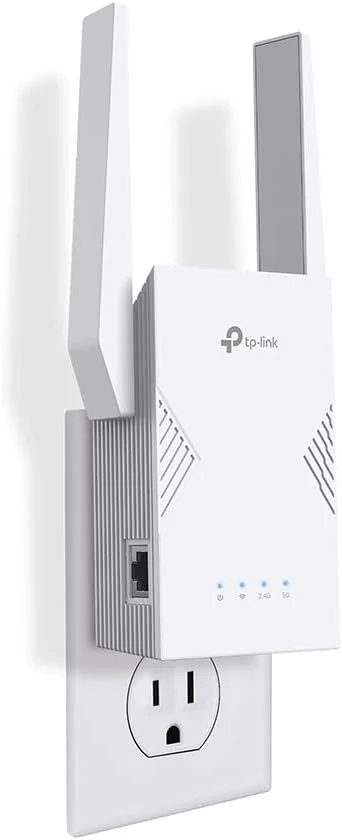
TP-Link BE3200 Wi-Fi 7 Range Extender RE223BE w/Ethernet Port
The TP-Link BE3200 Wi‑Fi 7 Range Extender (RE223BE) is a dual-band Wi‑Fi 7 extender designed to improve whole-home coverage, especially when paired with a Wi‑Fi 7 router using EasyMesh and MLO features. It also includes a 1 Gbps Ethernet port for steadier connections to devices like TVs, desktops, and consoles, with setup supported through the Tether app. The main caveat: it is dual-band only (no 6 GHz), and it’s meant to extend coverage more than to “increase” your raw Wi‑Fi speed.
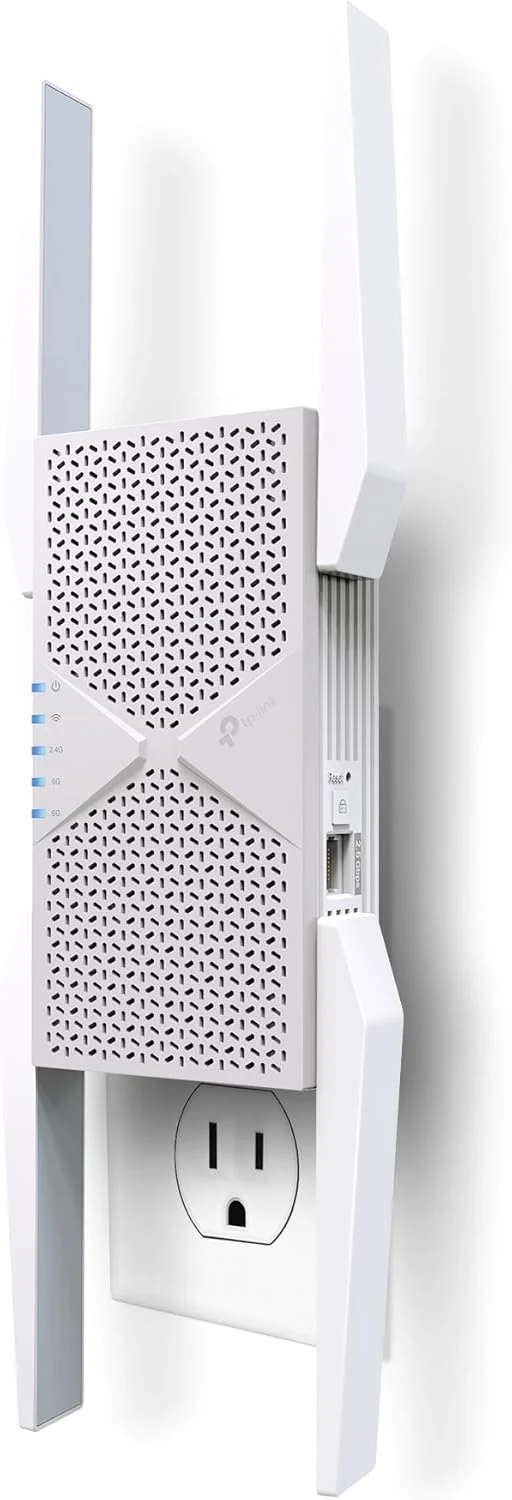
TP-Link BE10000 Wi-Fi 7 Range Extender RE653BE
The TP-Link BE10000 Wi-Fi 7 Range Extender RE653BE is a tri-band Wi-Fi 7 repeater designed to extend coverage with a strong emphasis on 6 GHz performance, plus a 2.5 Gbps Ethernet port for stable wired connections. It is a good match for homes with Wi-Fi 7 routers that want fewer dead zones and support for EasyMesh, with one key caveat: wireless extenders can improve coverage without guaranteeing higher overall throughput in every situation.