NETGEAR WiFi Range Extender (EX6120)
Quick take
The NETGEAR EX6120 is an AC1200 dual-band WiFi range extender designed to fill weak-signal rooms by wirelessly rebroadcasting your existing router’s coverage. It is best for apartments, townhomes, and smaller houses where the router cannot reach everywhere, with an easy WPS setup option. The main caveat: it is an extender, not a router, and real-world speeds in the extended area will be lower than at your primary router.
Pros and cons
Pros
- Dual-band AC1200 support (2.4 GHz and 5 GHz) for flexible device connectivity.
- Simple setup via WPS or a guided web browser flow, no app required.
- Includes a 10/100 Ethernet port for a more stable connection to one wired device.
- Compact wall-plug design helps it blend into rooms without extra cabling.
Cons
- Not a router replacement, it needs an existing WiFi router and active internet.
- Extended-area speeds are typically lower than at the main router.
- Wired Ethernet is capped at 100 Mbps (not Gigabit).
- It can require handling a separate extended SSID, which may be less convenient for mobile handoffs.
What buyers think
Buyer feedback is most consistent around setup ease and the extender’s ability to reduce buffering or improve coverage in harder-to-reach rooms. Many users describe getting a stable signal after placing the extender between the router and the area that struggles, and a number of buyers appreciate the option to connect a device through the Ethernet port for more reliable performance than WiFi alone. The overall review evidence is mixed on edge cases like whether WPS pairing works smoothly and how the extended network behaves for devices that move around the home.
How the NETGEAR EX6120 range extender works
The EX6120 is a WiFi range extender, not a full router. In practice, you place it within range of your existing router, then it rebroadcasts that WiFi signal to help coverage reach farther into bedrooms, offices, garages, or other dead zones. For best results, placement matters, because walls, floors, and interference can weaken the signal it can “hear” from your router and then “repeat” onward to your devices.
Setup: WPS is fast, web setup is there if you need it
You can get the EX6120 running two ways:
- WPS button setup: uses one-touch pairing between the extender and your router.
- Web browser setup: a guided configuration flow you can complete using a computer or other browser-capable device.
Reviewers frequently mention that once it is plugged in and positioned well, getting it to “lock into” the router is quick. Some buyers report difficulty with WPS pairing in certain setups, so if WPS fails, the web configuration route can be helpful, assuming you are comfortable following step-by-step instructions.
Performance and real-world expectations
The EX6120 is rated for AC1200 performance (up to 300 Mbps on 2.4 GHz and up to 900 Mbps on 5 GHz). However, like most extenders, the speed you experience in the extended area is generally lower than what you get directly from your main router because the signal is being rebroadcast rather than delivered directly.
Buyers commonly use it for practical needs like video streaming and gaming in rooms where the router’s signal is weak. One key buying factor is whether your “problem zone” is close enough to the extender for it to maintain a usable wireless link. The extender is also designed to work best when placed partway between your router and the weak-signal area.
Ethernet port limits, and when wired helps
The EX6120 includes one 10/100 Ethernet port. This is useful if you have a device that benefits from a more stable connection than WiFi, such as a streaming player, game console, or a laptop in a far room.
Because the Ethernet port is limited to 100 Mbps, it is best for everyday streaming, typical online gaming, and general use, rather than high-throughput needs where Gigabit Ethernet is important.
Compatibility and security
The EX6120 supports WPA2 and also works with routers using WPA/WEP wireless security. If your router is WiFi 6 or newer, you should confirm it supports the relevant mixed or WPA2-capable mode before buying, since the extender compatibility is centered on WPA2 and WPA/WEP.
Placement tips that actually move the needle
If you want the extender to feel “like the router is closer,” prioritize placement over chasing higher numbers on the box:
- Place it between your router and the weak-signal room, not next to one end.
- Expect range to vary with walls, floors, and interference.
- If you can, experiment with one or two outlet locations so the extender can still capture a strong signal from your router.
That positioning is also reflected in review themes, where improved performance typically follows midpoint placement.
Who should buy the NETGEAR EX6120, and who should skip it
It is a good fit for you if...
- You have a weak WiFi area that is within a reasonable distance from your router.
- You want to extend coverage without running cables or buying a new router.
- You need support for both 2.4 GHz and 5 GHz devices.
- You want an option to wire one device using Ethernet (up to 100 Mbps).
You may want a different approach if...
- You need full-speed performance across the entire home, because extenders typically reduce speed in the repeated coverage area.
- You want Gigabit Ethernet for wired devices, since this model tops out at 100 Mbps.
- You rely heavily on seamless WiFi roaming between network names (extenders can create a separate SSID, which may affect how mobile devices choose networks).
- You are looking for a router replacement, because this unit requires an existing router and active internet.
Verdict
The NETGEAR EX6120 is a straightforward, compact way to reduce dead zones with an AC1200 dual-band extender approach and quick setup options. It tends to work well when placed thoughtfully between your router and your problem rooms. If your goal is better coverage for streaming and everyday connectivity, it is a sensible budget-focused choice, but if you need higher throughput or seamless whole-home networking, you may need a different category of upgrade than a basic range extender.
FAQ
Is the NETGEAR EX6120 a router or an extender?
It is a WiFi range extender, not a router. It requires an existing WiFi router and active internet service to work.
Will the EX6120 work with my router?
It supports WPA2 and routers using WPA/WEP wireless security. If your router is WiFi 6 or newer, check that it supports WPA2 or WPA2/WPA3 mixed mode before purchasing.
How do I set up the EX6120?
You can set it up using the WPS button for one-touch pairing, or use a web browser for a guided setup flow. No app is required.
What is the speed of the Ethernet port?
The EX6120 has a single 10/100 Ethernet port, so wired connections are limited to 100 Mbps (it is not Gigabit).
Does it offer the same speed as my main router?
No. Like most extenders, real-world speeds in the extended area are generally lower than at your router because the extender is rebroadcasting the signal.
Where should I place the extender?
Place it roughly midway between your router and the area with weak signal. Walls, floors, and interference can reduce range, so outlet-to-outlet placement adjustments can make a big difference.
Specifications
| Product Title | NETGEAR WiFi Range Extender (EX6120) - Add up to 1,500 sq. ft., 25 Devices - AC1200 Dual Band Wireless Signal Extender (Up to 1.2 Gbps Speed), Compact Wall Plug Design – Free Expert Help |
|---|---|
| Category | Electronics > Computers & Accessories > Networking Products > Repeaters |
| Brand | NETGEAR |
| Manufacturer | Netgear |
| Model Number | EX6120-100NAS |
| Item Weight | 0.29 Pounds |
| Color | White |
| Wireless Compability | 802.11ac |
| Data Transfer Rate | 1200 Megabits Per Second |
| Frequency Band Class | Dual-Band |
| Special Features | FastLane Technology |
| Compatible Devices | Router |
| Frequency Bands Supported | 2.4 GHz, 5 GHz |
| Range | feet |
| Smart Home Compatibility | Not Smart Home Compatible |
| Connector Type | RJ45 |
| Item Dimensions D x W x H | 1.54"D x 2.17"W x 2.64"H |
| Built-In Media | Quick start guide, WiFi Mesh Extender (EX6120-100NAS) |
| UPC | 606449109962 |
| Global Trade Identification Number | 00606449109962 |
| Mfr Part Number | EX6120-100NAS |
| Unit Count | 1.0 Count |
| Warranty Description | 1 year warranty |
| Wireless Communication Standard | 802.11ac |
| Special Feature | FastLane Technology |
Recommended next
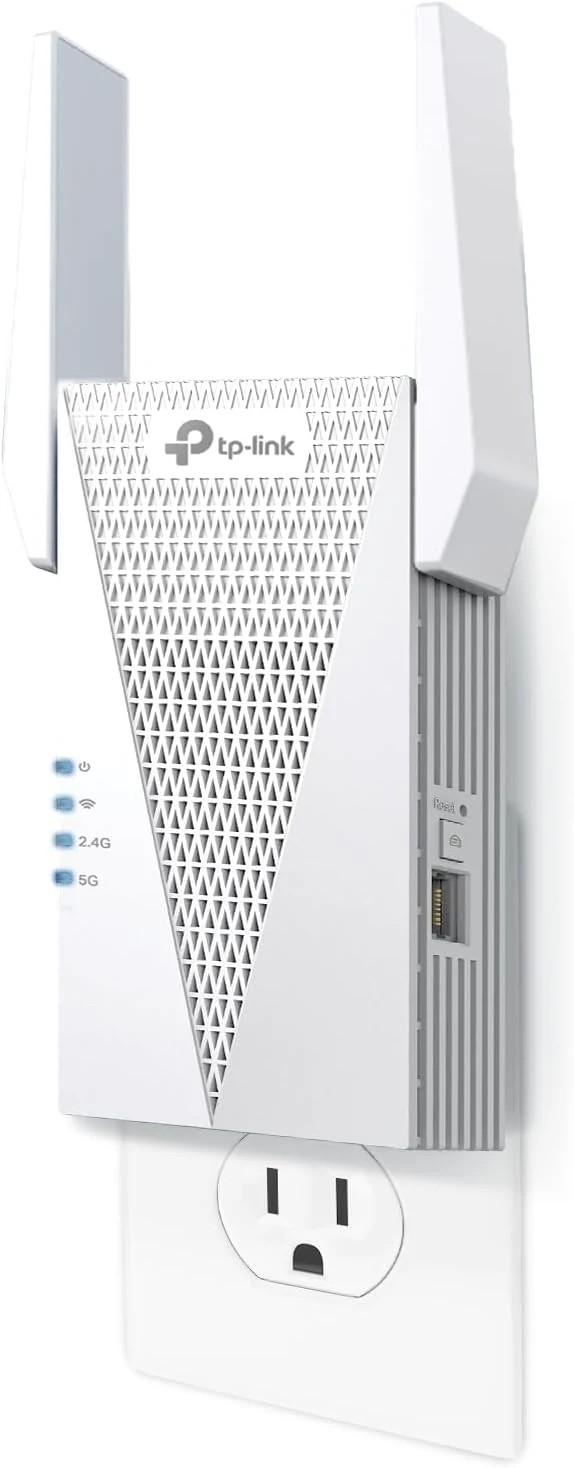
TP-Link RE615X AX1800 WiFi 6 Range Extender w/Ethernet Port
The TP-Link RE615X is a dual-band Wi‑Fi 6 range extender with an included gigabit Ethernet port, designed to reduce dead zones and support whole-home mesh setups with EasyMesh-compatible routers. It’s quick to configure via the Tether app, but some buyers note limitations around wired backhaul and the setup path for certain modes.
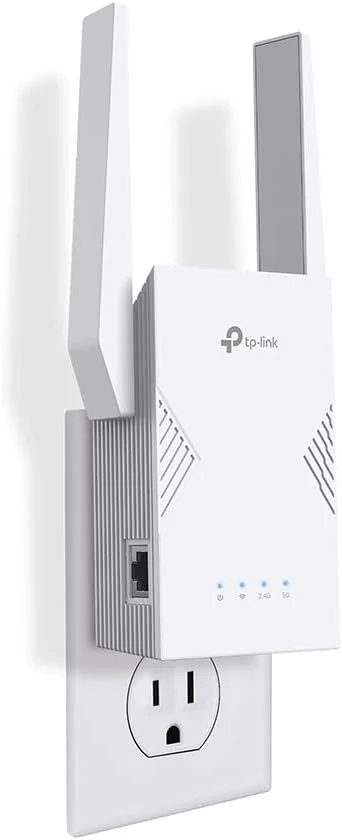
TP-Link BE3200 Wi-Fi 7 Range Extender RE223BE w/Ethernet Port
The TP-Link BE3200 Wi‑Fi 7 Range Extender (RE223BE) is a dual-band Wi‑Fi 7 extender designed to improve whole-home coverage, especially when paired with a Wi‑Fi 7 router using EasyMesh and MLO features. It also includes a 1 Gbps Ethernet port for steadier connections to devices like TVs, desktops, and consoles, with setup supported through the Tether app. The main caveat: it is dual-band only (no 6 GHz), and it’s meant to extend coverage more than to “increase” your raw Wi‑Fi speed.
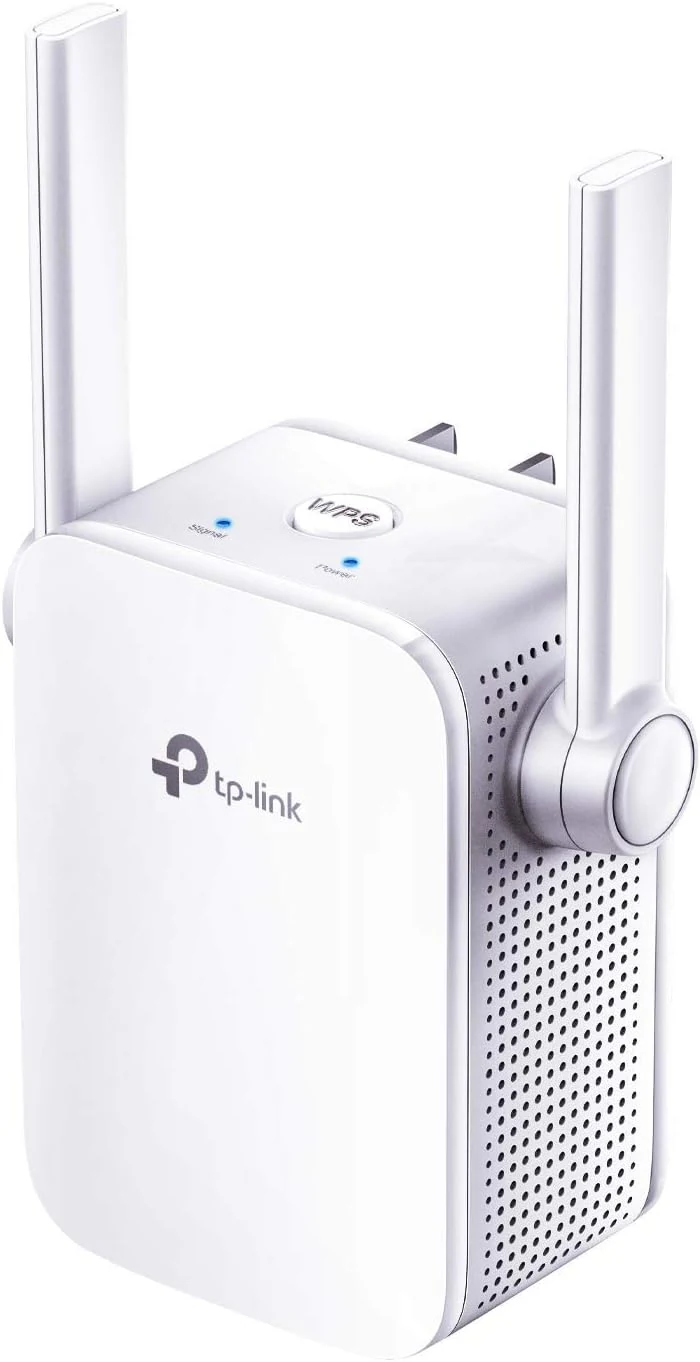
TP-Link N300 WiFi Extender (RE105)
The TP-Link N300 WiFi Extender (RE105) is a compact 2.4 GHz range extender with two external antennas, an LED signal indicator, and an Ethernet port for wired connections. It also supports AP mode for creating a separate Wi‑Fi network. It can help improve coverage and reliability in dead zones, but results depend heavily on placement and your home’s 2.4 GHz environment.
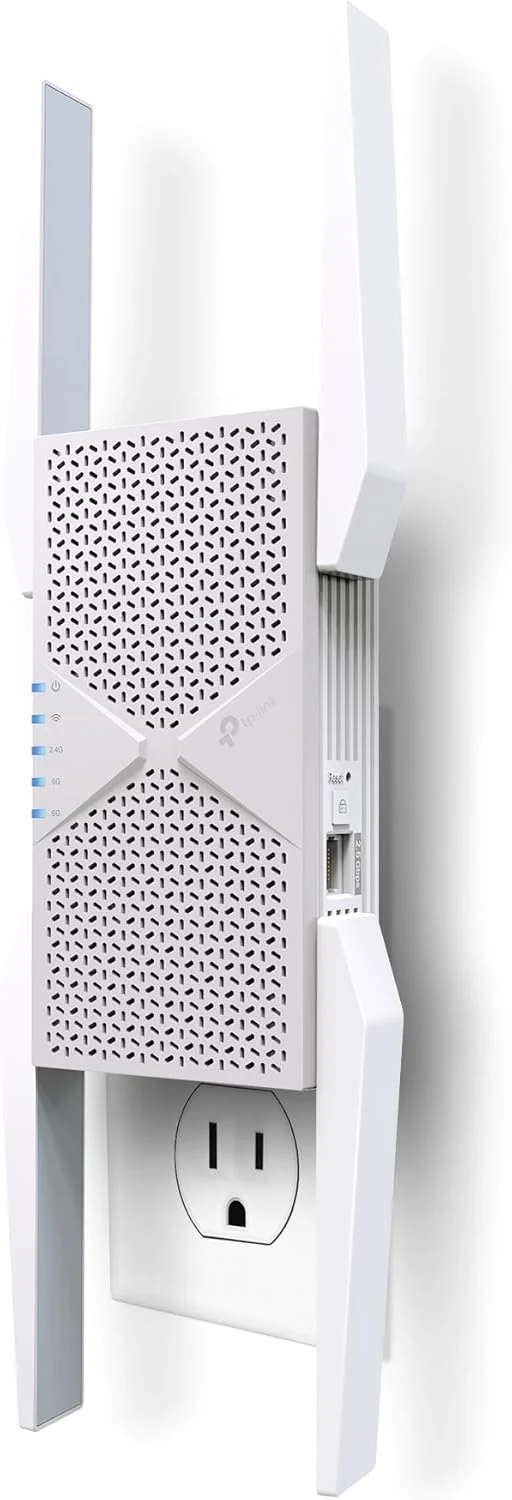
TP-Link BE10000 Wi-Fi 7 Range Extender RE653BE
The TP-Link BE10000 Wi-Fi 7 Range Extender RE653BE is a tri-band Wi-Fi 7 repeater designed to extend coverage with a strong emphasis on 6 GHz performance, plus a 2.5 Gbps Ethernet port for stable wired connections. It is a good match for homes with Wi-Fi 7 routers that want fewer dead zones and support for EasyMesh, with one key caveat: wireless extenders can improve coverage without guaranteeing higher overall throughput in every situation.