NetumScan 13MP Book Document Camera for Teachers, Multi-Language OCR Recognition
Quick take
The NetumScan is a foldable, USB-connected book and document camera made for A4-sized capture, automatic correction, and real-time projection/video recording. It tends to suit teachers and remote learning workflows where you want an easy setup and clear still images, but the built-in OCR software quality is a concern for anyone who needs consistently accurate text extraction.
Pros and cons
Pros
- Auto correction and automatic alignment help reduce skewed captures during scanning.
- Compact, foldable design with an adjustable bracket, making it easier to store and reposition.
- Designed for A4-size documents and book imaging, with LED illumination for steadier results.
- Supports real-time projection and video recording for distance learning and teaching.
Cons
- OCR performance may be unreliable, with some buyers reporting many misrecognized English words.
- Beginner setup instructions are reported as not fully clear, which can slow first-time setup.
- Video capture is available, but the listing emphasizes scanning and imaging, so buyers focused purely on high-end production may want to compare other options.
What buyers think
Buyer-review evidence is limited but directionally consistent on the big-use factors. Multiple buyers describe the camera as easy to set up and store, with scans that keep document edges aligned. Several also mention they are getting high-quality images for book or worksheet capture, and that the workflow stays organized over repeated use.
At the same time, OCR quality appears to be the main sticking point. Overall, reviews point to a strong “camera-first” value, with OCR treated as a secondary capability unless your tolerance for mistakes is low.
Who this document camera is best for
- Teachers and distance learning instructors: If you want real-time projection and video recording for showing documents to a class or remote group.
- People digitizing A4 worksheets and book pages: The A4 capture focus and built-in illumination are aligned with common classroom and study use cases.
- Buyers who care about scan alignment: Automatic correction and skew fixing can reduce manual rework when capturing at an angle.
- Anyone comfortable treating OCR as optional: If you primarily need images (then run OCR later with tools you trust), this fit can be a good match.
Where it may not fit as well
- OCR-critical projects: If you need consistently accurate text extraction for forms, grading workflows, or document archives, plan to test OCR output or have an alternative OCR method ready.
- Users who want plug-and-play documentation: Some buyers found the usage directions could be clearer, so allocate a bit of time for first setup.
- Expectations around “smart” text recognition: The product is marketed for multi-language OCR, but the review evidence suggests you should not assume dependable accuracy for every language or document type.
Key features that affect day-to-day use
Auto correction for more usable captures
The camera includes one-key automatic correction that intelligently fixes skewed images, plus support for automatic scanning workflows and multiple output formats (including word, PDF, and text options). For classroom use, this can mean fewer misaligned captures and quicker file creation.
LED illumination and A4 book/document capture
With an LED light and A4-sized capture capability, the device aims to keep lighting consistent while you image pages or documents. This matters most if you are capturing printed worksheets, book pages, or documents under mixed lighting conditions.
Live projection and video recording
If your use case includes showing content to students in real time, live projection and video recording are built into the workflow. That makes it useful for online teaching, walkthroughs, and visual demonstrations beyond simple still scanning.
Foldable portability and adjustable angle
The foldable, aluminum-alloy body and adjustable bracket are designed for mobility and storage. For teachers who move between rooms, or anyone who needs a compact setup on a desk edge, this is one of the most practical design points.
Pros and cons, in plain terms
Why you might buy it: It is a compact book/document camera that supports A4 capture, automatic alignment, and real-time teaching use. Reviews suggest good results for imaging tasks and a manageable everyday workflow.
The main reason to hesitate: If accurate OCR is your top priority, buyer feedback indicates the built-in OCR software may produce too many recognition errors. Consider this a camera-centric option rather than an OCR-only tool.
Price and availability
The listing shows a lower price point compared with a much higher list price, and availability is currently marked as in stock. Final pricing can change, so check the latest number before you commit.
What to compare before you buy
- OCR reliability: If you truly need text extraction, compare OCR-focused models or plan to validate OCR output on your actual documents.
- Real-time projection needs: If live teaching is the main job, prioritize cameras with strong projection/video workflow support and easy setup.
- Portability vs. desk-only use: A foldable design is great for shared classrooms and smaller offices, but if you only need a permanent rig, you may compare models with different mounting options.
- Output formats: Look at whether the workflow you want (image-only vs Word/PDF/text exports) matches your downstream tools.
Verdict
The NetumScan 13MP book document camera is a practical choice for teachers and learners who need A4 document and book imaging with automatic correction, plus real-time projection and video recording. The biggest caution is OCR accuracy, so if your workflow depends heavily on dependable text recognition, you may want to validate OCR results first or be ready to use a different OCR tool.
FAQs
Does the NetumScan support OCR, or is it mainly for images?
It includes multi-language OCR support alongside image capture. However, review feedback suggests OCR results may not be consistently accurate, so it may be better treated as secondary to taking high-quality images unless you test it for your specific documents.
What size documents can it capture?
It is designed to capture and work with A4-size documents, which covers common classroom worksheets and many book and page formats.
Can it be used for real-time teaching or video?
Yes. It supports live projection and video recording, which can be useful for distance learning, online teaching, and demonstrations.
Is it portable, and does it store easily?
Yes. The body is foldable and built to be easy to carry, and there is an adjustable bracket so you can set the viewing angle. Buyers also mention it is straightforward to store when not in use.
What operating systems does it work with?
It runs on Windows, Mac OS, and Linux.
Is the setup experience beginner-friendly?
Some buyers found the directions could be clearer, so first-time setup may take a little extra time. Once configured, multiple reviews describe easy ongoing use.
Specifications
| Product Title | NetumScan 13MP Book Document Camera for Teachers, Multi-Language OCR Recognition by AI Technology, Foldable & Portable, Real-time Projection, Video Recording, Capture SizeA4-Windows,Mac OS,Linux |
|---|---|
| Category | Office Products > Office Electronics > Document Cameras |
| Brand | NetumScan |
| Manufacturer | NetumScan |
| Video Capture Resolution | 4K |
| Color | Black |
| Shooting Modes | Automatic |
| Exposure Control Type | Automatic |
| Media Type | SD Card |
| Water Resistance Level | Not Water Resistant |
| File Format | MP4 |
| Video Capture Format | MP4 |
| Effective Still Resolution | 13 MP |
| Viewfinder Type | LCD screen |
| Compatible Devices | Tablet |
| Light Sensitivity | 100-6400 |
| ISO Range | 100-3200 |
| Has Self-Timer | No |
| Focus Type | Autofocus |
| Autofocus | Yes |
| Sensor Type | CMOS |
| Photo Sensor Resolution | 13 MP |
| Flash Modes Description | off |
| Camera Flash | No Flash |
| Mfr Part Number | NS-T301 |
| Warranty Description | 1 Year |
| Built-In Media | Camera, Light |
Recommended next
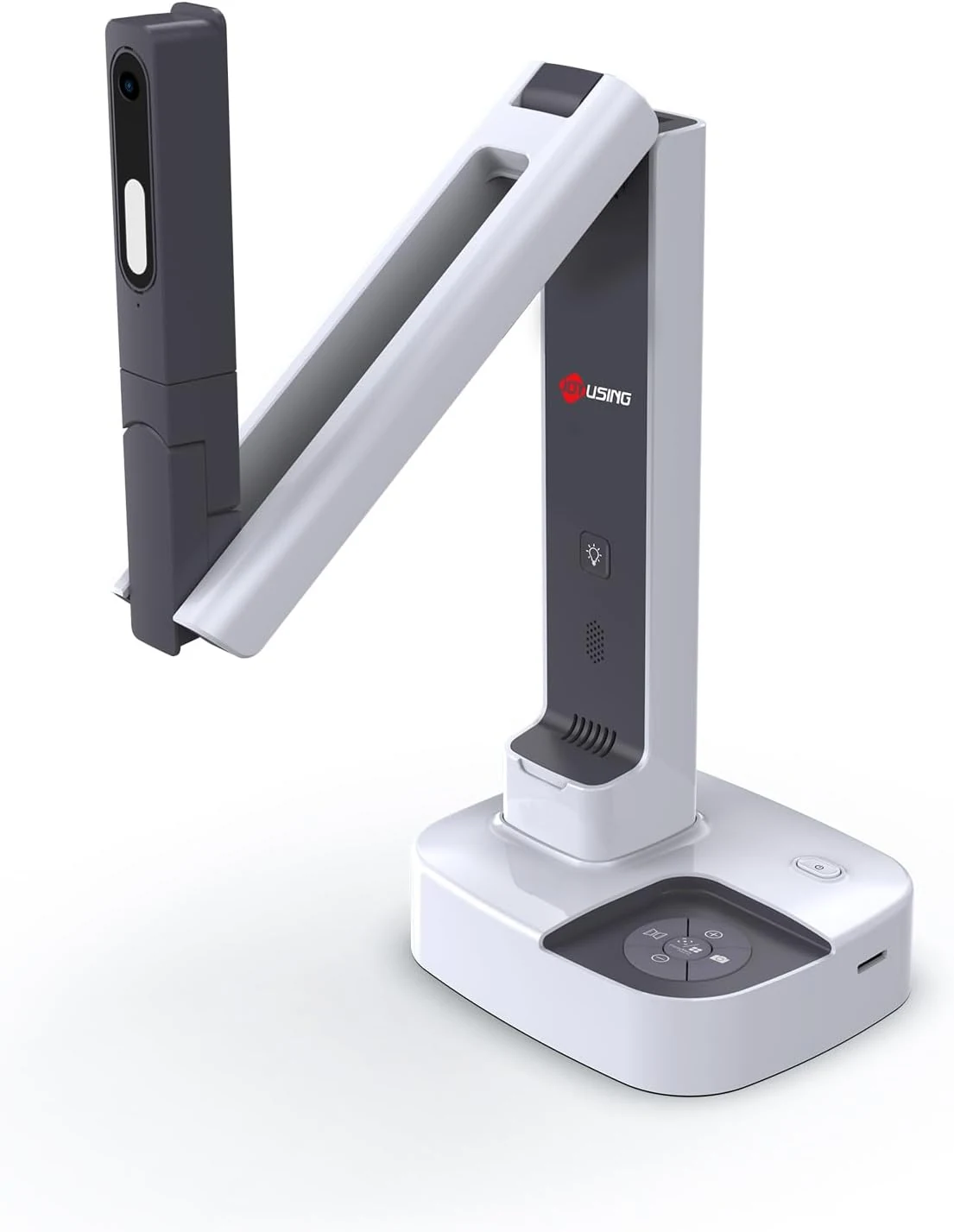
JOYUSING V513 HDMI/USB 13MP Dual Mode Document Camera for Teacher, review
The JOYUSING V513 is a dual-mode document camera built for live teaching and presentations, offering HDMI or USB connectivity, autofocus, and built-in LED lighting for real-time projection. Buyers highlight crisp, clear capture and straightforward setup, with the main tradeoff being that USB live streaming frame rate can drop slightly for motion-heavy content.
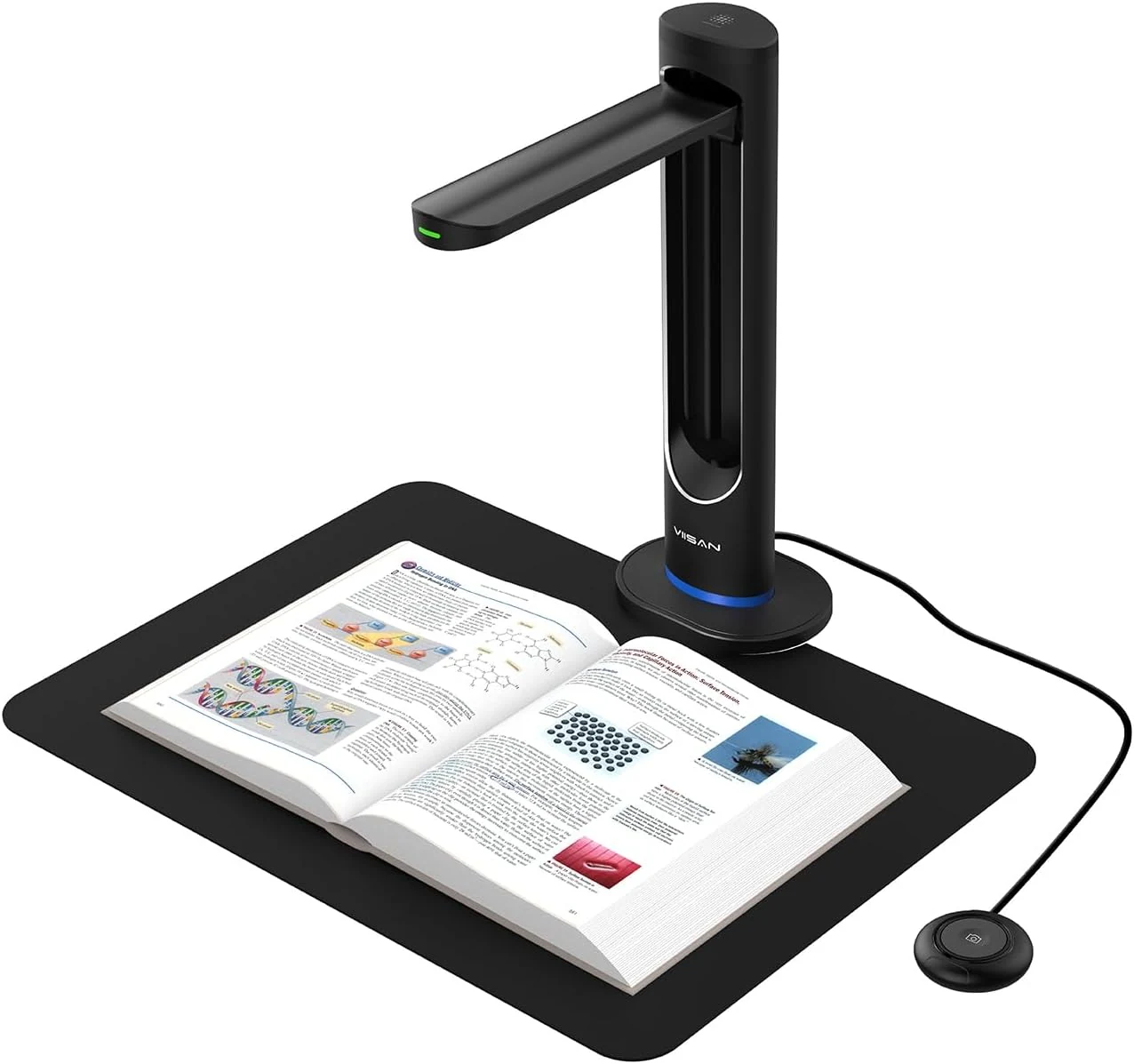
VIISAN K48 48MP Book Scanner & Document Camera, AI-Powered USB review
The VIISAN K48 is a USB document camera-style scanner aimed at digitizing books with tools like page-turn detection, curve-flattening, and OCR for searchable files. It can produce strong black-and-white results, but buyer feedback also flags software limitations and issues with color scanning and visual artifacts, so it may be a better fit for text-heavy workflows than full-color archival work.
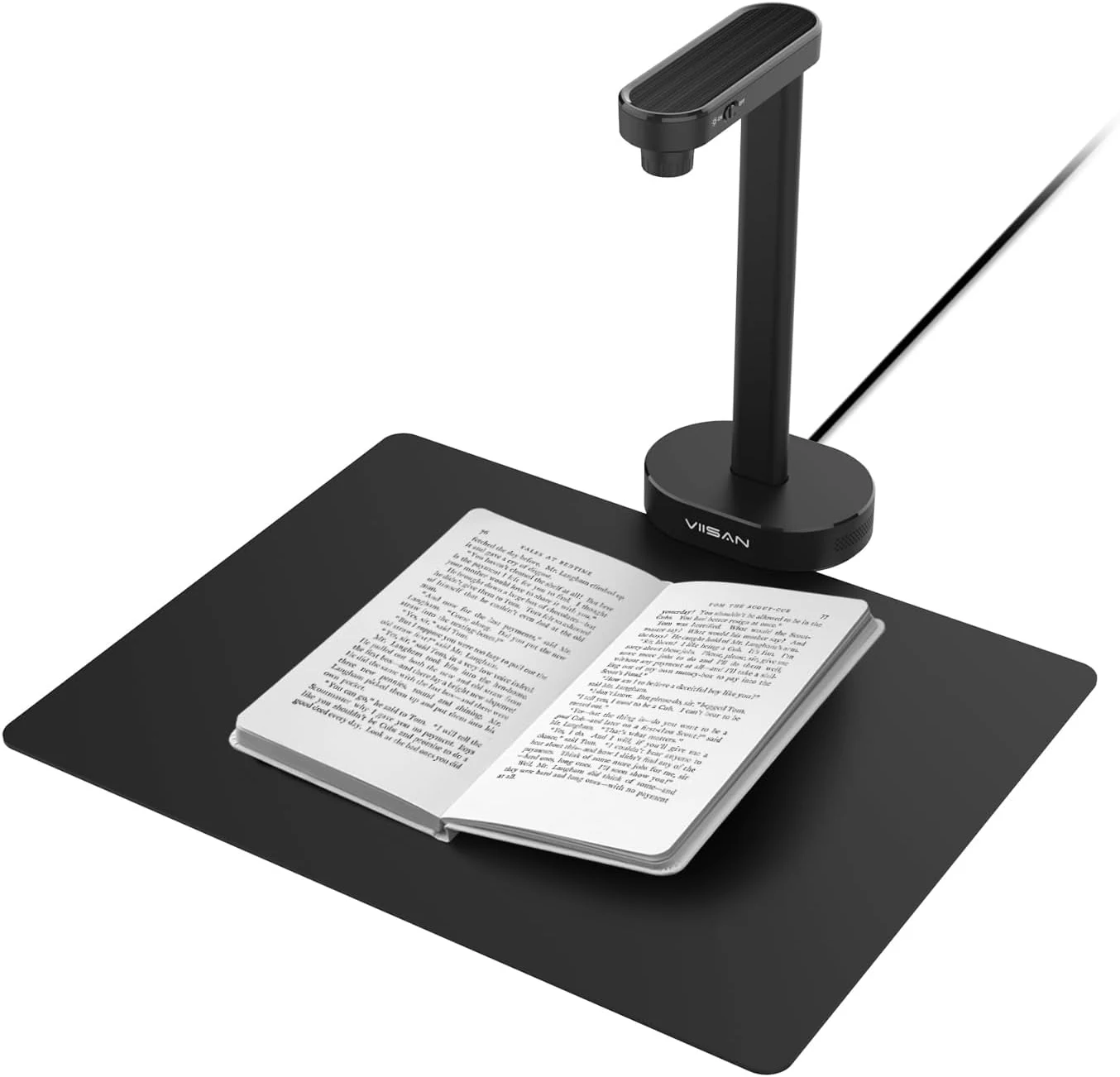
VIISAN A8401 16MP Document Scanner for Small Offices & Home Classrooms
The VIISAN A8401 is a compact USB document camera aimed at small offices and home classrooms, combining OCR, text-to-speech, and barcode recognition for digitizing paperwork and teaching materials. It is also UVC-compliant for remote lessons, but buyer feedback suggests image quality can be only “okay,” and connectivity can be frustrating for some setups.
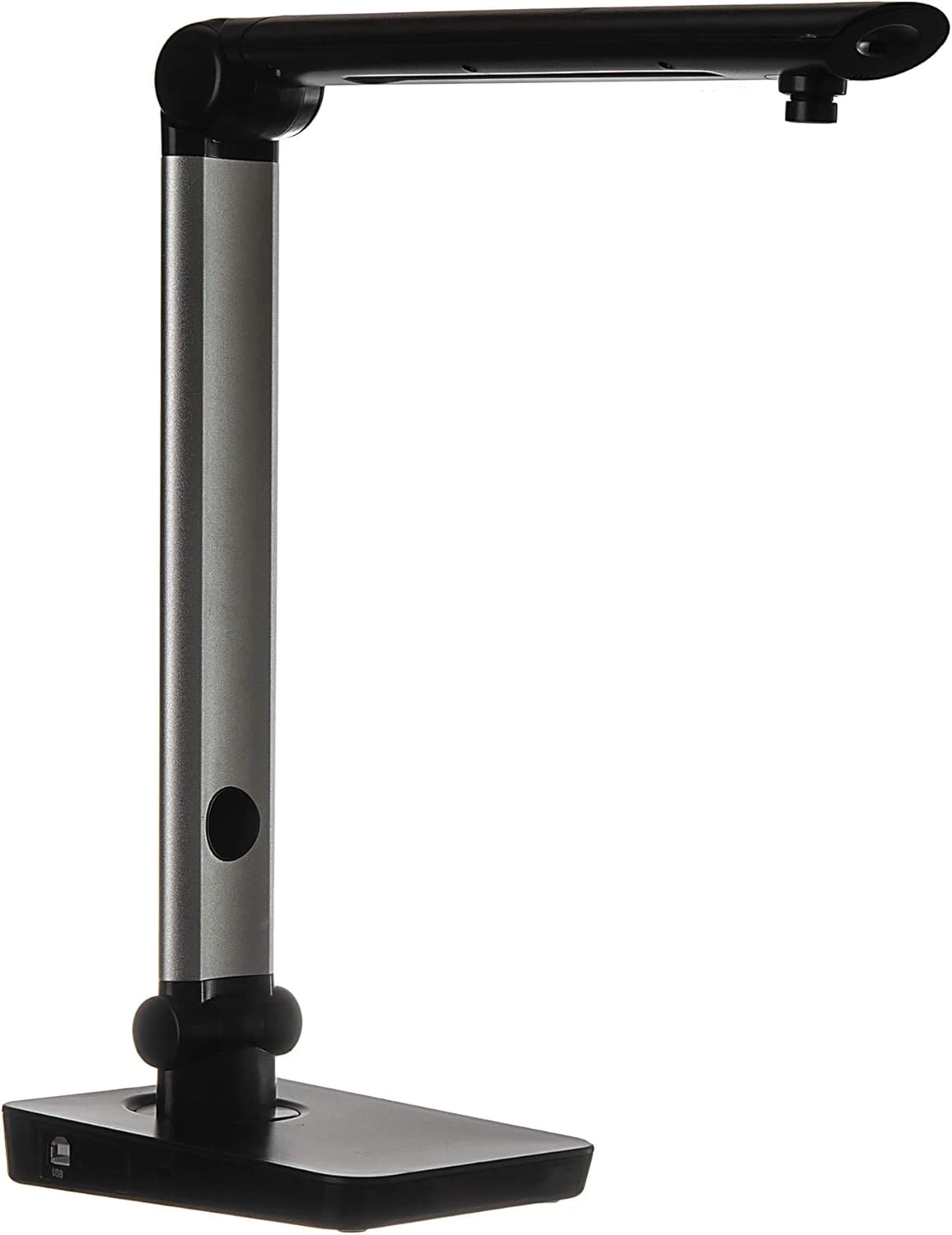
Digital Portable Multi-Angle USB Document Camera LV-1 Series LV-1010 (Black)
The Longjoy LV-1010 is a compact USB document camera designed for classrooms, office training, and quick document or ID capture. It offers a 5 MP sensor, built-in adjustable LED light, and flexible camera angles, but it relies on Windows software (not macOS/Chromebook) and buyers should double-check included items and cables when purchased from third parties.